
How to Get Kroger Digital Coupons Online and Save Instantly


 4 min. read
  Published on

Learn how to get Kroger digital coupons on your phone or computer in minutes. Follow these steps to save money on groceries every time you shop at Kroger.
Table of contents
- How to Get Kroger Digital Coupons Online?
How to Get Kroger Digital Coupons Online?
You can quickly find and load digital coupons from Kroger’s official website using your Kroger Plus Card.
1. Create or Log In to Your Kroger Account
- Visit the Kroger website.
- Click Sign In at the top right corner.
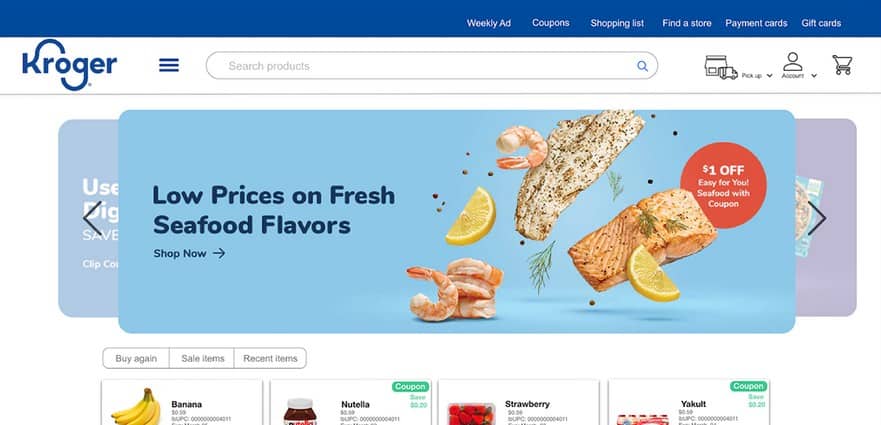
- If you don’t have an account, click Create Account and fill in your email, password, and Kroger Plus Card number.
- Once logged in, you’ll be redirected to your dashboard.
Before clipping coupons, make sure you have an active Kroger Plus Card linked to your account. Learn more about similar account-based systems in how to buy a Windows 11 product key online.
2. Browse Available Coupons
You can browse the coupon library and look for deals that match your shopping list.
- Click Savings in the top navigation bar.
- Select Digital Coupons from the dropdown menu.
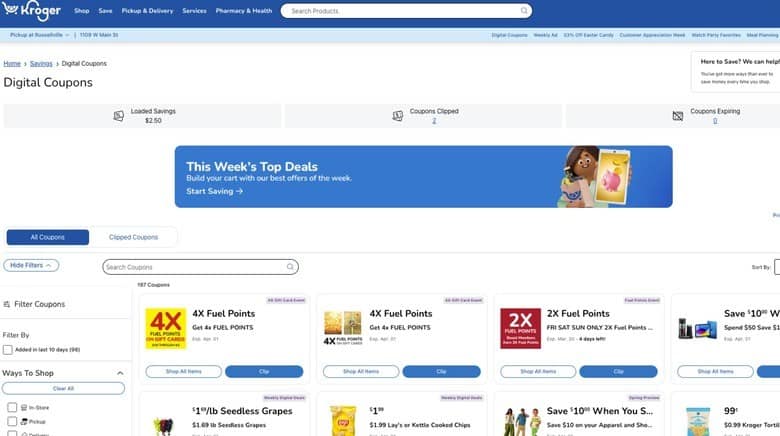
- Use the search bar or filters (for example, “Dairy,” “Snacks,” or “Beverages”) to find offers.
Stay safe when browsing online by checking only official websites. Read more in secure online shopping tips.
3. Load Coupons to Your Kroger Plus Card
After finding coupons that fit your needs, load them directly to your card.
- When you find a coupon you want, click Clip or Add to Card.
- The coupon is automatically linked to your Kroger Plus Card.
- You can view all clipped coupons under the My Coupons tab.
Retailers often rely on systems similar to automated pricing software to manage promotions and discounts efficiently.
4. Redeem Coupons at Checkout
When shopping, the system automatically applies your coupons at checkout.
- Shop online or in-store as usual.
- At checkout, scan your Kroger Plus Card or enter your phone number.
- The discounts apply automatically to qualifying items.
This ensures your savings are applied instantly without needing paper coupons.
How to Get Kroger Digital Coupons on the App
Using the Kroger app is the easiest way to clip and track your coupons from your phone.
1. Download the Kroger App
- Open the App Store (iPhone) or Google Play (Android).
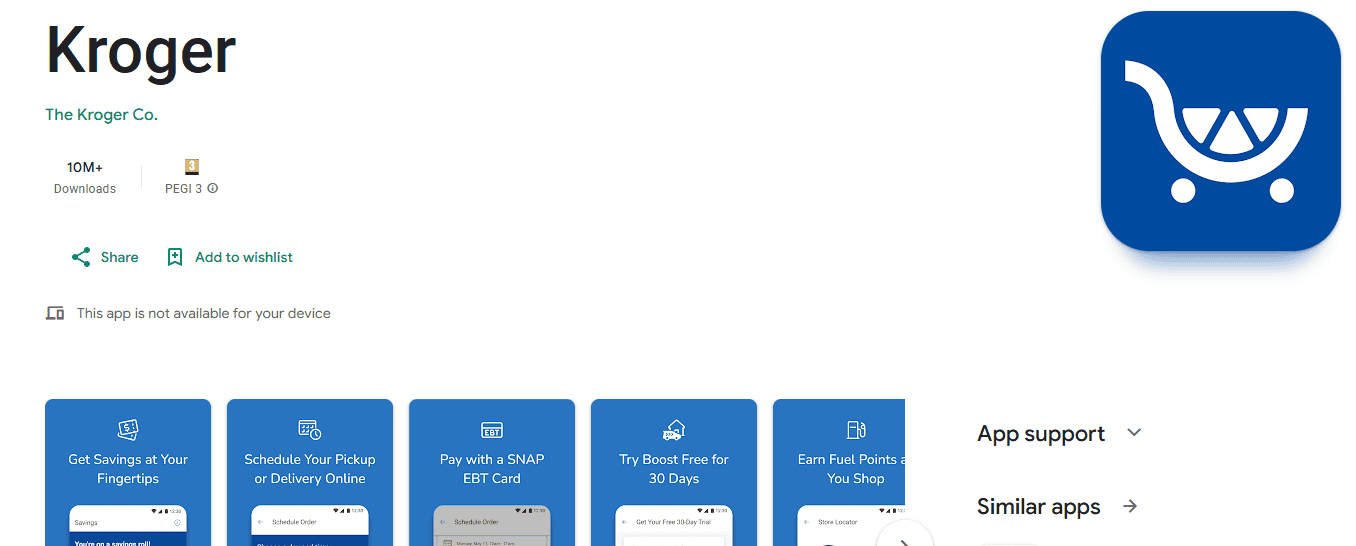
- Search for Kroger and tap Install.
The app gives you access to coupons, shopping lists, and weekly ads in one place.
2. Log In to Your Account
- Open the app and tap Sign In.
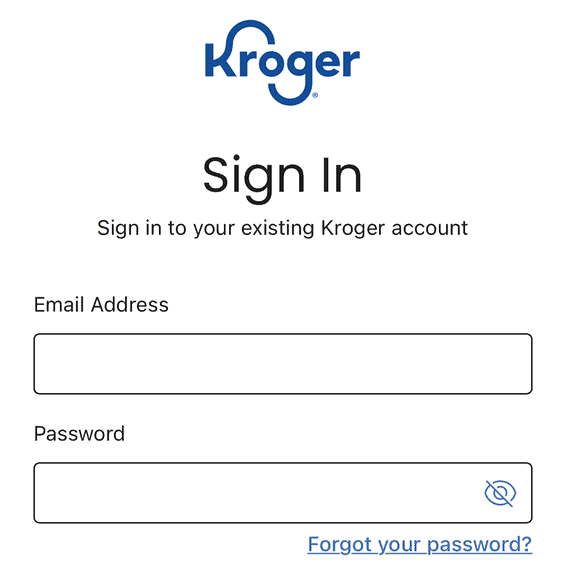
- Use your existing Kroger credentials or create a new account.
Make sure to link your Kroger Plus Card for automatic savings.
3. Clip Coupons from the App
- Tap Savings at the bottom menu.
- Browse or search coupons by product or brand.
- Tap Clip to add them to your card.
You can manage all your active coupons in the “My Coupons” section.
4. Redeem In-Store or Online
- Use your digital Kroger Plus Card at checkout.
- The app automatically applies all clipped coupons to eligible purchases.
Your discounts will appear on your receipt once applied.
What Are Kroger Digital Coupons?
Kroger digital coupons are online discounts you can load directly to your Kroger Plus Card. They automatically apply at checkout, so there is no need to print or clip paper coupons. You can access them via the website or app, and they update frequently with new offers.
Why Use Kroger Digital Coupons?
- Automatic savings without paper coupons
- Stackable deals with weekly sales
- Personalized offers based on your shopping habits
- Easy tracking through your Kroger account or app
FAQs
New coupons are added every week, usually on Wednesdays.
Yes, but only if the manufacturer allows both to be combined on the same product.
Yes. Each coupon displays its expiration date before clipping.
Make sure the product matches the coupon terms exactly. If you used self-checkout, ensure your Kroger Plus Card was scanned before paying.
Conclusion
Getting Kroger digital coupons is simple and fast. Whether you prefer the website or mobile app, clipping and redeeming these coupons helps you save money on groceries with minimal effort. Regularly checking for new deals ensures that you never miss out on fresh savings opportunities.

Read our disclosure page to find out how can you help Windows Report sustain the editorial team. Read more



Improve this guide




User forum
0 messages