
Microsoft Sway is Lagging: How to Fix it
Clearing the cache can sometimes help with this error


 2 min. read
  Published on
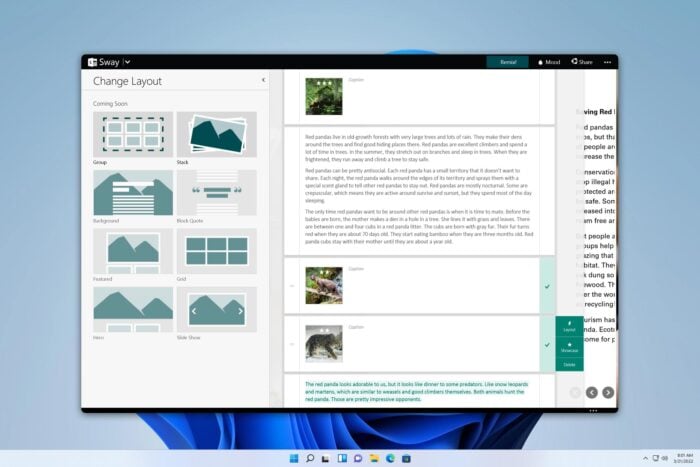
Many reported that Microsoft Sway is lagging, and this makes the service almost unusable. However, there are a few ways to fix the problem, and this guide will show you how to do it.
How can I fix Microsoft Sway if it’s lagging?
Before we try anything else, try switching to a different browser and check if that helps.
Clear the browser cache
- Click the Menu icon in the top right corner and choose Delete browsing data.

- Set the Time range to All time and click Delete data.
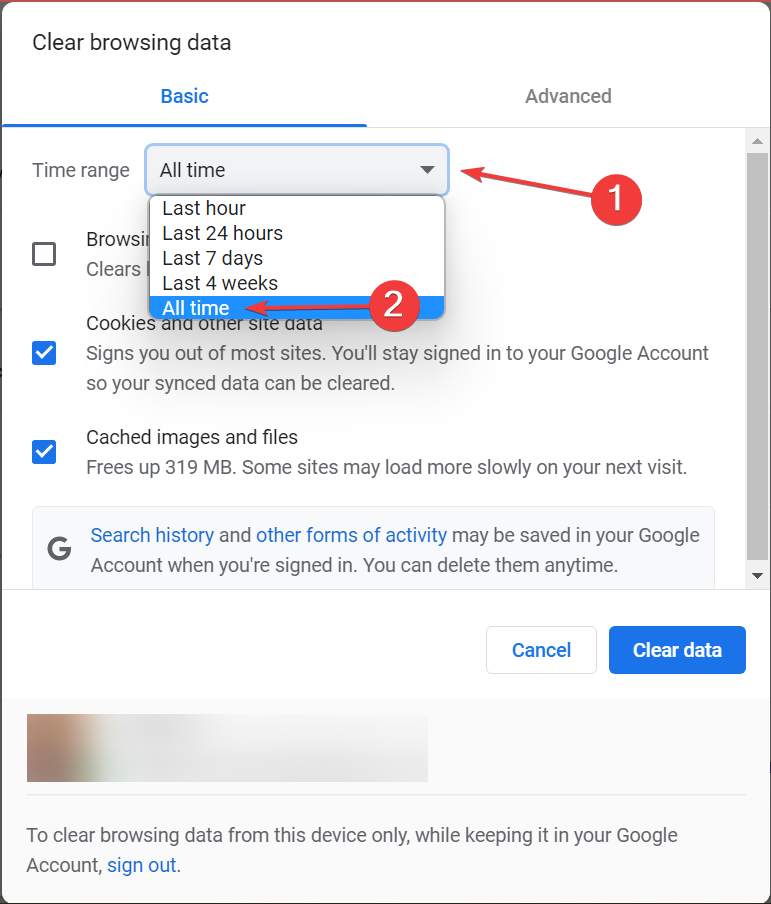
- Restart the browser and check if the problem is resolved.
Is Microsoft retiring Sway?
Currently, Microsoft has no plans to retire Sway.
What can I use instead of Sway?
There are many great alternatives, with Canva being the most popular one. Prezi and Adobe Creative Cloud Express are also great alternatives.
Why use Sway instead of PowerPoint?
PowerPoint usually requires a presenter that will give the presentation. Sway on the other hand can create interactive presentations that don’t need a presenter.
Can I turn a PowerPoint into a Sway?
Yes, Sway supports various documents such as Word or PDF files, but it also works with PowerPoint presentations.
As you can see, if Microsoft Sway is lagging, try clearing your cache or using a different browser. If that doesn’t help, Sway may be having server issues.
This isn’t the only problem, many reported that Microsoft Sway is not working as well as Microsoft Sway error.
We covered these errors as well This Sway is unavailable error in our previous guides, so don’t miss them.

Read our disclosure page to find out how can you help Windows Report sustain the editorial team. Read more



Improve this guide




User forum
0 messages