
Microsoft to Move Copilot Previews to iOS While Editing Returns to Office Apps
Microsoft trying to reshape its app strategy


 2 min. read
  Published on

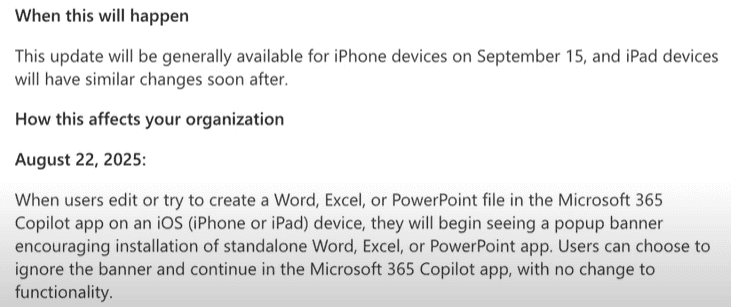
Starting September 15, 2025, Microsoft will change how its Microsoft 365 Copilot app works on iOS. Copilot will only offer a streamlined preview instead of letting you edit Word, Excel, or PowerPoint files inside the app. If you want to edit, you’ll need to jump into the standalone Office apps.
The details were spotted by the 365 Message Center Show, which regularly tracks Microsoft roadmap changes. The update shared under Message ID: MC1136042 suggests adding Copilot Chat right next to file previews.
Once the rollout kicks off, you can ask questions about the document, pull insights, or request rewrites without leaving the app. For example, you’ll be able to summarize an Excel sheet or polish a Word draft directly from the preview.
Starting August 22, Microsoft will reportedly show banners inside Copilot urging iPhone users to download Word, Excel, and PowerPoint separately. The preview-only setup takes effect September 15, with iPad support rolling out soon after.
Creating new files in the Copilot app is also changing. Instead of opening a blank document, users will now start with a chat-first flow. Once the draft is ready, Copilot will redirect you to the full Office apps for deeper editing.
Microsoft says this shift also applies to Teams, OneDrive, and Outlook, which will send users into Office apps when editing is required. For organizations, this means IT admins may need to push Word, Excel, and PowerPoint via MDM if employees don’t already have them installed.

Read our disclosure page to find out how can you help Windows Report sustain the editorial team. Read more



Improve this guide




User forum
0 messages