
Nano Banana and Deep Search Come to Chrome’s Search Box
Chrome Canary’s New Tab Page now adds two new Gemini AI buttons, Nano Banana and Deep Search, that let you create images or research topics right from the search box.


 3 min. read
  Published on

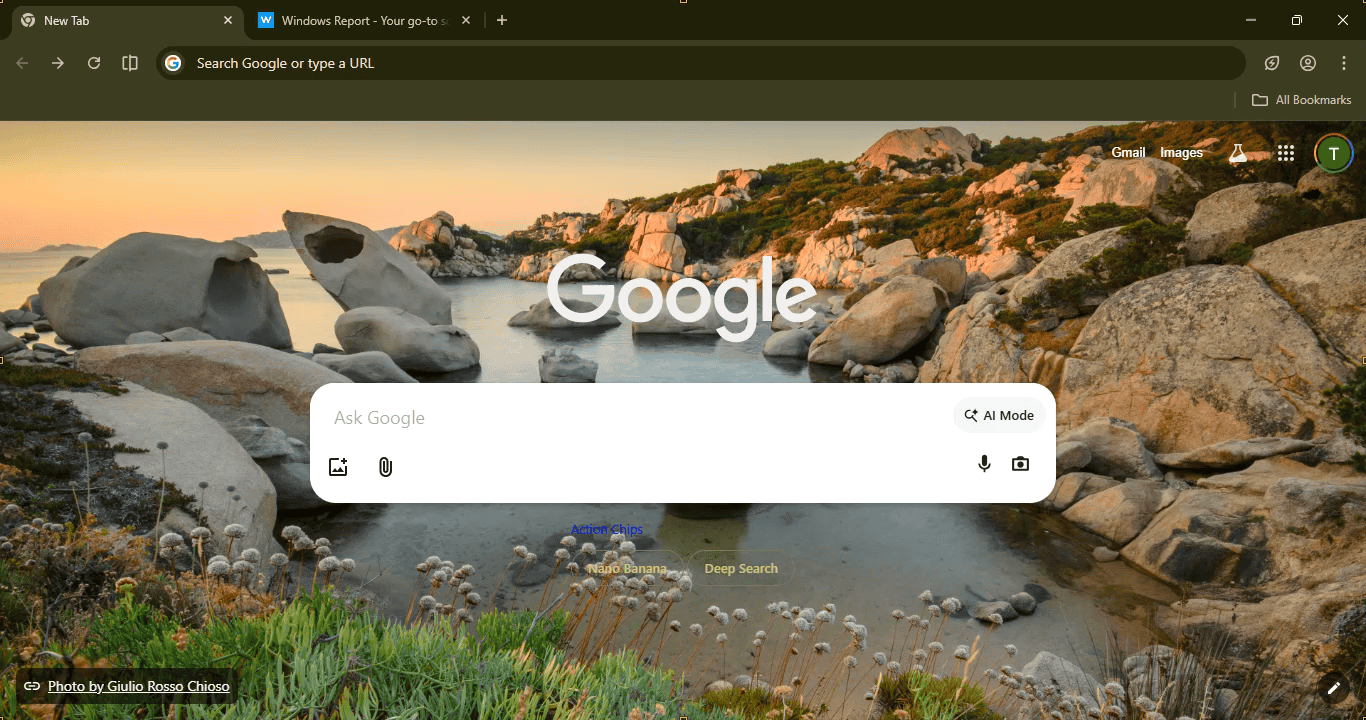
Google’s latest version of Chrome’s New Tab Page is adding two new buttons powered by its Gemini AI in Canary: “Nano Banana” and “Deep Search”. You’ll find these under the “Ask Google” search box. They are made to help you start creative or research tasks right away, without going anywhere else.
Right now, in Canary, Chrome’s New Tab Page already includes an AI Mode button inside the search box. This button lets you ask tough questions, get short and useful answers, and keep chatting for more information.
Under the box, there are now two new buttons, aka AI Action Chips: Nano Banana and Deep Search. When you click either one, it fills the box with some starter text, depending on what you want to do.
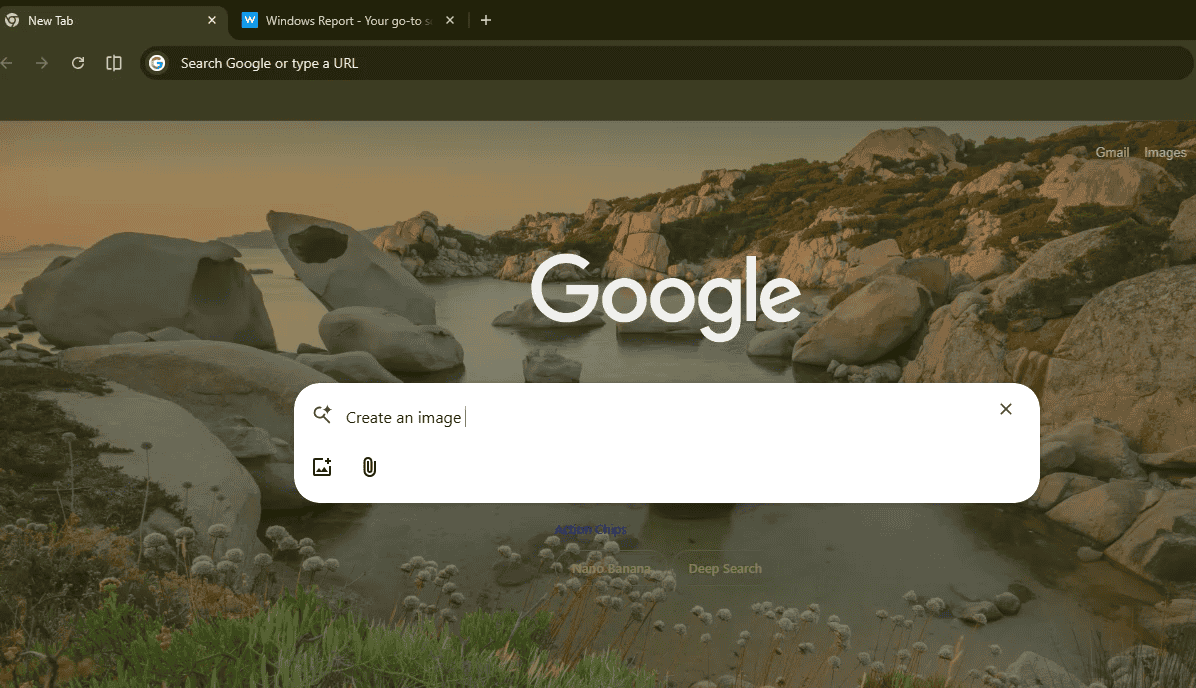
Nano Banana: This button connects to Google’s newest image-making AI. When you click it, you see “Create an image of…” in the box, and you can type what you want a picture of. This feature has just appeared in the Chrome Canary version, so it may not be finished or may not fully work yet.
Deep Search: This button is for when you want to look up detailed information. Click it, and you see “Help me in researching…” appear in the box. For example, you can ask about “vaccines for children in India” and get a quick breakdown of the key details.
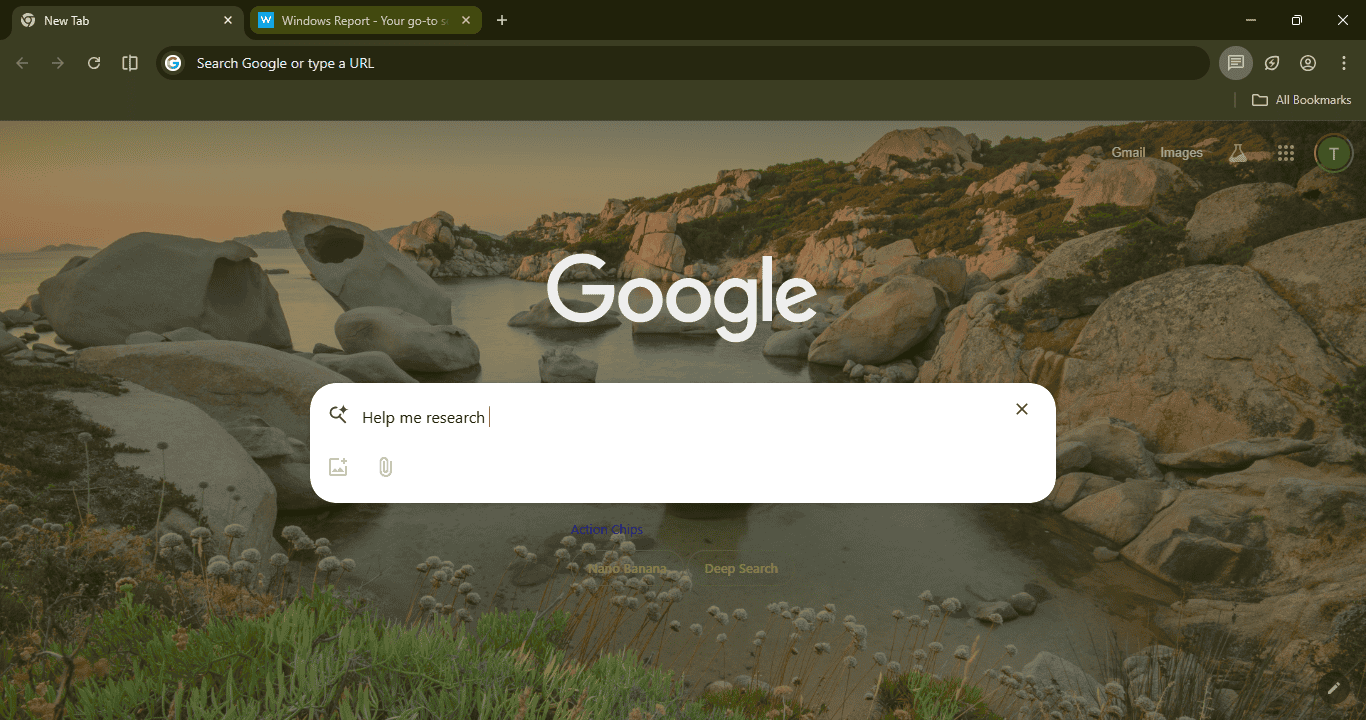
At the moment, Chrome is still crashing while using these prompts, so we may need to wait a bit longer to try them properly.
Recently, we reported that Chrome is turning the New Tab Page into an AI Starter Screen, and the + icon inside the search box lets you add open tabs, images, or files to your question so you can include more context. Together, they make the New Tab Page a space where you can plan, create, or research, all without opening extra tabs.
Nano Banana and Deep Search work with Google’s Gemini AI. The first helps with images, and the second helps with finding and organizing information. Instead of being just a search bar, the New Tab Page is now a place to start whatever you want to do.
The New Tab Page in Chrome Canary now brings these new features into one layout with AI Mode, helpful prompts, and special buttons. You can ask, create, or research right from the start screen when you open your browser.
What’s your take on Chrome adding Google Gemini AI features to the New Tab Page? Share your thoughts in the comments below.


Read our disclosure page to find out how can you help Windows Report sustain the editorial team. Read more



Improve this guide




User forum
0 messages