
[UPDATE: Available Now] You Can End Copilot Voice Sessions By Saying "Bye/Goodbye, Copilot"
The feature is now available in preview


 2 min. read
  Published on
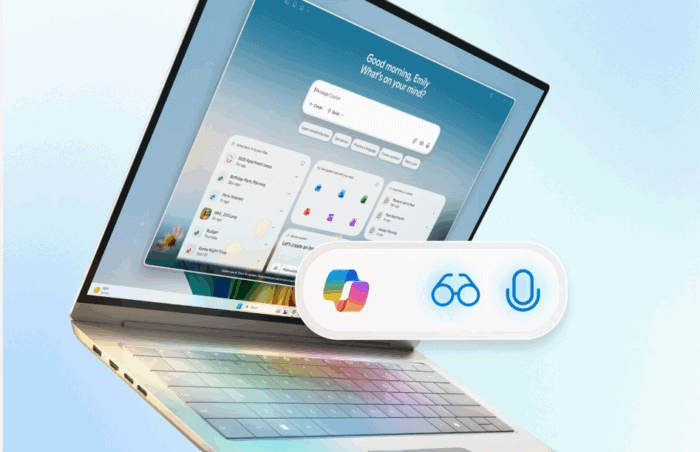
[UPDATE] We were able to end the voice session by using the new “Bye, Copilot” and “Goodbye, Copilot” phrases on our Windows 11 25H2 PC.
[ORIGINAL POST] Microsoft seems to be doubling down on voice features for Copilot. After rolling out the “Hey, Copilot” wake phrase last month, the company is now adding another voice cue, but this time for signing off. A new listing on the Microsoft 365 Roadmap suggests that Microsoft is building what it calls a “semantic goodbye word” for Microsoft 365 Copilot on Windows.
In simple terms, you’ll be able to start a voice session with “Hey, Copilot” and then close it hands-free by saying something like “Bye, Copilot.” Yes, the action won’t require any buttons or clicks whatsoever. Here’s what Microsoft notes in its Roadmap ID 529864:
Microsoft Copilot (Microsoft 365): Semantic Goodbye word for voice in Microsoft 365 Copilot
Now users can close a voice session on Windows by simply saying bye or goodbye when they want to close voice session. This, paired with “Hey Copilot” wake word, provides them with complete hands-free experience for voice in Microsoft 365 Copilot on Windows devices.
It’s also important to note that this feature is integrated into the Copilot app. Speaking of new features, Microsoft also recently unveiled a new “Ask M365 Copilot” feature that allows you to ask Copilot about any files from inside File Explorer. We managed to do a hands-on with the feature; you can read the full article here.
As of now, the latest roadmap hints at a preview in November 2025, with general availability supposedly slated for the following month. However, Microsoft hasn’t publicly confirmed these dates anywhere else. Previously, we’ve witnessed Microsoft delaying features that it included in the roadmap. So, it’s still unclear whether the company will follow the given timeline for the rollout.
via: Neowin

Read our disclosure page to find out how can you help Windows Report sustain the editorial team. Read more



Improve this guide




User forum
0 messages