
Here's how to shop online using Cortana and Microsoft Edge


 3 min. read
  Updated on
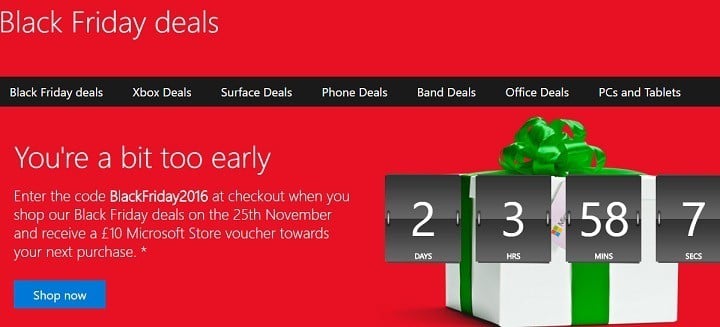
The holiday season is here, and we’re sure you’ve got a lot of shopping to do. As much as we like shopping, sometimes this activity can become quite annoying and frustrating, and we often wish somebody else could do it for us.
Microsoft has heard your cry and wants you to know you’re not alone. You’ve got two friends you can rely on when you go shopping: Cortana and Microsoft Edge. Yes, they can only help you when you shop online.
Here’s how to shop with Cortana and Microsoft Edge
- Cortana helps you save money with coupons
Once you enable Cortana on your Windows 10 computer, she will automatically help you in Microsoft Edge. Cortana can alert you with deals and coupons for the sites you’re shopping. She’ll help you grab the best deals on Best Buy, Macy’s, Kohl’s, and more.
- Cortana helps you search with images
When you’re browsing for an image on Microsoft Edge, Cortana can help you find similar images, as well as details on price and where to buy that item. All you need to do is right-click the image and select “Ask Cortana”. This feature is very useful if something you want to purchase was sold out.
- Cortana can remind you of sales
If you want Cortana to remind you of an upcoming sale, select the text on the page you’re browsing, click the Share icon in the top-right corner of Microsoft Edge and then select Cortana reminders. The assistant will immediately create a reminder for you.
- Save gift ideas with the Pinterest Save Button
Microsoft Edge offers an interesting extension, called Pinterest Save Button. This option allows you to collect gift ideas that you want to look at later to inspire your shopping list.
- The Personal Shopping Assistant notifies you about price changes
Another interesting shopping extension is the Microsoft Personal Shopping Assistant. This feature saves the products you browse online automatically, and notifies you when prices change. You can also use the Shopping Assistant to compare products and share items you love with your friends.
- The Amazon Assistant finds the best deals for you
This extension compares prices, and notifies you about deals. The Amazon Assistant creates a universal shopping list across websites, allowing you to stay updated on the price changes of your favorite items.
We’re sure all these features will definitely help you make better shopping decisions. Happy shopping!
RELATED STORIES YOU NEED TO CHECK OUT:

Read our disclosure page to find out how can you help Windows Report sustain the editorial team. Read more



Improve this guide


User forum
0 messages