
How to fix Call of Duty: Infinite Warfare no audio issue on Xbox One


 2 min. read
  Updated on
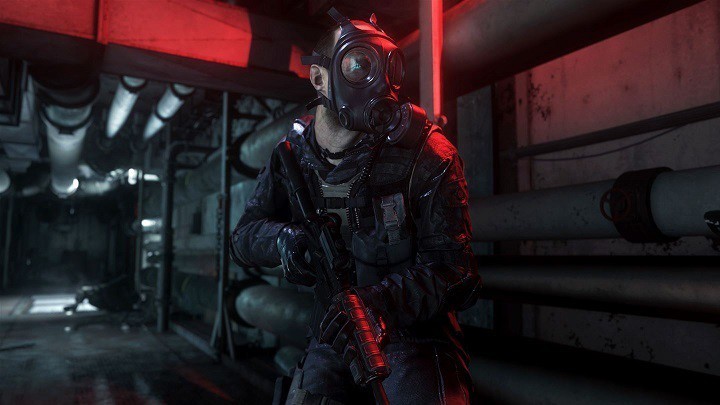
Call of Duty: Infinite Warfare is a game plagued by many issues, ranging from game crashes to low FPS rate. Many gamers also report there is no game audio, and it appears this bug is prevalent for Xbox One owners.
Having no sound while playing this game can be very annoying. Gamers definitely want to hear gunfire and their enemies drop after a round of successful shots. This bug definitely needs to be fixed.
No sound in Call of Duty: Infinite Warfare
literally the only game my sound doesnt work on is IW. Every other game works. As soon as I load IW there is no sound. Bought it from the xbox store. HELP
How to fix audio CoD: Infinite Warfare audio bugs
Some gamers said that the voiceovers are designed to come out of just the rear speakers when in 5.1 mode. This means that if your TV or headphones are only stereo, you can’t hear anything in the back speakers (voiceovers).
To fix this, go to Settings > Display and Audio > Audio Output > HDMI > stereo uncompressed. This solution worked for some gamers, but if this doesn’t solve the problem for you, use the workaround listed below.
Other gamers suggest that the chat mixer is to blame for these audio bugs. To fix this, go to Settings > All Settings > Display and Sound > Volume > Check the “Do nothing” option. After performing this action, you should hear game audio.
If you’re experiencing Call of Duty: Infinite Warfare issues on PC, check out our dedicated fix article where we list a series of workarounds for the most frequently encountered issues.
RELATED STORIES YOU NEED TO CHECK OUT:

Read our disclosure page to find out how can you help Windows Report sustain the editorial team. Read more



Improve this guide

User forum
0 messages