
Outlook for Windows Will Get Automapped Calendars After Months of Delays


 3 min. read
  Published on
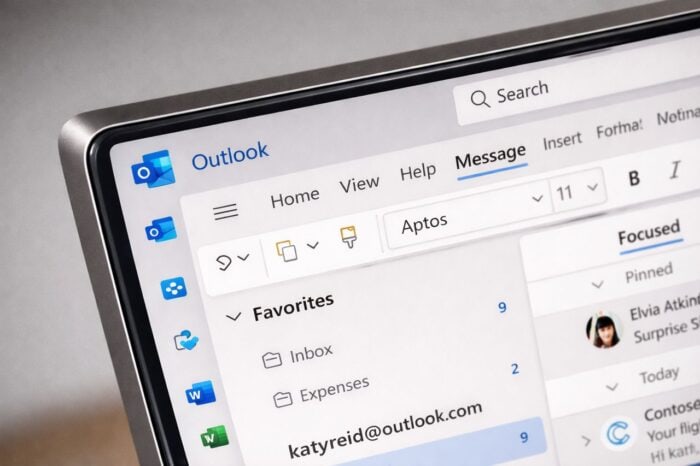
Microsoft is preparing another wave of Microsoft 365 changes, with Agent mode, smart editing, and new Copilot-powered tools on the way. Now, the company is also finally ready to roll out automapped calendars in Outlook for Windows after months of delays.
According to Microsoft 365 roadmap ID 415168, automapped calendars will soon appear automatically when users move between classic Outlook and the new Outlook for Windows. Microsoft first surfaced this feature back in September 2024, but the rollout timeline kept slipping.
Outlook is finally getting automapped calendars by default
The update will let automapped calendars show up automatically instead of forcing users to go through manual steps. That should make switching between the classic Outlook desktop app and the new Outlook for Windows much less frustrating.
Before this change, users could still access those calendars, but they did not appear by default after switching clients. That created confusion, especially for people who expected the same calendar view across both Outlook experiences.
Microsoft says users will find the feature here:
Outlook > Calendar icon > My Calendars > Automapped calendar
The change affects both classic Outlook for Windows and the new Outlook for Windows desktop app.
Microsoft delayed the feature several times
According to the Microsoft 365 Admin Center message ID MC906502, Microsoft changed the release schedule more than once.
The company first planned to start the rollout in early February 2026 for Targeted Release. It then moved General Availability to early March 2026, but that date also slipped.
Microsoft now plans to begin rolling out the feature in mid-April and finish by the end of April.
That delay makes this another example of a Microsoft 365 feature taking much longer than expected to reach users, even after Microsoft publicly lists it on the roadmap.
Admins do not need to do anything
Microsoft will enable the feature automatically, so admins do not need to take any action before rollout. Still, organizations may want to notify users about the change and update internal help documentation, especially if teams often switch between classic Outlook and the new app.
That matters because users who rely on shared or delegated calendars may notice the update right away once Microsoft enables it.
This Outlook change arrives as Microsoft also prepares a broader Microsoft 365 update with Agent mode and smart editing features. On top of that, the company is adding a Copilot capability that aims to help eliminate meeting conflicts in Outlook.
In other Microsoft 365 news, Microsoft is also still planning to roll out the work-location feature in Teams again, this time with an opt-out control after backlash from users.
Via Neowin

Read our disclosure page to find out how can you help Windows Report sustain the editorial team. Read more



Improve this guide




User forum
0 messages