
How to Fix Peak Voice Chat Not Working (Step-by-Step Guide)


 3 min. read
  Published on

Having trouble hearing friends on Peak voice chat or your mic is not working? Do not worry, try these quick fixes to get back online.
Table of contents
How to fix Peak voice chat not working?
1. Check your internet connection
A weak or unstable connection is the most common reason voice chat fails.
- Confirm that your device is connected to Wi-Fi or mobile data.
- Restart your router and wait at least 30 seconds before reconnecting.
- Run a speed test to check stability.
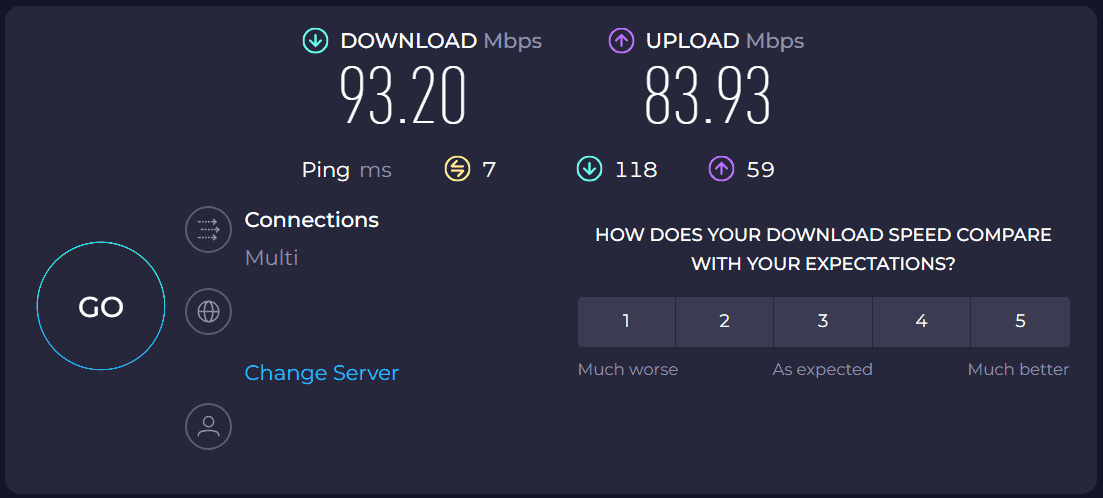
- Switch to a wired Ethernet connection if possible.
2. Restart the Peak app and your device
Glitches in the app or device can interrupt audio.
- Close the Peak app completely.
- Restart your phone, tablet, or computer.
- Reopen the app and test voice chat again.
3. Check microphone permissions
Peak needs access to your microphone to work.
- On Windows, go to Settings > Privacy > Microphone.
- Enable microphone access for apps.

- Find Peak in the list and allow microphone use.
- On iOS or Android, check app permissions and enable microphone.
We also have a great guide on Roblox mic not working, so don’t miss it.
4. Update or reinstall Peak
An outdated or corrupted app can cause voice issues.
- Open your device’s app store or the official Peak site.
- Install the latest update.
- If that fails, uninstall the app.
- Reinstall Peak and log in again.
5. Test your audio devices
Sometimes the problem is with your headset or speakers.
- Try using another microphone or headphones.
- Check your device’s sound settings.
- Test the input and output devices with another app.
- Update your audio drivers if needed.
Other games are also affected by this issue, and many reported that Sea of Thieves mic not working, but we have a guide that addresses that.
6. Check for server outages
The problem may not be on your end but with Peak itself.
- Visit the official Peak status page.
- Look for service updates on social media.
- Wait for the servers to come back online.
Final thoughts
Most Peak voice chat issues come from internet problems, permissions, or outdated apps. Following the steps above should help you fix the problem quickly.
Before you leave, why not check our Voice chat not working in Warzone guide for more information?
FAQ
This usually happens if your device audio is muted, your headset is faulty, or the connection is unstable.
On Windows, go to Settings > Privacy > Microphone and allow access. On mobile, open app permissions and enable microphone use.
Yes, updating ensures you get bug fixes and better compatibility, which often resolves voice chat errors.
If the servers are down, you can only wait for the service to be restored and check for updates from Peak.

Read our disclosure page to find out how can you help Windows Report sustain the editorial team. Read more



Improve this guide



User forum
0 messages