
Epson i5290 Driver Download for Windows


 2 min. read
  Published on
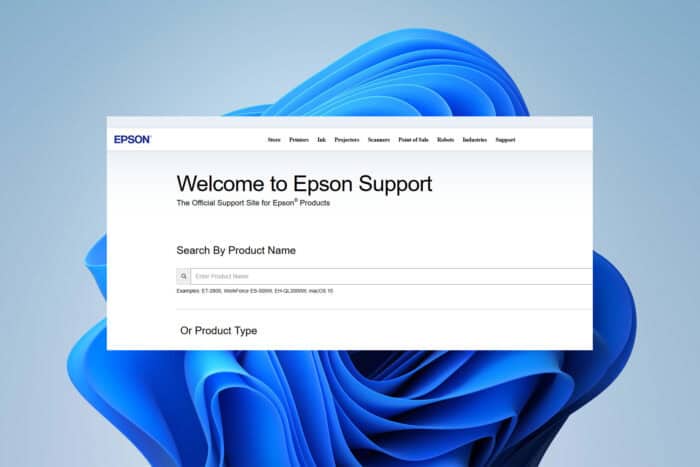
The Epson i5290 is a reliable all-in-one printer, but to keep it running smoothly, you need the right driver. Without the proper Epson i5290 driver, your printer may not function correctly on Windows. Below is a simple guide to download and install it.
How do I download Epson i5290 driver?
Table of contents
1. Get the driver from Epson’s official website
- Go to the Epson Support page.
- Search for Epson i5290.

- Select your operating system (Windows 10 or 11).
- Download the latest driver package.

- Save the file to your PC.
2. Install the driver
- Locate the downloaded file.
- Double-click to start setup.
- Follow on-screen instructions.
- Restart your PC after installation.
3. Update drivers if needed
- Open Device Manager.

- Expand Printers.
- Right-click Epson i5290 and choose Update driver.

- Select Search automatically for drivers.

- Restart your PC to apply changes.
Fixing Epson i5290 Issues
If your Epson scanner is not working after installation or if the Epson driver download has failed, see these solutions for Epson scanner problems in Windows 10.
For Windows 11 users, make sure you are using compatible Epson printer drivers to avoid errors.
FAQs
Download the driver directly from Epson’s support website and run the installer.
Yes, but you must download the latest Windows 11 driver package from Epson’s site.
This often happens due to missing or outdated drivers. Reinstalling the driver usually fixes the problem.

Read our disclosure page to find out how can you help Windows Report sustain the editorial team. Read more



Improve this guide



User forum
0 messages