
How to Login to Outlook Email on Web, Desktop, and Mobile


 3 min. read
  Updated on

Outlook email is one of the most popular services for managing work and personal communication. If you are having trouble signing in, follow this quick guide to access your Outlook inbox across devices.
Table of contents
How to Login to Outlook Email?
1. Login on the Web
To sign in from your browser, follow these steps:
- Go to Outlook.com.
- Enter your Microsoft account email and click Next.
- Type your password and select Sign in.

- If prompted, approve the login with two-factor authentication.

If the login page does not recognize your credentials, check this guide on how to login to Microsoft account for detailed steps.
For a complete walkthrough with extra tips and screenshots, see our guide on how to login to Army email.
On shared or public computers, remember to sign out of Outlook when you finish to keep your account secure.
2. Login in the Desktop App
To access Outlook directly from your computer, do the following:
- Open the Outlook app on your computer.
- Select File > Add Account.

- Enter your Outlook email address and click Connect.
- Provide your password and confirm.

Many users also choose to connect their Microsoft services by following similar steps for how to login to OneDrive.
3. Login on Mobile (iOS and Android)
For quick access on the go, use the Outlook mobile app:
- Download Microsoft Outlook from the App Store or Google Play.
- Open the app and tap Add Account.
- Enter your Outlook email and password.
- Confirm and allow necessary permissions.
Troubleshooting Outlook Sign In Issues
If you cannot login to your Outlook account, try these quick fixes:
- Check if your email and password are typed correctly.
- Reset your password using the Forgot password link.
- Clear your browser cache or update the app.
- Make sure two-factor codes are entered correctly.
- Visit the Microsoft Account Recovery page.
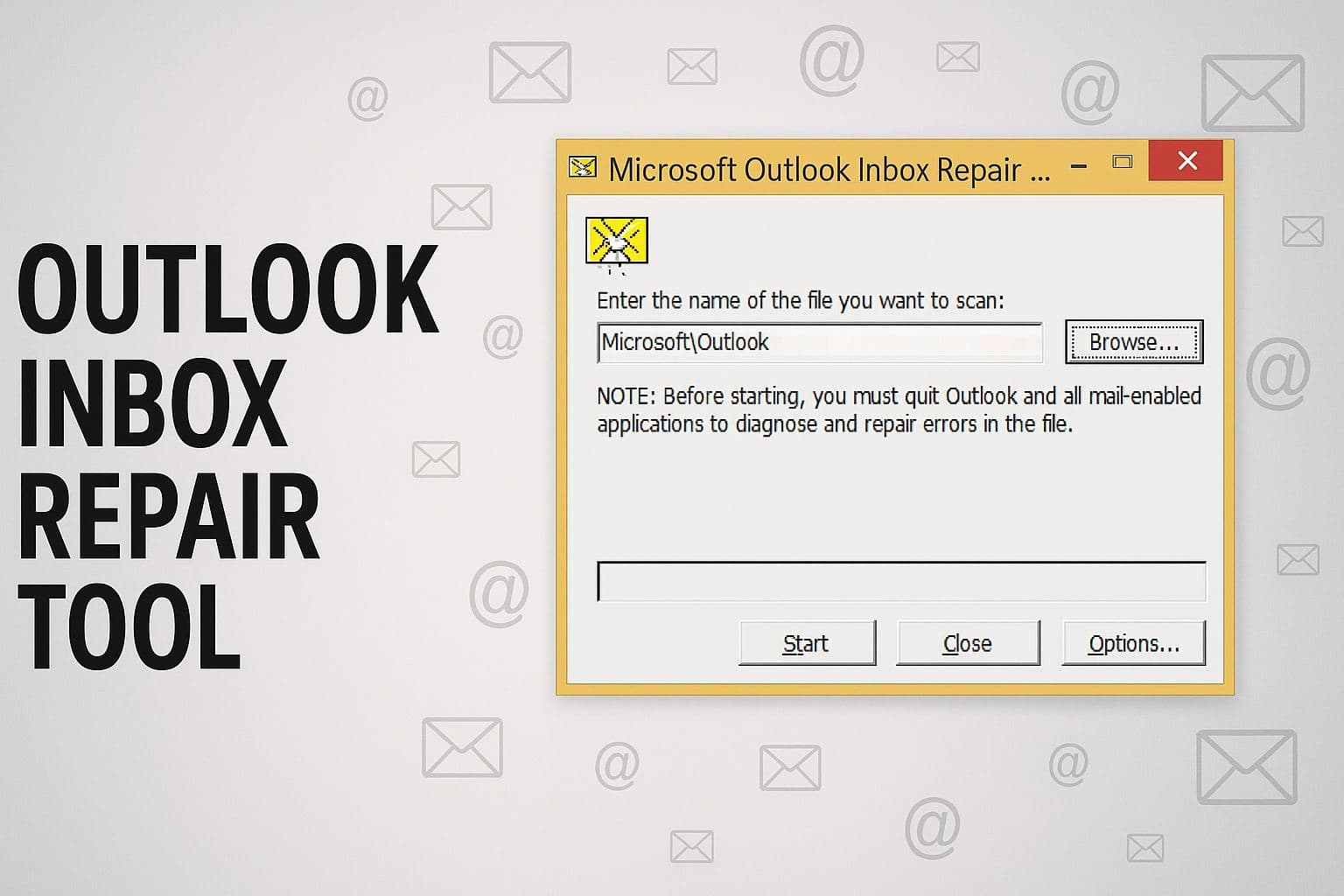
You can fix stubborn sign in errors by clearing the Outlook cache using this straightforward guide on clearing Outlook cache.
You can manage your contacts more efficiently by learning how the address book works in Outlook, and this guide explains everything clearly: how to find the address book in Outlook.
FAQs
Go to the Microsoft account recovery page, follow the prompts, and reset your password.
Most issues come from incorrect credentials, outdated apps, or temporary server errors.
Yes, you can always access Outlook email directly from Outlook.com in any browser.
Go to your Microsoft account settings, select Security, and follow the steps to enable two-step verification.
Conclusion
Logging into Outlook email is simple whether you are on the web, desktop, or mobile. By following the steps above and applying the troubleshooting tips when needed, you can ensure uninterrupted access to your emails. For better productivity, you can also explore features such as how to share your Outlook calendar.
New users who still need an email address can follow this guide on how to create an Outlook account before signing in.

Read our disclosure page to find out how can you help Windows Report sustain the editorial team. Read more



Improve this guide

User forum
0 messages