
How to Join PlayStation Party Chat on PC in Minutes


 3 min. read
  Updated on

Want to join PlayStation Party Chat on PC without owning a console? You can connect with your PlayStation friends from your computer using the official PlayStation App. Follow the steps below to set it up quickly.
Table of contents
How to Join PlayStation Party Chat on PC?
1. Install the PlayStation App
- Go to the PlayStation App download page.
- Download and install the app on your Windows or macOS device.
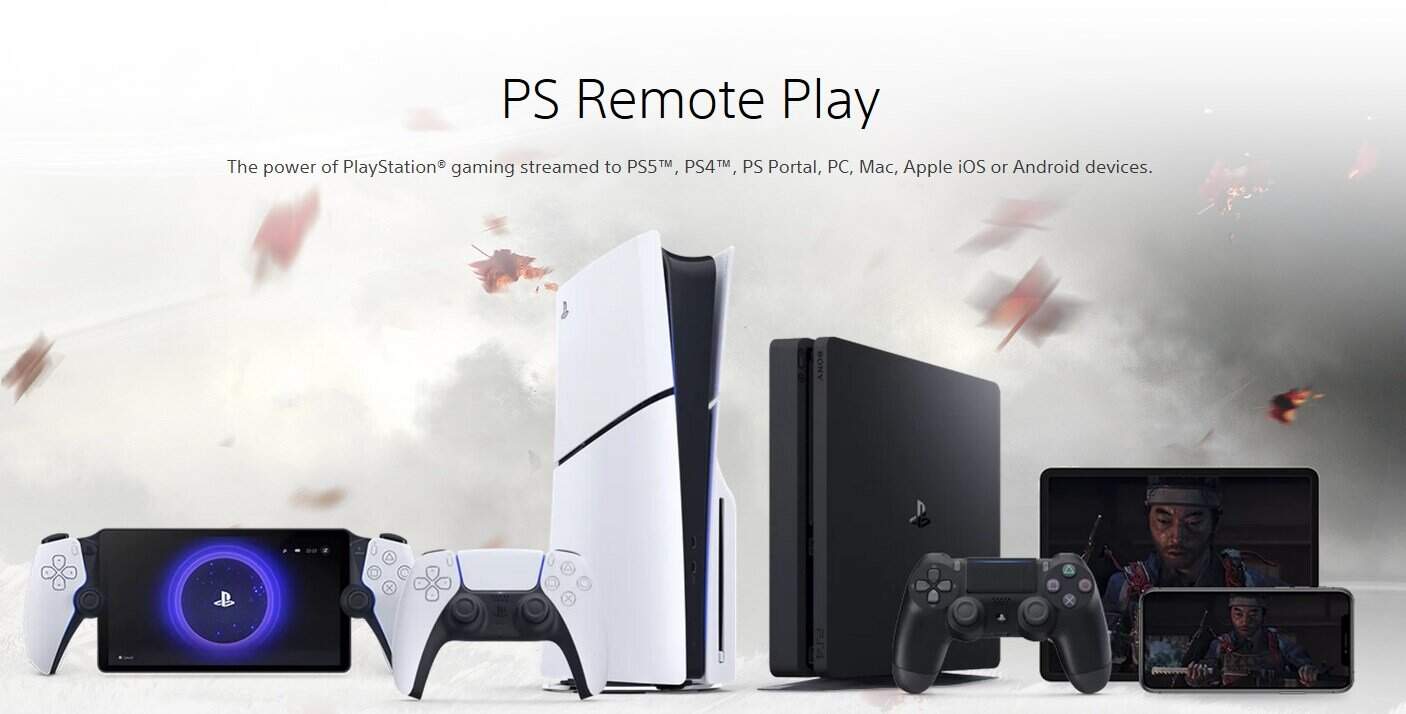
- Open the app after installation is complete.
If you want to explore how PlayStation titles run on Windows, see this guide on PlayStation Now for Windows PC games.
You can also stream and play hundreds of PlayStation titles directly on Windows PCs through the PlayStation Plus service. Learn more in our complete PlayStation Plus on Windows guide.
2. Sign In with Your PlayStation Account
- Launch the PlayStation App.
- Click Sign In and enter your PSN credentials.
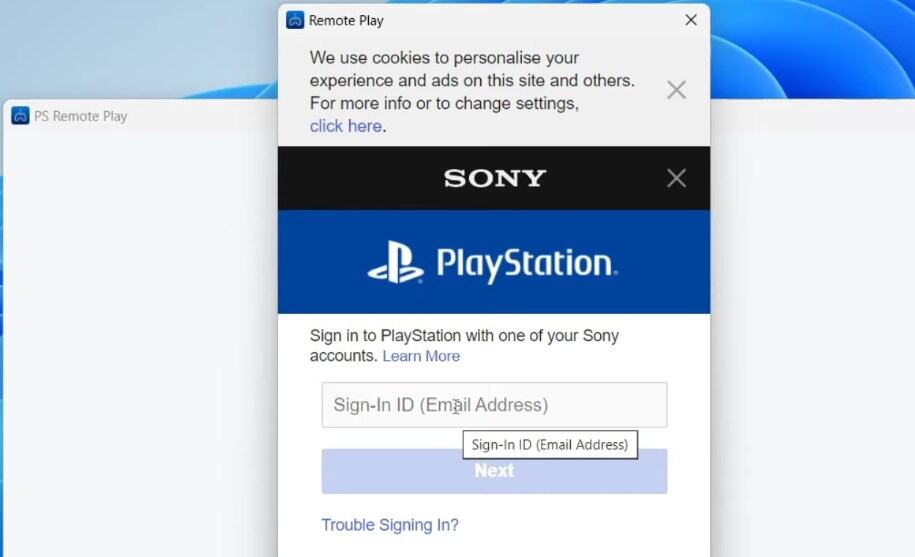
- Access your friends list and messages once logged in.
3. Pair the App with Your PlayStation Console (Optional)
- Turn on your PS4 or PS5.
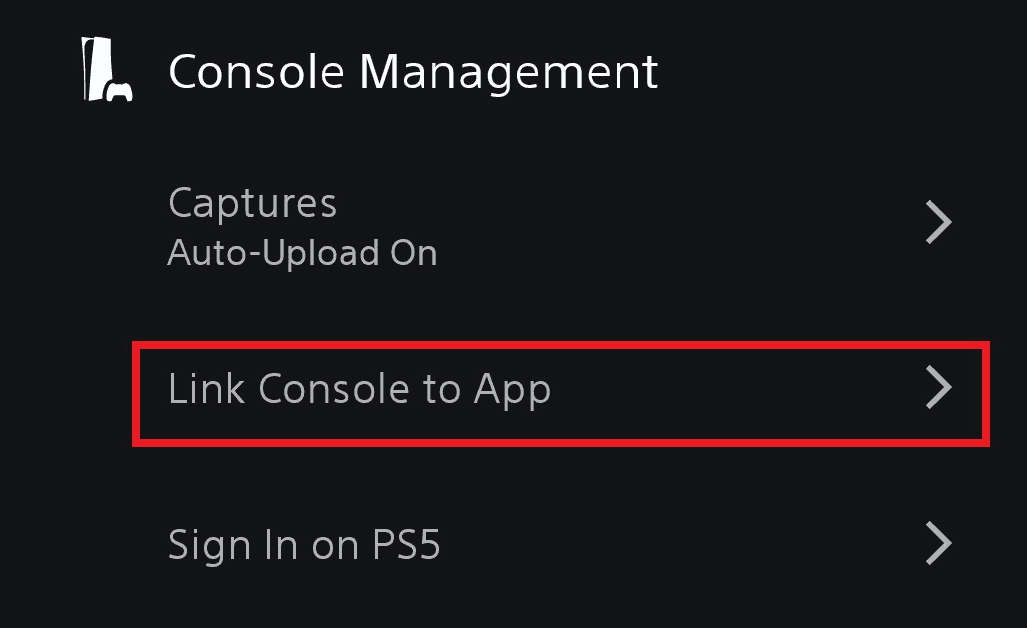
- On your PC, open Settings > Console Management in the PS App.
- Choose Link Console to App and follow the on-screen steps.
For more control from your PC, learn how to set up PS4 Remote Play on Windows.
4. Join or Create a Party Chat
- In the PlayStation App, open the Game Base or Parties tab.
- Select an existing group or choose Start Party.
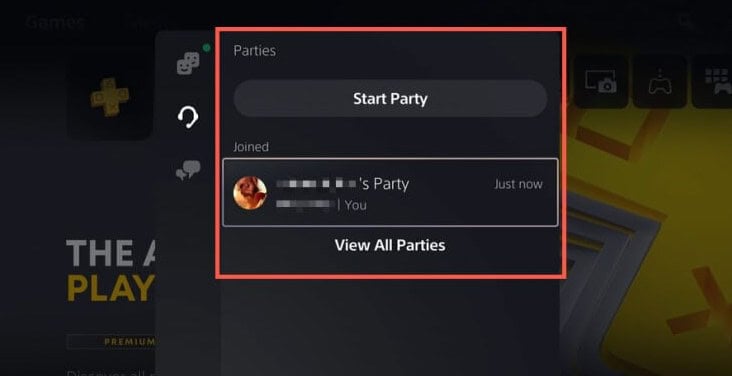
- Click Join Voice Chat to connect.
5. Use a Headset or Mic
- Plug in your microphone or gaming headset.
- In Windows, set it as the default input and output device.
- Test audio levels before joining your party.
If you plan to use a DualShock controller, see how to connect a PS4 controller to Windows 10.
Troubleshooting: Can’t Join PlayStation Party Chat?
- Check your internet connection and restart your router if needed.
- Update the PlayStation App to the latest version.
- Verify your PSN account permissions and sign-in status.
- Disable VPNs or adjust firewall settings that may block connections.
What Is PlayStation Party Chat?
PlayStation Party Chat is Sony’s built-in voice chat feature that lets you talk with friends while gaming. It works across PS4, PS5, and PC through the PlayStation App. You can join or create parties, coordinate sessions, and stay connected in real time.
FAQs
Yes. You can join voice chats using only the PlayStation App on PC or mobile.
Yes. The PlayStation App connects you with friends on PS4 and PS5.
No. Party Chat is free for all PSN users.
Yes. Keep the PS App open in the background and chat while you play PC games.
Yes. Set your device as the default input and output in Windows sound settings.
Conclusion
Joining PlayStation Party Chat on PC is straightforward with the PlayStation App. Install the app, sign in, and start or join a party to coordinate with your friends and keep the conversation going from your desktop.

Read our disclosure page to find out how can you help Windows Report sustain the editorial team. Read more



Improve this guide



User forum
0 messages