
Best Meta Search Tools for Privacy and Deep Search


 3 min. read
  EEST
EEST

Meta search engines combine data from multiple providers and give users broad, accurate results. They help you compare sources quickly without switching between platforms.
If you want to explore AI-powered options as well, check this helpful guide on the best AI search engines.
Table of contents
What are the best meta search engines to use?
1. DuckDuckGo – Privacy Focused
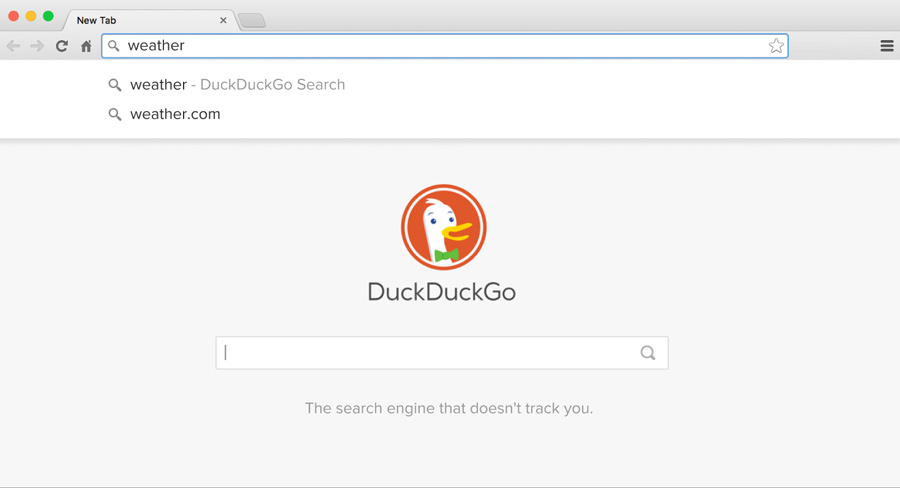
DuckDuckGo protects user data while pulling results from a wide set of sources. It blocks trackers and keeps pages clean for users who want a private experience.
You get instant answers, fewer ads, and reliable blended search results from multiple providers.
Other great features:
- Tracker blocking across websites
- Bang shortcuts for rapid actions
- Simple interface with instant answers
- Global and local results blending
If you want to make this your main homepage, here’s how to change the homepage in your browser.
2. Startpage – Google Results Private
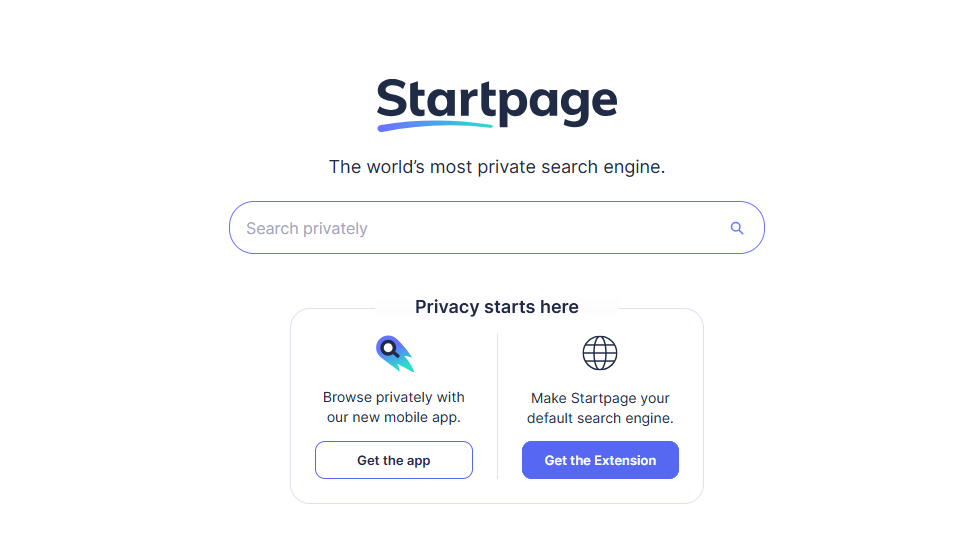
Startpage gives users Google’s search index without personal tracking. It strips identifying data from your query and keeps every search private.
You get clean, accurate results with an optional anonymous browsing mode for extra protection.
Other great features:
- Anonymous View mode
- No tracking cookies
- Clean Google-powered SERPs
- Region-based targeting
3. MetaCrawler – Multi-Engine Blend

MetaCrawler gathers results from several search engines and puts them into one easy list. You avoid switching between platforms and save time during research.
Its simple interface loads fast and gives you quick filtering options for more relevant results.
Other great features:
- Combined result lists from top engines
- Uncluttered layout
- Fast scanning and filtering
- Good for research tasks
4. Dogpile – Fast Result Combiner
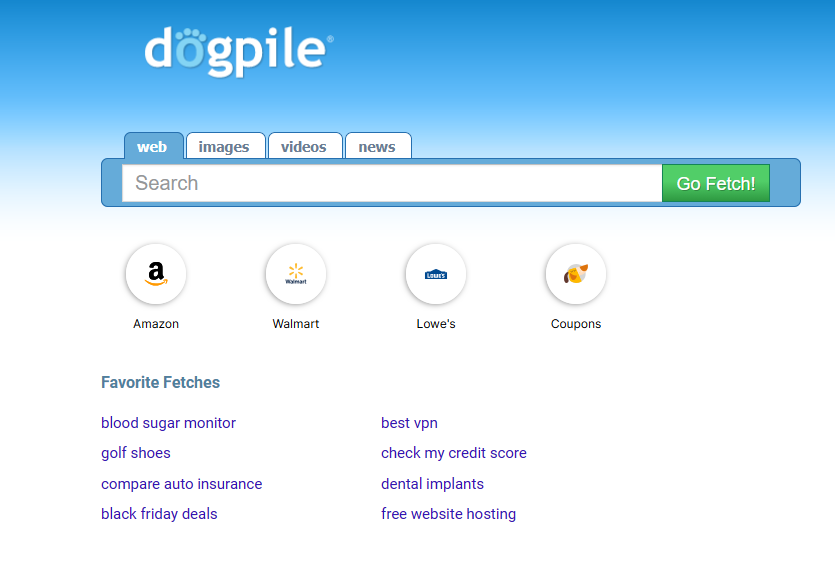
Dogpile blends results from Bing, Google, Yahoo, and other engines, then removes duplicates. It gives you a clean, refined list of relevant pages.
Its interface loads quickly and separates ads from organic listings for better visibility.
Other great features:
- Duplicate filtering
- Tabs for images, videos, and news
- Light interface
- Family-friendly filter options
If you want to set a meta engine as your default search tool, here’s how to change the default search engine in Microsoft Edge.
5. Qwant – Visual Search Hub
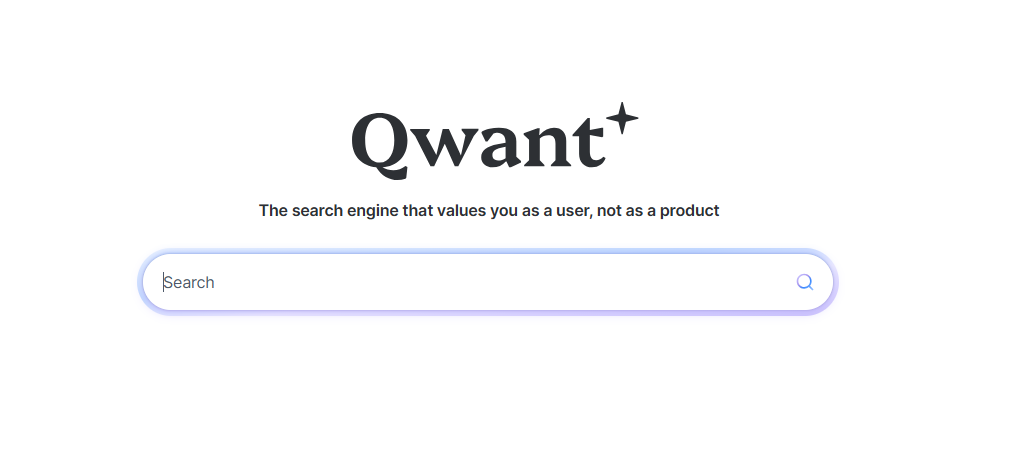
Qwant delivers structured layouts for web, media, and social sections. It avoids tracking and keeps searches private.
Its media widgets help you explore music, trending topics, and images in a more visual way than traditional engines.
Other great features:
- Qwant Maps and Qwant Music
- No tracking or profiling
- Grouped result categories
- Clear visual presentation
FAQ
A meta search engine pulls results from multiple search engines and merges them into one list.
Yes, reputable options encrypt connections and avoid tracking. Some offer additional privacy tools.
DuckDuckGo and Startpage offer strong privacy features and avoid storing personal data.
Yes, browsers allow you to switch your default search provider in the settings.
Meta search engines give users broader access to information and stronger control over how they search online. Each option offers unique strengths, from privacy tools to visual layouts. Try several engines and adjust your browser settings to support your preferred workflow.

Read our disclosure page to find out how can you help Windows Report sustain the editorial team. Read more



Improve this guide


User forum
0 messages