
Microsoft Store Order History: How to Check it
This can be done right from your Microsoft account


 1 min. read
  Published on
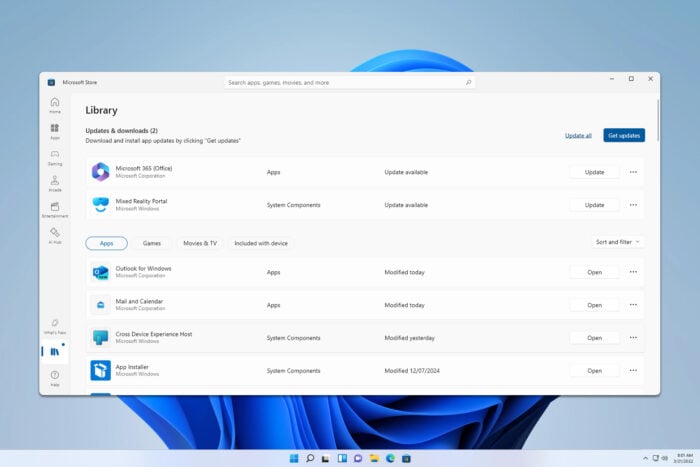
Sometimes it’s necessary to check your Microsoft Store order history, and in today’s guide, we’ll show you how to do it properly.
How do I check my purchase history on the Microsoft Store?
Use your Microsoft account
- Open your browser and go to your Microsoft account order history page.
- If asked, sign in with your Microsoft account.
- After that, you should be able to see all your purchases.
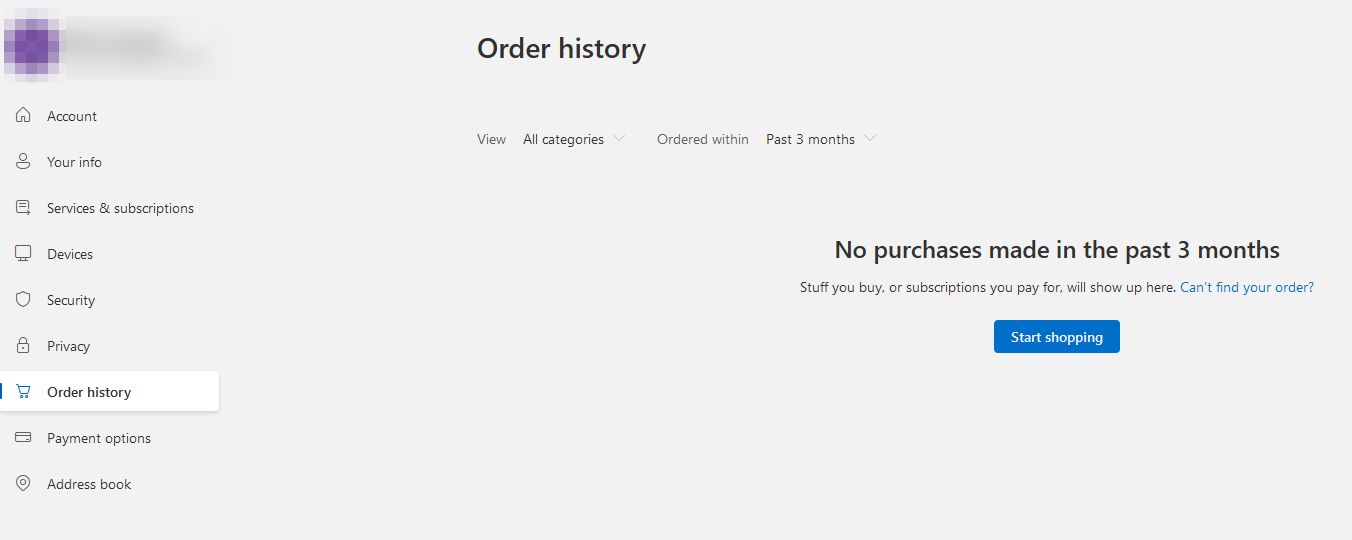
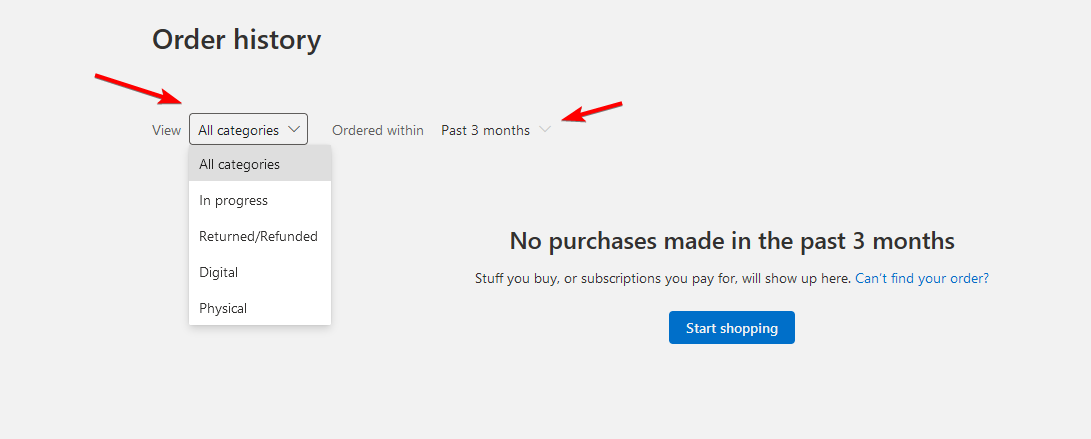
- If needed, you can sort your orders based on their type or order date.
How far back does Microsoft order history go?
All your order history will be stored on your Microsoft account, so you can go as far back as you need.
How do I find my Microsoft Store download history?
- Open Microsoft Store.
- Click on Library in the bottom left.
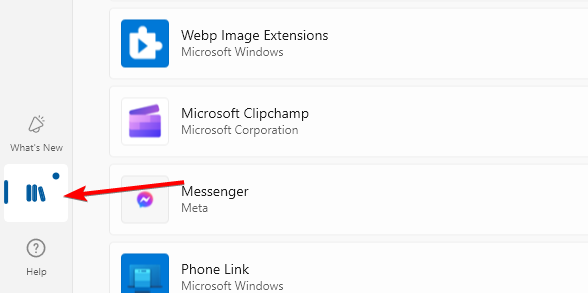
- Click on Sort and filter and then click on Sort by date.
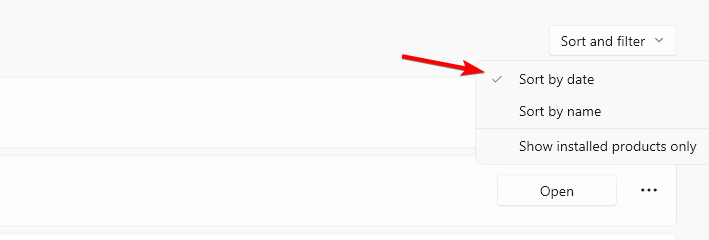
As you can see, it’s pretty simple to see your Microsoft Store order history, and it just takes a few clicks.
Speaking of purchases, sometimes issues can occur, and many reported We’re having trouble processing your payment and Microsoft Store won’t accept PayPal errors, but we have dedicated guides that tackle them.

Read our disclosure page to find out how can you help Windows Report sustain the editorial team. Read more



Improve this guide

User forum
0 messages