
Microsoft Finally Lets Users Hide AI Actions in Windows 11 — But There's A Catch
A handy, but incomplete update!!


 2 min. read
  EEST
EEST
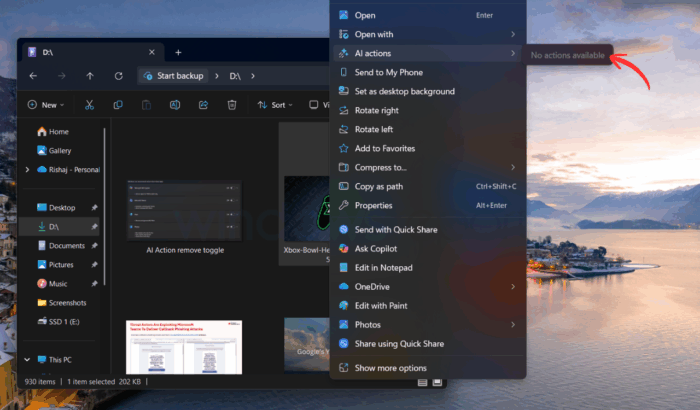
Microsoft has been heavily criticized in recent months for stuffing AI into every corner of Windows 11. While the company didn’t loudly acknowledge the pushback, it has quietly made a useful change in the latest Dev and Beta build, 26220.7344 (KB5070316), one that many users have been asking for.
In this build, AI Actions in the right-click context menu are no longer forced on you. If Windows doesn’t detect any available or enabled AI Actions, the entire section simply disappears. As spotted by a Reddit user, the latest build allows you to even remove AI actions in one go by heading to Settings > Apps > Actions. From that page, you can simply toggle off apps like Paint, Photos, or Teams.

But, similar to previous builds, even when you turned off these apps, the AI Actions label is still visible there in the context menu like a ghost category, doing absolutely nothing except taking up space. It would have been nice to remove the option altogether (when AI action for apps is removed) from the already-cluttered context menu. You can check the image below:
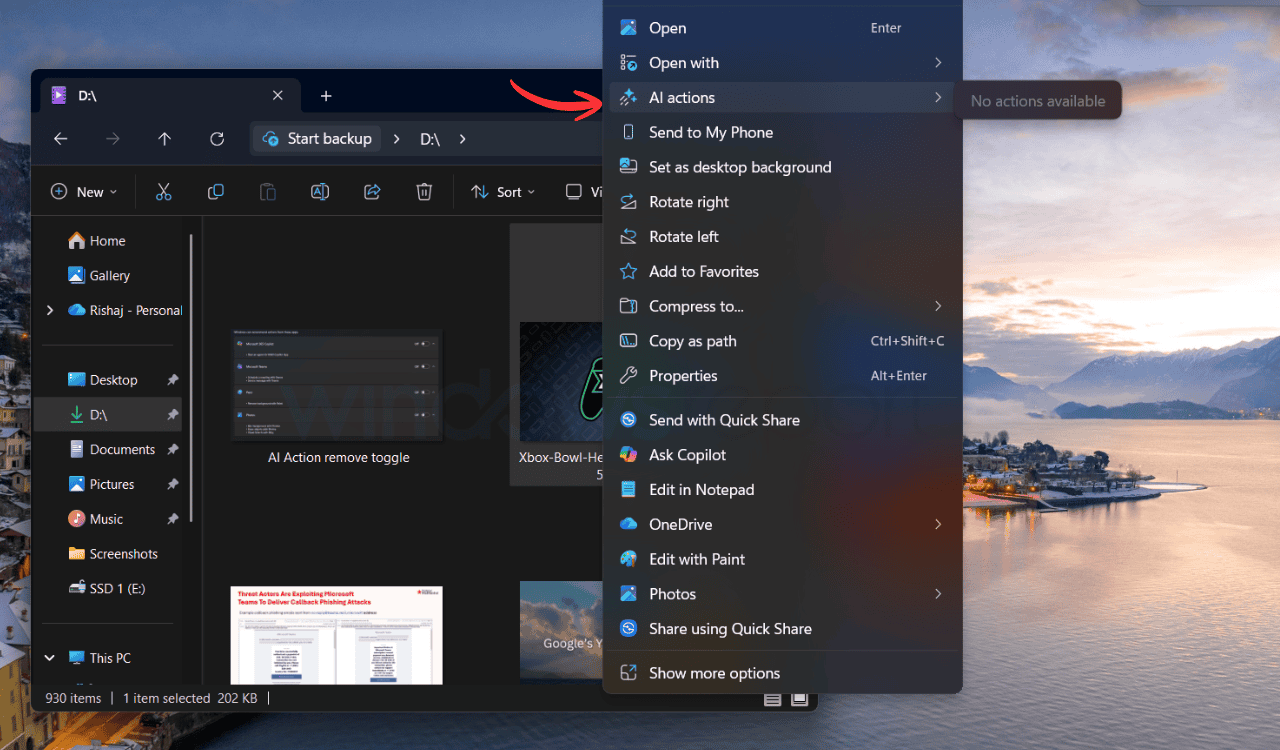
For anyone who has right-clicked an image lately, you probably saw AI Actions lists. While it is handy for some, the feature has been criticized heavily by many users. And let’s be honest, the feature mostly just opens other apps you could access anyway through the traditional “Open With” menu.
All that said, it’s a small update, but it’s finally in the direction users asked for. Other than this change, Microsoft seems ready to finally fix messy right-click menus in Windows 11. During its latest WinUI Community Call, the company discussed plans to adopt a new split-view context menu. And from the looks of it, it’ll be cleaner and offer a smarter way for apps to organize multiple actions. Not to forget, the company is also preparing to give Run dialog a visual refresh in over 30 years.

Read our disclosure page to find out how can you help Windows Report sustain the editorial team. Read more



Improve this guide



User forum
0 messages