Last week we had a chance to visit Redmond and check out all the latest features of the Windows 10 Anniversary Update, including Windows Hello, Windows Ink, and updates to Cortana and the Start Menu. Microsoft was kind enough to provide us a Surface Book to check out all these new features and more, and now we’d like to pass that good fortune on to our readers.
We’ve been checking out all the new features in our Anniversary Update Feature Series, and with our quick look video, so be sure to take a closer look at everything included in this latest update. Even if you’ve been running every one of the Windows Insider builds, they’re worth checking out.
As you know, we’re in the process of rebranding WinBeta to a new name and a new focus on all things Microsoft, and soon we’ll be coming to you from OnMSFT.com (launches at the end of this month!). We want you to have the best possible experience when you’re checking out our new site, and all you have to do is check out our Facebook page, follow us on Twitter, or since almost 20,000 of you already follow us, just tweet a mention of our site and the contest and you’ll be entered in a random drawing:
This Surface Book is the Core i5 128GB / 8GB RAM model, and it comes with a pen and power supply, and it’s loaded with the Anniversary Update (we’ll make sure it’s fully up to date before we ship), and it’s brand new in the box.
The giveaway is US only, and will run for two weeks, ending at 9pm PDT on August 16th, 2016. A US street address to send the Surface Book to the winning entry will be required of the winner, so sorry if you’re outside of US borders, but you won’t be able to receive the Surface Book so don’t try. Other than that, there’s not much to it, so thanks for reading WinBeta, stay tuned for lots more from OnMSFT.com, and good luck!
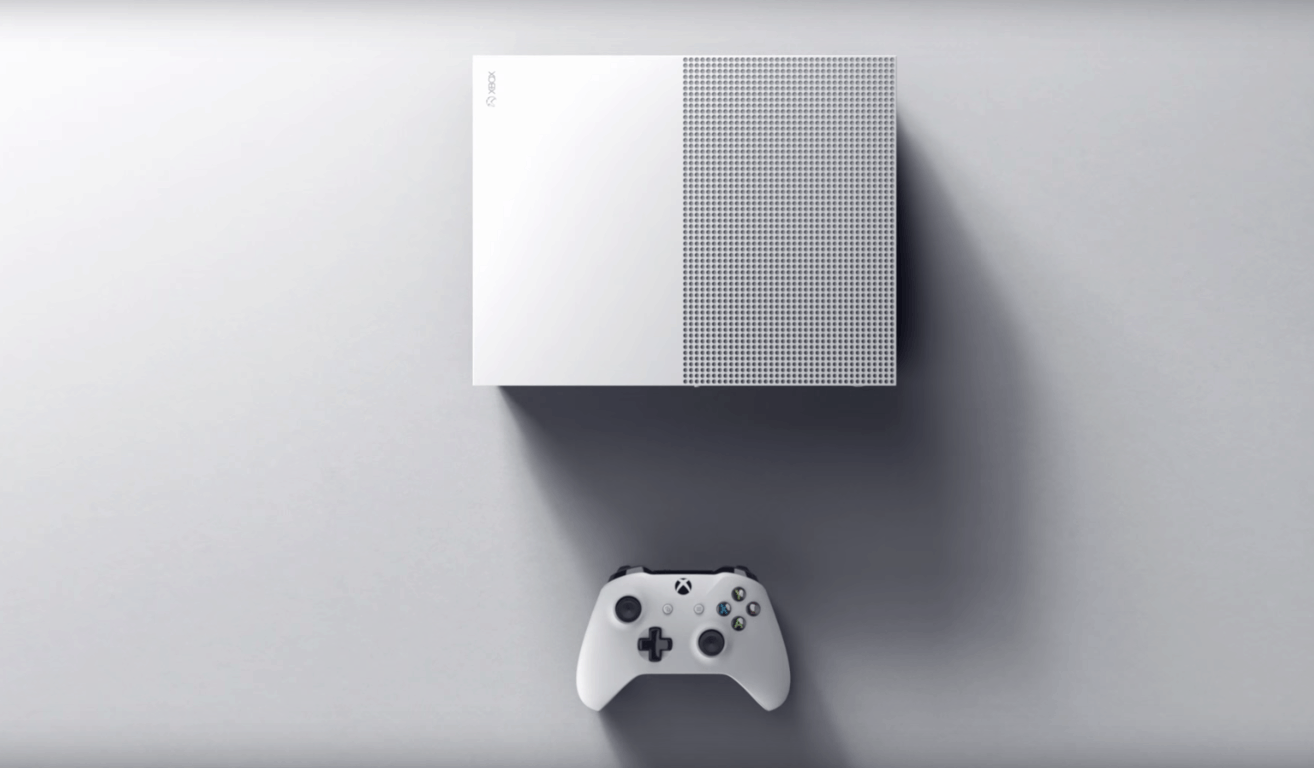
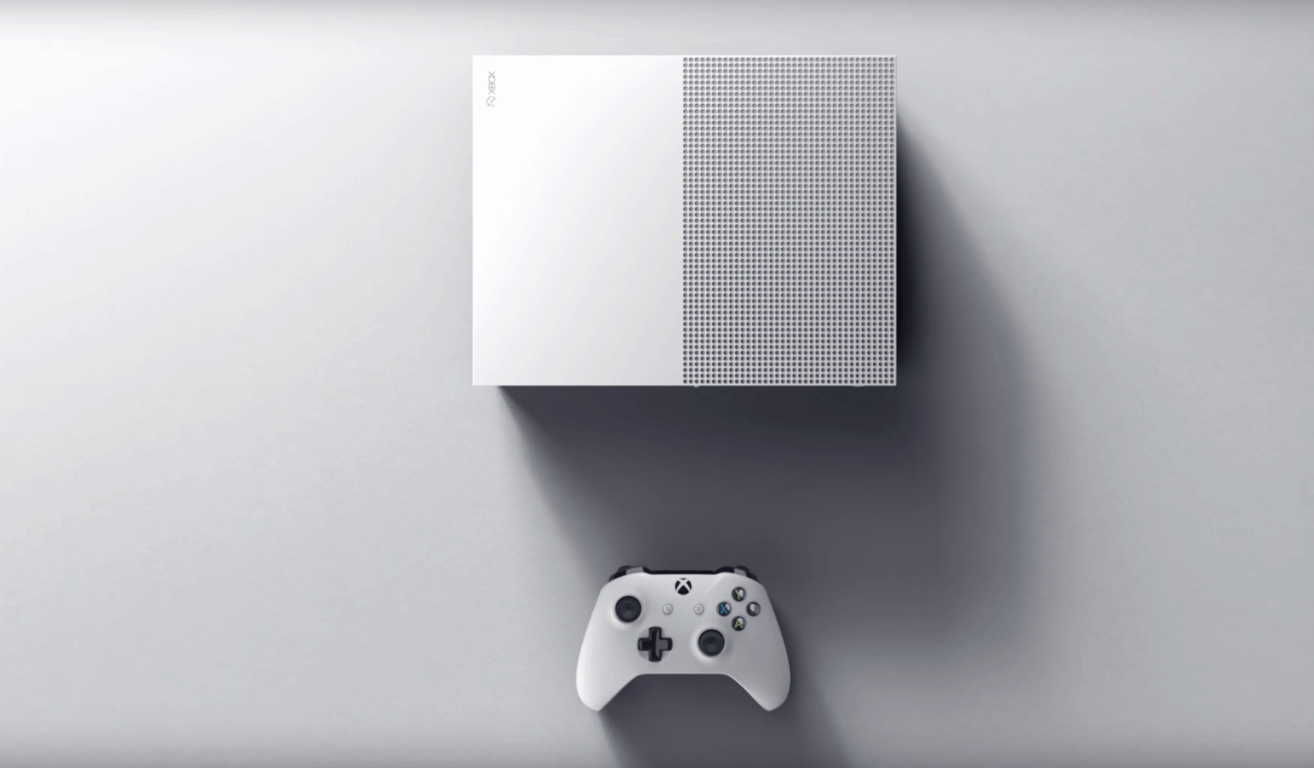
Microsoft’s Xbox One S gaming console is now officially available in a $399 2TB launch edition, nearly two months after the company first unveiled it during its E3 2016 press conference in June. While the new console improves the previous model in almost every way, we didn’t know all the details about its hardware components. However, Microsoft’s senior director of product marketing and planning Albert Penello just gave an interview to Eurogamer and his detailed answers may finally satisfy your curiosity (via Windows Central). We have selected the most interesting bits from the interview below.
The Xbox One S SoC
The new Xbox One SoC is fabricated at TSMC and uses its 16nm Fin FET process, allowing for more power efficiency:
The SoC in the Xbox One S is designed in the 16nm Fin FET process, which results in a die that is 240mm2; 33 per cent smaller and consumes less power than the 28nm SoC in the original Xbox One. for the Xbox One S consoles shipping this year the SoC is fabricated at TSMC.
Reducing the power consumption of the SoC opened up opportunities to reduce the size of the chassis significantly. We designed the console to make sure it had great acoustic performance and reliability for the consumer. The cooling solution uses an aluminum heat sink with two heat pipes and a single 120mm axial fan to draw air through the whole system.
Additionally, the new SoC has kept the same design from its predecessor, though the GPU frequency has slightly increased to enable HDR support. However, this additional power won’t make much a difference on non-HDR Xbox One games:
The SoC in Xbox One is the same design as the previous processor. Same GPU, same number of CUs, same memory, same CPU. As we discussed, we did make some refinements for 4K support and to fit in the new chassis. We also used this opportunity to increase the GPU frequency from 853 MHz to 914 MHz. By making this change, developers creating HDR titles do not have to incur any performance hit. We also decided to make the extra six per cent available to all titles. So some games (ones that utilize dynamic resolution and/or unlocked framerates) may see a very minor performance improvement. Our testing internally has shown this to be pretty minor, and is only measurable on certain games, so we didn’t want to make it a “selling point” for the new console.
The original Xbox One (black) next to the Xbox One S (white) (credit: CNET)
HDR10 is the standard HDR format for the UHD Blu-ray spec, and our understanding is that the majority of consumer TV sets will support HDR10, with Dolby Vision as an option. Dolby Vision looks to be a great technology and we have discussions with Dolby often.
Furthermore, if you had concerns about an upcoming fragmentation between HDR and non-HDR Xbox One games, Penello explained that developers are actually allowed to release HDR patches to their existing games:
This is totally up to the developers. Having an HDR TV set myself, I would love to see this happen but it’s not something we require.
4K video support
New hardware on the Xbox One S will enable support for 4K video streaming from Netflix and other video streaming services:
There are several components required to support the 4K UHD video playback that result in a combination of changes in the new console. First, we added a 4K HEVC decoder to the SoC to render the compressed video streams efficiently in hardware. Next, we updated the video output to HDMI 2.0 and HDCP 2.2. The interface revisions are all integrated into the SoC and enable outputting video at the higher bandwidths required for 4K UHD and HDR formats, as well as the copy protection tech required for protected content.
Lastly, the Xbox One S features a brand new Blu-ray UHD DVD drive, and Penello also explained that it’s not possible to enable support for 4K Blu-ray DVDs on the original Xbox One via a firmware update.
I have seen people online believe that you can do a ‘firmware’ upgrade to our existing BD drive to support 4K, but that’s not true. In addition to DSP firmware updates, the drive in the Xbox One S also includes a new optical pickup to support three-layer UHD Blu-ray format discs. Plus HDMI 2.0 video output with HDCP 2.2 copy protection is also a BD-UHD certification requirement, both of which are included in Xbox One S and weren’t implemented on the other Xbox One consoles.
We invite you to read Penello’s full interview on Eurogamer, and the Xbox team also just published an helpful article to answer all your questions about 4K, HDR and TV setups. Let us know what do you think of the Xbox One S hardware components by dropping us a comment below.
As we recently announced, the third-party Hitbox app recently hit the Windows Store. It was a momentous occasion, as the app became a great way to use the Hitbox streaming platform to watch live broadcasts of the games you love straight from your Windows device(s). While there is still no official Hitbox app for Windows, Jonathan Antoine, the developer of the app, has shown commitment to the Windows platform and even recently released a Windows 10 Mobile version of his app. Today, an update has hit the third-party app, further showing the developer’s dedication to the Windows platform.
@TehJackuh thank you for your blog post on Hitbox ? I have updated the app with "sign-in" and follow/unfollow feature today ?
Overall, the update brings in support for Hitbox account and follow/unfollow support, allowing users to sign-in with their Hitbox account and manage the users they follow. It is just the latest addition, as the app already lets people search for games, streams and recorded videos, access trending channels and games, and access all the live streams and videos of games.
Hitbox on Windows Phone
So, if you’re using this app, be sure to press that download button now! Even if you are not using the app, we have done you a favor and have included a download link for you below.
The wait for Microsoft’s new gaming console is finally over: Microsoft’s $399 2TB launch edition Xbox One S is now available in select markets at Microsoft Stores or your local retailer. If you can’t wait to get your hands on the new console, hurry up as it’s currently selling out fast, with Xbox Wire Editor in Chief Will Tuttle explaining in a new blog post today that “demand is extremely high and the 2TB launch edition is only available in limited quantities.”
As a reminder, here are the main highlights of the new gaming console:
Xbox One S offers a great value as one of the top 4K Ultra HD Blu-ray players on the market – which means you can watch your favorite movies in stunning 4K.
You can play over 100 console exclusives, and with High Dynamic Range (HDR) support for video and gaming, Xbox One titles like Gears of War 4, Forza Horizon 3, Scalebound andNBA 2K17 will look even better thanks to a higher contrast ratio between lights and darks, bringing out the true visual depth of your favorite games. And don’t forget about the growing library of backward compatible Xbox 360 games.
You can also stream movies or TV shows in 4K Ultra HD with content from partners like Netflix available now. More content from Amazon Video and others is on the way!
Xbox One S is 40 percent smaller than the original Xbox One, featuring a built-in power supply. No more brick!
While the Xbox One S improves the original Xbox One console in nearly every way, the new hardware lacks a dedicated port to plug in the Kinect sensor. However, it’s not all bad as Microsoft can offer you a free Kinect USB adapter if you currently own an original Xbox One with Kinect. According to Tuttle, “Kinect continues to play an important role in our Xbox ecosystem, especially with the introduction of Cortana on Xbox One this summer.”
Battleship is a video game version of the classic board game. It features both offline and online multiplayer. Here’s the official game description: With a modern, dynamic and interactive 3D board, BATTLESHIP brings the classic franchise to a new level for a memorable experience.
Deploy your fleet and shoot at your opponent’s grid to find and destroy enemy ships before yours are sunk. Enjoy the game you know and love with the Classic mode or get more tactical in a brand new way to play with the “Clash at Sea!” mode.
Layers of Fear: Masterpiece Edition on the other hand is and action and adventure title with a focus on story and exploration. Here’s the official game description: Layers of Fear is a first-person psychedelic horror game with a heavy focus on story and exploration. Delve deep into the mind of an insane painter and discover the secret of his madness, as you walk through a vast and constantly changing Victorian-era mansion. Uncover the visions, fears and horrors that entwine the painter and finish the masterpiece he has strived so long to create.
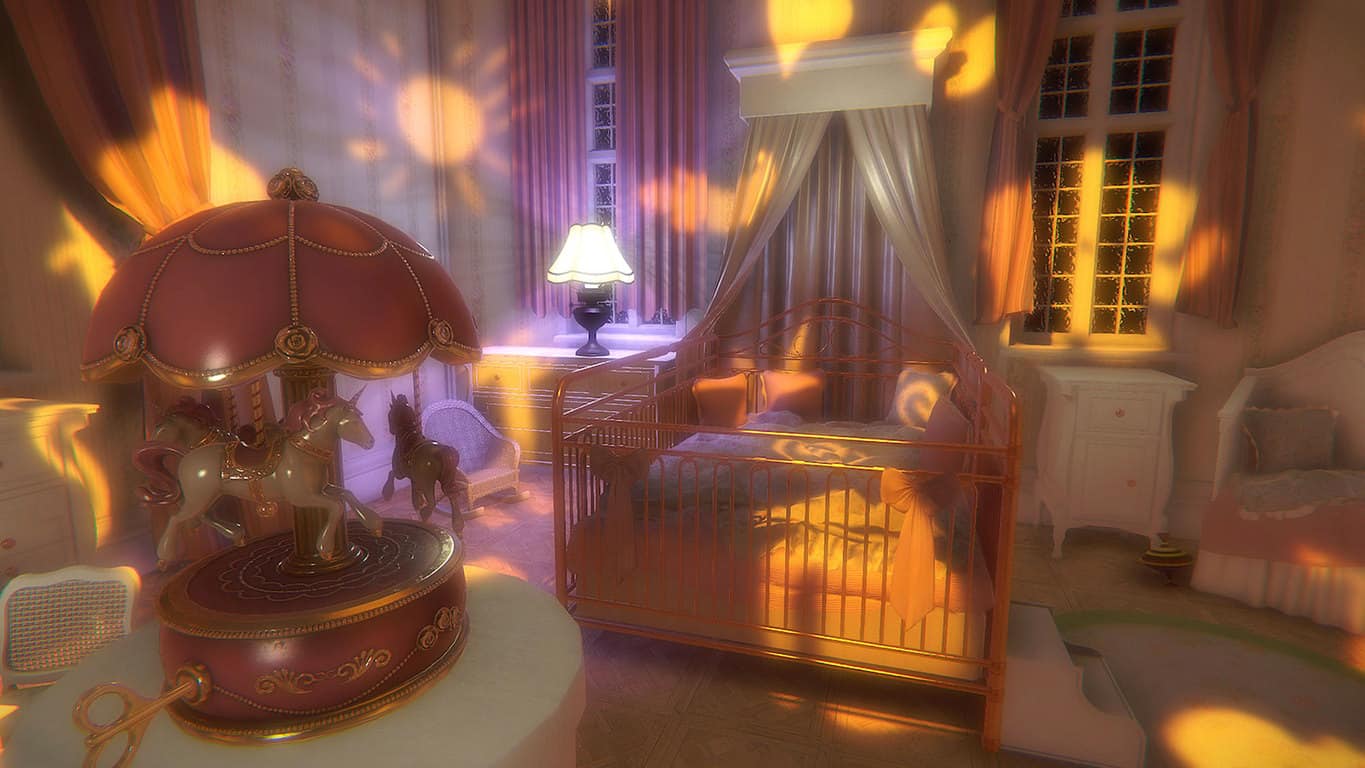
Layers of Fear: Inheritance expands the plot from Layers of Fear and tells the story of the painter’s daughter, who comes back to her childhood home to face her past. Can she forgive her father, or will she resent all that has happened? Relive her experiences and witness the full scope of the tragedy that has swallowed up the family.
Two new video games came out today on Microsoft’s Xbox One console, Risk: Urban Assault and Dead Island Retro Revenge.
Dead Island Retro Revenge is an old school-style spin-off of the popular Dead Island video games and features retro graphics and gameplay that should look familiar to fans of brawler games like Double Dragon. It was previously available as part of a bundle but is now available to buy individually. Here’s the official description: Time for some 16-bit retro revenge! Hell-bent on saving his cat, Max must carve a bloody path through a zombie-infested California, tearing his way through hordes of the undead, battalions of corrupt soldiers, and a slew of evil-minded ex-cons. Pull off crazy combos, collect power-ups, wield super weapons, and unleash insane magic attacks as you fight to become the amazing 16-bit side-scrolling hero you’ve always believed yourself to be!
Risk: Urban Assault is a digital interpretation of the famous Risk board game and is set in a post-apocalyptic world. The gameplay features several major cities around the world and a host of unique strategies and attacks. Here’s the official game description: Lead your troops to victory with Risk Urban Assault! In a post-apocalyptic world, rally your armies and march across some of the most famous cities around the globe. From Shanghai to New York, be cunning and play strategically to defeat driven opponents. Use diplomacy, build facilities or take advantage of your commanders’ special abilities, you now have smart new ways to establish your domination! Fight until all cities are yours!
Are you interested in either Risk: Urban Assault and Dead Island Retro Revenge or is there another upcoming Xbox One game that’s caught your eye? Let us know in the comments below.
The free Windows 10 upgrade offer ended on July 29, but you can still get Windows 10 for free even if you missed that boat. Normally, if you want to upgrade to Windows 10 now, you have to shell out $119. However, there is still a loophole available allowing you to get Windows 10 for free.
Microsoft already announced that Windows 10 would remain free for assistive technologies users, but hasn’t done anything to prevent other users from taking advantage of this exception. In other words, even if you are not using a computer running assistive technologies, you can pretend you are and upgrade to Windows 10 for free.
It appears that Microsoft doesn’t perform any verification at all to make sure your computer is running assistive technologies. This loophole practically allows all Windows users to upgrade for free whenever they want.
We’re not sure whether Microsoft left this loophole on purpose or not, so as to allow more users to upgrade to Windows 10. It does seem very unlikely that the tech giant is not aware of the existence of this loophole.
If you want to upgrade to Windows 10 for free, go to Microsoft’s page and hit the Upgrade now button. Although Microsoft hasn’t revealed when exactly the free upgrade offer for customers using assistive technologies would end, you should hurry up and upgrade to Windows 10 now while you still can.
When does the free upgrade offer extension end?
We have not announced an end date of the free upgrade offer for customers using assistive technology. We will make a public announcement prior to ending the offer.
The Windows 10 Anniversary Update is around the corner, but before you upgrade, you should check if your computer is compatible with Microsoft’s latest OS. If your device is not fully capable of running Windows 10, you may experience serious issues once you install the OS, possibly making you regret the moment you decided to upgrade.
Here’s how to check if your computer is ready for the Anniversary Update
Download the KB3035583 update which will install the Get Windows 10 app on your machine
Go to Windows Update > Check for Updates
Select the KB3035583 update > install it
Right-click the Get Windows 10 icon > select Check your upgrade status
3. Click on the hamburger menu > select Check your PC
4. A list with all the possible issues will appear, informing you about the features that may not work properly.
However, sometimes Get Windows 10 may display inaccurate information, suggesting you to delete certain programs which you may have already removed.
The compatibility check tells me that I need to uninstall a program I already uninstalled over a week ago (PerfectSpeed by Raxco). The check ran yesterday but I uninstalled the program well over a week ago and I can’t find a trace of it anywhere on my computer. Will this be a problem when my computer finally upgrades? (I currently have Windows 7).
Other users even removed the video card, installed a new card compatible with Windows 10, but when they ran Check my PC again, it showed that the video card they had previously removed was not Windows 10 compatible.
The minimum system requirements for properly running Windows 10 are:
Processor: 1 gigahertz (GHz) or faster processor or SoC
RAM:1 gigabyte (GB) for 32-bit or 2 GB for 64-bit
Hard disk space: 16 GB for 32-bit OS 20 GB for 64-bit OS
Graphics card: DirectX 9 or later with WDDM 1.0 driver
Microsoft’s Azure cloud technology has made significant strides in the bringing healthcare to a higher quality. One such example is that of cardiologists experimenting in mobile cardio telemetry. That is to say, a device that can securely share collected data in real time across the cloud to be monitored by medical professionals.
In today’s Microsoft News Centerblog post, the company shared insight into the potential of its monitoring device led by Ziad Sankari and his team from CardioDiagnostic. The medical pioneering company has put themselves on the map for developing an algorithm that is capable of analyzing the electrical activity of the heart and detecting specific patterns with quick recognition. In n effort to create products and technology for their innovation, CardioDiagnostic praised Microsoft Azure’s services as being scalable, available and durable. In compliance with the Health Insurance Portability and Accountability Act (HIPAA), Azure provided their project with the peace of mind that patients data is safe.
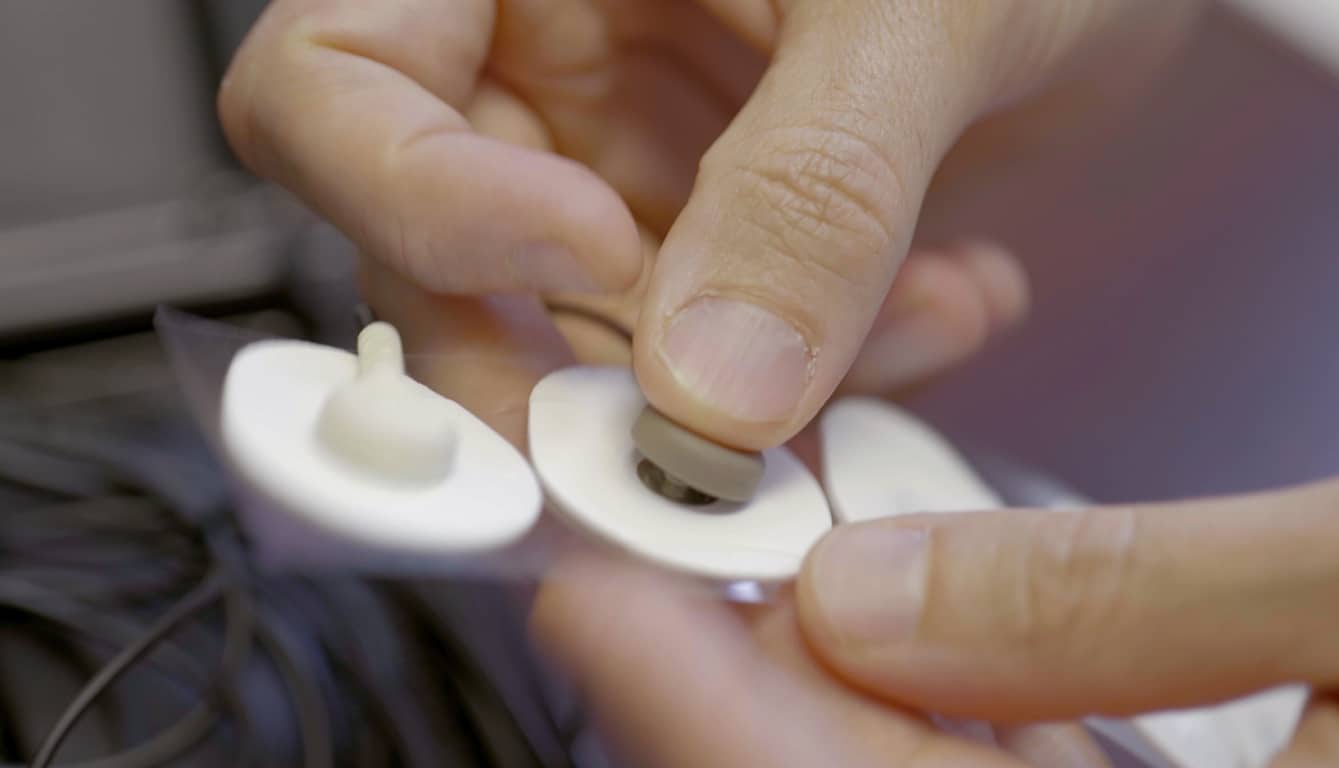
The device is about the size of a mobile phone that is then hooked up to electrodes. It can be worn in any setting necessary by the patient without the need to be even remotely near a trained medical professional. In fact, they can even use the monitor while it is charging. The data is sent in real time through the cloud for a consistent monitoring of the patient’s wellbeing. The technology makes it possible to detect arrhythmias or abnormalities that might occur. These early detection will not only help the team understand correlations with these symptoms and cardiac anomalies, but could potentially save lives with quick response. Perhaps the most important part of the device is the emergency button, keeping an alert close at hand for a surprise situation or discomfort.
It never ceases to amaze what applications Microsoft’s technology might have their hands in. With a growing healthcare field ripe for significant technological advancements, the company continues to sow fields of possibilities through their secure and effective Azure cloud.
A quick and minor update snuck in over the weekend for the Node.js Tools for Visual Studio (NTVS) settling into the version to 1.2. This version, as with others, is focused on increasing a developer’s productivity with basic upgrades to current tools already available.
Faster, better ES6 IntelliSense
More reliable debugging
Improved Performance
Improved Unit Testing Experiences
Overall, the small update to the plug-in improved a lot of stability and performance issues, including reducing the out-of-memory crashes that many users were experiencing beforehand.
Visual Studio (NTVS) is an open source project that is available on the GitHub repository. The update is compatible with VS Community 2015, VS 2015 Express for the Web, and VS 2015 Professional or above. The update doesn’t apply for Visual Studio Express for Windows. Check it out or download the newest version here.
Microsoft is devoting a ton of resources and technology to helping Olympics fans keep up with the Rio games. For example, Bing, Cortana, and Outlook are offering up-to-date info on the games, their schedules, and their results, and Microsoft Azure is being utilized by NBC Olympics for cloud encoding and hosting with video workflows during the Games’ production.
But The Olympics aren’t Microsoft’s only efforts at helping sports impact Brazilians–the company is also partnering with the developers of the popular Windows 10 photo editing app PicsArt to help Brazilians empower themselves through sports. In their blog post today, the developers announced that they’re partnering with Microsoft to #SupportBrazil:
For the duration of the summer games, we’re partnering with Microsoft to promote a special Superhero Clipart package that will, indeed, give you superpowers (it’s true). It’s easy and fun and the best part is we’re donating 100% of the proceeds to Coletivo do Esporte, an initiative focused on empowering Brazilians to achieve more in their lives through sports.
Update: This story was edited to clarify that this partnership does not directly involve the Olympics but rather is aimed at assisting the Coletivo do Esporte initiative.
Once again, the Xbox team and eSports pair up, this time to bring a million-dollar prize pool to competitively elite Gears of War 4 players. Jack Felling, an eSports Producer and The Coalition associate, announced today that the Gears eSports Pro Circuit for Gears of War 4 will not only be holding a one-million-dollar prize pool, but contestants from around the world will be taking part in the tour starting November 25, 2016 until Summer 2017.
The details of the Pro Circuit are as followed:
Players worldwide can earn “Gears Pro Points” by competing in regional MLG GameBattles online ladders and in daily and weekly tournaments. Gears Pro Points qualify players for the international circuit open LAN events that take place every 1-2 months from the Gears of War 4 game launch in October 2016 to July 2017. The Gears Pro Circuit features more international crossplay and competition than ever before in Gears of War history as top teams from North America, Europe, Latin America, and Oceania will qualify via Gears Pro Points to be flown around the world to compete against each other at these events. Teams that don’t qualify for the top travel spots will still be able to compete at local events or any international event of their choosing.
Gears of War players will enjoy large open events with a double elimination format playing the new Escalation competitive game mode (5v5) on Gears of War 4.
Can’t wait for Gears of War 4 and want to start competing in Gears this summer? MLG will be hosting a $25,000 USD Gears of War 4 launch event in October 2016. Players will be able to sign up for regional GameBattles online ladders and tournaments, and more details about qualification and the event itself will be announced in the coming weeks. The top team from each region in Europe, Latin America, and Oceania will be flown to compete against five North American teams to make up the eight teams at the Gears of War 4 launch event at the MLG Arena in Columbus, Ohio, USA.
To participate in the local events in your region, the circuit will be stopping by at these locations on these specific dates and timeframes:
Gears eSports calendar
Additional prizes and perks include a $100,000 event that will take place at some surprise location that has yet to be announced, a launch event a month before the tour begins in November 2016 and players from around the world will be able to start competing online in weekly tournaments with cash prizes worth $50,000.
For the less daring or skillful, spectators can tune into the ten-month long event via the Gears eSports Weekly Broadcast hosted by MLG. The broadcast will feature live matches from online tournament play as well as pro and amateur key ladder matches from across the globe including North America, Europe, Latin America, and Oceania.
For even more information, visit www.gears.gg or follow @eSportsGears on Twitter and GearsofWar on Facebook. Remember, for anyone interested: you have just under four months to get those twitch reflexes in order.
Microsoft has just announced that NBC Olympics has chosen Microsoft Azure as the trusted cloud provider to power the network’s Olympic streaming coverage. This represents the second time that NBC Olympics has chosen Azure for streaming coverage, and Microsoft will also be working with Adobe Primetime and its Primetime TV publishing and monetization platform to bring a authenticated streaming coverage live and on-demand to Olympic fans.
Overall, Microsoft Azure will provide cloud encoding and hosting with video workflows for NBC Olympics’ production and NBCUniversal and NBCOlympics.com’s record 4,500 hours of online content. Scott Guthrie, executive vice president of the Cloud and Enterprise Group at Microsoft, put the situation best:
“We always strive to deliver more content in real time to more channels and devices around the world…During the Sochi Olympic Games, NBC Olympics had more than 1 million concurrent live viewers watching a collective average of 600,000 hours of coverage per day. We are planning for even greater viewing numbers for Rio, and are excited to power the experience again using Microsoft Azure.”
Azure
Rick Cordella, senior vice president and general manager, Digital Media, NBC Sports Group, also expressed confidence in the reliability of Azure. He said:
“The Rio Olympics have nearly three times as many events per day as the Sochi Games…With the Azure cloud platform, Microsoft is partnering with us to deliver the secure, scalable cloud we depend on to bring the Games to millions of viewers on whichever device they prefer, via end-to-end live streaming entirely in the cloud.”
NBC Sports Windows 10 app
With the start of the Rio games on Friday, there will be many ways to keep up with the Olympic Action. Bing will provide a schedule that offers daily updated Events to Watch. Outlook also debuted new Interesting Outlook calendar functionality in Outlook.com and Outlook on the web for events starting with the Summer Games, enabling viewers to add their favorite events from the Olympics calendar to their schedule. Lastly, with the NBCSports App, and the freshly updated MSN Sports app, fans will have around-the-clock Olympics coverage.
While Microsoft’s recent partnerships and collaborations with the open sourced community may be signs of the times for the transitioning software company, the move to embrace more open development may also represent a strategic play for expanding its government contracts portfolio.
According to Bloomberg’s Government Analyst Picks, a daily briefing of stories and sources that cover federal markets, Microsoft’s newly formed partnership with Red Hat Inc. could see the use of its Azure Government Cloud increase among federal agencies.
Thanks in part to Red Hat’s already bustling presence in federal use, Microsoft can now leverage its new Azure Certification tie-ins into Red Hat’s Cloud and service provisions. Joining forces with Red Hat now offers governments who prefer either Red Hat or Azure Government Cloud the flexibility of having both services at their disposal.
On July 27, Microsoft announced that its Azure platform has become a Red Hat Certified Cloud and Service Provider. This allows Azure’s public cloud to integrate with Microsoft data centers and a selection of Red Hat products. It also means the government doesn’t have to choose between Microsoft Azure Government and Red Hat products.
Bloomberg Government data shows that Microsoft Azure and Red Hat contract obligations totaled $4.6 and $73.9 million, respectively, in fiscal 2015. There were no overlapping contracts, but this may change as a result of the partnership. Now that government agencies have more flexibility, both companies’ government contract dollars may grow.”
As Microsoft continues to transition and rebrand itself as the cloud-powered productivity company, it also seems to be attempting a retrench in the enterprise, education, and government sectors with the help and use of the open source community. However, instead of seeking to extinguish already existing players, Microsoft seems prepared to offer its services alongside them for the benefit of the customer and longevity of its brand.
Swiftkey, the developer of a popular mobile predictive keyboard that Microsoft acquired in February, recently turned-off its cloud sync feature following various reports of unusual predictions from users (via Security Week). Nine days ago, Reddit user JawaharlalNehru reported that the predictive keyboard was giving him someone else’s suggestions on his Android phone, including predictions in German as well as sensitive information such as email addresses and more.
As many Reddit users have since contributed to the thread, with some of them expressing their distrust in the service, Swiftkey has since acknowledged the problem. According to the team, the issues only affected a limited number of users and did not pose a security issue. Additionally, Swiftkey’s cloud sync service will be turned off while the team is looking into the issue:
This week, a few of our customers noticed unexpected predictions where unfamiliar terms, and in some rare cases emails, appeared when using their mobile phone. We are working quickly to resolve this inconvenience.
While this did not pose a security issue for our customers, we have turned off the cloud sync service and have updated our applications to remove email address predictions. During this time, it will not be possible to back up your SwiftKey language model.
The vast majority of SwiftKey users are not affected by this issue. If you have any reason to believe you are seeing unfamiliar predictions, please contact [email protected].
In the meantime, you can still use Swiftkey but you won’t be able to sync your predictions across devices. As one of the most popular predictive keyboard apps on mobile devices, Swiftkey had to react quickly to avoid the bad buzz and we’re now waiting for the team to give an update on the service’s status. If you use Swiftkey on your mobile devices, sound off in the comments to tell us if you have been affected by the issue and if you still trust Swiftkey with your personal data.
Just a little less than two months after being officially unveiled at E3, the Xbox One S finally launches tomorrow. Microsoft is celebrating with select launch events for the new slimmed down Xbox One, and Microsoft has confirmed that the new console will be generally available on shelves starting tomorrow.
Reports have also been surfacing of Xbox One S shipping notifications for pre-ordered consoles. Fan site XboxOneUK says pre-order customers are receiving confirmations from Microsoft that their consoles are shipped and will be arriving on time. So if you pre-ordered Microsoft’s latest console well in advance, you should be able to rest assured that it is on its way and will be delivered on schedule, but check your inboxes for a shipping notification. You can also sign into your Microsoft account and view recent orders to find out your shipping status.
Microsoft’s latest console, the Xbox One S, is a 40% smaller refresh of the current generation. In addition to being as capable of the original Xbox One, the Xbox One S is able to play 4K resolution video and High Dynamic Range imaging. It also doesn’t need a bulky power brick, unlike the original Xbox One. And there are options to get it with up to a 2TB HDD for storing a ton of games.
So if you are interested in picking up Microsoft’s latest console but didn’t place a pre-order, you can grab one in stores starting tomorrow, depending of course on availability.
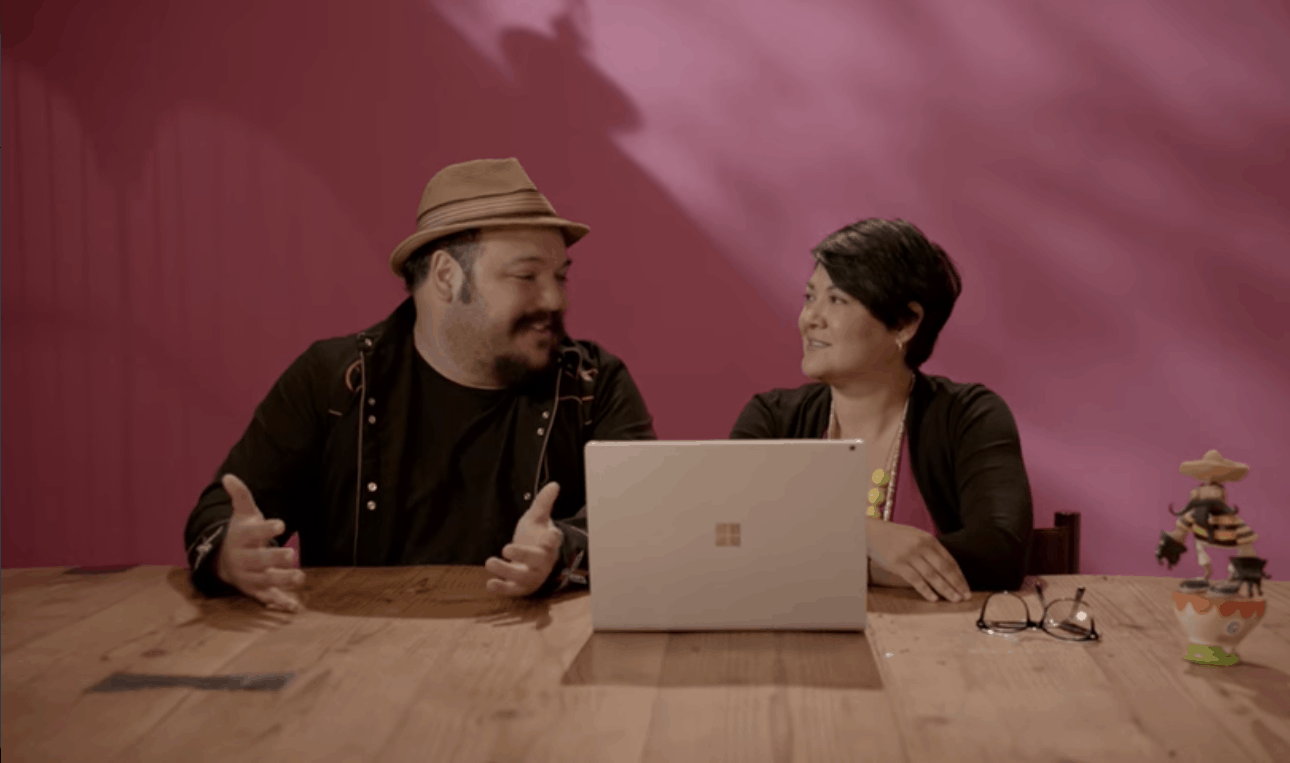
Microsoft has launched a new promotional video for its Surface Book innovative notebook (via Windows Central). The ad features Mexican animator Jorge Gutiérrez and his partner Sandra Equihua, who both created the animated film The Book of Life in 2014. In the following video, they explain how the Surface Book and the Surface Pen allow them to express their creativity and bring their ideas to life. Gutiérrez explained:
It’s like this superpowerful computer and a tablet had a perfect baby. It’s a typewriter for writing scripts, it’s a sketchbook for sketches, it’s a canvas for painting. You can’t do that on a Mac”.
Microsoft also uploaded a Spanish version of the 30-second ad on the Surface YouTube channel, and it seems to be the first Surface ad in a non-english language:
Additionally, it seems that the Mac reference is starting to become a trend in these Surface promotional videos. A week ago, Microsoft released a similar ad for the Surface Pro 4 featuring professional climber and mountain guide Melissa Arnot who explained that the versatile hybrid tablet allowed her to do things that she couldn’t do on a Mac. However, we’re still far from Apple’s popular “Get a Mac” campaign that ran from 2006 to 2009. Let us know in the comments what do you think of this latest Surface promotional video.
Microsoft has announced some of the details for the upcoming Xbox FanFest, happening August 17-18 in Cologne, Germany as part of gamescom. Events will include a FanFest Showcase on August 18th, a special Xbox day-time activity on August 17th, free Xbox swag, meet and greets, and more.
Tickets for the event will be distributed on a first-come, first-serve, one per-person basis, and will be distributed Wednesday morning, August 17 in Cologne, Germany. The location for the distribution, meanwhile, is still top secret, and will be shared on Twitter, Facebook, and Snapchat on 10:00 CEST on the morning of August 17th. Of course, every ticket holder has to be over 18 years of age, and Parents with children under the age of 18 will not be allowed. Ticket holders are also expected to have a valid, government-issued, picture ID.
Microsoft has previously held press events at gamescom, but is forgoing one this year and holding FanFest instead.
While Microsoft has yet to reveal if it plans to sell non-white versions of the Xbox One S, it seems that some Xbox enthusiasts would like the company to allow customers to customize their console through the Xbox Design Lab. Reddit user Tastybread suggested the option yesterday and already received plenty of comments.
Overall, the comments on the Reddit thread are very interesting. It seems that some Xbox fans are definitely open to the idea of customizing their gaming console, but Microsoft would have to make it affordable for gamers. Others are saying that the limited edition consoles currently offer more value to fans, as some of these consoles actually feature pretty extensive customizations including custom system sounds.
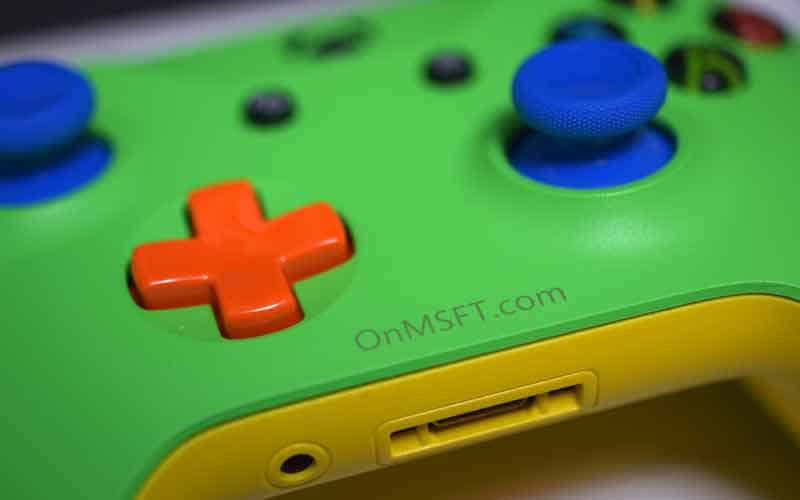
As for Microsoft, the idea could well make business sense if custom gaming consoles could improve the average selling price of the Xbox One S. As of now, the cheapest Xbox One S with a 500GB hard drive sells for $299, which is pretty low when you remember that the launching price of the Xbox One was $500 (Kinect included) back in November 2013. Purchasing an Xbox Design Lab controller currently costs $79.99, which is 33% higher than standard controllers (an engraving option is also available for $9.99).
Do you think Microsoft should consider allowing customers to customize their Xbox One S if Xbox Design Lab controllers become a popular option for Xbox enthusiasts? Let us know what you think in the comments below.
On June 29, the Redmond giant announced that Windows 10 was already running on 350 million devices (including PCs, phones, Xbox One gaming consoles and more), which was 50 million more devices than the previous milestone announced by the company on May 5. As we’re now just one day from the release of the Windows 10 Anniversary Update, we expect the company to release an update on the number of devices running the latest OS pretty soon.
In the meantime, Windows 10 currently enjoys a 21.13% desktop operating system share according to the latest data from NetMarketShare. While Windows 8 and Windows 8.1 now represents less than 10% of the PC market (their respective market share currently clock at 2.09% and 7.8%), Windows XP still closes the podium with a 10.34% market share, far from the seven-years-old Windows 7 which currently leads with 47.01%.
It will take some time before Windows 10 catches up to Windows 7 (credit: NetMarketShare).
OEMs will have to stop selling PCs with Windows 7 by October 31, 2016.
Now that the free upgrade for past operating systems is over, it will be interesting to see how the Windows 10 market share will evolve over the next few months. Let us know in the comments if you think the new operating system will be able to maintain its steady growth in the future.
Remember the classic video game from Microsoft, Chip’s Challenge? Probably not because it is older than you and your grandparents. A developer has done the hard work and has brought the title to the Windows Store for both Windows 10 and Windows 10 Mobile.
The game is free to play and doesn’t seem to have any form of graphical improvements, just the regular game with touch inputs included. Nothing special here as there are several games out there similar in style and gameplay to Chip’s Challenge.
Here’s the full description:
149 increasingly difficult levels, including a few hidden ones, await Chip in this tile-based puzzle game. Use tools such as keys, and special shoes to bypass obstacles. Manipulate switches to and use dirt blocks to build bridges across waterways. Avoid enemy creatures, grab all the computer chips in the level, and hurry to the exit: On top of everything else, there’s a time limit!
For those who are unaware, Chip’s Challenge was first released on the Atari Lynx, then no too long after, it was released as part of the Microsoft Entertainment Pack 4 for Windows 3.1. It was then later released in the Best of Microsoft Entertainment Pack, and then alongside Chip’s Challenge 2 on Steam back in 2015.
Chip’s Challenge was fun decades ago, but we doubt the excitement can hold up in 2016 when compared to other similar titles. Then again, we haven’t yet played the Windows Store version, but we hope to do a review in the coming days.
Download Chip’s Challenge right here from the Windows Store.
Doom is a first person shooter video game that has been released for Xbox One, PlayStation 4 and Windows PC on May 13, 2016. Many Doom fans series were very happy to see this game being released and even if it is not as successful as the previous titles from the series, we can say that the game is still quite strong.
According to reports, all upcoming DLCs that will be released for Doom game will be focused on the multiplayer part of the game, but it will be handled in a way that it won’t split up friends.
Doom didn’t receive any DLC until now and a few months have already passed since the game was released. The first DLC that will be released for Doom is named Unto the Evil and it will be released in one week (August 5, 2016). This new DLC comes with new weapons and equipment, a new demon and three new multiplayers map, where you will be able to play with your friends.
However, not all players will want to purchase the DLC and usually if a friend of yours doesn’t have a DLC of a game, you will not be able to play together the new content that a DLC comes with. Well, the developer has come up with a great idea and it will allow you to invite your friends and play the three new maps with them without any problems. Doom has a new feature called “PartyPlay” and it will allow players who don’t own DLC content to play it without any problems, but only if the friend who they are in party with has purchased the DLC.
In other words, if a friend of yours already has the new “Unto the Evil” DLC for Doom, you will be able to join his/her party and play the three new multiplayer maps when the downloadable content is released.
Do you play Doom in multiplayer mode? Will you want the “PartyPlay” feature to be available in other multiplayer games?
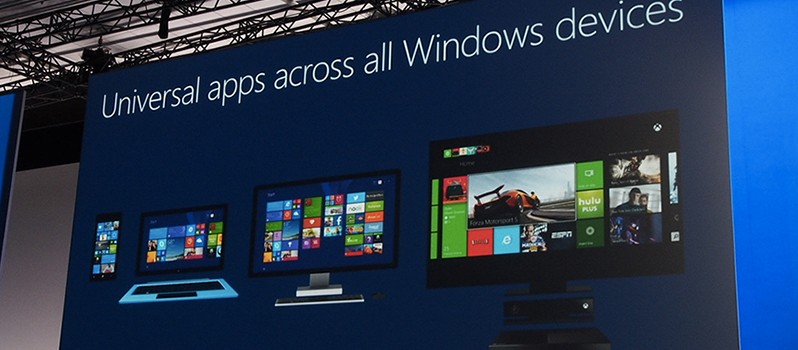
Since the Xbox Summer Update released yesterday, Universal Windows Apps have been available to Xbox users – apps such as Groove Music and DailyMotion are just a couple of the apps already available in the ever-converging Xbox and Windows Store’s, however, Universal Apps on Xbox are currently limited to approved developers only and is not like the Windows Store where any developer can publish an app to it.
Mike Ybarra, Head of Platform Programming at Xbox, tweeted out to say that they are currently working out the details on allowing any developer to upload Universal Apps to the Xbox platform:
We’re working out details on when any developer can upload UWA apps to Xbox. More details in near future. It will happen soon. #Xbox
Without the final details being known, it is unclear if they will allow all developers to upload their Universal Apps on Xbox or if there will be tightened restrictions for the platform. Nonetheless, if plans go ahead, we could be seeing a hefty influx of new apps making their way to Xbox “soon”.
We’ll keep an eye out for the finalised details in the coming days and weeks ahead.
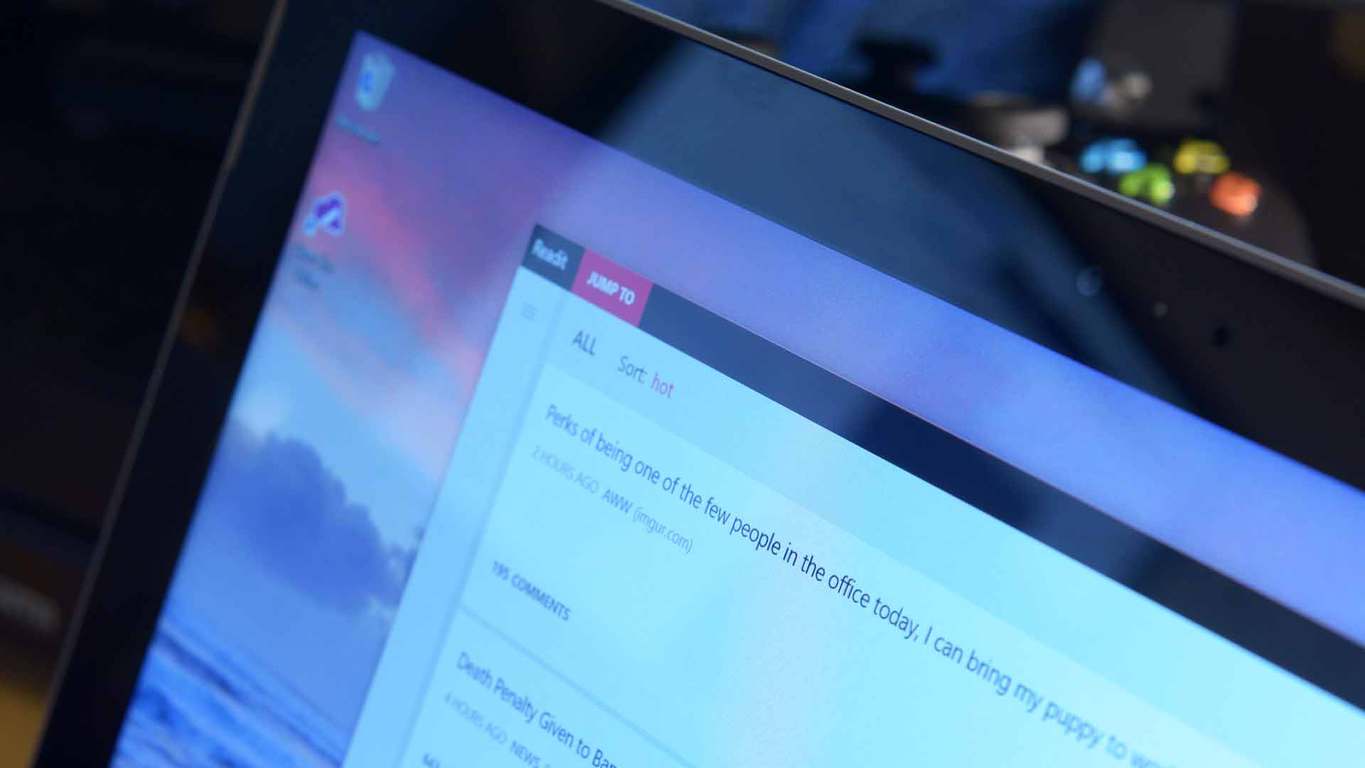
Readit, a third-party Reddit client for Windows 10 devices, has received yet another huge update which brings a large number of improvements and fixes.
The most notable improvements in the latest update are the changes to the themes. The dark theme is now a true dark theme, making the app more suitable for AMOLED screens, along with the light theme being made lighter. Here’s the full list of improvements:
Dark theme is now darker (enjoy AMOLED users)
Light theme is now a bit lighter
Changed some animations in the post viewer such as the comments header and parallax effect added to post content, also the comment count now slides in where the loading indicator is instead of moving abruptly
New comment UI, transparent with a new hierarchy indicator
Changed the way subreddit post notifications work
A toast will only display on screen for the first new post it finds (this applies to every subreddit that you enabled notifications for)
All other posts found will be added to the action center silently (at most 4 other notifications for each sub)
Added support for the “suggested sort” that mods can set on posts (such as q&a for AMAs)
If a suggested sort is set and you visit the link, the suggested sort will be loaded automatically
You will know this as it will be indicated with a “(suggested)” tag either in the mobile context menu or the desktop’s dropdown
Comments should scroll a bit more smooth than before
The app is now ready for Xbox release, just waiting for the store to allow it
Several bugs have also been fixed, which should lead to a smoother and more stable Reddit experience:
Fixed cloud sync (roaming data) not syncing correctly for some users
Fixed adaptive UI on desktop/tablets not triggering
Fixed vevo videos/copyrighted videos not loading
Fixed swipe view in profiles for all category options
Fixed a bug where posts would fail to load if a youtube url contained uppercase characters randomly
Fixed “Select a post…” message disappearing in desktop randomly when there is no post selected
Fixed arrow keys navigating posts when in a textbox
Fixed links not loading when launching from live tiles for subreddits
Microsoft’s Mike Ybarra revealed today that Groove Music will have background music on the Xbox One soon and that ability will come to other apps too later on.
Background music is a highly requested feature on the Xbox One and it will soon be available for all Preview members to try out.
Groove app supports background music in Preview, it will soon to all. Other apps on their way soon as well!
If your Xbox is enrolled in the Preview Program, you will receive the update “very soon” and you will be able to play your favourite music while playing your favourite games, however, not all apps will support it at the same time, as it is up to individual apps to implement the new feature.
Microsoft has announced that the Xbox Summer Update is now rolling out to Xbox One users worldwide. This update brings major improvements to the Xbox platform, including highly requested features such as background music and Cortana integration.
On the Xbox Wire blog, Mike Ybarra, Head of Platform Engineering at Xbox, gave a rundown of the changes that are included in this update:
Background music – music apps can now play music in the background whilst playing a game or using another app
Cortana – Cortana will now become your digital assistant whilst gaming, with support for Kinect or a headset
Game Collection improvements – it is now faster to find games as well as launch them, whilst also managing updates with the new ‘Updates’ screen
Language region independence – regardless of the location of the console, any supported language can now be set on Xbox
Xbox and Windows Store begin their new relationship – while not fully complete, the Xbox and Windows Store’s are now beginning their road to a new and fruitful relationship, as they begin to be combined
Facebook Friend Finder – find friends from Facebook who use Xbox
Sharing improvements – now it is easier and quicker to share GameDVR clips and achievements from Home
The Xbox app and gaming on Windows 10 have also seen some improvements:
Top Windows 10 PC games are now available to view from Xbox Live
60 fps game clip recording with the Game Bar
Improved full-screen support for Game Bar
With these improvements, the Xbox app is now available on iOS and Android.
The Update will appear automatically when it is ready to be installed on your console.
How to update
Scroll left from Home to open the guide.
Select Settings.
Select All Settings.
Under System, select Console info & updates.
Available updates will show in the second button down in the first column.
If an update is available, the button will read Update Available. If your console is already on the current release build, the button will be grayed out and will read No update available.
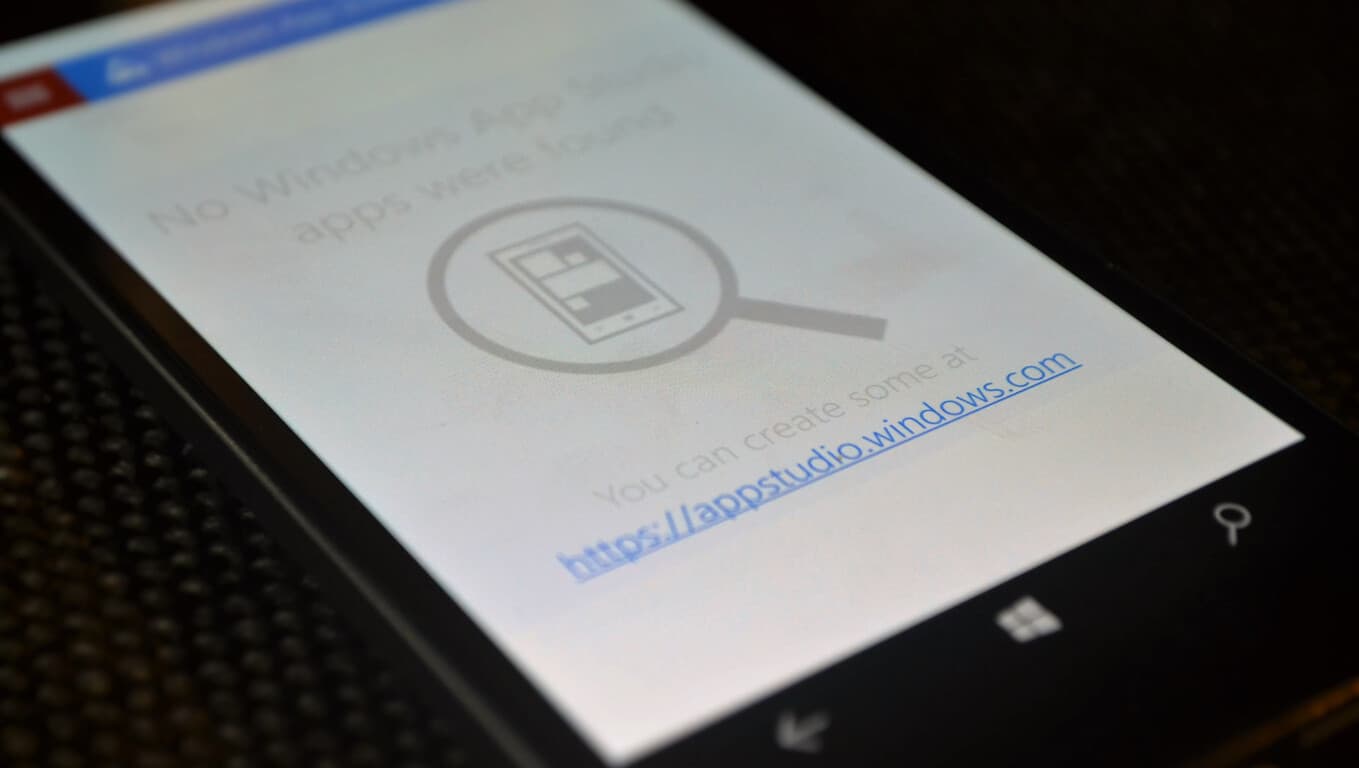
The Windows App Studio is an excellent and easy to use tool made to let you create apps without even writing a single line of code. The tool has been updated multiple times and has helped a lot of developers get into the Universal Windows Platform.
Now, the App Studio scored another significant update bringing new APIs to the table. New features include:
API Gallery
Custom API Sharing
Collections limit increase
Favourites in pivot apps
The new gallery API is probably the most interesting. It lets you pull data directly from services like Spotify, Twitch, SoundCloud and many more. According to Microsoft, this API is community-driven and will improve over time. These changes will help everyone in getting even more advanced apps onto the store by utilising data from third-party sources.
You can read more in-depth about the changes on the Windows Blog.
Tim Sweeney is being his paranoid self again as he goes after Microsoft and the company’s plan to make UWP the standard when it comes down Windows apps. He’s clearly not a fan of the Universal Windows Platform, and believes Microsoft will use it to create a walled garden where Windows is concerned.
Now, no one in their right minds would want to see Windows become a closed operating system similar to that of iOS, the Apple mobile operating system. However, there’s a difference in being concerned and being paranoid, and the latter is what Tim Sweeney is showing right now.
In his latest attack, Sweeney claims in an interview with Edge-Magazine, that Microsoft aims to use UWP to destroy the Win32 platform and ultimately, killing Steam. Because of this, UWP needs to die, and fast, before Microsoft gets its footing together in the right place.
Here’s a snippet of what Tim Sweeney stated in the interview:
There are two programming interfaces for Windows, and every app has to choose one of them. Every Steam app—every PC game for the past few decades—has used Win32. It’s been both responsible for the vibrant software market we have now, but also for malware. Any program can be a virus. Universal Windows Platform is seen as an antidote to that. It’s sandboxed—much more locked down.
The risk here is that, if Microsoft convinces everybody to use UWP, then they phase out Win32 apps. If they can succeed in doing that then it’s a small leap to forcing all apps and games to be distributed through the Windows Store. Once we reach that point, the PC has become a closed platform. It won’t be that one day they flip a switch that will break your Steam library—what they’re trying to do is a series of sneaky maneuvers. They make it more and more inconvenient to use the old apps, and, simultaneously, they try to become the only source for the new ones.
Last time we checked, UWP is not a closed platform. In fact, any developer can allow Windows 10 users to download their UWP-based app outside of the Windows Store. It’s also possible that in the future, UWP apps will become the standard, but still doesn’t mean Microsoft will move to force all apps to fall under its own storefront.
Just like it is now with Win32 apps, developers will be able to host their own stores and have UWP-based apps for download.
Here’s the kicker; UWP is built on Win32, which means, if Microsoft removes Win32 support, then the company would also be removing UWP support as well. Doing this would also break every video game in existence, something Microsoft wouldn’t want to do because it would have to face the wrath of its fanbase.
Let’s not mince words here; Tim Sweeney is delusional, and his hate for Microsoft is making him say strange things. He needs an intervention before he goes off the deep end.
As of tomorrow, the Windows Upgrade prompt-gate should be coming to a close, but the year-long escalating of misunderstanding and fumbled company PR hasn’t seemed to quench Microsoft’s thirst for potential future controversial rhetoric.
Now that Microsoft has nagged as many people as it could into upgrading to Windows 10 and weathered the storm of public complaints and lawsuits, it seems the company is ready to jump back into the fray of controversy as it details its Windows 10 device install policies days before its Anniversary Update release.
Here at WinBeta, we’ve run into a device installation problem that has been further validated by the good folks over at Windows Central. The issue pertains to some devices we can install Windows 10 on.
While many Insiders may remember, Microsoft is now connecting Windows 10 licenses to Microsoft Accounts meaning that an MA associated with a device running Windows 10 counts against the ten eligible device count of Windows 10.
Windows 10 Microsoft Account installs
For most, reaching the ten device limit for Windows 10 will be a non-issue, but for reviewers, journalists or anyone who uses multiple devices, the Windows 10 arbitrary limit may become a problem. So much so, that people who use or signs into an Xbox One, seemingly after applying the Anniversary Update, will now have that device count against their tally of Window 10 enabled devices.
However, for Insiders who happen to also be part of the Xbox One Preview team, keep in mind that your console is now being counted against your total number of Windows 10 enabled devices. Also, bear in mind, a Windows 10 Mobile device also counts as part of the total ten device limit.
In the end, Microsoft might see a bit if backlash when it comes to someone hosting Windows 10 on more than ten devices, but a free upgrade with a single license supporting up to 10 different devices should be more than enough for most people. We’ll keep our eyes peeled for any further development as more people with MA’s download the Windows 10 Anniversary Update to their devices.
Ten years ago, Yahoo Messenger was one of the most used messaging applications for Windows PC. Unfortunately for Yahoo, once other platforms such as Hi5, Twitter and Facebook now compete for user attention, ultimately signaling a loss of users for the company. However, we remind you that a few weeks ago, the company announced that it would stop supporting its old messaging application because it is focusing on bringing a brand new Yahoo Messenger to its users.
Out of the blue, Yahoo announced the release of a new Yahoo Messenger for Windows PCs. A standout feature is the new “unsend” button, meaning that you will be able to remove a GIF, photo or a message you’ve sent via this application.
In addition, the application comes with desktop notifications, which means that you will be able to multitask at your computer without worrying about missing an important message.
The company is encouraging its users to complete the transition to the new Yahoo Messenger before August 5, 2016, as the older version of the application will not be supported anymore after that date.
New Yahoo! Messenger For Windows PC: Features
– Improved photo sharing: you will be able to share high-resolution photos at once without any problems and even swipe to view them in a photo carousel
– Unsend: a feature that will surely please a good amount of users who regretted sending a photo or messages to someone
– Likes: the users will be able to like a photo or message to let the sender know that they like what they see
– Animated GIFs from Tumblr: ability to use GIFs in this application
– Offline mode and low connectivity mode: Don’t worry about your internet connection issues and just send messages, photos to your friends. As soon as you connect to the internet, all your messages and photos will be automatically sent.
What are your thoughts about the new Yahoo! Messenger?
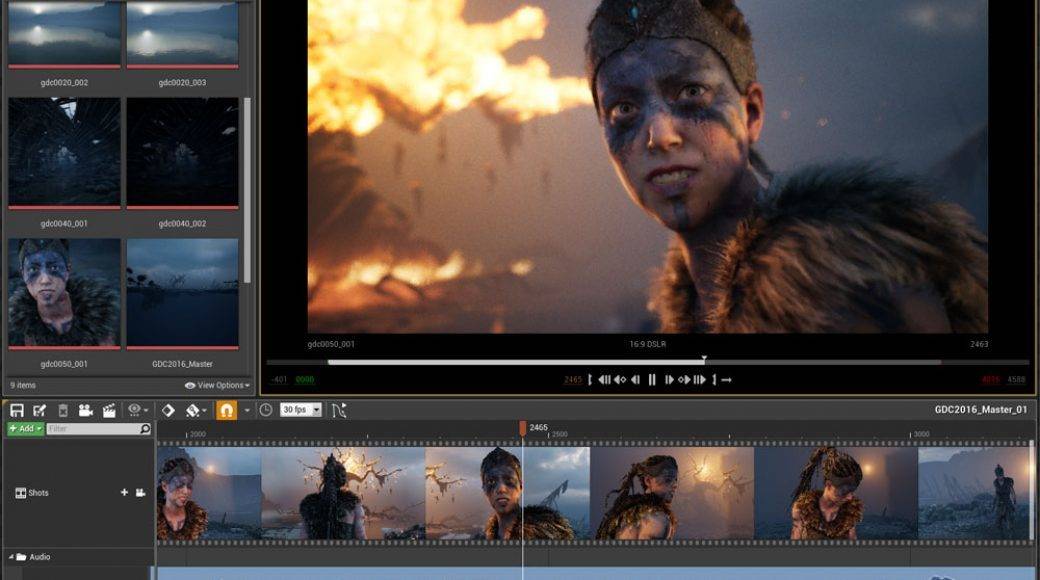
Games created with Unreal Engine 4, a popular suite of game development tools, can be launched as universal applications after Microsoft added support for this platform on Windows 10. The source code is now on GitHub and it can be used by those who have an Unreal Engine 4 license and want to develop a game for PCs, smartphones, and the Xbox.
Dave Voyles, Senior Technical Evangelist at Microsoft, posted on the official forums that “Microsoft has developed Universal Windows Platform (UWP) support for Unreal Engine 4, and has released the source code on GitHub as a fork of Epic Games’ UE4 repository. This code is now available to all UE4 licensees under the terms of the UE4 license, which provide for source code redistribution and use.”
He also gave instructions to gain access to the source code on GitHub:
– Users will need to head to https://github.com/MICROSOFT-XBOX-AT…OFT_UWP_UNREAL, where they will access the UE4 UWP fork.
– They will see the 404 page, then complete the enrollment process ro create a GitHub account, sign up for the Epic program, associate their Epic Program account with their GitHub account and, finally, join the Epic GitHub Org after receiving the email invitation.
Microsoft provides this code “as is” with no warranty and the information and other FAQ updates will be found in the Readme.MD file.
Epic Games developed and showcased the Unreal Engine back in 1998 when it also launched the first-person shooter game Unreal. The game engine was used to develop other genres of games such as stealth games, MMORPGs and other RPGs. The platform’s current iteration, Unreal Engine 4, works with Microsoft’s DirectX 11 and 12, OpenGL, Vulkan and JavaScript/WebGL. The code is written in C++ and many developers use this tool due to its high degree of portability.
The annual Imagine Cup World Championship was hosted earlier today where the three remaining student teams competed for the grand prize title. The global technology competition was created to embrace and encourage innovative thinkers and developers. After yesterday’s Finals Awards Ceremony, the three remaining teams held their breath for this morning’s announcement. Team AMANDA’s virtual environment to build empathy against bullying and PH21’s stealth cooperative puzzle game were at the top of their respective categories. Each of them earned $50,000 as a cash prize for the achievement. However, it was Team ENTy’s application for monitoring balance and posture that took the grand prize.
Flavia Oprea, Iulian-Razvan Matesica, and Cristian Alexandrescu from Romania created a wearable device that would track the posture for users. This was made possible by the use of an accelerometer, magnetometer, and gyroscope that all worked together to record movements in real time. With that information, doctors could determine if the individual was having difficulties in the way that they held themselves or walked due to an inner ear or spinal issue. According to Geekwire, Team ENTy tested with four doctors and approximately 375 patients to with the device.
The team’s commitment to the healthcare field is an admirable one. As team member Oprea stated:
“The medical industry is based on old technology and very expensive, so we said ‘OK, maybe we can make a cheaper technology, an affordable technology,’”
This was the Imagine Cup‘s fourteenth event and is still going strong. Over 150 student teams attended the national finals, but that number was narrowed down to the thirty-five that met in the global competition. With Team ENTy’s victory over those odds, they will be rewarded not only with their prize money but awarded a private mentoring session with the CEO Satya Nadella of Microsoft himself.
For the rest of the teams, it’s back to hitting the books and plotting new innovations that just might be next year’s Imagine Cup Championship winner.
It’s been a year since Microsoft released Windows 10 and its brand new default browser Microsoft Edge. During that period, both the operating system and the browser have steadily evolved through various updates and Preview builds.
Now that the second major update for Windows 10, the Anniversary Update, is just around the corner, Microsoft is also preparing a lot of changes for Microsoft Edge. If you want to find out more about the update and the additions it brings, check out our previous coverage. This article will focus on Internet Explorer’s replacement, and how it will look after the Anniversary Update,
If you’re a Windows Insider, you probably already know what Microsoft has in store for Edge in the Anniversary Update, but it won’t hurt if we remind you. If you’re not a Windows Insider, you’d be glad to hear that Microsoft Edge is getting some highly-requested features with the upcoming update.
So, without further ado, let’s see how Microsoft Edge will look like after August 2nd.
Microsoft Edge after the Anniversary Update
Extensions
One of the most requested features for Edge was extension support, something most user will first notice post-Anniversary Update. A few months ago, Microsoft started slow by releasing just a few extensions for Edge. However, newer Windows 10 Preview builds have packed some in, increasing the number of extensions in the Store,
The most notable Edge extensions are AdBlock and AdBlock Plus, two that users were requesting for months. Besides ad-blocking extensions, users will also be able to use more handy extensions like Evernote Web Clipper, LastPass: Free Password Manager, Office Online, Translator For Microsoft Edge, Pin It Button, Reddit Enhancement Suite, Save to Pocket, and more. To find out how to install Microsoft Edge extensions, check out this article.
Improved power efficiency and consumption
Microsoft already stated that Edge consumes less power than rival browsers, but with the Anniversary Update, Redmond wants to make even more improvements. Namely, Microsoft Edge will use less memory and fewer processor cycles. This will improve the overall performance of the browser, and let the workflow be smoother.
Reduced memory usage also means that Microsoft Edge will minimize the impact of background activities and elements of a web page. With all these efficiency and consumption enhancements, users will be able to use Microsoft Edge longer without having their battery drain quickly.
More accessibility options
Modern web standards like HTML5 or CSS are going to receive improved support for users with special needs. In the improved version of Microsoft Edge, users with disabilities are going to find it easier to access web apps and other online content.
Among other features, Microsoft highlights the improved visual presentation of web pages in high contrast mode as well as improvements for keyboard navigation and screen readers.
Windows Hello for apps and websites
Microsoft’s introduced Windows Hello as an alternative, more secure biometric way for users to sign-in to their Accounts. The same mechanism will be brought to various websites and online services with the Anniversary Update. With it, Microsoft Edge users will be able to quickly log in to certain websites without entering a password.
Microsoft will partner with certain websites to bring this to life in time for the major update. However, it is still unknown which sites will support Windows Hello but we’ll find it out as soon as the Anniversary Update kicks off.
New settings
Microsoft Edge settings are going to be drastically improved, giving users more abilities and customization options for the browser. Some of the new settings are the extensions manager, the custom start page option, the option to only show icons on the address bar, and more. There will also be a “What’s new and tips” section that will inform users about every update and additions for the browser.
The advanced settings section of Microsoft Edge is also receiving improvements. Users will be able to choose an alternative location for downloads. Edge will also support real-time web notifications similarly to what Google Chrome already does.
Improved interface management
Navigating through and using Microsoft Edge should be a lot easier with new interface management options. You can pin tabs to the address bar for instant access or quickly import bookmarks from other browsers with the ability to save them to a separate folder.
Finally, users of touch-enabled devices will be happy to hear that Microsoft Edge offers features specifically for them. Microsoft will introduce the ability to surf web pages simply by swiping left and right. Some more touch-friendly options are going to be added, as well.
This sums it up for Microsoft Edge after the Anniversary Update. As you can see, Microsoft is preparing a handful of improvements and additions for its browser. There’s still more to come, as we haven’t covered every single addition or improvement packaging with Microsoft Edge on August 2nd, but rather the more important ones.
We hope, for Windows 10’s sake, that the improved Microsoft Edge will convince more people to stick to it or at least switch browsers. However, it still feels like even more work needs to be done for Edge to become the best browser out there. Still, we have many major updates for Windows 10 ahead of us and Microsoft surely won’t stop here.
Tell us in the comments below: What do you think about additions the Anniversary Update brings to Microsoft Edge? Is there anything more you’d like to see and use in Windows 10’s browser? Or do you maybe expect something we didn’t list in this article?
Tim Sweeney, the founder of Epic Games, clearly thinks UWP is a closed platform. He has been a vocal critic of Microsoft’s new Universal Windows Platform for quite awhile now, and he fears that Microsoft may monopolize the gaming industry.
As we reported, Sweeney’s position is clear:
The risk here is that, if Microsoft convinces everybody to use UWP (Universal Windows Platform), then they phase out Win32 apps. If they can succeed in doing that then it’s a small leap to forcing all apps and games to be distributed through the Windows Store. Once we reach that point, the PC has become a closed platform. It won’t be that one day they flip a switch that will break your Steam library – what they’re trying to do is a series of sneaky manoeuvres. They make it more and more inconvenient to use the old apps, and, simultaneously, they try to become the only source for the new ones.
As GameInformer reports, however, Microsoft has responded to Sweeney, stating that the current restrictions of the platform are caused by the early development stage of UWP and that things will improve in the future:
Tim is a respected figure in the gaming world, and we value his feedback… As stated previously, the Universal Windows Platform is a fully open ecosystem that is available to every developer, and can be supported by any store. It’s early, and we recognize there is still work to be done, but we want to make Windows the best development platform regardless of technologies used.
Tim Sweeney believes that Microsoft is purposefully crippling the Win32 experience on Windows 10 and trying to break current games to make sure developers move to UWP. However, Microsoft includes the APPX installer in the coming Anniversary Update, making the installation of UWP apps from outside the store as easy as Win32 EXE files.
We will see what future updates of the Universal Windows Platform will bring us. For now, it seems that Mr. Sweeney is once again tilting at some non-existent windmills.
As with most anniversaries, people take the time to reflect and opine on a years’ worth of memories, developments, milestones, and setbacks. For the Windows team, its Windows 10 Anniversary Update release has marked a year gone by and 365 days of cathartic introspection.
The lead of the Windows Insider program Dona Sarkar and the rest of the Windows team are looking particularly at revamping the Insider program. While the Insider program has served both the Windows team and eager Windows 10 users relatively well, Sarkar believes there is still room for improvement and as someone who’s adopted the notion of Windows-as-a-Service, it seems appropriate that Sarkar would like to see the Insider program evolve as Windows 10 does.
We want to evolve the program to engage even deeper with our Insiders. We want to gain a greater understanding of what people are trying to achieve whether it’s starting a business, creating art, learning a skill, or building a career and how Windows can help. We will use this information as an input into future release planning, so our Insiders are using our technology as a superpower as they achieve whatever they set out to do or learn. We want to show how Windows 10 can be leveraged so that Insiders can achieve their career and dream goals.
We’re going to continue to invest in opportunities to meet with Insiders in person and grow the program to include people of all interests and experiences to share their views of how they use Windows. This diverse perspective reaching new generations of Insiders and people of varying technical skill levels will be critical in the next phase of this program.
Something else we’re looking to do this year is a series of global “Create-A-Thons” called #WINsiders4Good to help Insiders within a city get to know each other and build something for local impact. We are starting in Seattle on August 2nd to celebrate the beginning of the global rollout of the Anniversary Update.
For those of you who love installing new builds – don’t worry, we’ll be pushing out new builds again in August!
It seems as though Sarkar and the Windows team plan to get more in touch with the men and women who help shape Windows 10 thus far by engaging in person to person meet ups and parsing her words, they may bring back personalized videos about the productivity of Windows 10.
A little before current CEO of Microsoft, Satya Nadella took over, the Windows team ran a series of ads in a campaign that highlighted the personal use of Windows, notably Windows 8 at the time. The series seems to have been put on pause as Microsoft refocused its marketing campaigns and budgets to target more succinct messaging. However, it sounds like Dona and the gang may be bringing it back, or at the very least hosting some blog post about Windows Insiders coming together to help shape Windows 10 through their personalized use-cases.
Whatever the Windows team has planned, it seems that the Windows 10 Anniversary Update release isn’t slowing them down and that Insiders should expect to be up and running with new builds to test later in the month. Let us know in the comments what you think about the Windows Insiders program so far, and what you expect to see in the future.
Just a month after releasing the first beta versions of Docker for Windows and Mac OS X, the team behind the popular platform that allow developers to create and test their apps through multiple devices have announced today that the apps are now generally available to the public.
If you already installed the beta version of the Docker app, the app should now update to version 1.12 which includes the following new features and improvements:
Faster and more reliable – native development environment using hypervisors built into each operating system. (No more VirtualBox!)
Improved Docker tools integration – all the Docker tools you need to develop locally are bundled in the app.
Improved development flow – Volume mounting for your code and data, and easy access to running containers on the localhost network. In-container debugging with supported IDEs also help you live debug projects, and iterate code quicker with less effort.
Enterprise network support that lets Docker for Mac and Windows work easily with VPNs.
All the new features available in Docker Engine 1.12.
Automatic updates, with different channels for stable and beta.
You can get more technical details about the latest release, we invite you to watch the following video where Product Managers Mike Goelzer and Michael Friis discuss Docker 1.12:
Going forward, the team will maintain 2 channels for the Docker app on Windows and Mac OS X, stable and beta. If you already installed the beta app, you will remain on the beta channel and get an early look at the latest features and improvements. However, if you prefer to switch to the stable release, you will need to download and install the stable version. You can find the download links for the different installers below, let us know in the comments what do you think of the latest features in Docker 1.12.