Get a free Xbox 360 game with the purchase of Deus Ex: Mankind Divided for Xbox One

Deus Ex: Mankind Divided launched today, receiving some solid reviews and satisfying most of the people who enjoyed its predecessor from 2011. The cyberpunk RPG offers players a serious variety in gameplay, letting them choose between lethal/non-lethal multitudes of paths to complete missions and use planning, stealth mechanics, and interesting cybernetic augments in a way that creates a fresh style of gameplay you won’t find anywhere else.

If that sounds good to you and you want to head out and pick up a copy of the game, you may want to do so on Amazon. Using Square Enix’s special offer on Amazon, you can pick up one of many Square Enix Xbox One games and get an Xbox 360 game for free. The games on offer are Dungeon Siege III, Just Cause 2, Kane and Lynch 2, Supreme Commander 2, and Deus Ex: Human Revolution. Of you’re looking to catch yourself up on Deus Ex’s story, the latter option on that list is probably going to be the best for you.

When you order your Xbox One game through Amazon, you’ll get a code through email, and you can redeem that through Square Enix’s website and choose which reward you want to get. Pretty simple, no headache – just play your game while you wait for Human Revolution to ship out to you.

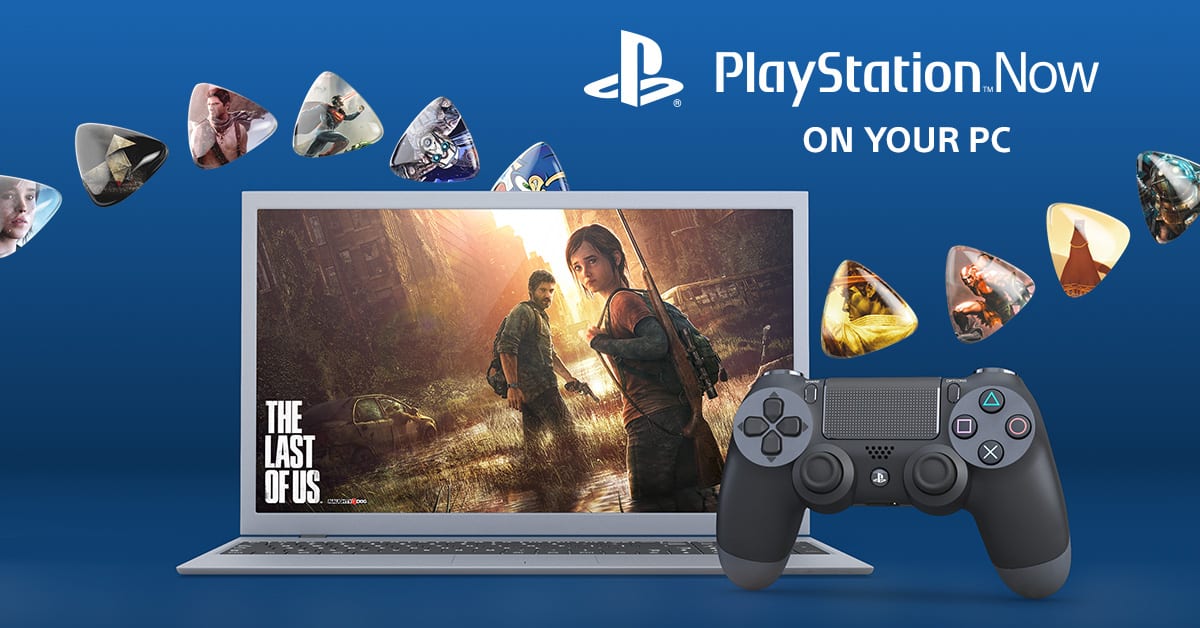
PlayStation Now is coming to Windows PC in Europe, North America soon to follow

Soon, you’re going to be able to play your favorite PlayStation titles on Windows PC. Even more exciting news for Europe is that the PlayStation Now will be available for download as soon as tomorrow for UK, Belgium, and the Netherlands.

Originally discovered earlier today as a ‘leak’ through an image caption, the PlayStation Europe blog post confirmed what enthusiasts have been buzzing about this morning. PS Now has over 300 titles available for instant play including PlayStation classics such as Ratchet and Clank, Uncharted, and God of War. Some fan-favorite PlayStation 3 hits are also available such as The Last of Us and Journey.

Here are the recommended specs for running PS Now on your PC:

  • Windows 7 (SP1), 8.1 or 10
  • 3.5 GHz Intel Core i3 or 3.8 GHz AMD A10 or faster
  • 300 MB or more; 2 GB or more of RAM
  • Sound card; USB port

As with many streaming services, it’s recommended to use a wired Internet connection for the best experience possible. While the system requirements state that a minimum of 5Mbps connection is required, it’s probably best to opt for more. Mac support for PS Now is on the docket, but Sony has officially confirmed a response that they do not have any information to give at this time.

The news coincides with the announcement of the DUALSHOCK 4 wireless controller and adaptor created specifically for PC use. The controller is ideal for using with the PS Now or PS4 Remote Play. The controller is expected to release in September this year with a suggested retail price of $25. The product page doesn’t have pre-ordering enabled yet, however.

North America will have to wait for the PlayStation Now to release on their Windows PCs, unfortunately. There is not an exact date or estimation given at this time as to when we’ll be able to download the application.

Microsoft and NTT partner to bring hybrid cloud solutions to Hong Kong companies

Microsoft may not have a significant presence in the Asian mobile sector, but a new partnership with NTT could give them a strong foothold in the area and the new worldwide emerging market of cloud solutions. According to the South China Morning Post, Microsoft Hong Kong, and Japanese telecommunication company, NTT have paired up to provide hybrid cloud solutions to businesses in Hong Kong.

The partnership will leverage Microsoft’s Azure public cloud, NTT’s information and communications technology infrastructure and NTT’s private cloud, allowing Hong Kong businesses to adopt a hybrid solution combining both public and private clouds to customize the storage of data.

The result of the NTT-Microsoft partnership will be the “Hybrid Cloud Resilience Solution”, allowing companies to store sensitive data in a private cloud while running applications on the public cloud, thereby freeing up businesses from having to spend money on building their own back-up and storage solutions.”

So, where China was late to mobile but surpassed other nations by the regions sheer volume, it seems when it comes to cloud solutions, history may repeat itself. Microsoft’s latest strategic move could have it centered on the explosive use of cloud solutions in the areas similar to its Windows XP and 7 usages if the company can manage to retain the somewhat positive relations it has in the area.

As with most things China, Microsoft’s partnership isn’t being marked as runaway deal due to the level of perceived regulations for the region. Microsoft, NTT, and the Chinese government will have work together closely to educate businesses (particularly finance and public sector jobs) as to how to best make use of the cloud while adhering to regional requests.

Again, if Microsoft’s NTT partnership can be executed to levels hoped for, Microsoft may find themselves with a decent size cloud solution market thus far unchallenged by its constant competitors Google and Amazon.

“App Dev on Xbox” live event to highlight Anniversary Update SDK capabilities on August 30

Microsoft’s Windows 10 Anniversary Update offered up a host of improvements and enhancements across the Windows 10 ecosystem, from PCs to phones to Xbox One consoles and more. The corresponding Windows 10 Anniversary Update SDK for Windows 10 build 14393 made those new capabilities available to developers, allowing them to build apps that can leverage everything that the Anniversary Update offers to users.

xbox
App Dev on Xbox live event on August 30, 2016 at 9:00am PST.

Of course, Xbox One and Xbox One S developers can use the Anniversary Update SDK to enhance their apps as well, and Microsoft is hosting an “App Deve on Xbox” live event on August 30, 2016 at 9:00am PST to highlight exactly what’s new and improved:

With so many great new features and APIs to talk about, we are excited to announce the “App Dev on Xbox” live online event where engineers will spend one day covering the new Anniversary Update SDK capabilities that enable you to build great app experiences for the TV and across other device form factors. The event will cover topics around:

  • the Anniversary Update SDK and getting started with app development on Xbox One
  • deep dive into developing apps using both XAML and Web technologies
  • guidance for designing and creating impressive TV experiences and
  • submitting your apps via the Dev Center to all UWP devices including the Xbox

Last, but not least, anyone will have an opportunity to submit questions to the presenters in a live expert panel made up of the engineers building the platform and SDK.

If you’re an Xbox developer, then this event is a great opportunity to get caught up on everything that’s available in the Windows 10 Anniversary Update SDK. Head over to the event page to put the event on your calendar, and follow along with the discussion on Twitter using the #XboxAppDev hashtag.

You can get started now by downloading Visual Studio Community 2015 and the Anniversary Update SDK. Here’s how to get Developer Mode running on your Xbox One or Xbox One S, and Microsoft has a slew of documents available as well. Let us know in the comments if you’ve already started making Anniversary Update-enhanced apps for the Xbox One and Xbox One S.

Microsoft Garage releases preview of cross-platform copy app Cache for Windows 10 PCs and iOS

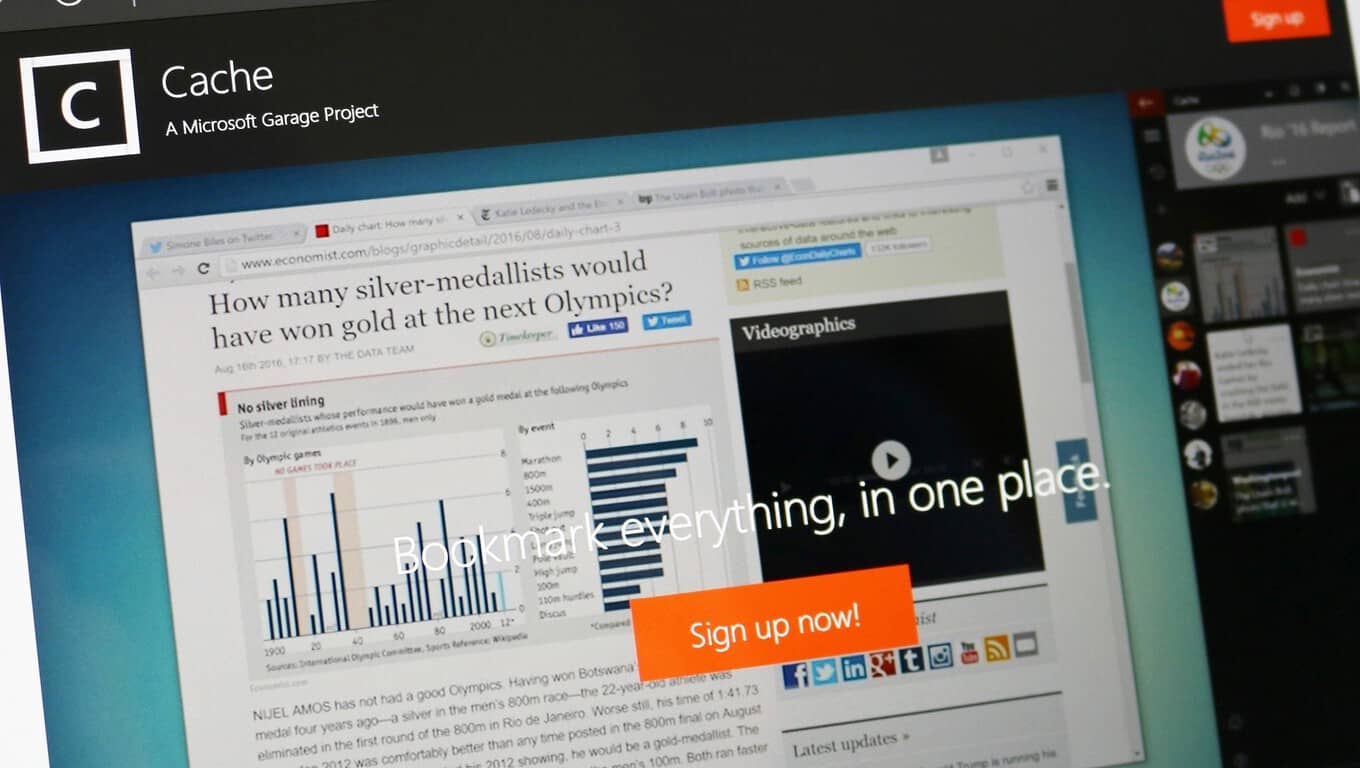
Microsoft Garage has released a preview of a new cross-platform clipboard app called Cache. The app is currently available for iOS and Windows PC, but only after signing up for the preview. The idea for the app is pretty straightforward but has the potential to be incredibly useful.

Cache is a lightweight app that helps you manage and organize anything you clip from the web or any notes you jot down. You can organize the clips by when you clipped them or by your own lists. Your clips are then all stored in the cloud and synced across all of your devices. Cache even remembers where you clipped things from so you can always go back and look for the original content.

An example of the new Cache app via the Microsoft Garage

In essence, Cache is not all that dissimilar from OneClip, which we got a peek at back in May of 2015. In fact, Cache may very well be the successor of that project and potentially part of Microsoft’s plans to further integrate Office into Windows 10 with the Redstone 2 update. Only time will tell, but Cache looks very similar to OneClip when comparing screenshots released today to the screenshots of OneClip recently spotted by Windows Central.

One Clip in action. Image from Windows Central/ Zac Bowden.

An intelligently designed and simplified way to manage notes and clips across devices could be an extremely useful feature. Hopefully, we’ll know more about the app soon, until then, you can sign up for the preview on Cache’s Microsoft Garage page to try it out for yourself.

Microsoft Software & Systems Academy to add two more military bases in October

Microsoft is attempting to support the men and women who have chosen to dedicate their time in the service of their country by offering its Microsoft Software & Systems Academy (MSSA) to all who qualify. The MSSA is a training program intended to help the multitude of members of the U.S. armed service transition from a life of military dedication to high-tech civilian jobs.

For many, the idea behind MSSA targets a fundamental misgiving for men and women who serve in the name of their country, as joblessness and homelessness rank high on the list of factors that lead to depression among veterans. While not all military jobs are transferable to the ‘real-world’, the MSSA is looking to expand its scope of eligible participants who are eager to complete the 18-week course and has recently included two more military bases that have joined in support of the program.

Microsoft is expanding MSSA to more bases and further investing in the program to offer transitioning and former service members more opportunities around three career pathways:

  • Server & Cloud Administration
  • Database & Business Intelligence Administration
  • Cloud Application Development

Fort Bragg, North Carolina, and Fort Benning, Georgia, will become the newest MSSA sites with cohorts starting on Oct. 17. Ribbon-cutting ceremonies at both bases will welcome new students into the IT training program. Fort Bragg and Fort Benning join three bases where MSSA is already up and running, with six additional locations planning to join the program in the coming years.

Unlike other job assistance programs that merely train potential employees, the MSSA is guaranteeing interviews for full-time positions with Microsoft or a partnering company. This means that the information being learned can be directly applied to a job from the training company rather than a general understanding of knowledge that may or may not land a specific contract.

For those interested in the MSSA or know of someone who might be interested, the MSSA homepage is a great resource for stats that represent the early success graduates of the program are apt to witness. With a support network of over 130 companies hiring MSSA grads for salaries averaging $70,000, veterans worried about work outside of the military should now have some measure of confidence about transitioning into civilian life.

Microsoft promotes Surface Pro 4 for SMBs in new videos

Just a week after Microsoft put its Surface Pro 4 against Apple’s iPad Pro in a short funny ad, the company’s 2-in-1 computer is back in (small-medium) business today in two now promotional videos targeted at SMBs. The new ads highlight why the hybrid tablet is the perfect device for business customers looking for a versatile solution that allows them to be productive on the go.

The first video features GroupQuest President Mario Malatesta who explains why the Surface Pro 4 has “completely changed so many of our lives”:

The second video features Notable founder Julian Brass who explains that the Surface Pro 4 is “all about versatility”:

While Microsoft doesn’t disclose its Surface sales, the hybrids tablets are selling well as Surface revenue increased 9% during the company’s Q4 FY 2016. Earlier this year, we reported that the two-in-one devices were also really popular among creatives and company executives as one Microsoft Authorised Device Reseller explained that “you often get the directors buying themselves the i7s and then buying staff the i5s, which is the run-rate business”. Sound off in the comments if you also think that the 2-in-1 is the perfect device for SMBs.

Aaron Greenberg’s Twitter account compromised (but he still wants an Xbox Onesie)

Amidst all of the recent craze for Xbox Onesies, Aaron Greenberg’s Twitter account was compromised.

Greenberg is the head of Marketing for Xbox Games. Earlier today, he tweeted about the demand he is receiving for the Xbox Onesie which Xbox Australia dreamt up. Not long after, his Twitter account was hijacked. Some of his followers commented it looked like his Foursquare account was actually what was compromised, but because his Twitter and Foursquare accounts were linked, his account started tweeting random things.

Greenberg has his account all sorted out now. And he still wants an Xbox Onesie.

The Xbox Onesie has certainly captured the imagination of many gamers. And the hashtag #XboxOnesie has become a trending moment on Twitter.

Hats off to the Xbox Austrailia PR unit. But they might have inadvertently created a huge amount of worldwide demand, apparently including Xbox’s own corporate executives.

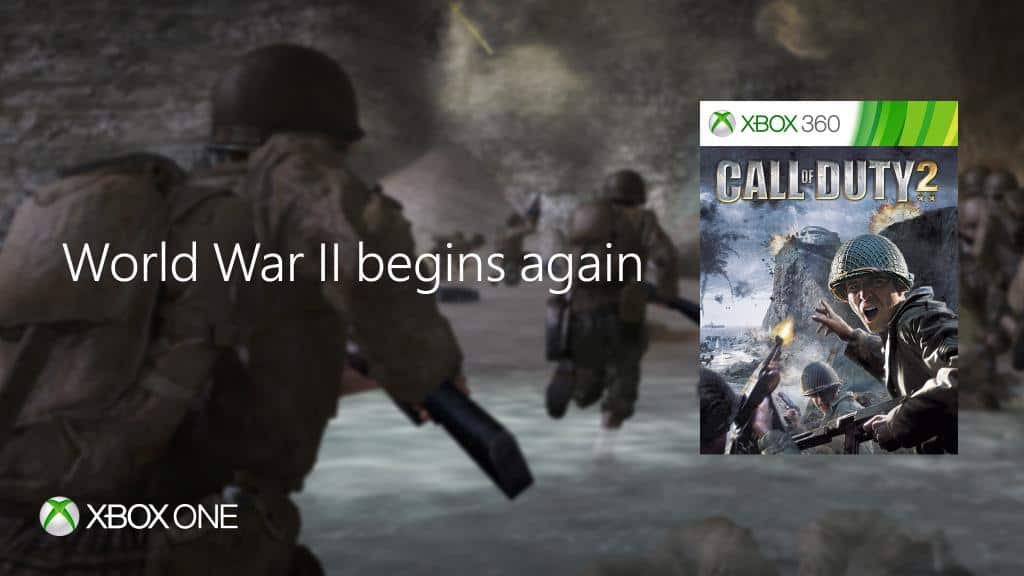
Call of Duty 2 is now Backward Compatible on Xbox One

If you’re a fan of the classic Call of Duty games, then you might want to fire up your Xbox One and head over to the Xbox Store (or search through your pile of game discs!) Major Nelson has just taken to his blog to announce that Call of Duty 2 is now available on the Xbox One via Backward Compatibility.

Originally released back in 2005, Call of Duty 2 was the then second installment to the now famous Call of Duty franchise. Set during World War Two, the campaign brings you into the shoes of four soldiers, one from the Red Army,  two from the British Army, and another from the US Army.  Call of Duty 2 is also divided into three stories with a total of 27 missions, each concerning a World War Two soldier overcoming the events of the War.

If you don’t already own this game and are interested in downloading via the Xbox Store, be sure to head over to the Xbox store via this link here. As always, drop us a comment below and let us know how the experience is going for you once you’ve got the game running on your Xbox One.

Xbox One S Halo Collection now available in 500GB or 1TB models

Keeping in the spirit of all things Halo, Microsoft has released the Xbox One S Halo Collection in 500 GB and 1 TB models. Announcing the news on Twitter, Xbox announced the two Xbox One S Halo Collection consoles are available for purchase through the Microsoft Store.

The Xbox One S 500GB model costs $299.00 and comes with the new Xbox Wireless Controller, Halo 5 Guardians physical disc, and The Master Chief Collection digital download. While the Xbox One S 1TB model costs $349.00 and comes with everything the 500GB Xbox One S model, plus a 14-day Xbox Live Gold trial.

Additionally, when you buy either the 500GB or 1TB Xbox One S models, you get a choice of one of the following Xbox One games free: Watch Dogs, The Crew, Just Dance 2016, and Just Dance: Disney Party 2. Microsoft is also offering $10 off additional Xbox One S Wireless controllers (limit 3 per customer).

It would have been nice to get our hands on a Halo-themed Xbox One S, instead of the plain white model, but this is still a good deal.

Buy the Xbox One S Halo Collection 500GB or 1TB console bundle from the Microsoft Store.

Interest in the Microsoft Professional Degree program surpassing expectations, more info coming at Ignite

During their World Partner Conference in July, Microsoft unveiled a new Professional Degree program to provide résumé-worthy credentials for in-demand skills. As we reported in July, the program kicked off first with a credential for Data Science.

The course includes 10 online classes and labs. Eight modules focus on specific content, one is the beginning orientation, and last is a final project which serves as a capstone to the experience. Interestingly, the final project is also designed to simulate real-world data challenges and uses the Cortana Intelligence Suite.

More to be revealed at Ignite in September

When the original announcement was made at WPC, Microsoft said there would soon be further announcements about additional courses. Now thanks to a Microsoft Partner Network blog post, we can know when to expect more information about the future of the Professional Degree program.

In today’s blog post, Gavriella Schuster, Microsoft Corporate VP, announced more information will be shared next month at Microsoft’s Ignite Conference. Schuster says the “feedback has been amazing” for the Data Science degree. And that Microsoft’s partners are excited to be offering their own learning solutions using the same Azure powered Open EdX platform.

Microsoft Ignite runs from September 26th through the 30th in Atlanta

The blog post doesn’t give any direct hints about what news might be shared next month at Ignite. Microsoft’s Ignite conference is their singular conference for discussing all things related to enterprise technology. Given the focus of today’s post being on partners’ enthusiastic response to the Professional Degree program and the Open EdX platform, it’s possible the Ignite conference announcements will be in that same vein.

But we’ll have to wait until sometime between September 26th to September 30th to see what announcements are made at Ignite. And when they do we’ll be here to cover the latest news for Microsoft’s professional degree program. Until then you can check out more about Microsoft’s Professional Degree Program in Data Science here. All modules can be audited for free, but in order to earn your credential the entire course costs $500.

If you are going to be in Atlanta for Ignite and are further interested in Data Science, you can also attend Microsoft’s Data Science Summit. The summit is held during the first two days of Ignite and provides opportunities to connect with other Data Science professional, building your technical skills and be exposed to what is most current in the field.

Windows 10 Insiders on build 14905 can’t change Settings, a fix is in the works

Last Wednesday, Dona Sarkar pushed out Build 14905 to Windows Insiders in the Fast Ring. While all Windows Insider builds usually have a set of listed known issues, many users who have installed the build have reported an issue where they could no longer make changes in the Windows 10 Settings app. Microsoft has now acknowledged the issue and has said that a fix is in the works (via WinBuzzer.)

While the bug was not listed in the initial announcement of the build, Jason, a Program Manager on the Windows Insider Engineering Team pointed out that the cause of the issue has been discovered and a fix is in the works. He is quoted by WinBuzzer as saying,

Users on this new build will not be able to change the Insider Preview Build settings on their PC. The cause of this issue has already been discovered and a fix is already in the works.  This fix will be included in an upcoming flight.

There are no workarounds for this issue.  It does not impact core OS functionality, only the ability to change flight settings.  If you find it necessary to make changes before a future build is released with the fix, you may roll back to your previous build via the Settings menu.  This however should not be required.

So, if you are experiencing this issue, it is best to standby for the next set of updates or the next Insider Preview build. Once the update is released we will be here to report it.  Until then, be sure to follow us on Twitter, and check out our Redstone 2 news hub to stay up to date on all the latest Windows 10 news and information.

Win a custom NFL team Xbox One S complete with Madden NFL 17 in this Custom Console Sweepstakes

Today, August 23, marks the launch of Madden NFL 17.  To celebrate the occasion, and the eventual start of NFL Season, the folks over at Xbox are teaming up with EA Sports and the NFL in a custom console sweepstakes.

As part of the sweepstakes, 32 custom 1 TB Xbox One S consoles were designed by Microsoft, with one for every NFL team.  To enter to win one of the consoles, you can head to www.xboxpromotions.com/MaddenNFL17 and vote for your favorite console, click to enter from your Xbox One or Xbox 360 dashboard, or follow Xbox On Twitter and RetweetMadden NFL 17 #XboxSweepstakes Tweets.

New York Jets Custom Xbox One S

The 32 consoles all come with a copy of Madden NFL 17, but an additional 10 Xbox One S 1 TB Madden NFL 17 Bundles will also be given away to 10 lucky runner-ups in the sweepstakes.  However, time is limited, and the sweepstakes will only be open from today (August 23rd) to September 6th, 2016.

For the complete rules and details on this sweepstakes, and to take a peek at all 32 consoles, please head over to this page. Once you’ve given it a look, please come back to WinBeta and let us know if you’ve tried your luck by entering!

Xbox Australia reveals an Xbox Onesie, do you want one?

The Xbox brand is one of Microsoft’s most popular consumer brands as of today, and it seems that the Redmond giant is well aware of this fact. Back at E3 2016, the Xbox team introduced the Xbox Design Lab, a new website which allows gamers to customize their Xbox One controller by choosing several colors for different parts of the controller (there is even an engraving option), but the Xbox Australia has now pushed Xbox enthusiam to the next level with the Xbox Onesie (via Press Start).

Xbox Onesie
That’s how real Xbox enthusiasts look like, folks.

Could the Xbox Onesie be soon considered as the ultimate gaming uniform for the Xbox fan? According to the press release, Xbox Australia is taking the gaming suit quite seriously:

Set to delight fashionistas and entertainment fans alike, the limited edition Xbox Onesie has been designed in collaboration with some of the country’s biggest film, TV, gaming and sports fans. The result… what can only be described as the perfect loungewear attire for true entertainment fans!

Indeed, the Xbox OneSie seems to have been carefully designed to take into accounts your gaming needs. Here are a the main highlights:

  • Enlarged pockets to fit your Xbox Controller and Media Remotes
  • Arm pouch to offer quick and easy access to your mobile phone
  • Roll-able legs and arms to cater for all temperatures and seasons
  • Forearm grips to prevent slipping on those ‘edge of your seat’ moments
  • Extra-large hood to accommodate headsets for the ultimate gaming sessions
  • Customised Gamertag embroidery

The limited Xbox Onesie will be available in white and black colors, but Xbox Australia has yet to reveal when it will be available to purchase in the country. However, head of Xbox marketing Aaron Greenberg seems already enthusiastic about it:

While the Xbox Onesie won’t probably make you a better gamer, the Xbox Australia team could really be onto something here. The gaming suit looks like a cool way to proudly showcase your enthusiasm for everything Xbox, and we can’t wait to see the first Xbox fans wearing their Onesies in the streets (because why not?), in gaming conferences and more. Let us know in the comments if you think many Xbox fans are going to want an Xbox Onesie.

Obliteracers brings 8 player local multiplayer racing to Xbox One

A new racing game, Obliteracers, is on its way to the Xbox One and it’s going to be competing with the existing two-player and four-player racing games by offering support for up to eight players in local multiplayer races.

Here’s the official game description: Award-winning same-screen party racing for up to 16 players! Race brutal-cute aliens on exotic planets, using weapon powerups and physics-based vehicles to annihilate your competition in frantic round-based combat.

Features

  • Addictive racing mayhem for all ages featuring brutal-cute aliens, exotic locations and absurd weapon powerups
  • Squeeze 8 local players onto the same screen
  • Battle friends and family on the couch, compete against others online, or play career mode solo against punishing bots
  • Highly customizable party game modes with dozens of gameplay modifiers and presets for endless variety
  • Simple controls for newcomers, with advanced strategies for veteran players
  • Round-based combat ensures quick respawns and allows drop-in drop-out play

Pre-order Obliteracers on Xbox One

Other racing games on the Xbox One include the popular Forza series, Disney Infinity 3.0, and Valentino Rossi. Another upcoming racing game, Assetto Corsa, is also up for pre-order right now. Do you have a favorite racing game on the Xbox One? Let us know in the comments below.

Earthlock: Festival of Magic launching Sept 1st on Xbox One, free for Gold members

Earthlock: Festival of Magic has just been revealed as one of September’s free Games with Gold video games for Xbox Live Gold members. The game will also be launching on September 1st so will be purchasable on Xbox One for those gamers without the premium service subscription.

Earthlock: Festival of Magic is a Western roleplaying game with a focus on story, levelling, crafting, and combat. Here’s the official description: What starts as a simple quest for desert scavenger Amon soon sprawls into a journey where several unlikely heroes join to save Umbra, a beautiful but harsh world that mysteriously stopped spinning thousands of cycles ago.

Explore the world of Umbra and face myriads of monsters in exhilarating turn-based combat. Kiting lets you strategically take on as many enemies as you like. The more enemies the more experience gained. Mix up your strategy to beat your enemies using two different stances per character, and build your characters’ battle bond to unleash powerful abilities or unique perks.

Customize each character’s progression with the Talent Table. Find new Talent Tiles in the world or craft your own. Grow plants and gather ingredients to craft ammo and items. All this on your idyllic home island.

Have you been waiting for Earthlock: Festival of Magic? Let us know in the comments below.

Here are some examples of using Microsoft Flow for synchronizing files, collecting data, and more

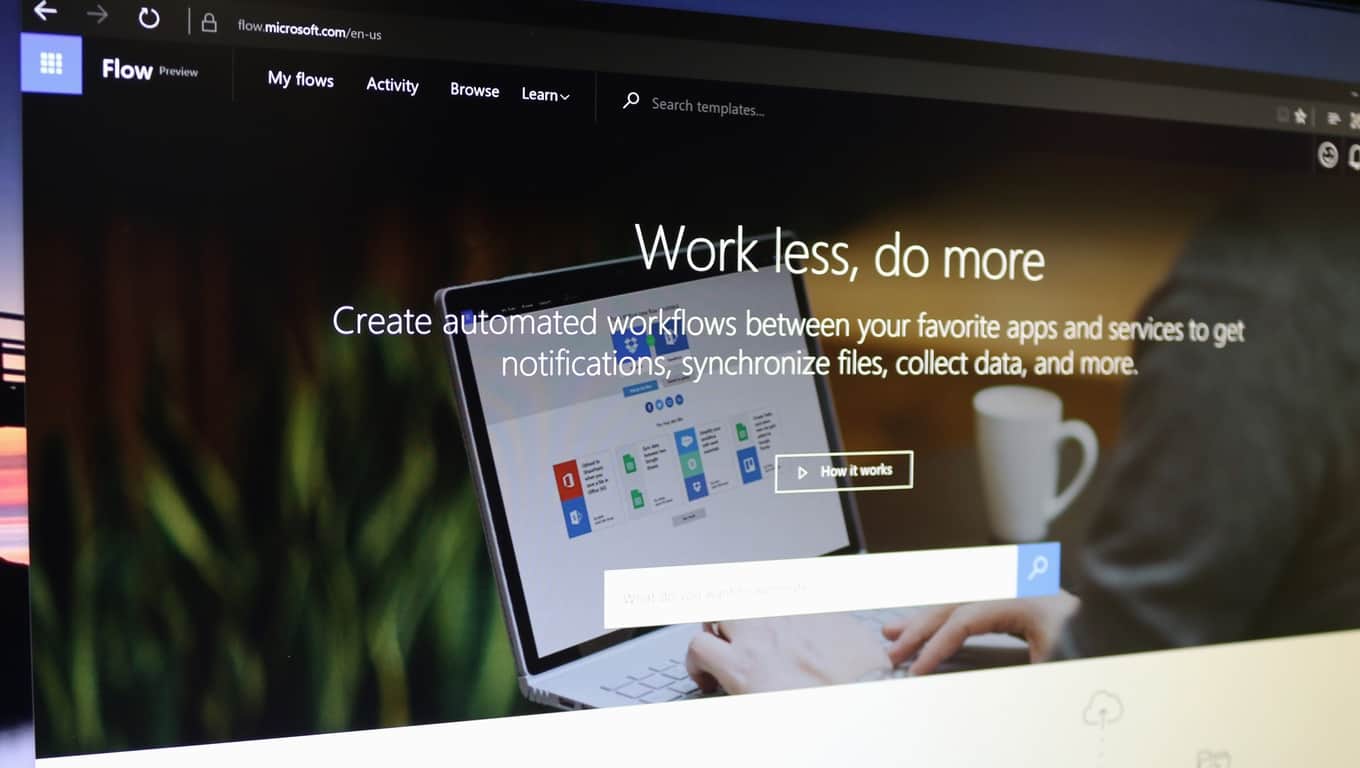
You can become more productive than ever with Microsoft Flow. Connecting applications has never been any easier. With the use of Microsoft Flow, you can connect your important emails to send a text message upon receipt or add Twitter leads to your CRM. The possibilities are nearly limitless as more and more applications and programs are being supported through through Flow.

You can get started instantly from the home page. Set up what you need through one-step simple tasks or multi-step complex tasks. Or jump right in with the multitude of previously created templates.

There are 43 different applications and programs to connect up to. Including, but not limited to:

  • Office 365
  • Twitter
  • OneDrive
  • Dropbox
  • Google Drive
  • Slack
  • MailChimp
  • GitHub
  • Dynamics CRM
  • SharePoint
  • Salesforce
  • SQL and

Microsoft Flow is also available on the go with their mobile counterparts. The iPhone version is available fully while the Android Microsoft Flow application is still currently in beta. Both of which allow you to enable/disable and monitor the Flow activity such as successes and failures.


Microsoft releases preview of Azure App Service MySQL in-app support

Developers can now use Microsoft’s Azure App Service to create Web applications built with MySQL. A Microsoft Azure blog post released today went into more depth about the new feature currently in preview.

MySQL in-app enables developers to run the MySQL server side-by-side with their Web application within the same environment, which makes it easier to develop and test PHP applications that use MySQL.

To make this new features even more accessible, developers can get started in the Azure Portal.

The MySQL application support allows for many opportunities that weren’t present in the Azure App Service before. It supports many popularly used PHP applications such as WordPress, Joomla, and Drupal. The storage shared between the web applications and the MySQL is shared in the same location for efficiency.While slow query logging and general logging are available and do work, it’s not recommended. The custom logging can cause performance issues that will affect the overall performance.

Creating Web applications with the MySQL database doesn’t require any additional purchase besides that of the Azure App Services. However, it does come with some drawbacks and limitations. Some tips that the Microsoft Azure blog post shared included:

  • Check your storage limits and upgrade the web app pricing plan as needed to accommodate data for both MySQL and your web app. For storage and memory limits for your pricing tier, review the quota limitations for all App Service plans pricing tiers.
  • Note you only get one MySQL database per web application. In a scenario where you have a deployment slot web app and a production web app, you will get one MySQL database for the deployment slot and one MySQL database for the production web app, if you decide to turn on this feature for each app. The database contents will not be synchronized, which makes it easier for you to try different schema versions and content.
  • The auto scale feature is not supported since MySQL currently runs on a single instance. Similarly, enabling local cache is not supported.
  • The MySQL database cannot be accessed remotely using the MySQL CLI or other tools that access external endpoints. You can only access your database content using PHPMyAdmin (which is bootstrapped upon provisioning) or using the KUDU debug console.

SInce the in-app MySQL is a preview feature, keep in mind that it shouldn’t be used for application production. Read more about the new feature for Azure App Service in detail on the Microsoft Developers blog.

New Amazon app hints at future Windows 10 Mobile support?

Amazon has recently ended support for the Windows 10 Mobile platform. However, not all hope is lost since the retail giant has released a new Windows 10 PC app, which hints at a future Windows 10 Mobile app.

The new Amazon app is actually a web wrapper, meaning that you’ll get the exact same experience on this app as if you were surfing on the company’s official website. Although this is not a Windows app per se, there is one element that has caught everyone’s attention: it supports both the PC and Mobile platforms.

new amazon app windows 10

Of course, the fact that the app description mentions that mobile support is available, doesn’t guarantee Amazon will release a new Windows Mobile app. Judging by the current characteristics of this new app, Amazon could release an app for Windows 10 Mobile on the 12th of Never.

On the other hand, optimistic Windows phone users take the presence of the mobile icon in the app description as an implicit guarantee for future mobile app support. A UWP Amazon app could constitute the foundation for PC and Mobile native support.

Meanwhile, if you want to access Amazon’s website, we suggest you connect straight to their website using your default browser. There is no point in downloading an app which offers the same experience.

As far as the quality and responsiveness of the new app are concerned, users are pretty disappointed with its overall performance.

Downgrade not upgrade
The previous amazon app available on windows phone/mobile at least worked well enough to use. I hope this is only a temporary replacement as it is pure garbage. It’s a web app not a true application. No access for prime members to utilize what they pay for.

If you’re still curious to test out the new app, you can download it for free from the Windows Store.

RELATED STORIES YOU NEED TO CHECK OUT:

Here’s a concept of Windows Defender in Windows 10 Redstone 2 update

Windows 10 Anniversary Update brought many changes to the system, and its features. One of the features that received a few functionality improvements is Windows 10’s default security tool, Windows Defender.

Windows Defender now has the ability to perform a background scan when a third-party antivirus is installed. That way, any incompatibility between Microsoft’s tool and another antivirus will be avoided. Additionally, Windows Defender can now perform an offline scan on startup, which eliminates some potential risks that are present when a computer is running.

However, Windows Defender after the Anniversary Update looks almost identical as looked in the previous version of Windows 10. So, even though Microsoft’s security software is more powerful now, a lot of users actually got bored of looking at the same user interface for more than a year.

That encouraged some Windows 10 enthusiasts who had a few fresh ideas, and some extra free time to create their own concept of how Windows Defender should look like in the next major update for Windows 10. One of them is Redditor ioannisemmanou, who posted his perception of the new Windows Defender on his profile.

windows defender concept 2

The improvised version of Windows Defender is apparently a UWP app, that blends into the Windows 10 environment more than the existing version. Of course, it features a hamburger menu, just like the majority of other UWP apps for Windows 10.

As shown on uploaded screenshots, this version of Windows Defender has a dark and a white mode. This is a nice touch, since the Anniversary Update introduced the ability to choose between two themes for UWP apps and other user interface elements of the system.

Author didn’t precise functionality features of its version of Windows Defender, so we assume he’ll pass that to Microsoft.

windows defender concept 1

Once again, this is just a design from a regular Windows 10 user, not from Microsoft, so there’s a big chance that Windows Defender won’t look like this in the Redstone 2 update. However, the company should definitely at least take a look at this concept, because most users agree that this is how they want Windows Defender to be designed.

Tell us in the comments what do you think about this concept? Would you like to add something?

RELATED STORIES YOU NEED TO CHECK OUT:

Pokémon comes to Windows 10 with PoGo-UWP app

PoGo-UWP or ‘PoGo’ is a UWP (Universal Windows Platform) client for Niantic’s trendy game “Pokémon go’ which is still not available on Windows 10 mobile devices and playable only on Android and iOS phones. Niantic still hasn’t made public any plans regarding releasing this app for Windows devices.

But thanks to some third party team of developers, their steadfast efforts for bringing this awesome game to Windows 10 mobile devices,  and this app was released in the initial days of Pokémon Go. But the luck of Windows phone users appear to be short-lived as Niantic, earlier this month, increased the security to their servers, blocking all third party developer’s applications from getting access to it which was causing severe lag to their servers. This means that the PoGo app too has become non-functional since the last few days.

With Niantic having their security measures upgraded, the developers still weren’t demotivated and according to their reports, the development team for the Windows 10 applications might have doubled in size in attempts to find a loophole in this newly enhanced security.

When users had their hopes down that the app might never work again, the developer’s team announced the release of a new app , allowing all windows 10 users to successfully play the game and the team still hasn’t stopped working in bringing the app closer to the original Pokémon Go version of the game that is available on other platforms. The developer’s team is reported to be constantly releasing bug fixes in order to make the app more stable as a number of bugs and errors still exist.

The miracle application, which is of course PoGo-UWP  has been updated to version 1.0.25, which includes major corrective attempts like fixing the API and as mentioned in the changelog, some genius advancements in the app deceives the game to believe that the device is an Apple phone which has again made it harder for Niantic to ban third party accounts but not impossible. There are several changes that have been reported by the developers on GitHub.

·       The PoGo-UWP app has an Egg inventory where the players can gestate their eggs

·       Collect Pokémon’s from Poke stops

·       A newly added profile page

·       Allowing players to Login using their Google Accounts

·       Players can flick the ball to throw it which ultimately makes it easier to capture Pokémon’s.

·       A list of appealing map styles have been added to copy the original “Pokémon GO” game. This feature needs to be enabled from settings.

·       A detail page for Pokémon’s added where each user can evolve, transfer or power up Pokémon’s.

Apart from the added features, a few bugs and crashes have also been spotted by the current players, which the developers team is persistently improving.

·       Some dummy buttons, that have no functionality whatsoever

·       Some app crashes have been reported when the user opens the Pokémon detail page

·         Some players collect rewards after hatching an egg but shows no visual representation of it

·       The experience bar on the map displays an incorrect value after levelling up

·       Several animations are not up-to standard as they are in Android and iOS devices

Having stated these facts, it can be ascertained that Windows users might not be getting Pokémon Go on their devices anytime soon, but till then they can enjoy its experience through PoGo, of course till the hype lasts.


PowerApps for Windows 10 updated with the ability to create apps in a browser and within modern SharePoint lists

Microsoft just beefed up its custom creation tool for building apps for businesses called PowerApps. While the name PowerApps might surface visuals of Excel, Word, and PowerPoint on some sort of features steroid, the reality is much more mundane but overall useful.

Microsoft’s PowerApps are actually a neat resource businesses can use to spin up quick divisional apps to be distributed and used throughout a company without the need to employ someone with an extensive programming background. With Microsoft’s PowerApps, users get an Office-like experience where they can make use of template layouts, tap into 3rd party support such as Slack, Google Drive or Twitter and the ability to publish and use on the web or mobile devices.

PowerApps innovations

Now, in addition to all of those features, PowerApps users now get an update that enables users to:

  • Create and modify an app in a browser
  • Create an app from within a modern list in SharePoint

Other mainstay features include:

  •  Create a new app from scratch
  • Create app from gorgeous templates
  • Create apps from data connecting to SharePoint, Salesforce, Dropbox, Google Drive and more
  • Use the app yourself or share them with colleagues in your organization
  • Add business logic and intelligence using the power of Excel-like expressions
  • Compose rich interactive visuals and media to create custom, unique apps

Interested users can grab Microsoft’s PowerApps from the Windows Store (barring some System Requirements) today or visit the PowerApps site here.

Fix: Black and White 2 game not running on Windows 10/11ns

Black & White 2 was created by Lionhead Studios and released in October 2005, via Electronic Arts. It’s a sequel to the first Black and White that was released in 2001, in which players become… gods, who help people who invoke them. Unfortunately, not all players are omniscient in real life and don’t know what do to when the game refuses to work in Windows 10. However, we’ve collected a list of solutions given by players and Microsoft representatives, and we’re hoping that they’ll help everyone who has problems with this game.

Shortly, we’ll tell you that the game is about a god coming from the void that appears in people’s lives and helps them, but this time, it’s not omnipotent and he needs his believers to have a strong faith in them, to pray to him and to try not to have evil desires. This god shows up in the form of an animal (ape, lion, wolf and more) and interacts with people, who choose to be good or bad. If they’re bad, they’re punished, and if they’re good, they’re rewarded. If you want to know how it’s like to be God, now’s your chance.

But, in order to be able to play it, the game must run on your device. A few days, some user named T.A._186 posted on Microsoft’s forum that “I have my original 4 disc copy of the Game Black and White 2. I have a Dell Laptop that is 1 year old and windows 10. The game installs but will not run. When I do the diagnostic Check everything passes except the operating system. The game came out in 2005 so it wants to use windows XP. Is there anyway to get this game to work with Windows 10?”

BossDweeb was the first one to reply, saying that the game might be affected by a malware MS built into Windows 10 called DRM Blocking, which affects any game having a file titled secdrv.sys on the disk.

However, Wungraileng Vashi Microsoft Support Engineer had a different opinion, saying that “The reason the game does not run could be due to the game not being supported as Windows 10 is the latest operating system” and he suggested the user to follow these steps:

• To right-click on the setup file, then on “Properties”;
• To click on the “Compatibility” tab and check the box “Run this program in compatibility mode for”, selecting one of the Windows versions from the drop down menu and starting the installation;
• To restart computer and to check if the problem has been solved.

How to display YouTube lyrics using Cortana

Cortana is a very useful Windows 10 feature, allowing you to run a series of tasks on your computer using only your voice. You can ask Cortana to set reminders, create appointments or search for a particular information on the web.

Cortana can also display YouTube lyrics in Microsoft Edge, and this is a feature few Windows users actually know it exists. This feature allows you to quickly display the lyrics of your favorite songs, without using a search engine to do that.
Unfortunately, this feature is not available for all users since Cortana still has regional limitations. Since there is no list of the countries where this feature can be enabled, we suggest you follow the steps listed below to see if this feature is available on your computer.

How to display YouTube lyrics in Microsoft Edge using Cortana

  1. Enable Cortana > launch the Edge browser
  2. Go to YouTube > play your favorite song
  3. Search to see if the option “Want the lyrics” is available in the right-side of the search bar
  4. Click on “Want the lyrics” > wait for a few seconds for Cortana to display the lyrics.

Cortana displays information about the artist, the duration of the song, as well as links to listen or buy the songs from the Windows Store.

Speaking of Cortana, many Windows 10 users who have installed the Anniversary Update on their computers have complained that Microsoft’s personal assistant freezes or is missing altogether. Of course, if you’re experiencing this issue, you wan’t be able to use Cortana to display YouTube lyrics. Fortunately, we’ve found a workaround that can help you to fix this issue.

Have you already used Cortana‘s YouTube lyrics display feature? What do you think about it?

RELATED STORIES YOU NEED TO CHECK OUT:

How to remove tech support scam pop-ups in Windows

Hackers never sleep, we all know this. However, it appears that the number of hacking attacks has increased lately, with more and more Windows users reporting such events. Hackers are smart people, and they use a variety of methods to access your computer: they send you emails pretending to be from Microsoft’s Support Team, or they simply call you to offer you tech support.

Another common modus operandi are the tech support scam pop-ups, informing users their systems are at risk and immediate tech support is required. Oftentimes, these pop-ups appear “at the right moment”, when your computer isn’t working really well due to various issues. This coincidence makes the tech support scams even more reliable and unfortunately many users take the bite.

If you ever receive such tech support pop-ups, you should never ever use the contact information they provide you with. Instead, take action to remove these annoying tech support scam pop-ups.

Tech support scam pop-ups are on the rise

“My computer has been infected by spyware or scamware.  It wants me to call 855-309-0456.  It has locked up Windows Defender and has hidden from Malwarebytes and McAfee.  Any Suggestions?”

How to remove tech support scam pop-ups

The majority of these scam pop-ups run an active script, locking up the browser. The script displays the fake alert window every time you click on the X button or on the OK button, preventing you from regaining access to your browser’s graphical interface.

  1. Right-click on the taskbar > select Task Manager.
  2. Select the browser app > click the End task button.

tech support scam pop-up end browser task

3. Install one of the following antimalware programs listed in our “10 best anti-hacking software for Windows 10″ article, and perform a full system scan.

We suggest you first install Malwarebytes Anti-Malware, HitmanPro or Spybot Search & Destroy. Since all the anti-hacking software we listed in our top 10 article use different malware database signatures, we recommend you run a scan using at least three of them. This should be enough to detect and remove any unwanted software or browser hijack programs. Disable the previous anti-hacking software before installing a new one to avoid possible conflicts.

4. Install a specialized antivirus program for browsing to block future tech support scam pop-ups.

Common tech support scam phone numbers and websites

Since prevention is better than cure, beware of the following phone numbers and websites, which are used by hackers for their tech support scams.

Don’t ever call these phone numbers (the list is not exhaustive):

  • 1-855-309-0456
  • 1-888-408-2361
  • 1-855-970-1892
  • 1-800-808-7753
  • 1-800-051-3723
  • 1-844-373-0540
  • 1-844-471-0786
  • 1-888-751-5163
  • 1-866-795-4288

List of malicious tech support scams websites (the list is not exhaustive):

  • hxxp://support.windows.com-en-us.website/warning/pcwarning/
  • hxxp://system-connect.com/popup.php
  • hxxp://maturegame.net/alert.php
  • hxxp://ms-malware-support.com/
  • hxxp://certified-pc-help.com/1/
  • hxxp://pcsupportwindows.com/zp/al-zp-ca.html
  • hxxp://www.virusaid.info/norton.html
  • hxxp://ivuroinfotech.com/
  • hxxp://alert.browsersecuritynotice.com/a8-500c4-absn1113-222533-index-1m1.html
  • hxxp://192.3.54.103/f5u3.php
  • hxxp://www.uscomphelp.com/zeus/
  • hxxp://customerservice-247.net/index.html
  • hxxp://systemscheckusa.com/
  • hxxp://www.email-login-support.com/index-10.html
  • hxxp://instantsupport.hol.es/viruswarning.html
  • hxxp://mobile-notification.com/system-alert/
  • hxxp://www.dream-squad.com/9/campaign1421?s1=09_rr_ppc_skm&s2=us_skm&s3={removed}
  • hxxp://immediate-responseforcomputer.com/index-10.html
  • hxxp://www.hostingprivilege.com/virus-found.html
  • hxxp://bihartechsupport.com
  • hxxp://tech01geek.com/ms/
  • hxxp://ibruder.com/services.html#
  • hxxp://notificationsmanager.com
  • hxxp://treeforyou.com
  • hxxp://www.xxxdovideos.com/WARNING%20%20VIRUS%20CHECK.htm
  • hxxp://fixcomputerissues.com/detect.html
  • hxxp://www.enortonsupport.com
  • hxxp://simunexservices.com
  • hxxp://browseranalystic.info/index.html
  • hxxp://www.usonlinehelp247.com
  • hxxp://customer-cares.com
  • hxxp://tech-suport.com
  • hxxp://securesystemresource.net/netgear.php
  • hxxp://systemerror.us
  • hxxp://v4utechsupport.com/detect.htm
  • hxxp://shopforless.us
  • hxxp://www.getlms-online.info/virus-found.html
  • hxxp://thehelpcomputer.com/pop.htm
  • hxxp://spitzi.co.uk/support_for_pc_laptop.html
  • hxxp://fixpc365.com/test.html
  • hxxp://softhelp-support.com
  • hxxp://www.pcteckers.com/media.html
  • hxxps://www.techworldwide.org/
  • hxxp://fix-max.com/
  • hxxp://thanksfordownloading.com/site/ad/tryagain2c/
  • hxxp://publicsafetycheck.com/
  • hxxp://pcsecurity360.jimdo.com/
  • hxxp://www.pctools247-support.com/index.html
  • hxxp://immediateresponseforcomputer.com/index112.htm
  • hxxp://techsupport113.com/
  • hxxp://www.driverupdatesupport.com/support/eng/lp1/index_av.php
  • hxxp://mac.printerhelpandsupport.com/alert/mac-alert.php
  • hxxp://tradeandme.com/treda&channelfflb&gferdcr&eiGZtrVMrBG9iHvASF-earchqavascriptpopup&ieutf-8&oeutf8&aqt&rlsorg.YCwAwrlsorgmozillaen&channelfflb&qjavascrmozillaen-USofficial&clientfirefox.htm
  • hxxp://allsolutionshop.com/
  • hxxp://security-warning.net/warning.html
  • hxxp://computer-experts.co/D202122014/support-for-malwarebytes.php
  • hxxp://emailhelp.biz/
  • hxxp://pchelpdesk.co/cp/support-for-malwarebytes.php?affiliate=46355-7881_74
  • hxxp://www.publicsafetycheck.com/
  • hxxp://virus.geeksupport.us/
  • hxxp://pc-warning.ga/
  • hxxp://windows-alert.ga/

For extra anti-hacking protection, don’t forget to enable the real-time protection feature on your antivirus, and run an anti-hacking program at the same time, one which doesn’t cause conflicts with your antivirus.

RELATED STORIES YOU NEED TO CHECK OUT:

Visual Studio Code brings iOS web debugging on Windows or Mac online

Microsoft’s pitch of a world overrun by Universal Windows Platform developed apps has to come to full fruition. The company has done an admirable job in building the foundation of a single-core operating system that would indeed foster a truly universal app experience, but it would seem that most developers remain hesitant at best or indifferent at worst regarding Microsoft’s UWP proposition.

Fortunately, Microsoft is attempting to dissuade doubtful developers through a multi-pronged strategy that includes tempting app developers from platforms beyond Windows. Not only is Microsoft hoping that iOS and Android developers eventually seek the multifaceted development environment of Windows, but that they will come to depend on its simplified workflow.

To further encourage developers from iOS environments, Microsoft is announcing iOS Web Debugging for VS Code available on Windows and Mac.

Our new iOS Web Debugger works quite similar to our Chrome debugger which we introduced back in February. Under the hood it’s the same debugger running inside VS Code, which is powered by our open source vscode-chrome-debug-core library. To make the connection from our debugging library to the iOS device, we are leveraging two open source projects, ios-WebKit-debug-proxy and ios-webkit-debug-proxy-win32; that enables communication with the iOS devices over USB through the WebKit Remote Debugging Protocol. The protocol is compatible with the Chrome Debugging Protocol for the script debugging APIs, and this means our debugger works without additional mapping logic.”

iOS debugging VS
iOS debugging VS

Alongside the new debugging Protocol, developers can also look forward to additional feature support coming with iOS Web Debugging that includes, setting breakpoints, stepping, stack traces, debugging eval scripts, virtual port forwarding via HTTP and more. Developers will also find that iOS Web Debugging will help them increase their user base by supporting development for expanded hardware that includes development for watches and consoles.

For those interested, visit the GitHub repository here, or follow its development on Twitter. Let us know in the comments what you think of Microsoft’s cross-platform development tools.

Xbox One S 2TB launch edition is in stock at Amazon, get it tomorrow (or today?)

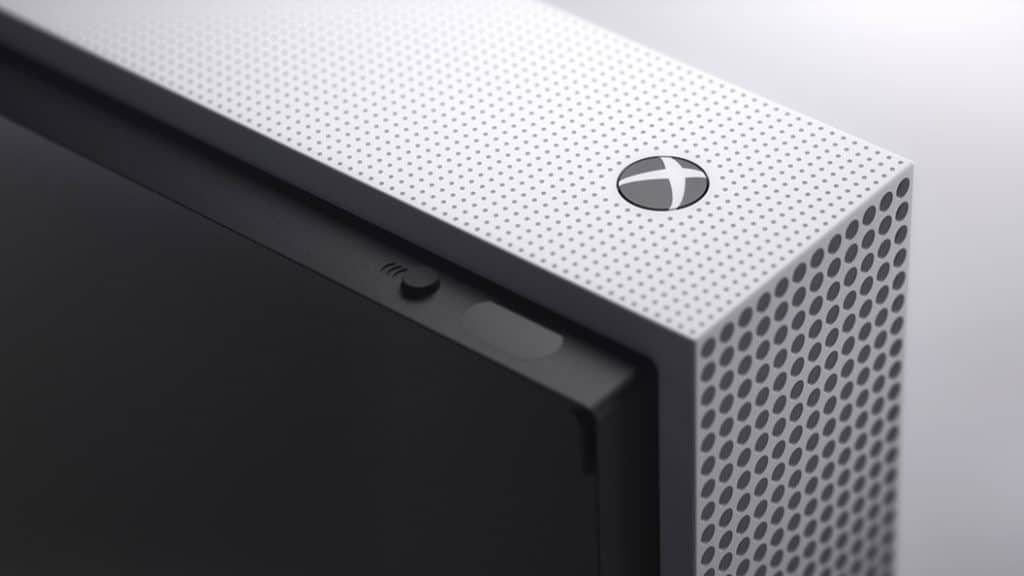
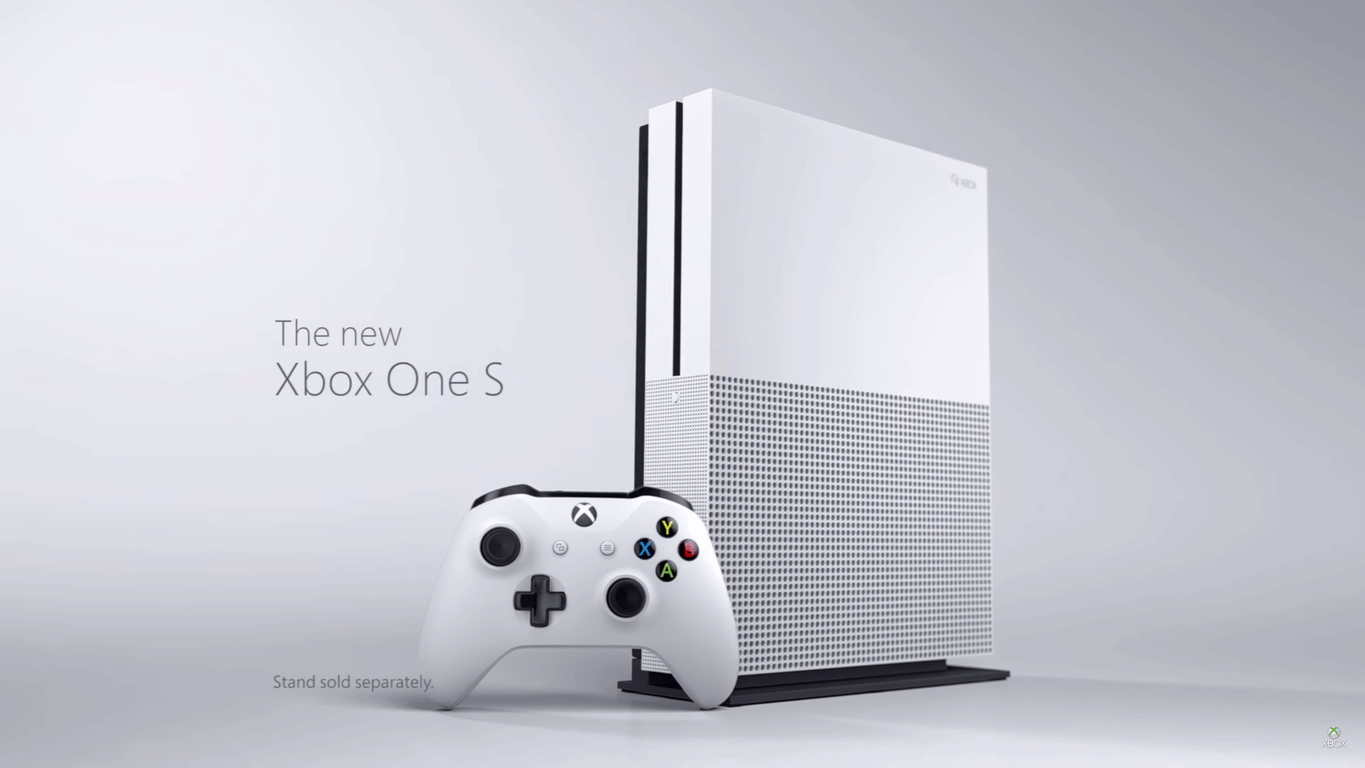
If you’re looking for a Xbox One S 2TB launch edition then you might want to act now. Amazon.com currently has the 2TB launch edition Xbox One S in stock, and it’s even eligible for free same day and one-day delivery in some markets!

upload_8_22_2016_at_9_38_21_AM
Xbox One S, Amazon listing

Obviously, the 2TB launch edition comes with a  2TB Internal Hard Drive Xbox One S Console, 1 Xbox Wireless Controller (with 3.5mm headset jack), 1 Console Stand (for vertical orientation), HDMI cable, AC Power cable, and a 14-day Xbox Live Gold Trial. It also packs the power of High Dynamic Range (HDR) technology and support for a 4K output.

You might want to act fact, though, as supplies of the console may be limited, and can dwindle pretty quickly, In fact, the current listing only show that only 5 more left in stock! So, act fast, and act now, and be sure to come back to WinBeta to let us know if you’ve gotten yourself a brand new Xbox One S 2TB launch edition console!

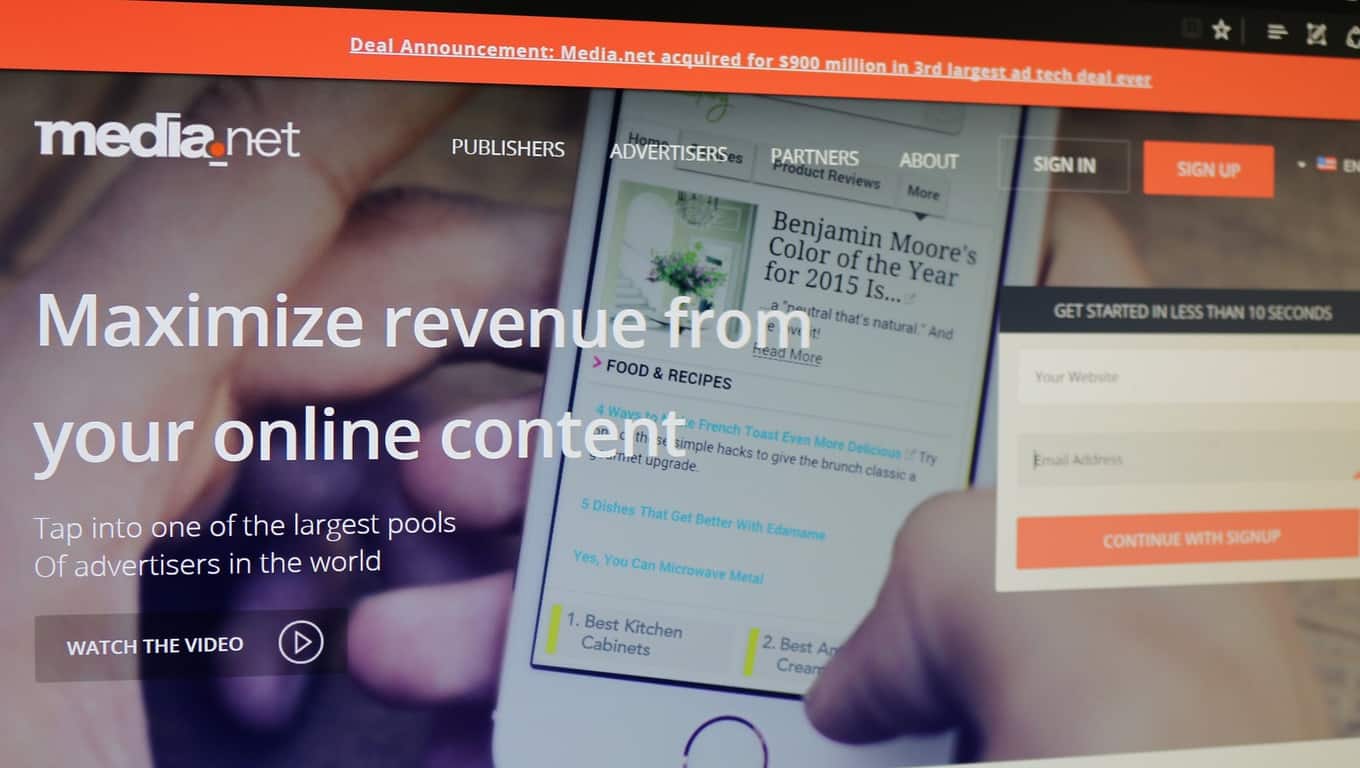
Media.Net, which powers Bing/Yahoo contextual ads program, acquired by Chinese group for $900 million

Media.net, the tech company which powers Bing and Yahoo’s contextual ad program, is being acquired for $900 million. Bloomberg reported this morning that Media.net is being acquired by a group of Chinese investors. The group is led by the Chairman of Beijing Miteno Communication Technology Company, a provider of cellular towers.

Bloomberg also reports that Miteno “has been ‘moving aggressively’ into mobile advertising and hoped to accelerate the transition through an acquisition.” However, Miteno does not have enough cash to make such a large purchase, so they have worked with a group of investors to finance the acquisition. The sizeable deal is being reported as “the third larget ad-tech acquisition in history.”

Media.net helps automatically select which ads appear on a website based upon the site’s actual content. For example, if you are reading a webpage about hamburger recipes, then Media.net’s technology picks up on the context of that content and places ads for hamburger restaurants on the webpage. Media.net powers contextual ads for Yahoo and Bing.

Media.net was founded by Divyank Turakhia in 2010. He was able to create his firm while remaining the sole shareowner. So by the end of the two-step transaction, the entrepreneur will become $900 million richer. But because the acquisition is taking place in stages through an intermediary group of financiers, we’ll have to wait and see What this could mean for Bing and Yahoo’s contextual ad program.

Microsoft VP Wim Coekaerts to keynote LinuxCon

Tomorrow, August 23, 2016, Microsoft’s Vice President of Enterprise Open Source, Wim Coekaerts, will keynote LinuxCon in Toronto, Canada. This will be the first keynote ever for Coekaerts, who left Oracle to join Microsoft earlier this year. With the recent release of Windows 10 Anniversary Update, Coekaerts will go over the newest developments for the Linux platform at Microsoft.

Coekaerts is already something of a legend among those in the Linux community, and a great addition to Microsoft for Linux development in Windows 10. Coekaerts will be tasked with showing just how committed Microsoft is to support Linux. Microsoft has already delivered .NET Core, PowerShell, and SQL Server to Linux. Microsoft also open-sourced Visual Studio Code and PowerShell, too.

According to Coekaerts, he will reveal how Microsoft is making Windows 10 available as the best operating system to run open source software:

“In my keynote tomorrow, I will talk about how we are applying our learnings into the Linux ecosystem, what our approach to open source is, what it means for Linux users, and how me and my team are working to take this to the next level.

One of the areas we are focused on is delivering open management solutions. In today’s multi-cloud, multi-OS world, customers need simple, unified tools to reduce complexity. We’re also investing in making Microsoft Operations Management Suite (OMS), which gives you visibility and control of your applications and workloads across Azure and other clouds, a first-class tool for managing Linux environments.”

Additionally, Coekaerts announced that OMS Docker Container monitoring preview is ready today. OMS Docker Container monitoring preview will allow users to evaluate their “container inventory, performance, and logs from one place, get a simplified view of containers’ usage, and can diagnose issues whether your containers are running in the cloud or on-premises.”

Microsoft will have more announcements in store at Coekaerts’ keynote tomorrow at LinuxCon.

Minecraft Redstone bug becomes a feature in Pocket / Windows 10 Editions

Most of the time when the folks over at Mojang update Minecraft they usually smash bugs. This time, however, the Minecraft developer has announced that the Minecraft Redstone quasi-connectivity bug has become a feature in the Pocket and Windows 10 Editions of the game.

According to Mojang, quasi-connectivity is a known bug which occurred in the PC edition of Minecraft where pistons can receive Redstone power from a distance of two blocks when they are placed in a very specific diagonal position, rather than from a block right next to it. This ultimately meant that players could have powered a piston and then remove the power without the piston detecting it. In fact, some Minecraft exploiters even built Block Update Detectors which took advantage of this.

2
Minecraft Pistons

While this bug was never really intended, Mojang notes that the community found many uses for the feature, and so they have decided to build a new “Observer Block”  into the pocket and Windows 10 Editions which will behave in the same way as the bug. According to Mojang, in a more official matter, the block will check for changes in the environment and, if triggered, switch between emitting a strong signal and an unpowered state.

As always, be sure to stay tuned to us here at WinBeta for all your Minecraft news and information. Be sure to visit our Minecraft news hub, and also drop us a comment below!

Microsoft to acquire AI powered scheduling service Genee

Microsoft has announced that the company has signed an agreement to acquire Genee, which is an artificial intelligence power service. The agreement is all part of the Redmond Giant’s efforts to further the ambition of bringing intelligence into every digital experience.

Genee was officially started in 2014 and was co-founded by  Ben Cheung and Charles Lee. Overall, Genee is a technology which simplifies the time-consuming tasks of scheduling meetings. Under the hood, this was accomplished by use of natural language and processing and optimized decision-making algorithms.

As part of the deal, Ben Cheung and Charles Lee will join Microsoft. As a result, the Genee service will shut down on September 1, 2016 and Genee will no longer send useful reminder and agendas from your calendar.  All existing calendar entries created by Genee, however, will remain.

In a blog post about the acquisition, Cheung and Lee express gratitude for the community, and also look forward to what is ahead.

We thank all of you who participated in Genee’s private and public betas. The Genee team will take the valuable experiences and lessons that you taught us to Microsoft, where we’ll continue to build amazing next generation intelligent experiences…. We consider Microsoft to be the leader in personal and enterprise productivity, AI, and virtual assistant technologies, so we look forward to bringing our passion and expertise to a team that is committed to delivering cutting-edge language and intelligence services.

So, what are your thoughts on this acquisition by Microsoft? How do you think Genee will fit into Microsoft’s ambitions? Let us know what you think by dropping us a comment below!

PowerShell is now open source and available on Linux

PowerShell is a task automation and configuration management framework that comes in a form of a command line. It is an important tool for network administrators, allowing them to simplify the system management tasks.

Microsoft has recently open sourced PowerShell, making it available on Linux and iOS as well. Although the Redmond giant is not a big fan of open source software, it realized that management tools should be compatible with any platform.  After all, Microsoft’s customers live in a multi-platform world, and they need tools that allows them to manage any systems.

Nearly one in three VMs on Azure are Linux-operated, and almost 60% of third-party IaaS offers in the Azure Marketplace are open source software. Living in such an open-source friendly world, Microsoft had but one choice: to adapt, and this means embracing the open-source environment.

Microsoft wants to earn customers’ preference as the platform for running all their workloads – Linux as well as Windows. This new thinking empowered the .NET team to port .NET Core to Linux and that in turn, enabled PowerShell to port to Linux as well. PowerShell on Linux is now designed to enable customers to use the same tools, and the same people, to manage everything from anywhere.

The open source PowerShell project is still in its beginning stages. Microsoft has already open sourced small portions of PowerShell to a number of its experienced partners to sample the best possible feedback.

The initial release is an “alpha” version and is community supported. Microsoft is planning to deliver an official Microsoft version of PowerShell based on open source to anyone running a supported version of Windows or *nix.  The tech giant hasn’t revealed the exact time of this release, explaining that everything depends on the community input and business needs.

RELATED STORIES YOU NEED TO CHECK OUT:

Readit for Windows 10 updated with improved translations, a darker dark theme and multiple fixes

One of the most popular Reddit clients for Windows 10 has received another update. The latest update to Readit brings, as usual, numerous improvements as well as bug fixes. The developer, Caleb Keith, shared the changelog on Readit’s sub-reddit.

In terms of general improvements, the dark theme is now darker than before:

  • Darkened back up the dark theme a bit more, if you don’t like it, please use the legacy dark theme. Unfortunately I will never find a balance that will make everyone happy.
    • Darkened chrome color
    • Darkened unread post color a bit

This will be a good change for AMOLED devices. In addition to that, translations and language support have also received some improvements:

  • Translations updated across app
    • Settings landing page
    • Inbox
    • Profile
    • Other missing translations fixed
    • Still not quite 100% strings translated such as certain setting names in individual settings pages
  • App is now available in Russian, Turkish and Polish

Finally, there have also been numerous bug fixes to improve the app for issues noticed by users:

  • Fixed graphical issue (when using small thumbnails) when pressing and holding on a post, you must now release your finger now for the context menu to appear though
  • Fixed open post/comments on other device not working sometimes with mobile UI on phones/tablets/desktops
  • Fixed return to top button being visible when viewing post content in some scenarios
  • The username and subreddit are now ordered the same in the post list as in swipeview for small thumbnail UI
  • Fixed overlapping bar on top of post viewer in profile
  • The status bar color on mobile now matches the chrome color
  • Fixed status bar in light theme

The update is available in the Windows Store now for Windows 10 devices and brings the app to version 5.7.0.0.

Readit
Readit
Price:
Free

Microsoft’s Authenticator app for Windows 10 Mobile to be released soon

Microsoft just presented a new Microsoft Authenticator’ app for Android, iOS, and Windows 10 Mobile. The app is already available on Apple’s and Google’s platforms, while it has yet to arrive on the Mobile variant of Windows 10.

This Microsoft Authenticator app is different than the previous one for Windows 10 Mobile. The previous app was made for Windows Phone 8.1, but also worked on Windows 10 Mobile, while the brand new app is fully built for Microsoft’s latest OS for phones. Microsoft Authenticator is actually already available in the Store, but only as a beta version.

The new app combines features of all previous Microsoft’s authentication apps into a new hub for controlling Windows 10 devices. The app works with both Microsoft accounts and Azure AD accounts.

With Microsoft Authenticator you’ll be able to log in to your Windows 10 computer with just a single tap on your phone, without needing to enter an authentication code. This feature, however will require a Bluetooth connection, so it might not be very practical for all users.

Here’s the official description of Microsoft Authenticator:

  • “User experience refresh. We’ve made the app experience incredibly simple while maintaining the highest level of security.

  • Best in breed MFA experience through one-click push notifications. You only need to click the “approve” button in the notification to complete your login. (And in most cases, you won’t even need to open the app to complete the approval.)

  • Support for wearables. You can use an Apple Watch or Samsung Gear device to approve MFA challenges.

  • Finger prints instead of passcodes. We’ve added support finger print based approvals on both iPhone and Android.

  • Certificate based authentication. Support for enterprise customers to sign in through certificates instead of passwords.”

You can already download the authentication app for Android and iOS, while it should be available on Windows 10 Mobile soon.

Tell us in the comments, what do you think about Microsoft’s new authentication app for Windows 10? Do you think this way of authentication is easier?

RELATED STORIES YOU NEED TO CHECK OUT:

Windows 10 news recap: more family features, Amazon returns in a basic form, tool for freezing issues and more

Welcome back to our weekly “Windows 10 news recap” series where we go over the top stories of the past week in the world of Microsoft’s latest operating system. Let’s get started.

Windows 10 Anniversary Update has several new family features

Microsoft has made improvements to Windows 10 in the Anniversary Update that adds an extensive amount of new family features. Changes include setting multiple time limits per day, only showing appropriate content in the Windows Store, instant access request notifications and more.

Windows 10 Anniversary Update causing webcam problems, Microsoft “dropped the ball” on communicating changes

The Anniversary Update for Windows 10 has been causing many people some issues with webcams. Microsoft made some changes to streamline the usability when multiple codecs are trying to be used, which has caused some unintended consequences.

Amazon launches a bare bones Windows 10 app for PC and Mobile

After Amazon abandoned its age-old Windows Phone app, it launched a new Universal App for Windows 10 PCs and Mobile, as well as the Microsoft Hub. Unfortunately or fortunately, depending on your preferences, the app is simply a web wrapper for its website and doesn’t provide any Windows 10-specific features. Effectively, it is loading their website in an app, rather than directly in a browser, such as Microsoft Edge.

Crowdsourced Windows 10 2-in-1 Pyramid Flipper gets the reddit AMA treatment, to be called the Computer One

A Windows 10 2-in-1 device, known as the Pyramid Flipper, will be called the Computer One and the team behind the device took to reddit to host an AMA, answering several questions surrounding the crowdsourced device.

Microsoft testing tool to fix Windows 10 Anniversary Update freezing problems

Many users of Windows 10’s Anniversary Update have reported issues with freezing. Fortunately, Microsoft is now testing a tool that it hopes will resolve the issues that users are experiencing.

Windows 10 app devs will soon be able to send notifications to select users

Microsoft is trying to provide app developers more APIs and features to work with when it comes to Windows 10, in order to push more app developers to release apps for the platform. One feature that the company is currently testing with some users is the ability to send push notifications to specific sub-set groups of users, through a method known as customer segmentation in the marketing world.

Electronic Frontier Foundation says Windows 10 upgrade tactics are “annoying to downright malicious”

Even following the aftermath of Microsoft’s apparent pushy upgrade methods of getting users on to Windows 10, it is still receiving flak. The Electronic Frontier Foundation has called Microsoft out for its tactics, calling them “annoying to downright malicious.”

When it comes to new builds and updates, here’s what we received this week:

That’s it for this week – let us know your thoughts in the comments below.

Download and use Google Drive on Windows 10/11

Absolutely everybody is using a cloud storage system of some form or another. But undeniably one of the most popular of those cloud storage solutions is Google Drive, sitting alongside Apple’s iCloud and Microsoft’s own OneDrive. But how easy is Google Drive to use with Windows 10? Well, thanks to the Google Drive Windows 10 app, Google’s storage solution is actually one of the easiest to use whilst on Windows 10 and access from other devices whilst you’re out and about.

As you’d likely imagine, Google Drive is the go-to option for those that already use many of Google’s services. For example, it’s integrated into Google’s Android mobile operating system and works seamlessly with Google’s incredibly popular email service, Gmail. However, that doesn’t mean Windows 10 users can’t take advantage of Google Drive too.


nexusae0_Captura-de-Tela-2817629[1]

Web Access

Google Drive is primarily an online tool, accessed through your computer’s internet browser. With that in mind, the best way to get started with Google Drive is to set-up an account through the online site at drive.google.com. However, the best thing about Google’s online Drive portal is that it provides everything you need to store and access your files. Think of Google Drive’s website as an online file explorer, allowing you to not only create files but access the files you’ve uploaded from any device.

Users of Google Drive’s online interface will know that the site is designed to look and feel like an application. With that in mind, the easiest way to use Google Drive on your Windows 10 PC is to add the site to your bookmarks or even pin it to your desktop and access when necessary.

What’s fantastic about Google Drive is its suite of applications that can be accessed directly from your web browser. Google Drive actually originated as a fully integrated office suite, with a word processor, presentations and spreadsheets. With that in mind, Google’s online suite of office applications is often accredited as the best available, easily beating Microsoft and Apple’s similar solutions. However, just don’t expect the same level of functionality as the Microsoft Office suite on your desktop.


Google-Drive-Features-Blog-SVN-Tortoise-Checkin-Checkout[1]

Offline Access

Accessing a web application isn’t all that possible if you don’t have access to the web. Thankfully, Google has extended their Drive service to be completely accessible offline, which is especially useful for Windows 10 users. The Google Drive desktop app is available to download for free from Google Drive’s downloads page, where you’ll also find links to download Google Drive for a number of operating systems, including iOS and Android.

In terms of the functionality of Google Drive’s desktop app, users of the web application will find it works similarly. However, the app does allow certain files to be marked for offline access, meaning you’ll be able to take your laptop or tablet out of the house or office and access your files on the go. What’s more, the app allows easy and offline access to Google Drive’s suite of office applications too, meaning that those who don’t have access to Microsoft Office can still access a free alternative on the go.

Whether or not you have the need for a Windows 10 desktop application depends on how often you use Google Drive and whether or not you intend to take your files with you on the go. However, for those that do need the latter, it’s fantastic to see that Google are fully prepared with their own desktop app.


It’s pretty easy to see why Google Drive is one of the most used cloud storage solutions available. That’s helped by the solution’s flexibility, allowing users to access their files just about anywhere, no matter what device they’re using. Plus, Windows 10 users are some of the best catered to.

There’s never been a better time to switch to Google Drive as your cloud storage solution of choice.