New version of Windows 10 Continuum to be enhanced by CShell

We’ve heard about CShell before in the past, and some details even leaked out last week, offering up a closer look at Microsoft’s new attempt at bringing a single platform consistent user experience across all devices. Today, however, Zac Bowden from Windows Central has taken things a bit further, and using an early pre-release version of CShell on an HP Elite x3, has managed to detail how Windows 10 Continuum will be enhanced by CShell.

Overall, the CShell enhanced version of Windows 10 Continuum brings a near identical Windows 10 desktop experience to your Windows Phone. Gone are the days when Continuum is limited to just one window, and gone is the phone status bar at the top of the screen.

On a device with CShell, the Continuum phone status bar now gets combined into the taskbar in a corner of the system tray, similar to on the desktop, showing icons for Action Center, battery, Wifi, Bluetooth status. And, there is also increased customization, including accent colors on the title bar, taskbar, and action center.

CShell Continuum, Image from Zac Bowden/Windows Central

While the Cortana, Task View, and Start Buttons stay in the same location, new with the CShell enhanced version of Windows 10 Continuum is the ability to customize live tiles sizes and context menus, and the option to turn live tiles on and off for certain apps. According to Zac, you are also able to drag the taskbar to the edge of the display, either on the top, left, or right sides.

Also new is the fact that apps will now open in a window (yes, this means there is multi-window support!,) that can be sized up or down, or snapped side by side, just like on Windows 10 Desktop. Keyboard shortcuts for these common window movements will work too, as does double-clicking on the title bar to maximize and minimize.

Multi-Window in Continuum, Image from Zac Bowden/Windows Central

Again, Zac Bowden is using an early pre-release version of CShell on an HP Elite x3, so things are not exactly perfect. He points out that Fluent Design apps “work like you’d expect,” but also mentions that a lot of work for Fluent Design features for CShell “is not ready at this time.” And, while you can copy and paste between apps, but you still can’t drag and drop between apps.

Since this still appears to be in development internally at Microsoft, It’s not exactly clear if or when Microsoft plans to push out this to the public, to what Windows Phone devices, or which of these features will make it to final builds.

Nonetheless, these enhancements are all very exciting. Do you like the looks of this enhanced version of Continuum? Let us know your thoughts below.

Microsoft foils 1.5 million attacks on their cloud systems per day

If you look at Azure, Office 365, OneDrive or other online services such as Outlook.com or Xbox Live, it’s clear the cloud has become essential to everything Microsoft does. Microsoft is no longer the Windows and Office-centric company it once was, as the rise of cloud computing has completely changed our computing habits over the last 10 years.

Millions of consumers and business users use the Microsoft Cloud every day, and the company now has a huge responsibility to keep its cloud safe and secure for everyone. This is certainly not an easy task, as increasingly sophisticated cyber attacks are now targeting consumers who don’t necessarily know how to protect themselves against them.

“At any point in time on any day of the week, Microsoft’s cloud computing operations are under attack,” explained the company this week in a lengthy article detailing its security efforts. “The company detects a whopping 1.5 million attempts a day to compromise its systems.”

If this sounds a bit scary, Microsoft also learns a lot from all these threats: every second, the Redmond giant adds hundreds of gigabytes’ worth of telemetry to the Intelligent Security Graph, which protects all Azure, Office 365 and Windows 10 users in real time. Additionally, the company scans 400 billion emails for malware and phishing scams each month through Office 365 and Outlook.

Overall, Microsoft invests about $1 billion in cloud security each year, but the company made it clear that cybersecurity should be a coordinated effort: that’s why Microsoft’s Chief Legal Officer Brad Smith has recently called for a Digital Geneva Convention following the widespread WannaCrypt attack.

“There are a lot of pieces that need to come together for us to be successful in cybersecurity,” Smith said. “It requires strong action by technology companies. It requires strong affirmative action by customers and it also requires strong affirmative action by governments.” It remains to be seen if major tech companies and governments are ready to cooperate more to protect citizens from cyber attacks, but it’s good to know that Microsoft takes cybersecurity very seriously. You can learn more about the company’s efforts to protect both consumers and business by checking the feature post on Microsoft’s website.

Microsoft restructures cloud, data, AI organizations

As part of a reorganization announced internally within the company on June 7th, Microsoft has chosen to restructure its cloud, data, and AI organizations. The changes reportedly take effect immediately and were reportedly announced by Scott Guthrie, and Harry Shum (via ZDNet.)

Part of the changes include a new Cloud AI Platform organization, led by Corporate Vice President Joseph Sirosh. This division will be responsible for Azure Search, Azure Machine Learning, the Microsoft Bot Framework, R Server and the Algorithms and Data Science Solution team.  Since Joseph Sirosh previously handled the Data Platform group at Microsoft, it now will be led by Corporate Vice President of Azure, Jason Zander, and be part of a new Azure + Data Platform Group.

Another change involves current head of Microsoft’s Microsoft’s Business Applications Platform and Intelligence, James Phillips. He will now have a new responsibility as head of new Business Applications Group.  Also involved is head of Dynamics Customer Engagement Solutions, Jujhar Singh, who now will be moving into a new role inside Microsoft, while still staying as Corporate Vice President of Dynamics Customer Engagement Solutions for two more months.  Lastly, Charlotte Yarkoni will now take on additional responsibilities in Azure Marketplace and AppSource.

Though specifics were not really available, there are also some changes, and perhaps a shutdown, coming to Microsoft’s Developer Evangelism (DX) team. In a blog post, former DX chief Steven Guggenheimer explained that he moved to a new role working for Harry Shum, suggesting that teams previously part of DX will also join him too.

ZDNet is reporting that layoffs are not a part of the “near-term” plans of these internal changes. To no surprise, Microsoft has not yet commented on the changes at DX, and even the restructuring of its cloud, data, and AI organization.

Turtle Beach announces new Stealth Wireless headsets, connects directly with Xbox One console

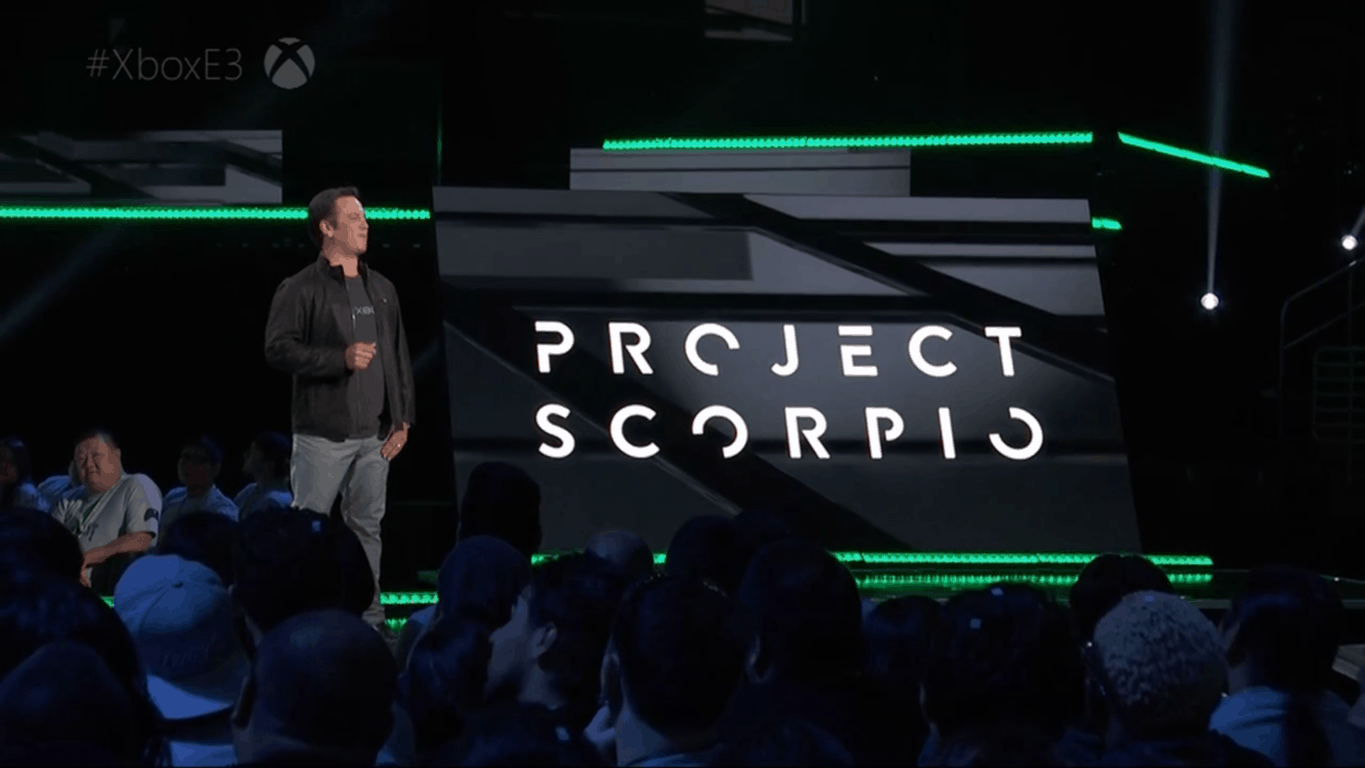
As if gamers weren’t already hyped about the Project Scorpio teasers being revealed by Microsoft in preparation for E3, headset makers Turtle Beach have one-upped the competition early with the release of two new Stealth wireless headsets for the console (via Venture Beat.)

The Stealth 600 and Stealth 700 feature the latest Xbox Wireless technology and Windows Sonic surround sound, with lots of other useful features that make the Turtle Beach products top of the line.

Advertised as sporting an ‘all-new modern style’, the Stealth series headsets from Turtle Beach allow for a glasses friendly play with soft ear cushions that alleviates pressure. Both headsets also feature the Turtle Beach highlighted feature of Superhuman Hearing to ‘have the competitive advantage’ with easier to hear in-game sounds.

Here are some other features:

  • Powerful 50mm Speakers – Hear every crisp high and thundering low with these large, powerful 50mm speakers.
  • Flip-up Mic – Turtle Beach’s renowned high-sensitivity mic takes on an all new form, picking-up your voice loud and clear to ensure your commands are always heard. Plus, it flips-up out of the way to Mute when not in use and blends into the headset’s design.
  • Mic Monitoring – Say it…don’t shout it, thanks to the ability to hear the volume of your own voice inside the headset to avoid shouting at teammates and other players.
  • Audio Presets Including Bass Boost – Enhance your gameplay experience with four audio EQ presets including Bass Boost, Signature Sound, Bass and Treble Boost, and Vocal Boost.
  • Independent Game & Chat Volume Control – Find the perfect balance between game audio and chat audio.

The Stealth 600 starts for a $99.95 price tag while the Stealth 700 begins at $149.95. While they to be similar, the Stealth 700 brings just a little more to the table with Dynamic Chat Boost to increase voice over game audio automatically. The headsets can connect wirelessly directly to Xbox One.

Both are compatible with Xbox One, Xbox One S, and soon-to-come Project Scorpio. Of course, separate versions will also be available for PlayStation 4 eventually, however they are still only available for pre-order currently.

NEXO KNIGHTS are coming to LEGO Worlds on PC, Xbox One, Playstation4

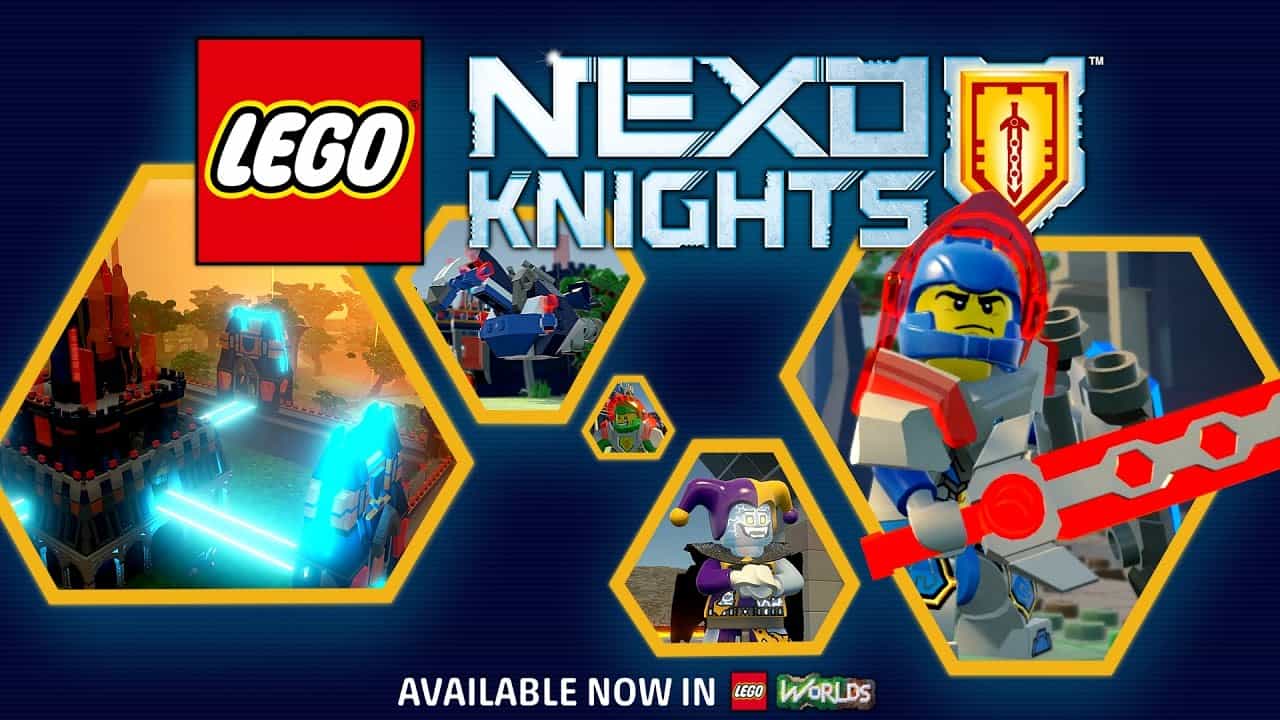
The LEGO brand has built itself up from being mere blocks for little kids to toy with, securing itself in television and video game presence. Now the popular brand is building on its featured title LEGO Worlds by adding content of their medieval TV series NEXO KNIGHTS to the game’s content.

NEXO KNIGHTS are just what you’d expect: stereotypical heroes ranging from shield and ax to wielding a double handed claymore. In fact, these heroes are so stereotypical, that each name portrays pretty much their attack style, even though each gets a unique power in LEGO Worlds. There are also a handful of villains being added, to keep the balance of power.

And of course, in true LEGO fashion, there’s a lot more new content to build with, letting you recreate the TV show’s Knighton Castle or make your own creations. The possibilities are nearly limitless in LEGO Worlds.

The NEXO KNIGHTS are now available in game as of today, so if you want to try them out, boot up LEGO Worlds on your Xbox One, Playstation4, or PC.

Twitter user provides sneak peek at revamped Windows 10 on-screen keyboard

A couple of days ago it was revealed that Windows 10 Mobile’s keyboard would be coming to Windows 10 PCs, complete with swipe and pen functionality. Well, one Microsoft leaker has just given the world a “sneak peek” at the upcoming keyboard, and it’s looking pretty good for those who have long requested it.

While it’s not exactly clear if Microsoft plans to bring this keyboard to the Windows 10 Fall Creators Update, files for it have been spotted in Windows 10 build 16212, accidentally released last week. This Twitter user, who simply goes by the name of Indigo, managed to somehow offer up a look at the keyboard, and it should be very familiar to Windows 10 Mobile users.

Indigo provides a GIF of the keyboard in action, which shows that the swipe feature now works on Windows 10 PCs. Subsequent replies from Indigo have also indicated that the working version of the keyboard is compatible with the mouse, touch, and Surface Pen.

As we previously reported, this keyboard is supposedly based on Swiftkey, the UK company that Microsoft acquired in 2016. It also will be a unified component across Windows 10 devices, since it is a CShell TextInput component. And, given the fact that the files for the keyboard were spotted in the accidentally released build, it might as well end up being more official within the next few months.

Microsoft makes Hexadite acquisition official

Two weeks ago, we learned that Microsoft was expected to acquire Hexadite, an Israeli IT security startup in a move to improve its cybersecurity efforts. The Redmond giant has just confirmed the acquisition today, though the company didn’t disclose the terms of the agreement (a previous report from Israeli newspaper Calcalist previously mentioned a $100 million deal).

According to the press release, the Hexadine team will join the Windows and Devices Group following the close of the deal and a period of integration. Hexadine’s technology, which provides automatic incident investigation and remediation solutions to companies will be used to improve Windows Defender Advanced Threat Protection (WDATP):

Today, Microsoft is strengthening its Advanced Threat Protection offering by adding artificial intelligence-based automatic investigation and remediation capabilities, making response and remediation faster and more effective. With Hexadite, WDATP will include endpoint security automated remediation, while continuing the incredible growth in activations of WDATP, which now protects almost 2 million devices.

As the massive WannaCry attack recently showed, Microsoft can’t really afford not to take cybersecurity very seriously these days.  “Our vision is to deliver a new generation of security capabilities that helps our customers protect, detect and respond to the constantly evolving and ever-changing cyberthreat landscape,” explained Terry Myerson, EVP of Microsoft’s Windows and Devices Group. “Hexadite’s technology and talent will augment our existing capabilities and enable our ability to add new tools and services to Microsoft’s robust enterprise security offerings.”

Pre-ordering Wonder Woman movie unlocks Injustice 2 in-game currency on Xbox One

Wonder Woman, the brand new blockbuster movie based on the popular DC Comics character, has already broken some box office records since its US release last Friday. The movie has received some great reviews, and it’s already available to pre-order on some digital media stores such as iTunes and the Windows Store.

If you really enjoyed the movie, and if you also happen to own the superhero fighting game Injustice 2 on your Xbox One (where Wonder Woman is one the playable characters), then you may really want to pre-order Wonder Woman on the Windows Store. Indeed, Microsoft is offering 11,000 Injustice 2 Source Crystals to people who pre-order the movie, and you’ll be able to use the in-game currency to purchase new skins or power ups for your favorite characters.

If you own an Xbox One S, then you should also know that the movie is available in glorious Ultra High Definition and HDR capable. The UHD version will cost you $29.99, but you can also choose the cheaper HD version ($19.99) or SD version ($14.99).


Microsoft shares new data about Xbox One backward compatibility, “usage remains high” according to Phil Spencer

Earlier this week, a lengthy report from Ars Technica revealed some interesting details about how Xbox One and Xbox 360 owners use their consoles. For the Xbox One specifically, the report highlighted that Xbox One games accounted for 54.7% of time spent on the gaming console, while Xbox 360 backward compatible games represented just 1.5% of Xbox One usage.

Ars Technica’s data was based on a sample of 930K Xbox One users obtained through a third-party API, but the bits about Xbox 360 backward compatibility weren’t really flattering for the Xbox team, to say the least. However, as the report was based on a sample of Xbox Live users, it doesn’t necessarily tells the whole story.

Ars Technica’s report showed that Xbox One owners largely ignore backward compatible games.

Anyway, the Xbox team apparently felt the need to share some new hard data proving that Backward Compatibility is a popular feature on the Xbox One (via Thurrott.com). Yesterday, Xbox CMO Mike Nichols shared on Twitter that approximately 50% of Xbox One owners have played backward compatible games on their Xbox One consoles, which represents over 508 million hours of gameplay.

In the same Twitter thread, Xbox head Phil Spencer added that “usage remains high,” with one or two backward compatible games usually appearing in the daily top played games ranking on Xbox Live

Xbox One Backward Compatibility originally launched with the New Xbox One Experience back in Fall 2015, and there are now more than 300 Xbox 360 games in the catalog. More importantly, all Xbox 360 games included in the monthly Games with Gold selection are now backward compatible on the Xbox One, and the recently launched Xbox Games Pass also includes a healthy selection of Xbox 360 titles.

Overall, it seems that Backward Compatibility is a very important feature for the Xbox team. It gives Xbox 360 owners a good incentive to upgrade to the Xbox One, and it’s also good for developers and publishers (even though many of them have chosen to release remastered versions of their old games on the Xbox One). Additionally, all Xbox 360 backward compatible titles will be playable on Project Scorpio, the next generation Xbox console that Microsoft is expected to unveil this Sunday at E3.

As Xbox exec Mike Ybarra said earlier this week, backward compatibility remains a key point of differentiation with Sony’s Playstation 4. “We want gamers to play the best games of the past, current, and future,” explained the exec. “It’s what gamers have asked for.”

5 Best Tools for GPU Info and Diagnostics

GPU info, diagnostic and monitoring tools are essential for properly tracking system and hardware information, especially for video cards prone to overheat and malfunction if you’re not careful.

So it’s highly advisable to keep track of GPU behavior, especially after extensive use and when it’s warm outside. Of course there are built-in tools to check your graphics card for information like whether it is DirectX 12 compatible but sometimes you need more info.

For that purpose, we enlisted some of the best tools that should help you considerably in tracking changes and gathering essential information.

We hope you’ll find something you like with the information we provided below.

What are the best video card information tools?

GPU-Z – The best option

GPU-Z is probably the best-known GPU info and monitoring tool for your graphics card. It’s one of the oldest, too, so it’s not strange that people are prone to use it instead of alternative solutions.

GPU-Z is a simplistic tool that offers complete details of your GPU. It only covers Video Card information, but you can always download CPU-Z for additional information about your CPU.

Also, it’s strictly developed for monitoring, so you won’t be able to make changes or overclock your graphics.

It supports all available cards and sensor readings, so you can use it for Nvidia, AMD, or Intel. Moreover, you can choose between a portable version and one that can be installed.

In the uncluttered interface, you can find out multiple pieces of information about your GPU, and these are some of them:

  • Name
  • Production
  • GPU Memory
  • Release Date
  • GPU Clock with standard and overclocked values.
  • GPU BIOS version
  • BUS Interface
  • GPU temperature
  • Voltage
  • Fan speed

Besides, it packs the screenshot function if you need to share readings with someone else. In addition, you can back up GPU BIOS, which can come in handy on some occasions. What else can you expect from the free and lightweight program?

⇒ Get GPU-Z

HWiNFO – For all-round information

While GPU-Z is strictly created for GPU monitoring, HWiNFO (Hardware Information) is an all-around tool that covers all the hardware information you’ll ever need.

If you’re in the mood for one tool that is the jack of all trades instead of a few individual tools, look no further. HWiNFO is a complete hardware monitoring tool. Advanced users thrive the most in their surroundings, but even the newbies should have an easy time.

It supports all known GPUs and motherboards and functions on 32-bit and 64-bit architectures. However, installation is mandatory.

With the System Health Monitoring feature, you can keep close track of the behavior of various hardware parts, while the Reporting and Alerting feature will inform you if something goes wrong when the program is working in the background.

The interface is quite well-designed, and its best perk is Customizable Table which enables you to choose individual preferences. In this case, you can optimize it just for GPU monitoring.

That way, you’ll always have all information about your GPU. In addition, you can download various add-ons to enlarge the already formidable base.

⇒ Get HWiNFO

Speccy – Simple interface

Small in size but a powerful and well-designed tool, Speccy is the user’s favorite GPU info tool for Windows 10. With the Windows-like interface and bundle of features, it’s a great tool for essential monitoring operations.

Like HWiNFO, it covers all hardware components and tracks software changes. One problem is that the distinction between premium and freeware versions is too large.

So, for this amazing small tool to resemble HWiNFO function-wise, you’ll need to pay. However, it still should satisfy your basic needs when it comes to GPU information.

It supports all the GPUs you can think of, including sensor readings of modern motherboards. We advise you to try this tool if you’re interested in design and simplicity more than the plethora of features and somewhat cluttered pieces of information.

⇒ Get Speccy

Astra32 – Offers other nifty tools

astra 32 gpu info tool

Astra32 is another popular and advanced monitoring tool that’s in the middle when it comes to features-simplicity ratio. It provides you with all the necessary info, but it’s not as thorough and detailed as HWiNFO or GPU-Z, at least strictly in the GPU department.

However, Astra32 should be enough to get the job done. With real-time monitoring readings and relevant information, users should easily trace all-around PC behavior.

It supports every available GPU or motherboard, as expected. So, why would you use Astra32 instead of GPU-Z or HWiNFO? Well, it has some interesting tools that can prove helpful in various scenarios.

Starting with HDD Diagnostics and coming to a quite nifty Driver Troubleshooter. Additionally, it comes both in installable and portable versions.

⇒ Get Astra32

EVGA Precision X – Exclusive to NVIDIA graphics

All of the previously enlisted GPU info tools support all or at least most GPUs you’ll ever encounter. However, EVGA Precision X is an elite tool exclusively developed for Nvidia GPUs.

It’s underestimating to say this is just a monitoring tool. EVGA is a premium tool that covers everything you’ll ever need to know about your Nvidia GPU.

Moreover, with its futuristic design, you’ll have an impression that you’re more of a pilot of a Star Wars-like battleship than just a vivid gamer. Overclocking, monitoring, advanced scanning for optimal frequency and voltage, and much more.

However, in order to obtain this tool, you’ll need membership and GTX GPU variations produced by EVGA. That can be a dealbreaker for many users, but if you’re willing to take full control, this may be a great offer.

⇒ Get EVGA Precision X

That should be the end of the list. Don’t forget that the ATI Catalyst or Nvidia Control Center may suffice if you’re keen to know the elementary information about your GPU.

But it’s advised to use them in combination with one of the above-mentioned GPU info and diagnostic tools for better insight and more detailed readings.

Before you leave, check the best tools for complete system information and identify the hardware and software aspects of the PC.

What tool do you use for checking video card info? Don’t forget to tell us in the comments section below.

Xbox One version of The Elder Scrolls Online to get an update for Project Scorpio

Rich Lambert, the creative director of Zenimax Online Studios, has revealed in an interview that the Xbox One version of The Elder Scrolls Online would likely get an update to allow the MMO video game to take advantage of the Project Scorpio’s superior hardware.

“I think we’re going to be in for the same kinds of things that we did with the PS4 Pro. So visual stability will be up there. We’ll probably have the same types of visual bells and whistles,” he said. “I would definitely say power is key. Memory is key. Especially in a game like The Elder Scrolls Online. There are hundreds of characters running around on the screen at any one time. We can have a 300 person battle in our game and that eats up memory. That eats up computing power and it eats up VRAM. So, the more they can pack into those newer consoles, the better. Definitely, we have seen just on console a really strong desire for a good console MMO and we’re reaping the benefits for that. But, I think as the consoles get more and more powerful, more and more people will start moving towards a console. Because it’s nice to sit on your sofa and have a beer and play.”

No timeline has been given for the update but given that Project Scorpio isn’t even out yet and likely won’t launch until the end of the year, that doesn’t necessarily mean that fans of the game will be waiting long.

Are you excited to see The Elder Scrolls Online receive a graphical upgrade? Let us know in the comments below.

Microsoft trademarks Direct Reality ahead of E3

Microsoft has filed a trademark application related to gaming called, Direct Reality. References to video game software, software for holographic applications, and online game software are all mentioned in the filing however it’s unclear exactly what this Direct Reality is or does.

Companies file patents for names and concepts all of the time and doing so doesn’t necessarily mean that much will come of them. Microsoft is focusing a lot on augmented and virtual reality on Windows 10 and (to a lesser degree) the Xbox One so this filing isn’t completely random.

Microsoft is holding a presentation in a few days’ time at E3 where they will properly unveil Project Scorpio, a significantly more powerful Xbox One video game console. While Scorpio will support virtual reality, Microsoft has already stated that that won’t be the focus of their presentation which many expect to revolve around the Project Scorpio hardware, its final name, and the Xbox One games that support it.

What do you think Direct Reality means? Let us know in the comments below.

New Mixer tab is now live on Xbox One dashboards

The new Mixer tab has now been pushed out to all Xbox One console dashboards and interestingly enough, it didn’t appear to require a system update to appear.

This new addition to the Xbox One dashboard displays a variety of information from Microsoft’s Mixer video game streaming service. Currently, the tab features a Welcome to Mixer introduction video, three prominently featured streams, five featured games and a link to browse streams relating to other titles, and six featured Mixer Partners right along the bottom. Also found on the tab are small text link shortcuts to view all active streams, followed streams, and an option to search Mixer channels. All links in this tab will open the Mixer Xbox One app with the exception of the introduction video.

While the integration of Mixer into the Xbox One is part of Microsoft’s overall strategy for the service, the launch of this feature today was likely done in preparation for Microsoft’s E3 presentation next week which will be streamed in 4K via Mixer. With an entire section of the dashboard dedicated to Mixer, it will be easier than ever for Microsoft to promote their stream and the announcements made.

Do you like the new Mixer tab? Let us know in the comments below.

That new Mixer tab will be added to the Xbox One Dashboard “sometime in the next 24 hours”

As Mixer undergoes its rebrand from Beam, it’s getting a lot more attention from other Microsoft services. The first big change coming is a change to the Xbox One dashboard, which is going to be introducing a dedicated tab for Mixer right there on display. Major Nelson announced the news through a tweet, saying that the new addition to the dashboard is coming “sometime in the next 24 hours.” It’s a vague timeframe, but a close one.

Mixer was previously known as Beam until a legally obligated name change occurred a few weeks back. Since Mixer got its new name and its new look, it’s implemented tons of new features and has been announced as the sole place to watch Microsoft’s E3 briefing in 4k UHD.

A new “Entertainment” section will soon grace the Xbox One Dashboard of Alpha Ring Insiders [Update, it’s now live]

There’s a new section coming to the Xbox One Dashboard: Entertainment. This new section will be placed right in between the Community and Store pages, and will contain primarily movies and TV shows as opposed to games, and other media. The new Entertainment section may be coming out with the new build 1706, which should be coming out later today. (Edit: It’s now live, and started rolling out on June 7th at 6:00 PM PDT 1:00 AM GMT)

The company described the upcoming Entertainment section in a post to the Xbox forums.

When loading the dashboard on your Xbox One, Preview Alpha Insiders will notice a new Entertainment twist nestled between Community and Store. Here you’ll find the latest movies and TV shows as well as content from your favorite video streaming apps

Edit: The Changelog for the update which brings this feature is now available, and can be seen below.

  • DETAILS:
    OS version released: rs2_release_xbox_1706.170604-1700
  • NEW FEATURES:
    –Entertainment Twist When loading the dashboard on your Xbox One, Preview Alpha Insiders will notice a new Entertainment twist nestled between Community and Store. Here you’ll find the latest movies and TV shows as well as content from your favorite video streaming apps. Be sure to explore the new Entertainment twist and use Report a problem if you encounter any issues.
    NOTE: If the Entertainment twist doesn’t appear right away, you may need to hard reset your console.
  • FIXES:
    –Party Chat:
    Resolved an issue which sometimes caused the “Connecting” icon to never disappear and party to fail to connect when initiating a party.
    – Audio:
    Fixed an issue which could sometimes cause audio to fail to play in games (but play as normal on the dashboard).
    –Games & Apps:
    Resolved an issue which could sometimes cause game and app tiles to not be visible in Games & Apps.
    – Minecraft:
    Fixed an issue which could sometimes cause graphical corruption in Minecraft.
    – Mixer:
    When switching games while broadcasting with Mixer, the stream should no longer freeze.
  • KNOWN ISSUES:
    –Audio:
    When using Windows Sonic or Dolby Atmos for headphones, you may hear static in the audio. This issue is being investigated by the development team.
    –Mixer:
    After dismissing the virtual keyboard, attempting to relaunch the virtual keyboard may fail.
    When signing out of the Mixer app and signing in with a new user, the user who launched the app is still displayed.  When switching games while broadcasting with Mixer, the stream freezes and doesn’t allow the user to close or restart the broadcast. Workaround: Restart the console.

This is just the first of many changes to the Xbox One Dashboard, if our assumptions about the Fall Creators Update are right. The introduction of the new design UI coming across Windows 10 devices should be implementing all sorts of new goodies along with the new suite of features.

Poll: Are you happy with Windows 10?

Microsoft first introduced Windows 10 almost two years ago, and even if you’re not a Windows Insider, you’ve probably had a chance to use the latest operating system from Microsoft. With a refined application of the somewhat clunky desktop/Start Screen interface that the company first introduced with Windows 8, lots of new security and stability features, a measured but forward moving emphasis on Universal Windows Apps, and the ongoing melding of PC/Xbox/phone/HoloLens/?? interfaces into a single coherent interface language, Windows 10 is maturing.

Still, there’s lingering FUD about privacy implications surrounding Windows 10 with some not-well-understood “phone home” properties that have some worrying about what kind of info Microsoft is collecting, a resistance to those UWP applications that have yet to take hold, and seem to be mainly watered down versions of apps available on other platforms, and hesitation by users and corporations to embrace the new tiled interface.

So, are you happy with Windows 10? Let us know in the poll below:


Is Windows 10 working for you? What’s your most/least favorite thing about it? Are you looking forward to the Fall Creators Update to really get you going? Feel free to leave us a comment and let us know what you think.

Microsoft is hiding Xbox Scorpio messages in teaser ads

We’re just a few days away from Microsoft’s E3 2017 press event, but it looks like the company may already be playing games with Xbox enthusiasts. Several teaser videos have been recently published on various Xbox social media channels, and some eagle-eyed Twitter users have spotted what could be some very interesting hidden messages (via The Verge).

If you missed them, YouTube user The Red Dragon put together some of these teasers back to back in the following video:

In one of the teasers, Twitter user XboxInGame spotted that a mysterious “X10S101-317” message briefly appeared on the side of a stage surrounded by a huge crowd. While this could literally mean anything at first sight, “X10S” may well refer to Project Scorpio, and “101-317” could hint at the console’s release date (10/13/17, or 13th October 2017).

Moreover, the same Twitter user spotted in another video teaser a “6>4” message appearing briefly on the side of a tent next to a Ferris wheel. This other cryptic message may be a reference to Project Scorpio having six teraflops of computing power, which is superior to the 4 teraflops in Sony’s Playstation 4 Pro.

We should probably avoid to over-interpret these mysterious numbers, though Xbox exec Albert Penello reacted to these various tweets earlier today. And as the saying goes, when there is smoke, there is fire:

Could Microsoft release Project Scorpio in October? We’ll have to wait to find out, but this could well help the new console gain some momentum ahead of the holiday season. Anyway, we’ll be watching all upcoming Xbox teasers much more closely than before!

E3 Coliseum panels to feature Bungie and Destiny 2, Xbox Scorpio, Sea of Thieves, more

The Entertainment Software Association today announced the complete list of panels and guests for the E3 Coliseum at The Nova at L.A. Live. Running from June 13th to June 14th, The Coliseum is a new main stage event for video game fans, aimed at connecting them to the biggest stars and faces in the video game industry. Featured panels throughout the two-day event include Bungie and Destiny 2, Xbox Scorpio, Sea of Thieves, and more.

Overall, The Coliseum is open to everyone who holds an E3 badge, and you can line up to attend the event starting at 7AM on June 13th. For those unable to attend in person, the event will be live streamed on Facebook live, Twitch, Mixer, and YouTube. On these platforms, fans will have changes to submit questions which will be answered by certain panelists. A few of the interesting panels and times (in Pacific Time) can be seen below, with the full list available here.

Tuesday, June 13th:

  • Noon — 12:30 PM: Inside Bungie: For over 25 years, Bungie has pushed the video game industry in bold new directions. Join Bungie CEO Pete Parsons for a wide-ranging discussion about his career, the industry, and Bungie’s next release, Destiny 2. Moderated by WWE superstar (and devoted Destiny fan) Big Show.
  • 2:45 PM — 3:15 PM: Bethesda Softworks: Join Bethesda Softworks for a look at a newly announced title that will be seen for the first time at their E3 2017 Showcase.
  • 5:00 PM — 5:45 PM: Project Scorpio: The Most Powerful Place to Create and Play: Discover how Xbox built a powerful development platform in Project Scorpio with game creators in mind. Featuring key members of the Xbox team, including Turn 10 Studios and The Coalition. Moderated by Xbox Live’s Larry Hryb (Major Nelson).

Wednesday, June 14th:

  • 10:45 AM — 11:30 AM: Sea of Thieves: Community Spirit: The Sea of Thieves team discusses the opportunities and challenges of transforming Rare, one of the industry’s most secretive developers, into an open studio that celebrates its community and has brought its most passionate fans right into the heart of the development process — an essential step in creating a AAA shared-world pirate adventure.
  • 1:30 PM — 2:00 PM: Far Cry 5: A Trip to Hope County: Welcome to Hope County, Montana, a rural community taken over by a fanatical cult. Led by Joseph Seed, “The Father,” players will build a resistance with the help of citizens of Hope County. Join Dan Hay, executive producer and creative director, and Drew Holmes, lead writer, to learn more about the citizens of Hope County, including The Father, Pastor Jerome, Mary May, and Nick Rye.
  • 4:15 PM — 5:00 PM: The Indie Revolution: Some of today’s most creative and inspiring games come from independent developers working outside the system. Join us to hear their stories. Robin Hunicke (Funomena) leads a discussion about the independent game scene across console, mobile, and PC, featuring guests including Brendan Greene (creator, Player Unknown’s Battlegrounds) and Eli Cymet (Alto’s Odyssey).

With a lineup this impressive, there will surely be lots to discuss in the coming days and weeks ahead. As a reminder, Microsoft also recently highlighted how and when you can watch the company’s E3 events, led by the Xbox E3 2017 briefing, which will be live across multiple platforms beginning on Sunday, June 11 at 2:00 p.m. PDT.  Our own Kip Kniskern will be on the ground in Los Angeles at E3, so be sure to keep it tuned for our live coverage in the days ahead.

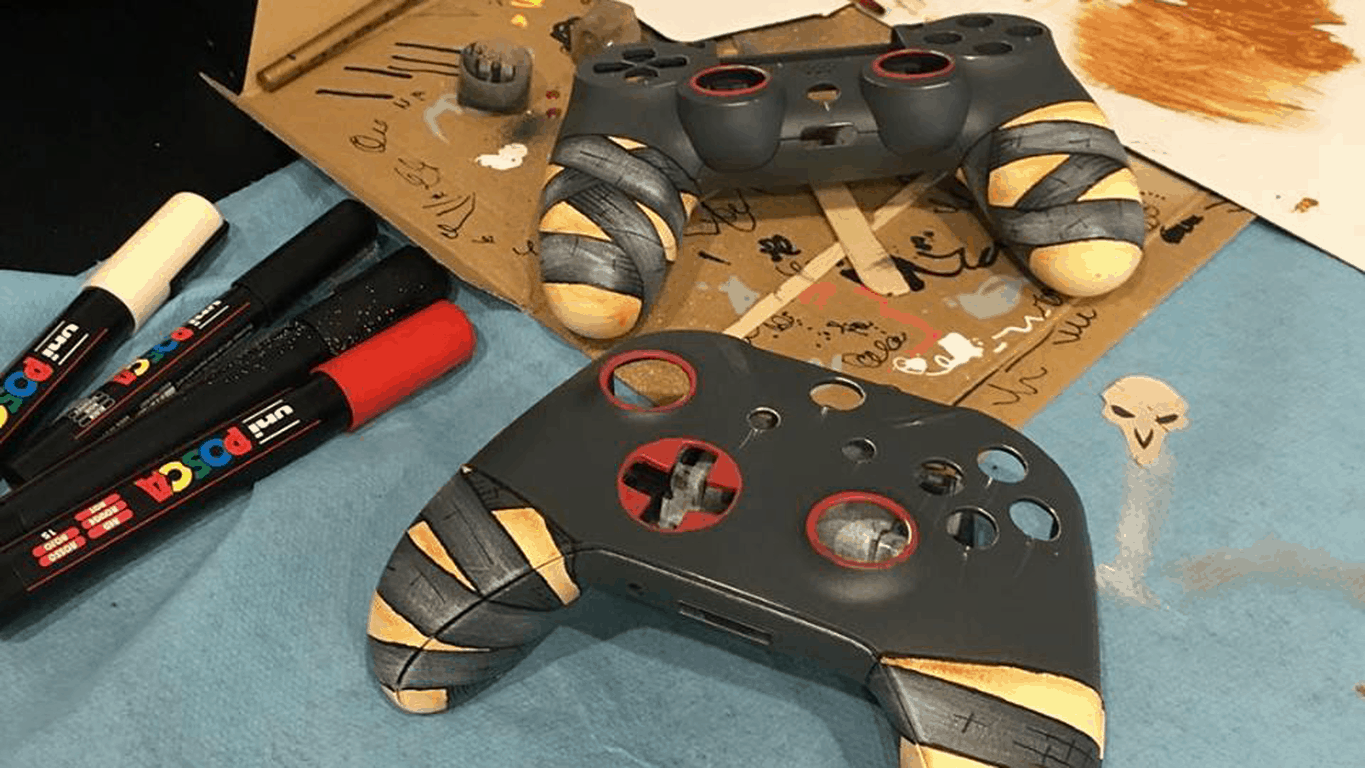
Check out these stunning Overwatch Xbox One controllers

Blizzard Entertainment is celebrating the Overwatch Anniversary with 24 very limited edition Xbox One controllers. The Overwatch Xbox One controllers were created in partnership with ARTtitude and represent all 24 Overwatch characters.

All of these awesome Xbox One controllers were handmade by European street artists and will be available to win in a special Overwatch giveaway provided by ARTtitude. Stay tuned to their Instagram and Facebook channels to check out ways to win.

Take a look at some of the Overwatch Xbox One controllers being offered in the giveaway below.

Sorry US, this giveaway is only available in Europe.

Microsoft MS Rewards will launch in France on June 12, French Windows Insiders can test it now

Only a week after Microsoft Rewards officially launched in the UK, we just learned that the company’s new rewards program is set to arrive in France on Monday, June 12. Microsoft France gave members of the local House of Fans program early access to Microsoft Rewards last week, and the subsidiary has started to send email invites to French Windows Insiders yesterday

Microsoft Rewards is also expected to launch soon in Germany and Canada, though it’s not clear yet if Microsoft has chosen the same June 12 launch date for these two other markets. As of today, the new rewards program is available in the US, Australia and the UK and it lets consumers earn points and then rewards by doing Bing searches or making purchases on the Windows Store and Microsoft Store.

If you’re a Windows Insider in Canada or Germany, let us know in the comments if you have received an email invite to give you early access to Microsoft Rewards!

Collectible card game Fable Fortune to launch on Xbox Game Preview next month as an Xbox Play Anywhere title

Fable Fortune, the collectible card game developed by Flaming Fowl Studios and Mediatonic Games will bring the beloved Fable franchise back to life next month. Following the launch of a private beta earlier this year, the developers announced yesterday that the game will hit Xbox Game Preview and Steam Early Access on July 11.

Just like Gwent: The Witcher Card Game, another digital card game developed by CD Projekt Red, Fable Fortune will support Xbox Play Anywhere with cross-play and cross-save functionality between Xbox One consoles and Windows 10 PCs. The game will be free-to-play when it launches later this year, but you’ll have to purchase the $14.99 Founder’s pack to play the game in early access next month.

“Fable Fortune combines pioneering CCG systems with some of the Fable’s most cherished moments; featuring timeless heroes, despicable villains, armies of bemused (and conveniently expendable) peasants, and some good old fashioned, family-friendly necromancy,” shared the developers. A first game trailer has been published earlier this year and you can watch it below:

Following the cancellation of Fable Legends and the subsequent closure of Lionhead Studios last year, it will be interesting to see if Fable fans will embrace Fable Fortune. Microsoft, which still owns the Fable IP, seems to be confident in the franchise’s future. Last month, Xbox head Phil Spencer enigmatically said that “the IP has a lot of places it could go,” even though he had nothing to announce at the time.

Microsoft will discontinue version 4.3 of Skype for Linux next month

Microsoft will be killing the classic version of Skype for Linux on July 1st. In order to keep using it, Linux users will have to move to the new Electron-based app.

Remembering the classic Skype for Linux

The traditional Skype for Linux is at version 4.3, the latest version of using the peer-to-peer protocol support. Microsoft will soon drop server-side support for all older Skype clients that use the P2P protocol to establish connections between clients.

This version of Skype already has some issues with the current modern Skype clients including the web version of Skype and the new Skype for Linux.

Get the new version 5.2 of Skype

Microsoft offers Linux users a brand new Skype app, a web application created with its own Electron engine. This app will not be compatible with older versions of Skype but will work with all modern releases of the application available on other platforms.

On the official download page of Skype for Linux, there is a particular note stating that all Skype for Linux clients at version 4.3 and older versions of Skype will retire starting July 1, 2017. Users who want to keep chatting are asked to install the latest version of Skype for Linux.

You can install the latest version of Skype from the official page and you’ll be able to enjoy the following features: messaging, voice calls, video calls, group video calls, pictures, file sharing and translating calls and messages.

RELATED STORIES TO CHECK OUT:

OneNote update for Windows 10 comes with fast track moving

The OneNote for Windows 10 app and the OneNote 2016 desktop app feature resemble one another, but there are also some differences. OneNote for Windows 10 is regularly updated and below you can see the latest updates of the app.

Insert meeting details

Go to Insert and then to Meeting Details and choose an Outlook Meeting. The meeting details will be added to a new note, and they will include place, time, date, who will be invited and more information. You will be able to change, edit and delete any part of the meeting details with out this affecting the original meeting notice.

Print straight to OneNote

You can now send anything from your machine straight to OneNote and for this, you just have to install the Send to OneNote app from the Store. Then, select Send to OneNote when printing a file.

Checking spelling in another language

You are now able to set Language to specify the language you want to use when you test the spelling of a particular text that you previously selected.

Page versions

You can recover older versions of your pages by right-clicking any page and clicking Page Versions. You will then see a pane with various versions of the page, so just choose one.

Fast track moving or copying pages

You have to right-click a page and choose to cut it or to copy it. Then, you have to paste it to the desired destination.

Select multiple pages

To select more pages, you just have to use Ctrl+Click or Shift+Click and then you can move them, copy them or delete them all together. You can also use this to create or to promote groups of subpages.

These are the improvements made for OneNote for Windows 10 in May, in version 18.8241.5759.

RELATED STORIES TO CHECK OUT:

Windows Hello issues after installing the Creators Update [Fix]

Windows Hello is a great security-oriented feature introduced with Windows 10. Most users are enjoying the advanced log-in features it offers like fingerprint scanning, camera face recognition, and iris scanning. Together, it’s a much faster and more reliable way to keep your PC safe from the unwanted access.

However, after the Creators Update, a lot of users reported critical issues related to Windows Hello, like being unable to access their PC without the PIN or password since Hello features went down – especially Surface users. Luckily, there’s solutions or at least temporary workarounds before the Microsoft addresses this issue.

So, while you’re waiting for the patch, it’s worth browsing through these workarounds we presented below.

How to resolve Windows Hello issues in Windows 10 Creators Update

Reset facial recognition/fingerprint

The first step you should take is to restart your device. If the problem is persistent, it’s worth trying to reset the Hello configuration and setting it up again.

Follow these instructions to reset your device and set up a new fingerprint/ facial recognition settings:

  1. Open Settings.
  2. Open Accounts.
  3. Choose Sign-in options.
  4. Click Remove under Fingerprint or Facial recognition.
  5. Now, establish them both by clicking Get Started.
  6. Follow the instructions on the screen and you should be good to go.
  7. Restart your device and look for changes.

If the problem is still there, try the additional steps on our list.

Use the Software Repair Tool

For software-related troubleshooting, Microsoft provided a specific tool and while it’s not a guarantee, it’s certainly worth a shot. Before we start with the procedure, make sure that your laptop or Surface is plugged into an electrical outlet or, if you’re unable to do so, make sure that the battery is at least at the 30%.

After that, follow these instructions to obtain and utilize the Software Repair tool:

  1. Download the tool here.
  2. Run the tool.
  3. Accept the Microsoft’s License Agreement and click ”Next”.
  4. When the tool finishes identifying and resolving possible issues, click Restart Now.
  5. Once your device powers on, check for improvements with Windows Hallo.

If this nifty tool is unable to deal with update-inflicted issues, continue to alternative steps.

Change group policy

As with the Anniversary Update, there’s a chance the Creators Update changed some of the group policies and affected Window Hello. Luckily, there’s a way to restore your policy settings in the Group Policy Editor. To perform this procedure, follow the instructions below:

  1. In the Search bar, type gpedit and open Group Policy Editor.
  2. Click on Computer configuration.
  3. Open Administrative Templates.
  4. Click Windows Components.
  5. Open Biometrics.
  6. Open Facial Features.
  7. Right-click on the ”Configure enhanced anti-spoofing” feature and open Edit.
  8. Disable it.
  9. Restart your device.

After that, facial recognition issues should be resolved and your device should recognize you at the log-in screen.

Update Hello, webcam, and fingerprint reader drivers

Even though Microsoft provides timely updates and the latest drivers for their devices, there’s a chance some of them became corrupted after the update. As you know, without the proper drivers your device won’t work as intended. You can check and update your drivers by following these instructions:

  1. In the Search bar, type device manager, and open Device Manager.
  2. Navigate to Hello, webcam, and fingerprint driver individually.
  3. Right-click and choose Remove driver software for each of them.
  4. Restart your device.
  5. The device should automatically install removed drivers.
  6. Check for any changes in the Hello behavior.

Disable Fast Startup

Fast Startup is the feature that appears on all Windows-powered devices. However, even though it substantially speeds up startup and reduces waiting time, it can negatively affect Windows Hello. So, we advise you to try and disable it temporarily and look for changes. If you’re unsure how to disable Fast Startup, follow the instructions below:

  1. Open Power Options from the notification area.
  2. Click on the ”Choose what power buttons do” option under the left pane.
  3. Click on the ”Change settings that are currently unavailable” option.
  4. Uncheck the box next to Fast Startup.
  5. Confirm changes and restart your device.

However, if the problem is still there, you’ll be forced to reset your computer in order to overcome the update-inflicted issues with Windows Hello.

Reset your PC

This step is your last resort. Indeed, you’ll lose your settings but at least your data will stay preserved. Additionally, you can backup your data prior to this procedure, just in case. This is how to perform Reset process on your personal computer and hopefully retrieve the functionality of your Windows Hello:

  1. Click Start.
  2. Open Settings.
  3. Open Update & Security.
  4. Choose Recovery.
  5. Click Get Started under the Reset this PC.
  6. Choose Keep my files.
  7. After the procedure is finished, your Windows Hello features work like before.

That should be enough to get you going. In case you have any additional issues or perhaps an alternative solution, make sure to tell us in the comments.

RELATED STORIES YOU NEED TO CHECK OUT:

Microsoft Flow finally reaches Windows 10 Mobile

Until now, Microsoft Flow was not available on Windows 10 Mobile after first arriving on iOS and Android.

Microsoft Flow is an IFTTT competitor and allows particular tasks to be performed if certain conditions are met in the same way.

Microsoft Flow available for Windows 10 Mobile

Microsoft Flow’s features include the following:

  • You can create new flows whenever you need them, and from anywhere you want;
  • You can trigger flows to run, and all you have to do is tap a button;
  • You will also be able to manage your flows from anywhere and also to monitor the flow’s success;
  • You will get the opportunity of reviewing detailed run history reports;
  • You can view and filet the runs by notification type;
  • The Flow is now available in 36 languages.

Microsoft Flow User Experience

Regarding its UX, most users seem to enjoy the app’s functionality. According to them, it was exactly the one they were expecting. A small flaw in the app ould be leaking the ability to rerun a failed flow. A user stated that while he was reworking some flows to use the new feature, he noticed that notification steps did not work, which delayed his work.

Microsoft answered his concern by beginning work on fixing the known flaws.

Other app limitations, according to the users include the following:

  • Sluggish performance;
  • The app’s unavailability for PC;
  • Glitch quality, especially on Lumia 950.

Users recommendations for improving the app’s functionality include the integration of MS instead of using the web browser and the need to be updated with Fluent Design APIs.

RELATED STORIES TO CHECK OUT:
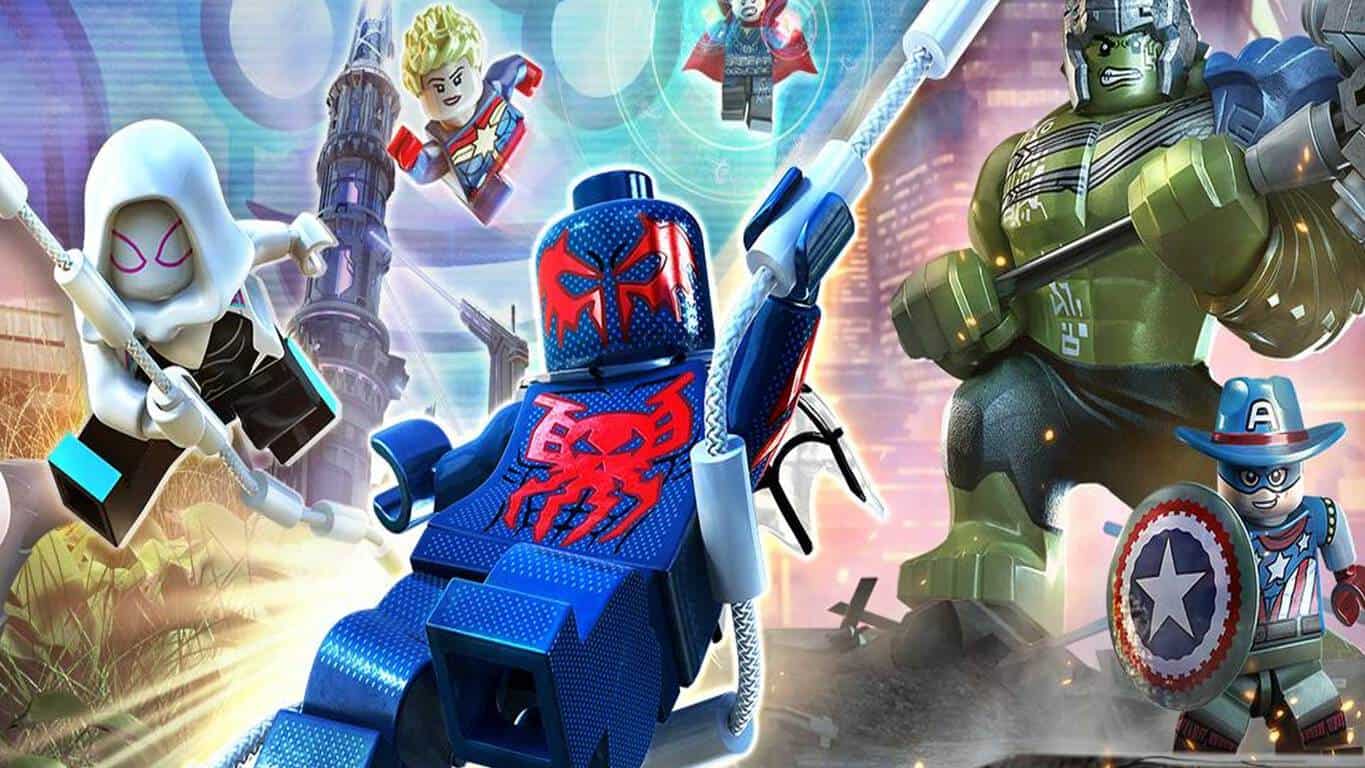
Pre-orders for LEGO Marvel Super Heroes 2 are now open on Xbox One

Digital pre-orders for LEGO Marvel Super Heroes 2 are now open for Microsoft’s Xbox One video game console. The game is a sequel to the original LEGO Marvel Super Heroes title which also came out on the Xbox One and the Xbox 360 and is also a follow-up to the recent LEGO Marvel’s Avengers which featured a lot of similarities but was based mostly on the live action Marvel movies instead of the comic books. Here’s the official game description:

It’s about TIME! Join your favorite Super Heroes and Super Villains from different eras and realities as they go head-to-head with the time-traveling Kang the Conqueror in the all-new, original adventure, LEGO Marvel Super Heroes 2! Play as the Guardians of the Galaxy, Spider-Man, Thor, Hulk, Black Panther, Captain Marvel, Doctor Strange, Carnage, Green Goblin and dozens of other Marvel Super Heroes and Villains in this cosmic battle across the time-tossed city of Chronopolis! Travel across lands — from Ancient Egypt to The Old West, Planet Hulk and New York City in 2099 — and transport objects or characters through the centuries! And, with new battle modes, friends and family can play against each other in a series of themed challenges and battle arenas!

Pre-order LEGO Marvel Super Heroes 2 on Xbox One

LEGO Marvel Super Heroes 2 is being sold in a regular version and a Deluxe version which contains a Season Pass for all of the future downloadable content (DLC). It’s due for release on November 15th 2017.

Are you a LEGO video game fan? Let us know which game is your favorite in the comments below.

Wordament gets massive update on Windows 10, now Microsoft Ultimate Word Games

Microsoft’s Windows 10 Wordament app has undergone a huge update and has been essentially rebuilt from the ground up. The app is now called Microsoft Ultimate Word Games and contains full versions of Wordament, Jumble, and Crosswords.

Like the previous Wordament app, Microsoft Ultimate Word Games also connects to Xbox Live but being an app built for Windows 10, this new collection of games rewards the more modern-looking Xbox Achievements as seen on the Xbox One and Windows 10 as opposed to the older Xbox 360 and Windows 8 ones. Similar updates have already been done to several other Microsoft games on Windows 10 such as Microsoft Mahjong and Bingo.

The Wordament app on Windows phone hasn’t updated yet so it’s unclear if Windows 10 Mobile users will be given a new app to play with. The official store listing does say it supports mobile however so the update may still be rolling out to users on different devices. Of particular note is the fact that the Xbox Games Hub for Microsoft Ultimate Word Games lists it as an Xbox One game which suggests that it could be coming to console. It is possible this is just a technical glitch though.

Have you tried Microsoft Ultimate Word Games yet? Let us know if you like the update in the comments below.

Edit movies and clips with the free Windows Video Editor Master app

The Video Editor Master app supports UWP with user-friendly interface and unique video filters with which you can edit your video clips with just a single touch.

Video Editor Master features

The app helps you organize your pictures easily in a slideshow view without reselecting or having to remove previous images. You can also combine your video clips with video and photos, attach audio clips in the background of your videos, and personalize your videos by adding customized text.

Other features of the program include:

  • Trim Multiple Clip and Merge
  • Sepia, mirror, stickers and more effects
  • New multi-effects integration on selective portion of your videos for dynamic video creations
  • Redesigned Toolbox with enhanced Sharpness, Brightness and Video controls for the best video experience
  • Frame Grabber that offers the ability to capture frames while streaming videos; you can capture a single frame at a time or you can use In-Depth capturing for ten frames at once
  • One touch sharing on social media
  • Stylish text designs and fading effects

The app also supports multiple resolutions and HD quality videos in 480p, 720p and 1080p and is available on PC and mobile devices running at least Windows 10, Windows 10 Mobile, or Windows Phone 8.1 with an ARM x86 or x64. In-app purchases are available for $1.99.

Based on the user experiences with the program, it seems to be an easy and convenient app to edit and create from cellphones to digital cameras. Even if the interface is a bit choppy and the ads are distracting, regularly updating the program will have the app work much better.

You can download Video Editor Master for free from the Windows Store.

RELATED STORIES TO CHECK OUT:

Set in a post-apocalyptic world, Dead Purge: Outbreak is a fantastic FPS game for Windows 10

Dead Purge: Outbreak is a modern first-person zombie shooter for Windows 10 PC set in an unforgiving post-apocalyptic world where ‘every minute can be your last’.

With an intense action-packed gameplay, you are one of the few who have survived the outbreak of an epidemic disease that infected most of the world’s population and now you must fight for the survival of humanity.

You need to purge waves of vicious zombie hordes, scavenge for supplies, research new skills, and improve your equipment as you go along. There are dozens of weapons you can use and multiple game modes to play.

When it comes to system requirements, Dead Purge: Outbreak needs some muscle. While the minimum system requirements indicate 4GB of memory and 2GB of video memory, double of that is recommended. Similarly, while you need to have an Intel Core i5-4460, 2.70GHz or AMD FX-6300 processor and NVIDIA GeForce GTX 760 or AMD Radeon R7 260X graphics unit at the minimum, you’d really want an Intel Core i7 3770 3.4GHz or AMD equivalent with NVIDIA GeForce GTX 1060 with 3GB VRAM for the best performance.

Dead Purge: Outbreak is a fantastic first-person shooter set in beautiful locations and offers realistic combat gameplay. At $14.99, it’s not cheap for an independent game, but if you like shooting zombies, you’d quite like this one. Download it for Windows 10 PCs from the Windows Store.

Microsoft details how, when to watch E3 events

Microsoft’s Xbox E3 briefing is just five days away here in the United States, and the company wants to make sure you know how, and when you can watch all the action from the annual Electronic Entertainment Expo. As we previously highlighted on Friday, you will be able to watch on the Xbox Twitch Channel, YouTube, Twitter, and Facebook Live, and much more.

To begin, things will kick off with the Xbox E3 2017 briefing, which will be live across multiple platforms beginning on Sunday, June 11 at 2:00 p.m. PDT. You’ll even be able to watch the Xbox E3 2017 briefing live in 4K on the official Xbox Mixer Channel or on the Mixer app for Xbox One. The briefing will be available in English, German, French, Italian, Spanish (LATAM), Portuguese (LATAM,) with support for English Closed Captions.

For those who want to watch away from home, Microsoft will be hosting an E3 celebration at local Microsoft Stores in the U.S., Canada, Puerto Rico, and Australia. In the store, you will be able to watch the Xbox E3 2017 briefing live, and also enjoy Xbox gear giveaways. And, as an added bonus, Xbox fans in New York will enjoy a premium viewing experience in the Mixer NYC Studio.

Microsoft’s Xbox E3 daily news show also makes a return for E3 2017, hosted by Major Nelson, Julia Hardy and Graeme Boyd. Giveaways will occur, and it will be live on the official Xbox Mixer channel, the Xbox Twitch Channel, YouTube, and Facebook Live. Showtimes can be seen below.

  • Monday, June 12, from 3:00 p.m. to 4:00 p.m. PDT
  • Tuesday, June 13, from 1:00 p.m. to 4:00 p.m. PDT
  • Wednesday, June 14, from 1:00 p.m. to 4:00 p.m. PDT
  • Thursday, June 15, from 10:00 a.m. to 4:00 p.m. PDT

Lastly, Microsoft will be partnering with Fuse to bring the Xbox E3 2017 briefing to cable and satellite subscribers in the U.S. and Canada at 2:00 p.m. PDT. And, to relieve the moment, you’ll be able to watch encores on FM starting June 12 at 9:00pm/ET and June 15 at 1:00am/ET.

How will you be watching E3 2017? Be sure to keep it tuned to OnMSFT, as our own Kip Kniskern will be on the ground live in Los Angeles, and we will be bringing you all the latest Xbox news live all day long!

Xbox VR won’t be shown at E3 this year, Alex Kipman says

Mixed reality is a big talking point for Microsoft as it continues to develop augmented and virtual reality for Windows PC. However, when it comes to Xbox, the tech giant’s console will have to wait just a bit longer.

Even though the next generation gaming console is planned to have 4K resolution and touted to be ‘the most powerful console built’ so far, Polygon reports that the presentation at E3 won’t be showing off mixed reality. Instead, Microsoft’s plans to focus more on the Scorpio’s other features rather than its virtual reality capabilities.

Alex Kipman from Microsoft stated:

“Our primary focus is making our mixed reality experiences a success on Windows 10 PCs. We believe that right now a Windows PC is the best platform for mixed reality as its open ecosystem and enormous installed base offer the best opportunity for developers, and Windows offers the most choices for consumers.”

“Windows has been the birthplace of a variety of technologies, and we believe this will hold for mixed reality too. Given the efforts we have underway on Windows for mixed reality, and our belief that console VR should be wireless, right now we are focused on developing mixed reality experiences for the PC, not on the console.”

So far, it sounds like mixed reality is still on track with its promise of seeing VR on console in 2018. For now, we’ll have to be patient and just bask in the glory that Project Scorpio has to offer – sans mixed reality.

Lenovo launches the 2017 range of Think PCs in India

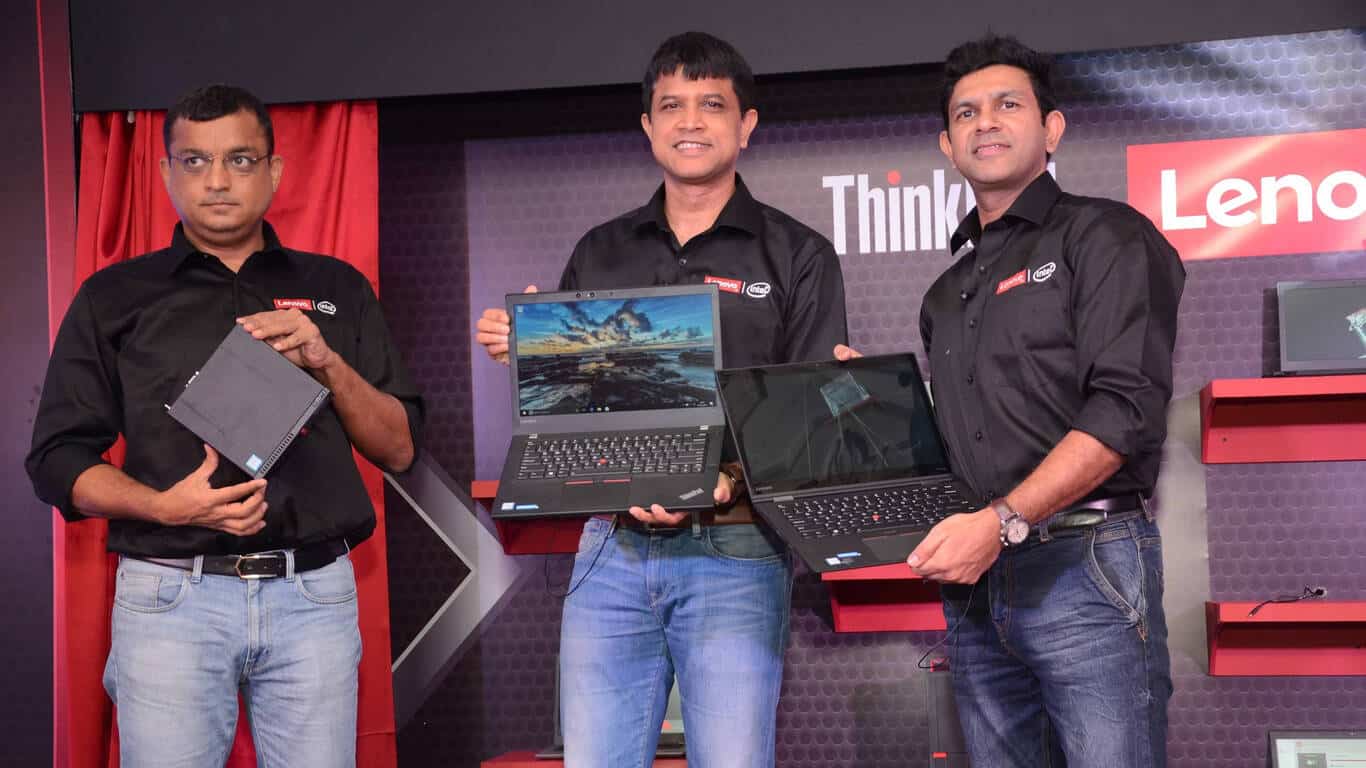
In a press conference today, Lenovo announced the launch of its extensive 2017 Think product line powered by 7th Generation Intel Core i7 Processors. The new 2017 range of ThinkPads, ThinkCentres, and TIOs aim to deliver an unparalleled portfolio of business machines.

“The Think brand in essence has continuously and constantly redefined the boundaries of business PCs. These machines have always been synonymous with toughness, reliability and performance. Over the years, with changing business needs and increased need for mobility as well as security, these machines have evolved to provide a more rounded offering without losing their core value proposition. With the new Intel® processor coupled with our legendary Think product attributes, this latest range is equipped to meet the critical and evolving business requirements.”

– Rahul Agarwal, Managing Director & CEO, Lenovo India

Some of the key technology innovations in the latest range of devices include:

  • Lenovo Smartbeep Technology for troubleshooting identification
  • New antenna design with engineered Wi-Fi and WWAN
  • Infrared camera for facial recognition with Windows Hello for secure log-in
  • Fingerprint reader with Dedicated Chip
  • Low Temperature Solder (LTS) manufacturing process for improved system reliability and a lower emission footprint
  • Low blue Light technology to prevent eye fatigue
  • New wave keyboard for the best Tablet mode experience and protection from smudges
  • Windows Signature Image for assured speed and performance

The new range of ThinkPads include the flagship ThinkPad X1 Carbon, the premium ThinkPad X1 Yoga, the ThinkPad X270 and X370, the economical ThinkPad L470, and the ThinkPad T470 and T470s.

There’s also few desktops launched which include the ThinkCentre M710 Tiny Desktop, ThinkCentre M710 Tower & Small Form Factor (SFF), ThinkCentre M910 Tower, and the ThinkCentre Tiny-In-One 22 & 24 All-in-Ones.

The company also announced the ultra-slim ThinkVision X1 monitor, the ThinkVision P27h performance monitor, and the affordable ThinkVision T24i.

Mega Man Legacy Collection 2 announced for Xbox One, pre-orders open

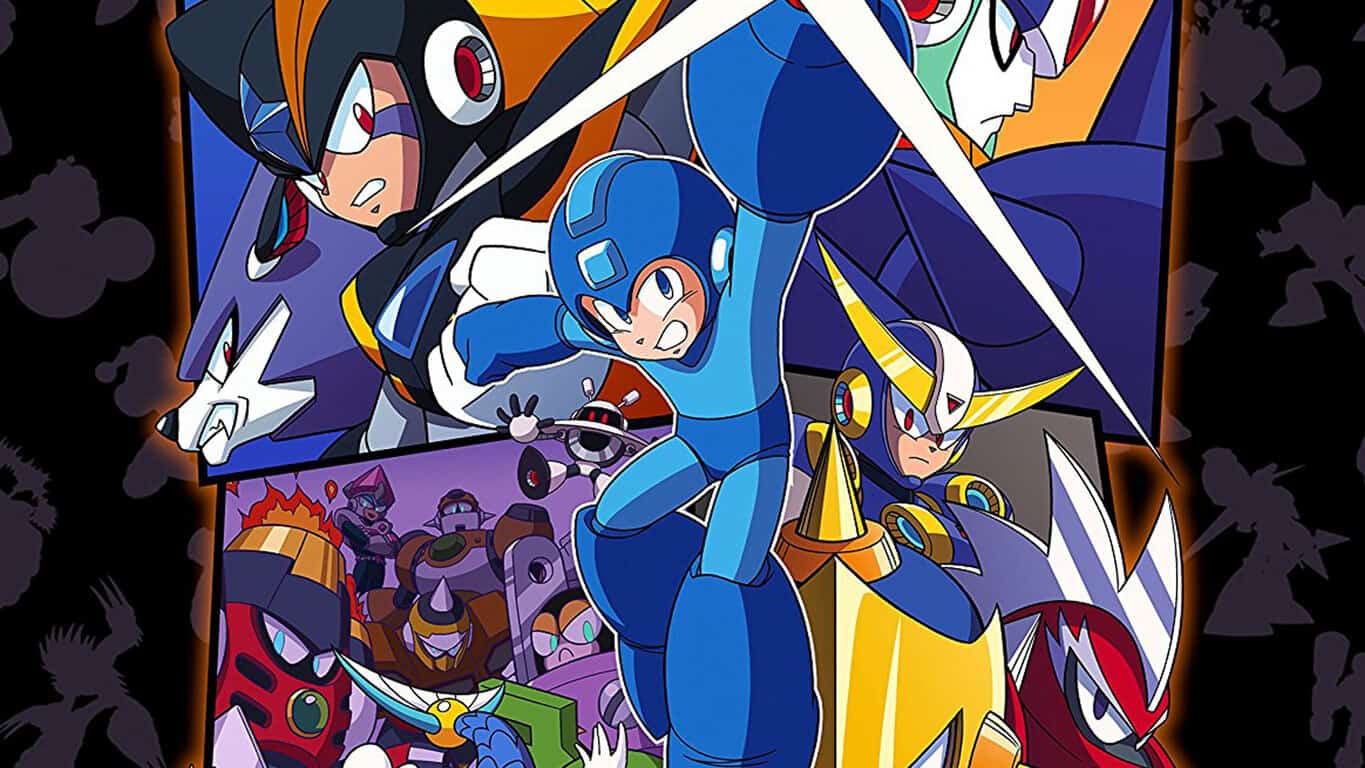
Mega Man Legacy Collection 2 has been officially announced for Xbox One and a new trailer has gone up on YouTube showcasing the game’s content.

Like the first Legacy Collection game on Xbox One, this second one also contains a collection of classic Mega Man video games, this time around Mega Man 7 through 10. The digital pre-order for the game hasn’t gone up on the Microsoft Store yet but the physical version is now open for pre-order on Amazon. Here’s the official game description:

The legacy continues with this collection of four of the iconic Blue Bomber’s classic side-scrolling adventures, complete with all-new features and new ways to play these expansive games. A follow up to Mega Man Legacy Collection which contained the series’ original 8-bit titles, Mega Man Legacy Collection 2 spans the evolution and retro revolution of the series!

Pre-order Mega Man Legacy Collection 2 on Xbox One

Mega Man Legacy Collection 2 is due for release on August 8th 2017.

Want free calls and messages? Download the LINE app

The free messaging app LINE can bring you closer to family, friends, and loved ones.

LINE app features

The app includes voice and video calls, messages and a vast variety of amazing stickers to help you better express yourself. LINE’s platform is always expanding, with 600 million users throughout the entire world. The LINE platform will continue to grow also in the future and promises to provide new and exciting experiences.

The app’s features include the following:

  • Free voice calls and video calls: If you have LINE on your Windows 10 device you will be able to enjoy high-quality calls wherever you are.
  • Quick messaging: You can use LINE’s message function instead of emails to send messages easier.
  • Enjoyable and convenient communication: Use the Timeline feature to update your friends on your activities using photos, text, movies, stickers and locations.
  • Optimization for Windows 10: LINE’s UI has been improved for Windows 10.

It is available for PC and mobile devices, and the recommended system requirements for optimal functioning includes the following: Windows 10, Windows 10 Mobile, Windows Phone 8.1, Windows Phone 8 OSs, ARM, x86, x64.

App limitations

It seems that the app only allows one recipient to forward and it crashes quite often after a few videos play. The stability problem was reported by the same users who also asking for improved speed and responsiveness because it seems a bit slower when compared to WhatsApp, for instance.

The app also provides less functionality than similar products, and the registration process is not the greatest one because it “forgets” who the user is even when the user is on the same device every time. Another issue is the fact that messages are not syncing at the beginning and you care not able to open your old messages from the phone with it.

All in all, when the application does work correctly, it seems to be working better than the Facebook messenger.

You can download the LINE app for free from the Windows Store.

RELATED STORIES TO CHECK OUT:

Popular image-editing apps from Macphun are coming to Windows this fall

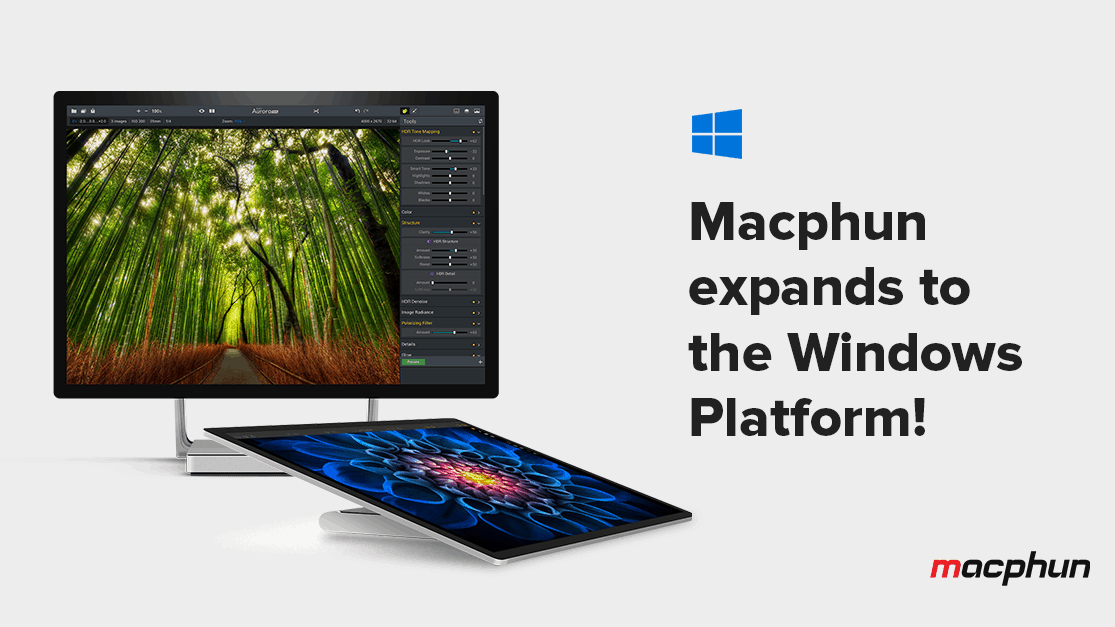
Macphun, the California-based developer of comprehensive photo-editing apps, has shared that the company will bring its apps to Windows users in the fall of 2017. Established in 2008, Macphun has created a multitude of innovative photography software like Snapheal, Focus, Intensify, Tonality, Noiseless, FX Photo Studio, Aurora HDR, and Luminar.

Apps from Macphun have been rated very highly on the Apple App Store and the company’s flagship product – Luminar – won the prestigious TIPA award for Best Imaging Software 2017 only 5 months after its launch.

“We have been delivering award-winning products to Mac users for almost a decade, and now are very excited to bring Windows users products they have frankly been missing in the PC market. Combining power and simplicity, Luminar and Aurora HDR give users a new way to express themselves through striking images they can create within minutes.”

– Kevin La Rue, Vice President, Macphun

Aurora HDR

First released in November 2016 and co-developed with the world’s pre-eminent HDR photographer Trey Ratcliff, Aurora HDR makes the complex task of HDR photography effortless and unintimidating. It offers one-click presets and advanced tone-mapping, as well as layers, noise reduction, and powerful luminosity masking controls.

Luminar

The all-in-one photo editor offers smart, cutting-edge solutions to make complex photo editing processes simple and straightforward. Luminar furnishes an innovative user interface that adapts to the user’s skill level, and includes dozens of creative photo filters, and over 300 other tools that together help photographers create bold images in minutes.

Macphun’s best-selling photo editors, Luminar and Aurora HDR, aim to bridge the gap between professional and consumer image-editing tools. Macphun will be launching a public beta of Luminar in July with the final version along with the new version for Mac in November. The full new version of Aurora for Mac and Windows will release simultaneously in October.

PSA: Starting July 1st, older versions of the Skype desktop app for Linux will no longer work

If you’re using version 4.3 and older of the Skype desktop app for Linux, it will no longer work starting July 1st. Microsoft is notifying users of the impending retirement via the Skype for Linux download page and is instead directing Linux users to install the latest version of the application (via omgubuntu.)

A notice of the impending retirement

As the image above shows, the most recent versions of Skype for Linux are not impacted by the retirement, including Skype for Linux Beta 5.3. Though the new version of the app has its advantages, it is only a web wrap and lacks features from the older versions and classic app which Linux users may have found useful, including screen sharing, API access, and advanced video and audio control.

The news should not come as a surprise, as Microsoft is clearly a cross-platform kind of company these days, and also depreciated older versions of Skype on both MacOS and Windows. For now, though Linux users will have to settle for Skype for Linux Beta 5.3, or turn to other third party VOIP or messaging services to fulfill their needs.