
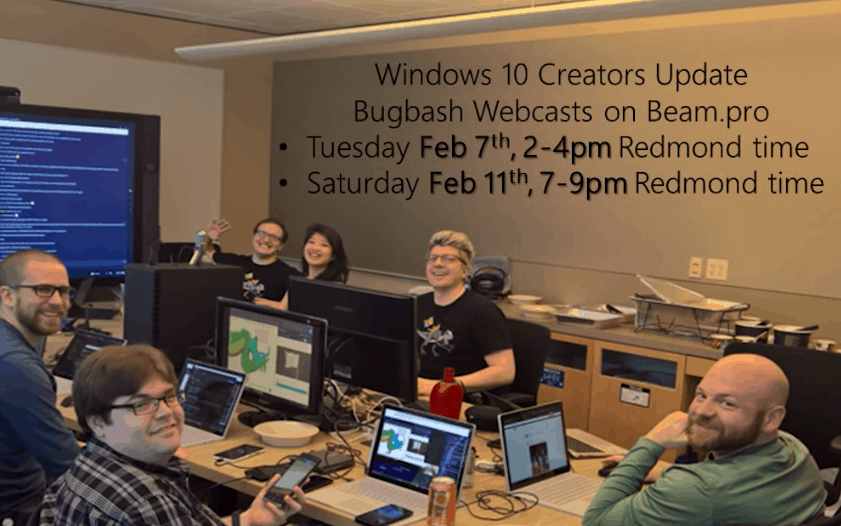
As we originally reported a month ago, Microsoft is holding an online Windows Developer Day event, where the company will show off the Windows 10 Creators Update to eager Windows app developers. The day has finally arrived, and Microsoft is now giving a look at the agenda for the online event.
Hosted by hosted by Kevin Gallo, the event shows what the Creators Update has in store for apps, games, and more. Things begin with a Keynote from 9 AM to 10 AM, and the host applies a developer’s lens as he shows off new Windows capabilities and tooling along with some news along the way.
Next up from 10:15 – 10:45 AM is a session on Improving user engagement with Windows and Cortana Skills. Here, it is discussed how developers can meet this need regardless of platform and form factor—whether the devices use small screens, big screens, or no screens at all.
Subsequently, from 10:50 – 11:20 AM, is a session on Building personal and productive apps with Composition and XAML updates. With this session, developers will learn how the Creators Update will help simplify building apps that feel more natural (using Ink and Dial) and more beautiful (using Composition advances).
After this, and from 11:25 – 11:55 AM, the Windows Store will be discussed. During this session, new Windows Store capabilities which make it easier for customers to find and acquire apps and games, and Dev Center improvements will be covered.
Developer day wraps up at 12:00 – 12:30 PM with a session on Developer tools and updates. As is expected, the focus of this session is how Visual Studio 2017 and the Windows 10 Creators Update make developers more productive.
And finally, to wrap everything up, from 12:35 – 1:05 PM, there will be a speaker panel and Q&A session where Kevin Gallo and the Windows engineering team will take the stage and answer your questions.
So if you’re a developer, or just want to find out more on Windows 10 Creators update, tune in to the livestream.



















 Hmm, that was surprising. I then checked through the release notes for build 15025 and didn’t find anything, or find any mention on the web. I then tried sending a text from a spare Lumia 635 I have laying around to my Lumia 950 XL, running 15025, and sure enough, a message popped up on my PC:
 From there, I typed in a return message, to see if I could send from the PC back to the phones. Sure enough, the message went through:

 …but on the PC, trying to open the same app (on the same build, 15025) results in just a transparent box:


