A couple of days ago, a video was released with the Creators Update announcement that showed off the innovations of putting 3D at people’s fingertips.
The new announcement video follows the story of a young girl learning to cultivate at a young age to leading an urban farming reclamation initiative. But wait, we’ve heard about this before: the acting call for Microsoft’s top secret video we wrote about earlier this month. Well-known enthusiast WalkingCat had revealed on Twitter some of the scenes behind the video called Beihei Announcement Video.
During Microsoft’s New York event yesterday, all was revealed. With the use of Capture 3D app and the exciting Paint 3D that’s already available for Insiders, Microsoft is expecting to bring 3D capability across Office and even into reality.
Furthermore, towards the end of the video we see what is described in the script as a “large magic-windows type of device” that shows holographic augmented reality on the screen.
Walking Cat felt the need to point these out to us in another follow-up tweet.
The ‘magic-window’ doesn’t seem to be recognizable at this time of anything Microsoft has released so far. Perhaps we’ll be seeing more about it after the Windows 10 Creators Update is released in Spring 2017.
Microsoft has released today new updates for its Groove Music and Movies & TV apps for Windows Insiders in the Fast Ring and members of the Xbox One Preview program. Both universal apps have been bumped to version 10.16101.10252.0 and the new bits bring some minor UI and UX changes that are likely to improve usability.
Here is the change log for the Groove Music app:
When you’re offline, it’s easier to see what’s playable. When you’re connected again, online pages automatically refresh.
Search auto-suggestions on Xbox can easily be seen and accessed directly above the on screen keyboard.
We added additional accessibility context in UI components allowing narrator to be more descriptive when reading user context.
Notifications will remain on screen as long as they have focus, otherwise they will automatically dismiss.
We improved the persistent header in collection pages to remove graphical glitches and increase the smoothness of scrolling.
Now, here is the one for the Movies & TV app:
When you multiselect videos in File Explorer, you can now use the Previous and Next controls to skip between them while you watch
If you only own an episode or two of a TV show, you now get a link to complete your season in the Store.
You can now use “Y” on your Xbox controller to search your collection and our catalog.
You can now quickly purchase the next season of your TV show straight from post-roll
You can now re-rent an expired movie straight from the Movies & TV app (no need to go through the Store anymore).
On Windows devices, you can more quickly resume or restart movies currently in progress.
I case you missed it, Microsoft also pushed new updates to its Windows Maps and Skype UWP apps for Windows Insiders earlier this week, and as usual these updates should roll out to non-Insiders in the coming weeks.
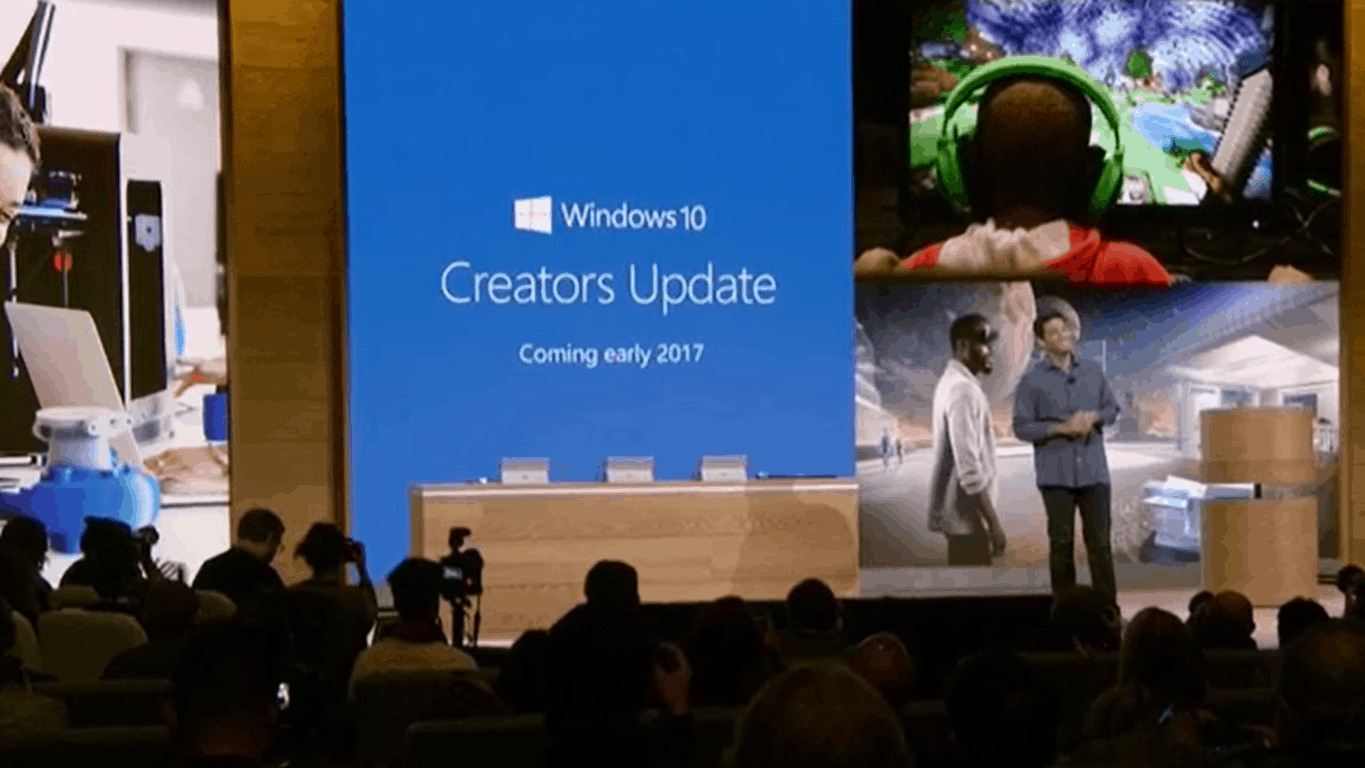
The Windows 10 event from October 26 confirmed once again that Microsoft is a major innovator in the computer industry. The company offered Windows 10 fans a glimpse into the upcoming Windows 10 Creators Update, scheduled for release in Q1 2017.
If we were to use only three words to describe the Windows 10 Creators Update, these words would be “3D power”. The upcoming Windows 10 version offers 3D support for a variety of apps, such as Paint and PowerPoint. As a result, in 2017 these two apps will metamorphose into Paint 3 and PowerPoint 3D.
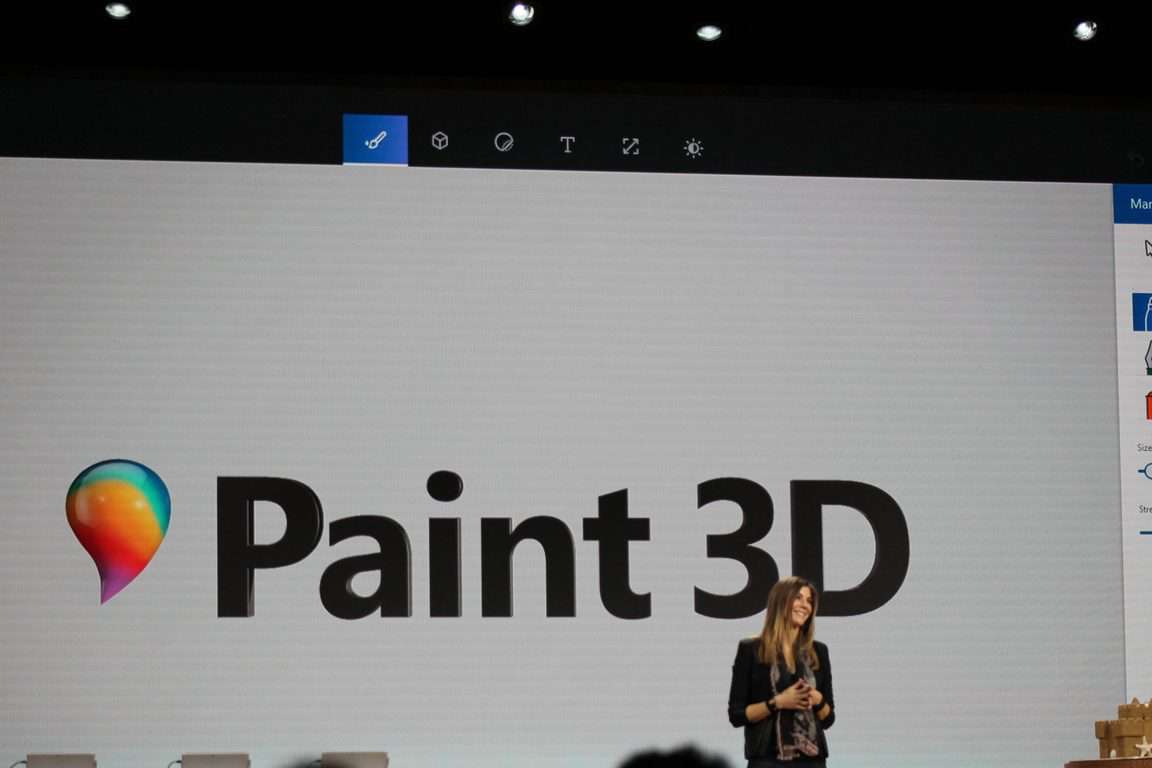
Paint 3D is simple, intuitive and fun. You can also import all your Paint 3D creations to PowerPoint 3D to personalize your presentations.
If you’re one of the 100+ million people who use and love Paint every month, you already know how easy it is. The same simple ethos that has always characterized Paint runs through the all new Paint 3D experience – allowing anyone to quickly and easily create in a new dimension. Your brushes now work directly on 3D and even your favorite photos become stickers on 3D models.
With Paint 3D in Windows 10 you can create, view and share images in a whole new dimension. The tool also allows you to modify somebody else’s creations or turn 2D images into 3D images.
Paint 3D lets you share your creations with the Remix 3D community. Once you’ve added the finishing touches to your 3D creations, you can share your favorite images with the Remix 3D Preview community.
The video below shows you how easy it is to create 3D images in Paint 3D:
If you can’t wait until early 2017 to get your hands on these impressive features, you can join the Insider program and test Paint 3D. Windows 10 builds will incorporate Windows 10 Creators Update features starting from next week.
Microsoft introduced its upcoming Windows 10 OS, under the code name Windows 10 Creators Update. This OS version brings major new features, making the Windows environment 3D-friendly.
Indeed, Windows 10 Creators Update introduces 3D support to a variety of apps, allowing users to draw in Paint3D or create very interesting presentations in PowerPoint 3D.
PowerPoint will metamorphose into PowerPoint 3D next year and will allow users to add 3D images and animations to their presentations. All this is possible thanks to a new option that lets Windows 10 users insert 3D objects on their slides. The new option is very easy to use, adding a 3D image is no different than adding a regular image, the steps to follow are the same.
All you need to do is go to the Insert menu and select the 3D Models option. Choose the 3D image you want to insert and you’re done.
Moreover, PowerPoint 3D allows you to add 3D animation as well. In this manner, your presentation content literally becomes alive. To raise the stakes even higher, you can zoom the 3D image in and out, as you follow the main ideas of your presentation.
For more information about PowerPoint 3D, you can watch the Windows 10 event presentation. To go straight to PowerPoint 3D, jump to minute 27.
Speaking of 3D, if you don’t like the 3D images from the Insert menu, you can create your own 3D pictures using Paint3D. Thanks to 3D support, Microsoft has just revolutionized presentations. PowerPoint now feels modern and limitless.
What do you think about the new PowerPoint 3D tool? Are you looking forward to using it?
Microsoft has released a new update to its Windows 10 Maps app for Windows insiders on the Fast Ring. The app has been bumped to version 5.1610.2954.0 and gained a new “Collections” features which lets you better organize your saved locations.
You can create a new Collection right after tapping a random location, but you can also do so by going into the “Saved places” section of the app where you can now see both your saved Favorites and Collections. Once you create some collections, You can pin them your to your Start Screen.
The new Collections feature.
This new feature is a good addition for those of you who use the app a lot and struggled to keep some organization with their saved locations. As usual, the update should roll out to other Insider rings and the Production ring in the coming weeks. Let us know what you think of this new feature in the comments below.
As you all know, I was on the ground in New York City yesterday to cover Microsoft’s October Windows 10 Event. As both a Microsoft reporter and enthusiast, the moment marked a first for me. After four years of journalism school and many years watching these Microsoft press events from my own computer, I finally had the chance to attend a Microsoft press event in person, and in my home city. What follows is a personal look at what it was like for me to attend this event.
The journey to the event:
As my Bio says, I live in Queens, New York, so a trip out to Spring Studios in lower Manhattan (the venue for this event) meant a 45-minute ride on the A train. Usual shifts here for my duties at WinBeta (OnMSFT) start at 9AM, but the day of the event I woke up at 6 AM ET, and left my home at 7 so I could arrive ahead of time and scout the area near the venue. If you followed me on Twitter, or on my OnSMFT Instagram, you should be familiar with what I experienced upon my arrival.
If I learned one thing from college, it’s that you should always show up to class early. And, if I learned one thing from being a New Yorker, it’s that the trains always could have delays. That being in my mind. I arrived at Spring Studios well ahead of time around 7:45 ET. The line to enter the event was empty, and I was the only one there. After a bit of walking about to take some b-roll shots, someone else finally joined the line. Now that I was not alone, I joined in and became the second person in line.
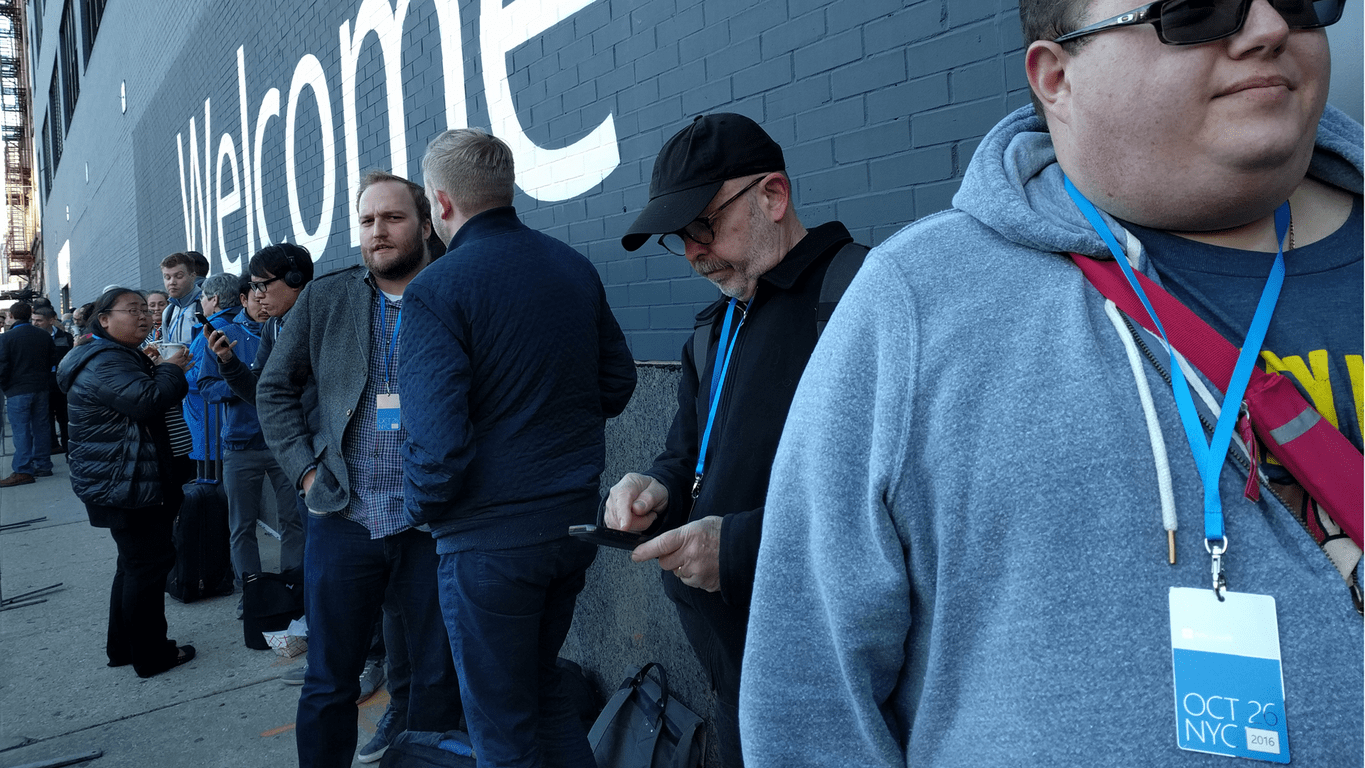
It was a cold morning in New York, so I chatted with those around me and waited things out until 9:15 when Microsoft finally let us all into the venue. In the lead up to the moment, The Microsoft events team showed up and signed us in (using Surface devices!) and we received our press credentials.
After walking in, we were guided up elevators, and we entered the event hall. The first thing I did was search for the right spot, and for a hardwired ethernet connection so I can touch base with my colleagues. I got myself set up in the middle of the room on a comfy table, and plugged in my laptop, (and also collected the cute goodie bag Microsoft left us. ) The Keynote started promptly at 10, and I quickly got to work snapping pics.
I must say, as a Microsoft reporter going to a Press event for the first time, I was very happy to see the folks which I am constantly writing about on stage. It came as a big change over my familiar way of seeing news and quotes as a text on, screen, or a Microsoft blog post. Be it Panos Panay, or even Satya Nadella himself, I was amazed to see these folks which I am constantly writing about right before my very eyes. It was also refreshing to see and meet a few fellow Microsoft reporters who I have come to become familiar with.
Of course, what is a post about the Microsoft event without writing about the devices unveiled? After putting much thought into my initial what to expect post, I knew something big was planned for this event. The moment Panos Panay stepped on stage with two Microsoft Studio devices by his side, my hairs stood up and I burst into applause, as I knew this was the start of the next chapter in Microsoft history. Of course, I had to stay focused and remember that I was here as a reporter, and not a fanboy. (Fanboyism came later when I got to see the devices!)
After the keynote ended, the press was invited to a lower level floor for a Microsoft device showcase. The newly announced devices, and everything Microsoft has recently released, from Surface Hub, Surface Pro 4, Xbox One S, were on display for us to try out for ourselves. As both Microsoft enthusiast and reporter, I must say I felt as if I were in a dreamland.
After checking out a map of the floor, I went around and tried out the various products. I started with my own (amateur) hands on of the Surface Studio, and then moved onto doing my duties as a reporter by asking Microsoft representatives for demos of both the Surface Studio, and the Surface Dial. You can see what it was like for me by checking out the videos below.
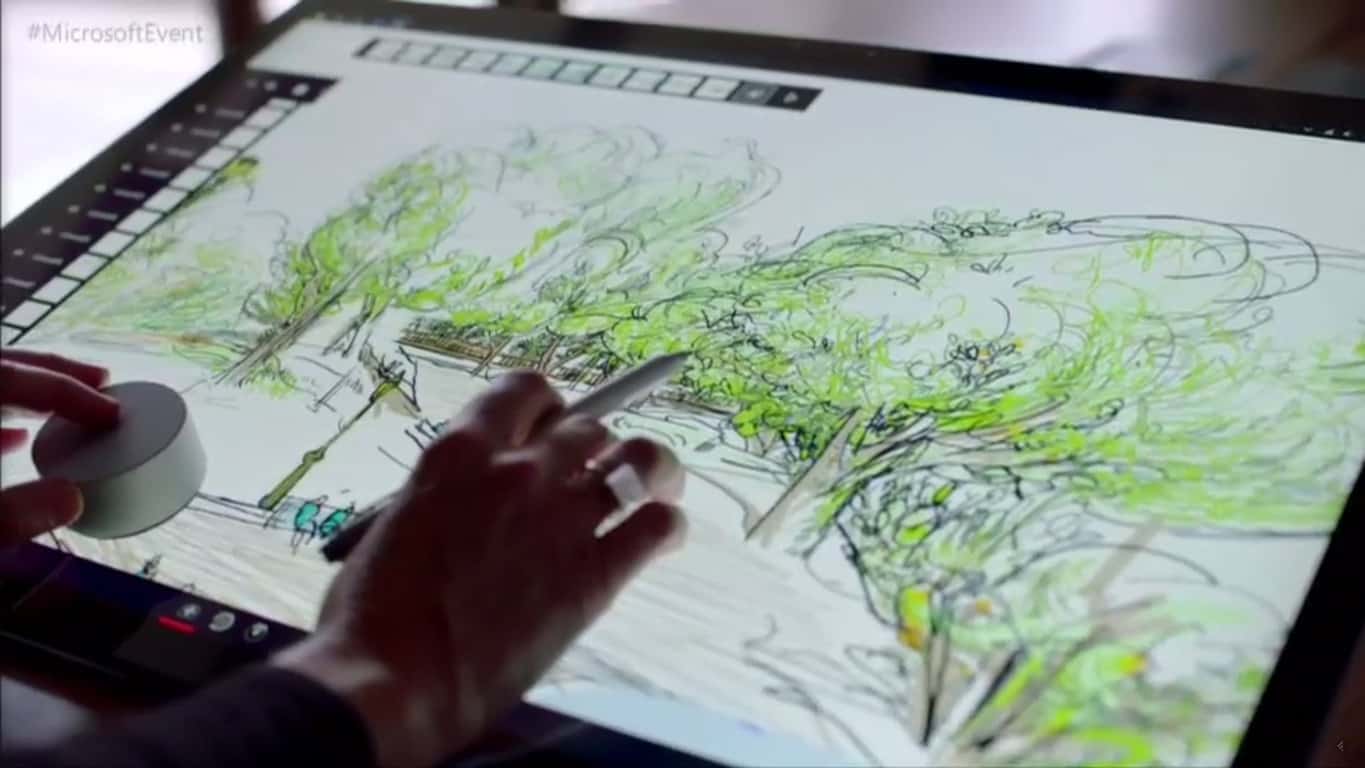
Personally, I must remark that I’ve never quite seen a device like the Surface Studio. The display on the device is downright beautiful, and I was sure to try out some gameplay of Forza Horizon 3 on the device when I was granted the chance. Everything was downright flawless, and it was amazing to see that I could move the device down to a low angle (thanks to the hinge) to play the game. It was also amazing to see Microsoft show off the possibilities of this device, from using it for creative purposes, and even marking up notes on it like the device was a canvas and piece of paper.
The same can be said for the Surface Dial. To be honest, I’ve never really seen an accessory such as this before. However, as explained by Microsoft, it was interesting to see that it can be used in multiple ways, be it controlling the volume on your PC, or creatively in design studio applications. Again, my thoughts were, “this is another way in which Microsoft will innovate”
My hands on experience with Paint 3D was also amazing, and given that I own a much underpowered Surface 3, using a Surface Pen to create 3D objects on the brilliant display of the Surface Pro 4 was truly awesome. Since I am a writer, and not an artist, and I rather asked the Microsoft representative to craft up a creation for me.
All in all, I am extremely grateful for this opportunity to attend a Microsoft Press event. I’ve been a Microsoft fan for quite the longest while, and to have a job (better yet get a chance to play with Microsoft devices) where I can write about the things I care about is a dream come true.
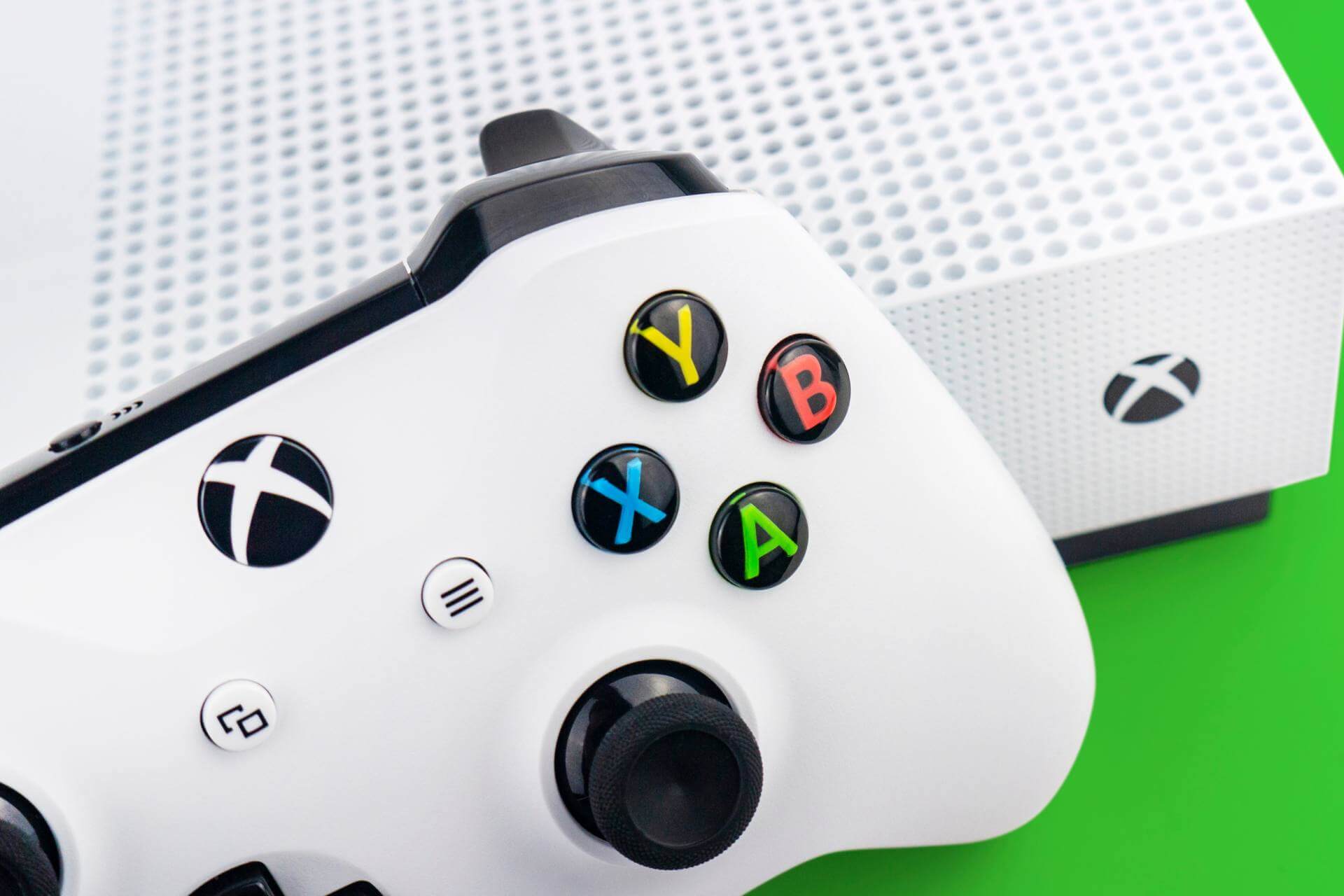
You can download all sorts of DLCs on your Xbox that allow you to access new content, but sometimes issues with downloadable content can occur. Users reported Downloadable content has changed Xbox error and today we’re going to show you how to fix it.
“Downloadable content has changed” Xbox error, how to fix it?
Fix – Xbox error “Downloadable content has changed”
Solution 1 – Clear the system cache
Your cache holds all sorts of temporary files, and sometimes these files can get corrupted and cause Downloadable content has changed error. To fix this problem, you need clear your cache by following these steps:
Press the Guide button on your controller and choose Settings.
Navigate to System Settings.
Choose Storage or Memory.
Now you need to select any storage device and press the Y button on your controller.
After that, select Clear System Cache.
You should see a confirmation message on your screen. Select Yes.
Unlike Xbox 360, Xbox One doesn’t have the option to clear cache from the menu, but you can clear the cache by powering down your console. To do that, follow these steps:
Press and hold the power button on your console until it turns off.
After your console shuts down, unplug the power cable from it.
While the cable is unplugged press the power button a few times to completely drain the battery.
Wait for a few minutes and connect the power cable to the console.
Now wait until the light on the power brick changes from white to orange.
Once the light changes, press the power button on your console to turn it back on.
Some users suggest that you can clear the cache simply by holding the Xbox button for 10 or more seconds. After your console shuts down, turn it back on again, and the cache should be completely cleared.
Solution 2 – Install the game to the hard drive
According to some users, you can fix this error simply by installing the game to your hard drive. Installing the game has certain advantages such as faster loading time and less disc usage. However, you’ll need to have a disc in the disc drive in order to start the installed games. To install a game on Xbox 360, do the following:
Insert the game to the disc drive. If the game starts automatically, be sure to close it.
From the Home screen select the game and press the X button on your controller.
Now select Install.
Wait until the game installs to your hard drive.
On Xbox One you’ll be asked to install the game as soon as you insert the game disc. Keep in mind that installing games requires a lot of free storage space, and depending on your hard drive the installation process can sometimes take 10 minutes or more.
Sometimes Downloadable content has changed error can appear due to scratches on your game disc. To fix this problem you need to clean your disc carefully and check if that solves the issue. Some users recommend taking the disc to the shop and using a professional disc polishing machine to clean it. After cleaning the disc, the error should be resolved.
Solution 4 – Try a different disc of the same game
Users reported that this error was fixed after using a different disc. Simply borrow the disc from a friend and check if it works on your console. If the other disc works, you need to use it and install the game from it. After doing that, you should be able to start the game with your disc without any problems.
Solution 5 – Delete the Title Update
You can fix this issue on Xbox 360 simply by deleting the Title Update. This is a simple procedure, and you can perform it by following these steps:
Open Settings.
Go to System Storage and find the problematic game.
Delete the Title Update.
After doing that, you need to restart your console and download the update again. When the update installs the issue should be permanently resolved.
Solution 6 – Buy a new game disc
If you’re having this problem, it might be because your game disc is damaged, and if cleaning and polishing the disc doesn’t solve the problem, you might want to consider purchasing a new game disc. Before purchasing a new disc, we strongly suggest that you borrow a friend’s disc and check if it works on your console. If the disc works, you might want to consider buying a new disc or installing the game from your friend’s disc to your hard drive.
Downloadable content has changed error can be caused by your system cache or by a damaged disc, but you should be able to fix this problem by cleaning the game disc or by clearing your cache. If that doesn’t work, you might want to consider buying another copy of the game.
Microsoft recently pushed a new Windows 10 build to Fast Ring Insiders. The update is available for both PC and Mobile and brings a bevy of improvements and fixes for both platforms.
Build 14955 is not as feature-rich as the previous build releases. The update brings new features to only three Windows 10 apps: Outlook Mail, Calendar and Narrator. More specifically, you can now open email messages in a new window, use Quick Actions directly from new email notifications and get someone’s attention with @mentions. All you need to do is type the @ symbol in the body of your email and add the person you want to address.
As far as Narrator is concerned, as you navigate around, and you can be notified about different groups or other areas you move to, such as groups in the Office ribbon. You can also configure the amount of context you hear by cycling through options with ALT + Caps Lock + /.
Windows 10 build 14955 important PC improvements
“We fixed the issue causing you to be unable to sign into apps such as Feedback Hub, Groove, MSN News, etc. with your Microsoft Account.
Fixes for precision touchpad:
We fixed an issue where precision touchpad was mis-classifying presses when mousing with one finger and pressing with another.
We fixed the issue where the 4-Finger gesture graphic would be viewable in Settings on PCs that support only 3-contact.
This build includes several fixes for Narrator
We fixed an issue resulting in Task Manager always opening with the default view, despite having configured it on the previous launch.
We fixed an issue where attempting to partition a USB drive via DiskPart would fail with the error “The system cannot find the file specified”.
We fixed an issue where certain USB drives were failing to mount automatically or via Device Manager, despite being mountable using Disk Management.
We fixed an issue where Settings would crash when copying hardware properties from the Wi-Fi settings page.
We fixed an issue where files were no longer automatically selected after being pasted into a folder in File Explorer.
We fixed an issue resulting in not being able to enter input into the Time or Place fields when creating a Reminder in Cortana.
We’ve updated the advanced tab of the device properties window in the Sounds control panel to now allow you to select the following sample dates as the default format for devices that support it: 24 and 32 bit at 176400Hz, and 16, 24 and 32 bit at 352800 Hz.
USB Audio 2.0 devices are now named based on the make/model of the device, rather than using a generic name.
We fixed an issue in Microsoft Edge that prevented dragging content out of the browser to other windows
We fixed an issue that caused Microsoft Edge to crash when using the Share button to share web pages and PDFs to Mail.”
Windows 10 Mobile build 14955 improvements
“We fixed the issue causing you to be unable to sign into apps such as Feedback Hub, Groove, MSN News, etc. with your Microsoft Account.
We fixed the issue that was causing some devices to appear “stuck” on the blue Windows logo screen during the boot cycle when rebooting a phone on earlier builds.
We fixed a bug resulting in notifications banners not appearing from Outlook Mail accounts that had been pinned as tiles to Start.
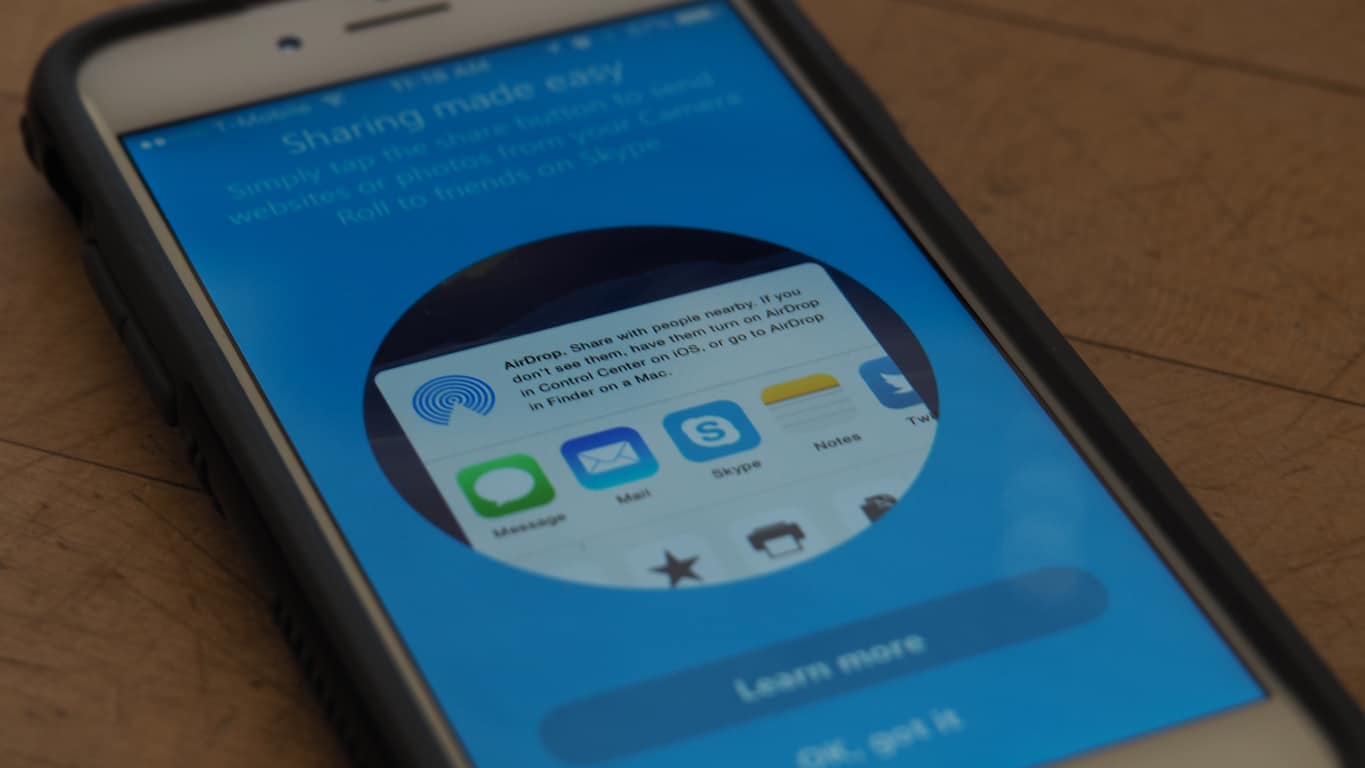
We fixed an issue resulting certain apps being unexpectedly missing from the Share dialog.
We fixed an issue where Insiders who had configured a data limit on their phone may have ended up in a state where they would receive frequent notifications about having exceeded that limit.
We fixed an issue resulting in not being able to enter input into the Time or Place fields when creating a Reminder in Cortana.”
For more information about Windows 10 build 14955, check out Microsoft’s Windows Insider page.
FIFA Mobile for Windows 10 was rolled out earlier this month courtesy of Electronic Arts. The mobile version of the most recent entry in the popular franchise is more of a consumer version of FIFA 17 for smartphones, available for PC, PlayStation 4 and Xbox One. FIFA lovers will be thrilled to know their favorite football simulation is finally available on Windows 10 tablets and PCs.
FIFA Mobile is unquestionably the most anticipated title for football fanatics, and thanks to its new and improved gameplay, its ratings are high and download numbers are going through the roof. This is understandable: FIFA17 Mobile adds a range of new features compared to previous versions, including team management controls redesigned to make the most of the Attack mode feature along with the opportunity to participate in live events and play in leagues with either your friends or other players via chat and climb online leaderboards.
What’s mandatory is a touchscreen to play the game. If the app is launched on a PC or laptop with no touch support, it might cause a system crash. The update comes with enhanced graphics and can be downloaded on a Surface or on Asian tablet but not a classic laptop. Thankfully, a newer version is reportedly in the works that adds compatibility with laptops.Nonetheless, the news is delightful for users who own a tablet with Microsoft’s system and want to play FIFA Soccer Mobile.
The game is basically free but offers in-app purchases ranging between $3.50 and $ 337.90.
From the official app description:
“Football has never been so compelling as the new FIFA Mobile! Create and manage your team, compete in 1-on-1 games and look forward to enjoying daily updated content. FIFA Mobile is bigger and better than ever, has been completely redesigned and developed exclusively for mobile devices and is suitable for both professionals and novices. The download size is less than 100 MB, so you can join at any time on the road. “
Now that all of the fall’s major titles have hit stores, NVIDIA realizes it is the perfect opportunity to roll out Game Ready updates, creating a wave of excitement among PC gamers. This helps update PCs to become game ready for games like Battlefield 1, Civilization 6, and the upcoming release of Titanfall 2 this Friday.
NVIDIA yanked the GeForce 375.57 drivers and rolled out build 375.63 updates that come with a huge list of improvements, including the fix for Windows 10 Start menu tile issues, bad graphic card updates, and driver troubles that came with the last build along with severe headaches to gamers. In the 375.57 WHQL update, in addition with a few fixes and improved game support, gamers are rewarded with some VR as well.
The release notes mention a “Game Ready VR” section, so we can expect the classic series Serious Sam in Serious Sam VR: The Last Hope and the incoming Eagle Flight From Ubisoft, to be getting VR experiences.
What we have gathered from several sources including the Nvidia subreddit is that gamers were quite unhappy with the last 375.57 build that came with this list of gremlins:
Caused the Windows Store apps to crash frequently
Disabled drag and drop feature for Start menu tiles, and caused a system crash
Image artifacts in GIFs and videos.
Signal loss when refresh rate changed from 144 Hz to 240 Hz on BenQ ZOWIE monitors
Corrupted Overwatch decals and flickers on Ansel UI, when attempted to move an image with the cursor in Mirror’s Edge Catalyst
A bug that when triggered, caused dots on all the characters in GTA V
This explains why NVIDIA rushed the latest build out and luckily, the new 375.63 drivers seem to work just fine and fixes all the messes of its predecessor. Another notable aspect is the convalesced performance and quality of motion vectors that come with the Motion-Estimation-Only mode of the video encoder, especially in stereo VR use cases. This feature contributes greatly in improving NVIDIA’s recording quality with stereo VR games.
Though there are some areas where the update hasn’t yet rolled out and GFE is still offering the bad 375.57 driver update, which may be caused by the delayed update for NVIDIA server. We would strongly recommend not to install it and instead get the newer driver directly from Nvidia’s website, especially if you are running Windows 10 on your systems.
Slack is a channel based service that allows users to communicate in large groups and set specific parameters for their conversations such as who is involved, who messages go out to, and so on. Users can also send direct private messages to one or multiple people instead of mass broadcasting messages. You can create and organize multiple groups or “channels” for determined spaces for each of your conversation topics or groups.
Competition for Slack in the form of Microsoft Teams is out ow. Initially, Microsoft decided to name its newest addition to the Microsoft family Skype Teams, even creating a web page domain with that name, but it eventually was changed to Microsoft Teams. Accessing the old Skype Teams website will redirect the user to the new, appropriately named page for Microsoft Teams.
Microsoft Teams is already promising to overthrow Slack and take all its business with its set of valuable features that Slack lacks such as integration with highly used Microsoft apps from the Office suite. Not having these integrations comes as quite the detriment for Slack, just like the Skype-based calling features that come with Microsoft Teams. Since it’s from the Microsoft family, it will most likely also include communication abilities with Office 365, Microsoft’s current version of the Office suite.
Microsoft wrapped up its big event in New York this morning and left most Microsoft fans in awe. A flurry of announcements for both hardware and software in Microsoft’s future gave us all something to look forward to. It wouldn’t be a good Microsoft conference, however, without some incredible videos to give these announcements that extra bit of flair. Here are our favorites.
Microsoft’s conference revolved around creators – not just painters and musicians, but people who create anything. Whether you sit down at your computer to compose a symphony or create a great spreadsheet, Microsoft wants to celebrate your identity as a creator. This video does a great job of showing off their plan to empower creators of all kinds.
A lot of us tuned into this event to get some hardware news, and Microsoft delivered. While what we ended up getting wasn’t named the Surface Book 2, it might as well be. The Surface Book i7 does everything that made the original Surface Book great and does it all with bigger and better hardware. This clean-cut, nice-looking video gives us a look at one of the prettiest laptops that are on the market today.
This video can give you chills. Personally, I watched it about ten times after the conference. This serves as a fantastic introduction to the Surface Studio while giving a subtle nod to the new Surface Dial. The haunting rendition of Pure Imagination in the background ties the whole thing together, giving you a genuine feeling of artistry. This video might go down as one of the best ones that Microsoft has ever put out.
This takes a break from the more theatrical nature of the other videos and opts to give you a few testimonials. Hearing professionals talk about how the Surface Studio helps them do wonders to sell the device. Mix this praise with some upbeat instrumentals and a few great shots of the Studio at work, and you’ve got a solid ad.
If you don’t feel like dropping the money on any new hardware this year, you can still get excited about the Windows 10 Creator’s Update. The update is all about empowering creators of all kinds, and this video does wonders for that. From showcasing Groove Music Maker, to taking a look at the new streaming function from the Xbox Game Bar, to exploring Windows 10’s new fascination with 3d, this ad helps you get an idea of what the update is all about.
It really feels funny to write thisfor thefourth time today, but Marvin is at it again. Marvin, a user of the “Microsoft Group” on Telegram noticed yet another nice, this time not so subtle, change to Windows 10 coming in the Creators Update.
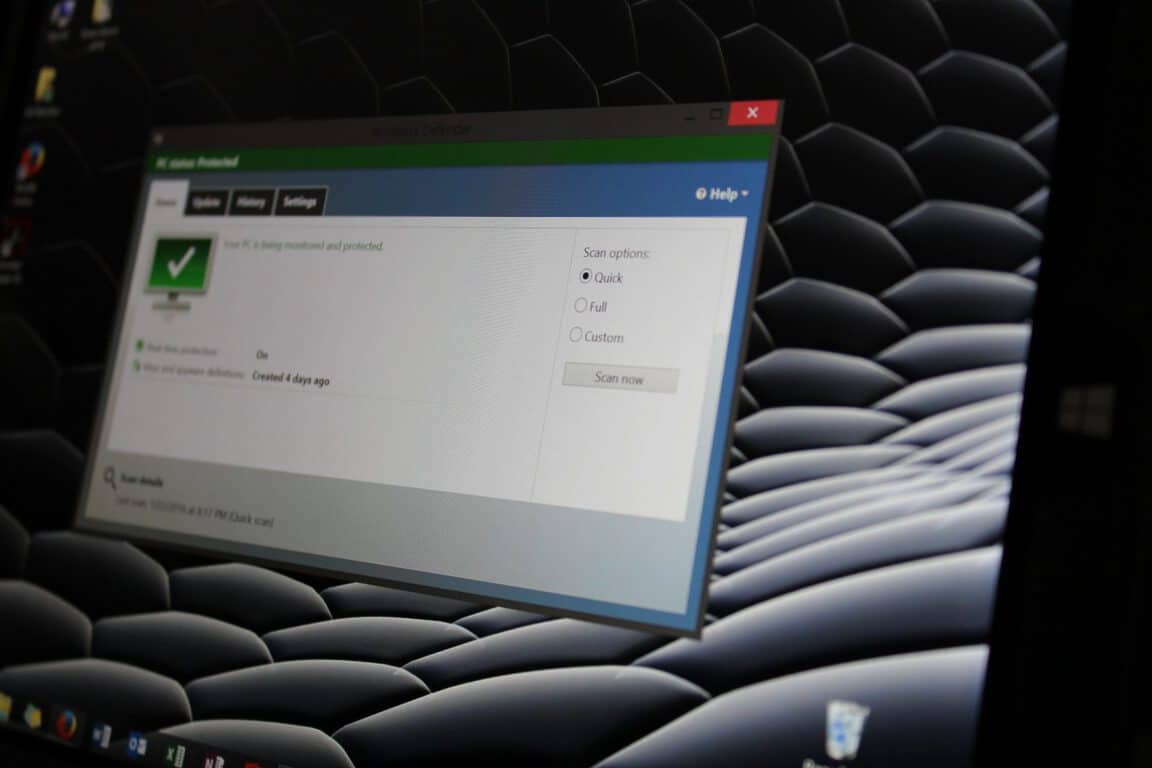
Windows Defender may get a total overhaul from the old “Security Essentials” look to the new MDL2 UWP look. We cannot confirm if it is a true Universal App at this time, unfortunately. The new design is very clean and fits right into the system, just like it should. The picture below only shows it in the light theme, but let’s hope it features the dark one too to satisfy the dark-theme-loving amongst us.
The only weird thing about this design is the placement of the Hamburger button which seems to be a little lower than in other apps.
Yet again,Marvin from the “Microsoft Group” on Telegram brings us some news. He managed to notice this new Personalization menu that was displayed at the Windows 10 event in NYC today.
The new menu under Themes section includes a colour picker for the accent colour, which means that users will be able to precisely adjust the colour they want on their PC. Hopefully, this will come to Mobile too. The new menu also includes a sidebar on the right side that shows you how you can customise the experience to your own liking. This is a slight aberration from the Settings layout at the moment.
The new Personalization menu looks sleek and nice. More advanced customization settings have been requested since the release of Windows 10, and they might finally be here with the Creators Update. We’ve also reported earlier that the update might bring paid themes via Windows Store.
Windows Insiders should expect these features soon, as the first of the preview builds for the Creators Update are expected this week.
A new image reported, yet again by Marvin, a user of the big “Microsoft Group” on Telegram, reveals that a new feature may be coming to the Windows Store soon. Themes were previously only possible as “MSStyles” themes and they could only change some small aspects of the system without an unofficial patch. However this may change, as the themes on the Store definitely have paid versions, and who would buy a theme that only includes a new wallpaper and an accent colour?
The Themes could change some system aspects like the Action Centre and the Taskbar in Windows to make your device even more personal than before. However, if they only change the wallpaper and the colour of the system, like the old themes did, then they are guaranteed to fail with a price tag.
These themes seem to have been made in collaboration with different companies, as they include a lot of copyrighted content. It’s nice to see Microsoft partnering up with other corporations to make sure their Windows 10 users get as pleasant experience as possible.
At Microsoft’s Windows 10 Event in NYC, we have a demonstration of Paint 3D in action on a Surface Pro 4. Paint 3D is a revamped and Windows 10 update to the classic Paint app on Windows. 3D content can be uploaded from any device (Android, iOS, or Windows) to the Remix3D.com online community, but can only be worked with on a Windows 10 device that has the Windows 10 Creators Update.
Take a look at the video and let us know what you think of the Paint 3D app on Windows 10 in the comments.
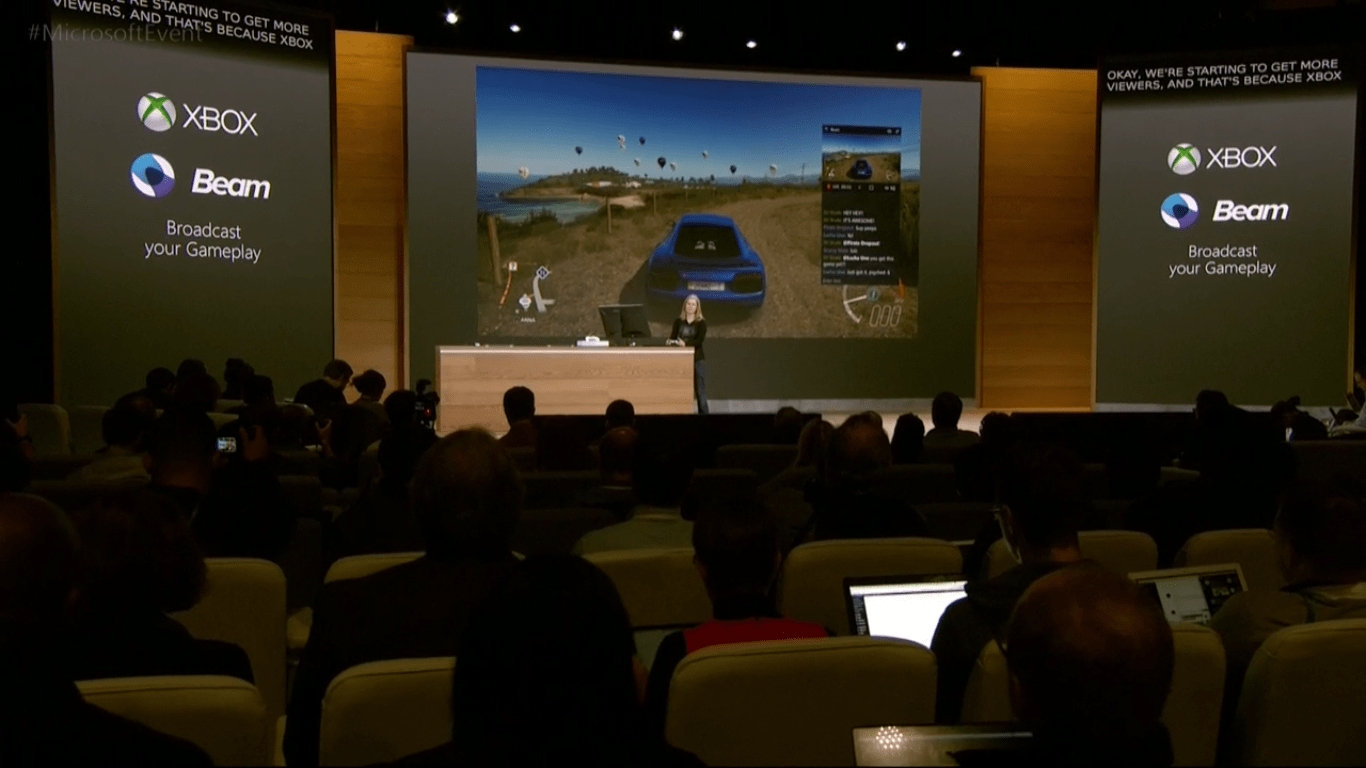
Xbox One is also getting some exciting changes when it comes to Microsoft’s recently announced Windows 10 Creators Update. Announced earlier today at the event in New York City, Jenn McCoy took the stage to talk about how Microsoft wants to make video game broadcasting available to everyone.
Streaming through the Beam integration will let any Xbox One player broadcast their gameplay. With only a click on the Game Bar and selecting the Beam button, you can choose to show off to your friends, clubs, and even go public. Not only that, they’ll be able to interact with their audience through options that they can select. “Time to off-road that vehicle!” the demo shouted across the room as one viewer voted what the driver in Forza 6 should do next. Furthermore, the interaction has a cooldown to minimalize any annoyances.
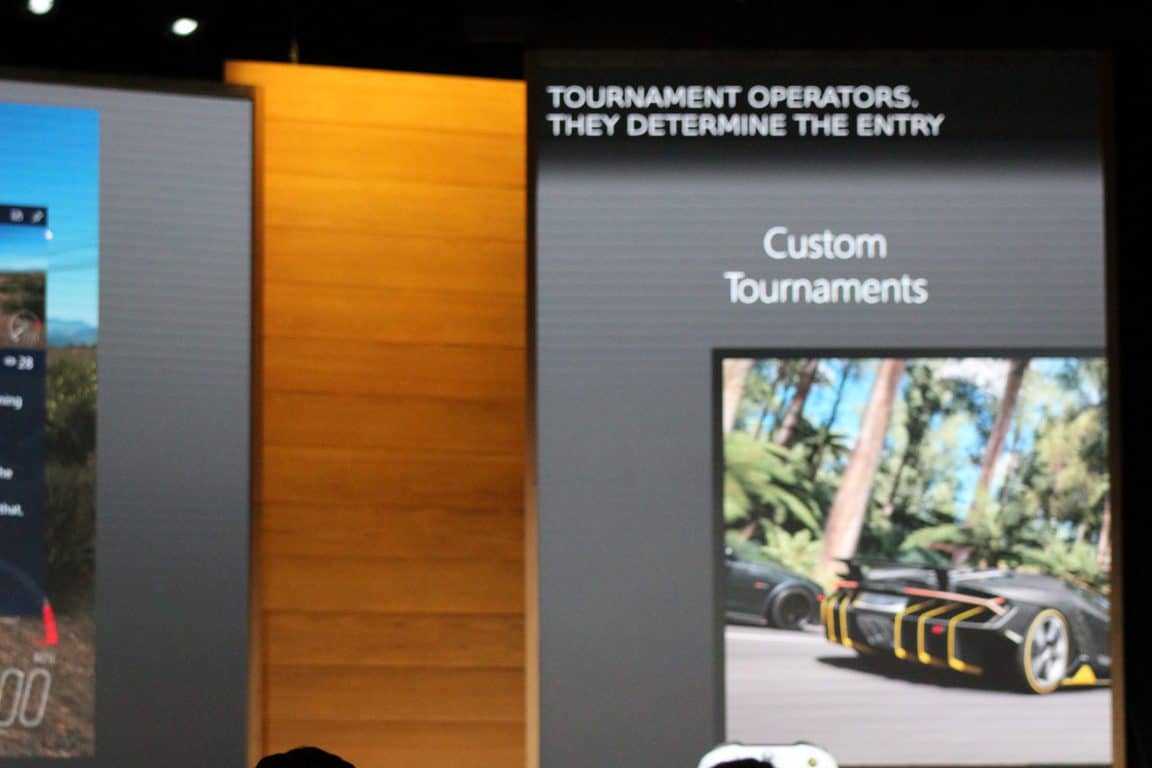
Another way that Xbox is focusing on bringing the community together is by building in gamer-created tournaments with Arena on Xbox Live. These customized competitions will let you set your tournament style and invite friends/clubs together. You’ll also be able to track the progress of who is winning across multiple devices as is Windows 10 style.
Xbox Live Arena.
While the Xbox One is improving the way that gamers interact, it is it not behind some behind the scene upgrades as well. According to the event, bitstream audio passthrough including support for Dolby Atmos will be coming with the update. While the announcement was only briefly mentioned, it’s sure to be an exciting one for audiophiles everywhere.
It looks like the Creators Update will be making streaming easier and promote integration across the Xbox Live community more than ever before. We’ll keep an eye out for more information as we get closer to the Spring 2017 release. Be sure to check out all of these announcements and more thanks to the video-on-demand.
With all of the exciting new developments from today’s Microsoft Event in NYC, Office 365 is getting its own updates for the upcoming Windows 10 Creators Update coming in 2017. Office 365 will be updated with enhanced pen support as well as support for the Surface Studio and Surface Dial. In a blog post, Kirk Koenigsbauer, corporate vice president for the Office team, details the new updates coming to Office 365.
Inking in Office 365
Microsoft has already released various inking capabilities for Office 365 with instant inking (January 2016), shape conversion(June 2016), and learning with ink (August 2016) with the Windows 10 Anniversary Update.
Ink Editor—Originally shown by the Windows team at //build, we are now launching Ink Editor. This makes your pen a more powerful document editing tool than ever. Strike through words to delete them, circle text to select it and automatically snap highlighter ink to text. And this is just the beginning. We’re planning to add even more Ink Editor capabilities and extend the feature to other Office apps in the future. Get started with Ink Editor in a few easy steps. Ink Editor is available today in Word on Windows desktops for Office 365 subscribers in the Office Insider program.
Ink Replay control with Surface Dial—In August, we introduced Ink Replay, which lets you rewind and replay ink you see in your document. Today, we announced tight integration with Surface Dial and Windows 10, making ink playback as natural to control as a spin of the device. This helps you effortlessly set the pace at which you review step-by-step instructions, reveal lesson ideas and more.
Ink Replay is available today in Word, Excel and PowerPoint on Windows desktops, and OneNote for Windows 10, for Office 365 subscribers. Integration with Surface Dial works automatically (devices sold separately).
Digital ruler—Also originally shown by the Windows team at //build, you’ll soon be able to draw straight lines and align objects with the help of a built-in digital ruler in PowerPoint. Only with Windows 10 technology can you use pen and touch simultaneously, allowing you to position the built-in software ruler with one hand while using your pen to draw with the other. We’ll add the built-in ruler to more apps, like Word, Excel and OneNote, in the future. The built-in digital ruler in PowerPoint on Windows desktops is coming in early 2017 for Office 365 subscribers.
Segment Eraser in PowerPoint—Create precise ink shapes easily with the help of this new eraser that intelligently removes excess bits of ink, right up to the nearest line. It’s easy to drag the Segment Eraser over multiple bits of excess ink to remove them all at once. We’ll extend this capability to more apps, like Word and Excel, in the future. You really need to see Segment Eraser in action to understand what it can do—check out the video above! Segment Eraser in PowerPoint on Windows desktops is coming with the November Office 365 updates, for Office 365 subscribers.
Koenigsbauer is also happy to announce new Inking capabilities coming in 2017 for Office 365 subscribers with the upcoming Surface Studio and Surface Dial. Available in the Windows 10 Creators Update, Office 365 subscribers will get new features and capabilities will include:
New large-screen page view in Word
Additional Office integrations with Surface Dial
3D model support in Word, Excel and PowerPoint for the Windows 10 Creators Update
Icon library and Scalable Vector Graphics (SVG)* in Office apps
Add and edit SVGs and icons in Office
SVG support is now available for Office 365 subscribers in the Office Insider program. Office Mobile apps on Windows 10 and Android will be included in the Office 365 November 2016 updates, as will the icon library on Windows 10 desktops. No word yet on if any of these features or capabilities will be available on iOS.
We posted a shorter version of a quick look by our own Arif Bacchus at Microsoft’s new Surface Studio AIO a little while ago. Now, we have a more complete hands-on for you to take a look at.
The video runs just over six minutes, and provides a nice look at some of the functionality of the Surface Studio, the Surface Dial, and integration with a few of the partner applications that will be highlighting to new devices.
Be sure to check out all of our coverage of this morning’s Windows 10 Creators Update event in NYC. Let us know in the comments what were you’re favorite parts.
If you were too busy this morning being productive to catch Microsoft’s live stream of their Windows 10 Creators Update event, then never fear. Microsoft has wasted no time in making the entire video available for watching at your leisure, or watching it again if you’re that excited.
To recap, Microsoft provided a long look at the new Windows 10 Creators Update, which will put 3D, virtual reality, and enhanced MyPeople communications hub technology in the hands of every Windows 10 user when the update released in early 2017. And, creative types can pick up the Surface Studio AIO, a game-changing device that should do for the desktop what Surface Pro and Surface Studio have done for notebooks.
Go to the event’s web site to watch the video. The event is well worth the two hours to see everything that’s coming to Windows 10. As always, let us know in the comments what you think about Microsoft’s new creative productivity direction.
Our own Arif Bacchus was at today’s Microsoft Windows 10 Creators Update event, and he was lucky enough to get his hands on some of the new pieces of hardware. Of course, we’re all most interested in the new Surface Studio, a terribly innovative creativity AIO that should do for the desktop PC market what Surface Pro and Surface Book has done for the mobile PC market.
https://www.instagram.com/p/BMCJQ2Vl5J5/
As you can see, the Surface Studio is definitely a svelte and elegant device, and the screen is just as smooth as described on stage by Panos Panay. The display is a little glossy and suffers a bit from the harsh lighting, but nevertheless, everything looks awesome.
We’ll look forward to hearing more from Arif when he shares his thoughts on the Surface Studio. For now, enjoy the brief clip and let us know in the comments if you’re looking forward to your own Surface Studio hands-on session.
Streaming can be tough to do the right way. If you want to stream on Twitch, you need to set up a program like OBS or Xsplit, customize a bunch of options to make things just right, and sometimes even pay for a few services to get all of the bells and whistles you need. In an effort to make streaming something that everybody can do without much know-how, Microsoft is letting gamers stream their gameplay straight from the Xbox Game Bar in the Creator’s update.
The Game Bar already lets people record their gameplay without too much effort, but streaming is an all-new thing. The streaming option won’t be going through Twitch, but will instead be going through Beam, a service that lets your audience interact with you while you stream. Unlike Twitch, the chat for Beam doesn’t have a delay – you’ll be able to interact with your audience in real time.
Ever wanted to challenge your friends in a tournament in a game on Xbox One or Windows 10? Soon you’ll be able to. The Creators Update features a new feature for gamers called Custom Tournaments.
With the new Custom Tournaments feature you can challenge your friends and other players no matter if they have a Xbox One or a Windows 10 PC. The feature is cross-platform and works on all of your Windows 10 Devices. Some games are already compatible and will be able to utilise the feature at launch, but it’s unknown if the games will have to be Xbox Play Anywhere titles in order to cross-play with a PC or an Xbox.
The Custom Tournaments will feature your rules just the way you like it. That is the main focus of it. Instead of having to wait for tournaments of bigger companies or som events, you can make your own right from your living room.
There is more to come for the Xbox and PC gamer so stay tuned.
The Microsoft event in New York City revealed some big news coming for Windows 10 next spring. Aptly named the Creator’s Update, they focused a lot on discussing the future of 3D creation.
With a new app called the Windows Capture 3D Experience, users can take a 360 degree picture and watch it form before their eyes. Basically, you are scanning the 3D object in the real world by walking around it and transferring that information into the virtual world.
Furthermore, the tool will work wonderfully with the new Microsoft Paint 3D coming with the Creator’s Update as well. Now the community will be able to upload, download, and exchange 3D images from various sources even including Minecraft! More will be revealed throughout the event so stay tuned to WinBeta/OnMSFT to learn more.
More will be revealed throughout the event so stay tuned to WinBeta/OnMSFT to learn more.
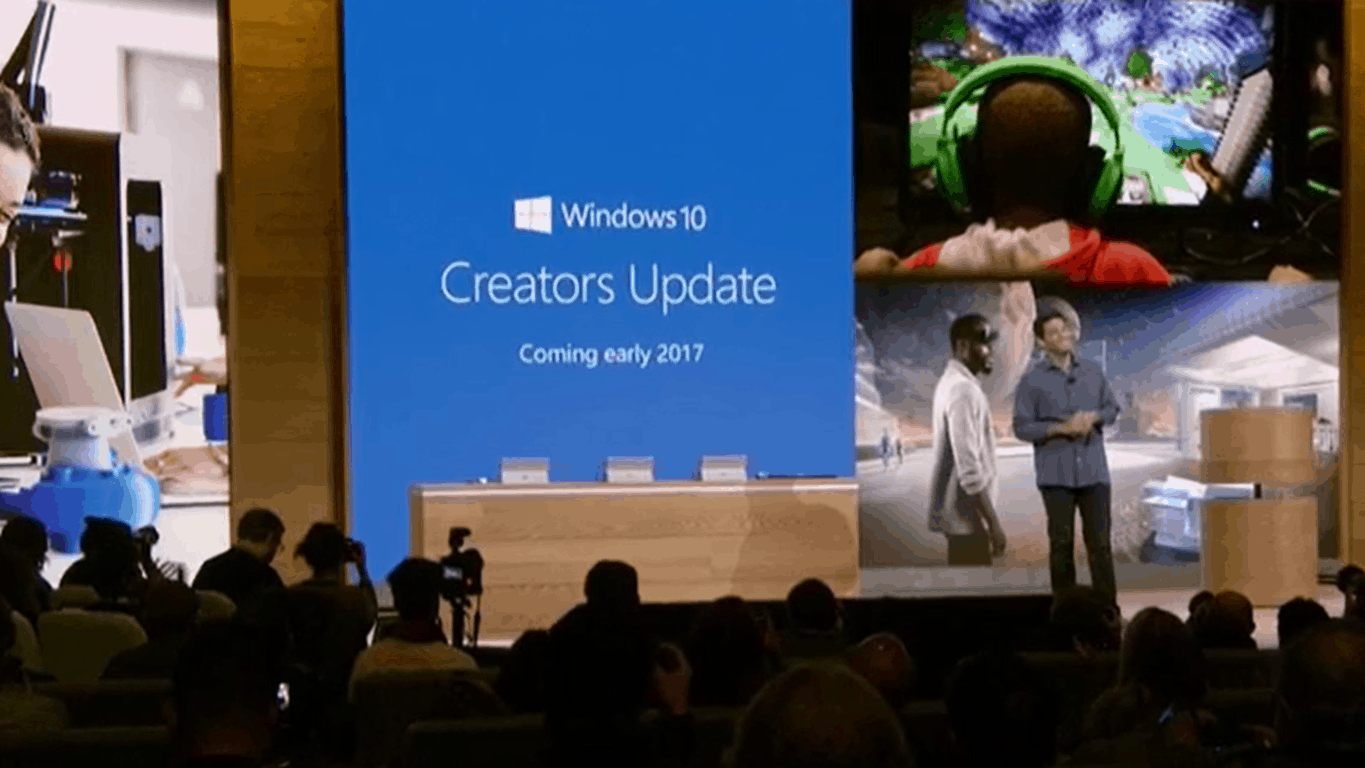
Just as we covered a few minutes ago, the Creators Update is real. It has just been announced on the Microsoft Windows 10 even and it will be available in Spring 2017 for free, just like the previous updates.
Microsoft continues the trend of free Windows updates for Windows 10 with Creators Update, the successor to Anniversary update. This update focuses on creativity and creators to let your “boldest ideas out”. The update will have focus on 3D and depth featuring the new Paint 3D app as seen in the picture below:
The app will focus on 3D creation to push the youth and original people into this new market. “3D if for everybody” as the clip from the event said. The app is easy to use, as opposed to clunky other programs, and is designed to be as simple as “taking a photo or video on your phone”.
But there is more so make sure to stay tuned and follow OnMSFT.
Microsoft is about to kick off its October “Windows 10 Event,” and is livestreaming it to viewers around the world. The show is set to kick off at 10am EDT in New York City, that’s 7am on the west coast, and 4pm Central European time.
We’ve embedded the video so you can watch right here as we learn more about (hopefully) a Surface All-in-One, Paint 3D, a new mouse and keyboard, Windows 10 RS2, and maybe even a surprise or two:
To mark the festive season in India, Microsoft has discounted the price of Office Home & Student 2016 as well as Office 365 Home, whether you are buying a new subscription or renewing an existing one.
The promotion is for a limited time (although no specific end date has been specified) and available only on the official Microsoft Store, and is not available on other online or offline retailers selling Microsoft software at the time of writing.
Office Home & Student 2016
This Office 2016 suite for 1 PC offers full versions of Word, Excel, PowerPoint, and OneNote as well as cloud storage on OneDrive. Usually priced at ₹5,999, the Office 2016 suite is now available for only ₹3,884, a savings of ₹2,115.
Office 365 Home
The Office 365 Home subscription allows full versions of Word, Excel, PowerPoint, Outlook, and OneNote for 5 PCSs or Macs, 5 tablets (including iPad and Android), and 5 smartphones. There’s also 1TB cloud storage per user for up to 5 users as well as ongoing access to updates. Priced at ₹4,199 for an year, the Office 365 Home subscription is available for only ₹2,789 as part of the promotion, a savings of ₹1,410
If you’ve been on the fence to get Office for your home and personal devices, this is a great time to grab it at a discounted price. If, like me, you have an active subscription, make use of the discounted price and renew it for another year and thank me later!
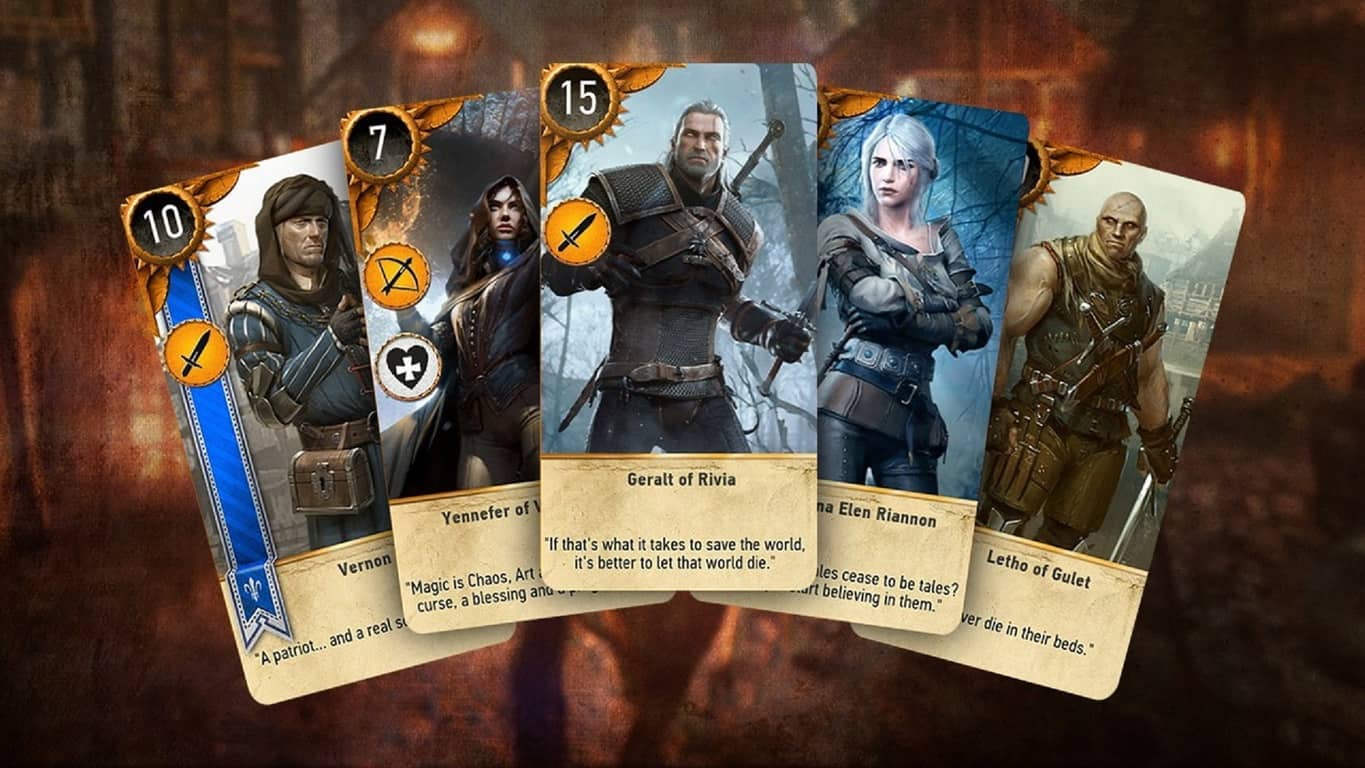
A closed beta for Gwent: The Witcher Card Game launches today which will give fans an early look at how the stand-alone card game will compare against its original mini-game version that appeared in The Witcher 3: Wild Hunt.
Gwent is a card battler game that requires players to move cards representing both monsters and items in order to defeat their opponent. Are you looking forward to Gwent? Are you glad it’ll be an Xbox Play Anywhere title? Let us know in the comments below.
Fire up the action-packed, side-scrolling shooter, previously available on Windows 7 and Windows 8.X, is now has now come to your Windows 10 devices (PC and Mobile) with an Xbox Live and Steam integration. Rocket riot is making a comeback with over 200 compelling levels in an artistic pixelated interface.
Rocket Riot’s independence came as a surprise to Codeglue ( a Dutch game studio, established by Maurice Sibrandi and Peter de Jong in 2000), after their partnership’s massive success with Microsoft and now the studio is capable of self-publishing their games, as Microsoft handed over the control to them. And with their newly bestowed free-will, they made sure that their game should be playable on ‘all’ platforms, which brings us the compatibility for Windows 10 devices along with on the earlier releases like Xbox 360, iPad, iPhone and Windows 8 devices.
Rocket Riot, introduced on Xbox 360, for the first time in 2009 as an XBLA game. Which was later published as a launch title for the new Windows Phone 7 by Microsoft. Rocket Riot 3D was later inaugurated in 2012 for Windows 8 with support for stereoscopic 3D.
The game comes in an 8-bit styled environment, and offers a plethora of innovative enemy characters to fight with, using either your mouse/keyboard controls, touch, or USB Xbox Controller.
Rocket Riot is a classic fit for chaotic-indie-shooter game seekers, and also offers the infamous Rocket Riot OST from Sonic Picnic, along with 13 audio tracks, plus a mega mix! Navigating through completely destructible scenes, burrowing the rocket into different locations on the map, and collecting zany power-ups, produce a surreal gameplay.
The game packs solid features and has now come with massive upgrades, rewarding users with an inciting gameplay:
Comes with over hundreds of simpleton characters, and spunky boss levels that are hard to outsmart
Now provides gamers with a wide-range of simulating and handy power-ups, varying from explosive to serene
Over 200 single player missions
Several multiplayer challenges as well, to satisfy your subduing desires
Revitalizing maps; but arenas can be destroyed and reconstructed
Over 300 hidden characters unclocked during the gameplay, including zombies, robots, pirates, ninjas, cowboys, and the list goes on.
If you want to repair a Windows Image or manage and service OS images, then you should use DISM, which stands for Deployment Image Servicing and Management. This command line utility doesn’t have a user interface, so it’s preferable to use DISM GUI, which carries out many functions in Windows 10, but in a graphical interface.
DISM GUI was written in .NET, being an application that provides basic features for managing drivers, mounting image files etc. In order to mount a WIM (Windows Imaging File Format) file, you will first select it, then choose the folder that will be the mount location, but which will be empty. To find more information about the WIM file selected, just click on Display WIM Info and the details will appear in the text area below. After reading the text, click on Mount WIM and let the process start.
After mounting the image, you will be able to add drivers by clicking on the Driver Management tab from the top bar and choosing the folder where you’ve stored the drivers. Then, you will click on “Add Drivers” and they will be added to the image file. In addition, if you change your mind and want to delete a specific driver, there’s a “Delete Driver” option below. Besides drivers, you can add packages as well, and you will click on the Package Management tab from the top bar, then follow the same steps.
Other utilities offered by DISM GUI include Feature Management, Edition Servicing, Application Servicing etc. The application was created by Mike Celone from https://mikecel79.wordpress.com, and the most recent version requires NET framework 4.0. The author has corrected some spelling errors and added Capture and Apply tabs, as well as a Read Only option to the mount control tab. DISM GUI was also updated for DISM 6.3.
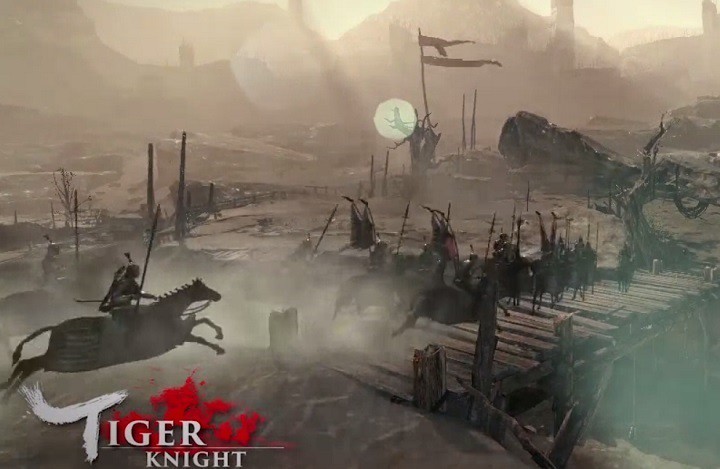
Tiger Knight: Empire War is a massive multiplayer online PvP game that allows you to take part in large-scale wars set in the Middle Ages. The game brings authentic equipment from that time period, such as weapons, armors and horses. Since battles take place in the Middles Ages, this game brings you back to the brutal era of melee wars.
Tiger Knight: Empire War was just launched, but many gamers already encountered a series of issues that severely limit the gaming experience.
Tiger Knight: Empire War bugs
Gamers get disconnected in PvP matches
This issue appears to be prevalent for North America servers. The error message that appears on the screen is the following: “Win 32 shipping.exe error”. If you’ve experienced this bug, you can check your game cache, and restart your computer, but for the time being there is no clear solution for this issue.
Is anyone else experiencing this? My ping jumps all over the place once a game starts. I don’t think i’ve ended a match yet without being disconnected. Sever issues?
Gamers often get stuck in tutorial
Many gamers report the tutorial gets stuck when it tells them to press the left mouse button for attack. The game won’t progress although gamers press the left button many times. Despite restarting the game, uninstalling and reinstalling it, many gamers still can’t progress. The game developers have yet to issue any comment on this situation.
Controls are unresponsive
Many gamers complain they can’t use WASD, although the Settings page confirms WASD is enabled. Changing keys doesn’t solve the problem either.
In the control settings the movement is set to wasd but ingame its swapped to the arrow keys. Changing them doesnt seem to fix it. Also I cant seem to turn left or right when riding a horse, it only moves forwards or backwards.
Other players report that quite often their character can fight, but it can’t move. This issue is caused by the input method. Fortunately, you can quickly solve this problem by pressing ALT+TAB to go to the desktop and then press these two keys again to switch back into the game.
The game adds Chinese language to PC
Tiger Knight: Empire War is created by Oasis Games Limited, the first Chinese company to bring online games to overseas markets, but not all players want to have Chinese language packages installed on their computers. Unfortunately, when you install Tiger Knight: Empire War, you’ll also get Chinese language packages on your system. Hopefully, the game developers will fix this bug in the near future.
Game is good but I have one complain. Why the hell game added chinese language to my system and how should I remove it now? I can select chinese language in language panel, but I can’t remove it.
Speaking of language issues, many gamers also complain about various English translation errors. However, it’s the gameplay that matters the most, translation errors are secondary, but they are nevertheless annoying.
Tiger Knight: Empire War crashes on launch
Some gamers report that Tiger Knight: Empire War instantly crashes on launch. For the time being, there is no workaround for this bug, but it appears that the root-cause of the problem is the game’s cache.
These are the most frequent Tiger Knight: Empire War issues reported by gamers. If you’ve experienced other bugs, you can tell us more about your experience in the comment section below.
Augmented reality is perhaps the most interesting and appealing technology that the human brain has designed in the last years. Also known as “enhanced reality”, this technology allows users to actually see reality differently via various tools such as smartphones or computers. In other words, real-world environment elements are augmented or enhanced by computer-generated input such as graphics, sound or GPS data.
We all remember the huge buzz created around Pokémon Go. This augmented reality game lets you chase virtual creatures, called Pokémons, in the real world. Although augmented reality is only at the beginning, there are already plenty of apps that allow you to literally dive into another reality.
Unfortunately, very few augmented reality apps support Windows 10 Mobile. The most diverse AR experience is available to iOS or Android users.
Best augmented reality apps for Windows 10 Mobile
Wikitude World Browser
Wikitude World Browser finds cool places and things allowing you to discover your surroundings in a completely new way. Using this app is very simple: hold up your smartphone and explore what’s around you in augmented reality.
Wikitude relies on content from Wikipedia, Youtube, Twitter, Flickr, Starbucks and thousands more to find out what’s directly in your vicinity with the “Around Me” Tool. You can also specifically search for places you are interested in. For example, you’re looking for a book store. Simply type “book store” into Wikitude’s search box, hold up your phone and you’ll be able to see all the book stores around you.
Wikitude works even if you don’t have a built-in digital compass. With a compass, you will be AR enabled, but if you don’t have one, the app works great in list/map view as well.
Other features include:
Find events, tweets, Wikipedia articles, ATMs, restaurants, user reviews and much more around you
Browse more than 100 million places and interactive content from more than 3,500 content providers or so called “Worlds”
Find mobile coupons and discounts for stores and shops near you.
Spyglass allows you to create, download, manage and view targets and points of interest on your Windows 10 phone. The app offers three different views: augmented reality, map and list. You can also track targets in augmented reality, view and create your own targets by simply saving you current location.
Download the available points of interest around your current location from OpenStreetMap via Overpass API using the “What’s here?” function. Spyglass also supports geo URIs to share and import coordinates.
Here’s how Spyglass may be helpful:
Find back to your hotel, car, some shop, landmark or any other place you want to return to
Get more information about landmarks
Discover interesting stuff around you when visiting foreign towns
Yelp overlays business information in the world around you. If you’re looking for a particular place, a pub, a gas station, Yelp will quickly help you with that piece of information.
You can tap quick links to find nearby bars, restaurants, cafes and more and you can also narrow your searches by distance, price, and what’s open now. Yelp also allows you to look up addresses and phone numbers for thousands of businesses.
Although this app is now available for Windows 10 Mobile as well, it does have some limitations on Microsoft’s latest OS. Users cannot write reviews within the app, they cannot pin places to Start, and many criticize the app’s design.
If you’re interested, you can give it a try and test out Yelp Monocle. You can download the app for free from the Windows Store.
Pokémon GO
Pokémon GO is not an actual Windows Mobile app, it’s a third-party app that allows Windows 10 Mobile users to enjoy this popular augmented reality game.
The app is developed by ST-Apps. However, gamers will still need to make an account on an Android or iOS device, using Android or iOS emulators to be able to play the game. Side-loading will also be needed in order to install the app as it can’t be found on the Windows Store. For more information on how to side-load Pokémon GO on your Windows 10 Mobile phone, you can follow the steps listed in our dedicated article.
We’ll end our list here. If you’ve tested out other Windows 10 Mobile apps that we didn’t list in this article, you can tell us more about your experience in the comment section below.
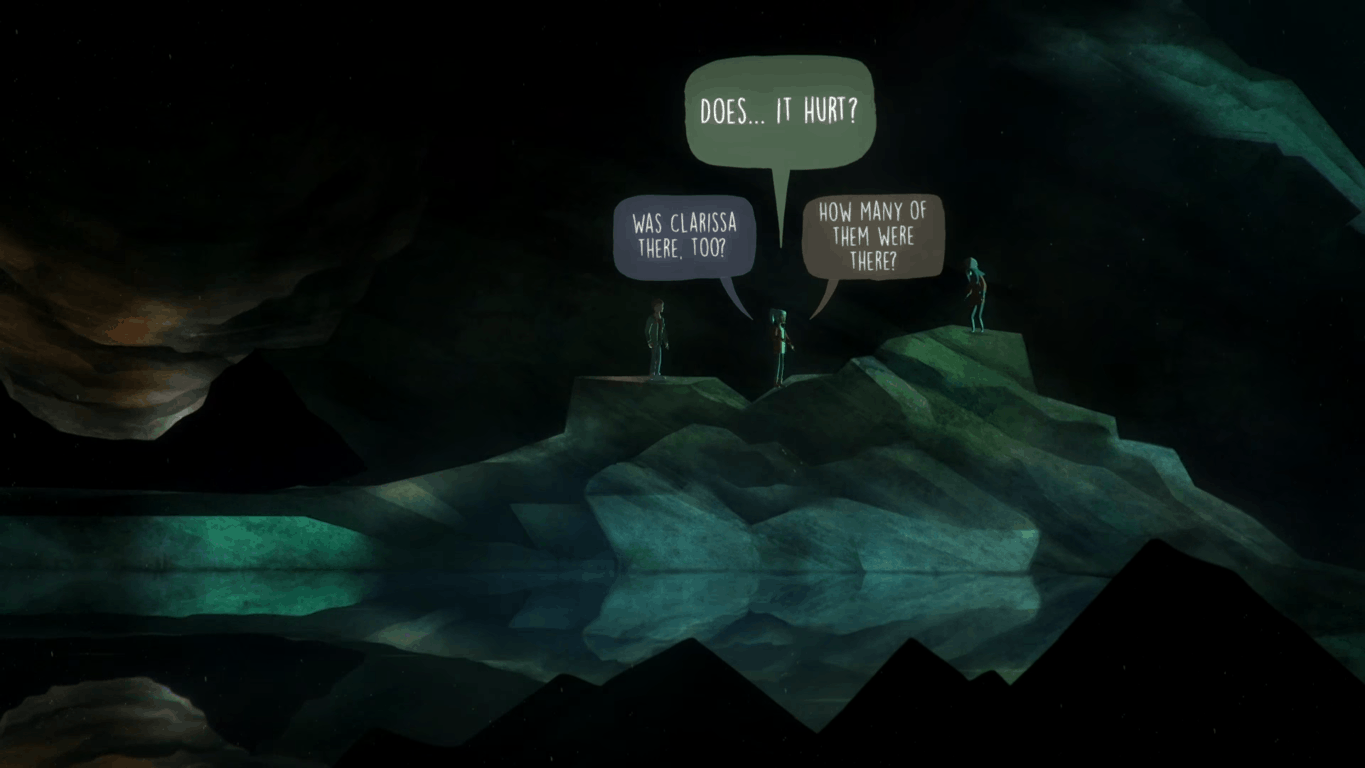
Oxenfree, a supernatural graphical adventure game developed by indie studio Night School Studio was released on both the Xbox One and the Windows 10 Store earlier this year. The game received praise for its story and dialogs, so if you enjoy story-driven adventures then you should probably check it out on the Windows Store as the game is currently priced at $5 (a 75% discount) for the next seven days (via Windows Central).
Oxenfree only runs on Windows 10 PCs, but it supports Xbox Live achievements as well as the Xbox One controller. Here is the game’s official description:
Oxenfree is a supernatural thriller about a group of friends who unwittingly open a ghostly rift. Play as Alex, a bright, rebellious teenager who brings her new stepbrother Jonas to an overnight party on an old military island. The night takes a terrifying turn when you unwittingly open a ghostly gate spawned from the island’s cryptic past. How you deal with these events, your peers, and the ominous creatures you’ve unleashed is up to you. YOU determine every aspect of Alex’s story while exploring Edwards Island, uncovering the base’s dark past, and changing the course of your friends’ lives.
You can buy Oxenfree on the Windows 10 Store from the download link below. If you’re more into casual games, we’d like to remind you that popular side-scrolling shooting game Rocket Riot (also Xbox Live enabled) is still discounted to $3.49 for a few more hours.
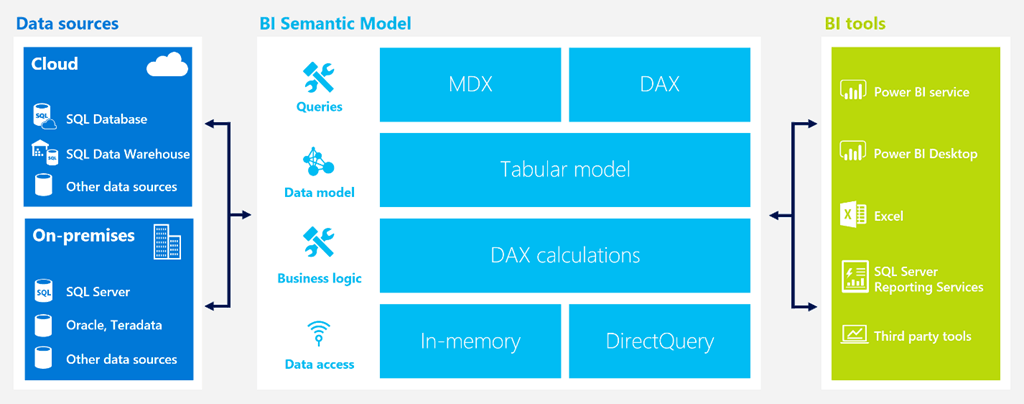
The preview for Microsft Azure’s newest data service for IT and business users was announced today. The Azure Analysis Services is created to assist business owners with the ability to visualize and manage their data easier. The enterprise-grade OLAP engine and BI modeling platform is available for Azure Portal and Azure Resource Manager templates, and now business users will be able to explore data and make informed decisions thanks to the service.
Here are some details:
Developers can create a server in seconds, choosing from the Developer (D1) or Standard (S1, S2, S4) service tiers. Each tier comes with fixed capacity in terms of query processing units and model cache. The developer tier (D1) supports up to 3GB model cache and the largest tier (S4) supports up to 100GB.
The Standard tiers offer dedicated capacity for predictable performance and are recommended for production workloads. The Developer tier is recommended for proof-of-concept, development, and test workloads.
Administrators can pause and resume the server at any time. No charges are incurred when the server is paused. We also plan to offer administrators the ability to scale up and down a server between the Standard tiers (not available currently).
Developers can use Azure Active Directory to manage user identity and role based security for their models.
The service is currently available in the South-Central US and West Europe regions. More regions will be added during the preview.
Azure Analysis Services is compatible with SQL Server Analysis Services such as using Visual Studio to create and deploy models. Likewise, tabular models and major BI tools for Power, Excel, and Server Reporting Services will be available in highly optimized in-memory engines.
It’s also useful that the Analysis Services can be scaled up and down as needed and can even be paused so that you only pay for what you use all through the Azure Resource Manager. You can try the Azure Analysis Services for free with a $200 credit for your Azure account.
Back in July, Microsoft announced that it was busy transitioning Skype from a peer-to-peer based architecture to a cloud based one, a shift that is expected to improve several aspects of the service including call quality and overall reliability. While this transition means that some legacy Skype apps such as the old Windows Phone 8 app will soon be deprecated, the ubiquitous messaging app will soon be able to bring new features and improvements to users on currently supported platforms.
Indeed, the Skype team has announced today several improvements to the calling experience that will roll out to users in the next few weeks. The first one will allow users who join a group call to continue talking even if the person who initiated it leaves the call. “The call will carry on smoothly no matter who leaves or joins the conversation,” explained the team.
Next, the “Call Phones” tab on iOS and Android devices will soon become the “Calls” tab, bringing a simplified experience to place Skype-to-Skype calls, calls to phone numbers or purchasing Skype Credit. “You’ll benefit from being able to call any group or individual from a single place, with a single tap,” notes the blog post. It’s not clear if these improvements will also come to the Skype UWP app on Windows 10, which currently uses a different UI.
The new Calls tab, coming first to Android devices.
Lastly, a new voicemail experience will allow Skype users to leave a video message or a Skype message to persons or groups they tried to call. Once the feature is rolled out, users will see the following screen when their calls get no answer.
Who needs voicemail when you can leave video messages to your contacts?
For those of you who still prefer Skype’s traditional voicemail delivery, the service will continue to work though the company will deprecate custom voicemail greetings, email notifications, and SMS transcriptions. Let us know in the comments what do you think of these upcoming improvements to the Skype experience.
Microsoft released the latest update for Windows 10 Insiders in the Fast Lane today, build 14955. The newest build looks like it’s more aimed at fixing what’s been broken than introducing new features and functionality. Simply put, the “What’s New” section is rather light this time around.
Outlook Mail & Calendar Update (PC & Mobile): We have updated the Outlook Mail and Calendar apps to 17.7466.4062x.0.. This update introduces a few new things for you to check out:
You can now open email messages in a new window.
You can now use Quick Actions directly from new email notifications.
Get someone’s attention with @mentions. Type the @ symbol anywhere in the body of your email and start typing to pick the person you want to address.
Context Awareness in Narrator (PC): As you navigate around, you can be notified about different groups or other areas you move to, such as groups in the Office ribbon. To configure the amount of context you hear, cycle through options with ALT + Caps Lock + /. To change whether the context is read before the item with focus or after, use CTRL + Caps Lock + /. To check the context at any point. Press Caps Lock + D twice.
What’s interesting is that the Outlook Mail functionality was actually introduced in an app update earlier this morning, and so it’s not actually new to this build. In any event, go update and then let us know if you come across anything else that’s new.