
Windows 11
Microsoft has released the biggest update to its operating system since Windows 10’s debut in 2015. Follow our hub as we cover the latest news about all of its important features, easy-to-follow guides that will help you solve any problems, and tips & tricks to get the most out of your PC. Before installing Windows 11, please refer to the PC Health Check app to confirm your device meets the minimum system requirements.
Our dedicated experts are working on finding out the best troubleshooting guides for any possible problems on Windows 11, so be sure to bookmark this page and stay updated with the latest and greatest from Microsoft’s newest OS.
Don’t forget that we’re here to help you set up, customize and optimize your PC to get ready for Windows 11. Be it gaming, video editing, streaming, working, or just browsing the Internet, our step-by-step guides are the best resource for every beginner or advanced user. Check them out below!
Password Hint Not Showing on Windows 11: How to Get it Back
 February 14, 2025
 How To
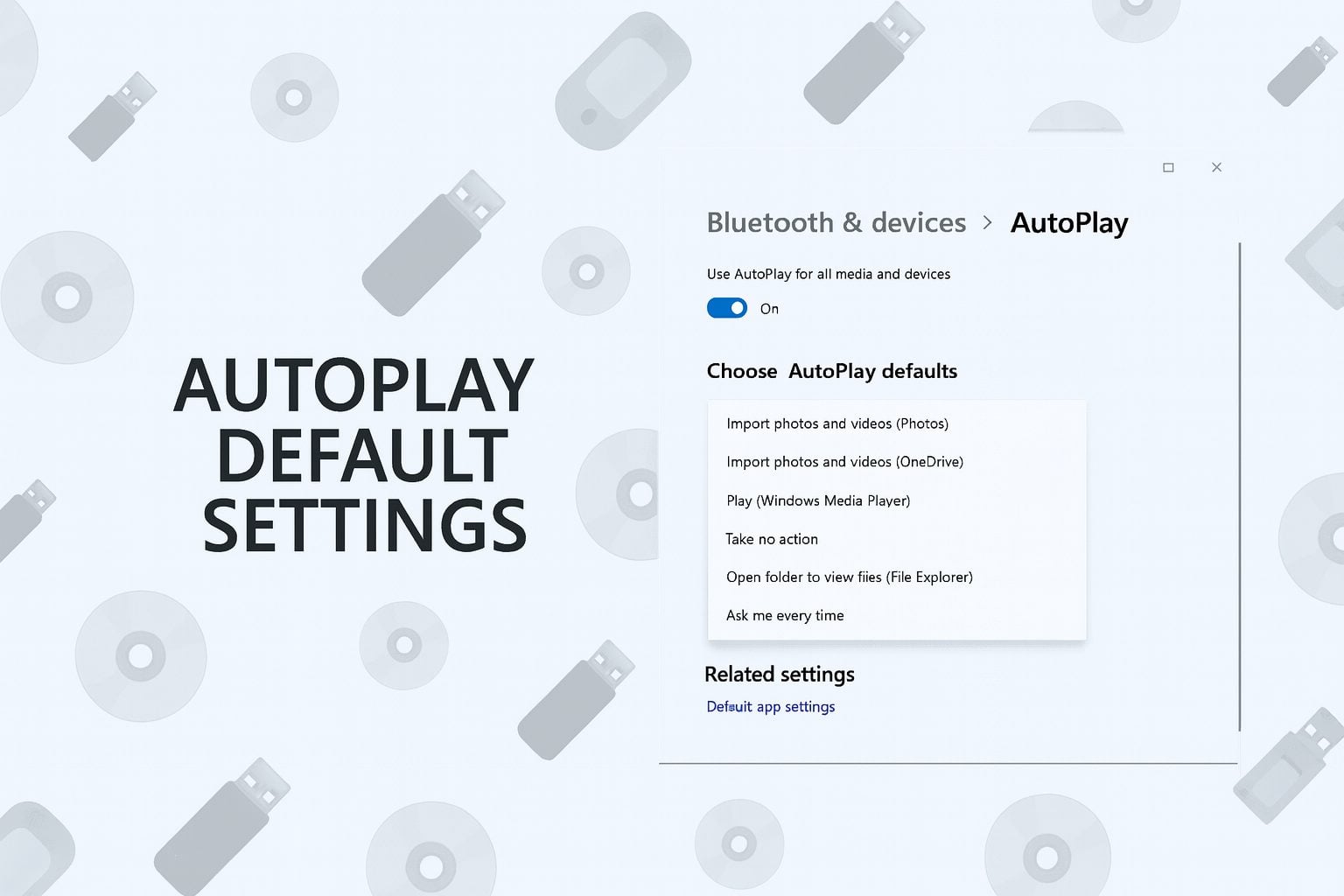
How To Change Autoplay Default Settings On Windows 11 Quickly
 How To
Google Assistant for PC: Setup Guide for Windows Users
 How To
How to Enable or Disable Access to File Explorer Options
 Explainers
How to Use OpenDNS Free DNS for Faster and Safer Browsing
 Repair
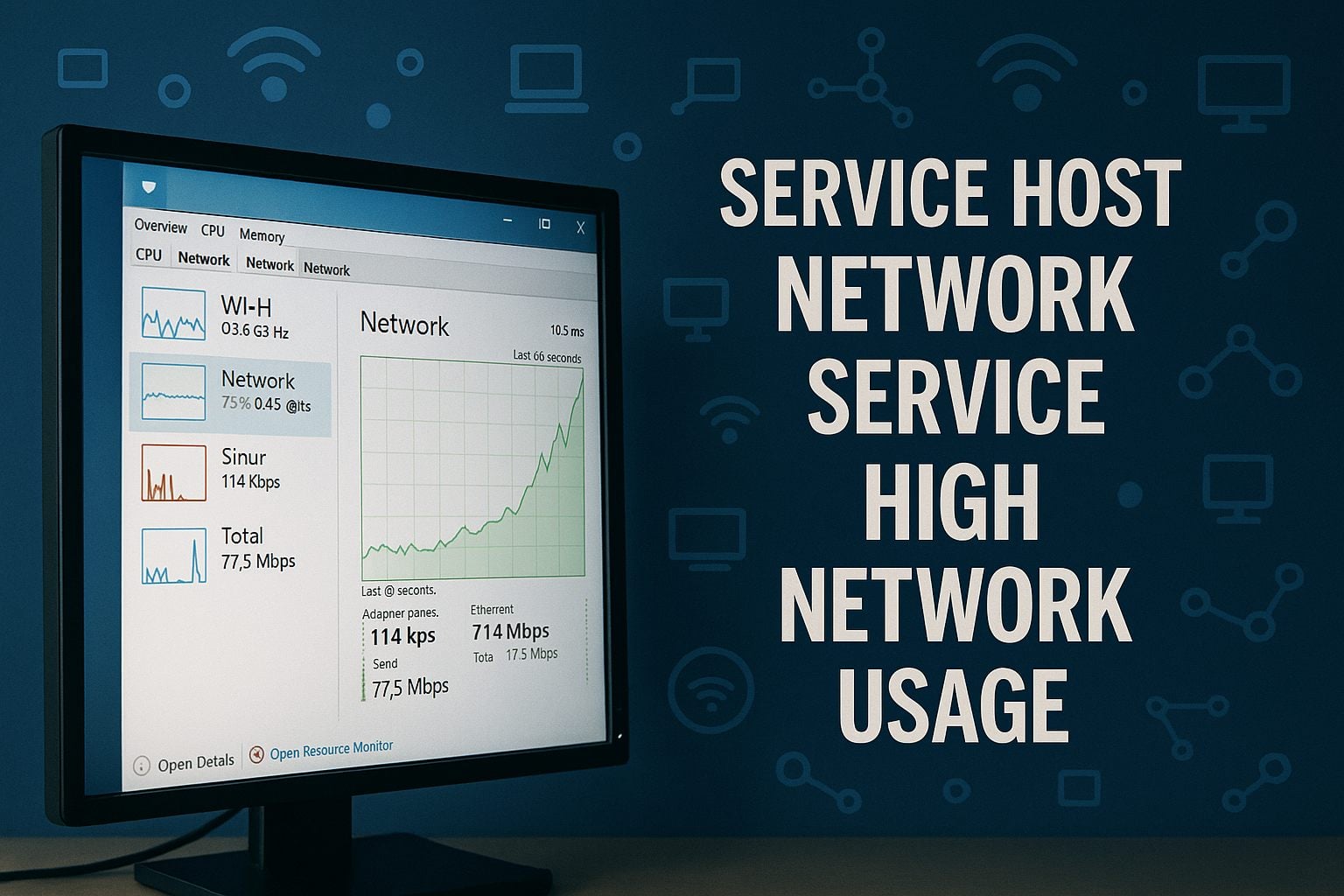
How to Fix Service Host Network Service High Network Usage
 How To
How To Use Enhance Audio On Windows 11 For Clearer Sound
 How To
How to Install Kali Linux on VirtualBox in 5 Simple Steps
 How To
Store BitLocker Keys in Active Directory: Step-by-Step Guide
 Repair
Microsoft Store Stuck on Working? Here Is How to Fix It Quickly
 How To
KProxy Free: How To Use KProxy Safely To Unblock Sites
 How To
View All Installed Drivers in Windows 11 Using Built-In Tools
 How To
How to Change Desktop Font Color on Windows 11
 How To
How To Use Hardware & Devices Troubleshooter On Windows 11
 Repair
How to Fix Arrow Keys Not Working on Your Keyboard
 How To
How to Install Visual Studio Code on Windows Step by Step
 How To
Install Google USB Driver On Windows 11 Quickly
 How To
Easy Ways to Close Running Apps on Windows 11
 How To
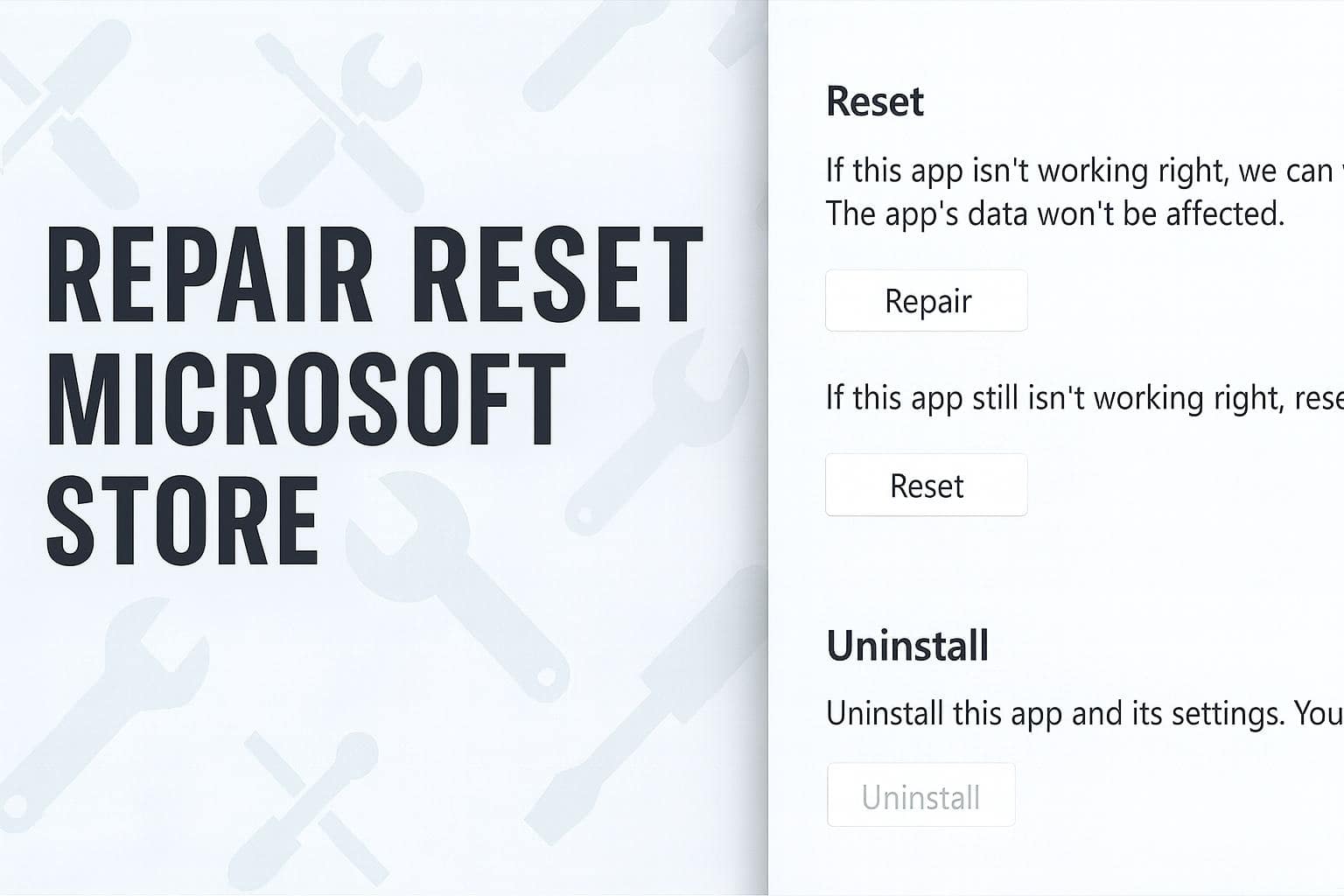
How to Repair and Reset Microsoft Store on Windows 11
 How To
How to Cut Copy and Paste Using Keyboard on Windows
 Explainers
Windows Defender Full Scan vs Offline Scan Explained
 How To
Edit Xbox GameDVR Clips on Windows with Simple Steps
 How To
How to Use Dell Mobile Connect on Windows
 How To
How To Disable Microsoft Text Input Application on Windows 11
 How To
How to Save Windows Camera App Photos to Camera Roll
 How To
How To Delete Or Move Camera Roll And Saved Pictures Folders
 Repair
Fix RPC Server Is Unavailable in Windows 11 (Quick Steps)
 Explainers
Autoruns Sysinternals Explained: Speed Up Windows Boot Time
 How To
How To Open Windows Firewall On Windows 11 Step By Step
 How To
Quick Guide: Turn Sound Devices On or Off in Seconds
 Explainers
Autoplay Windows: What It Is And How To Fix It Quickly
 Repair
Why Spotify Keeps Pausing on PC and How to Fix It Fast
 How To
How to Create a Network Bridge in Windows 11 Step by Step
 How To
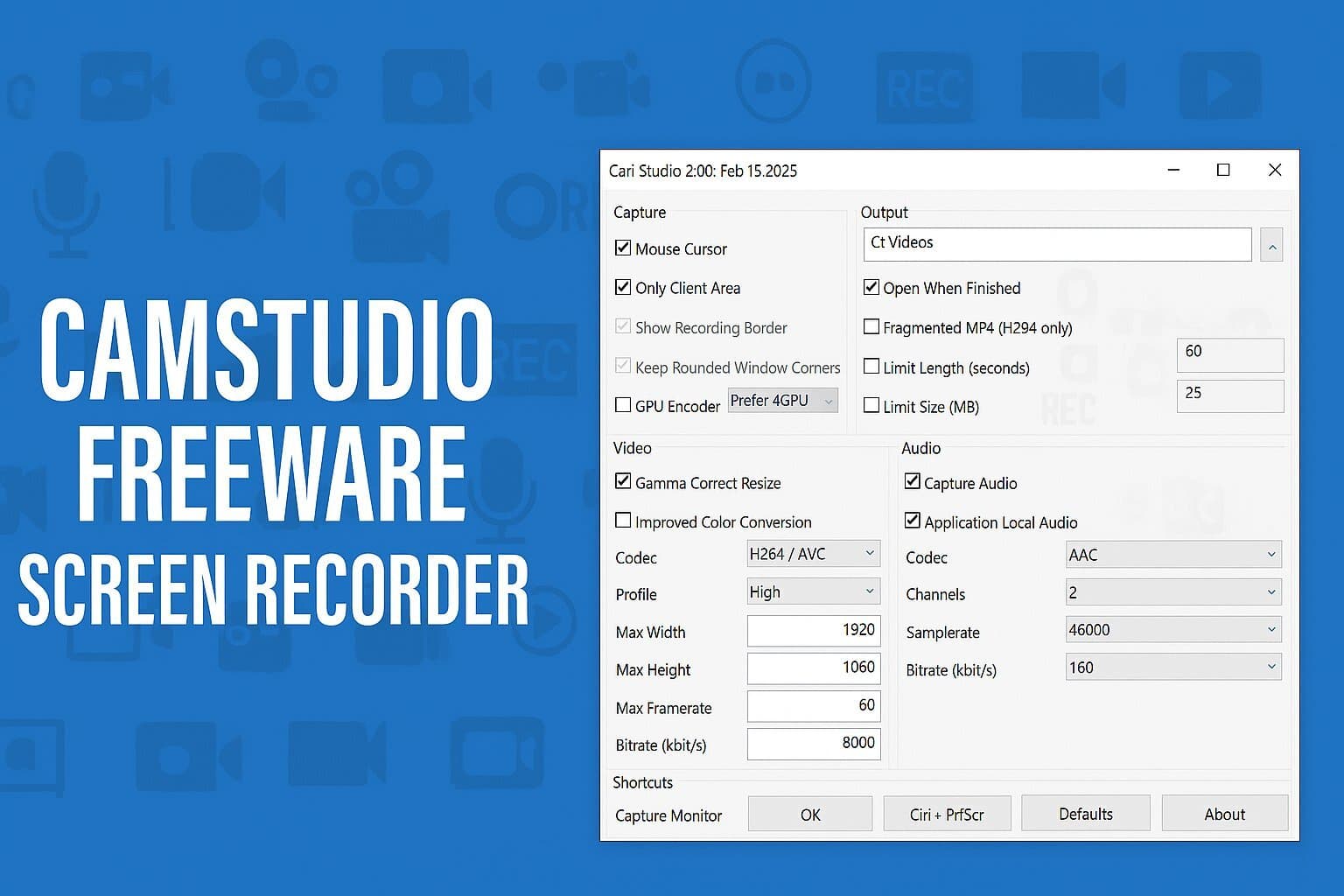
How to Use CamStudio Free Screen Recorder on Windows
 How To
How to Run Windows Troubleshooter From Command Line
 Explainers
Open Shell Classic Start Menu Guide for Windows Users
 Repair