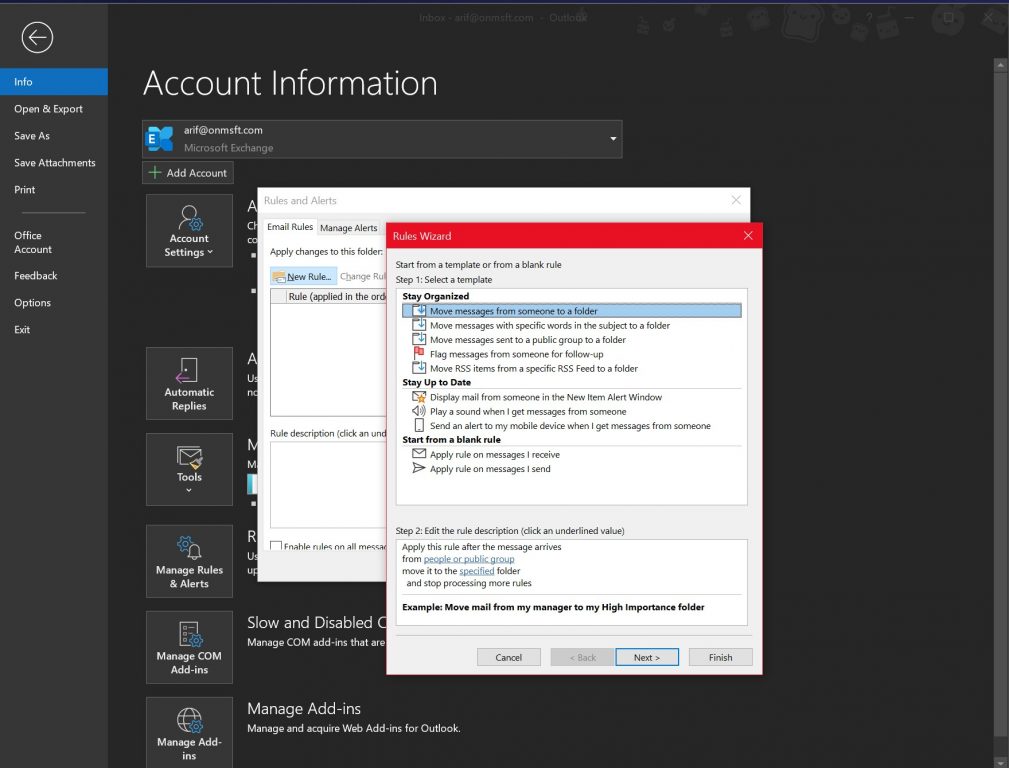
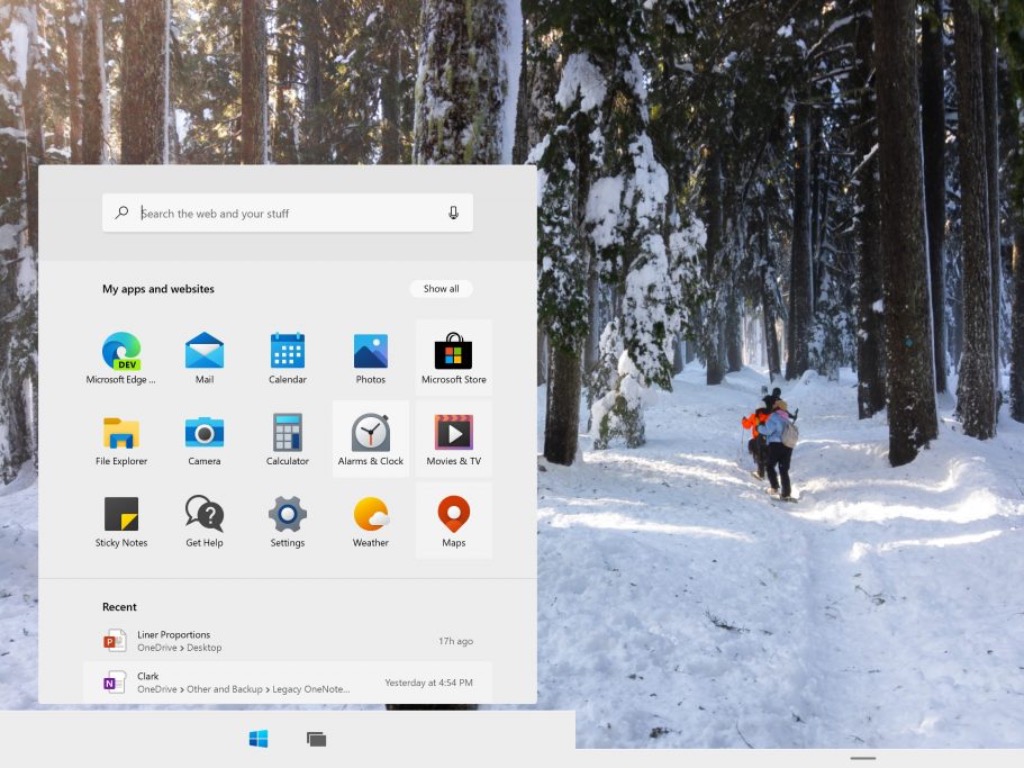
Microsoft Defender for Endpoint provides users with a new report designed to help them identify and keep track of vulnerable Windows and Mac OS devices.
As a reminder, that’s an enterprise endpoint security platform that helps enterprise networks prevent and respond to latest threats.
The changes are supposed to make it easier for IT administrators to fight against device vulnerability within the organization. That’s what Microsoft reveals:
The report shows graphs and bar charts with vulnerable device trends and current statistics. The goal is for you to understand the breath and scope of your device exposure.
How to access new Vulnerable devices report?
In order to access the report in the Microsoft Defender Security Center, you simply need to enter into Reports > Vulnerable devices.
Here you’ll find two new columns:
Trends – you may see the past 30 days, 3 months, 6 months, or a custom date range of your choice
Today – this column reveals current information only
You’ll also be able to filter the data by exploit availability, vulnerability severity levels, vulnerability age, operating system platform, Windows 10 version, or device group.
Moreover, to further explore an insight, select the relevant bar chart to view a filtered list of devices in the Device inventory page. You may now export the list and continue your investigations.
Do you find these graphs with statistics and details on currently vulnerable device trends as being useful within your organization? Let us know your opinion in the comments area below.
Your laptop is a valuable device, therefore it’s important that you know how to protect it properly.
In addition to protecting your PC from malicious users online, you also need to protect it from thieves.
The best way to do that is to use a laptop lock, and speaking of which, today we’re going to show you the best laptop cable locks for your Windows 10 laptop.
What are the best cable locks for Windows 10 laptops?
This is another cable lock for your laptop, but unlike other cable locks on our list, this one comes with a padlock.
It has a large range of compatibilities, and you can use it on your Apple MacBook Pro, PC, Notebooks, iPhone, Mac and Other Devices.
This lock also comes with a 4 wheel combination for strong protection. The lock will protect your laptop, but you can also use it with any other device that has a lock slot.
If you’re looking for a reliable laptop cable lock V7 SLC4000-13NB Portable Security Cable with Combo Lock might be perfect for you.
This lock has a high strength tamper-resistant head, and there’s also a cut-resistant galvanized steel cable. The cable is about 2 meters long, cut resistant, which is a great thing for users.
Regarding compatible devices, this lock works with all devices that have a Kensington security slot.
According to the manufacturer, the lock works with 99% of laptops, so you should be able to use this lock with almost any laptop on the market. Regarding compatibility, the lock isn’t compatible with certain Dell laptops such as some Inspiron, Latitude, Venue, XPS, and Chromebook 13 models.
These models use Noble lock slot, so they aren’t compatible with this laptop lock. Before making a purchase, be sure to check your laptop’s technical specifications and see if your device is compatible with this lock.
Kensington ClickSafe Keyed Retractable Laptop Lock is a simple laptop lock that will protect your device from theft.
This laptop lock is designed for ultra-thin devices such as Ultrabooks and tablets, but it can also work with standard laptops.
The lock comes with off-body design which means that the lock won’t block any ports on your laptop. We also have to mention that this lock is incredibly simple to use.
Simply attach it to your laptop and press the single button on the lock and your device will become locked and secured.
If you want to unlock your device, simply use the included key. It’s also worth mentioning that the lock can be rotated so you can easily insert the key. The lock uses a carbon steel cable that is cut-resistant, so it will make your device completely secure.
In addition, the cable is also covered with protective plastic. If you accidentally lose your key, you can use Kensington Register & Retrieve programs to order a replacement key.
Kensington MiniSaver Mobile Lock is a great laptop cable lock with a simple design.
As we mentioned earlier, some locks on our list aren’t compatible with Dell laptops. Certain Dell laptops use a Noble lock slot, and if you have one of those laptops, today we have the perfect laptop lock for you.
This is a simple lock, and it will secure your laptop with a single press of a button. The lock comes with a reinforced steel cable, patented peripheral trap, and set of keys. This lock also supports the master key, which is useful if you lose your keys.
Regarding the compatible laptops, this lock is compatible with Dell Venue Tablets, XPS 11,12,13,15, and 18. The list also includes Precision M3800, Inspiron 3000 series 11,13, 7000 series 13,14, and all Alienware notebooks.
This lock comes with a strong lock head that will provide great security due to its design. The lock is tamper-resistant so your laptop will remain protected. This lock uses T-Bar Locking Technology to attach itself to the Kensington Security Slot.
The lock has a 4-wheel number code, and it supports more than 10000 different combinations. We have to mention that this lock has a push-button design that allows you to attach to your laptop with just one hand.
The cable is made from engineered carbon steel and covered in protective plastics so it’s cut-resistant. Just like many other Kensington laptop locks, this one also works with Register & Retrieve program. By using this program you can easily restore your code in case you forget it.
If you want to protect your laptop, you might want to consider RUBAN Notebook Lock and Security Cable. This lock comes with 6.2 foot universal security cable that will protect your laptop from theft.
This is a simple lock and it comes with two lock keys. There are no number combinations, so you can easily unlock your laptop by using one of the two available keys.
This lock uses T-Bar mechanism, and it should be fully compatible with all laptops and other devices that have a standard security lock slot. This means that this lock can protect your laptop, but at the same time you can use it with any other device that has a security slot.
There are different types of laptop cable locks available, and if you’re always on the go, you might be interested in this lock.
This is a portable lock and it comes with a retractable cable so you can easily carry it with you. The lock comes with a case that stores your cable thus allowing you to easily carry this cable lock with you. Kensington MicroSaver uses patented T-Bar lock that provides superior strength.
The cable is 4 feet long and it comes with a security look. We have to mention that this is a compact lock, so it won’t block any other ports on your laptop. Regarding compatibility, this lock should work with all laptops that have a Kensington lock slot.
This is another compact laptop cable lock. This lock can be attached to your luggage, so you can easily carry it with you at all times.
The lock comes with a plastic housing that stores the retractable steel cable. Regarding the cable, you can retract it with a single press of a button. The lock uses Kevlar-reinforced cable that provides additional protection.
Regarding protection, there’s a 4-digit combination lock that will protect your laptop from theft. In addition, there’s also a 95dB alarm that will start if the cable is severed or if the motion detector is triggered. Targus DEFCON 1 offers great protection and it should compatible with all laptops that have a standard lock slot.
Sendt Combination Lock works with any device that has a Kensington security slot. This lock comes with a 6 foot cable and 4 dial combination lock that supports up to 10000 unique number combinations.
This lock will protect your laptop, but it also works with other devices such as projectors, LCD or Plasma screens.
Kensington Clicksafe comes with a carbon steel cut-resistant cable that you can easily attach to the desk or any other object. Regarding the cable, it’s almost 6 feet long which should be enough for most users. The lock is quite simple to use, and you can connect it with your laptop by using a single hand.
Kensington Clicksafe comes with T-Bar technology and resettable 4-digit combination. The lock head is tested and tamper-resistant, so it will keep your device protected at all times.
This lock also supports Register & Retrieve system that you can use to quickly retrieve a security code in case you forget it.
Codi Combination Lock is another cable lock for your laptop. This lock is compatible with most laptops, but it can also work with other devices such as flat screen displays, digital projectors, etc.
The lock comes with a hardened steel head and tail pin that will keep your laptop secure.
The lock has a 4-digit combination lock that supports up to 10000 different combinations. Codi Combination Lock has a stamped 304 stainless steel washer that will protect the lock from tampering.
Regarding the cable, there’s a 6 foot galvanized steel cable available.
This is another 4-digit laptop cable lock from Kensington. Just like all laptop locks, this one is simple to use and you can easily connect it to your laptop. The lock uses T-Bar technology so it will keep your laptop safe from theft. The lock is strong and tamper-resistant, so your laptop will remain protected at all times.
Unlike other laptop cable locks on our list, this one comes with self-coiling carbon steel cable, so it will stretch up to 6 feet. After you’re done using it, the cable will shrink down to 3 inches so you can easily carry it with you. Like many other Kensington products this one also supports Register & Retrieve program that allows you to easily retrieve your lock code in case you forget it.
Kensington Combination Portable Cable Lock is a great laptop lock, and with the self-coiling cable it will be perfect if you need to carry it with you at all times.
RUBAN Universal Security Cable is a standard 4-digit cable lock for your laptop. Keep in mind that this lock is fully compatible with other devices that have an available security slot. The lock comes with 6.2 feet steel cable that will protect your device.
The lock combination can be reset, so even if you forget your lock code, you can easily reset it and set a new one.
Targus DEFCON CL is a 4-digit cable laptop lock and it’s compatible with all standard laptop lock slots. The lock comes with 6.5 feet galvanized vinyl-coated steel cable. We have to mention that cable is Kevlar reinforced, so it offers decent protection.
The cable is cut-resistant so it will provide solid protection to your device.
If you own a Dell laptop, you might want to consider this laptop lock. This is a high-security lock and it comes with 6 feet long cable. The lock uses a cut-resistant steel composite cable, so it will provide decent protection to your laptop.
The lock has a sleek design and it supports pivoting up to 90 degrees. This lock uses hidden pin technology that will prevent the lock from being picked. Regarding compatibility, this lock works with Kensington lock slots.
Kensington ClickSafe Laptop Lock is a simple cable laptop lock. The lock is tamper-resistant so it will keep your laptop safe at all times. To use this lock, simply install Security Anchor to the Kensington Security Slot and connect this lock to it.
The cable is made from carbon steel and it’s cut-resistant. This lock is simple to use, and you can lock your laptop without a key in a few seconds. In case you lose your key, Kensington Register and Retrieve system will send you a replacement key.
This laptop lock comes with 6.2 feet cable, so you can easily attach it to any object. The lock has 4-digit combination lock that will protect your laptop.
This lock is simple to use, and you can easily lock your computer with just a single button press. The cable is made from steel wire so it will provide decent protection to your laptop.
Bodyguard Security Cable is a decent laptop lock, but it might not be compatible with certain laptops, so be sure to check the compatibility before you purchase it.
Microsoft today announced that it has introduced a new “My Feed” section in the Enterprise New Tab Page in Microsoft Edge. Beginning with version 87, the new experience is now live in the Microsoft Edge Insider Channels, making it easier for enterprise users to stay connected with the latest news in their organization or industry.
“This customizable feed is designed to keep you informed and connected to industry information most relevant to your industry, or your company. Previously, the new tab experience offered news as a separate toggle; now, you’ll get the best of work and news available in a single view,” the Microsoft Edge Team explained.
To see My Feed, you will need sign in using your work/school Azure Active Directory work account. The My Feed pivot is available at the top of the New Tab Page. You can easily personalize your feed based on your interests anytime you want. To do this, click the “Personalize” menu entry available on the top, and then select your favorite content from the options made available by your company.
Furthermore, IT Admins can head over to the Microsoft 365 Admin Center to choose what topics and interests should be available for their respective organizations. It is important to note that these changes can take up to 24 hours to propagate across the organization.
The Microsoft Edge Insider Teams is seeking user feedback to improve the new My Feed experience. In the meantime, the company is also working on several new features to enhance the Enterprise New Tab experience. “We are working on adding support for new and compliant ways for enterprise end users to and IT admins to personalize, configure, and use the Enterprise New Tab Page for productivity in their day-to-day workflows,” said the Microsoft Edge Team.
Microsoft launched its Edge browser back in January 2020, and the company is continuously working around the clock to regularly release new features. However, Microsoft Edge was still missing some key features like history syncing. Well, that doesn’t seem to be the case anymore.
As reported by a user on Reddit (via Windows Latest), the long-awaited tab and sync features are now rolling out in version 88.0.682.0 of Edge Canary. These capabilities only seem to be available for Mac users, though, as we’re not seeing it on our end. However, if available, the options need to be enabled in the customization settings by following the steps below:
Navigate to Settings >> Profiles >> Sync and make sure Sync is enabled.
Toggle the “Open tabs” and “History sync” options on.
Finally, restart the Edge browser.
The new tab and history syncing capabilities will likely be a welcome addition for people who are using Microsoft Edge on multiple devices. It helps them easily pick up where they left off by closing the browser on one of their PCs and opening it on the other machine. Notably, this feature is optional, and the data will only extend to other devices with the same profiles.
At the moment, the new settings have only been spotted in the Canary Channel, and it is impossible to say when the tab and sync options will land on the Dev and Stable Channels for Edge users to experiment with. What’s your take on the new sync features in Edge? Let us know in the comments down below.
Microsoft announced this morning an important update for Excel, its popular spreadsheet app used by millions of users across the world. If most Excel users are fine with using the app with just text and numbers, Microsoft recently expanded the field of possibilities with the addition of dynamic arrays, array formulas, as well as Stocks and Geography data types powered by Bing. However, the company is pushing forward today with the addition of new custom data types for Excel.
Microsoft will provide organizations with different possibilities for bringing their live data to Excel. The process will be really seamless for Power BI customers, as Excel will be able to automatically integrate Power BI data and integrate it as a structured data type. Microsoft will also let other organisations bring their own data sources to Excel with Power Query data types.
If, for example, you have a system for tracking your customers, and you want to bring that customer data into Excel for analysis, now you can import as a richly structured “customer” data type structured in the way you or your company have defined “customer.” If you are a Power BI customer, Excel will automatically connect to Power BI, and any data you’ve published will be easily discoverable and flow into Excel as a structured data type,” explained Brian Jones, Group Program Manager for Excel.
Power BI data types are now available in Excel for Windows for all Microsoft 365 365 subscribers with a Power BI Pro service plan. Power Query data types are still rolling out and will be generally available for all Microsoft 365 subscribers in the coming weeks.
In addition to custom data types for Excel, Microsoft announced is also expanding its partnership with Wolfram Alpha to bring more hundreds of new data types to Excel such as chemistry, nutrition, zip codes, historical events, and genetics. These are currently available for Microsoft 365 subscribers in the Office Insider program.
There comes a time when you might want to join a meeting that you’re having in Microsoft Teams from your phone to your PC or even vice versa. Maybe you need to leave the meeting room and go into another room, or perhaps you’re having technical issues with your PC.
Either way, Teams has you covered. Recently, it became easy to transfer and joining meetings across your devices. Here’s a look at how.
Join a meeting in progress and transfer from another device to your PC
If you started a meeting on your phone, or another device, and want to join it on a different PC, then all you need to do are a couple of things. First, stay on the call on in the meeting on your device that the meeting is already running on. There’s no need to hang up and lose your progress.
Then, log into Teams on the device you want to transfer that meeting on. At login, you should see a banner appear at the top of Microsoft Teams, letting you know that you’re in a meeting on another device, want to join? Of course, you’ll want to click the purple Join button.
Once you do that, a window will pop up in Teams with a few options. You should see the option to add this device and another option o Transfer to this device. If you choose to add this device you’ll join muted, but keep your other device in the meeting, too. What we’re looking for is the Transfer to this device option. If you click this, you’ll be taken to the meeting lobby as usual.
When you’re ready to join, simply click Join now and your PC will connect to the meeting and you should see a hangup message on your phone about the meeting being transferred. That’s it!
Join a meeting in progress from your PC and transfer to your phone
But what if you already have the meeting on your PC and want to move it to another device? Well, the process is the same. Again, stay on the call on your PC. Don’t hang up.
Instead, head to Teams on your phone. From there, you should see a banner on the top of the Teams app on your phone. It will say In progress with the meeting name. You’ll want to click the Join button. You should then see two options. One to add your device, and another to transfer to the device. In our case, you’ll want to click the transfer option. Transfering will bring you to the join screen, and you’ll be able to complete by choosing Join now. Quite simple, right?
Check out our other how-to guides for more!
Transferring meetings in Teams is just one cool feature. Over the past year, we’ve been exploring Microsoft Teams in-depth with a variety of content. We’ve explained how you can get the most out of chat, SharePoint and OneDrive, and even backgrounds. Head over to our Microsoft 365 hub for more, and let us know your own Teams tricks and tips in the comments below.
Microsoft’s Xbox Game Pass subscription service has become one of the company’s most exciting gaming initiatives in recent years. The service recently crossed 15 million subscribers, and the $14.99 Ultimate tier continues to offer great value by including Xbox Game Pass for PC, Xbox Live Gold, plus access to select Game Pass games on Android via Cloud Gaming.
Microsoft is definitely investing a lot in Xbox Game Pass, and the company also announced that many high-profile upcoming games such as The Medium or Scorn will be available on Game Pass on day one. Can the company continue this aggressive strategy without ultimately raising prices, something Netflix has done a couple of times in the past? Speaking on the Dropped Frames podcast (via Video Games Chronicle), Xbox head Phil Spencer made it clear that the current business model for Xbox Game Pass worked well and wouldn’t change:
“I’ll be honest, there are developers that have some concerns, and my inbox is there, and I have conversations with a lot of those developers asking what are our real long-term goals? You know we get questions about ’hey, is this just some kind of go secure a bunch of players and then rack the price up to a new level?’ I say there’s no plan for us to do anything like that. We like the value that Game Pass is today and from a business model it’s completely sustainable the way it is and I mean that.”
The head of Xbox also emphasized that “our motivation is not to turn everybody into a subscriber – we think it’s an option for people.” Xbox Game Pass should continue to provide great value to subscribers, but it’s also an interesting proposition for game developers interested in creating games tailored for subscription services. That’s typically service games that will keep players engaged for many years, something Microsoft itself has been experimenting with games like Sea of Thieves. “It allows us to take more creative risks and I think the portfolio shows that, but we have to prove that over time as well,” Spencer said.
If you are on Windows 7 cherishing the good old Windows OS and working with Internet Explorer 11, you may encounter the 9c47 error when installing updates for Internet Explorer 11.
The error seems to be occurring due to a glitch in the Windows KB update. In some instances, the error is also triggered due to an issue with the Software Distribution folder.
In this article, we explore a few troubleshooting steps to help you resolve the 9c47 error in Internet Explorer 11 on Windows 7.
How do I fix the 9c47 error Internet Explorer 11 error?
Install the update manually
Open the link to 32-bit KB2729094 and 64-bit KB2729094 update. Make sure to download the correct version of the update, depending on your OS edition.
Run the installer to install the updates. Windows may tell you that the update is already installed.
Next, go to the Windows Update section and try to install the Internet Explorer 11 for Windows 7 update.
Wait for the update to download and install.
Manually installing the update seems to have fixed the error for several users. However, if the issue persists, check the error log file to learn more about the error.
Check the error log file
Open File Explorer and navigate to the following location: C:Windows\IE11_main.log
Open the Internet Explorer log file in Notepad.
Scroll to the section that has information related to your last failed Internet Explorer 11 installation. You will see a line like this: KB2729094 could not be download is not installed
The KB update number can vary depending on the update you are installing.
Paste the update number in the search bar and click Search.
Download and install the relevant update to your Windows 7 computer. If Windows says, the update is already installed, exit installation.
Go to Windows Updates and try to install the Internet Explorer 11 update.
Rename Software Distribution folder
Press the Windows key to bring up Windows search and type cmd.
Right-click on Command Promptand select Run as Administrator.
In the Command Prompt window, type the following command one by one and hit enter to execute: net stop wuauserv net stop bitsrename c:windowsSoftwareDistribution SoftwareDistribution.bak net start wuauserv net start bits
Once all the commands are successfully executed, open File Explorer and navigate to the following location: C:/Windows
Check if the folder is renamed to SoftwareDistribution.bak.
Once the folder is renamed, you need to download the KB Update again by following the first step.
Select Internet Explorer 11 and click on Uninstall. Click Yes to confirm the action.
Once uninstalled, open the Internet Explorer 11 download page for 32-bit IE11 and 64-bit IE11.
Click the Download button to download the installer. Run the installer and check if the error is resolved.
Reinstalling Internet Explorer 11 should fix this error. If the error persists, try uninstalling the KB update causing the error.
Uninstall the bad Windows update
Note down the failing update KB that is noted in the IE11 error log earlier.
Click on Start and select Control Panel. You can also search for it in the search bar.
Click on Uninstall programs.
From the left pane, click on View installed updates.
Locate the update and click on Uninstall.
You can install the update from Microsoft Download Center again to see if that resolves the error.
The 9c47 error in Internet Explorer 11 usually occurs if the update file is corrupted. You can fix the issue by reinstalling the update directly from Microsoft Download Center.
When using the Google Chrome browser on an iPhone, you may encounter the Sign in error 206. The error occurs when trying to access a website and then shows a login screen.
This error can occur for several reasons, including when the user does not provide complete Gmail account information or a bug after updating Chrome.
Android users usually don’t encounter this error, as the Android devices are linked to Google accounts during the setup.
In this article, we explore a few troubleshooting steps to help you resolve the Google Chrome sign in error 206.
How do I fix the Google Chrome Sign in error 206?
Fill in your personal information
Launch Google Chrome browser on your PC.
Login to your Gmail account through the browser.
Once signed in, click on the Profile picture on the top-right corner of the browser.
Click the Google Account button.
Next, choose the Personal info & privacy section. Alternatively, you can also visit this link to view the Personal info and Privacy section.
Scroll down and fill up all the necessary details under the Personal Info tab.
Once you have filled in all necessary details, launch the Chrome app on your iPhone or iPad.
Log in to your Chrome application and check if the issue persists.
As discussed earlier, the Sign-in error 206 does not occur on Android devices as the devices are usually linked to their Google accounts. However, this is not the case with iOS devices and can result in this error.
Disable Two-step verification
Open a web browser on your computer and log in to your Gmail account.
Click the Profile image.
Select the Google Account button.
In the next tab, open the Sign-in & Security section.
Scroll down to the Signing into Google section.
Click on 2-Step verification.
Sign in with your Google account credentials if prompted.
Click the Turn Off button under the 2-Step Verification section to turn off 2FA.
Once you have disabled 2-Step Verification for your Google account, launch the Chrome browser app on your iPad or iPhone and check if the error is resolved.
2-Step Verification adds an extra layer of security to your Google account. Make sure to enable it again after resolving the error on your iOS device.
Remove and re-add the Google profile
On your iOS device, open Settings.
Next, tap on your Account.
Tap gain on your account on the following screen.
Locate and tap on the Remove Account button. This will delete your account associated with all the Google apps on your iOS device.
Once logged out, tap on Sign In.
Enter your Google account credentials and sign in to your account.
Tap on Import Existing Data to import data from your Google account.
Tap Continue to proceed.
Launch the Chrome browser on your device and check if the error is resolved.
Users have reported that removing and re-adding the Google account has resolved the error. It could be due to a bug which results in the pop-up of the sign-in error 206 in Google Chrome. Temporarily disconnecting the account can help with the issue.
Reinstall Google Chrome
Locate the Google Chrome app on the Apps menu.
Tap and hold the app.
Tap the Remove App icon.
Choose Delete Apps, and then tap Delete to confirm the action.
Once the app is deleted, launch the Apps Store and install Google Chrome.
Launch the app and check for any improvements.
Reinstalling the Chrome app can fix any issues triggered due to an app glitch or outdated app version. Uninstall the app and see if that resolve the error.
The Google Chrome sign-in error 206 usually occurs due to issues with the Google account and security. To fix the error, try disabling 2-Step authentication, re-add the Google account, or reinstall the app.
Do let us know what you did to fix the error in the comments.
It is every gamer’s dream to have ultra quality visuals, smooth as butter gameplay, sharp images, and FPS through the roof. Powerful graphics cards and CPUs will do the heavy lifting when it comes to gaming, but a good monitor is just as important.
In fact, if your computer’s monitor cannot display your graphics correctly, having a powerful GPU will be pointless. Fortunately, with a G-Sync monitor, you won’t have to worry about quality, as the G-Sync technology offers the best quality.
Numerous G-Sync monitors are available on the market, each with unique pros and cons. The list below will show a diverse variety in the hopes that you will find the ideal G-Sync monitor that meets your specific requirements.
What are the best gaming G-Sync monitors with HDMI ports?
The biggest and the most powerful on this list. It will, however, cost users a small fortune. If you’re actually serious about getting the best gaming experience out of your monitor, then this is the best choice by far.
Even if the price is on the larger side, every penny is well worth it, as this incredible monitor can take your gaming experience to the next level as soon as you connect it to your PC, and start your favorite game.
Gamers looking to buy one of the biggest popular G-sync monitors for gaming on the market will want to check out the Acer Predator x34. Robust, smooth, and fast, this gorgeous monitor will display all of your games in pristine quality.
It is 34 inches in length, has a max resolution of 3440 x 1440, and has both HDMI 4.1 ports and DisplayPort. The refresh rate defaults at 60Hz. However, users can overclock the monitor to reach levels as high as 144Hz or more.
It is important to note that 4k and G-Sync is ideal for large monitors. Because monitors 24 inches and below do not really show much of a difference between 4k and 1080p. So, if you want a G-Sync monitor, it is probably a good idea to go big or go home.
165Hz, 1 millisecond response time, and built specifically for gaming. Some will say this is all the information you will ever need when choosing a monitor for your gaming sessions.
Even though we partly agree with the statement above, it is always better to have in-depth insight into the product you’re about to invest money in.
If you can settle for a lower resolution, but a higher refresh rate then you will want to go with the Asus ROG Swift PG278Q. The most important features are its 1ms response time and 165Hz refresh rate.
These features will give you an edge in competitive gaming as your gameplay will also be tear-free. Furthermore, the monitor has USB 3.0 ports, HDMI ports, and, of course, a DisplayPort 1.2, making it highly versatile.
The Asus ROG Swift PG278Q has a unique feature called Eye Care Technology. As the name suggests, this feature protects the user’s eyes through the use of flicker-free backlighting and high-quality blue light filtering.
This is perfect for gamers who have eye problems or enjoy long heavy gaming sessions.
Gorgeous aesthetics, a fully adjustable setup, vivid colors, and more. This Dell monitor ensures that the money you invest to buy it will surely be worth it, giving you an incredibly immersive gaming experience and a great design to wow your friends and family.
This G-Sync monitor is famous for its reliability and beauty. Even the exterior looks sleek and professional, while the monitor is capable of displaying vibrant, vivid, and undistorted moving images.
It also has a 1 millisecond response time, 2560 x 1440 resolution, and a 144hz refresh rate.
You will also be able to plug in a wide variety of devices as the Dell G-Sync monitor features 4 x USB 3.0 ports, 1 x HDMI 1.4 connector, 1 x headphone port, 1 x audio line-out port, and, of course, one DisplayPort 1.2 connector.
If you are searching for an excellent-looking monitor, you should consider Dell Gaming S2716DG.
Ideal for gamers on a budget. Has 2 built-in speakers (2 watts each speaker). Even though that might not sound like a lot, considering that most people have a speaker system in place, this feature is most likely going to be used when your real speakers are not available.
This monitor has amazing features for its price. The predator has 1 x HDMI connector and one DP (1.2) connector. The response time of this monitor is 1 ms, which is the best technology can give right now.
In addition, the default refresh rate is 144Hz, but that can be overclocked to a stunning 180Hz.
There are of course a few drawbacks to the Acer Predator XB241H bmipr as it is the cheapest monitor on this list. The gaming monitor only has a standard 1080p resolution and the screen is only 24 inches in length.
Nevertheless, it does pack a punch in all other areas. Therefore, gamers who do not mind a standard-sized screen and resolution will certainly enjoy this product. This G-Sync monitor is available on Amazon.
To clarify, the G-Sync technology from Nvidia does not use an HDMI connector to operate. Instead, it uses a connector called DisplayPort. Therefore, an HDMI connector on a G-Sync monitor may seem pointless. However, the point of having an HDMI port is to offer more flexibility.
First of all, you can hook up PCs with graphic cards that are not compatible with G-Sync. Furthermore, you can plug in other devices such as a gaming console, maybe even the Xbox One X the most powerful console in the world, while your PC is still hooked up.
As you can see, HDMI ports are still highly useful and convenient, even on a G-Sync monitor.
G-Sync: what is it?
G-Sync is Nvidia’s answer to AMD’s Freesync technology. The two technologies use different methods to achieve the same or similar results.
Simply put, the G-Sync technology helps synchronize the GPU and monitor, creating an experience free of stuttering and screen tearing. This is achieved by a module integrated into G-Sync monitors.
Therefore, you can rest assured that G-Sync monitors will display the same amount of FPS your GPU is producing.
It is important to note that G-Sync monitors do have a few disadvantages. One disadvantage is that since the technology requires an extra chip to be installed in a monitor, the pricing of G-Sync monitors is higher than average.
Furthermore, even if you have a G-Sync monitor, you cannot use the technology unless you have a DisplayPort.
The final disadvantage of G-Sync is that it is of course not compatible with all graphic cards. Naturally, since it is a Nvidia technology, G-Sync is only supported by Nvidia GPUs.
If you want to know if your GPU can handle a G-Sync monitor, you can check out this list of graphic cards that supports the technology:
GeForce GTX 650 Ti Boost
GeForce GTX 760
GeForce GTX 745
GeForce GTX 1050
GeForce GTX 660
GeForce GTX 770
GeForce GTX 750
GeForce GTX 1050 Ti
GeForce GTX 660 Ti
GeForce GTX 780
GeForce GTX 750 Ti
GeForce GTX 1060
GeForce GTX 670
GeForce GTX 780 Ti
GeForce GTX 950
GeForce GTX 1070
GeForce GTX 680
GeForce GTX Titan
GeForce GTX 960
GeForce GTX 1080
GeForce GTX 690
GeForce GTX Titan Black
GeForce GTX 965M
GeForce GTX 1080 Ti
GeForce GTX Titan Z
GeForce GTX 970
GeForce GTX Titan X
GeForce GTX 970M
GeForce GTX Titan Xp
GeForce GTX 980
GeForce GTX 980M
GeForce GTX 980 Ti
GeForce GTX Titan X
So if you are looking for a display for your gaming desktop tower that is both powerful and flexible, then you will want to consider using G-Sync monitors with HDMI.
The HDMI port gives your monitor greater flexibility, while the G-SYNC technology ensures that you have the optimal gaming experience.
Steampunk is one of the most popular subgenres of all time. Whether it’s animation, video games, or even movies, steampunk has a certain appeal that many are digging. If asked to describe what steampunk actually is.
No matter how you would define it, there will certainly be a group of people ready to prove you wrong. That being said, the most simplistic way to describe steampunk would be that it focuses on a world built around the steam engine.
A log of cogwheels and steam based machines, even futuristic devices that keep some of that old school steam vibe to them, they all characterize as steampunk.
Victorian London is often times the starting and ending point for steampunk creations but those that want to create a story in a steampunk world don’t have to limit themselves to that.
When it comes to gamers and their preferred worlds to explore, modern-day gamers sure do love their steampunk. There are many games actually that dissect this subgenre and incorporate it into awesome experiences that shouldn’t be missed.
Especially if you like both Steampunk and video games, you should check out these selections as they are some of the best games released thus far.
Steampunk itself is a genre that can only exist in fiction and fantasy, and the same can be said about the premise of the plants vs zombies universe.
For those of you that don’t know yet, in Plants vs Zombies you basically have your own personal garden, and the plants are the ones stopping the zombies from eventually eating your brains.
The premise sounds wacky, the gameplay is wackier, but the most absurd thing about the game is just how addictive it is, especially when all levels pretty much follow the same route.
As for the Steampunk elements, this particular entry into the series has a few elements that will please fans of the genre, especially when it comes to the plant design.!
Bioshock is a game franchise that has always dabbled with dystopian worlds and concepts. From an underwater empire it has made its way to the Heavens in the latest iteration, Bioshock Infinite.
In the game, you play as a man that has a lot of debts. In order to pay these debts and be straight with all the involved parties, you must complete one mission: retrieve a girl from a city in the sky.
The mission seems pretty manageable as you are even launched into the air in a very improvised mini rocket, but along the way you have a lot of perils to face and adventures to experience.
The world in which the game takes place is very deeply imbibed with the essence of steampunk and traits of it can be found all around the floating city. As you fight to guide the girl you eventually befriend out of the city, you can enjoy a marvelous steampunk world.
There are many elements that make this game worthy of the steampunk category. One of the most obvious ones is the weapons, which are a mix of traditional hand cannons and rifles and less historically accurate blast cannons and whatnot.
You also have a set of powers that you unlock as the game progresses, and they always serve an important role in every battle.
Round it all up with an impressive display of imagery and sound and music that seem ripped right out of a 60’s poster and you have yourself a modern-day classic which will surprise you pleasantly every step of the way.
There is also a DLC for the game where the characters from Bioshock Infinite take a swim down to the underwater dystopia from the first two Bioshock games.
While they are not so obviously steampunk as Infinite, Bioshock 1 and Bioshock 2 also have great stories ready for your if you decide you want more.
Be warned however that it’s a completely different setting and a completely different atmosphere that will feel nowhere near as embracing as the Infinite one.
Quite the opposite, it will be very hostile. And that’s saying a lot since Infinite didn’t have the most welcoming hosts either.
Dishonored is a series that focus on the story of a royal family and its demise. In the first game, you play as Corvo Atano, the royal bodyguard and also the queen’s love interest.
Your pretty neat life takes a turn for the worst when the queen is murdered, the princess (your daughter) is kidnapped and you are framed. Blamed for the fall into the ruin of the empire, you must journey into a mission of redemption. You must find the queen’s killers, save the princess and restore order to the city of Dunwall.
Speaking of the city, it brings a lot of steampunk elements to the table as it is heavily inspired in architectural design by the reigning queen of steampunk mythos: Victorian England.
That being said, there are also a lot of twists that set parallels between England of that period and Dunwall’s steampunk setting.
For example, instead of Tesla’s coils, you have huge electric fields that will burn you to a crisp. Instead of having to use petrol for your lamps and whatnot, you navigate through a city powered almost entirely by whale fat (that’s still a greasy substance so it makes a bit of sense, but it’s funny nonetheless when you think about it).
And what good would all that steampunk be without a bit of magic thrown into the mix? Corvo has a lot of that at his disposal, as he is blessed by a godlike entity only known as The Outsider. He’s nothing more than a myth, a legend for most people, but Corvo finds out in his hour of need that he’s very real.
The powers he grants you will be most needed through your Dunwall adventures, as the game requires a high amount of stealth and precision which no mortal man can be capable of.
But you are not a mere mortal, as you are the Outsider’s chosen one. Bearing his mark, you must venture out and find your daughter Emily before villainous minds use her succession right to gain control of the kingdom.
As the title suggests, this is the return of Alice, the famed character from the book Alice in Wonderland. This is not a sequel to the book however but to the first game in which Alice defeated all her demons and yet ended up in a mental institution.
It’s a grim and gritty twist on the otherwise charming book, and those with a dark sense of humor will appreciate it.
In this game, Alice is surrounded by a steampunk-heavy setting which makes itself known throughout the levels. It’s not just steampunk, but also pretty goth, as many people describe it.
In the game, Alice is not a little girl eager to make friends but a grown young woman eager to bite the head off of any bat would cross her path.
For those that are too young to get that, it’s a reference to the Prince of Darkness, Ozzy Osbourne, and just like him, Alice is also set on making history in her own little messed up world.
The player is the one that must guide Alice through a world that is nothing like the Wonderland they might remember from the stories.
The steampunk elements do help out a lot with fleshing out Alice’s character and also add an adequate color palette for the game’s atmosphere.
The game has the most psychological component out of all presented here. Saying that it’s all in your head is really too simply put for what the game strives to achieve.
The right way to put it is that the game will teleport you into a world of uncertainty and constant uphill battles against yourself.
Whether or not Alice manages to overcome her own limitations and regain full control is up to you. But you’ll have to play through the whole game if you want to find out what her fate is.
What all the above games have in common is a lot of dialogue throughout the story campaign. While Machinarium has a satisfying and rich story nonetheless, it lacks dialogue as the other games in this list. Readers shouldn’t be hasty to judge that as a flaw, however, as it is part of the game’s charm.
Machinarium is an indie game developed with beautifully hand-drawn backgrounds. It’s definitely a game that feels very personal and you can’t help but get attached to Josef, the little robot which plays the lead role in this story.
The game is filled with steampunk inspirations as it is set in a retro- sci-fi- futuristic –dystopian- apocalyptic city. Here, the plot unfolds when Josef’s girlfriend Berta is in trouble and needs to be saved. Who other than our brave little robot to complete this task?
The game uses a point and click gameplay mechanic and has no dialogue. The adventure never stops however as you’ll be mesmerized from start to finish by this wonderful addition to the steampunk subgenre.
Fun fact: Josef was named after the guy that invented the word robot, which makes it an even cooler name for a robot.
Final Fantasy is a franchise that many are familiar with as it is one of the biggest gaming experiences known to date. The game franchise has spawned countless titles, making its way to double digits.
With so many titles to choose from, it is pretty hard to decide upon which Final Fantasy you want to pick up.
Each game features its own strong points and allure, and the different styles and characteristics of each game and its story make each game a completely new experience in a way.
Since we are taking a look at steampunk games, the choice becomes super easy for us. We choose Final Fantasy VI because it is truly loyal to the steampunk theme and fantasy.
The game features a thriving industrial setting where steam is behind all machinations. Final Fantasy games are known for their amazing mix of fantasy and sci-fi elements. This is pretty much the best setting for a steampunk game, and FF VI doesn’t disappoint.
There are many things about this game aside from its heavy steampunk roots that will attract players. Some might be very pleased with the truly amazing soundtrack that the game has produced, while others might find themselves enthralled by the sheer captivating nature of the story.
Thief is another pretty old gaming series. And by old, we don’t mean outdated but really worthy of the title of veteran.
While the old games aren’t really playable by today’s standards, the latest iteration of the game which came out in 2014 is definitely worth a playthrough.
Thief embraces its steampunk element to the fullest and never backs down from making use of its gritty setting to display its potential.
While other steampunk games focus a lot on the evolution part where steam technology boost mankind into a new technological era, Thief maintains a low profile, in complete accord with its theme, and settles for more of a medieval approach to the steampunk fantasy.
It’s worth mentioning that while the 2014 edition of Thief does do the franchise justice in a couple of departments such as voice acting or even graphics, it falls short on other elements like the story or even gameplay.
The older games might have a more suitable experience ready for you if you’ve thoroughly enjoyed this iteration. So if you finish Thief (2014) and are left unsatisfied, don’t hesitate to try older games too.
Now that you’ve broken through the Thief shell and liked it, the older games should be close to solid gold for you despite how old they are.
This is a pretty unique entry to the list as we are dealing with an RTS? The RT-what now? RTS stands for Real-Time Strategy and there’s a fine distinction in age between those who know that and those who don’t.
RTS is a dying genre or better said dead for years, but its remains manage to turn up here and there occasionally. While there is no more mainstream interest in strategy games, that doesn’t mean that a game like Rise of Legends isn’t worth your time.
In this game, you control one of three factions and aim to complete certain objectives that will bring you victory. However, the cherry on top is the fact that it is set in a world where a third of the population is steampunk.
Yes, there is a steampunk faction that is playable, and those who have a knack for steampunk stuff will definitely appreciate a steampunk RTS.
Aside from the steampunk Vinci, players can also take control of a race of infected human-aliens or middle-eastern mages.
It’s a pretty diverse cast of character backgrounds and it’s surely something you can fiddle with and have fun with for a long period of time.
Steampunk has no shortage of loyal followers and it would seem that this subgenre is here to stay for another decade if not even longer.
It’s just a perfect combination of elements that happens once in a million years (that might be a little exaggerated) so it’s not easily forsaken by those who really like fantasy and, well, steam…
The concept of having futuristic cities, weapons, devices and even clothing that works off of steam of all things is a real mind twister and that’s what people like about steampunk.
It offers a window into an alternate reality where steam tech is not outdated but at the head of a glorious evolution.
The gaming industry is the best place to let this idea run loose and create offsprings of its own, as game developers have no boundaries when it comes to what they can bring to life.
A voice amplifier is a useful device, especially for teachers or fitness instructors.
There are all sorts of voice amplifiers on the market, but if you’re a fitness instructor, you should look for an amplifier that is light, wireless, and water-resistant.
Today we have some models that we want to show you, so without further ado, let’s get started.
Note: Deals are subject to change. Keep in mind that the price tag often varies. We recommend going to the vendor’s website to check the price. Some of the products may be out of stock by the time you’ve made your purchasing decision. So, hurry up and hit the buy button.
What are the top deals on voice amplifiers for fitness instructors?
Are you a fitness trainer but you’ve lost your voice? You can gain back control with Giecy Voice Amplifier, a 30 W PA that can help you get heard even in a big room.
The 2800 mAh battery can get you to 10 to 16 hours of using the mic. And talking about the microphone, it’s very light and stays attached even if you’re doing your exercise.
The excellent surprise is the built-in Bluetooth 4.2 connectivity that lets you stream your favorite music or sounds from any smartphone.
This is a lightweight device, and it weighs only 13.44 oz. The microphone is integrated into a wireless headset, but it can be converted into a handheld if needed.
The device is perfect for medium spaces, and it should be enough for crowds of up to 50 people.
Regarding the battery, there’s an 1100 mAh battery that will provide you with up to 8 hours of work time.
If you’re a fitness instructor but you’re looking for something more affordable, this model might be perfect for you. The amplifier provides 10W sound, and it weighs only 0.37 pounds.
It’s worth mentioning that waistband and detachable clip are also included, so you can easily carry the amplifier with you at all times.
The battery can last up to 8 to 12 hours, depending on the volume, and thanks to the USB and TF slot, you can also play music on the amplifier.
This is a 10W voice amplifier that can cover up to 10000 square feet. The battery on this device is 1800 mAh and it can provide you with 8 to 15 working hours.
The headset microphone is completely wireless, so you won’t have to worry about tangling wires.
The device also has a TF card slot, allowing you to play music.
This voice amplifier comes with an 18W speaker, and it can cover up to 10000 square feet. Thanks to the 4400mAh battery, the device can last up to 8 to 10 hours.
The device comes with a wirelessheadset that can last up to 4 hours on a single charge, so keep that in mind.
The entire amplifier is IPX5 waterproof and shock-resistant, so you won’t have to worry about its durability.
As you can see, there are many great voice amplifiers for fitness instructors, and we hope that you’ll manage to find the perfect model for your needs on our list.
A new video was released today that showcases the stark visual differences between ARK: Survival Evolved running on an Xbox One and a next gen Xbox Series X console.
While there have been several similar videos released recently comparing footage between cross-gen titles playing on different Xbox consoles, this one by far shows the greatest gap in image quality that goes beyond a simple resolution and framerate increase.
ARK: Survival Evolved
In addition to an improved 4K output on an Xbox Series X console, ARK: Survival Evolved will also get improved atmospheric and subsurface scattering quality, maximum texture resolution on surfaces, dynamic shadow quality, and terrain self-shadowing.
Check out the video below for visual comparisons of several in-game locations.
Along with the above video, a full list of Xbox Series X improvements was also released boasting an impressive number of technical upgrades that even beat how the game plays on PC.
4K Output at 30-60 FPS
Extreme Draw/LOD Distance (Higher than PC)
Extreme Level Streaming Distance (Higher than PC)
Epic Sky & Atmospherics Quality
Epic Subsurface Scattering Quality
Infinite-Range High Precision Screen Space Ambient Occlusion
ARK: Survival Evolved has been available to play on Windows PC and Xbox One consoles for a while now. Owning either version will automatically unlock it on Xbox Series X for free as long as the same account is being used. The game is also available to play for free for Xbox Game Pass subscribers.
If you want to say goodbye to the cables on your desk, try the Arteck 2.4G Wireless Keyboard. It’s only 0.6 inches thin and weighs only 14.9, and it’s completely wireless.
It comes with a lithium-ion battery that you will probably forget to charge because it will last about 6 months if you use it for 2 hours a day.
The keyboard’s nano receiver will blend seamlessly into one of your PC’s ports. Although it’s thin and light, the Arteck is a full keyboard, meaning that you won’t be missing the number keypad or any other keys.
Let’s be honest here: Dell’s Wired Keyboard is nothing out of the ordinary, nothing fancy. But that’s OK, because it’s perfect for everyday usage and even has all it takes if you want to stream music or watch a movie because it comes prepared with media buttons.
The one aspect that this keyboard excels in is the comfortable typing, and that’s great if you spend a lot of time writing.
And at $14.49, its highest quality might be just the small price you must pay.
The Corsair K95 Platinum is the ultimate gaming keyboard for 2020. Sometimes, it is available at a discount.
The keyboard has a military-grade aluminum construction and includes Cherry MX Speed Silver switches for the smoothest key inputs.
This keyboard has customizable RGB backlighting that provides vibrant light effects.
There are six programmable macro keys on the left of the K95 with which you can set up macros for games, and at the top right of the keyboard, there are additional multimedia keys.
Another great thing about the K95 is that you can also customize and remap its keys with its Corsair Utility Engine software.
The Das Keyboard 4 Professional is the latest addition to the Das Keyboard series, which is one of the best established mechanical keyboard series for Windows desktops.
The DK4, which can be purchased at Amazon, utilizes gold-plated Cherry MX mechanical key switches for precision input. It includes a unique round knob with which you can adjust the volume.
Alongside that, Das Keyboard 4 also provides dedicated media keys for mute, play, pause, next track, and previous track, which isn’t something you’ll find on most standard keyboards.
Two fast USB 3.0 ports are another handy addition to the DK4. Overall, this is one of the best additions to the DK series to date.
The Microsoft Sculpt Ergonomic is an innovative wireless keyboard that’s retailing at a discounted price on Amazon.
The keyboard is compatible with Windows 10/8/7, Mac OS X and Android platforms; so it’s also a great tablet keyboard.
Moreover, the angles promote a neutral wrist position, offering a more futuristic aspect.
The Sculpt Ergonomic has one of the most innovative keyboard designs with a split layout, cushioned palm rest, and a domed shape.
It also comes with an entirely separate number pad for greater flexibility and a thumb scoop mouse. So this is undoubtedly among the most original Windows keyboards.
The Logitech K780 is one of the most flexible keyboards that you can utilize with Windows and Mac OS X desktops or Android and iOS devices.
The keyboard can be purchased at a decent value with a discount.
The unique thing about this keyboard is its Easy-Switch key that you can press to switch between devices when word processing, and the K780 includes a stand for both tablets and mobiles.
In addition, it has unique Back, Contextual Menu, Search, and App-Switch keys that come in handy.
This is also both a USB and wireless Bluetooth keyboard that has a durable battery you probably won’t need to replace for a couple of years. It helps the fact that it has an auto-sleep function, which enhances durability.
Those are a few of the best keyboards you can replace your current one within 2023.
There are several other keyboards worth noting, and this article tells you about some of the best-backlit keyboards.
The Type-C USB connector has gained quite some traction since its introduction to the tech space because it enables faster data transmission and quick charge for different devices.
With it comes a variety of accessories such as USB-C cables, hubs, ports, docking stations, and even the USB-C flash drives.
We checked out some of the most popular and highly recommended ones. Make sure you check our list and pick out the best USB-C flash drive.
This amazing flash drive is fully compatible with any Android phone with Type C USB.
If you’re looking for reliable storage support to preserve your photos, files, music, and more, then this is the perfect gadget for you.
Besides its generous storage capacity, you will enjoy next to instant data transfer speeds which allows you to get the job done faster and carry on with your daily routine.
The design is sturdy thanks to its Aluminium case and you needn’t worry about special conditions – simply use the tool to store your files as you see fit.
This flash drive takes waiting out of the data transferring process thanks to its USB 3.1 & Type C 3.1 support that allows for super-fast transmission for both read and write.
The dual ports also facilitate the transfer between smartphone and laptop or PC and eliminate the need for an additional cloud storage service.
The zinc alloy metal case coupled with a rotation protection cap makes it both portable and safe to transport without risking deteriorating the drive.
This multifunctional flash drive will make your life easier instantly thanks to its 4 ports design with one connector for each device type you may need: Micro USB connector for Android devices, Flash connector for iOs-running devices, Type-C connector and USB3.0 connector for PC and/or Mac.
Delivering a generous external storage capacity of 256GB, the drive will save you a lot of space.
Plus, the data transmission is super fast and easy across the different platforms and devices it supports.
By combining the native file support with the Connect-and-Play technology, you will be able to enjoy your favorite music or films stored on the drive directly on your phone.
Samsung DUO Plus is a wireless Type-C USB flash drive focused on data protection.
Its keyring design is meant to prevent loss and you can use this reliable solution to safely store and transfer your personal files between devices.
Speaking about reliability, you should know that the flash drive comes with a 5-year warranty with extended protection: temperature, magnet, shock, water, and X-ray proof).
The data transfer is impressively fast reaching up to 200 MB/s read speeds even for large files.
Design 3-in-1 flash drive will deliver the ultimate connectivity through its 3 ports designed to extend compatibility to all your devices.
You can easily transfer your files (and there is a whopping storage capacity of 128GB to help you do so) across platforms and devices ranging from iPhone to Android Type-C phones all the way to PC and Mac.
And you needn’t worry about setting up additional security measures during the transfer – this awesome flash drive takes care of that for you. Simply activate the auto-backup feature and you’re all set.
ELEFULL delivers a powerful flash drive that caters to Android phones in particular. However, its compatibility range stretches way beyond that thanks to its USB3.0 and USB-C ports.
As a matter of fact, this nifty gadget supports all mobile phones with OTG, PCs, tablets, and more.
Data transfer speeds are also impressive reaching 90 MB/s for reading and 30 MB/s for write.
Finally, there is also a generous 100% risk-free guarantee granted by the manufacturer should you, for any reason, be unsatisfied with the product.
This Dual Drive Memory Stick is one of the most versatile flash drives on the market.
Thanks to its USB-3.0 and USB C connectors, the device is able to extend its compatibility range to unprecedented levels, making it the perfect solution to transfer files across platforms and devices.
From Mac and PC to notebooks, tablets, Android smartphones, and more – you name it, the Sawake drive can support it.
We have to mention data transfer speeds are also a strong point as the flash drive can easily reach 80-120mb/s for reading and 18-30mb/s for write.
Its design is sturdy, waterproof, and delivers great performance when it comes to durability and resistance.
This Dual Drive memory stick will help you quickly transfer the files you want from one device to another, be it a smartphone, PC, laptop or tablet, and even Mac.
Its dual connectivity is enabled through 2 ports, USB Type C and USB 3.0 which make it both flexible in terms of compatibility and speed.
Data transmission is indeed privileged and much faster than USB 2.0.
This 4 in 1 USB-C flash drive is designed to enable quick and easy transfer to and from your iPhone.
Packed full of amazing features, this one-of-a-kind gadget powered by YSeaWolf provides a whopping 56GB storage capacity, easy one-click backup and it even supports file encryption.
Featuring plug-and-play technology, this flash drive is all about the easiness of use and speed, reaching up to 80MB/s for reading data and 40MB/s for writing.
This versatile, dual interface flash drive is the best USB-C USB flash drive for the fastest performance speeds of up to 100Mbps and write speeds of 15Mbps.
Features include a DT Micro Duo 3C which works with newer Type-C devices like smartphones and tablets, and it is compatible with Type-A ports on existing USB host devices.
Add up to 64GB of extra storage to your devices, and protect the connector using the rotating cap on the flash drive.
You are guaranteed peace of mind with a 5-year warranty backing, free tech support, and legendary Kingston reliability.
This flash drive allows for easy file transfer and helps free up space on your devices.
It quickly moves content between type-C enabled devices and features a reversible Type-C connector on one end, and the traditional USB connector on the other end, letting you easily transfer your files.
Constructed to the highest standards and rigorously tested, you can trust the quality, performance, and reliability that make this the best USB-C USB flash drive you can buy.
Enjoy high-speed USB 3.1 performance of up to 150Mbps, with an Ultra Dual Drive feature for superfast file transfer between devices.
You can also choose the amount of storage capacity you need based on the files you have and their size.
An internal SSD drive that manages to boast speed and durability will also cost you big time. This is the exact reason for which consumers are turning to external hard drives for their high-capacity storage needs.
A great SSD is vital for anyone who doesn’t want to spend a small fortune on a notebook with built-in storage.
Buying basics for external SSDs
Take a look at some valuable info that you need to consider before purchasing an external SSD.
Cost/Gigabyte
The way to calculate the relative value on such drives is to perform some simple division. SSD pricing fluctuates all the time, and so does the relative value. The basement for budget external SSDs is about 25 cents per Gigabyte.
Interface
External SSDs use both a USB-C port and the new USB 3.1 Gen 2 tech for the fastest speeds.
The degree of ruggedness
This varies from drive to drive, and it’s important that it focuses on water and dust protection.
Carry weight
Most external drives feature just a few ounces, and they’re notably lightweight. Some have a hollow-shell feel, and the others have a more substantial build. Watch out for extremely light and small SSDs because losing them is easy and a costly mistake to make.
Take a look at ten choices of SSDs that we have prepared for you below.
This is one of Samsung’s speediest and the most spacious device. It also features a rugged, premium-feeling metal shell and also a future-looking reversible USB type-C connector on the drive end.
The Portable SSD T5 is improved regarding build quality compared to the previous-generation T3 drive which was also nice enough.
Take a look at its most important features:
It’s covered in silver metal, and it looks and feels much better than plastic.
Samsung ditched the mid-waist bulge of the T3 for a slimmer shell, and it’s easier to pocket due to its smooth and flat sides.
It comes with Windows Security Enabler, and it lets you password-protect the drive.
It features Superfast Read-Write Speeds of up to 540 MB/s.
It is small in size but huge in memory.
The Samsung Portable SSD T3 uses the Samsung 3D vertical NAND (V-NAND) technology to enhance density, performance, and efficiency while, at the same time, creating a smaller footprint.
This revolutionary design allows the device to hold large amounts of data in a compact drive. This is one of the most expensive options on the market.
After you take one look at this, you will realize that this is the future of the storage that you will be carrying around with you. We start by mentioning that it’s USB Type-C and USB 3.1 Gen 2 ready and has read speeds up to 540 MB/s.
Take a look at its most remarkable features:
It is durable, and it will fit in any pocket.
It includes a USB Type-C to C cable but it also comes with a converter to Type-A; it’s, therefore, compatible with any USB port.
It feels rugged and can withstand a drop from 6.5 feet (1.98 m).
The WD SSD drive has no less than 2 TB of storage but you can also find the 256 GB, 512 GB, and 1 TB in stores that are less expensive.
This is the ultimate external SSD by SanDisk. It’s quite an amazing device for those of you who do not accept any compromise. It’s capable of delivering mind-bending data read-and-write speeds of up to 1050 MB via its USB-C connection.
It features a shock-resistant body, aluminum forget that can withstand drops of up to 2 m high. We’re not suggesting to test it that way but we’re sure that nothing is going to happen if you drop it in your living room from your pocket.
The solid-state technology will make sure that there are no moving parts to break or overheat, and SanDisk SecureAccess encryption software will keep your files private.
According to most users, the SSD exceeds all expectations and it’s perfect for working from an internal hard drive.
The drive uses a USB 3.1 Type-C port, but it also features a SATA III data transmission technology. It comes with both USB-C to USB-C and USB-C to USB-A cables so you can connect it to any of your devices including your PC or even smartphone.
It’s small enough to fit any pocket but it’s like Fort Knox when it comes to your data security because it features a AES 256 bit hardware encryption.
This model features 512 GB storage space, enough for any travel purposes if you ask us.
The LaCie Portable SSD has a great deal to offer. It has both USB 3.0 and USB-C cable in the box and it will also work with Thunderbolt 3 ports.
This small gadget comes with a three-year data rescue plan. That means if you, somehow manage to lose the data you stored inside the drive, the manufacturer will atempt to recover the data in one of their labs for free.
In case you are looking for a fast, compact, and rugged drive that will also work with future PCs this is the ideal choice for you.
Nothing is more crucial than protecting your data and Crucial’s X8 portable SSD anodized aluminum body can withstand drops from up to 7.5 feet.
And if you’re looking for a 2 TB drive with up to 1050 MB/s speeds, this one fits the bill.
We need to mention the fact that this drive comes with a USB-C 3.2 Gen2 cable so if you want to use it on a USB Type-A port you need to use the adapter which is also included in the box.
According to its manufacturer, Silicon Power 1TB 3D NAND TLC Rugged Portable External SSD is compliant with the USA military-grade shockproof drop test so it won’t spill your data at the first fall.
That is thanks to its sturdy case of aluminum and special groove surface treatment that is also scratch-resistant.
The drive is equipped with a Type-C port and USB 3.1 Gen 2 interface for fast data transfers and back-ups.
You will find the Type-C to Type-C and the Type-C to Type-A cables in the box.
Netac’s external SSD helps you boost the game loading, especially for PC but also for gaming consols like the XBox.
With rugged aluminum alloy case, this portable SSD is resistant to shock and vibration so you can be sure that your data is protected whether you’re at the office or hiking in the mountains.
This model features 2 TB storage and up to 500 MB/s transfer speeds. The cable supports the USB 3.2 Gen 2 standard.
First of all, the Samsung T7 portable SSD comes with a fingerprint scanner to protect your data wich makes it the perfect choice for sensitive data storage for office or business usage.
Its credit card size and the USB 3.2 Gen 2 standard that grants speeds of up to 1,050 MB/s, the T7 Touch extremely fast and highly portable.
Its solid aluminum body makes it also resistant to drops of up to 6 feet. T7 Touch comes with its own software to help you set up a password and fingerprints.
This is where we end our list, and we guarantee that if you’re looking for an external SSD featuring a USB type C port, all the SSDs presented above will turn out to be perfect for you.
If you are one of those people who simply love to add products in a spreadsheet and compare them on a line item basis, then you already know what sort of scanner suits you better.
Duplex scanners are an ideal choice since they reduce the amount of manual work by scanning both sides of your documents.
Sometimes you need more than simply imaging a document. OCR technology steps in by converting printed characters into electronic text and becoming your aid when it comes to organizing tons of paperwork in a breeze.
The market is filled with duplex scanners with OCR that claim to deliver excellent functionality, so how to decide right now? Take a look at the incredible deals we’ve found and choose the one that fits your budget and needs.
Note: Deals are subject to change. Keep in mind that the price tag often varies. We recommend going on the vendor’s website to check the price. Some of the products may be out of stock by the time you’ve made your purchasing decision. So, hurry up and hit the buy button.
What are the top deals on duplex scanners with OCR?
Settling on a scanner that meets most your needs can be challenging, but such models make your job so much easier.
Look, we’re gonna give it to you straight: the Fujitsu ScanSnap iX1500 Color Duplex Document Scanner is simply a great choice for the above-mentioned reasons.
Additionally, this device scans documents larger than the typical A4 size that need to be folded in half, envelopes and much more with the Manual Scan Mode.
It is compatible with macOS, Windows 10, Windows 8, and Windows 7.
Convert your paperwork to digital files by using the Plustek PS30D Duplex Document Scanner.
This scanner is more than a simple scanning solution; it is very easy to use and does a great job.
It is capable of handling up to 3,000 scans a day, while the 50 sheet document feeder provides large batches of documents scanning in one quick scan operation and therefore saves you a lot of time.
Upgrade your home or office setup with this Brother Mobile Color Page Scanner.
Depending on what you plan to scan, optical character recognition (OCR) is a bonus, along with business card management.
After checking out several duplex scanners with OCR from some of the world’s most popular brands, that’s our final list with the top five choices of the moment.
Let us end by reminding you of the most important thing: make sure that you buy one scanner that suits both your pocket and needs. Good luck!
The latest entry in the Watch Dogs video game franchise, Watch Dogs: Legion, is now live and ready to play on Microsoft’s current gen Xbox One consoles. The title also supports the next gen Xbox Series X and Xbox Series S consoles and will be ready to play on each of them when they launch early next month.
Like its predecessors, Watch Dogs: Legion is an open-world video game with a focus on hacking and anarchy but it sets itself apart by allowing the player to recruit any character within the world and play as them instead of a primary main protagonist.
Here’s the full game description and trailer:
Build a resistance made from anyone in the world to take back a near-future London that is facing its downfall. Pre-order now and get the Golden King pack featuring a mask, car skin, and 2 weapon skins!
Recipient of over 65 E3 awards and nominations.
Recruit and play as anyone from London. Everyone you see has a unique backstory, personality, and skill set for unique situations.
Hack armed drones, deploy spider-bots, and take down enemies using an Augmented Reality Cloak.
Explore a massive urban open world featuring London’s many iconic landmarks and fun side activities.
Team up with your friends as you complete co-op missions and unique game modes.
Watch Dogs: Legion is available in a regular, Gold, and Ultimate Edition. The Gold Edition comes with the base game, the Golden King pack of in-game accessories, and the season pass while the Ultimate Edition comes with everything in the Gold Edition plus the Urban Jungle pack which contains additional characters and a premium booster pack.
As a special bonus, anyone who buys the Gold or Ultimate Editions or purchases the season pass on its own will gain access to Watch Dogs: Complete Edition, the original Watch Dogs game along with all of its post-launch DLC.
Have you had a chance to play Watch Dogs: Legion yet on your Xbox One or are you waiting until you get your Xbox Series X or S to dive in? Share your thoughts with the community in the comments below and then follow us on Pinterest and Twitter for more Xbox gaming news.
Hard drive is one of the most important PC components, and sometimes you need to expand your storage space. If you’re looking for a new hard drive, today we’re going to show you the best hard drives for your Windows 10 PC.
This is another hard drive from Western Digital, and it comes with a dual-core processor, which makes it faster than its predecessors. Thanks to the dual-core processor, this drive offers the best performance while loading games or large multimedia files.
We must also mention that drives with 2TB and larger have StableTrac Technology. This technology secures the motor shaft inside the hard drive, reducing the impact of vibrations.
This is a SATA III drive, so it offers transfer speeds of up to 6Gbps. The 5TB and 6TB models offer 128MB cache, thus ensuring the best performance.
Thanks to the WD Dynamic Cache Technology, your cache will be optimized for reading and writing sessions.
Additional features include High-Resolution Controller, Improved Data Protection, Vibration Control Technology, and Corruption Protection Technology. There’s also NoTouch Ramp Load Technology available.
WD Black is a great 3.5-inch hard drive, and you can get it on Amazon. If you require more space, models up to 6TB are available.
The Western Digital Red Pro NAS HDD is a great piece of work for those who need extra storage space, especially since their smallest model can still store up to 2 TB.
They are reliable in terms of data safety, and even if something were to happen to them, the error recovery controls with NASware 3.0 technology would protect them.
Besides, the WD Red Pro is ideal for archiving and sharing, as well as rebuilding RAID arrays on extended operating systems, making it great for large-scale businesses.
While some HDDs are made for the common user who doesn’t do much on their PC besides gaming, working, and browsing, the Seagate Skyhawk series of HDDs is made for heavy-duty wear and tear.
They are created specifically for storing security footage, and this means being able to record data constantly over a long period and be able to resist complete wipes at a given interval.
Well, if that’s what you are also looking for, the Seagate Skyhawk i the HDD for you, so get it today!
When it comes to sheer speed and processing power, an SSD is by far better than an HDD, but if you really need the HDD’s maximized storage capacity, then meet the Seagate Barracuda.
Although their model is only available in 2TB versions, it is so fast and reliable that it more than compensates.
Made for resource-intensive activities such as multimedia editing and gaming sessions, the Seagate Barracuda is built for speed!
This hard drive has a SATA II interface and 16MB cache. It’s a 3.5-inch device designed for your desktop PC. The drive has 7200 RPM and offers a transfer speed of 3Gbps.
We have to mention that this hard drive uses NoTouch ramp load technology, so the recording head never touches the disk media, thus reducing the wear of the recording head.
The drive supports RAID 0 and RAID 1 technology, so it can easily be used with your other drives.
If you want to replace your old hard drive, you can download WD Acronis TrueImage from the WD support section and use it to safely copy all your files to this hard drive.
Western Digital Caviar Blue is a decent hard drive. The 750GB model costs $42.50. Cheaper models offer less capacity.
Western Digital Caviar Blue is a SATA II drive, and that’s its biggest flaw. A new model with SATA III support is also available, so if you need more speed, we strongly suggest that you check the updated model.
Hitachi Ultrastar comes with a 3TB capacity, and it offers transfer speeds up to 6Gbps thanks to the SATA III connection.
The drive has 7200RPM, and it offers a 64MB cache. We also have to mention that this is a 3.5-inch hard drive, so it will work with your desktop PC without any problems.
This drive comes with Dual Stage Actuator (DSA) and Enhanced Rotational Vibration Safeguard (RVS) features. Hitachi Ultrastar offers great performance, and it will deal with any demanding application without any problems.
Toshiba P300 is a 3.5-inch hard drive, so it will be perfect for your desktop computer. This drive uses a SATA III connection, and it offers 6Gbps speed along with 7200rpm.
Toshiba P300 has Native Command Queuing (NCQ) feature that enhances the seek-time performance. There’s also an internal shock detection and ramp-loading technology that will help you protect your drive and data.
Thanks to the Tunnel Magneto-Resistive (TMR) recording head technology this drive provides enhanced stability. Toshiba P300 uses a Perpendicular Magnetic Recording (PMR) technology that provides higher capacity and reliability.
The drive also has a built-in cache algorithm and buffer management that enhances reading and writing performance.
Toshiba P300 is a perfect hard drive for any task and compatible with all major operating systems. Regarding the capacity, models from 500GB to 6TB are available.
HGST Deskstar is a SATA III hard drive so it provides you with 6Gbps speed. This is a desktop 3.5-inch hard drive and it offers 7200 RPM.
The device is optimized for NAS systems and can be used in consumer or commercial desktop NAS systems. As for additional specifications, this drive comes with a 64MB cache buffer for fast data access.
This drive uses Rotational Vibration Safeguard (RVS) technology, which anticipates potential disturbances and reacts to them to maximize performance. Regarding compatibility, this drive is compatible with both Windows and Mac PCs.
HGST Deskstar is a great hard drive, and it’s available in sizes from 3TB to 6TB.
If you want to store many files, Seagate Archive HDD V2 might be perfect for you. This drive is efficient at storing files and is ideal for archiving them.
This is a SATA III drive, and it supports speeds up to 6Gbps. The device uses low-power data retrieval based on Shingled Magnetic Recording (SMR) technology.
This drive is optimized for cold data storage, so it is probably not for you if you plan to use your data frequently. However, it supports Self-Encrypting Drive (SED) technology, so your files will be securely stored.
Another device from Western Digital is WD Blue. This hard drive is a 3.5-inch device, so it will work with your desktop PC. The drive uses SATA III interface, so you’ll get 6Gbps speed. WD Blue offers from 16MB to 64MB cache, and it comes with 5400RPM
The drive uses IntelliSeek technology that calculates optimum seek speeds, thus achieving lower power consumption, noise, and vibration.
The drive also uses Data LifeGuard technology that constantly monitors your hard drive and checks its health.
NoTouch Ramp Load Technology is also present, and thanks to it the recording head never touches the disk surface thus keeping your data safe.
There are several models available ranging from 500GB to 6TB. Regarding the price, you can get the best offers on Amazon. We have to mention that this drive doesn’t come with any cables or screws, so you’ll have to purchase them separately.
This hard drive is optimized for NAS systems, and it comes with the AgileArray feature. The drive comes with dual-plane balancing, RAID-optimized firmware and advanced power management. Due to its features, this drive is perfect for smaller 1-8 bay NAS systems.
This is a 3.5-inch SATA III drive, and it offers up to 6Gbps transfer speed. In addition, the drive has 256MB cache. There are several Seagate IronWolf models available, and you can get the best offers on Amazon.
If you need more space, models up to 10TB are available. Seagate IronWolf is perfect for NAS systems, so it might not be the most suitable hard drive for basic home users.
Unlike the previous entry on our list, this one is designed for desktop computers and home users. This is a SATA III drive and it supports transfer speeds up to 6Gbps.
This 3.5-inch drive comes with a 64MB cache, so it will be perfect for all primary PC users. The 8TB and 5-6TB models have 256MB and 128MB cache, respectively.
We have to mention that this drive offers solid performance thanks to the Seagate AcuTrac servo technology. There’s also an Instant Secure Erase feature that will protect your files.
The drive has 5900 RPM, and several capacity models are available, ranging from 500GB to 8TB.
This is another hard drive optimized for NAS systems, and it will be perfect for smaller systems up to 8 bays. This drive comes with NASware 3.0, which provides optimal performance and compatibility.
The drive has 5400 RPM and offers 16 to 64MB cache. Regarding the interface, it uses SATA III, so it can achieve speeds up to 6Gbps.
As for the capacity, you can choose a model with up to 8TB of storage space. This is an incredible hard drive. Since this is a hard drive for NAS systems, it might not be the best choice for primary home users.
You can’t be a PC gamer without having the perfect gaming mouse to play all your favorite games. There are a lot of tech specifications that go into gaming mice, and you should pick the ideal one for your own needs and preferences.
A great gaming mouse offers extended lifespan, a high polling rate frequency for faster response time, RGB lighting, ergonomic design, and a high DPI rating that comes in handy especially when you’re playing games on a high-res gaming monitor.
To help you pick the best gaming mouse, we chose the best Windows 10 gaming mice on the market and we’ll details each and every one’s features..
What is the best PC mouse for a smooth gaming experience?
Although the PICTEK mouse comes with more than enough options one would use, installing the dedicated software unlocks tens of other features and options such as backlight colors or mouse functions.
The customizable functions can’t be used on macOS, however you might want to give the device a try.
Users highly appreciate the easy set up and the ergonomic shape.
The SteelSeries Sensei 310 is a great gaming mouse that comes with up to 12,000 DPI, ambidextrous design, ono-to-one tracking up to 3,500 CPI and 50-million click lifespan.
Some of the most notable features that make this mouse stand out:
Exclusive split-trigger buttons that provide long-lasting durability and a consistent and fast click feel.
You can choose from the full spectrum of 16.8 million colors, and the reactive illumination responds to in-game events such as low health levels, low ammo, kills and more.
You can save all your performance and lighting settings straight to the mouse, and these will remain saved for software-free use at LAN events.
Made of lightweight, durable materials that provide a natural movement.
Delivers some impressive real-world sensitivity results.
The Logitech G502 Proteus Spectrum can be customized with up to six 3.6 gram weights, and this will give you a lighter or a heavier mouse.
It also comes with surface-turnable gaming sensor made with Logitech’s Delta Zero technology that allows you use the mouse on a large variety of surfaces besides the regular mouse mat.
Take a look at its key features:
Tunable balance and weight to provide users the opportunity to add personal tweaks.
You can adjust up to 16.8 million colors and brightness, and you’ll be able to bring this mouse to life with all kinds of breathing light patterns.
You can also set your lighting to sleep when you are not using your system.
Sensitive optical sensor and Logitech-G Delta Zero optical tech that minimizes mouse acceleration, and increases reliability in the targeting area.
You can sync colors and light patterns with other Logitech gaming products, and you can tune the sensor to match the surface for maximum speed.
Textured rubber grips and button layout that provide an overall fantastic feel and incredible performance.
Easy programmable 11 buttons for all your favorite games.
You can also adjust hyper-fast scrolling and switch DPI modes.
Fully customizable RGB LED, and you can set the color, mode indicators, and cycle speed.
TheROG Gladius IIis a mouse built for comfort across all grips, and even if it doesn’t feature the swappable weights that more mice do, especially the ones in this price range, everything feels comfortable.
The mouse is best suited for first-person shooters rather than for MMOs.
Here are the essential features you should take into consideration:
Quick-release switch at the bottom of the mouse that releases the micro-USB cable.
Push-fit socket design that lets you quickly change switches and this way you will be able to vary click resistance or to extend the lifespan of the mouse by replacing broken/worn switches.
Dedicated DPI target button; if you hold it down, it will lower the DPI for more accurate sniping; it can raise the DPI as well for faster scrolling.
Swappable buttons, a clickable scroll wheel, and a sensitivity toggle and these are essential features for a gaming mouse.
The Logitech G903 with lightspeed wireless technology delivers excellent responsiveness, and it features the world’s most advanced PMW3366 optical sensor for superior tracking and accuracy. Take a look at more of its impressive features:
PMW3366 optical sensor.
Powerplay Wireless Charging System – the world’s first wireless gaming mouse charging system.
Pivot button design with advanced tensioning; it delivers an exceptionally clean and crisp button feel, consistency and response.
You also have the option to use the included USB adapter to keep your USB transceiver close to switch between wireless and wired modes quickly.
Customizable brilliant RGB that lets you customize lighting brightness and color in all kinds of ways to match your system, style, and environment.
he Corsair gaming mouse is built for comfort, and it features a coating of soft-touch paint and interchangeable thumb grips that are able to augment ergonomic even more. Take a look at this mouse’s most notable features:
Designed for extended play because it provides comfort and the possibility to customize it with interchangeable thumb grips.
The custom high-accuracy 16000 DPI gaming sensor provides maximum performance.
You can compose vivid RGB lighting effects with Glaive RGB’s 3-zone dynamic RGB lighting powered by the CUE software.
The mouse provides users the opportunity to immerse themselves in the vivid RGB lighting effects with the dynamic RGB backlighting, and it offers unlimited illumination adjustability.
You can assign macros to any button for creating dynamic lighting effects with the Corsair Utility Engine.
This SteelSeries mouse comes with a black and white OLED display, and you can use it for instance in Dota 2, Counter Strike: Global Offensive and Minecraft for a customizable tool to enhance your play sessions. Check out its best features:
The mouse provides you the opportunity of choosing which in-game events automatically trigger a tactile alert.
Customizable vibration patterns, triggers, duration, and tactile alerts.
Provides your real-time stats including headshot percentage, gold per minute, gun accuracy and more.
You can effortlessly switch between different sensitivities, weapons, and games.
The Pixart 3360 provides an authentic tracking experience.
Equipped with swappable cables, and you can choose the best cable length for your gaming experience.
You can never go wrong with a Razer DeathAdder mouse, and this model features a new eSports-grade sensor and the same right-handed ergonomic design as the previous models. The mouse couples cutting-edge tech with fantastic ergonomics and extended durability. Take a look at the most important features of the Razer DeathAdder Elite mouse:
Comes with the world’s most advanced optical sensor that has true 16,000 DPI, accurate tracking, and 450 inches per second.
Razer Mechanical Mouse Switches that are optimized and tweaked for the fastest response times for gaming.
Tactile Scroll Wheel that provides fantastic control; your fingers will always stay firmly on the wheel while you will be getting tactile feedback; you won’t have to worry about misfiring ever again.
Additional DPI buttons for more sensitivity during your battles.
You can choose from the full spectrum of 16.8 million colors and custom effects to personalize your mouse.
Featuring accelerated coverage of the entire DPI range, zero smoothing, and filtering, this Logitech G900 mouse is prepared for everything. It comes with an ambidextrous design that is perfect for left-handed players. Here are its most notable features:
Ultra-quick one millisecond wired or wireless report rate and lightweight body that manage to deliver fantastic responsiveness for competition-level twitch targeting.
Battery-saving Clock Tuning Technology.
PMW3366 optical sensor for maximum tracking accuracy.
Provides consistent targeting accuracy and responsiveness at any speed.
Customizable physical button layout and lightweight design that offers the perfect fit and feel in your hand.
You can program 11 buttons with game macros, media controls, and DPI shifting.
You will be able to match your style by adjusting the mouse up to 16.8 million colors and brightness.
Delivers fast, accurate and reliable click performance due to the metal spring tensioning system and the metal pivot hinge design.
The crisp click feel is perfect for rapid-fire gaming.
The Corsair Harpoon features a grippable leather texture, and its average size makes it ideal for both large and small hands. Here are the essential features that it boasts:
Perfect for FPS gaming, and it features a 6000 DPI optical gaming sensor with advanced tracking and high-speed motion detection ideal for accuracy and control.
Lightweight and designed to fit naturally in your hand, featuring support for multiple grip styles to provide a slip-free experience.
Comes pre-configured for the best performance, and you can customize your DPI stages as you please.
The 1000Hz polling rate pushes the limits of the USB protocol for high responsiveness and a lag-free experience.
Smart lighting with infinite colors and lighting effects.
Six fully-programmable buttons that enable complex macros, simple remaps and more.
If you’re an avid MMO gamer, this is the perfect mouse for you. Key features include: 16400 DPI, 12000 FPS, 30G acceleration, 1000 Hz polling rate and 100-150in/s cursor speed.
This monster mouse is equipped with 18 programmable buttons allowing you to set up a dedicated button for basically all the commands you use while gaming. There are also 5 memory profiles that you can choose from.
Each of these profiles supports a distinct light color which is a very cool feature to have especially if you’re gaming in low light environments. Of course, if you’re not a fan of flashy lights, you can simply disable the LEDs.
This UtechSmart Venus gaming mouse offers excellent gaming control. Thanks to its ergonomic right-hand design, you’ve got excellent grip during gameplay.
And this is where our recommendations of gaming mice come to an end. A mouse is one of the most critical weapons in any gamer’s arsenal, so make sure to check out all the mice and their features described above before making the perfect choice for your needs and for having the best gaming experience.
Finding the best laptops for architects can be tricky especially if you’re not particularly sure about what to look for.
Clearly, laptops for regular use in the office or at home, are mainly used for lighter work or projects that do not demand much in terms of specifics, compared to laptops for graphic designers and architects.
Usually, when architecture professionals join an institution to further their studies and become better in their trade, such universities would recommend the best laptops for students to use during the course.
Most, if not all, of the work involved in architecture, is about blueprints, maps, and drawings of structures, which require the architect to prepare, edit, view, and even modify the draft blueprints.
In such instances, therefore, laptops for architects need to have some salient yet basic features upfront before making that purchase.
This ASUS laptop is a fantastic choice if you’re running any architect-related software. It comes with an incredibly powerful 8th generation Intel Core i7-8565U processor, 512GB SSD, and 16GB of RAM.
It is smaller than expected, coming in a unique rectangular shape, resulting in a simple keyboard layout that will make you feel right at home.
Moreover, it packs all the ports you need for on-the-go computing: a USB-C port, a USB-A port, an HDMI port, as well as a microSD card reader.
Let us tell you from the start that you can create masterpiece blueprints with the power and mobility of this Lenovo ThinkPad E15 15.6″ FHD Full HD laptop.
The ThinkPad E15 is designed to withstand almost anything you can throw at it, including water. It works in almost any environment from freezing Arctic cold to a hot desert.
At the same time, the matte surface is elegant and it doesn’t even show fingerprints that much. Lenovo seems to know the trick for that.
Let us tell you more about another incredible laptop worthy of your attention. This HP Pavilion x360 14 Convertible 2-in-1 model is ready to show you do wonders of using the intuitive 360-degree hinge.
You can easily work in laptop position, watch in reverse position, go in tablet position, or choose to play in tent position.
Moreover, it can boot up in seconds, transfer files without waiting hours, and enjoy an incredible experience thanks to the internal 512 GB PCIe(R) NVMe(TM) M.2 SSD.
Since you want a laptop to unleash your imagination, you can’t go wrong with this Lenovo ThinkPad P1 (2nd Gen) model.
Let us tell you that it light in weight, portable, and comes with a great cooling system that keeps your laptop protected from the damage that comes with high temperatures.
It also comes with integrated Wi-Fi connectivity, which is a necessity for most laptops in this digital age.
Let us tell you from the start that this is your chance to get powerhouse performance and amazing graphics with the latest Surface Book 2 model.
As any Microsoft Surface, this is a luxury laptop which provides a great of power and functionality – it packs an Intel HD Graphics 620 integrated GPU, as well as a full size SDXC card reader.
Even more, it is powered by a 7th generation Intel Dual Core i5 Processor, that comes along with 256 GB of storage and 8 GB RAM.
This laptop is also placed in the range of great laptops for architects. It packs an Intel Core i7 processor, 8 GB RAM, 1TB hard drive, and 8 GB SSD hybrid drive storage.
Any architect would love to view blueprints on a larger canvas, so the Dell Inspiron is perfect when it comes to storage, but also display with a Full HD, 15.6” screen that’s also LED lit.
Its graphics card is a 4GB NVIDIA GTX 960M type, that lets you enjoy the full experience of great performance with any software and/or games you run on the laptop.
It is light, clean, portable, and you can personalize it by choosing your favorite color among the three options: matte black, hibiscus red, or grey.
No less important, its battery life is also appealing to any architect, as you get up to 10+ hours battery life, enough to work on your sketches or blueprints without being interrupted.
The ASUS ROG STRIX, on the other hand, is designed with architects in mind. Its salient features include an Intel Core i7 processor, 16 GB DDR4 RAM, 1TB HDD 7200 RPM, and a 6GB NVIDIA GTX 1060 graphics card.
With this laptop, you are about to get up to 5 hours of battery life, which is decent enough for students.
It also comes with a 1-year ASUS Accidental Protection meant to give you peace of mind when your device is damaged, mainly by such things as liquid spills, power surges, and accidental drops.
This laptop runs on Windows 10 operating system, packs an Intel Core i7, 16GB RAM, and a 15.6” Ultra HD display.
All these features plus more others are combined to give you, the architect, a stellar experience in both performances, display, and output for your work.
Its high-definition display ensures you get clarity for your blueprints and models as you edit or make sketches, plus its battery life lets you work longer hours, unlike ordinary laptops.
The HP Spectre is also easily transformed from a laptop to a tablet, l, which means you can carry it anywhere, and use it wherever you go with so much ease.
With these in mind, you’re well on your way to selecting the perfect laptop to use or get for architecture.
Extra tips for choosing the best laptops for architects
Here are some extra tips to help you when choosing a laptop for architects based on the specifications:
1. Processor
This determines the performance of your laptop, hence the need for an Intel Core i7 at the very least, for the best performance.
No one wants to work on blueprints or make sketches of models with a sluggish laptop.
2. RAM (storage)
The reason that 16GB RAM is recommended is that you need a lot of memory especially with the kind of projects you work on in architecture.
Most of the time, laptops for architecture come with 8GB RAM, which is enough if you don’t have other apps running, but you’re better off with 16 GB.
3. Hard drive storage
The minimum requirement for laptops for architects is 512GB of hard drive storage, but this also depends on your budget. Either way, it is recommended for architectural use.
This also includes the type of storage, where solid-state drives are preferred over HDD type of storage.
With SSD storage, you get higher storage capability, which means you get faster speeds, higher performance, and easier maintenance of your laptop.
4. Graphics card
You cannot look for a laptop for architects without considering the graphics card.
You can opt for the cheaper option which is an integrated graphics chip, or go with the recommended NVIDIA GEFORCE graphics card, which are strong, durable, and deliver amazing performance.
There’s also the NVIDIA Quadro and FirePro, which deliver better stability for your graphics, especially in rendering 3D models.
These two are pricey though, so unless you really have to, then you can go with the NVIDIA GEFORCE.
5. Display
This is one of the top considerations when choosing laptops for architects because you want to know how you will view your blueprints and sketches.
The screen display also determines the intricate details you get to view as you work, so it’s a big deal really.
Check on the resolution, which is simply the pixels, so a good resolution could be anything from 1920×1080 to 3200×1800.
Check also the panel type, the best-known being IPS which delivers better contrast and angles for viewing. Brightness is important especially when you’re working in the outdoors, so anything between 260-330 nits works.
Finally, check the color accuracy because you need a laptop that shows things as they will look, especially when working on clients’ projects.
This specific article is part of our generous selection of great laptops. You might also want to check it out, then let us know all about your choice in the comments area below.
The Carbide Series 100R is a versatile case with an elegant design. The case incorporates a flush-mounted window on the side that gives it some transparency. The 100R supports ATX, Mini-ITX and MicroATX motherboards.
This great case has thumbscrew side panels so that you can easily open it without any extra tools, and it also includes cable routing channels for straightforward cable organization.
If you need a really expansive case, the Cooler Master Cosmos C700P is the one to go for.
This behemoth of a case includes eight expansion ports, support up to nine 2.5/3.5 drive bays, can fit a 420 mm liquid-cooling radiator at the front and accommodate 490 mm graphics cards without a 3.5 HDD cage.
There are four USB 3.0 and one USB 3.1 port on the C700P’s front I/O panel.
The Fractal Design Meshify-C is a new mid-tower case with a unique aesthetic design. The case has a polygonal mesh front panel that has also been added to enhance its airflow.
The Meshify-C also incorporates the tempered glass side panels that are becoming increasingly prevalent on cases.
The case already includes a couple of pre-installed fans, and you can add five more. With flexible storage options, good cable management and efficient SSD mounting plate to boot, the Design Meshify-C is among the best mid-tower cases.
Those are six of the best PC cases to build your own desktop. The selected cases are primarily mid-towers for ATX motherboards that are ideal for gaming rigs.
Find out more options online and drop us a line in the comments about your choice.
Wireless is the new convenience in the world today. The reason is we’re all tired of the clutter that comes with the many unsightly cables in our home or office setup.
Also, countless devices have gone wireless. Computer monitors seem to have been left behind, but not anymore because they too have gone wireless.
Wirelesscomputer monitors, including those that can charge your devices wirelessly, are now a reality. Additionally, they are here to stay.
If you’re looking for the best wireless charging PC monitor, here are some top picks you can find in the market these days.
What are the best wireless charging PC monitors to get?
This 37.5” 21:9 ultra-wide Quad HD curved monitor with a wide 178° viewing angle coming from ASUS is a joy to use.
The Stereo 10W Harman Kardon speakers and ASUS SonicMaster technology provide rich sound. Rest assured that you don’t even need to think of using external speakers when having this ASUS Designo Curve MX38VC monitor.
Do not leave aside its sleek modern design for a clean and modern look that draws everyone’s attention. As for the transparent sundial base Pair with down-firing inputs, it is appreciated by buyers worldwide.
Dell may not be as active as it was back in the day when they would churn out technology innovations, but today, it is the leader when it comes to wireless monitors.
However, this Dell S2317HWi 23″ screen LED-Lit monitor has been lauded by independent reviews for its clarity, affordable price, versatility and immense power.
Most PC monitors sacrifice the quality of the image for wireless connectivity. Instead, this model has an impressive and crisp display with full 1920×1080 clarity, consistent colors, and 60Hz on a wide viewing angle.
Other features include HDMI, audio line-in and line-out ports, plus easy simultaneous connection to all your other devices.
If you use Windows OS, you can also connect wirelessly to two mobile devices and the content is displayed for you to multitask using a keyboard and a mouse as you scroll both screens simultaneously.
The full-range, 3W integrated set of speakers have an impressive bass and midrange, plus clear treble frequencies, which most monitors don’t have.
It also has a built-in mobile charging station on its base so you just need to place your Qi or PMA-enabled device to initiate a full charge, wirelessly – no plugging in any cables, or anything else.
This wireless charging PC monitor creates the workspace of the future for you with a 23.8-inch display and fully integrated wireless charging.
All you need to do is set your device on the base of this first fully integrated wireless charging display by HP, to charge while you work – no cables!
You can also declutter your desk with just a single USB-C cable, and connect your PC, notebook, or other devices to the high-res display for video, audio, data, and power.
The Quad HD.2 delivers up to 77 percent more extraordinary detail and you can expand your view, open more windows, and show content from multiple devices with picture-in-picture, and picture-by-picture.
If you’re familiar with Bang & Olufsen audio, then you know you’ll be the envy of the office because the sound of this HP M1N99A8#ABA EliteDisplay E240 is of premium quality, and grabs attention from all sides.
Other features include function buttons you can use to navigate the OSD menu, plus, you can pair the display with another HP device like Elite Slice, Chromebook 13, or HP Elite x3 and send video to and get power from the display with the USB-C connection.
Ready to go wireless? Let us know which of these wireless charging PC monitors you use, and your experience, by leaving a comment in the section below.
Fancy yourself as an expert bass guitar player who can weave some serious magic with the strings? Or have you always wanted to strum your favorite songs on a bass guitar but were clueless as to where to start?
Well, with the help of some great tools you could begin your bass guitar lessons with almost as much ease as having a real tutor guiding your way through the musical journey.
There are plenty of apps that will let you pick up the requisite skills while allowing you to customize your lessons in almost any conceivable manner.
What’s more, the apps will let you start from a complete novice with almost zero knowledge of guitars in the first place, so let’s find some great picks right away.
What are the best software tools for learning bass guitar?
Bass Guitar Tutor Pro is the ideal choice for everyone. Both newbies and top musicians can find this Bass Guitar Tutor app as being responsive and having a high simulator quality.
You need to know from the very start about the resizable bass guitar that’s suitable for all devices and tablets. You may choose between acoustic, fingered, or slap bass, and further adjust highlighting with ease.
Moreover, the app is very handy to improve your fretboard recognition of tones. It’s simply the very best help that you need to take your guitar lessons to a new level.
Rocksmith can suffice to bass guitar players of all skill levels, be it a beginner or someone with fairly advanced musical skills who only needs to brush up his or her style a bit.
What strikes the most with Rocksmith is its fun approach to let users learn to play bass guitar. That is done using rhythm games which ultimately makes learning guitar so much enjoyable.
However, while users are almost guaranteed to learn the basics of bass guitar with Rocksmith, the app misses out on a few key aspects such as scales and time signatures.
In spite of that, you can bet on becoming an expert bass guitar player with Rocksmith as soon as possible.
If you wish to see yourself as a champion bass guitar player, you need to develop mastery over the bass fretboard.
The app Bass Fretboard Addict is an excellent means to achieve just that. It not only is suitable for advanced players who needs more practice but even novice players too can start off with the app.
In fact, the makers of the app promise perceptible enhancements to your skills spending just 5 minutes a day with the app, followed by applying the knowledge to your bass guitar.
With hundreds of illustrative photos and diagrams, the How To Play Bass Guitar app is another one to help get started with your bass guitar lessons.
Similarly, experienced players of the instrument have a lot to gain from the app. The app also allows you to keep your notes, change titles or subtitles, and so on to suit your convenience.
The rich collection of videos can also serve as the perfect referencing library at any level of assistance that you might need.
With over 400 videos at disposal, the app can be the perfect launchpad if you are a complete novice.
Or if you already have the preliminary skills and wish to get to the advanced stages, the Bass Guitar Master Class can be equally apt for that as well.
It is simply suited for different playing styles and provides essential tips and tricks needed to mold any enthusiast into a master bass guitar player.
So there you have it, some of the best software tools for the Windows platform to help bring out the bass guitarist in you.
They have been thoughtfully designed and carefully crafted to suit a wide audience, including newbies and those having intermediate to advanced bass guitar skills. Let us know your choice in the comments area.
Xbox One tends to hold up very well. Sure they are intended for use at home, but from time to time, you may want to carry them along to an event, hotel, or even to a friend’s house.
As such, you will need a decent travel case that can fit the console and its accessories and at the same time protect it from scratches, dents, and bumps.
Sure, you can use the box it came in, but then you’ll be advertising to the whole world what you are carrying which isn’t exactly ideal. This is where Xbox One travel cases come in handy.
Xbox One travel cases don’t cost much at all, and it’s something every serious gamer should consider buying.
They work just like a laptop carry bag, look professional, and does a great job protecting the gaming console. Unfortunately, not all Xbox One travel cases are the same.
If you buy a bad case, you may end up risking scratching your gaming console. In this article, we will discuss the best Xbox One travel cases that are worth buying, so you can rock with the best in the market.
CASEMATIX XBOX One X Hard Case is provided with a thick egg-crate foam top that perfectly fit your XBOX One X controller, power adapter and other accessories.
This case is ideal for travel, whether you’re traveling in an airplane, in a car, or just need a safe carrying solution for your console at home.
USA Gear’s PS4 Travel Bag provides an amazing protection to your gaming console.
The padded interior with scratch resistant lining keeps your console in perfect condition and the rectangular design is easy to stack with luggage or store in neat corners.
You can easily transport your gaming gear with the shoulder strap can be removed if not needed, or adjusted to fit people of all sizes.
The Zadii Hard carrying case is compatible only with Xbox One X, and is not NOT compatible with the original Xbox One and Xbox One S.
This great case has separate customized compartments for your Xbox One X and a safe room to store your accessories, like cables, controller batteries, or portable hard disk.
The carrying is comfortable and feels like carrying a laptop case.
The GAEM’S Vanguard Gaming Environment is ideal for those who do not want to have to deal with carrying both the case and monitor around.
The case is large enough to hold the console, game controllers, power supply, and other accessories.
The case also comes with a 19-inch 720p LED monitor with inbuilt speakers. You can use the screen to play games, DVD’s, or stream content from YouTube, Netflix, and HULU.
The Case Club Xbox One X / S Pre-Cut Waterproof Case is designed to hold the Xbox One X or the Xbox One S along with two remotes and three games.
The waterproof case has a built-in purge valve, latches with twist locks, and has two padlock holes to help with added security.
This case does not fit the original Xbox One or the Xbox 360.
Xbox One travel cases come in many shapes and sizes, so it’s very important to be clear about what you are looking for in a travel case.
Among the many aspects that determine the quality of a good travel case, size should take precedence.
If the size is too big, it will leave a space and your Xbox One can be tossed around which could result in scratches.
In case it’s too small, then you will have to cram it inside and in that case, you won’t have space for the console accessories.
Other aspects to consider include durability, quality, and storage. We hope this article will help you get the right travel case for your Xbox One. Feel free to comment and share.
A good gaming headset not only delivers impeccable, high quality audio, but also lets you enjoy comfort with its design, plus reliability from its components such as the microphone.
With these best gaming headsets for laptops, you can be sure you’ll hear crisp quality sound, from the tiniest creep to the loudest bang, depending on the game you’re playing on your laptop.
However, the headset you pick will depend on what you’re looking for from versatility, to sound quality, size, color, design, reliability, wired or wireless, and comfort.
Be sure to check out the factors to consider when selecting the best gaming headsets for laptops at the tail end of this article.
Whatever your preference, we’ve collated the best gaming headsets for laptops you can buy right now.
The RUNMUS gaming headset provides 7.1 surround sound for a holistic gaming experience.
This headset filters most ambient noises, and ensures high-end noise cancellation. You can turn off the microphone by flipping the switch whenever you do not want to communicate with other players and enjoy your free time.
This great headsets are made from premium materials with an ergonomic design, and LED lights on both sides, which gives you a home gaming experience just the way you want it.
The DLAND 3.5 mm wired noise isolation gaming headset delivers high-quality sound and strong noise isolation, letting you enjoy an immersive gaming experience in 360° stereo sound.
It is easy to use, with a USB interface for supplying power to the LED light, so it doesn’t require any driver as it is easy plug-and-play.
It is light, affordable, delivers high performance in gaming, and has a super cool appearance. This headset supports laptops, Xbox One, PlayStation and other devices.
As its name suggests, Beexcellent GM-2 Surround Sound is one of the best gaming headsets for laptops.
It delivers excellence not just in sound, but also universal compatibility with different devices and platforms.
It comes with soft ear pads, an adjustable ergonomic slider that fits your head comfortably and perfectly, so you can play without having to keep adjusting your headset, or cooling your ears.
Have you found your favorite pick among these best gaming headsets for laptops?
Let us know which one you really liked and can’t wait to get, in the comments section below.
External hard drives are extremely useful devices, especially if you need to back up your important files.
With the introduction of USB 3.0 the external hard drives got a lot faster, so today we’re going to show you the best USB 3.0 external hard drives for Windows 10.
The Seagate STGD2000100 is an amazing external hard drive designed for PS4 that can store up to 2TB of data.
This matte-black hard drive will fit perfectly in any sort of house, and the slim design ensures that you can carry it with you at all times.
Besides the amazing storage capacity (can store 50+ PS4 games), it is extremely easy to set up, with a full plug-and-play format enabled by USB 3.0 connectivity.
This fast external hard drive from Sengert takes the HDD mobility to the next level, offering you a slick box with a sturdy metallic design that’s sure to keep your data safe on the go.
This beautiful device stores up to 500 GB of data, is shockproof, has anti-pressure capabilities, and fits in your pocket without any issue.
To start using it, all you need to do is connect it to your PC, or Xbox, no installation of software required.
It is also worth mentioning that this device works seamlessly with Windows, Mac, Xbox, Linux, and Android operating systems.
The WD WDBPKJ0050BBK-WESN external hard drive is another amazing option for those of you who need even more portable storage space, offering a whopping 5TB capacity.
This powerful external hard-drive gives you the possibility to take your data with you anywhere you go, no matter how many games, HD pictures, Lossless music, and 4K videos you want to store.
One of the most important features of this drive is the 256 bit AES encryption, offering you state of the art protection for your files, no matter who tries accessing it.
The Seagate Backup Plus Hub enables you to set a specific schedule for updates/data transfers to take place, and you can forget about performing this process manually.
This in turn gives you more time to focus on other important tasks while knowing that your data is safe at all times.
Offers a 4TB storage space, thus enabling you to store high-quality videos, pictures, and music, without worrying too much about space availability.
The WD Elements offers you a 5TB storage capacity that can be used for any sort of files – games, Windows backups, HD and Ultra HD quality videos and images, etc.
This external HDD also offers you access to the data through either a USB 2.0 or a USB 3.0. It is recommended that you use the 3.0 connector if you want to transfer big files faster.
Can be compatible with a variety of operating systems as long as the formatting of the HDD is compliant with the requirements of the specific OS.
If you’ve wondered if there are any truly-secure external HDDs on the market, the answer is the powerful iStorage DiskAshur2, which offers unparalleled security in this domain.
This device has multiple levels of security, enabling you to set a 7 or 15-digit PIN just to activate it, while also encrypting any stored data with military-grade 256-bit encryption with a FIPS PUB 197 VEA (Validated Encryption Algorithm).
Using this device to store your data will ensure that no third-party will ever get access to it, but for some users, this might be a bit too much security for quick access situations.
This LaCie USB 3.0 external hard-drive is extremely useful if you’re planning on using it cross-platform, offering you full compatibility with Mac, PC, Xbox One, and PS4 operating systems.
The transfer speeds are very good, using the 3.0 connectivity, and the design fits any sort of setting, no matter if it’s a formal office situation or a desk at home.
Even though it is a bit bulkier than other options presented in this guide, the finish might seem appealing to more users.
The Seagate Backup Plus Slim, as the name suggests, was designed with thinness in mind, thus ensuring that the device can be carried easily.
Beyond this, the finish of the product gives you the chance to show off your new HDD that matches any situation, no matter if you work in an office or not.
This device also comes bundled with an exclusive 1-year subscription to Mylio Create, and, as if that wasn’t enough, a 2-month membership to the Adobe Creative Cloud Photography plan.
This ensures that you will be able to not only carry your data anywhere you’d like, but also that you’ll be able to edit, manage, and share photos easily.
This external hard drive comes with a sleek and lightweight aluminum case. The drive comes with a USB Type-C port and it supports 256-bit AES encryption.
There’s also aSeagate Backup Plus software that will automatically back up your desired files. In addition, there’s also an Eco mode that works as a power-saving mode.
The device comes with a USB-C cable, but there’s also a USB-C to USB 3.0 cable available as well. Regarding the speed, the device offers up to 5Gb/s transfer speed.
LaCie Porsche Design Mobile Drive is a beautiful external hard drive with amazing transfer speed. Regarding the price, you can get a 1TB model for a price that goes around $100. If you need more storage, there are models up to 8TB available.
LaCie Rugged RAID is a rugged device that will protect your files from drops, dirt, and water. The device has a built-in Thunderbolt cable, but there’s also a detachable USB 3.0 cable included.
This hard drive is powered by a Thunderbolt connector, but if you decide to use USB 3.0, you’ll have to use the included AC adapter. Of course, all your ports will remain protected thanks to the rubber cap.
We have to mention that the device has a bulky design, and it might not be the most compact hard drive on our list, but it’s certainly one of the most durable. The drive comes with LaCie’s Backup Assistant software so you can automatically create backups right out of the box.
The device has a 4TB capacity and it comes with two 2TB drives connected in a hardware RAID 0 mode. If you want, you can also use RAID 1 mode to copy files to both drives simultaneously. Regarding the speed, this device offers up to 240MB/s speed.
LaCie Rugged RAID is a durable device that offers great capacity and speed. The 4TB model costs $358. We have to mention that non-RAID models with less capacity are also available.
Seagate Expansion is a decent USB 3.0 external hard drive that offers a simple and stylish design. This is a USB 3.0 device, but it’s fully compatible with USB 2.0, although you’ll get a slower transfer speed while using USB 2.0.
This is a 5400RPM drive and it weighs 5.9 ounces so you can easily carry it wherever you go.
Although this is a decent hard drive, it doesn’t offer any backup or encryption software, which can be a flaw for some users.
Transcend StoreJet 25M3 is another USB 3.0 external hard drive that focuses on durability. This hard drive has a triple-layer rubber chassis that should protect your device from drops up to 5 feet. Due to its rubber case, this device weighs about 8.1 ounces.
This device comes with a USB 3.0 cable, and it uses a single cable for data transfer and power. +There’s a built-in LED indicator on the drive that signalizes that transfer is taking place. The drive also has a One Touch Auto-Backup button and 256-bit AES encryption.
Transcend StoreJet 25M3 is a durable USB 3.0 external hard drive and it offers 90MB/s transfer speed. Regarding the price, the 1TB model is available for $56.99 while the 2TB model costs $99. The device is available in black or blue color.
Toshiba Canvio Basics is a USB 3.0 external hard drive and it comes with a simple, smudge-resistant design. This drive has a 5400RPM and a transfer rate up to 5Gb/s. Regarding the cache, this hard drive has an 8MB cache buffer.
The device uses a single USB 3.0 cable for power and file transfer and it requires no additional drivers in order to work. The drive has Internal Shock Sensor and Ramp-Loading Technology that will protect it from accidental drops.
This is a decent external hard drive, and it offers up to 3TB of storage space. As for the price, the 1TB model costs $54.99. This external hard drive is available in black, silver, and white color.
Maxtor M3 is another USB 3.0 external hard drive with a simple design. This drive is manufactured by Seagate and it offers a transfer speed of about 100MB/s.
The entire drive has a simple design and it comes with a scratch and fingerprint-resistant finish.
The drive uses a single USB 3.0 cable for data transfer and power. The device doesn’t have a power button, but it comes with Seagate AutoBackup Software that lets you create backups with ease.
This external USB 3.0 hard drive comes with a compact and sleek design. The drive uses USB 3.0 cable for file transfer and power, so no additional cables are required.
Regarding the software, this device comes with Nero Backup software so you can automatically back up important files. There’s also a Green Button energy-saving software that will help you preserve your laptop battery.
Although this device uses USB 3.0 for file transfer, it’s compatible with USB 2.0, but using USB 2.0 might reduce your performance. We also have to mention that this device comes with an impressive 7-year warranty.
The device is available in shiny black, diamond silver, and diamond black colors.
Bluetooth keyboards are not a new concept – companies have been making them for decades and people have been buying them ever since the first one came out.
But being the best at something requires the best practices, and that is why a list is of need when you want to make a purchase that would prove to be the best for your hard-earned money.
Here are some of the best Bluetooth keyboards we were able to find for your Windows 10 device.
Which is the best wireless keyboard for my Windows 10 PC?
This keyboard screams build quality with its full stainless steel body.
It comes with a rechargeable inbuilt battery that Arteck claims will last you 6 months of usage. The keys feel nice as they should considering how well this keyboard is built, but it lacks any special features.
The keyboard has a slight angle at the back so you most likely wouldn’t require a stand, but it also doesn’t come with one.
One of the best things about this keyboard is that you can use it with any Apple OS device, be it a Mac, tablet, smartphone or smart TV.
With a single click, you can toggle between your devices, depending on your needs.
The device can communicate with of your devices
The keyboard is extremely thin at 1.3 inches and that is only possible because of the custom in-built rechargeable battery instead of using the more common AA/A batteries.
The Logitech K830 is much like the Logitech K811 – except this one packs a touchpad.
It basically has all the same features of K811, but it includes a touchpad and supports two different ways to connect to devices – one is your normal Bluetooth and the second is the Logitech Unify receiver.
The Microsoft Wedge keyboard has been designed for people who are on the go all day long, hence it’s ultra-thin shape.
The device runs on two triple-A batteries keeping it light.
What’s special about it is how close the individual keys are to each other – there is almost no gap between them, making this a better choice for people with large fingers.
This keyboard does not include backlit illumination – but it comes with a cover, that turns into a stand.
People who have used the laptops of old remember how easy to use and nice the TrackPoint felt.
Lenovo brings that back with this Bluetooth keyboard. It might not look as good as some of the other offerings, and yes: its price might also be a bit expensive – but that all depends on how much you are willing to pay for the TrackPoint.
The battery is built-in and might last you for about 3 days, and the keys’ design has been highly appreciated.
Microsoft not only gives you a keyboard but also a mouse with it.
The keyboard is quite simple, and the mouse works well – each requires two AAA batteries, making a total of four if you use both of the devices.
One thing that makes this keyboard stand out from the rest is that this one features a number pad – something most other Bluetooth keyboards lack due to portability constraints.
These were some of the best Bluetooth keyboards for Windows 10 you can buy right now.
There are, of course, many more choices available, so if none of these fit your needs, you should keep exploring. A good place to start is by checking out this detailed guide on the best Surface Pro keyboards, which offers additional options for Windows users.
Røde microphones are well-known for how good they are in location sound recording along with live sound reinforcement. While they do make equipment meant for other uses, such as studio recordings, their mics are known all over the world for just how good they are in the outdoors.
If you are looking to enrich your inventory with a pair of mics that will make outdoor recordings a breeze, then look no further. But if you’re wondering what precise models to buy, then just take a while and look down our list of top picks we’ve made for you.
Note: Deals are subject to change. Keep in mind that the price tag often varies. We recommend going on the vendor’s website to check the price. Some of the products may be out of stock by the time you’ve made your purchasing decision. So, hurry up and hit the buy button.
What are the best Røde microphone deals available?
The Røde NT1-A is the only entry on our list that is a full kit of products Røde. This package includes a studio-grade pop shield and shock mount is included, along with a 20′ microphone cable, dust cover, and an instructional video.
This doesn’t make the mic itself of low-quality tough, as it manages to deliver a warm, extended dynamic range, and high SPL capability typical of more expensive offerings.
Few microphones are as compact and lightweight by design as the VideoMic GO. It delivers clear, crisp, directional audio with incredible ease of use.
It has a tight pickup area that focuses directly in front of the microphone and reduces other surrounding sounds, ensuring that your subject is isolated from distracting background noise.
The Rode VideoMic Pro is a true shotgun microphone that is designed to be used with camcorders, DSLR cameras, and portable audio.
The VideoMic pro is also battery-powered and provides over 70 hours of recording from a single 9V battery, making it great for extended outdoor shooting sessions.
Time and time again Rode microphones have proven themselves to be the top sellers when it comes to audio recording equipment for the outdoors.
All of their products feature a rugged design, environmental noise-canceling properties, and wind protection, making them the best in their playing field.
So, if you plan on making a music video or recording a movie in the woods, then a Røde microphone is a must-have on your list.
If you can’t get along with a roommate, friend, parent, or lover regarding who gets to charge their smartphone next, then you’ll definitely appreciate our lineup of the best USB multi-charging cables.
Everyone knows that USB cables come in handy not only for charging your Android smartphones and tablets but also for charging a vast host of other electronics and accessories around the house as well.
With these universal USB charging cables, you will be able to keep all your gadgets charged and in sync at all times. So, check out the best USB charging cables that work across devices and decide which one’s your favorite!
What are the best universal USB multi-charging cables to buy?
You should also take a closer look at this multi-charger cable 4ft nylon braided universal pack since it meets various needs.
You can charge multiple devices simultaneously with a 5V/2A –2.4A wall charger, including the latest Android phones, tablets, and many other devices.
This choice is ideal for families with numerous members or guests. You can all continue your daily activities without worrying about sudden power off or short length.
As you can already guess, here’s another great choice. This multi-charging cable USAMS 2pack is most suitable for families, long trips, work, and similar occasions.
That’s a mini 4-in-1 cable that can easily satisfy all your charging needs. Even more, the multi-color connector is a very nice touch.
If you have different brands of phones and cameras, for example, it makes it convenient to grab the matching connector by color.
If you like buying 2pcs 6ft multi charger cables, then these may be precisely what you’re looking for. There’s no need to carry any other cables when you are in a car, office, or on the go.
They’re universal, so you’re pretty much covered when trying to charge your smartphone, tablet, Bluetooth headset, external batteries, and much more.
Just keep in mind that you need to use 5V/2A –2.4A power sources when charging multiple devices at once.
This is a retractable 4-in-1 multi-USB cable that will be extremely useful for charging your electronic devices.
This USB charging cable retractable USB charger is made with a high-quality wire core. This helps reduce resistance efficiently, making the charging speed more stable.
It’s perfect for home and office as well. Remember that this multi-USB cable must be used with an output below 5V/2A.
This is a premium quality multi-USB cable for most phones on the market. You don’t need to carry your existing cables to do the charging because this one will do the trick perfectly.
It is three feet long, and it comes with a simple design. All these make it a great solution if you are looking for a 4-in-1 charging USB cable featuring 8-pin lighting, a 3-pin micro USB, and micro USB 3.0 connectors.
However, note that this cable is just for charging and doesn’t have data transmission features.
This is where our roundup of the five best universal USB multi-charging cables comes to an end. Identifying the best one for you will depend only on your needs and budget.
The USB Type-C is a technology finalized in the mid-2014, being developed in the same time with USB 3.1.
Through this kind of port you can connect both the host and devices, without the need to occur different problems with the Type-A and Type-B connectors or any other standard cables.
More than that, your information transfer speed will be upgraded considerable.
So, the USB Type-C is a modern technology which solve the kilometers of cables issue, and the top producers already create different products equipped with this kind of port.
In this article we will talk about the best USB Type-C motherboards available on the market.
What are the best USB Type-C motherboards for your PC?
The MSI Z390-A PRO LGA1151 (Intel 8th and 9th Gen) gaming motherboard allows you to connect any ultra-fast storage device, giving you noticeable benefits.
The Core Boost technology delivers undistorted current to the CPU with pin-point precision.
Engineered to satisfy even the most demanding professional, these motherboards will fit in any PC.
The GIGABYTE LGA1151 Intel Z170 ATX Motherboard has an exclusive security system from GYGABYTE which protects one of the most important components of your computer, the BIOS.
The DualBIOS technology is using a current BIOS and a backup BIOS that updates each time you change different settings in the current BIOS, so in this form, your BIOS is protected against virus attacks, hardware malfunction and avoids the power failure during updates process.
GIGABYTE components are part of a high-end pack which provides the users full support and a high level of security so the built-in features are preventing many of the most common errors and malfunctions that can be met in an everyday schedule.
This motherboard is passed through a series of stringent tests which prepares it for the most demanding buyers at the durability and compatibility chapter because professionals need high standards from their systems.
GA-X170-EXTREME ECC has an innovative ultra durable stainless steel shielding that provides it more strength in order to support the heavy graphic cards and different insertions without bending or damaging.
The only disadvantage of these motherboards could be the price, but we assure you that will worth every penny.
Pick your favorite one from Amazon according to your preferences.
No Man’s Sky developer Hello Games has revealed today how it plans to support Microsoft’s next-gen Xbox consoles. A free Next Generation update will be available on November 10 for the launch of the Xbox Series X and Series S consoles, which will bring support for 60FPS gameplay in 4K on the Series X, more detailed visuals, up to 10x faster loading times, and the ability to render “far more vast and complex bases.”
This next-gen upgrade will also bring support for 32-player multiplayer, which will be a first on consoles. Crossplay will also be supported with all other platforms where No Man’s Sky is already available. If you’ve already played the game on Xbox One, your save will also carry over to this upgraded version for the Series X & S consoles.
No Man’s Sky is currently free with Xbox Game Pass on Console and PC, and developer Hello Games has been releasing free content updates at a regular pace. The game already received 5 updates on Xbox One this year, with the recent Origins update doubling the amount of stuff to discover in the space exploration game.
We learned today that Microsoft is reportedly planning a big Windows 10 redesign codenamed “Sun Valley” in 2021, rumored to feature a new Start Menu and Taskbar experiences. However, one Windows 10 fan recently created his own concept of the operating system, inspired by Fluent Design, and Windows 10X.
Published on October 26 (via Reddit), the one minute and 22-second long video should be quite interesting if you’re a long-time Windows 10 user tired of the current design of the operating system. It begins by showing a revamped Start Menu concept, which has more transparency effects. We can see Live Tiles, as well as a new “What’s next” and “Recent files” section, as well as a relocated power button, too.
The video then shifts to envision a new Action Center which resembles the one we’ve seen in Windows 10X, thanks to sliders and quick settings. There’s even a section that makes it easy to switch between audio outputs. Inspired by Windows 10X, this all sounds similar to what Microsoft is rumored to be planning with “Sun Valley.”
What’s cooler, though, is the redesigned File Explorer and System Settings concepts. Here we get to see that they have been revamped heavily with Fluent Design. There are tabs in the File Explorer and clearer sections for system settings in the modern Settings app.
All in all, this is a nice concept, however, it is still, just a concept. These fan-made videos offer a nice vision of what’s wanted in Windows 10, but actually changing the code in Windows, and completely re-writing things is likely a harder task than we can imagine. But, with Panos Panay at the helm of the Windows and Devices team, there’s is hope that in 2021, Windows will look and feel quite different — even if it’s not like this concept shows.
It’s not enough to get the last generation CPU or GPU and other hardware. It’s also critical that you treat them with the necessary respect so that they’ll have the most extended lifespan.
This is where cooling cases come into the picture, and a high-quality cooling case will become both your system and your best friend. Check out the best ATX cooling cases that we are listing below.
The Rosewill ATX Mid Tower Gaming Pc case will make sure that you’ll get the ultimate gaming experience and it will also offer you the supreme glance for your desktop.
It offers massive expansion potential, and it provides gamers enhanced flexibility to upgrade their systems for a faster gaming experience.
This amazing case comes with enhanced ventilation systems being surrounded by 3 sides of tempered glass.
The Cooler Master MasterCase H500 is another excellent cooling case for your system that comes with an extended set of great features and specs included.
The tempered glass side panel and the quiet operated fans make this excellent computer case one of the quietest that you can currently find on the market.
Another essential feature is the filtered ventilation on the top panel that provides additional thermal support. Your system will get excellent airflow which makes this cooling case a fantastic piece for your PC.
The Thermaltake Core Tempered Glassallows gamers to take advantage of the open frame panoramic viewing in order to give a unique chassis look.
It comes with 3-way placement layouts designed for wall mount and the vertical or horizontal ones.
The Thermaltake Core Tempered Glass comes with a Thermaltake Liquid Cooling certificate that is only applied to products that are able to pass the design and the most hardcore enthusiast users’ standards.
This is more than just a case with a glass side panel, so it’s definitely worth checking out the best of its features and specs.
It is well made, beautiful, and smartly designed with easy to remove top and sides to get in and out quickly.
You can currently get the Thermaltake Level 20 MT Motherboard on Amazon and enjoy its fantastic set of specs that are included in this excellent piece for your system.
The Thermaltake Versa ATX Mid Tower Gaming Computer Case is designed for gamers to gear with the newest gaming component. This provides style and personality and also a fantastic mix of cooling, performance, adaptability, and versatility.
You’ll also be able to keep the interior free of dust because the intake ventilation holed come with dust protection features, such as a removable dust filter from the bottom of the chassis.
You can also build up a complete high-end water cooling solution with 240 mm radiator and a long GPU up to 360 mm. There’s also an HD mic and headset jacks to offers direct access when required.
This is where our top five cooling ATX cases list comes to an end. Make sure to head over to Amazon to check out more features and specs of these amazing cooling cases and get the one that seems to best fit your systems’ needs.
Remember that all of them come with extraordinary features and latest-generation specs.
If your inbox is a mess, there are many ways you can manage it through Outlook. While we’ve already discussed how you can use folders, filters, and categories, these are all after-the-fact changes, once your email gets to you.
If you really want a clean inbox, you can set up Rules in the Outlook app in Windows 10 to automatically move, flag, and respond to email messages. Here’s a look at how.
Creating a rule from a message
One of the easiest ways to create a rule in Outlook is through one of your messages. You can get started by right-clicking the message, choosing Rules, and then choosing to Create Rule. There will be some conditions that you can choose from, but you also can find additional ones by clicking Advanced Options.
As an example and default scenario, you can configure Outlook to move messages of that title or sender to a folder, just choose the checkbox for Subject contains, and then the checkbox for Move the item to a folder.
There are many rules which we’re about to explain in the next section. But, once you’re satisfied, you can choose one. Then, click OK. After that, you can choose to use the rule right away.
Simply choose Run this new rule now on messages already in the current folder checkbox, and then select OK. You should see that the message will now move to the folder you selected.
Creating a rule from a template
In addition to creating a rule from a message, you also can create a rule from a template, too. To do this, select the File menu and then choose Manage Rules & Alerts. You’ll then want to click New Rule.
From there, select a template. There are various templates you can choose for staying organized, and staying up to date. There’s even one that you can choose from scratch, too.
Staying Organized templates can help you move messages, flag messages. Staying Up to Date templates can help you display mail from someone in an alert window, or play a sound, or send an alert to your phone.
In this example, we’ll select Flag messages from someone for follow-up. You’ll want to click the template, edit the description by clicking on the underlines values, changing them, and clicking OK.
After that, you’ll want to select Next, select the conditions, add in relevant information, and then click Next. You can then finish the set up by naming it, reviewing it, and selecting Finish.
Notes on rules
There are two types of rules in Outlook. The first is server-based, and the second is client-only. Server-based rules run on your mailbox on the server whenever Outlook isn’t running. They apply to messages that first go to your inbox, and the rules don’t run until they go through the server. Client-only rules, meanwhile, run only on your computer.
These are rules that run in Outlook instead of your server, and will only run when Outlook is running. You can learn more about the differences on Microsoft’s support page.
Windows 10 celebrated its fifth anniversary this year, and users have now become familiar with the bi-annual release cycle that sees Microsoft release new versions of the OS in the Spring and Fall seasons. The freshly-released October 2020 Update was a pretty small update with minor changes for the Start Menu, Notifications, and Alt+tab experience, but the company is reportedly planning a much bigger design refresh for the Windows 10 “Cobalt” update planned for Fall 2021.
According to Zac Bowden from Windows Central, this major design refresh for Windows 10 is codenamed “Sun Valley” within Microsoft, and it would be the result of Chief Product Officer Panos Panay now overseeing future Windows 10 development. “in this holiday and the next, we are going to accelerate innovation in Windows 10 to ensure that Windows devices are the best way to work, learn and play. We are going to make important improvements in every one of those areas,” Panay said back in May.
The exec remained quite ambiguous about the future of Windows 10 earlier this year, but Bowden’s sources said to expect the following improvements:
A redesigned Start Menu and Action Center inspired by Microsoft’s work on Windows 10X.
The Taskbar could also be rewritten with modern code, with Microsoft increasing its use of the new WinUI user interface layer to improve the Windows Shell.
The legacy File Explorer, which hasn’t really evolved in recent years (except for the new dark mode) may get an improved user interface. Microsoft is also said to bring dark mode support to more legacy Windows components
Tablet users may be able to enjoy a more “fluid experience” with better animations.
“I understand that this refreshed design will be an evolution of Fluent Design, and likely still called Fluent Design. Microsoft isn’t introducing a new design language with Sun Valley, it’s simply refreshing and refocusing the current one on desktop, and trying to apply it more consistently throughout the OS, a big feat for the legacy Windows desktop,” Bowden wrote.
Microsoft originally introduced Fluent Design at its Build 2017 developer conference, explaining at the time that the rollout would take many years and also benefit other platforms than Windows 10. Despite this ambitious roadmap three years ago, Windows 10 continues to receive criticism for its design inconsistencies to this day. It remains to be seen if this “Sun Valley” redesign effort will come to life next year, which is also when Microsoft and its partners are expected to ship the first devices running Windows 10X.
Interestingly, Bowden notes that some upcoming design changes for Windows 10 may well be optional. “I’m also told that for some features, users will be able to switch between the new and old experiences, giving users a choice rather than forcing it upon them,” he wrote. We’ll see what happens, but with Windows 10 now running on more than 1 billion devices, it’s obviously impossible for Microsoft to please everyone.

![10+ Best Cable Locks For Windows 10/11 Laptops [2026 Guide]](https://windowsreport.com/wp-content/uploads/2019/11/best-cable-locks.jpg)

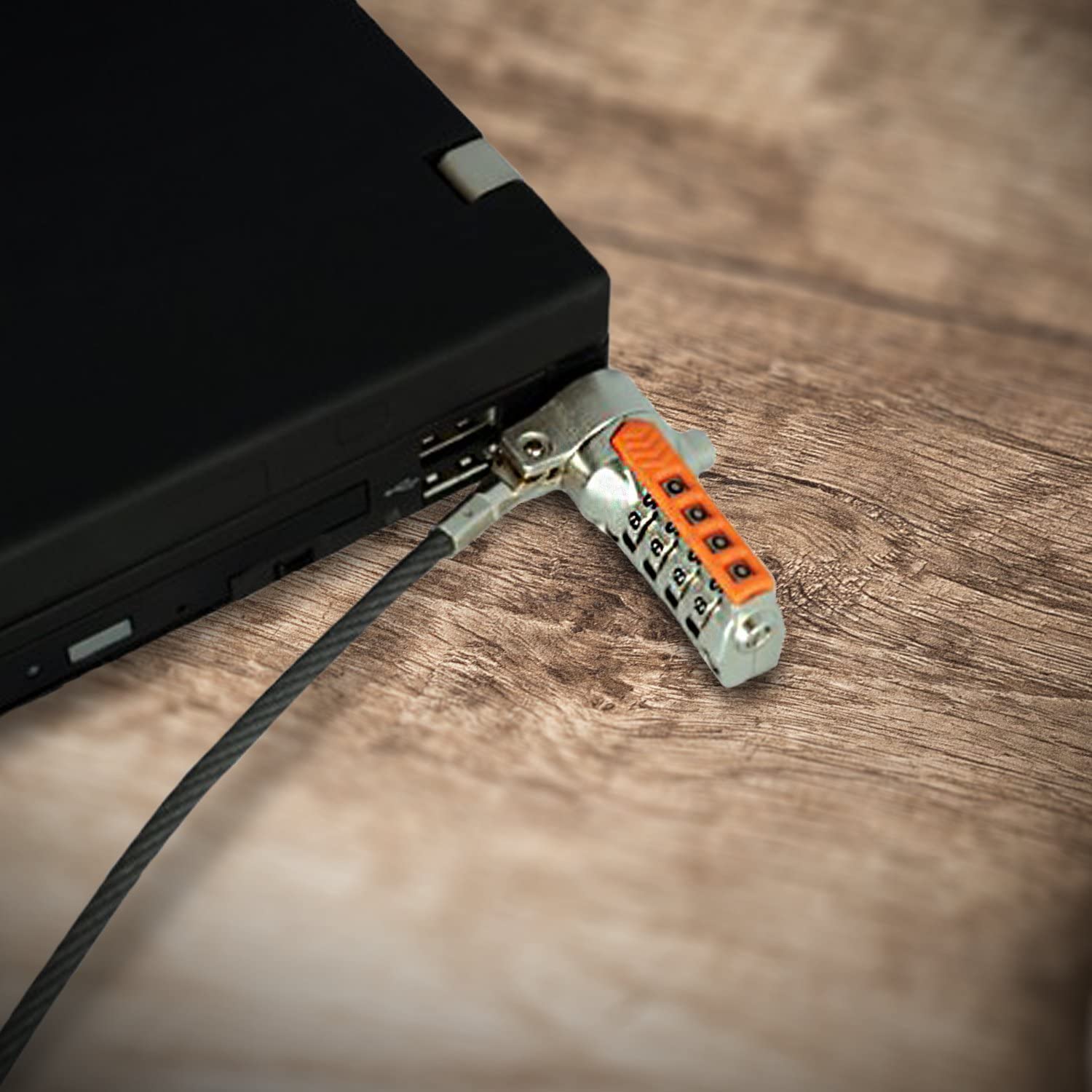
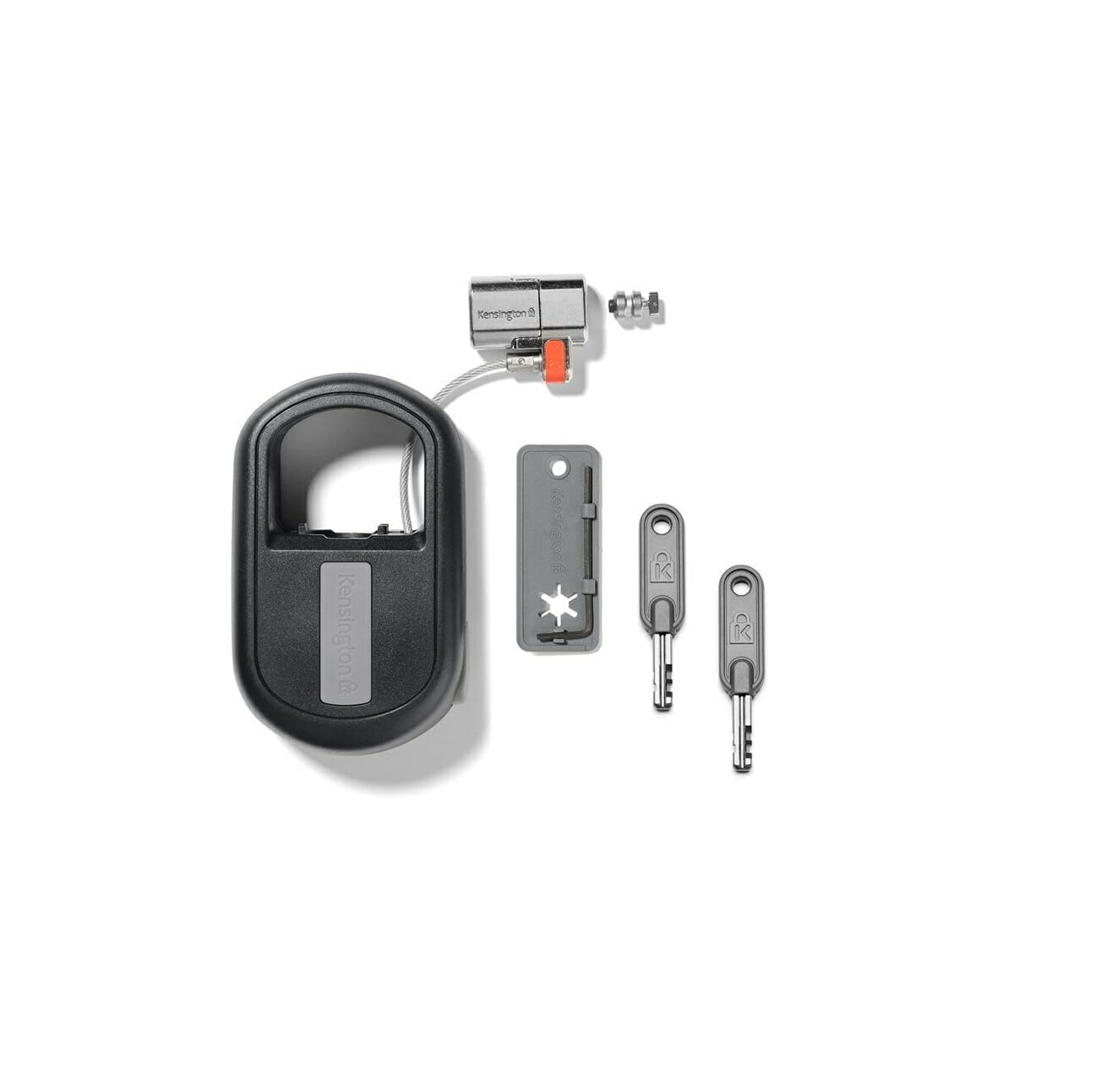

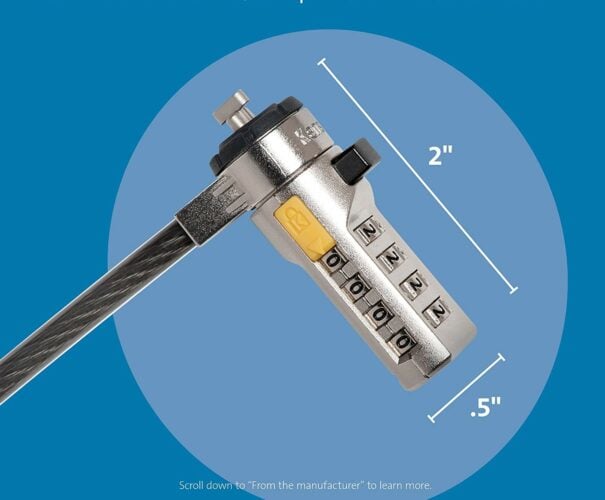
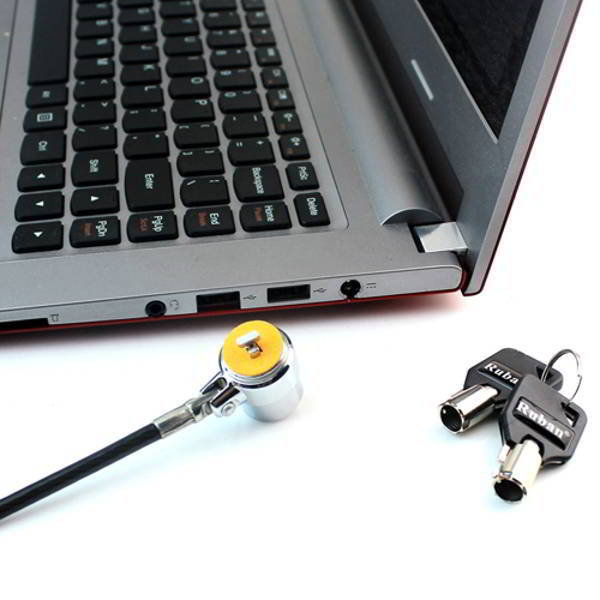
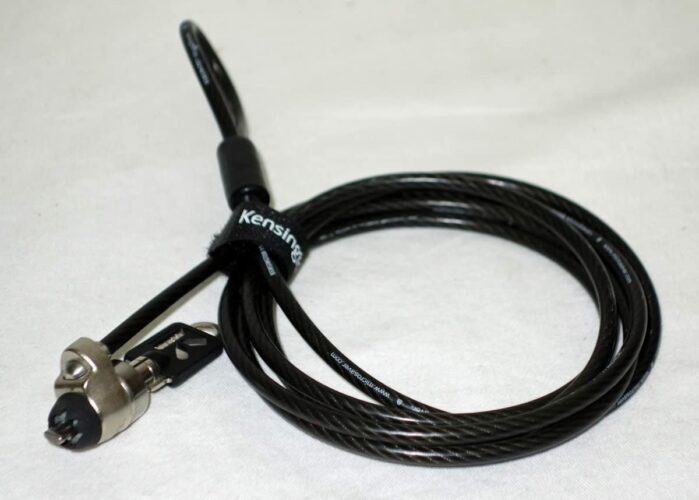
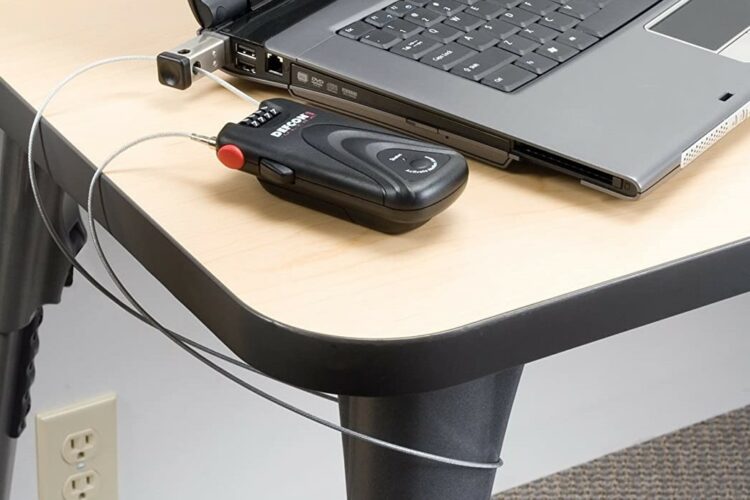
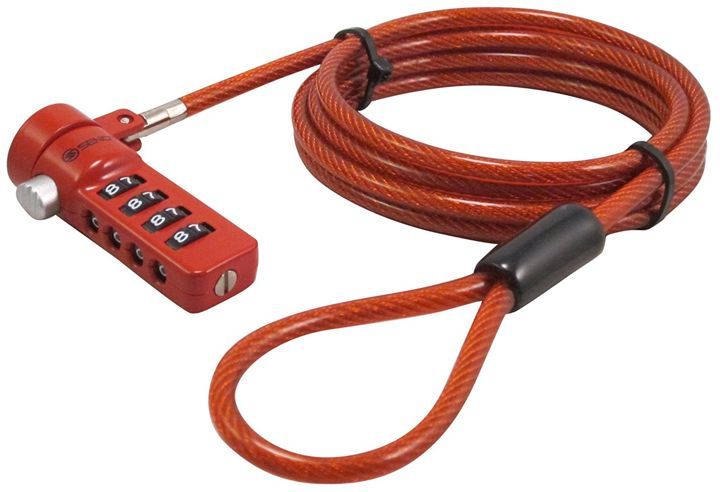
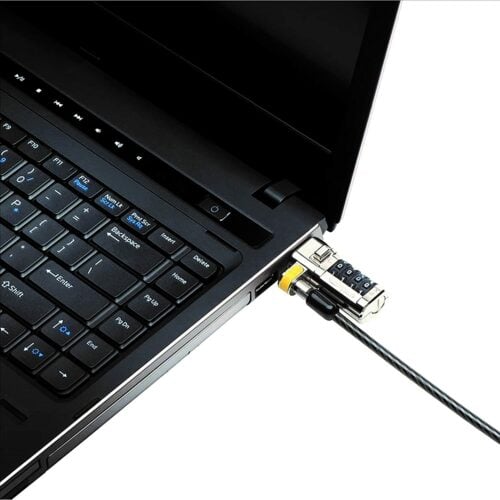
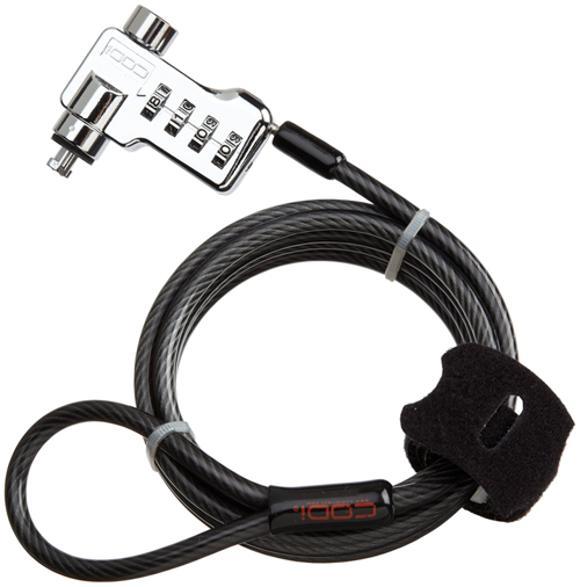
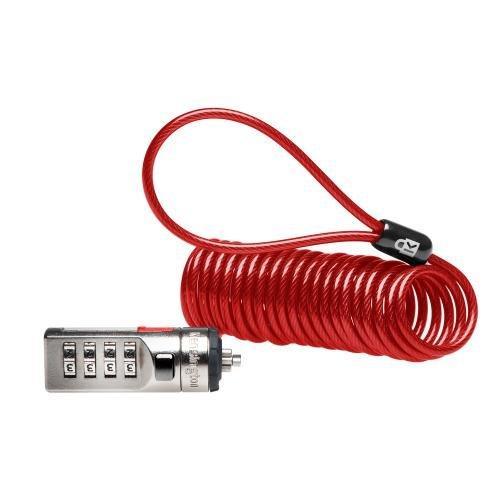
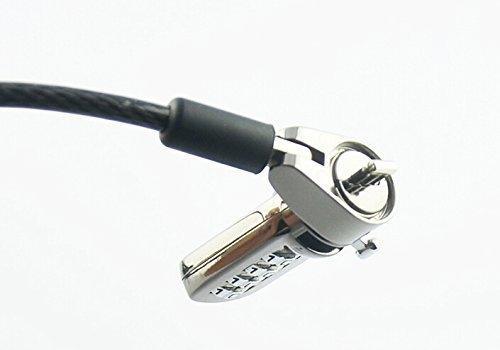
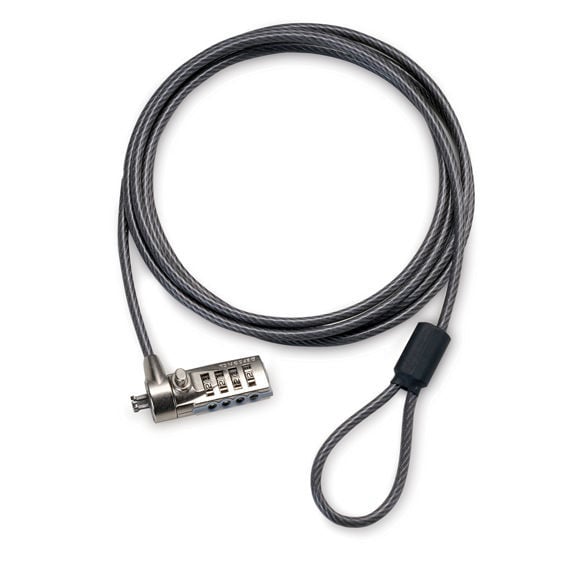
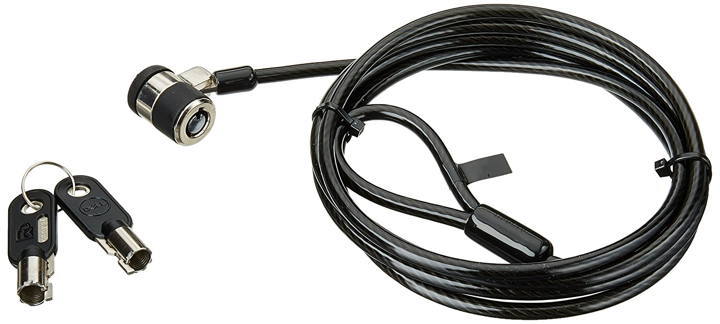
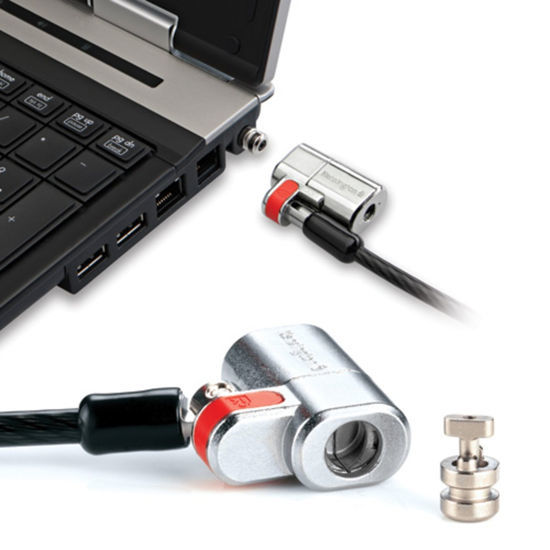
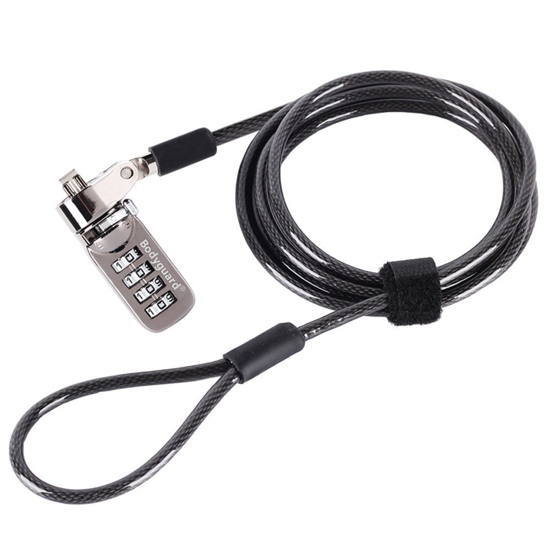
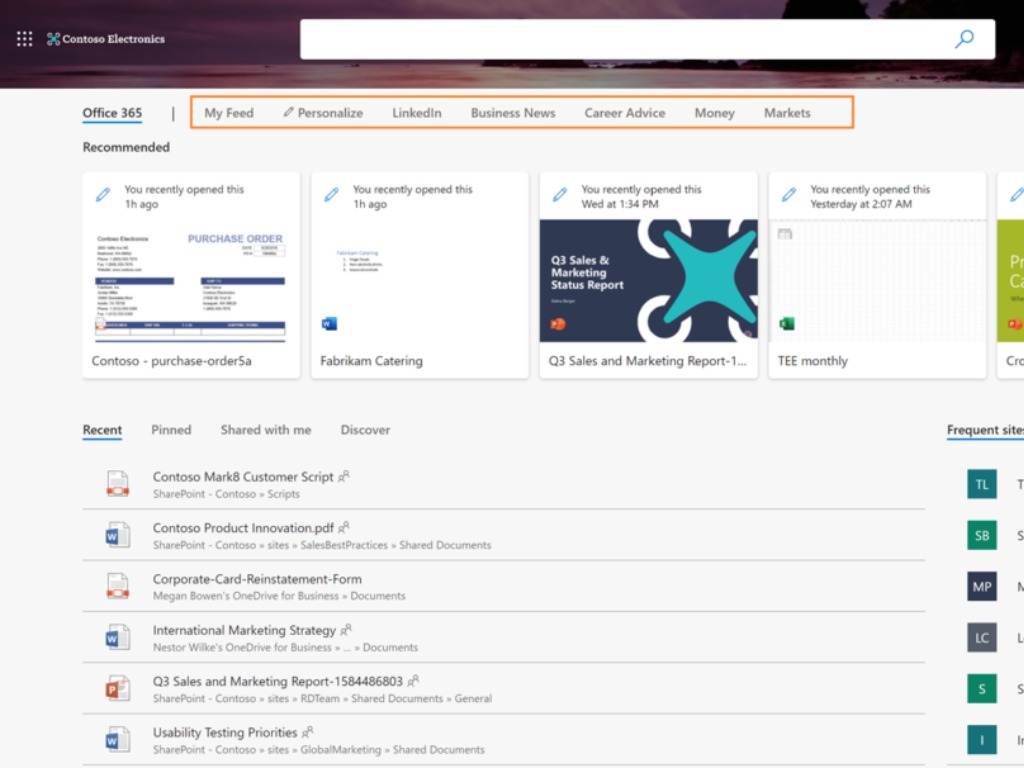

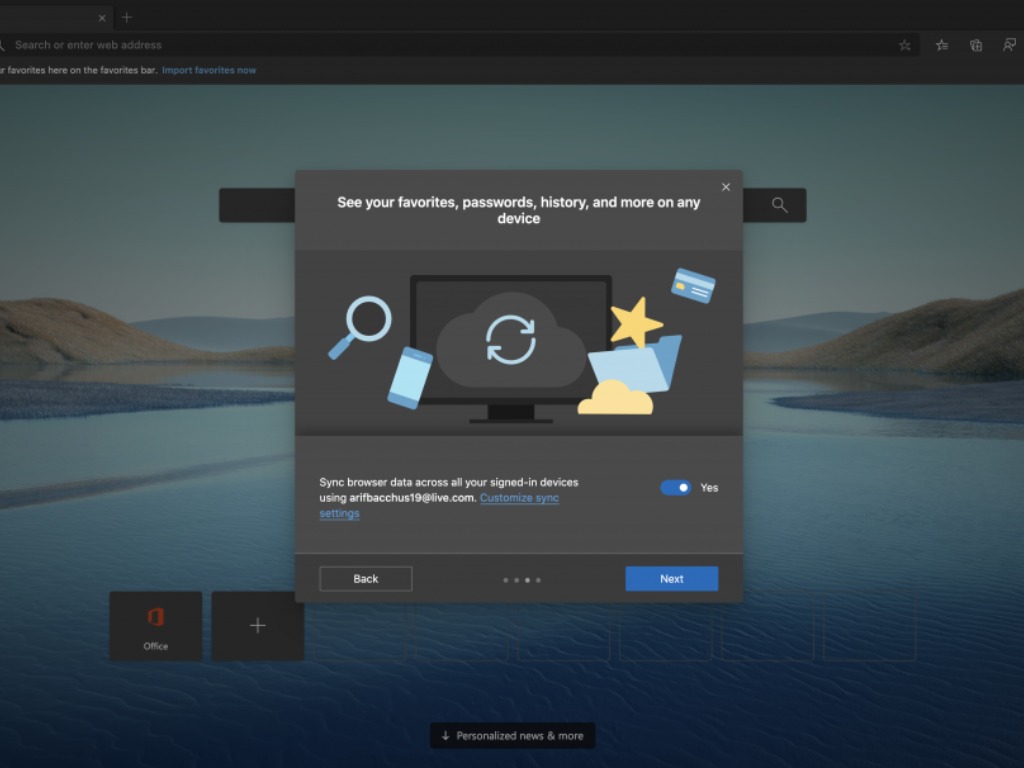


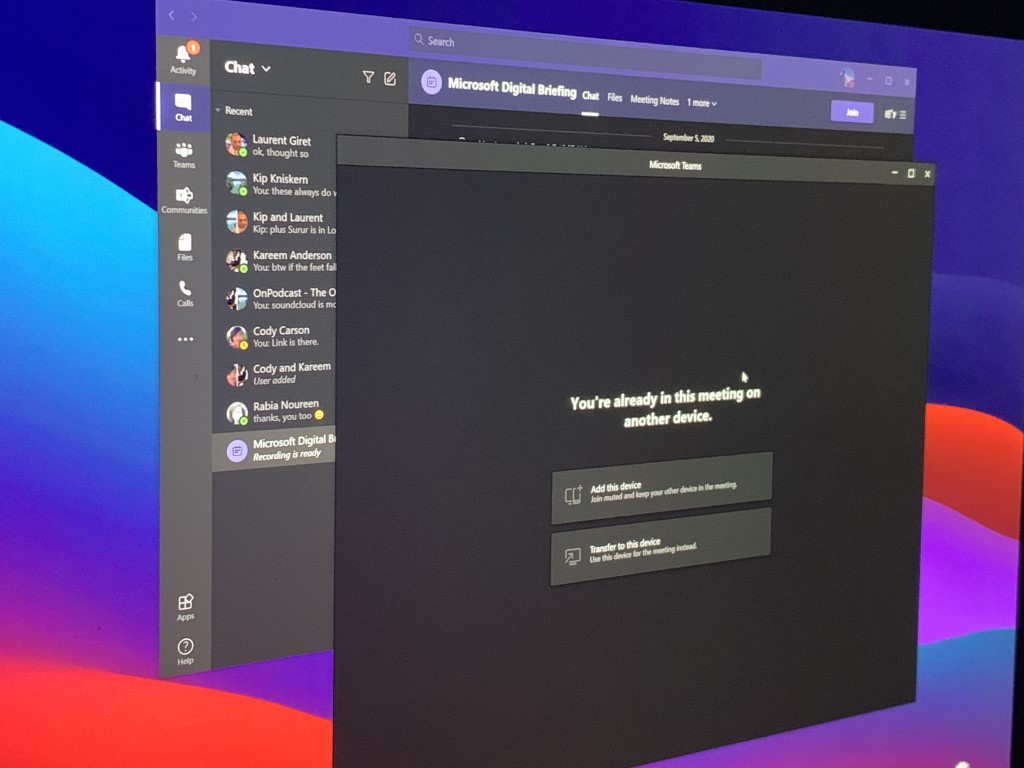
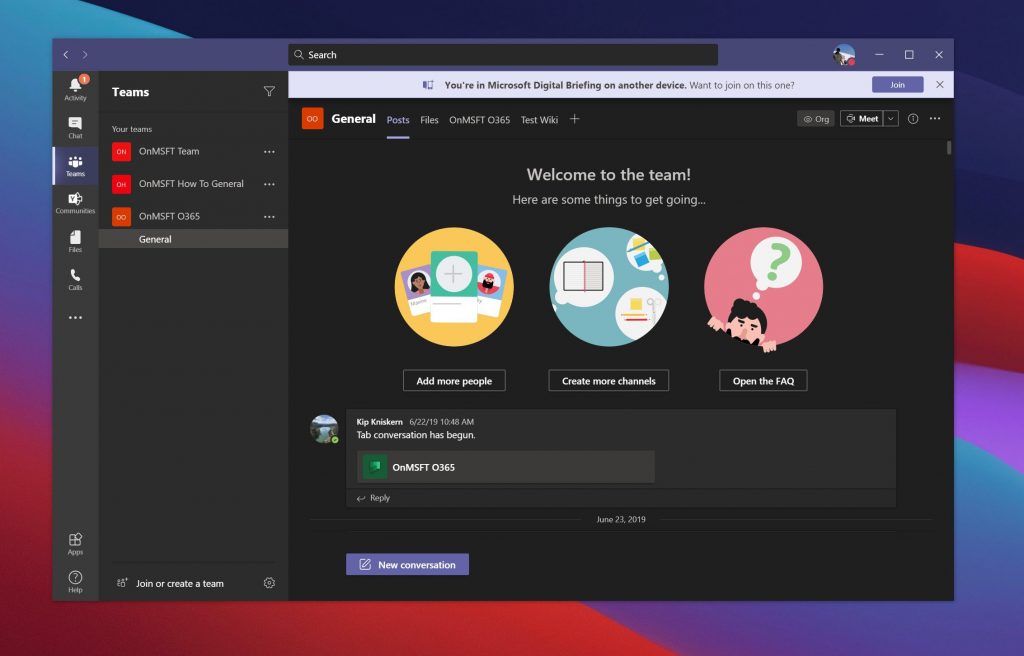
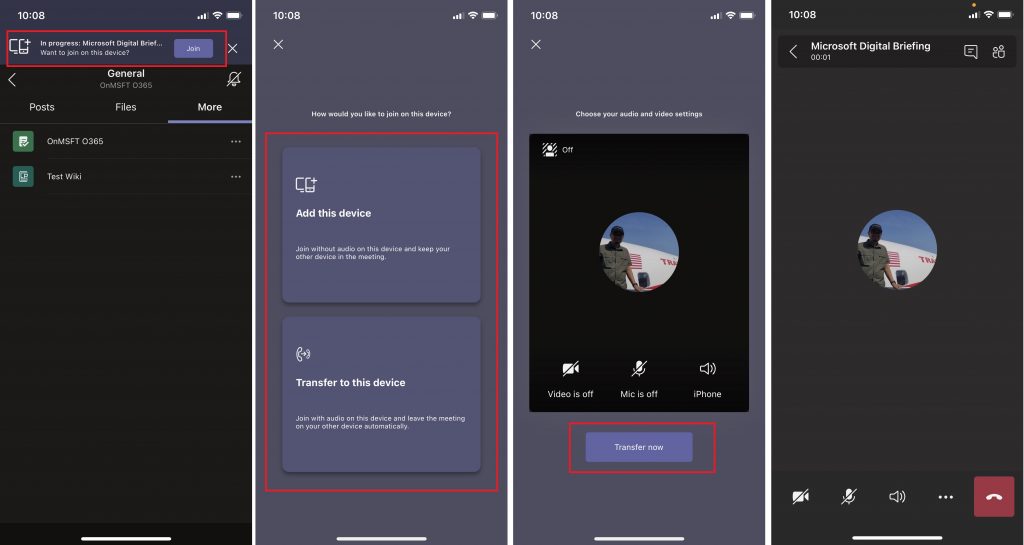

![How to fix 9c47 error in Internet Explorer 11 [Quick & Easy]](https://windowsreport.com/wp-content/uploads/2020/10/How-to-fix-9c47-error-in-Internet-Explorer-11-Quick-Easy.jpg)

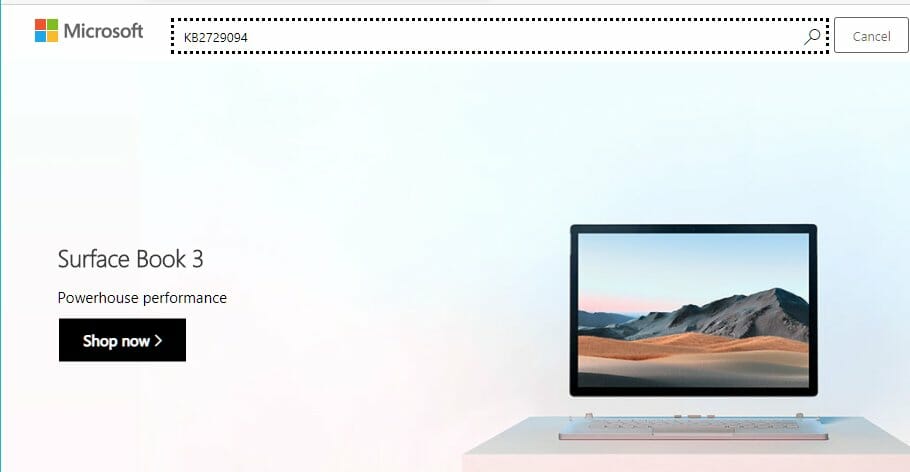


![FIX: Google Chrome sign-in error 206 [Best Solutions]](https://windowsreport.com/wp-content/uploads/2020/10/FIX-Google-Chrome-sign-in-error-206.jpg)


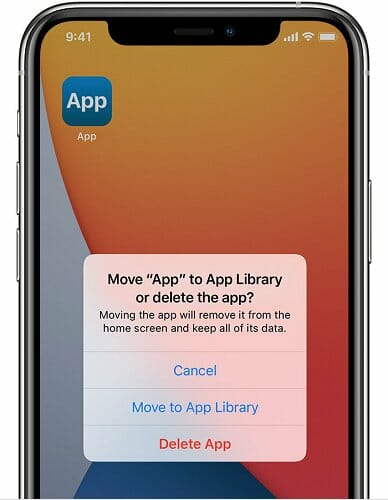
![4 Best G-Sync Monitors with HDMI for Gaming [Buying Guide]](https://windowsreport.com/wp-content/uploads/2019/11/Best-G-Sync-monitors-with-HDMI-for-gaming.jpg)


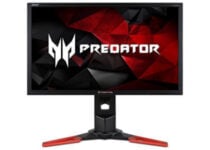















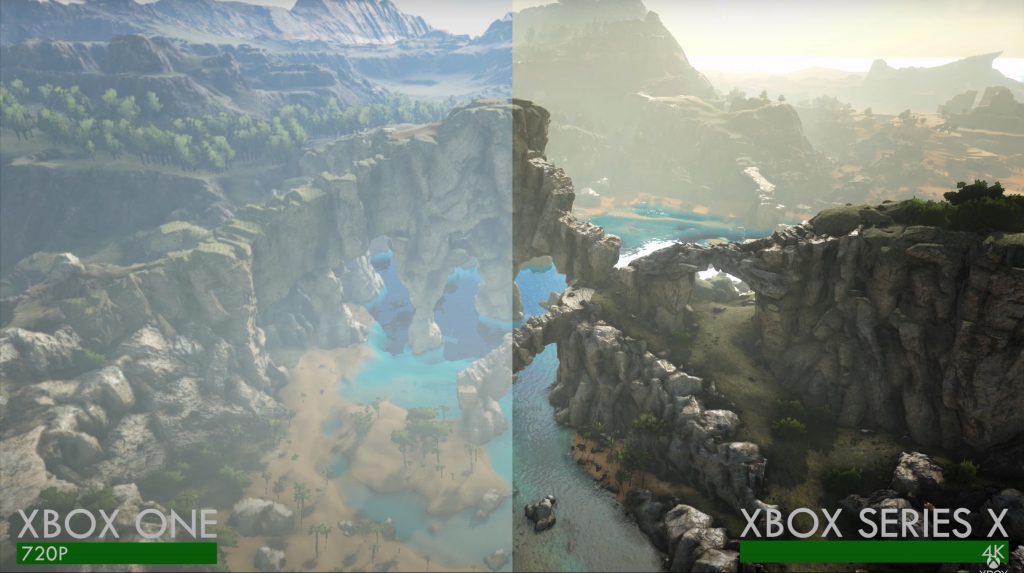

![6 Best PC Keyboards To Buy [Dell, Corsair]](https://windowsreport.com/wp-content/uploads/2017/12/computer-keyboard.jpg)
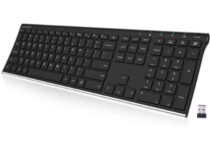
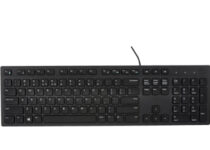
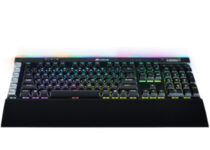
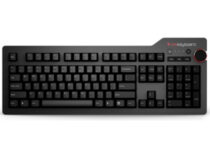
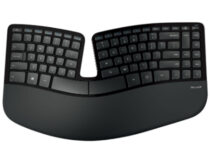
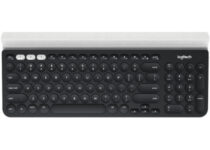






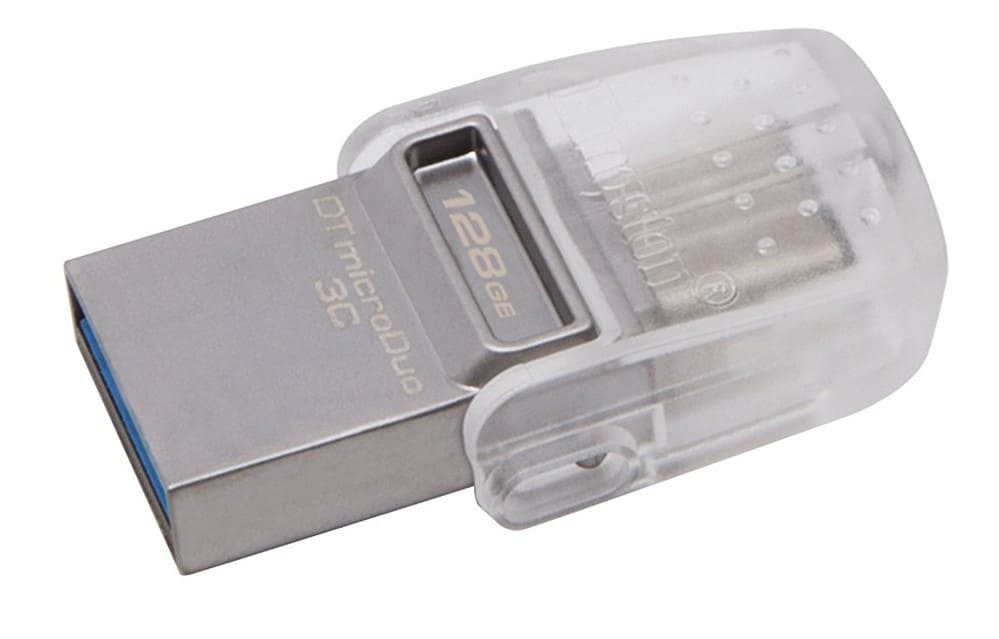
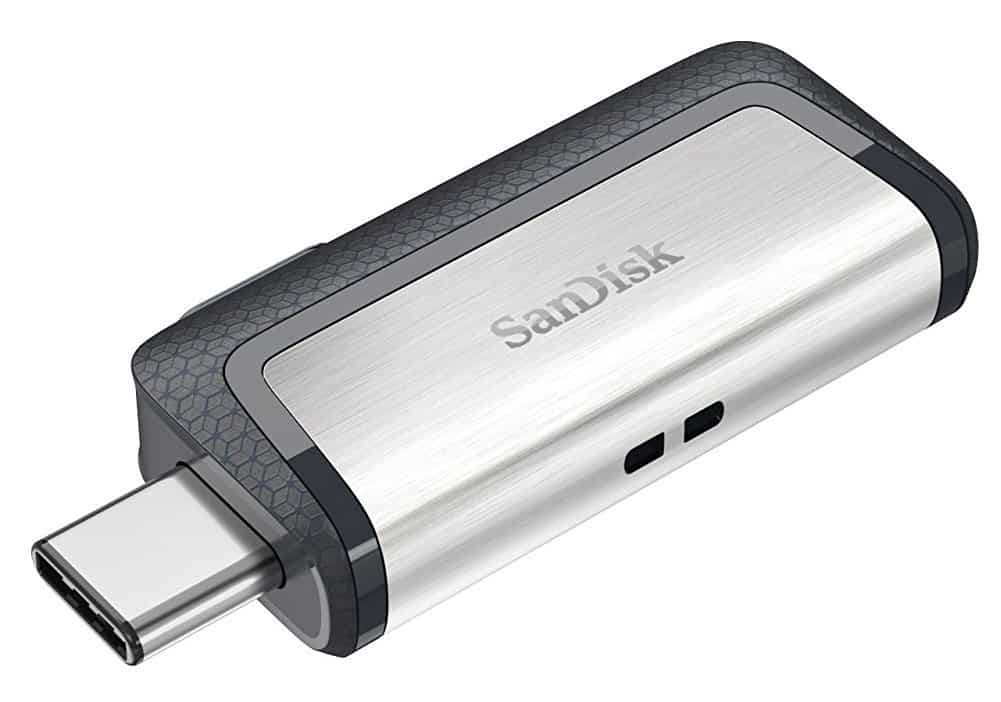
![10 Best Portable SSDs with USB Type-C Support [Most Bought]](https://windowsreport.com/wp-content/uploads/2019/11/Best-portable-SSDs-with-USB-type-C-support.jpg)


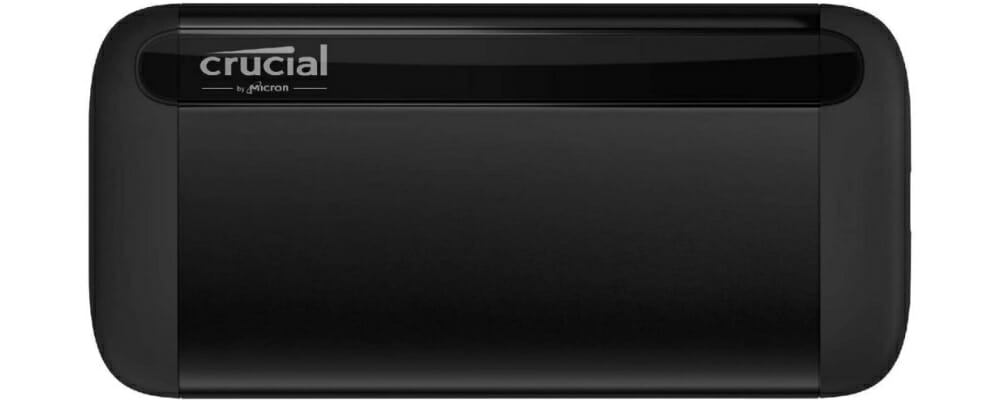

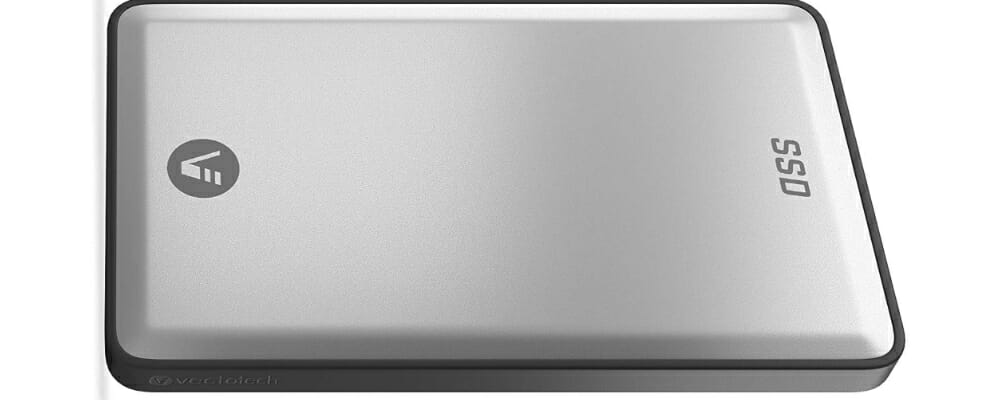
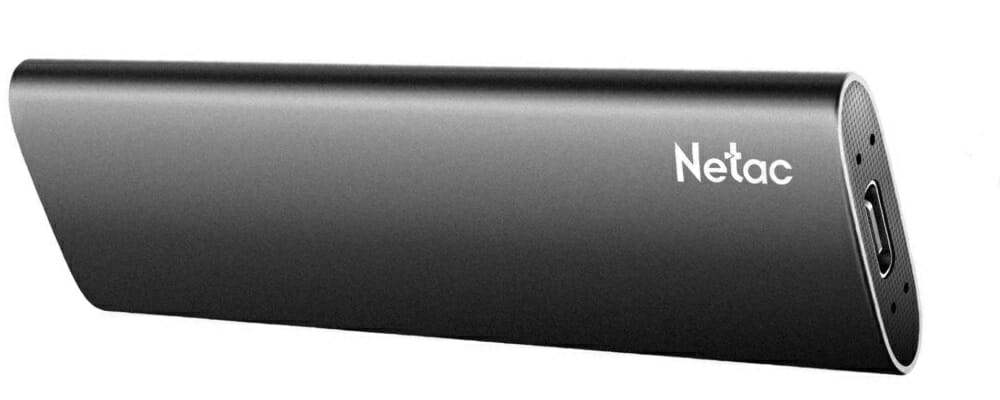
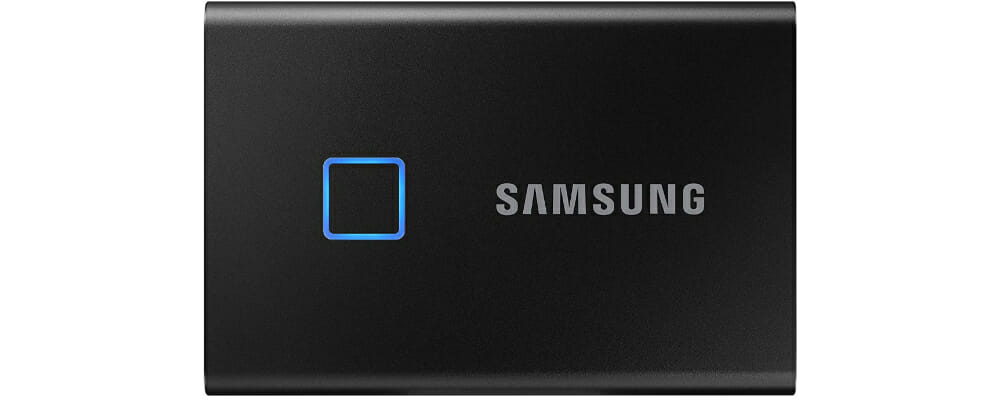






![14 Best Hard Drives for Windows 10 [High Performance]](https://windowsreport.com/wp-content/uploads/2019/11/HDD.jpg)

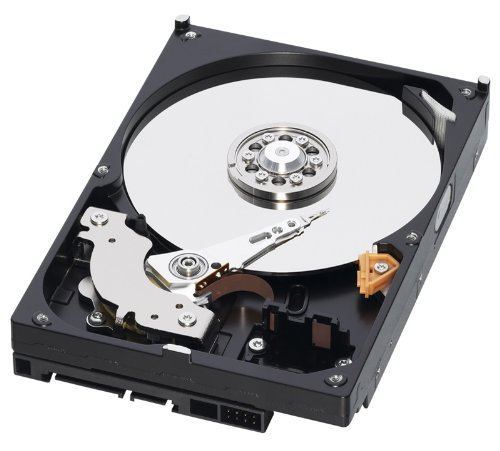
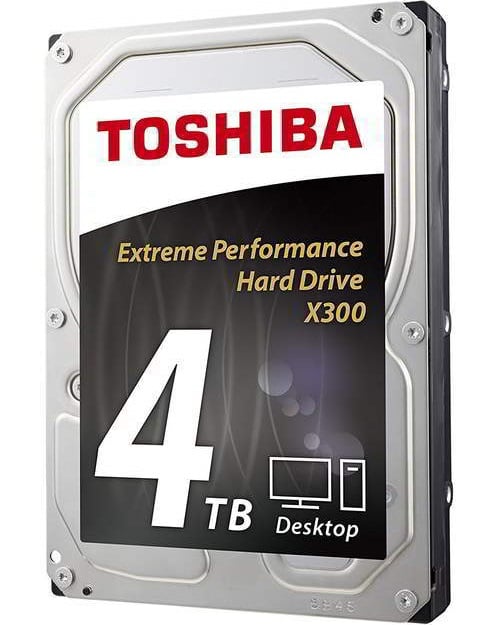
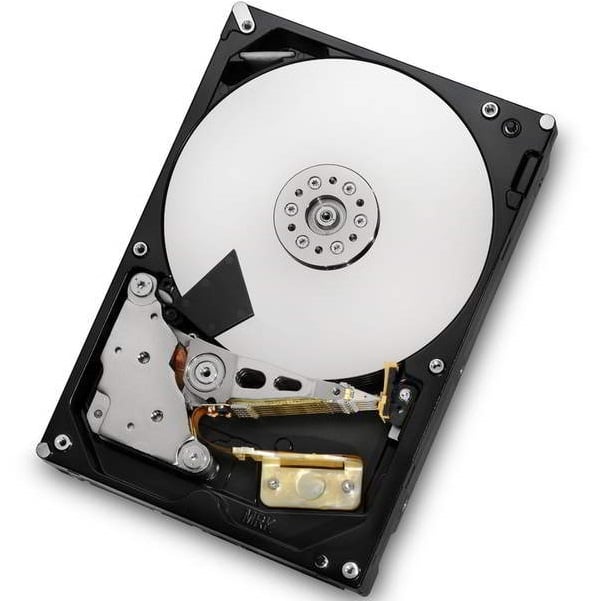
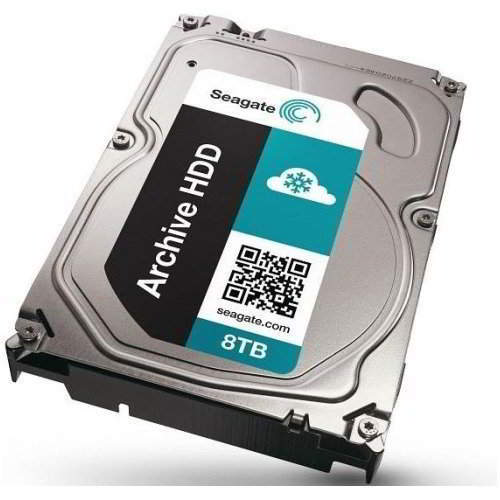
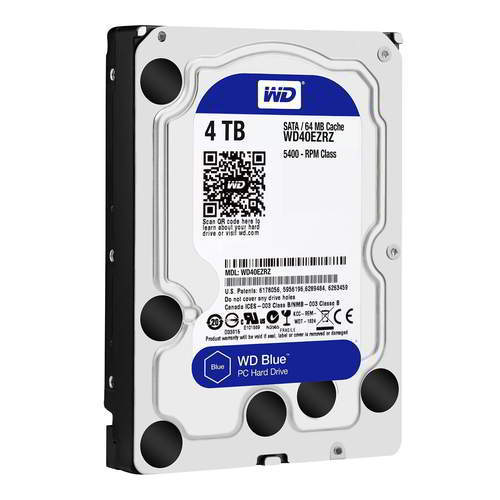
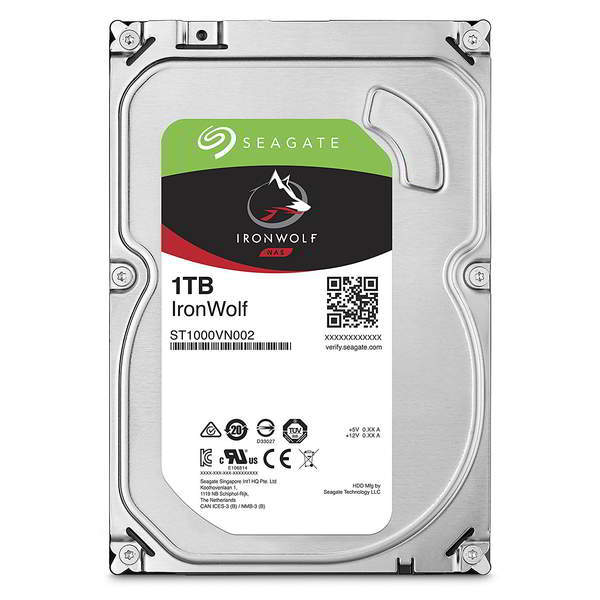
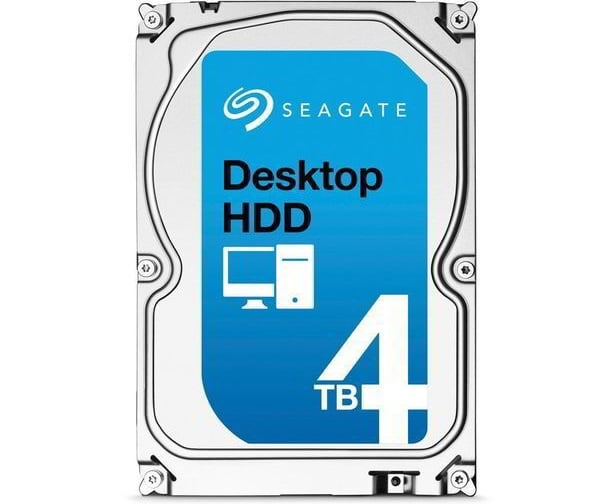
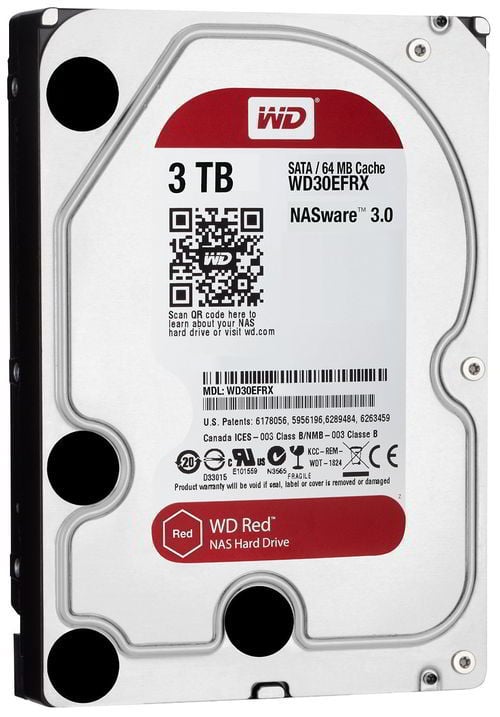
![11 Best Gaming Mice for Windows 10 [Known for Good UX]](https://windowsreport.com/wp-content/uploads/2017/11/best-gaming-mouse.jpg)




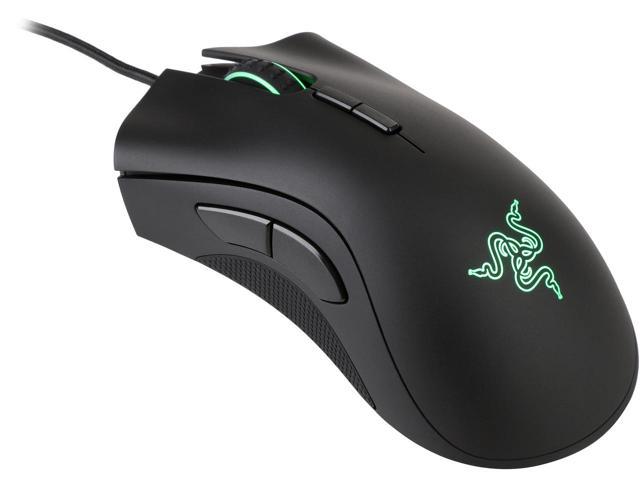
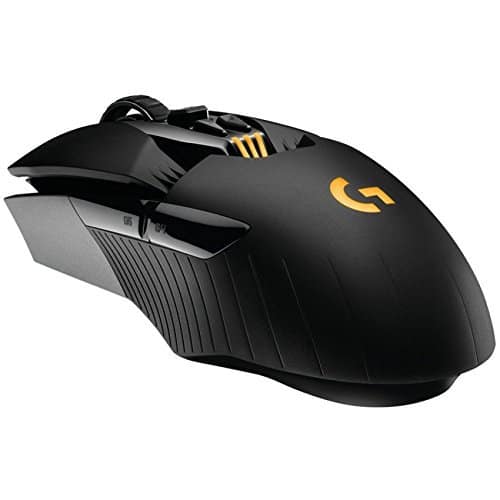
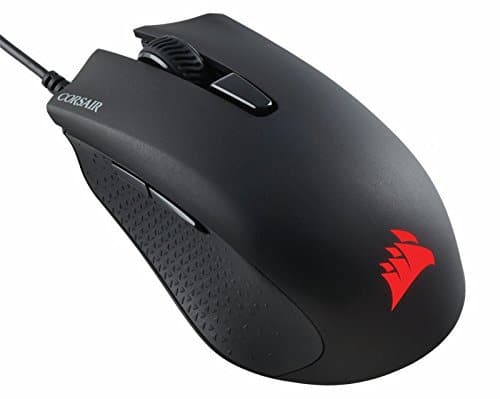


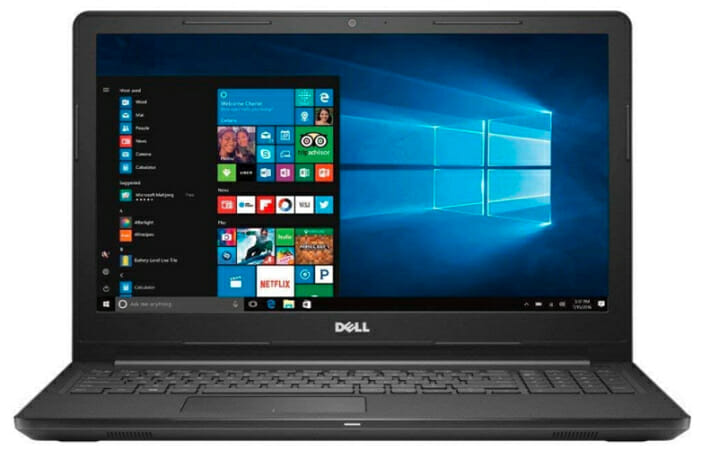
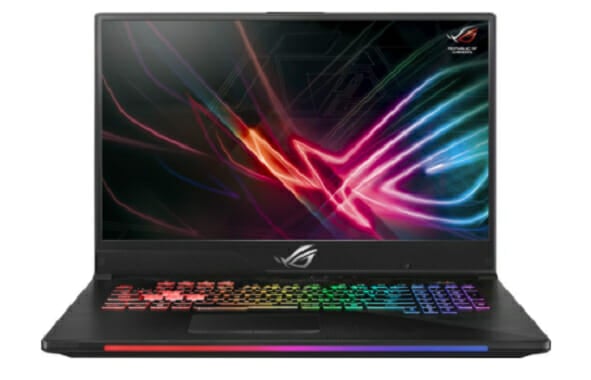
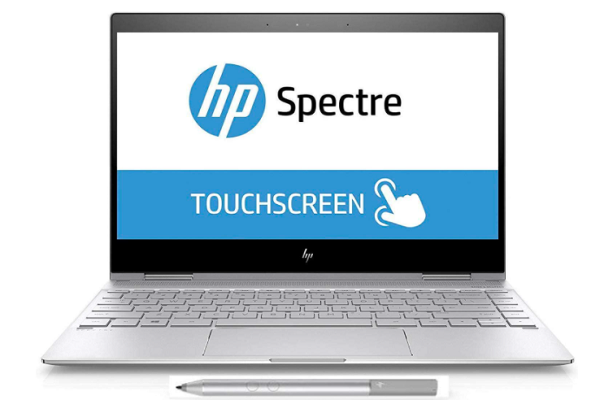
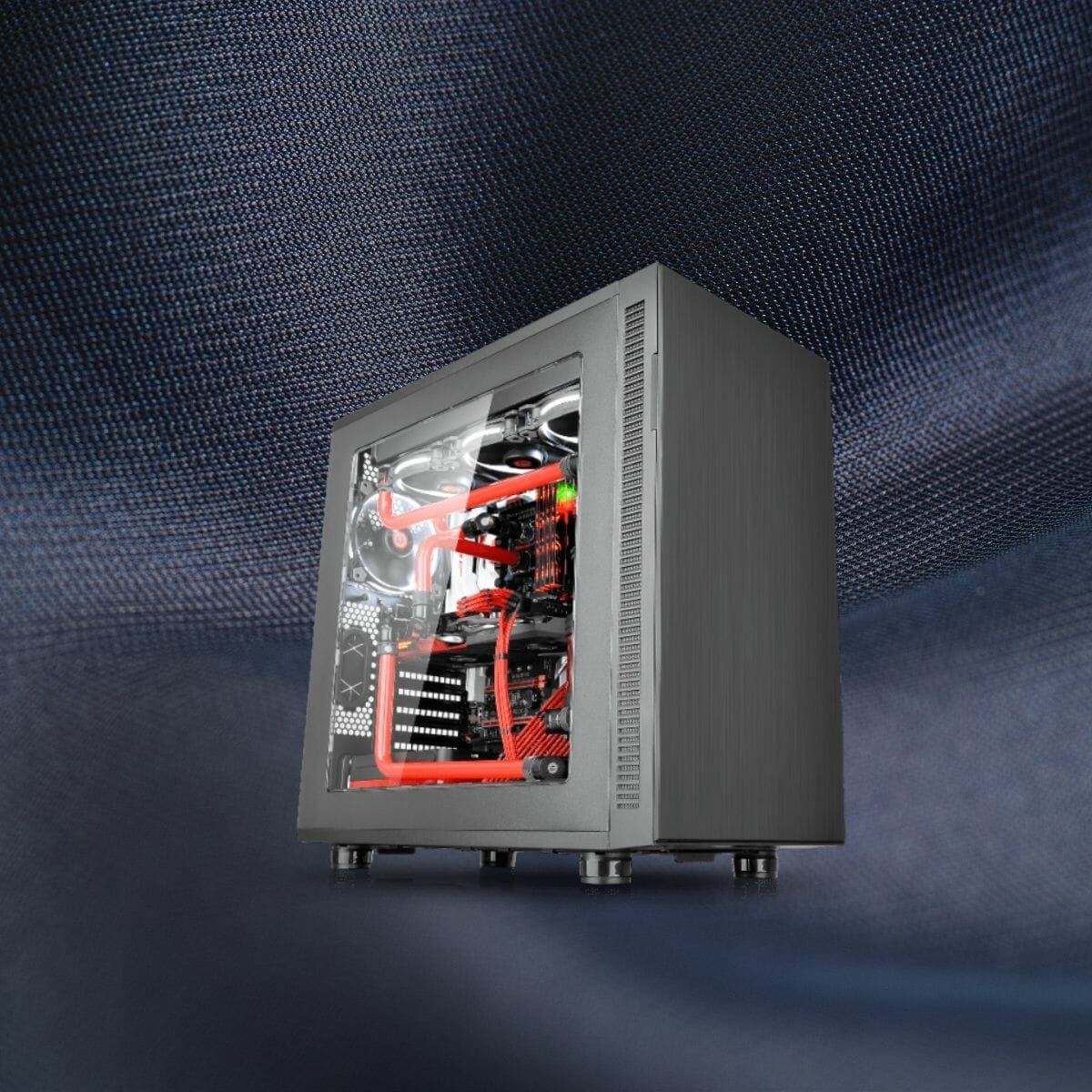


![3 Best Wireless Charging Monitors to Buy [High-Rated]](https://windowsreport.com/wp-content/uploads/2019/11/Best-wireless-charging-monitors.jpg)


![5 Best Software To Learn Bass Guitar [2026 Guide]](https://windowsreport.com/wp-content/uploads/2019/11/Great-bass-guitar-choices.jpg)



![5 Best Xbox One Travel Cases Worth Buying [2026 Guide]](https://windowsreport.com/wp-content/uploads/2019/11/Best-Xbox-One-travel-cases-worth-buying.jpg)


![4 Best Gaming Headsets For Laptops [Popular Picks]](https://windowsreport.com/wp-content/uploads/2017/11/gaming-headset-laptop.jpg)




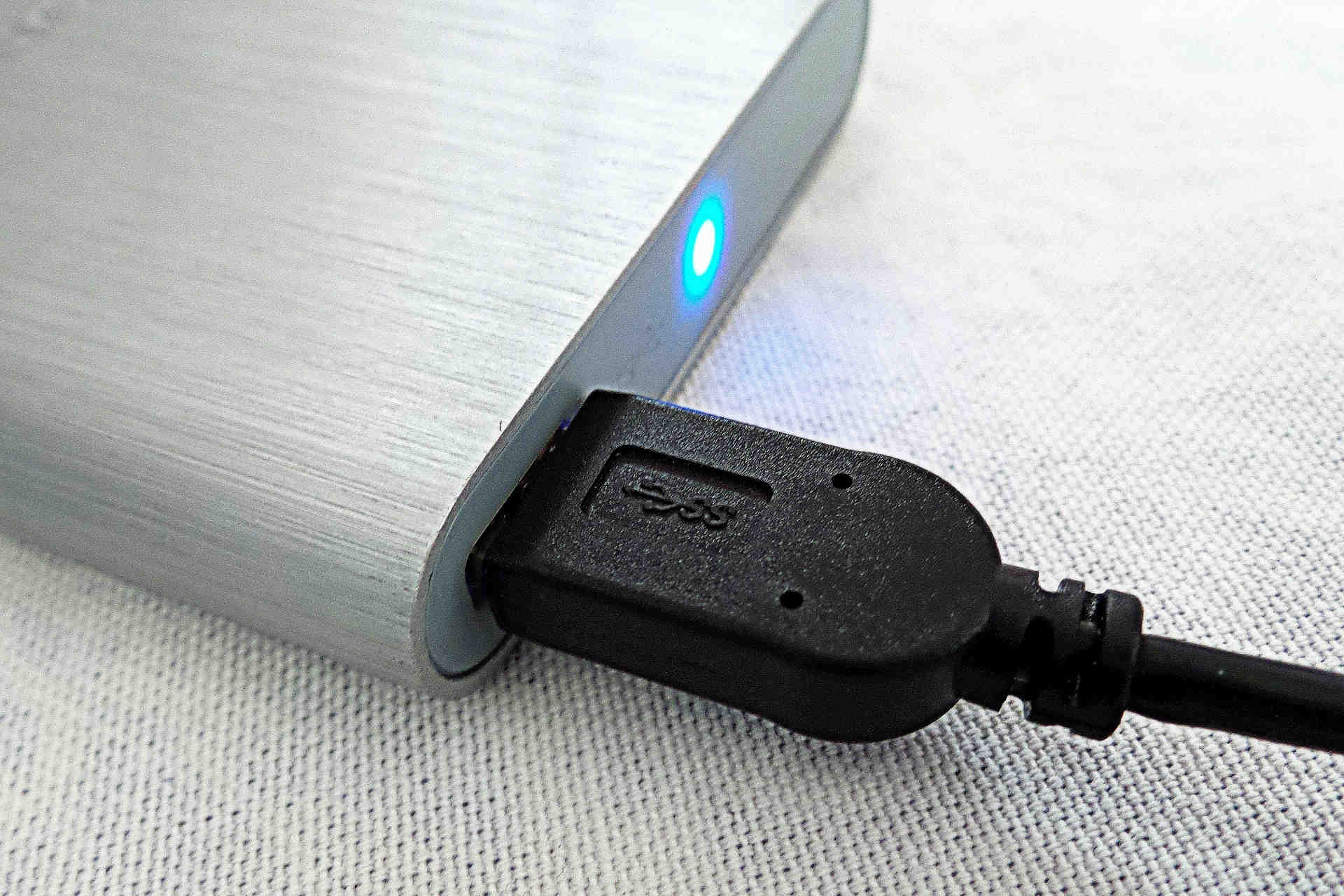
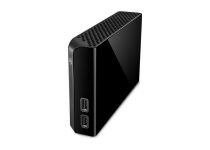
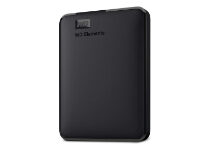
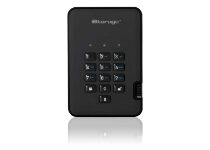
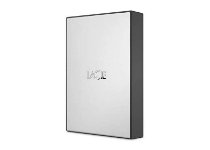
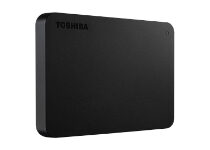
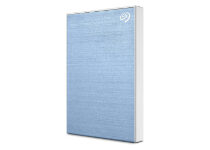
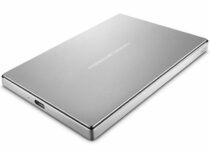
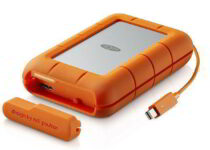
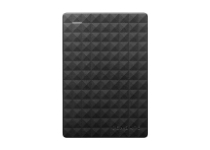
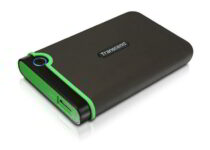
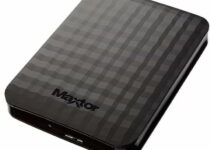
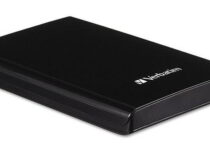
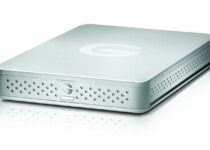
![9 best Bluetooth keyboards for Windows 10 [2021 Guide]](https://windowsreport.com/wp-content/uploads/2019/11/keyboard.jpg)


![Best Røde Microphones to Buy [Black Friday & Cyber Monday]](https://windowsreport.com/wp-content/uploads/2020/10/Microphone-rode-deals.jpg)