Best Dropbox Cyber Monday Deals Available Now

Since its release more than a decade ago, Dropbox has steadily made its way to the top of the niche and is currently one of the most popular cloud-based storage solutions and hosting services in the world.

One of the main advantages of using it consists in its up-to-date across devices policy that takes synchronization issues out of your way for good.

You may be wondering if there are any special offers offered by the company this season and if so, what are the best Dropbox deals & discounts this year?

What if we told you there are many high-quality Dropbox alternatives for business that you can try instead?

Join us while we guide you through a perspective-changing tour of the best Dropbox alternatives for this year.

Many Dropbox alternatives have great deals for this year’s Cyber Monday, stick with us and see how much money can you save on storage in 2023.

What are the best Dropbox deals & discounts this year?

Dropbox

If we’re talking business, you should definitely consider the Dropbox Professional plan as a great investment for your enterprise.

Delivering no less than 3TB of space for you to store all those important digital assets and plenty of bonus features that will help you save up a lot of money, the Pro plan is the perfect choice for cloud-based storage.

You have all the control you want over stored documents including sharing controls, remote account wipes, and more.

Let’s quickly look at its key features:

  • 3 TB of space
  • File and account recovery
  • File versioning and document watermarking
  • Text-based search option
  • Web previews and comments
  • Smart Sync storage optimization

Dropbox

Ready to enjoy 3,000 GB of encrypted cloud storage for your small business? Dropbox Professional is the solution!
Free trial Visit website

Best Dropbox alternatives

pCloud – Up to 85% OFF

First thing first: pCloud is a complete storage and file management suite that will take care of all your needs including file versioning, data recovery, and even online document preview mode.

What’s more, you can have backups from all your adjacent services such as Dropbox, Google Drive, One Drive, and more.

So far, so good. Wait until you read about all those extra perks you will enjoy if you decide to activate a pCloud subscription plan.

You can now get pCloud with an amazing discount of 85%, for Cyber Monday 2023.

Let’s quickly look at its key features:

  • 256-bit AES encryption for all your files plus TLS/SSL channel protection
  • Share links and invite users to access shared folders
  • Automatic synchronization across all your devices
  • Built-in video player and audio player
  • Video streaming-optimized

pCloud

That’s your chance to store, manage, encrypt, and share your files effortlessly with pCloud!
Up to 85% OFF Get it now

Sync – 100$ off for premium plans

Last, but certainly not least, Sync is all-in-one storage and file management solution with a twist.

Privacy-oriented, Sync delivers end-to-end encryption for your data, allowing you to keep confidential documents stored in the cloud away from unauthorized access.

On the other hand, sharing assets is just as easy and you can choose to send files of any size to virtually anyone, even if they do not possess a Sync account.

The premium plans Solo Professional and Teams+ Unlimited offer you a discount of 100$ for Cyber Monday.

Let’s quickly look at its key features:

  • Military-grade encryption for your files
  • No size limitation for storage and file sharing
  • Centralized file management
  • Automatic backups
  • Cross-platform compatibility

Sync

Easy access, optimal encryption, and convenient cloud storage for all your digital assets in one centralized location!
Check price Get it now

Zoolz Genie – 80% OFF

how is zoolz cloud backup

Upload, store, sync, and work without limitations, be it speed or size-related. Zoolz delivers the ultimate storage solution for businesses of all sizes and it even throws in some additional features to the table that will quickly make you forget all about Dropbox.

These amazing, productivity-enhancing functionalities include unlimited servers and users, effective multi-faceted backup, easy deployment, and more.

You can now get this service and save 80% of the normal price, only for Cyber Monday 2023.

Let’s quickly look at its key features:

  • Effective, on-demand back-up
  • 1TB users and servers
  • HIPAA-compliant frameworks
  • Lightweight file browser to better manage your files
  • Data restoration tools
  • Centralized management console

Zoolz Genie

Easy to display and easy to use, this cloud storage solution will help you deal with files in no time!
80% OFF Get it now

What do you think of these Dropbox sales & the best alternatives? Let us know your opinion in the comments area below.

Best Winzip Deals For Cyber Monday 2023 [Special Bundle]

You might have noticed that the more performant your PC or laptop is, the less memory it has; or that when upgrading a device, manufacturers don’t necessarily improve hard disk space, but other hardware components.

Still, all the programs, apps, and multimedia content stored on our devices take more and more space, leaving barely some room for other important documents.

Sure, cloud storage and external HDDs can help. But so can file compression, and for that, you have dedicated software such as WinZip.

You might have used the tool once in a while to archive large libraries or documents for safekeeping. But the tool is more complex than that.

How much can I save with a WinZip deal?

For the 2023 Cyber Monday WinZip has extended its very interesting Black Friday bundle, saving you 77% as if you were to buy each product individually.

You can check out this amazing deal by following the link below.

WinZip Ultimate Suite

Your ultimate file compression and file management tool, combined with photo editing and digital painting software.
Free trial Visit Website

What does the WinZip Black Friday Bundle include?

This bundle is made of the most popular and I might say some of the most useful tools you can find, and they are:

  • WinZip Pro
  • WinZip for Mac
  • Courier
  • PDF Fusion
  • Parallels Toolbox
  • System Utilities
  • ZipShare
  • Ad Remover

Needless to say, WinZip can compress, decompress, encrypt, and back up a wide range of file types, including zip, rar, 7z, iso, tar, tgz, and more.

As mentioned, the above offer is time-limited, so don’t hesitate to visit the WinZip website right away.

We’d like to know if this article was helpful, so don’t hesitate to drop us a line in the comments.

Best Adobe Deals For All Photography Fans

Since its creation in December 1982, Adobe has become one of the biggest and most productive software creators in the world.  

Adobe has historically focused on the creation of multimedia and creativity software products that offer you a wide range of services.

Adobe is most known for Photoshop, Acrobat Reader, and the portable document format (PDF). This year, they’re offering some really good deals all the time.

For instance, if you are passionate about photo editing or graphics crafting, there is no other tool more suited than Photoshop.

You have the great opportunity of editing your photos with one click, using automated features that turn every image into art.

It is feasible to get your personalized art tool and profit over 40% off on all Adobe products listed on their official website.

In this article, we will list the best offers on Adobe software. We’ll update this post as soon as new information is available, so take a closer look below.

What are the best Adobe deals to get in 2023?

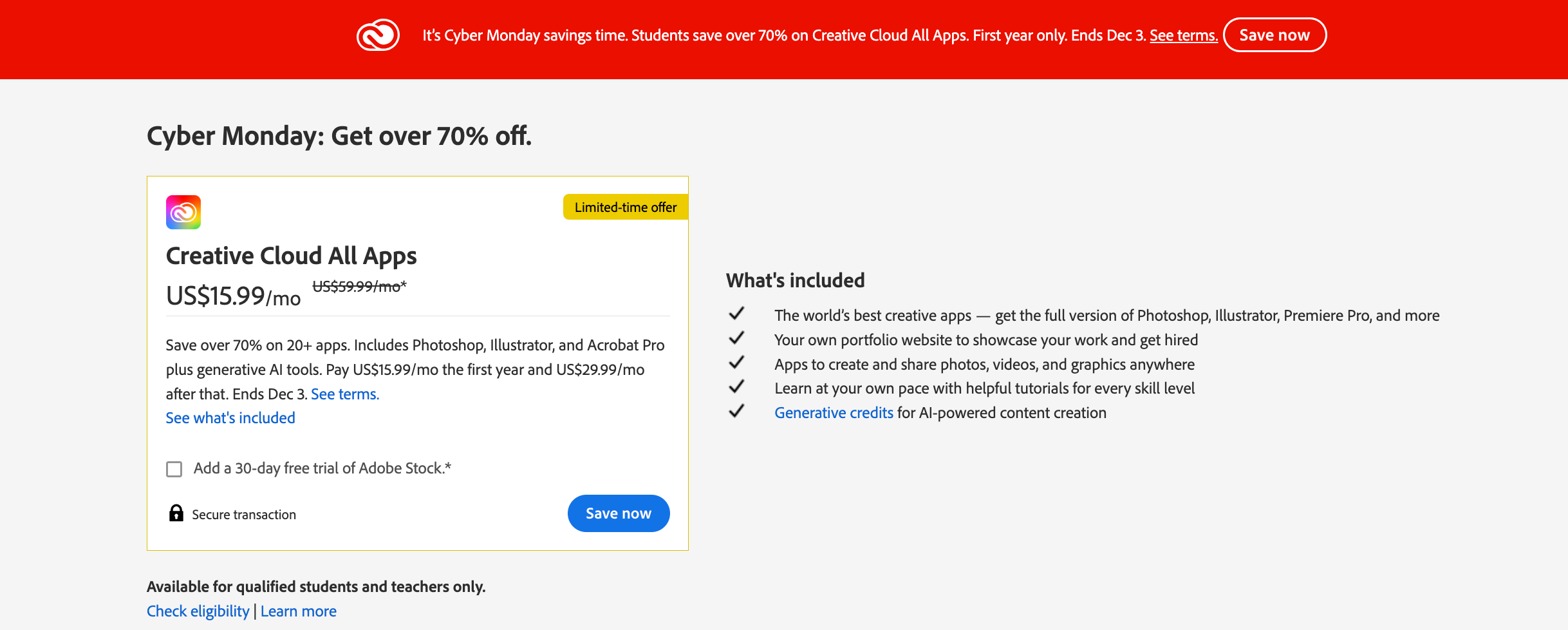
Adobe Creative Cloud – Get 50% off

Adobe Creative Cloud is one of the best and most complete tools for post-processing images. Even though it could seem complicated at first for a normal user, it’s very easy to understand thanks to its user-friendly interface and helpful features.

Adobe Creative Cloud comes in many versions, and they do have offers only for individual and student use.

Individuals, students, and teachers can constantly check their website for sporadic deals. Only available for a limited time, so act now!

More so, you have available Stock and Marketplace new features, where you can find Adobe fonts, free or paid qualitative assets, or plugins and integrations.

Besides the most creative apps, the offer includes collaboration power with your teams or community hub to find and express ideas.

Key features include:

  • Access to the entire Adobe database
  • Cloud control of your images
  • Photoshop CC and Illustrator CC, along with Premiere Pro membership to Behance
  • Hundreds of video tutorials
  • Over 2000 premium fonts

Adobe Creative Cloud

Adobe Creative Cloud truly is a professional tool for post-processing images. Eager to try it out?
Get 50% off Visit Website

Adobe Photoshop Elements – Get 40% off

Adobe Photoshop Elements is another great option for people who want to create images from scratch or edit the ones they already have.

This version of Photoshop has been created to ensure you can easily edit, modify, merge, and cut your images without needing large software.

In addition, you have a variety of editing options that help to transmit your emotions through personalized images, plus improve the message with slideshows or inspirational content.

Last but certainly not least, you can eliminate the clutter and organize every project with smart tags, facial recognition, and more AI-powered technology.

It’s worth mentioning that all these benefits provided by Adobe can be yours using a great deal of 40% off for Photoshop Elements 2023. The clock is ticking, so check it out fast.

Key features include:

  • Automatically create slideshows and collages from the images in your library
  • Easy to use as an organizer
  • Wide range of editing options
  • Intelligent editing using Adobe Sensei
  • Guided edits
  • Ability to easily make personalized selections of elements
  • Can easily share created/modified images on social media and/or YouTube and other services

Adobe Photoshop Elements

Explore Adobe Photoshop Elements and improve your art with a wide range of editing options.
Get 40% off Visit Website

These are some interesting Adobe programs that you should watch. Rest assured that we’ll keep an eye on the official website and we’ll update this buying guide with more deals as soon as they’re available.

Avg Antivirus Cyber Monday Deals & Sales [Limited Offer]

Developed by AVG Technologies, the AVG Antivirus is a premium product that not all aims, but successfully manages to shield your devices against the most common and, dare we say, not so common, threats in cyberspace.

Launched in the early ’90s, AVG has been around long enough to make a name for itself and it’s recognized as one of the most powerful security solutions providers on the globe with millions of users.

While the brand authority is important, it would not mean much if it were not backed by adaptive protection solutions that seamlessly work across platforms to keep viruses and malware contained.

AVG technologies provides top-level security solutions for individual users, as well as business-level utilities that protect multiple connected devices.

Not only does it provide essential antivirus tools, but it also secures your online presence with anti-phishing and VPN technologies. It has great detection rates and typically blocks threats before they get the chance to infect your system.

So, with this in mind, allow us to present you our top 3 recommendations for AVG Antivirus deals that you mustn’t miss this season.

What is the best AVG version?

AVG Ultimate

The best-in-class protection combo delivers everything you need to keep all your devices safe including a premium antivirus solution, top-notch tuneup utility, and a secure VPN, all wrapped in the ultimate, award-winning package.

Feature-rich, but without compromising on ease of use, this security bundle delivers AI-fueled real-time threat detection, ransomware protection, and a built-in firewall to shield your network from incoming perils of all kinds.

But protection is not just proactive, you also need a good tool to help you clean up junk, eliminate clutter, and repair issues before they get the chance to turn into real catastrophes. This is where the TuneUP feature comes in handy.

Finally, the VPN solution secures your traffic data with 256-bit encryption, protects your online identity, and unlocks a world of possibilities when it comes to digital content that would otherwise be restricted.

AVG Ultimate also includes dedicated apps that offer protection for Android devices. You get to protect your smartphone against malware with AVG Antivirus PRO, and you can optimize its performance with AVG Cleaner PRO.

AVG Ultimate

Get a taste of true security, boosted performance, and supreme privacy with the ultimate bundle from AVG!
33% OFF! Get it now

AVG Business Security

Designed with small businesses in mind, this security solution delivers top performance and all the security tools that small and medium enterprises need from real-time alerts to remote management access.

Speaking about remote access, this unique security solution is equipped with a management console that you can operate remotely to perform important operations related to security such as manage policies, schedule updates, protect endpoints, and so on while you’re on the go.

With instant threat notifications, remote administration, malware protection, and automatic updates, you don’t need to stop to work on security – simply team up with an antivirus that moves to your rhythm and is just as dynamic as your business.

The software also enables secure communication with the Email Shield feature which scans all incoming and outgoing emails for threats. It also scans all links you come across, and blocks harmful downloads.

AVG Business Security

Your trusted partner when it comes to protecting your business!
Pay 2 get 3 Get it now

AVG Internet Security

AVG Internet Security is the supreme shield against snooping eyes, intruders, hackers, and malware and you can use it to protect everything and anything from personal files to emails and webcam and why not, your entire system?

To keep your PC and all those precious assets that come along with it secure at all times, you benefit from advanced scans that can identify and remove malware before it gets the opportunity to infiltrate and produce damage.

From ransomware to rootkits, Trojans, and spyware, no malware stands a chance against the AI-fueled threat analysis algorithms used by AVG Internet Security.

The software has a powerful link scanner that informs you about suspicious urls before you get to click them. On top of that, it has Wi-fi security that scans your conenction and alerts you if it is suspicious. 

And the best part is that you don’t have to bother with maintenance and upgrades as this adaptive security solution is evolved enough to perform its updates automatically.

AVG Internet Security

World-class protection is now available at your fingertips – you’re just one click away!
33% OFF! Get it now

Does AVG protect against hackers?

Yes, AVG delivers superior anti-hacking protection and more. From malware to spyware, rootkits, Troyans, and ransomware, this antivirus will identify and remove any infection from your PC.

Best Avast Deal: Up to 65% OFF! Black Friday and Cyber Sale

Avast has made a name for itself by providing top-level cybersecurity products for a competitive price, or even completely free.

The security utilities have gained the trust of the users over the years and the company expanded to provide quality software for all types of security requirements and needs.

Avast includes free and premium level antivirus software for personal use, as well as enterprise-level security solutions.

On the topic of business antivirus solutions, the company also provides the Business Hub which is a security management utility that enables users to monitor all their devices from one platform.

Avast doesn’t disappoint in online security either. They provide a free VPN utility and a chromium-based browser specifically created to block any suspicious activity, hide your identity and protect sensitive data.

One of the best premium VPN services out there is Avast SecureLine since it offers unparalleled data protection without the typical hindrances you’d expect from a VPN.

Thus, if you want to secure your devices, Avast has plenty of solutions that will most certainly suit any specific needs.

Note icon NOTE
Deals are subject to change. Sometimes, some of the deals listed in our guides may no longer be available by the time you hit the buy button. So, hurry up and grab them while they’re hot.

Which are the best Cyber Monday sales on Avast?

Take advantage of this awesome offer and purchase this VPN service for a very nice price tag. The Avast sale will continue until December the 4th.

  • Avast Free Antivirus: covers all essential security requirements with multi-layered protection and thorough scans, completely free.
  • Avast Business Hub: offers enterprise-level security that lets you keep all your devices in check from one central dashboard plus provide instant email alerts and mobile app notifications.
  • Avast Business Endpoint Protection: secures all your devices with anti-malware, server protection, and privacy and identity protection. Save 20% on all 3 plans.
  • Avast Uninstall Utility: dedicated free uninstaller that lets you safely remove any Avast product from your PC.
  • Avast Secure Browser: chromium-based browser with powerful data protection technology, anti-phishing, anti-tracking, and adblocker. Completely free.
  • Avast SecureLine VPN: offers complete privacy and online security, helps you surpass geo and ISP restrictions, and increases browsing speed. You can save up to 65% for all premium plans.

If you’re still interested in other Cyber Monday software deals, check out our dedicated page.

New Corel Paintshop Pro Keep Up Your Creativity

We live in an age where technology allows pretty much anyone with a bit of imagination to create amazing digital art.

However, this also means that your masterpieces will no longer be limited just by your imagination, but also by the software that you use.

That being said, it goes without saying that you may want to use the best products on the market, one of which is Corel‘s PaintShop.

This time of the year is an excellent chance for you to get it since Corel is putting all of its PaintShop products on sale.

What are the best Corel PaintShop deals?

PaintShop Pro – Save 30% and get 3 bonus items

Many of us lack the actual skill to draw and create effects on our own, and that’s when clever AI can be a great deal of help.

Well, PaintShop Pro is powered by one of the most powerful AI on the market, as it instantly knows what you are trying to achieve, and helps you do it easier. The brand new AI-powered features of this version are:

  • AI background replacement
  • AI Potrait Mode
  • AI Style Transfer

For example, editing and retouching photos will now be incredibly simple, not just because of the AI, but also thanks to the multitude of text, brushes, textures, patterns, drawing, and painting tools.

PaintShop Pro

If enhancing photos is your passion, then you need the tools that PaintShop Pro offers. Hurry up!
Get 30% off Visit Website

PaintShop Pro Ultimate – Get 30% off today

As you can probably tell from the name, PaintShop Pro Ultimate is exactly like the previous entry, but with a few extra tools for those who want to go the extra mile.

For example, PaintShop Pro 2022 Ultimate also brings:

  • NEW Sea-to-Sky™ Workspace
  • NEW Painter® Essentials™ 7
  • Corel® Creative Collection
  • PhotoMirage™ Express
  • Corel® AfterShot™ 3
  • NEW AI HDR Studio

For just a few extra dollars, you can enjoy the full extent of what PaintShop Pro has to offer, so take advantage of this incredible Cyber Monday deal.

Paintshop Pro Ultimate

PaintShop Pro Ultimate is your digital graphics workspace where you can create anything, with your imagination being the only limit!
Get 30% off Visit Website

We advise that you take advantage of this deal, especially if you are thinking of giving photo and image editing a serious shot.

Let us know which version are you interested in buying by leaving us your feedback in the comments section below.

6 Best Graphics Cards For Gamers To Buy

The current cryptocurrency hype skyrocketed the price of GPUs. That’s why people who want to upgrade their computers and gamers are quite lucky these days.

Having a good graphics card has become as important (if not more important), than the capability of your processor.

With the latest advancements in computer game graphics, ensuring that you will be able to play any game with decent graphics settings implies investing in a good graphics card.

Because of the multitude of options found on the market, and the ever-confusing names and updated models, it can be almost impossible to make an informed decision if you’re not familiar with the latest updates in this domain.

You also need your graphics card to be DirectX 12 compatible especially if you’re looking for smooth gameplay.

This is where this guide comes in handy, offering you a quick but efficient overview of some of the best graphics cards on the market, and you don’t need to be a computer whiz to understand the features and capabilities for each of them.

We’ve compiled a list of some interesting GPU choices you should consider if you’re in the market for a new graphics card.

What are the best graphics cards for gamers?

ASUS TUF GeForce RTX 3090

  • 1815 MHz GPU clock speed
  • HDMI output interface
  • Graphics RAM size of 12 GB
  • Compatible with Desktop PC
  • Some report it can get buggy with certain games

This is one of the most popular graphics cards at the moment and for good reason.

It offers excellent video quality in 1440p and has fast response rates for gaming. The graphics card is able to support the latest games without much effort.

You can play at the highest graphic quality settings and get great FPS rates.

All in all it’s a great graphics card for pretty much any game and considering what it offers, it has a great price point.

GeForce RTX 3080 Founders Edition

  • 1710 MHz boost clock speed
  • 10GB GDDR6X at 320-bit video memory
  • PCIe 4.0 and PCIe 3.0 are compatible
  • Antialiasing and anisotropic filtering
  • HDMI and DisplayPort output
  • Requires a powerful-enough motherboard

The GeForce RTX 3080 Founders Edition is a great GPU that will be able to run any game at high levels of graphics without any FPS issues.

This powerful card reaches 1710 MHz boost clock speed and has a 10GB GDDR6X memory running at 320-bits.

The bus is compatible with both PCIe 4.0 and 3.0 motherboards, thus making it extremely versatile and compatible with almost any system powerful enough to supply it enough.

To round up this device, even more, it also has antialiasing and anisotropic filtering, ensuring that any game you run on it will look amazingly crisp and defined. The HDMI and DisplayPort outputs ensure that you can connect it to any output device without needing to worry about this element either.

MSI Gaming GeForce RTX 3080

  • 1920 MHz clock speed
  • 10GB GDRR6X 320-bit
  • Ampere architecture OC
  • HDMI and DisplayPort available
  • Maximum digital resolution 7680 x 4320
  • Some issues with motherboards recognizing the card have been reported

The MSI Gaming GeForce RTX 3080 is another great contender for this list, ensuring a 1920MHz clock speed, and featuring 10GB GDRR6X 320 bit memory, and using an Ampere architecture.

The HDMI and DP ports ensure that you can connect it to almost any output device, and is capable of reaching a whopping 7680 x 4320 digital resolution.

ZOTAC Gaming GeForce RTX 2060

  • 1680 MHz boost clock
  • 6GB GDDR6 192-bit
  • Compact design
  • DisplayPort and HDMI output
  • Turing architecture
  • Some people reported slow RMA process levels

The ZOTAC Gaming GeForce RTX 2060 GPU, even though not as powerful as the others from this list, is still a very capable GPU that will enable you to play almost any game with either medium or even high graphics settings.

The 6GB GDDR6 video RAM at 192 bits will ensure that all elements of games will be loaded and presented to you optimally.

The compact design makes it a great fit for more crammed systems but will be compatible with a wide range of setups.

You can connect any output device to it that has a DisplayPort or HDMI, thus ensuring great compatiblity.

XFX Radeon RX 570 RS XXX Edition

  • Dual bios
  • Minimum power requirement of 500 Watts
  • 8GB GDDR5 memory
  • 2048 stream processors
  • Requires a lot of power to run optimally

The XFX Radeon RX 2070 RS GPU is another great GPU that requires a minimum wattage of 500 to be able to run optimally, but if you have that covered, you’re in for a great experience.

The dual-bios setup comes in very handy, and the 8GB GDDR5 memory is more than enough to deal with any task you might expose it to, while the 2048 stream processors ensure a smooth overall experience.

ASUS GeForce GTX 1050 Ti

  • 7008 MHz clock boost
  • Requires no PCIe power connectors
  • Max resolution of 7680 x 4320
  • Pheonix double ball-bearing cooling fan
  • Nvidia Pascal architecture
  • Some problems with customer service have been reported

The ASUS GeForce GTX 1050 Ti is another very good GPU that might be suitable for some users, offering a 7008 MHz clock boost, and being true plug-and-play, without requiring any PCIe power connectors.

With a max resolution of 7680 x 4320 px, and a Pheonix cooling fan, all set up onto an Nvidia Pascal architecture ensures a smooth experience no matter if you’re playing games, running graphics-intensive software like 3D rendering and image processing apps.

Gigabyte Radeon RX 580

  • Blade fan design
  • 16. 8M customizable color lighting
  • Intuitive AORUS Graphics engine
  • Easy to install
  • Well packaged
  • No LEDs

This Gigabyte Radeon RX 580 gaming 8GB graphics card is also worthy of your attention. No hassle with installation is guaranteed.

There are no alignment issues, so the easy install is possible even for less experienced users. What you’re about to get includes 16. 8M customizable color lighting and a powerful AORUS Graphics engine.

Even more, if you happen to be undecided, consider that users describe the same thing – it arrives well packaged and in excellent condition.


That’s about it. We’re sure you’ve already picked your favorite GPU, so don’t hesitate to share it with us in the comments area below.

Get Corel Wordperfect At A Special Pricing

Plenty of software companies have launched their deals already, so it is a great day to try out new creative software.

Corel has some stellar Black Friday offers across its range of products and Corel WordPerfect is no exception.

Instead of waiting for several companies to unleash all their deals, we have taken the time to examine some of them now and the latest Corel WordPerfect discount is truly worthy of your attention.

WordPerfect is the all-in-one Office Suite designed to keep you productive all the time. As a word processing application, it is unparalleled, so don’t hesitate to give it a try.

What is the best Corel WordPerfect offer?

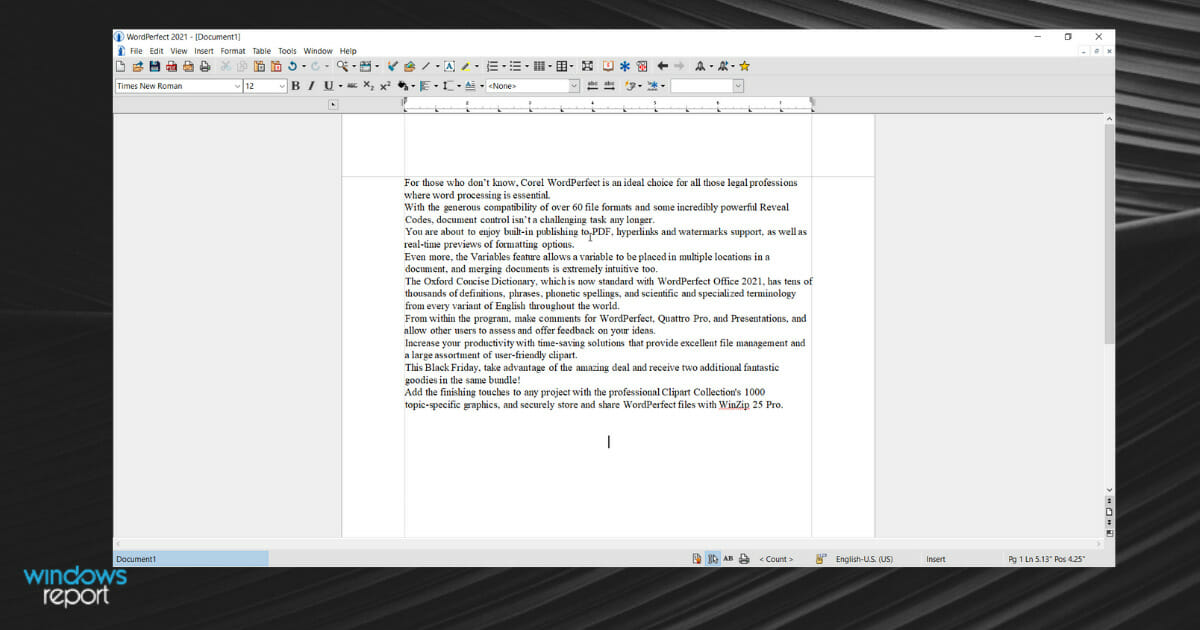
For those who don’t know, Corel WordPerfect is an ideal choice for all those legal professions where word processing is essential.

With the generous compatibility of over 60 file formats and some incredibly powerful Reveal Codes, document control isn’t a challenging task any longer.

You are about to enjoy built-in publishing to PDF, hyperlinks and watermarks support, as well as real-time previews of formatting options.

Even more, the Variables feature allows a variable to be placed in multiple locations in a document, and merging documents is extremely intuitive too.

The Oxford Concise Dictionary, which is now standard with WordPerfect Office 2021, has tens of thousands of definitions, phrases, phonetic spellings, and scientific and specialized terminology from every variant of English throughout the world.

From within the program, make comments for WordPerfect, Quattro Pro, and Presentations, and allow other users to assess and offer feedback on your ideas.

Increase your productivity with time-saving solutions that provide excellent file management and a large assortment of user-friendly clipart.

This Christmas, take advantage of the amazing deal and receive two additional fantastic goodies in the same bundle!

Add the finishing touches to any project with the professional Clipart Collection‘s 1000 topic-specific graphics, and securely store and share WordPerfect files with WinZip 25 Pro.

Corel WordPerfect

With built-in PDF functionality, eBook publishing, and enhanced Reveal Codes, Corel WordPerfect is worthy of your attention.

If you are still undecided, keep in mind that WordPerfect Office is less expensive than Microsoft Office and still offers a powerful word processing application that’s waiting to be enjoyed.

Are you ready to give a try Corel WordPerfect as well? Don’t hesitate to let us know by using the comments area below.

Get eM Client Pro At A Special Price For Cyber Monday

The digital market is full of surprises and one of the best times to purchase your favorite products, both hardware and software. If you’ve ever considered changing your default mail client, you might’ve heard about eM Client.

You may have even sighed upon learning about its Pro license plans, too. If this scenario is awfully familiar to you, you’ll be glad to know that eM Client has some great deals that you simply shouldn’t miss.

What is eM Client?

eM Client is a great alternative to traditional solutions such as Windows’ built-in mail client and even Outlook or Thunderbird.

It is able to sync all of your mailboxes (i.e. Gmail, Outlook, Yahoo) and let you access them from a single place.

Check out its main features:

  • Schedule messages for specific times & dates
  • Groups your messages into conversations for a cleaner experience
  • Manage attachments from all mail accounts
  • Built-in spell checker and translator
  • Lets you preconfigure text snippets and insert them quickly
  • Configure email rules
  • Send mass emails
  • Tag support
  • Cloud storage attachments
  • Templates and signatures
  • Calendar and tasks support included
  • Take notes and manage them with ease
  • Chat (for supported services)
  • Manage contacts from all your mail accounts

If you weren’t aware of eM Client’s existence until now, this feature list should’ve at least caught your attention.

Oh, and did we mention eM Client has one of the slickest, cleanest graphical user interfaces (GUI) out there?

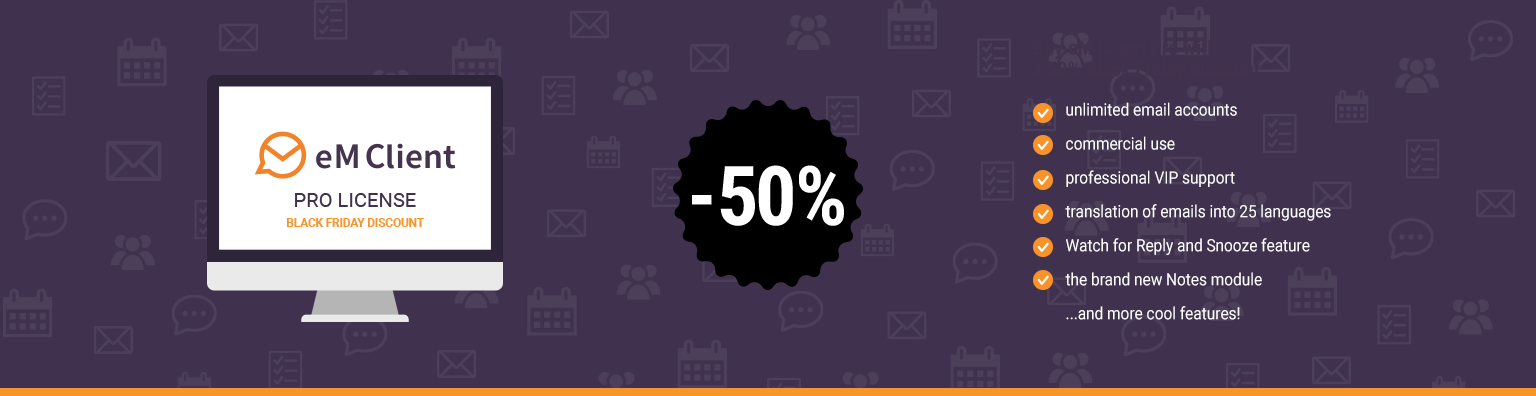
Get 50% OFF for the Pro License

Granted, despite its impressive list of features, many customers are hesitant to try eM Client Pro because of its price ($59.95).

For this Cyber Monday, the eM Client has extended their Black Friday 2023 deal, so you still get 50% OFF for the Pro accounts, you should really check it out if you are in the market for a powerful and feature-rich email client.

eM Client

eM Client Pro licenses are frequently on sale, so check it out from time to time to score some sweet deals.
Check price Visit Website

eM Client is one of the best email clients around, so if you were thinking of migrating from your current one, make sure you consider it as a replacement.

The discounts are frequent, and they are also real, and all you need to do is check their website from time to time since you never know when flash sales will be on.

Do you plan on getting your hands on an eM Client Pro license in 2022? Tell us all about it in the comments section below.

Pinnacle Studio 26 Deals: Up to 90% Off

Video editors are crucial tools for vloggers and YouTubers. Having the right video editing software for your needs is essential if you want your videos to attract millions of views. Or maybe you’re looking for a video editor for a particular one-time-only task, such as editing your holiday videos. Either way, we got the right tool for you: Pinnacle Studio 26.

Pinnacle Studio 26 is a versatile video editor that’s perfect for both beginners and advanced users. If you’ve never used a video editor before, the plethora of buttons and options may put you off at first. Well, this is not the case with Pinnacle Studio 26. This tool has a very intuitive and simple user interface — the learning curve is not that steep.

On the other hand, if you’re an expert in video editing, this software has everything you need in order to create professional-looking videos.

Best Pinnacle Studio 26 offers

Take advantage of this awesome offer and purchase this video editor for a very nice price tag.

  • Black Friday Discount on Pinnacle Studio 26 Standard
    • Pay only €29.99 down from €59.99.
  • Black Friday on Pinnacle Studio 26 Ultimate
    • Pay only €79.99 instead of €129.99.
  • Black Friday Pinnacle Studio 26 Bundle
    • Pay €95.99 instead of €1.033,93.

Pinnacle Studio 26

Video editors are known to be quite pricey, so take advantage of this deal and get Pinnacle Studio 26!
Get up to 90% off Visit Website

If you’re interested in other Black Friday software deals, check out our dedicated page.

7 Best Antivirus Software for Windows Server [2012 & 2016]

Every company must store its sensitive, valuable, and confidential data on a Windows file server for backup and safety purposes.

So we’re asking: are your security tools strong enough to protect your information from unauthorized access?

Whatever security software you are running, you still need a strong enterprise antivirus for your Windows Server.

The need for high-level security is one of the priority concerns for IT experts and professionals today. Especially since emerging new threats coupled with high-profile security breaches continue to hit the headlines.

Such security exposures can be costly in terms of fixing the damages. As they can be disastrous for your company and clients.

So knowing that any technology is at risk of being compromised means you need to find ways to combat it before it strikes.

Common Windows Server security exposures include weak passwords, neglecting malware protection and security patches, and shared permissions, among others.

Therefore, we wrote an article containing the best Windows Server 2012 Antivirus software that you can get.

Does Windows Server 2012 R2 have antivirus?

Yes! Windows Server 2012 R2 comes with Windows Defender antivirus already installed and will continue to be updated regularly. It should be active and running security unless you disabled it previously.

Whether you are using the Windows Server or just using Windows by itself, an antivirus is essential for blocking any unwanted connections and avoiding any threats that could harm your PC.

Windows Defender does a pretty good job by itself, but it doesn’t go beyond basic antivirus protection. If you are interested in remote firewalls, active browsing protection, and additional security features you should have a look at the solution below and check which one fits your need the best.

Does Windows Server require antivirus?

If you don’t want to risk leaking any data there is on the server, you must use an antivirus. Not using any antivirus leave everything vulnerable for anyone online to access, and not in a good way.

An antivirus creates a layer of defense when you are browsing the web. Your data will always be behind a wall that can’t be accessed via any external methods. Any attempts to access your data will be prevented.

When using a server, there are multiple users connected and you might risk leaking any of the data they input while on that server as well as yours. Don’t take any chances and check out the best antivirus for Windows Server 2012 & 2016.

What is the best antivirus for Microsoft Windows Server?

TotalAV – Complete system security and maintenance software

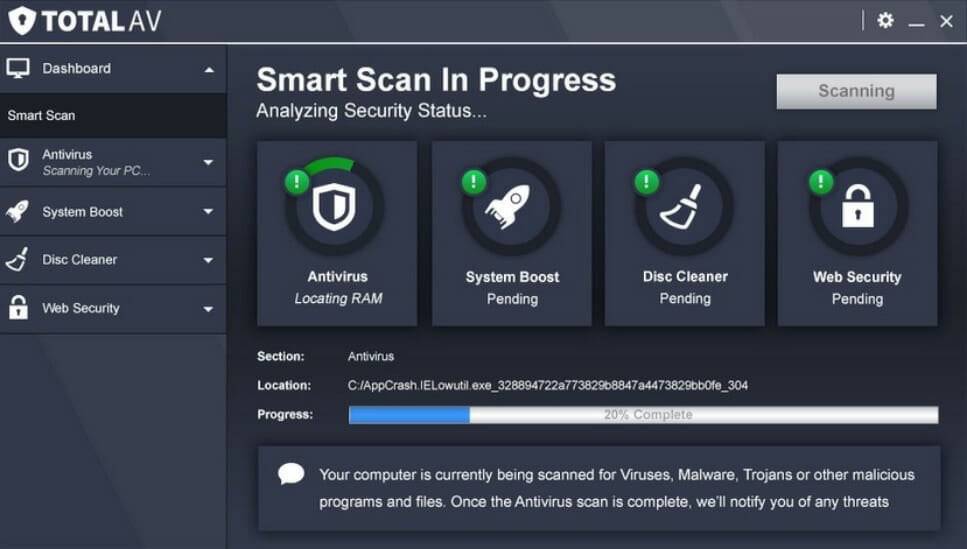
TotalAV is a great antivirus for Windows Server with real-time protection against ransomware, malware, spyware, and any phishing attempts.

With a great variety of features, it brings amazing accessibility with a remote firewall where you can easily block or unlock any external connection requests, keeping all attack attempts away.

It’s ideal for servers since it blocks all sites that imitate real websites in order to steal any data. This is also done with downloads, files, and links that seem suspicious.

What’s more, with the WebShield feature for all online browsing, all your work is protected from any attempts to steal the data.

The best key features of TotalAV are:

  • Real-time antivirus protection
  • System tune-up optimization tools
  • Protection against unwanted applications
  • Cloud scanning
  • VPN and ad blocker

TotalAV

A server companion that keeps threats at bay and allows for the perfect work zone.
Check Price Visit Website

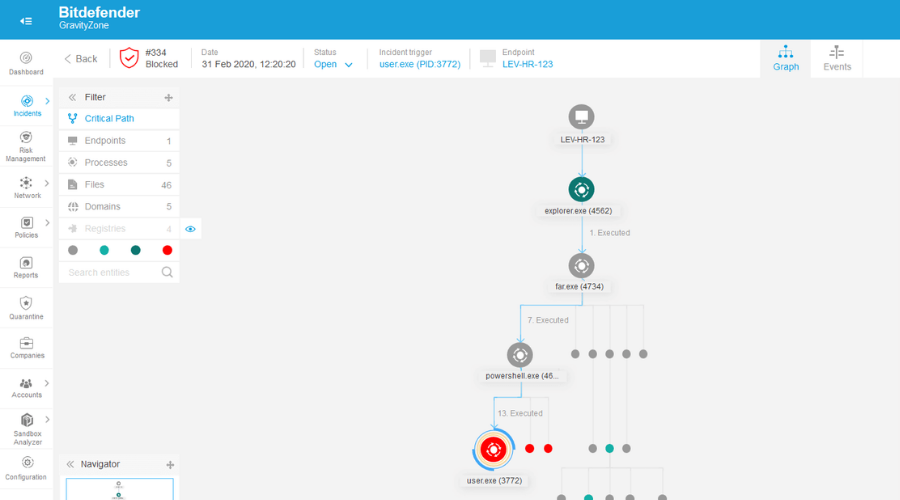
Bitdefender Gravity Zone – Best business solution for servers

Bitdefender Gravity Zone is an incredibly powerful enterprise security solution for both medium-sized and large companies, and if you need antivirus for Windows Server 2003 and 2008, or newer, it’s a perfect choice.

As a top pick antivirus for Windows Server, it offers layered protection for your endpoints. Bitdefender’s Process Inspector constantly monitors running processes for signs of malware.

All laptops, desktops, and servers benefit from advanced memory protection, quarantine/rollback features, and automatic updates.

That’s how all your sensitive data is safe from all known and emerging threats and no cybercriminals could end up exploiting network vulnerabilities.

Let’s quickly look at its key features:

  • Adaptive-layered architecture that includes prevention, detection, and remediation
  • Network-based security against threats like Network Exploits
  • All security features are centralized into a single console
  • Accurate results based on machine learning and event correlation
  • Network Attack Defense for extended web security

BitDefender Gravity Zone

Get a new level of protection for your company’s desktops and servers with Bitdefender Gravity Zone!
Free trial Visit Website

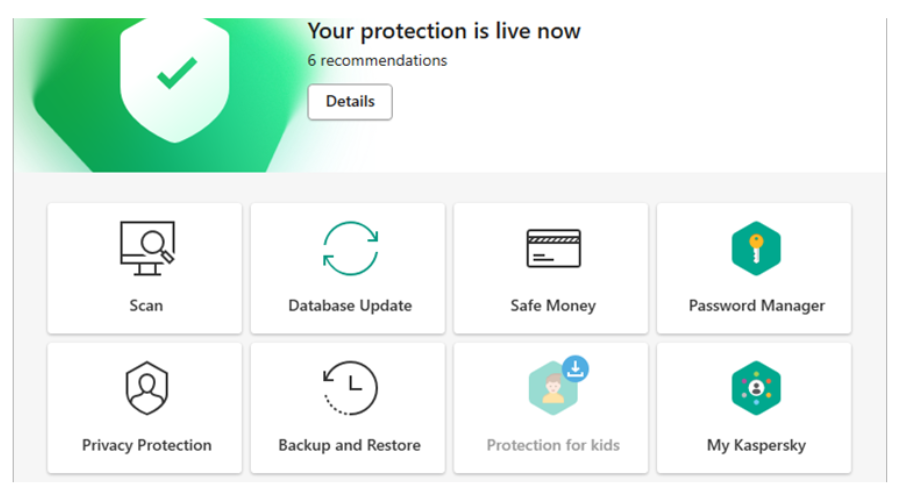
Kaspersky Endpoint Security Cloud – Great server security features

Kaspersky’s security offers the best antivirus for Windows Server in today’s complex corporate IT networks, which need the highest and top levels of protection.

A single piece of malware can spread across all nodes, disrupting business processes, and destroying your IT infrastructure.

File servers need dedicated storage security solutions that protect critical data against emerging new threats while performing continuously under the heaviest load conditions with minimal impact on resources.

Kaspersky Security for Windows Server is designed to protect complex networks and help ensure your most valuable corporate resources are secured effectively and efficiently.

You’ll benefit from a highly stable Windows server solution with superior security and wide-ranging compatibility to protect heterogeneous environments.

You’ll clearly save time and money with centralized management, and advanced protection with its Powerful Application Startup Control combined with Global Security Intelligence and Anti-Cryptor.

Kaspersky Endpoint Security Cloud

Kaspersky offers a safe and private storage cloud for you to store your server’s important data.
Free trial Visit Website

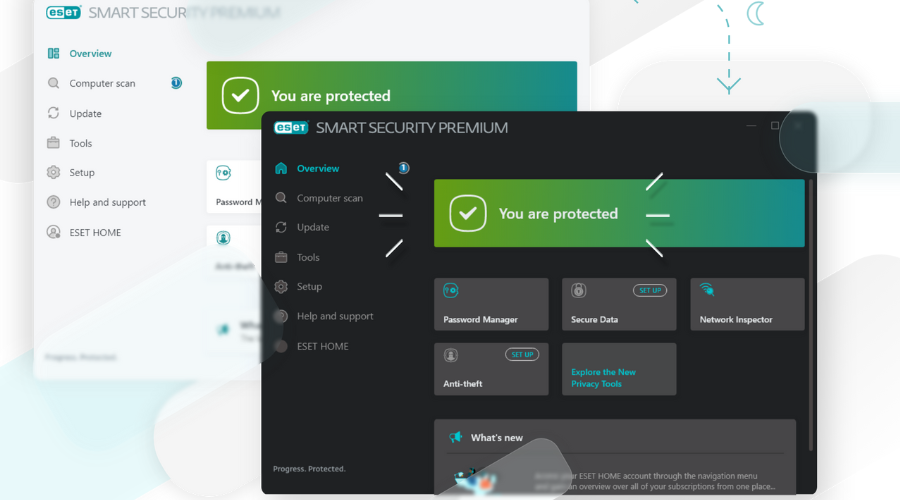
ESET HOME Security Premium – Greatest set of security features

ESET HOME Security Premium for Microsoft Windows Server protects all your sensitive files running on the Windows operating system.

This cross-platform antimalware protection safeguards against shared file and host-system infection, keeping your data safe and private.

The ESET Technology working with an Exploit Blocker and Advanced Memory Scanner will neutralize any new and sophisticated threats.

Some benefits you can enjoy with this best antivirus for Windows servers include low system demands, and remote management fully manageable via the ESET Remote Administrator web console.

Here are some of the software’s key features:

  • Data protection with specialized cleaners
  • Optimization for virtual environments
  • Storage scans
  • Log collection
  • Simple licensing
  • Customizable GUI visibility

ESET HOME Security Premium

Keep your Windows Server safe from attacks, data breaches, and malware with this reliable AV.
Free Trial Visit Website

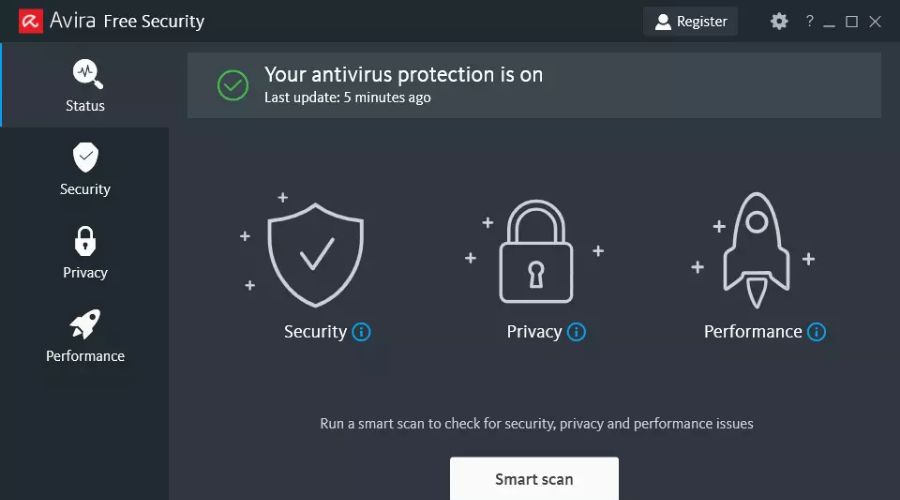
Avira Antivirus – Great overall protection

By integrating powerful, cutting-edge protection technologies with versatile management solutions, Avira can significantly reduce your admin workload while enhancing your server’s performance.

Needless to say that by deploying a proper server security solution, you can prevent disastrous scenarios in which your data, network, or traffic are compromised and run hassle-free business operations.

Avira is a light and powerful security software intended to protect your data from breaches, malware, adware, and other types of dangers.

Equipped with a free VPN tool, the program also keeps your identity private so you can safely browse the internet without worrying about data theft.

In addition, Avira also comes with a PC cleaner tool that will remove any unnecessary files from your system that could cause it to slow down. In regards to the performance. Avira is the perfect antivirus for Windows Server 2012 protection.

Let’s have a look at Avira’s core features:

  • Comprehensive security suite to protect your servers, clients, and Exchange servers
  • Protect your File Server against malware infections and other cyber threats
  • Secure all confidential data stored on your servers
  • Prevent viruses from spreading through your network
  • A lightweight solution that does not take up a lot of resources
  • Behavior-based virus detection to salvage your server before being compromised

Avira Antivirus

Benefit from Avira’s fast VPN, identity protection, and many other awesome security features!
Free download Visit Website

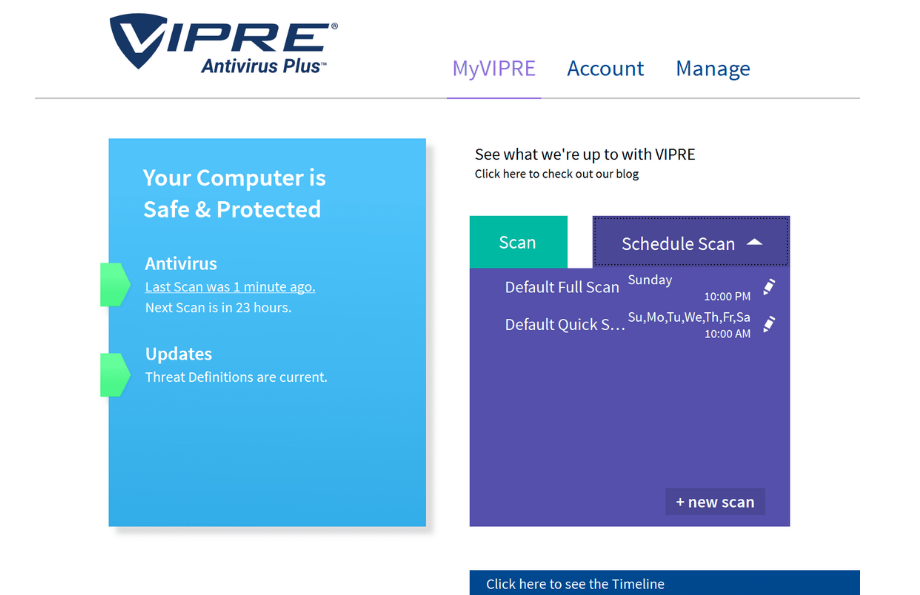
Vipre Endpoint Protection – Great endpoint server security

In an enterprise network, endpoints are the most exposed to threats of all kinds, and VIPRE Endpoint Protection has a priority in protecting them.

This solution is powered by advanced machine learning, real-time analysis for software behavior, and a threat intelligence network.

Besides an impenetrable barrier to outside threats, VIPRE Endpoint Protection also monitors the Internet usage policies with safeguards systems and controls.

Apart from the powerful protection against Zero-day threats and ransomware, this smart solution comes with additional device control and patch management for endpoints.

When you’re an IT manager, you want to have access to quick situation assessment and the built-in dynamic dashboards deliver a comprehensive look at the status of the network.

With VIPRE Endpoint Protection it’s extremely easy to manage both PC and Macs, control settings, and get reports, all from a single point.

And the best part is that all this is available for trial so you can make the best decision for your enterprise.

Vipre Endpoint Protection

The best endpoint protection comes from an easy-to-use, powerful tool, VIPRE Endpoint Protection!
Free trial Visit Website

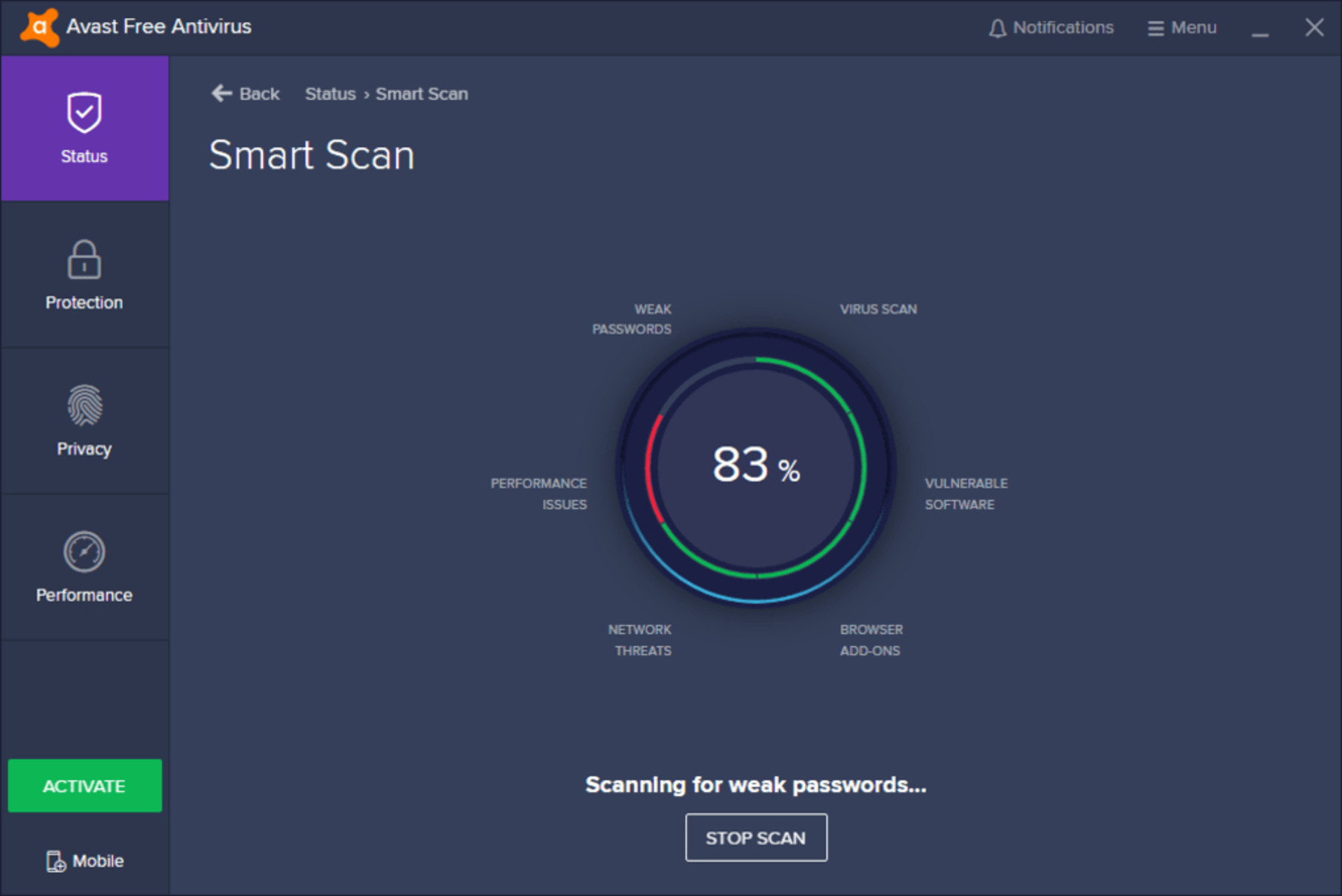
Avast Free Antivirus – Good free antivirus option

Avast Free Antivirus offers complete protection with advanced features that will detect and block malware the moment it attempts to enter your computer.

This free antivirus is tested and approved by the most prestigious anti-malware institute and is an award-winning antivirus security tool, with 100 percent certified protection against zero-day threats.

Avast Free Antivirus is perfect for your company’s security, being a really popular antivirus. It is constantly updated, therefore it will be able to protect you from new emerging threats.

Moreover, you have a free and a premium version, each coming with different features, so you can check the software out for yourself before you make the decision of upgrading to the premium version.

In case you’re looking for antivirus software for Windows Home Server, we’ll be pleased to inform you that Avast can work on that platform as well.

Here are some of the perks of using Avast Free Antivirus:

  • Frequently updated
  • Limited resource footprint
  • Efficient malware removal
  • The free version comes with tons of features
  • Works silently during gaming and movie-watching sessions

Avast

A free antivirus that comes with advanced privacy and security tools.
Free Download Visit Website

All these software come with different main features so you can easily choose the one that fits your needs best.

All of the antivirus software listed here are reliable and easy to find, install, and manage. They consume few resources and provide maximum protection against viruses and malware.

If you’re looking for antivirus solutions for newer versions of Windows Server, you can take a look at our list of best antiviruses for Windows Server 2021.

That’s about it for our article today. We hope these products caught your attention. Want to know about the percentage of people using antivirus and other statistics related to security tools, check out this guide.

Which of these best antivirus solutions for Windows Server are you ready to try out?

Let us know your top pick by leaving a comment in the section below.

Gucci’s $10,000 Xbox Series X consoles are now sold out

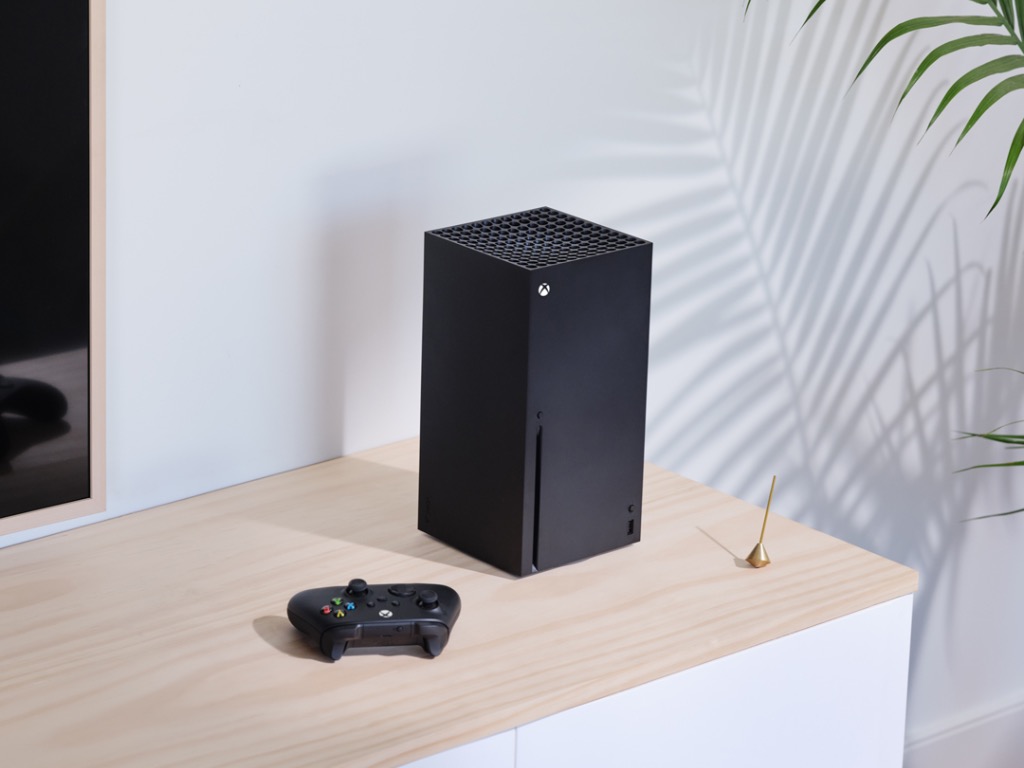
Gucci recently announced their first ever collaboration with Microsoft’s Xbox brand in the form of an extremely limited edition Gucci-branded Xbox Series X console bundle.

These Xbox Series X console bundles featured a new console with the original Gucci Rhombi design from the ’30s imprinted on its covering, two new Xbox controllers with an exclusive red and blue Gucci stripe design, and a hard carry case with its own Xbox/Gucci aesthetic.

Gucci Xbox collaboration

A rather clever GG pun was also embraced with this product launch.

“On the bottom of the case sit the words GOOD GAME,” the product on the Gucci website explains. “A motto that recalls the happy coincidence that GG stands for the signature motif in Gucci’s decorative vocabulary—House founder Guccio Gucci’s initials—but also as the acronym of this formula, used sportingly by gamers as a way of signing off at the end of online multiplayer contests.”

Gucci Xbox Series X console

Only 100 Gucci Xbox Series X sets were made with each retailing for a whopping $10,000. Rather impressively, as seen by the new tag added to the official product listing, they’ve all now sold out. This means that any collectors hoping to get their hands on one of these are likely going to have to pay even more that the original price. It’ll definitely be interesting to see how much they go for on auction sites a few years from now.

Are you one of the fortunate few who managed to score one of these consoles? Is this something you’d even want? Sign off in the comments below and then follow us on Twitter and Facebook for more Xbox and Microsoft news.

Best Deals on Antivirus with Internet Security – Save 60%

Today we’ll walk you through the best antivirus Black Friday deals for tools that cover Internet Security.

Whether you’re working, shopping, or simply browsing the web, these tool are a must and now is the time to grab them at a fraction of their cost.

What are the best internet security Black Friday deals?

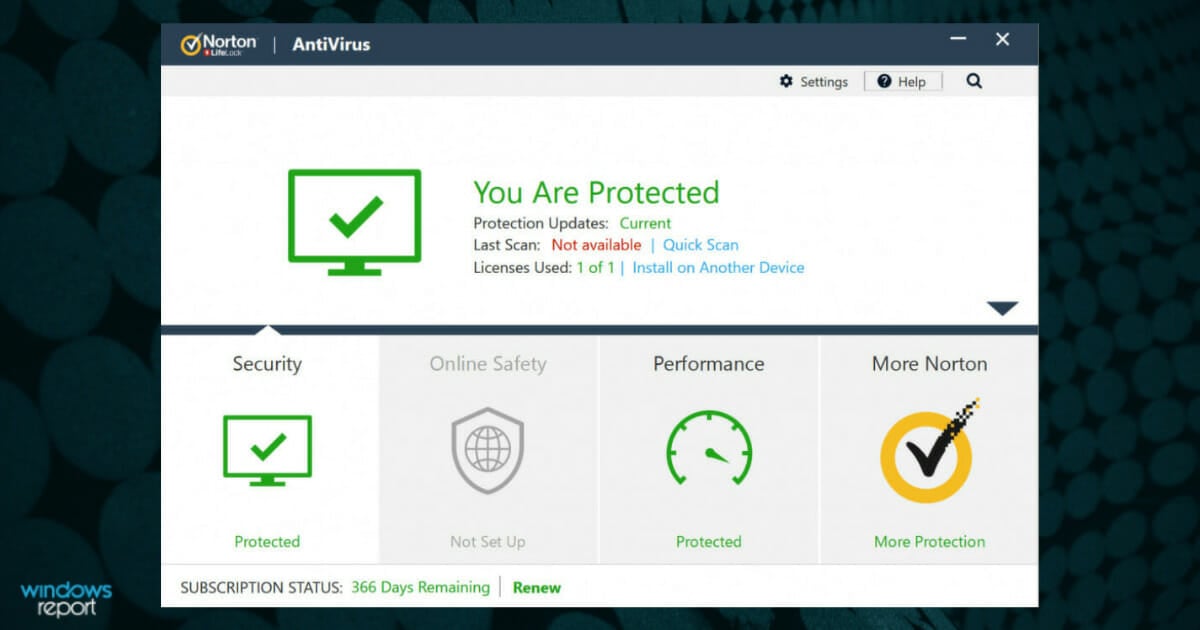
Norton Antivirus – Save 50%

When it comes to the best option for online security, Norton is definitely an antivirus that deserves all your attention. Here’s what to expect this discount season:

  • Discount: 50%
  • Price: $29.99 (originally $59.99)
  • Duration: 1 year

Based on which package you will choose, you will have access to a variety of features designed to keep your privacy secure.

Let’s have a look at some of the features:

  • Dark web monitoring
  • Cloud backup storage
  • Secure VPN
  • Password Manager to safely store them
  • Firewall
  • Online Threat Protection
Norton Antivirus

Norton Antivirus

Get malware protection, online privacy, and moe security perks at a discount now!
Save up to 50% Visit website

Malwarebytes – Save up to 25%

Malwarebytes eliminate infections, particularly virus droppers, but it will not cure files that have virus bodies attached to them. Check out its deals:

  • Discount: 50%
  • Price: $119.99 (originally $239.99)
  • Duration: 1 year

It is a major tool for eradicating malware and adware.

Here are the key features of Malwarebytes:

  • Blocks zero-hour malware
  • Three system scan modes (Quick, Flash, Full)
  • Scalable threat prevention
  • Proactive anti-malware/anti-spyware scanning engine
Malwarebytes

Malwarebytes

Real-Time Protection employs artificial intelligence and machine learning to keep you safe from online dangers, even previously unknown threats.

Bitdefender – Save up to 55%

Bitdefender platform

Bitdefender is one of the best antivirus out there that offers a fantastic detection rate, thanks to its advanced Artificial Intelligence and other revolutionary technologies that it uses. Here’s the discounts it offers:

  • Discount: 55%
  • Price: $49.99 (originally $100.99)
  • Duration: 1 year

It detects, anticipates and blocks all the threats, including the newest ones, even before they cause any damage to your device.

Let’s have a look at its most important features:

  • Protects from new and existing threats
  • Anti-phishing protection
  • Protected while Online Banking
  • Android Protection
  • Windows Protection
Bitdefender

Bitdefender

Unlock maximum security at a bargain with this exclusive offer!
Save 55% Visit website

Kaspersky – Save 50%

As you probably already know Kaspersky is one of the top leaders that provides security solutions for devices. Currently, it runs some exclusive deals:

  • Discount: 50%
  • Price: $49.99 (originally $99.99)
  • Duration: 1 year

This Antivirus will protect your device against the most common threats and thanks to the endpoint hardening your laptop exposure to threats will be reduced.

A great thing about keeping these viruses away from your device is that it also increases productivity.

Here are some of the most important features:

  • Web and device control for PC’s
  • Mobile Threat Defense
  • Firewall
  • Inbound and outbound filtering for the content
Kaspersky

Kaspersky

Protect your PC, data & web browsing without breaking the bank!
Save 50% Visit website

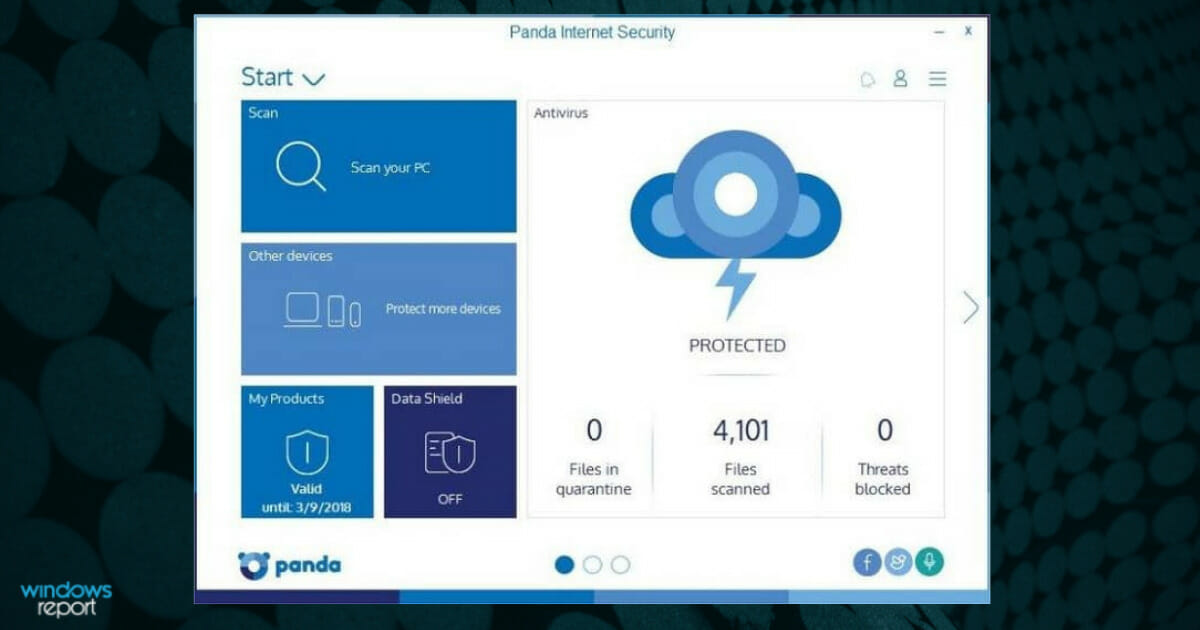
Panda – Save 60%

With this amazing tool, you can finally navigate freely on the Internet and carry on with your tasks and endeavors, without ever having to worry about malware and threats. Here’s what it offers:

  • Discount: 60%
  • Price: $20/year (originally $49.99)
  • Duration: 1 year

When it comes to external/USB devices, don’t worry, this antivirus will scan any external device and make sure that you are kept safe from any type of threats. Moreover, Parental control, is a really nice addition and feature.

Here are some of the most important features:

  • Real-time protection
  • Firewall
  • Identity protection
  • Parental control
  • Free VPN
  • Password Manager
  • Cleanup Tool
panda antivirus 2019

Panda Internet Security

Protect your internet activity, passwords, external drives and more for cheap!
Save 60% Visit website

And with this, we have concluded our list of the best internet security options you can benefit from in the Black Friday and Cyber Monday discount season.

It all comes down to exchange when it comes to security. You can easily obtain security by disconnecting—but you can’t do anything without connecting.

We hope that our list will help you find and use the one that is best for your needs.

Best Web Hosting Deals from GoDaddy [Cyber Monday – 55% OFF]

The well-known hosting provider GoDaddy has cut prices for some of its most sought-after services: web hosting, WordPress hosting, and Office 365 suite.

This is a great piece of news for both freelancers and business professionals who are looking to start fresh with a new website and get professional and reliable support.

Note icon NOTE
Deals are subject to change. Sometimes, some of the deals listed in our guides may no longer be available by the time you hit the buy button. So, hurry up and grab them while they’re hot.

What are some good deals for GoDaddy?

GoDaddy black friday hosting deals

GoDaddy is one of the top web hosting providers out there, offering nonstop support for US-based users, excellent web hosting uptime (close to 100%), or one-click WordPress migration.

Their services apply to individuals, but also to businesses that want to take their online presence to the next level, especially in terms of speed-lightning page loading times and responsiveness.

And, above all, GoDaddy services come with user-friendly consoles that require no previous hosting knowledge.

GoDaddy Economy web hosting

  • Dedicated domain (free for one year) and email
  • 100GB of storage
  • Unmetered traffic
  • WordPress setup
  • 1 website
  • 10 databases
  • 1yr Office 365 plan

GoDaddy Deluxe Webhosting

  • Unlimited websites
  • Free domain
  • Free Microsoft 365
  • Unlimited storage
  • 25 databases
  • Unmetered traffic
  • WordPress setup

GoDaddy Ultimate Webhosting

  • Recommended for high-traffic sites
  • Dedicated domain and email address
  • Increased processing power
  • Unlimited websites
  • Unlimited databases
  • WordPress setup
  • Unlimited traffic
  • Free SSL certificate

GoDaddy Maximum Webhosting

  • Matching domain and email 
  • Increased processing power and speed
  • Unlimited websites
  • Unlimited databases
  • WordPress setup
  • Free Microsoft 365
  • Unlimited traffic
  • Free, unlimited SSL for all websites

GoDaddy Basic WordPress hosting

  • 30GB of storage
  • Optimized traffic for 25k visitors
  • Website backup protection (one-click restore)
  • Anti-malware scans
  • Domain and email for the first year

GoDaddy WordPress Deluxe

  • 75 GB storage
  • Free SSL certificate for the whole duration of hosting
  • Suitable for up to 100K monthly visits
  • Free domain and business email
  • Backup and restore
  • Malware protection
  • SEO optimizer

GoDaddy WordPress Ultimate

  • Unlimited storage
  • Unlimited visitors
  • Free SSL certiicate for the whole duration of hosting
  • Free domain and business email
  • Website backup and restore
  • Malware protection and hack repair
  • SEO optimizer

GoDaddy WordPress eCommerce

  • Unlimited storage and visitors
  • Free SSL certification
  • Free domain and business emial
  • Backup and restore
  • Malware protection and hack repair
  • SEO optimizer
  • Unlimited products
  • Real-time shipping rates
  • Free access to WooCommerce extensions

GoDaddy Dedicated Server

  • Easy-to-use control panel
  • Root access and SSD or HDD drives 
  • 4 different server options 
  • Bare metal servers
  • Intel Xeon and AMD EYPC CPUs

GoDaddy Business Hosting

  • Unlimited SSL certification
  • Fast speed guaranteed by CPU and RAM resources
  • Multiple builders with 1-click installs
  • 150 free app integrations including Joomla, Magneto and WordPress

GoDaddy VPS hosting

  • Standard and high RAM options
  • Suitable for system administrators and developers
  • Unlimited hosting accounts
  • Monitoring and alerts
  • Free SSL certificates
  • 4 different options: 1vCPU, 2vCPU, 4vCPU and 8vCPU
  • Additional IPs available

Needless to say that premium plans come with more perks. On this note, current deals are as follows:

  • Web hosting: The Economy plan, ideal to set off a small business comes with a 33% discount, at $3.99/mo. Higher plans have similar discounts, reaching 20% for the Maximum plan, $19.99/mo.
  • WordPress hosting: The Basic plan is 42% cheaper these days, at only $3.99/mo. Advanced Ecommerce packages for online stores can save you 35% from the regular price, at only $12.99/mo.
  • VPU hosting: All VPU server plans are on sale. You can save up to 42%  and pay as low as $3.99/mo.
  • Dedicated server hosting: All plans are on sale, you can save up to 23% with the smallest subscription plan as low 
  • Business hosting: All plans are on sale, you can save up to 50% and spend as low as $18.99 for a monthly subscription

GoDaddy

Your complete reliable and affordable solution to start off your online business and build your brand.
Check offers Visit website

Did we mention that you also get a 30-day money-back guarantee in case you’re not satisfied with the services?

So, what are you waiting for? Hit the button and get started with your website.

And tell us in the comments how was your experience with GoDaddy.

5 AMD Ryzen Cyber Monday deals for higher performance

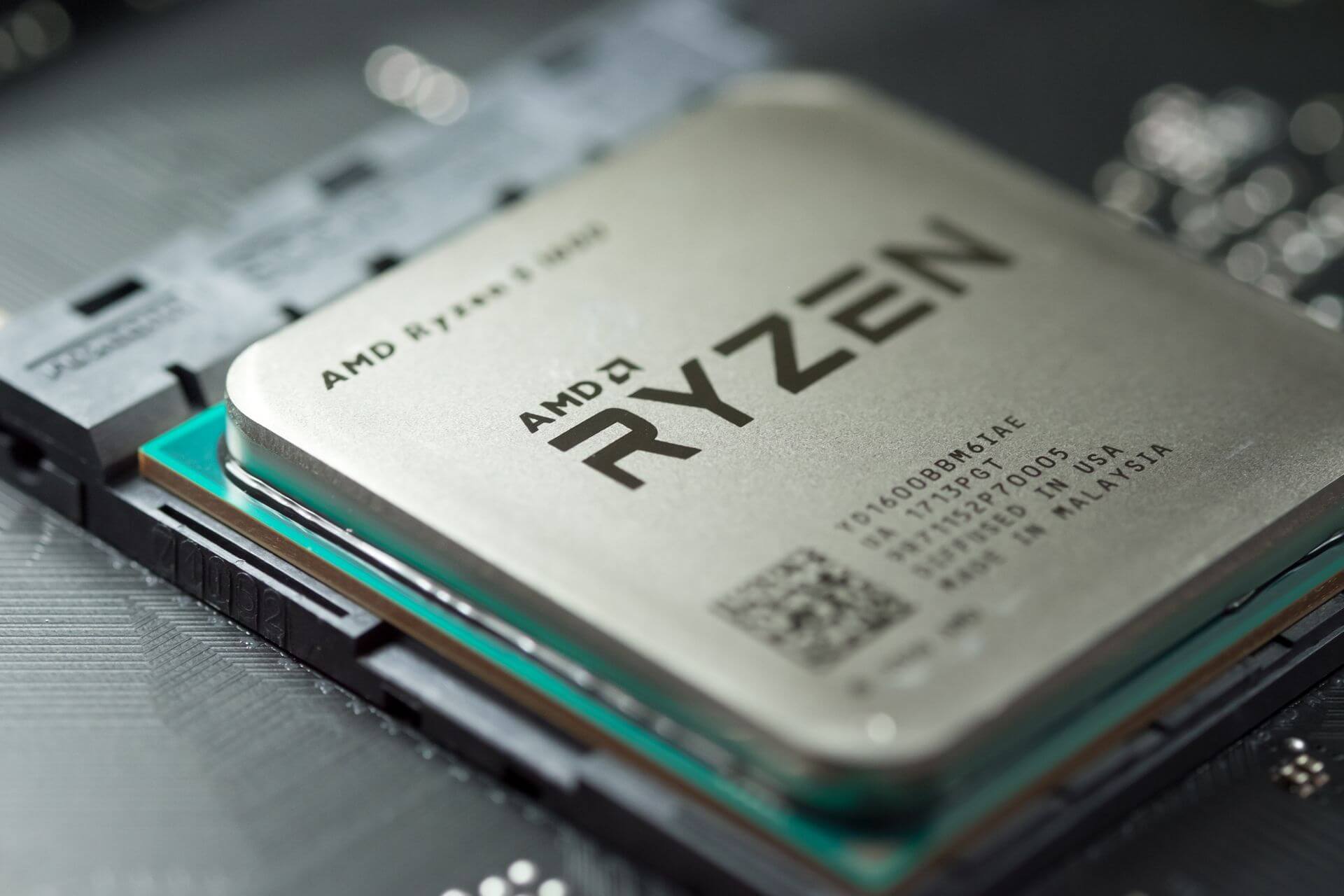
AMD Ryzen is a burly processor and one of the very best CPUs for intensive tasks including gaming, multitasking, graphics, and video editing.

Right out of the box, AMD Ryzen’s performance blows a lot of the competitors out of the water with its sleek performances.

Additionally, AMD Ryzen CPUs usually come at amazing prices. And now things are even much better

How we chose the best deals on AMD Ryzen CPUs

Our team of expert testers, with a combined experience of 15 years, has tackled a variety of testing tasks for any device you could imagine.

Their experience comes into play as a very important element when choosing the products we described in this guide, and a large variety of factors have been taken into consideration.

The options that have been chosen offer great quality and cover the entire spectrum of price ranges, thus enabling everybody to find something that fits their needs both financially and otherwise.

AMD Ryzen 7 5800X

  • 8-core
  • 16-Thread Unlocked
  • 4.7 GHz
  • AM4 socket
  • Supports PCIe 4.0 on X570 and B550 motherboards
  • Cooler not included

The AMD Ryzen 7 5800X processor is at the top of the list for this list, featuring an 8-core and 16-thread architecture.

It reaches speeds of up to 4.7 GHz and is equipped with an AM4 socket.

It is also worth noting that it supports PCIe 4.0 on X570 and B550 motherboards, making it a good option for these circumstances.

AMD Ryzen 5 5600X

  • 6-core
  • 12-Thread Unlocked
  • Wraith Stealth Cooler included
  • 4.6 GHz
  • AM4 socket
  • Supports PCIe 4.0 on X570 and B550 motherboards
  • The cooler can be loud at times

The AMD Ryzen 5 5600X is another great CPU from this company that promises great processing speeds, even though it uses a 6-core 12 Threaded Unlocked architecture.

It can reach speeds of up to 4.6 GHz and uses an AM4 socket.

Added to this, as in the case of the previous model from this list, it is worth mentioning that it supports PCIe 4.0 on X570 and B550 motherboards.

AMD Ryzen Threadripper 3960X

  • 24-core
  • 48-Thread Unlocked
  • 4.5 GHz with 140MB cache
  • TR4 socket
  • Automatic overclocking feature
  • Quad-channel DDR4 and 88 total PCIe 4.0 lanes
  • Expensive
  • Doesn’t include a cooler

This beast of a CPU is the most powerful from this list, but as we all know, all this power comes at an increased price, which might not be for everybody’s pocket.

The 24-core 48-Thread Unlocked architecture ensures lighting processing speeds, providing more power than anybody would need, and the motherboard needs to be capable of providing it with sufficient power.

With a 4.5 GHz with a huge 140MB cache, this powerful CPU will be able of running the most intensive applications without a flinch, and any game will run perfectly if it is supported by a powerful GPU.

It is also worth noting that this powerful CPU also comes with an automatic overclocking feature, and uses a quad-channel DDR4 and 88 total PCIe 4.0 lanes, reaching unbelievable processing speeds as a result.

AMD Ryzen 9 5950X

  • 16-core
  • 32-Thread Unlocked
  • 4.9 GHz with 72MB cache
  • DDR-3200 support
  • AM4 socket
  • Doesn’t include a cooler (liquid cooler recommended)

Being second in power from this top, the AMD Ryzen 9 5940X CPU is another force to be reckoned with, ensuring great data processing speeds with a 16-core and 32-Thread Unlocked architecture.

This device can reach 4.9 GHz and has a 72MB cache, making it a true powerhouse as long as the motherboard is providing it with enough power.

That being said, it can support PCIe 4.0 on X570 and B550 motherboards.

Even though this device doesn’t come with a cooler, the manufacturer recommends that a liquid-cooled setup is the best to keep the temperatures in check.

AMD Ryzen 3 1200

  • Quad-core unlocked
  • 3.4 GHz up to 3.45 GHz with XFR
  • Affordable
  • Includes AMD Wraith Stealth cooler
  • Zen core architecture
  • Maximum system memory speed 2667Mhz
  • 10 MB total cache
  • Processing speed could be better but it is worth the price

Even though the AMD Ryzen 3 1200 can’t compare with some of the options presented in this guide, it offers some decent capabilities and an affordable price.

Running a quad-core setup with 3.4 GHz, and the fact that it comes with the AMD Wraith Stealth cooler included makes this CPU a good choice for some users.

Even though not extremely powerful, it still features a Zen core architecture, and a 10MB cache, which tends to work well together.


AMD Ryzen processors are all about the highest multiprocessing performances for every demanding task, incredible technology, increased productivity, and getting the best from your PC at all times.

And since its time again, jumping ship has never been easier thanks to these hot AMD Ryzen CPUs.

MyHeritage DNA [Cyber Monday Special Price Offer]

They say that you cannot make a future for yourself if you don’t know your past. That is why knowing your family and where you come from can be very important.

However, knowing who your ancestors were isn’t that easy for some, so science is needed to dig deeper.

That’s precisely the selling point of MyHeritage DNA, a genetic testing service launched by MyHeritage for a couple of years now.

You can now find out where you come from using the MyHeritage DNA home test kits. These allow users to use cheek swabs to collect samples, and the results provide DNA matching and ethnicity estimates.

Because of the high accuracy of the results, MyHeritage DNA is one of the leading services of its kind.

For Cyber Monday 2023, you can find out your heritage at a discounted price, you can save up to 38% of the normal price.

Check the link below to find the best possible offers for My Heritage DNA.

My Heritage DNA

My Heritage DNA is the perfect way of connecting with your past. Meet your ancestors and embrace your heritage.
Check price Visit Website

Rebuilding your family tree and uncovering your true origins can now be done for a reduced price, so all you have to do is pick the service you want and hold tight.

So, whether you are 15% Scandinavian, 8% German, or 21% Italian, you can be 100% sure you can get those answers through MyHeritage DNA with this incredible discount.

Is this something you are curious about doing? Share your thoughts with us in the comments section below.

4 Best Intel CPUs Going on Sale this Cyber Monday

Planning on building a computer? Do you want to use an Intel CPU and take advantage of the massive deals available on Cyber Monday at the same time? Then look no further.

In this quick buying guide, we’re going to list the hottest Intel processor deals that you can get today and build a monster machine.

No matter if you’re interested in a CPU that will enable you to stream optimally, or for other tasks, having a powerful piece of hardware will be saving you a lot of stress.

In some cases, if you’re more inclined into using your PC for CAD software, you will need to invest in a CPU that can carry the load without any issues. Having your PC lagging in the middle of your project is not a good idea.

That being said, you have the option to overclock your AMD or Intel CPU with specific software, which will ensure that every last drop of power is used.

If your PC has the uses a Radeon RX 570 GPU, then choosing a fully-compatible CPU that can offer it enough power is essential.

There are some people who prefer the AMD Ryzen architecture for their system, and in regards to this, you can always check out some great deals after Black Friday, and some deals after Cyber Monday as well.

If you’re interested in running the latest OS from Microsoft – Windows 11 with a Tiger Lake processor, we have some useful information about this topic as well.

If interested in running Windows 11 on an Intel Lakefield configuration, then you also need to research some other useful information on the topic.

It is also well known that the Intel Alder Lake CPUs are far better suited for running Windows 11 when compared to Linux-based systems.


How we chose the best deals on Intel CPUs

Our team of expert testers, with a combined experience of 15 years, has tackled a variety of testing tasks for any device you could imagine.

Their experience comes into play as a very important element when choosing the products we described in this guide, and a large variety of factors have been taken into consideration.

The options that have been chosen offer great quality and cover the entire spectrum of price ranges, thus enabling everybody to find something that fits their needs both financially and otherwise.

Intel Core i7-10700KF

  • Deca-core architecture (10 cores)
  • 3.7 – 4.9 GHz with hyper-threading
  • LGA-1700 socket
  • 16 MB L3 cache
  • Built-in Intel UHD Graphics controller
  • Requires a powerful motherboard

The i7-10700KF CPU from Intel uses a deca-core architecture that, with the help of the hyper-threading feature ensures a minimum of 3.7 GHz, which can be improved to reach even 4.9 GHz.

The LGA-1700 socket ensures that enough power is transferred from the motherboard to run this great CPU, and the 16MB L3 cache ensures that information is processed effectively no matter what kind of tasks you throw at it.

Even more, this device comes with a built-in Intel UHD Graphics controller, to ensure that the PC will work even without an extra GPU installed.

Intel Core i5-12600K

  • Deca-core architecture (10 cores)
  • 3.7 – 4.9 GHz with hyper-threading
  • LGA- 1700 socket
  • 16 MB L3 cache
  • Intel UHD Graphics built-in
  • Intel 7 architecture
  • Integrated graphics could be better

Even though this CPU’s overall stats look similar to the one mentioned above, the i5-12600K uses the i5 architecture as opposed to the i7.

This i5 processor also features a deca-core architecture and can reach speeds of 4.9 GHz with hyper-threading, while LGA-1700 socket powers it without any issues whatsoever.

To round this device up even more, the 16 MB L3 cache ensures a smooth operation across domains, no matter what tasks you test it with.

The built-in UHD Graphics is a nice touch that will enable you to run the system even without an additional GPU, but don’t expect any amazing performance from it.

Intel Core i9-10920X

  • 12 cores
  • Up to 4.8 GHz unlocked
  • Compatible with Intel x299 motherboards
  • Supports Intel Optane Memory
  • Requires a powerful-enough motherboard to run at full speed

The Intel Core i9-10920X is another very useful CPU that can help you tackle almost any sort of task without worrying about your PC not being able to do so.

The 12-cores architecture can reach speeds of up to 4.8 GHz, and it is fully compatible with Intel x299 motherboards, which give it enough power to run optimally.

As an added bonus, this i9 processor also supports Intel Optane Memory, making it a great competitor for the rest of the products on this list.

Intel Core i3-10105F

  • 4 cores – Comet Lake processor
  • 3.7 GHz
  • 65 Watts
  • Accessible price
  • Low processing power compared to other options

This i3-10105F processor from Intel offers decent power and has an incredibly accessible price.

This piece of hardware uses 4 Comet Lake cores to process all the information and can reach speeds of up to 3.7 GHz, with a power requirement of 65 Watts.

If you’re short on cash and want to have a decent CPU, this one fits the bill perfectly.


Keep in mind that deals are subject to change. If you want to get your hands on one of the Intel CPUs listed in this guide, hit the buy button now.

If you have any suggestions or just want to share your opinion with us, don’t hesitate to use the comment section found below this guide.

Best Revolut BlackFriday Deals For This Year [2023]

Paper money and coins are slowly becoming a thing of the past and cards are taking their place.

Unfortunately, going from country to country still leaves you vulnerable to dynamic and sometimes outrageous exchange rates.

That is why having a service as Revolut can definitely come in handy. This service supports over 150 currencies, allowing you to pay in other currencies at the best possible rates.

Additionally, you can use it to instantly send and receive money from your friends in Europe, the U.S., and Australia at the touch of a button, without the fees you’d expect from a regular bank.

The best part about Revolut is that it is completely free, although there are some limitations to the free version.

What are the best Revolut deals?

Take advantage of this awesome offer and purchase this independent banking service for a very nice price tag.

Hurry up, the offer is limited.

Revolut Premium

This financial instrument is truly revolutionary.

With a fresh, innovative approach to traditional, outdated banking services, Revolut has managed to quickly establish its supremacy on the market and is currently counting millions of active users worldwide.

Why pay ridiculous commissions for transferring or receiving money from abroad when you can enjoy fair and equitable treatment?

Revolut puts a stop to that. You can travel abroad in 30+ countries and save money from exchange fees or other money transfer necessities.

Additionally, the app can offer great help to manage your income by setting up monthly budgets for any living expenses.

Let’s quickly look at its key features:

  • No commission for abroad transactions
  • Supports 150 currencies with interbank exchange rate
  • Money tracker tool with customizable budget set up
  • Instant money transfer to any location on the globe

Revolut

Transfer money whenever and wherever plus track your expenses and protect your economies with ease!
Get it now Visit website

7 Best Touch Screen Monitors To Get Now

We all love watching movies or our favorite TV shows on a personal computer. When it comes to monitors, there is an extremely wide array of options to choose from.

There are wide-screen models, rounded screen ones, with or without a touch screen, HD, 4K monitors, etc. With the wide range of products available, it can get confusing when you want to choose a good monitor.

In this article, we’ll tell you more about the best touch screen monitor for PC options we found on the market. Just take a closer look below.

But if you need a different product, we can recommend looking at our best monitors with speakers and webcam list.

How to choose the best touch screen monitor?

Our team of expert testers, with a combined experience of 15 years, has tackled a variety of testing tasks for any device you could imagine.

Their experience comes into play as a very important element when choosing the products we described in this guide, and a large variety of factors have been taken into consideration.

The options that have been chosen offer great quality and cover the entire spectrum of price ranges, thus enabling everybody to find something that fits their needs both financially and otherwise.

If you’re looking for a tilting monitor to turn into portrait mode, here’s our list including the best vertical monitors on the market.

What are the best touch screen monitors to get?

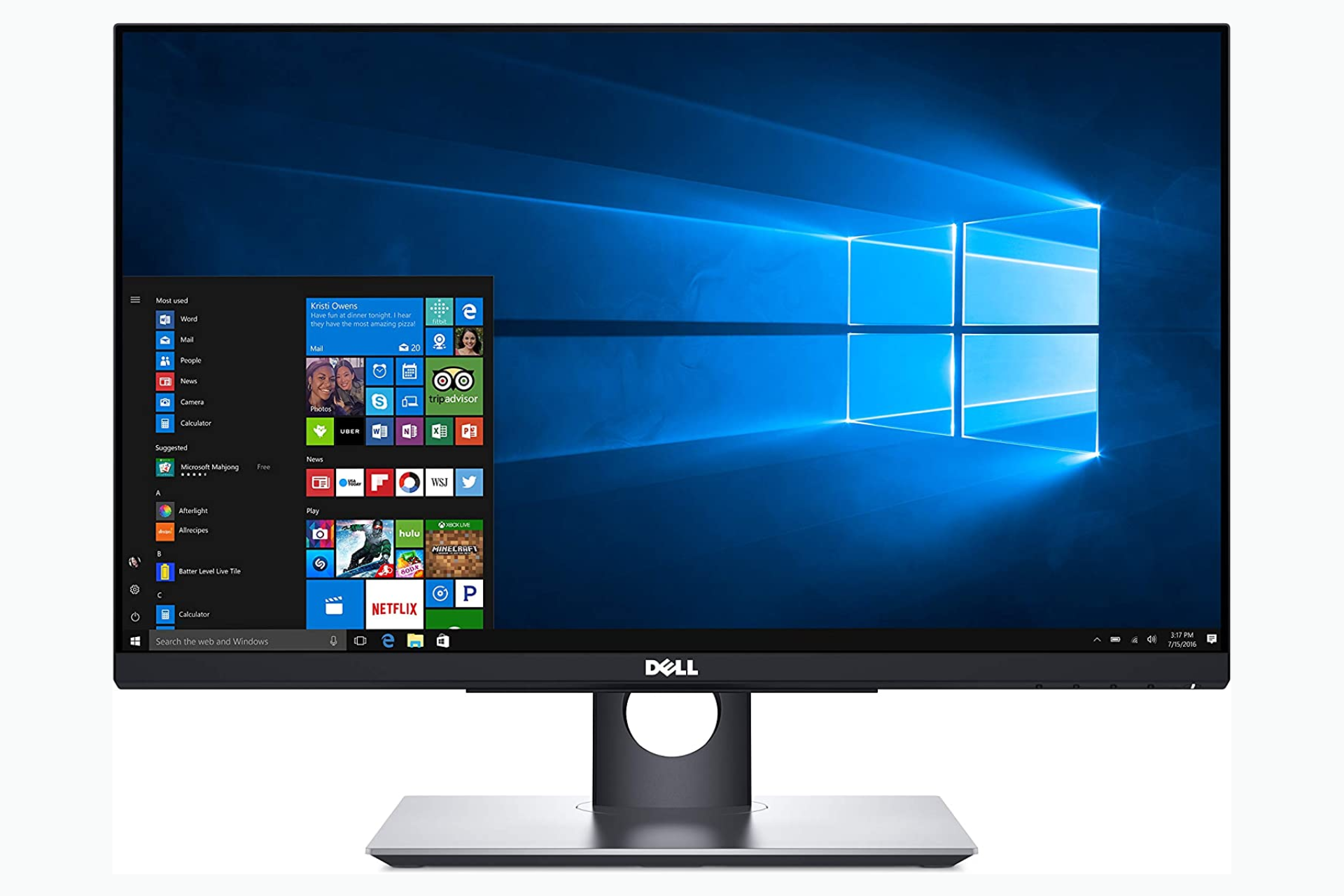
Dell P2418HT

  • Touch screen type 10-point touch
  • Input Video Compatibility Analog RGB
  • ComfortView feature
  • VESA compatibility mountable
  • Easy Arrange feature
  • Not the best customer support

This almost 24 inch touch screen monitor from Dell lets you enjoy smoother navigation with two-handed touch control across the anti-glare screen, from edge to edge.

If you’re no stranger to multitasking, feel free to quickly tile and view applications side by side with the Easy Arrange feature.

As for the State-of-the-art Advanced In-Cell Touch technology, it eliminates the need for the glass screen found in traditional monitors, delivering an anti-glare surface that you’ll love.

We can’t say that Dell touch screen monitor P2418HT is the quickest out there but its 6 ms response time is not something to ignore.

Dell S2722QC

  • USB Type C compatible
  • 4K resolution
  • 60 Hz refresh rate
  • Adjustable stand
  • Some users report buzzing noises when you disconnect the monitor

This is a great monitor that you can use for gaming. With just one wire, you can connect your PC or laptop and use the device right away.

It includes ComfortView Plus which limits the blue light level, making it less tiring for the eyes.

Additionally, you can adjust the monitor’s height. You can raise its support to up to 100 mm.

All in all, it’s a good option if you want 4K resolutions, decent speakers and a simple setup, with just one cable.

HP Pavilion 22cwa

  • Great response time
  • Plug and play for every OS
  • 250 nits of brightness
  • Responsibly made
  • Open wedge contemporary design
  • 60 Hz refresh rate

HP Pavilion 22cwa is a 21.5-Inch IPS LED HDMI VGA monitor that offers a great crisp image once connected to any video source.

Do consider that this monitor has Full HD (1920×1080) IPS. You can enjoy vibrant images with 178-degree wide-viewing angles and an aspect ratio of 16:9.

Moreover, HP Pavilion’s display has over 2 million pixels, so it can offer you a crystal-clear visual experience and vibrant images.

If you’re tired of looking at a small screen, this monitor is plug-and-play for all OS such as Windows and Mac for laptop connectivity and PS4.

ASUS VT229H

  • 21.5 inch Full HD 10 point touch screen
  • 178° viewing angles
  • IPS panel
  • ASUS Eye Care technology with flicker-free backlighting and blue light filter
  • HDMI and VGA connectivities
  • Doesn’t have hight adjustment

If you’re using a virtual keyboard or multi-touch applications frequently, ASUS VT229H will be right there to help you.

This 21.5” Full HD monitor has a 10-point multi-touch capacity and it’s suitable for any such application.

It comes with an IPS panel that ensures wide 178° viewing angles and vivid, bright colors and the frameless design makes it a great candidate for multi-monitor setups.

If you’re interested in that prospect, you can also consider the best KVM switches for dual & multiple monitors.

Although it would be useful for your home office, this monitor can be a great replacement for the old ones from your business.

That’s because the ASUS Eye Care technology offers flicker-free backlighting and a blue light filter that will minimize eye fatigue for your employees.

HP Business E230t

  • 16:9 screen ratio
  • Highly responsive
  • It doesn’t show fingerprints
  • No driver install needed
  • Solid, adjustable mount/stand
  • Thin bottom bezel

This monitor from HP is a gorgeous 23” LED LCD touch screen monitor with a 16:9 screen ratio. HP E230t has Full HD capabilities with a 1920 x 1080 resolution.

As expected, it can easily be used to connect your USB device and also other devices through HDMI or VGA cables.

It is especially suitable for business applications thanks to the plug-and-play touch control, while the modern, clean look is another major advantage.

And if we’re talking business, take a look at our selection of the best wireless charging monitors that will help you get rid of those cables forever.

ViewSonic TD2421

  • 6H scratch resistant surface
  • 50M:1 dynamic contrast ratio
  • Two built-in speakers
  • Flicker-free technology
  • Blue Light filter
  • Wrong installation instructions

ViewSonic TD2321 is a 24 Inch 1080p dual-point optical touch screen monitor with HDMI and DVI capabilities.

Well, you need to know from the start that thanks to its ultra-wide viewing angle, it’s a great choice for use in public kiosks, POS displays, along with other commercial applications.

Even more, chances are to appreciate its modern design with adjustable forward/back tilt and classy back finish touch.

This HDMI touch screen monitor has a scratch-resistant surface so it’s suitable for harsh wear and tear conditions.

Niuto 4K Portable

  • 4K 3840 X 2160 resolution
  • IPS panel
  • 1500:1 contrast
  • USB, HDMI, Thunderbolt connectivities
  • Also compatible with mobile devices
  • Not compatible with capacitive pens

Would you consider a 14-inch screen with awesome 4K IPS display and multi-touch input? Then Niuto 4K Portable will be the right choice.

Because it comes with USB, HDMI, and Thunderbolt connection, you can use it as a monitor even for your mobile devices.

This USB C touchscreen monitor has a 1,500:1 contrast, better than most other such displays but the touch only responds to fingers, not any of the capacitive pens on the market.

The device is small enough to fit in your laptop bag and accompany you on a business trip or you can use it as an external screen for your mobile and get involved in some sweet gaming action.

In this article, we detailed the very best touch screen monitors that you can find today. Whether you want a small portable device with touch capabilities or you want a Full HD touch screen monitor, we hope this covered your needs.

We also have an excellent list including the best wireless charging PC monitors that might get you inspired on your selection.

Did you pick any of the products we highlighted above? Let us know your choice in the comments section below.

Best System Mechanic Deals 2026 [Special Offer]

If you’re the type that needs the PC to be up and running at full capacity at all times, then you probably hate how it inevitably gets sluggish over time.

It doesn’t matter if your partitions need quick defragmentation, or if your Internet connection could use a little boost, there’s always room for improvement.

If you need your PC to be at optimum efficiency but lack the tech skills to perform all the routine checks on your own, then you need specialized help.

One good solution to your problem is System Mechanic. This handy tool is one of the best system optimizers currently on the market, and it does its job perfectly.

In simple words, it is a PC optimization tool that scans your computer for redundant files and other issues that could be slowing it down and repairs them with a single click.

Take a look at some of System Mechanic’s features:

  • Cleans the junk Internet and Windows files
  •  Remove stubborn programs
  • Customizes TCP/IP and DNS settings
  • Defragment data files for faster file access
  • Frees the memory taken up by unuseful programs
  • Troubleshoot potential system problems
  • It analyzes the apps you’re running and optimizes the speed and availability of your CPU, RAM, and storage drives based on their usage

System Mechanic also integrates data protection and privacy tools that remove sensitive browsing history entries. It also tweaks your Windows settings to minimize online vulnerability.

Along with that, it can also identify and remove potentially unwanted programs (PUPs) that may cause privacy or functionality issues.

Best deals on System Mechanic – Save up to 50%!

System Mechanic is the best system optimizer software that will make your computer like new again! Take advantage of this awesome offer and purchase this system optimizer for a very nice price tag:

Malwarebytes Black Friday Deal: Save 50% on the Ultimate Plan

For Black Friday 2024, Malwarebytes offers a 50% off discount on its Ultimate Plan. Originally priced at $239.99, you can now grab it for just $119.99. So if you want to get this trusted tool that’s been recently awarded product of the year, now is the time.

And if you’re not sure just yet, we’ll walk you through a quick overview of the most important features and explain how exactly this tool can protect against spyware, malware, ransomware and other threats.

What are the best Malwarebytes deals?

Malwarebytes providing solid savings on several plans:

  • Ultimate Plan (50% off): Now only $119.99/year (was $239.99/year), which equals $9.99/month. Includes malware protection, ransomware defense, VPN, and more.
  • Premium Plan (15% off): Now only $38.24/year (was $44.99/year), or just $3.19/month. Protects 1 device for 1 year.
  • Multi-Device Plan (25% off): Now only $67.48/year (was $89.98/year), or just $5.62/month for two years of protection on one device.

Additionally, Malwarebytes offers a free version, which provides basic malware scanning and detection.

Malwarebytes

Malwarebytes

Get premium protection for your device against all types of cyber attacks with a top-notch privacy shield!
Up to 50% off Visit Website

This is not only a cheap antivirus to get but also a security company that innovates each year. Last year, Malwarebytes found over 480 million threats other antivirus companies missed.

Below we present to you what else this great security program can do.

Malwarebytes features:

  • Easy Windows PC cleanup using the free scanning feature
  • Real-time protection with artificial intelligence and machine learning to secure your files and protect your privacy
  • Optimal memory usage in the new version
  • Protection against online scammers, including from infection vectors such as infected sites and malicious links
  • Anti-ransomware feature, preventing threats from locking down your files and photos
  • Easy on the resources, with scans only using 50% of resources when compared to other products
  • User-friendly, with an interface that’s easy to use and features that don’t require heavy configuration
  • Web protection with a downloadable browser extension

Malwarebytes VPN usability:

  • Encrypts wireless connections
  • Creates a virtual IP address
  • Possibility to connect to various servers around the world to get access to geo-restricted content

Don’t wait any longer! This is a limited offer, and you can get a refund with their 60-day money-back guarantee in case you’re dissatisfied with the product. But we promise you won’t be!

Cyber Monday: Microsoft 365 Family for Windows 10/11 & Mac

Microsoft 365 Family is a subscription service made available by Microsoft in April 2020 in wake of the COVID-19 global pandemic that has forced so many people to work from home. It was previously known as Office 365 Home.

The goal of the Microsoft 365 Family subscription is to bring family members closer together and help them easily access Microsoft 365 applications and resources, no matter where they are.

What you need to know about the Microsoft 365 Family subscription

the apps of Microsoft 365

You can buy a Microsoft 365 Family subscription for $9.99/month or $99.99/year and share it with 5 other family members. It has a 1-month free trial and can be installed on Windows PC, Mac, Android, and iOS. This is the full price of the plan, Office 365 from Official Microsoft is not currently on offer.

⇒ Get Microsoft 365 Family from Official Microsoft

You can, however, find deals for the package on third-party platforms. Several deals on Newegg can save you up to $30.

The 12-month subscription is on sale, as well as the 15-month subscription. Along with that, you can find deals for other MS Office products, such as Microsoft Office Home & Student.

The best thing about it is that you can seamlessly share your work and ideas with family members using the Microsoft 365 Family subscription on all supported devices.

You never have to worry about losing unsaved projects again. Plus, you can use technical support for Windows 10 and all Microsoft 365 apps.

Microsoft 365 Family features

  • Office
    • Download Office desktop apps for Windows 10 and Mac (also supports offline editing)
    • Edit docs with other family members in real-time and keep formatting across all devices
    • Use advanced grammar and style features in Microsoft Editor
    • Get advanced layout recommendations with premium content in PowerPoint Designer
    • Take advantage of monotone pitch, originality, and speech refinement in PowerPoint Presenter Coach
    • Use more than 300 templates, 8000 images, 175 looping videos, 300 fonts, and 2800 icons
    • Use Money in Microsoft Excel
  • OneDrive
    • Up to 1 Tb storage quota for each member (up to 6 Tb for the entire family)
    • Use deep integration in Office and Windows 10
    • On-demand files and PC folder backups are available
    • Unlimited storage for the Personal Vault (within your storage quota)
    • Protect your files using anti-ransomware and data recovery features
    • The links you share have an expiration date and can be password-protected
  • Outlook
    • Download and install Outlook desktop apps for Windows 10 and Mac
    • Use the Play My Emails feature
    • 50 Gb storage quota on Outlook.com with calendar integration, custom email domain, and advanced security
  • Skype
    • Unlimited storage for voice and video calls for up to 50 people (Skype to Skype only)
    • Call recording, guest links, subtitles, and live captions
    • 60 minutes per month for mobile phone and landline calls

An excellent subscription plan for the entire family

All aspects considered, Microsoft 365 Family is an excellent subscription plan that all your family members can enjoy. With a single plan, 6 people can use the Office, OneDrive, Outlook, and Skype apps for work, school, and various projects.

It’s incredibly easy to use Microsoft 365 in a web browser so that you and your family can quickly access your shared work with OneDrive.

Microsoft 365 Family

Get this exclusive package and gain access to all office apps, manage your emails, communicate with your peers, and more.
Check offer Visit website

Join our Microsoft 365 Hub to find out more about Microsoft’s subscription services. To improve your efficiency at home, school, or work, visit our Productivity section.

Best Adobe Photoshop Deal [SAVE UP TO 70% for Students]

When it comes to photography, graphic design, and editing, Adobe is a giant. They have lots of useful applications with advanced features that can make any amateur seem like a real pro.

Photoshop is one of their most successful applications. Being one of the biggest imaging and graphic design software, it is used in almost everything that’s related to photography or creativity.

Obviously, this includes digital painting, animation, and graphic design. One of its biggest advantages is that Photoshop can be used on multiple platforms.

Not only that, but the mobile version offers most of the same functionality that the desktop version includes. That can be a real advantage, especially if you’re a tablet user.

Moreover, this year Adobe has a special deal for students for Cyber Monday: SAVING UP TO 70% on the whole Creative Cloud Apps – till December 3rd 2023.

Photoshop has an easy-to-navigate user interface. It does, however, require a bit of know-how since the toolset is extremely comprehensive.

The software is suitable both for professional-level artists and amateurs alike. Adobe is very resourceful when it comes to guides and tutorials and there is a large online community where users share their own tips and tricks on how to create any type of design.

Adobe Photoshop’s key features include:

  • Multiple pen tools: standard, free form, magnetic, curvature, and content aware
  • Color substracting tool
  • Comprehensive filter gallery 
  • Spot healing brush tool for portaits
  • Highly customizable text annotations
  • Support for photo collages
  • Integrates Adobe Lightroom
  • Clone stamp tool
  • Selection tools to cut, copy, or retouch
  • Unlimited undo
  • 3D printing design and retouch tools

Usually, Photoshop is pretty expensive and is only on the radar of pro designers and photographers. But now, we’ve got some great news for you.

Whether you’re a pro user or just a beginner that’s starting the creative journey, Adobe has some incredible deals on Photoshop.

Photoshop 40% OFF!!!

The most powerful photo editing app can be your for an amazing price tag. Hurry up, the offer won’t last too long.
Check Offer Visit website

[Cyber Monday] HP Omen 30L with NVIDIA RTX 3080 [$100 off]

Black Friday is just starting in some places in the world, and while the official Cyber Monday event will come soon, more and more retailers are dishing out great deals that customers can take advantage of.

For example, Hewlett-Packard (HP) is making gamers happy because of an offer that involves a customizable OMEN desktop PC with some of the most powerful graphics cards on the market.

HP lets you configure this gaming PC with Nvidia RTX GPUs

While HP isn’t discounting the graphics cards themselves, it is making them more accessible to users that go ahead and buy their configurable OMEN 45L Desktop GT22-0266Z.

This desktop PC is extremely powerful even in its most budget-friendly configuration.

Every single aspect can be configured, from the processor to the memory, storage, GPU, and pretty much anything else.

However, the highlight of this particular deal is the ability to get the GPUs that you have in mind incorporated, meaning the NVIDIA RTX 3070 Graphics Card.

  • You can configure every aspect of your PC, from CPU to storage
  • Even the basic rig is great for gaming and resource-intensive activities
  • Features some of the most powerful components on the market today
  • You can opt for it to come with an included mouse and keyboard
  • Includes the latest available Nvidia GPUs
  • Can be a bit expensive if purchased at full price

This OMEN 45L offer is currently available yet deals are subject to change. Hurry up and take advantage of it right away.

Are you planning on getting a powerful rig this Black Friday? If so, let us know what kind of specs will you be incorporating by leaving us your build in the comments section below.

Skype gets modernized UI, rounded corners and more with latest update

Microsoft has released a new Skype update this week, which brings a couple of new features across all platforms. The biggest addition is a modernized messaging UI for the Skype desktop and web apps, including rounded corners, new color options, and larger avatars.

In addition to this new messaging experience, Skype is also getting a refreshed calling experience and new screen-sharing options. Meanwhile, the iOS and Android apps now support a new search bar and updated avatars.

Here are the full release notes for Skype version 8.78, which is now available on Windows, Mac, Linux, the web, as well as iOS and Android:

  • Sharing is caring: We’ve given you more options for sharing—or not sharing—in Skype. Learn more about screen sharing in Skype.

  • Thoroughly modern messaging: In the light theme, rounded corners and added color modernize our design and make your messages look sharp. We’ve also made avatars larger.

  • And modern calling, too: Enjoy a modernized experience while you’re on a call.

  • Bug fixes and stability improvements. We wrapped some bugs in a rug and took them outside. Then we tidied up a bit.

Skype for Android, iPhone, and iPad

  • Stylin’ and profilin’: A bright, new search bar and updated avatars allow you to connect with style.

  • Keep it moving: Notifications have moved to the bottom of the screen for easier navigation.

  • Bug fixes and stability improvements. We wrapped some bugs in a rug and took them outside. Then we tidied up a bit.

Last but not least, the latest Skype update also includes the usual array of bug fixes and stability improvements. The company has addressed screen-sharing issues during video calls and meetings and a bug that was previously causing the app to crash while sharing photos.

The Skype desktop app for Windows, macOS, and Linux can be downloaded from this page, and the web version is also available here. You can also download the apps on your Android and iOS devices using the links below:

‎Skype
‎Skype
Price:
Free+


Skype
Skype
Developer:
Skype
Price:
Free

4 best 5K monitors on Cyber Monday sales [LG, MSI]

The hunt for high-resolution displays is a never-ending task. While the 8K monitors offer exceptional clarity, the price tag makes even the nerdiest of us think twice before spending a fortune on a debutant technology. 

On the other hand, 5K monitors are the closest to 8K resolution displays you can get without burning your pocket.

The 5K monitors offer exceptional clarity and detail for video and photo editors. If you are a gamer, these high-end monitors with excellent refresh rates and brightness help you notice even the smallest details in gaming sessions.

What are some tips to help me pick the best 5K monitor?

First, you should identify your requirements, as to what you need the monitor for. Is it for gaming, work, running high-end video or photo editors, or simply browsing the Internet? Based on that, you will be able to shortlist the ones that work for you.

The next factor to look out for is the size of the monitor. The bigger the size, the better the experience. But, do ensure a good display resolution for optimal picture quality.

Refresh rate also plays a critical role in case you are into gaming. It’s basically the number of times a monitor can change the image on the screen in a given second, and measured in Hertz (Hz). For gaming, look for monitors with 120 Hz or higher refresh rate, while 60 Hz would do for normal use.

Many users these days are going for curved screen monitors since they offer a larger view. Though costly, they are bound to enhance your experience.

With these factors in mind, you can easily identify the monitor that best suits your needs and purchase one.

What are the best 5K monitors on sales?

LG 40WP95C-W 40” UltraWide Curved WUHD

  • 40 Inches Curved LED Display
  • 75 Refresh Rate
  • 5K UHD Ultra Wide 2160p Resolutions
  • USB Connectivity
  • Amazing color accuracy
  • Some report booting problems with certain PCs

This ultra-wide monitor is a great option if you want a quick setup. You can connect it to your device via USB (Type C).

The nano IPS display supports highly realistic graphics and high-fidelity colors.

You can set it up to low blue light to have it lighter on your eyes. The brightness can adjust automatically but you can also tweak it yourself.

All in all, it’s a great, large monitor with amazing refresh rates and a simple, quick setup.

LG 34BK95U-W UltraFine

  • Nano IPS Display Impeccable Color
  • 5120 x 2160 resolution optimized for video editors, programmers and developers
  • Single-cable Thunderbolt 3 connectivity
  • The colors could be better

The LG 34BK95U-W UltraFine 34″ 21:9 5K 2K monitor can be connected to a Mac, Apple or Windows PC via a single USB cable.

The monitor supports simultaneous input from two sources while the 5120 x 2160 resolution on offer ensures that even the text on the screen appears as crisp as strokes from a ball pen on paper.

The 34″ UltraWide Nano IPS Display offers adequate brightness for your gaming and editing needs while covering 98% of the DCI-P3 color space.

This LG UltraFine monitor is one of the best Christmas deals you will come across this season.

LG UltraFine 27 5K Monitor

  • 27-inch LED lit LCD
  • Excellent clarity and adequate brightness
  • USB Type-C and Thunderbolt 3 port
  • Could be of better quality for the price

The LG 27MD5KB-B UltraFine 27 monitor comes with a 27-inch LED-lit LCD offering excellent clarity and adequate brightness of 500 cd/m² for gaming and editing work.

With the USB Type-C and Thunderbolt 3 port, the monitor is a great Christmas deal and can be hooked up with any laptop with compatible ports. There are a built-in webcam and a microphone for connectivity.

If you want a bigger display, the same unit also comes in a 34-inch size for better productivity. It also comes with a height-adjustable stand and offers wide 178° viewing angles with 14 ms (GtG) response time. 

MSI Prestige PS341WU

  • Nano In-plane Switching (Nano IPS) technology
  • 5120 x 2160 resolution
  • 60 Hz refresh rate
  • Curved display
  • Pretty expensive

If you’re a graphics designer or simply a multitasker, the MSI Prestige PS341WU is a 34-inch ultra-wide WUHD (5120 x 2160) monitor that could be the perfect choice for you.

The monitor is precalibrated for 98% of DCI-P3 color gamut and that makes it perfect for photo or image editing for professionals or enthusiasts.

And with built-in Picture-in-Picture (PIP) and Picture-by-Picture (PBP) you will be able to check the content from multiple sources simultaneously and switch between them effortlessly.

LG Ultra HD 5K UltraFine Monitor

  • LED display
  • Can be used with any Thunderbolt 3 compatible laptops
  • Ports are nicely tucked away in the back of the panel
  • The monitor could cause some issues

The LG Ultra HD 5K UltraFine is another 5K monitor from LG offering 27″ 5120 x 2880 Resolution (5K) IPS LED display. The LED display churns out 500 cd/m² brightness making it ideal for gaming and video editing.

The monitor can be an excellent Apple 5k Thunderbolt display and it’s compatible with any Thunderbolt 3 compatible laptops and CPUs as well as USB-C (3.1 5Gbps) supported devices. All the ports are nicely tucked away in the back of the panel making cable management a lot easier. This LG UltraFine Christmas deal is awesome.

So, these are the cheapest 5K monitors that you can treat yourself with. Choose the one that suits your requirements and grab the deal in time for maximum savings.

Also, check out our collection of gaming monitors. You will certainly find some great options here, in case the ones listed above don’t work out for you.

Do let us know which monitor you picked and your experience with it in the comments below.

Microsoft gives “valued customers” the opportunity to purchase an Xbox Series X bundle

If Microsoft’s Xbox Series X|S consoles still remain very hard to find due to scalpers and the ongoing chip shortage, the company has quietly started a new experiment to let Xbox fans get their hands on a console. As reported by The Verge, the Redmond giant has started sending emails to select Microsoft customers to offer them an opportunity to purchase an Xbox Series X bundle.

Microsoft’s email mention that this offer is only targeting “valued Microsoft customers,” and emphasizes that the bundle are available for purchase on a first-come, first-served basis with a limit of one bundle per order, and two bundles per 30-day period. “There is only a limited supply available, and receiving this email does not guarantee that there will be bundles remaining for your purchases when you click the link,” the email also says.

It’s not clear if many Microsoft Store customers are currently receiving these emails, but this experiment is apparently restricted to the US. If you do receive one of these emails while the bundles are still in stock, you’ll get an additional controller plus a free game to choose between Madden NFL 22, GTA V, Rust, Far Cry 6, Hasbro Family Fun Pack, Mortal Kombat 11 Ultimate, Insurgency Sandstorm, and Diablo 2 Resurrected.

If Microsoft’s Xbox Series X|S regularly pop up on the Microsoft Store and other retailers, the consoles may not become widely available before 2023. In the meantime, we recently learned that the entry-level Xbox Series S had outsold the Series X in “several key markets.”

Microsoft to open new data center in Belgium as part of digital transformation plan

Microsoft announced that Belgium will get a new cloud datacenter region as part of the company’s “Digital AmBEtion” plan. Over the next four years, the Redmond giant plans to help the country grow its total revenue to up to €31.5 billion and create more than 60,000 jobs within the public and private sectors.

“To grow the economy, Belgium needs cutting-edge infrastructure coupled with the highest standards in security and privacy, allowing organizations to innovate faster and be more competitive. By investing in a datacenter region in Belgium, Microsoft creates the best conditions for the digitalization of the Belgian economy,” said Didier Ongena, General Manager, Microsoft BeLux.

With the new cloud region in Belgium, the company should be able to help local businesses looking for a trusted partner to accelerate their digital transformation. It will provide faster access to Microsoft’s cloud infrastructure such as AI, databases, computing, analytics, the Internet of Things (IoT), and networking. In addition to this new local datacenter, Microsoft also plans to support an education and skilling program that can benefit the Belgian population. Moreover, the company’s multi-year investment plan aims to contribute to sustainable technology.

This new datacenter region is expected to open in 2022, which will bring the total footprint of Azure to 60 regions worldwide. “Today’s announcement builds on Microsoft’s 32-year history in Belgium and commitment to advancing digital opportunities in the region,” Microsoft said yesterday.

TPM Not Showing in BIOS? How to Enable it

You might face a situation where TPM 2.0 option is missing from the BIOS setup screen, the Security option, or that there is nothing present when running the Trusted Platform Module Microsoft management console in Windows 11.

Before you can conclude that your computer is not detecting your TPM, you must first determine whether or not your laptop actually contains the chip.

There are several consumer-grade PCs that do not come equipped with the chips. Generally speaking, these may be found on a business-level computer.

Follow the rest of this article to find out a list of steps you can take to remedy the problem you’re experiencing. Note that the solutions are all applicable when the TPM is not showing in BIOS in HP, Lenovo, Dell, and other computers.

What does BIOS do?

The BIOS (pronounced bye-oss) is an acronym that stands for Basic Input/Output System. It is a ROM chip that is found on motherboards that allows you to access and configure your computer system at the most fundamental level.
bios-restart tpm not showing in bios

The BIOS contains instructions on how to load the most fundamental computer hardware. It includes a test known as a POST (Power-On Self-Test) that assists in determining whether or not the computer meets the requirements to boot up properly.

You will hear a series of beeps if the computer does not successfully complete the POST. These beeps will indicate what is wrong with the computer.

A BIOS chip can only be upgraded by replacing the existing BIOS processor with a newer, more advanced version of the BIOS chip. Adding additional memory to a BIOS device is not possible.

If the BIOS chip is a flash BIOS, the data stored on it can be updated. The BIOS on a motherboard can be updated to fix problems or add new features by using software that has been specially designed for this purpose.

How do I fix TPM not showing in BIOS in Windows 11?

1. Check whether your computer had TPM

  1. Press the Windows key + R to open a Run dialog window and type in tpm.msc, then press Enter or click the OK button to launch the tool.
    tpm-msc-window tpm not showing in bios
  2. If in the new window you see a message that says Compatible TPM cannot be found, then your PC does not have a TPM.
    tpm info tpm not showing in bios

If, on the other hand, you see information on the version of your chip and other details, then your PC is equipped with a TPM, and you can proceed to the next methods.

2. Update the BIOS system

To begin, navigate to the motherboard manufacturer’s website such as Dell’s official page, and locate the Downloads or Support page for the motherboard model that you are interested in.

Alternatively, for our users that reported their TPM isn’t showing in BIOS and use HP computers, they should visit HP’s official website.

Similarly, for our Lenovo users, check out Lenovos’s official page with drivers and updates.

You should see a list of the BIOS versions that are currently available, as well as any improvements or problem fixes that have been made to each version, as well as the dates on which they were released.

Download the version of the software to which you want to make an upgrade. Unless you have a unique requirement for an earlier version, you’ll usually want to go with the most recent version available.

Your download will almost certainly be in the form of an archive – typically a ZIP file. The contents of that file should be extracted.

The BIOS-flashing tool you use will depend on your motherboard and the features it offers. There are various different types of such utilities available. The readme file that comes with the firmware update should help you determine which choice is best for your hardware.

Once you’ve unzipped the file, copy the documents to a USB drive and reboot your computer. Next, enter the BIOS screen and choose the BIOS update option.

Lastly, you will have to select the file you placed on the USB drive, then the update will automatically update. For more information and methods, check out our article on how to easily update your BIOS.

3. Disconnect and reconnect the AC power cord

  1. Power off the system then disconnect the AC power cord and leave the system unplugged for about 30 seconds.
  2. Press and hold the Power button for 30 seconds.
  3. Reconnect the AC power cord to the system and boot to the BIOS setup using the F12 key.
  4. Once TPM is restored, make sure the Enabled radio button is ticked.
    tpm-enabled tpm not showing in bios

How to find TPM in Device Manager?

You are already aware that your system must meet certain specifications in order to be able to run Windows 11. One such requirement is the Trusted Platform Module chip, which is available from several vendors.
tpm-device-manager tpm not showing in bios

Device encryption and BitLocker are two of the features available on Windows 11 systems that make use of the TPM chip. It is used to configure security features in Windows 11 and will be required for an upgrade in this version of the operating system.

There are a variety of methods for determining whether or not a TPM 2.0 chip is present in your system, one such is by accessing Device Manager.

Press the Windows key + X on your keyboard then click on Device Manager. Once you’re in the new window, navigate to Security Devices and expand it.

That’s all there is to it, it’s very simple. It’s possible that TPM is not showing in Device Manager, in which case you might want to check out our guide on how to fix TPM not detected in Windows 11.

If you wish to reset your TPM, we have already prepared an article on how to clear it and return it to default settings.

For more information on how Windows 11 interacts with the Trusted Platform Module and makes use of its features, see our article on everything you need to know about TPM.

TPM not showing up in BIOS is clearly a system problem. Use a dedicated PC repair tool to automatically detect and fix all Windows-related issues.


Let us know what you think about Windows 11’s mandatory requirement to use the Trusted Platform Module in the comments section below, as well as whether you have benefited from this requirement so far.

You’ll be more secure on Microsoft Teams on the web with this latest change

Microsoft Teams has more in-store for you. The app has been relentless in bringing change and improving how people communicate since the start of the pandemic. 

With recent updates such as accessing Teams files offline and a new Teams phone on the horizon, this new change will help businesses move in the right direction with more security in place.

Now, Microsoft is set to bring forth a new Teams feature that is already present in the mobile and desktop versions. Soon, you will have to enable permissions on a per-app basis in Teams.

According to Microsoft, this will enhance security Teams whenever other apps ask for permission to use the devices such as microphones, webcams, and location data.

Opt-in permissions

Users who wish to take advantage of this new security feature will have to opt-in. You will usually see your camera or microphone requesting access whenever you want to use them. Now, you will manually opt-in.

“In order to better secure Microsoft Teams third-party applications that request native device permissions – such as camera, microphone or location access – we will be requiring users to manually opt-in for these permissions per app in the Microsoft Teams web browser experience,” states the Microsoft 365 Roadmap. “We are already doing this on the Teams desktop and mobile clients.”

Coming soon

Microsoft added the feature to the Microsoft 365 roadmap just a few days ago, on November 19, and is scheduled to reach the general public in February 2022.

The date is not yet confirmed, and the date is subject to change since the Microsoft 365 Roadmap only lists the plans for future features and not release dates.

Do you feel the new Teams feature will change how you communicate on the app? Let us know in the comment section below.

Microsoft Bing now offers Page Insights on its search results page

Microsoft is rolling out a new search feature of its Bing platform that will help users gain insightful information at a glance.

Earlier today, Microsoft announced Page Insights which expands the functionality of Bing search by providing “summarized insights from a page on your search results.”

A new lightbulb icon will now appear next to certain search results that will now display 1/3 width “Insights” pane equipped with factoids, images, separated sections of information that link to specific areas of a page when selected.

Microsoft-Bing-Insights

There is an Explore More section that bundles even more information where users can further explore related content.

Let’s imagine you have a specific question – you want a deeper understanding of the formation of the solar system’s asteroid belt, but aren’t interested in other facts about it. Simply search for “asteroid belt”, hover over the Page insights lightbulb icon for the top result, and you’ll see that the page in question addresses your question in detail. Click the ‘Read more’ button and you’ll automatically be dropped onto the portion of the page that discusses your question in detail.

Last week, a plucky new start up by the name of You.com dared to reimagine the way online searches look and function, and while Microsoft isn’t straying as far as You.com from the “traditional” look and feel of search, it is expanding on what users should expect from the process with Page Insights.

Computer Randomly Freezes in Windows: 14 Ways to Fix it

You might have encountered a random restart on Windows 10 once or twice, but some users are experiencing a random freeze on Windows 10.

Random freeze can cause just as many problems as a random restart, so let’s see how we can fix this problem.

Why is my PC randomly freezing?

There are a lot of causes for computer freezing, but we will highlight the most important ones below:

  • Insufficient resources – If your PC doesn’t have enough memory, the system is not using all the RAM, or if you have too many applications running, freezing is a clear outcome.
  • System file corruption – Sometimes, due to certain events or conflicts, the system files may become corrupted, leading to random freezes and other issues.
  • Corrupted or outdated drivers – Driver corruption is one of the leading causes of many issues, including PC freezes, so keeping them updated is paramount.
  • Conflicting or problematic software – If you installed some software before this problem appeared, it might cause this issue.
  • Hard drive issues – When the system or the apps you’re running have trouble reading the information on your hard drive, your PC will likely freeze.

Now that we know the main problems that can cause PC freezing, let’s fix them using the solutions below.

How do I fix random freeze in Windows 10?

1. Update the network drivers

  1. Launch Device Manager from the Windows search box.
    windows 11 device manager search
  2. Click on Network adapters to expand, and right-click on the Wi-Fi driver.
  3. Select the Update driver option.
    Update driver Network Adapters - tcpip.sys windows 10
  4. Now, continue with the Automatically update drivers option.
    Update drivers - search automatically
  5. Restart the PC after the updating process.

Issues with random freezes on Windows 10 can be caused by your network drivers, especially if they are out of date. If that’s the case, you might want to visit your network adapter manufacturer’s website and download the latest drivers.

Few users have reported that unsupported Wi-Fi cards and Wi-Fi drivers caused this issue, and if that’s the case, you might want to install a different wireless adapter or switch to a wired connection.

1.2 Update drivers automatically

Searching for drivers on your own can be time-consuming. So, we advise you to use a tool that will do this for you automatically.

Using an automatic driver updater will save you from the hassle of searching for drivers manually, and keep your OS up to date with the latest drivers.

Old, broken, or missing drivers can also cause freezes and other related issues. When that is the case, a tool like Outbyte Driver Updater will come in handy, especially since it can handle all of the scenarios mentioned above.

Simply download and install Outbyte Driver Updater on your PC, launch it, and the fixing process will start pretty much all by itself.

➡️ Get Outbyte Driver Updater

2. Remove problematic software

  1. Click the Start button and select Settings.
  2. Choose System from the menu.
  3. Go to Apps & features section and uninstall the apps you recently loaded onto your system.
    apps-and-features
  4. After you’ve uninstalled these apps, restart your computer.

Certain software can sometimes cause a random freeze on Windows 10. Our readers have reported that software such as F.lux, Speccy, Acronis True Image, Privatefirewall, McAfee, and Office Hub App can cause problems in Windows.

If you notice that the freezes began right after you installed a new program, then you need to remove it entirely, leftover files included, and to do that, you will need an uninstaller.

To perform this action effectively and resolve all the issues caused by problematic applications, you should erase them using the best uninstaller software out there.

Once that is done, restart your PC and see whether the freezes still occur, although that is highly unlikely.

3. Run netsh winsock reset command

  1. Click the Start button, type cmd and open the command line tool as an administrator.
  2. When Command Prompt starts, enter the following and press Enter to run it: netsh winsock reset
    cmd-netsh-winsock-reset
  3. Close Command Prompt and restart your computer.

Random freeze on Windows 10 can occur for many reasons, and some of our readers have reported that internet connection problems precede computer freeze.

Thus, resetting the internet settings will hopefully solve this problem quickly.

4. Disconnect all USB devices

USB devices, such as external hard drives, printers, etc., can sometimes cause Windows 10 to freeze randomly.

If you have any USB devices connected to your computer, you should disconnect them before you turn on your computer. When Windows 10 boots, you can connect your USB devices again.

5. Download the latest chipset drivers

Outdated drivers can sometimes be the culprit of random freezes on Windows 10, and many users have reported that the random freeze issue was resolved after they’ve updated chipset drivers on their computers.

To update your chipset drivers, you need to visit your motherboard manufacturer’s website and download the latest chipset drivers for your motherboard.

Few users have reported that USB 3.0 drivers can sometimes create problems, so it wouldn’t be a bad idea to update USB 3.0 drivers as well.

6. Run the SFC scan

  1. Right-click the Start Menu button, and open Command Prompt (Admin).
  2. Enter the following line and press Enter: sfc/scannow
  3. Wait until the process is done (it may take a while).
  4. If the solution is found, it will automatically be applied.
  5. Now, close the Command Prompt and restart your computer.

It’s also possible that a certain corrupt system file causes the freezing problem. To rule out that possibility, we’re going to run the System File Checker. This is a command-line tool that basically scans your system for potentially damaged files.

If the tool finds a corrupt file, it will ‘repair’ it automatically.

7. Run DISM

7.1 Standard way

  1. Right-click Start and open Command Prompt (Admin).
  2. Paste the following command and press Enter:
    • DISM /Online /Cleanup-Image /RestoreHealth
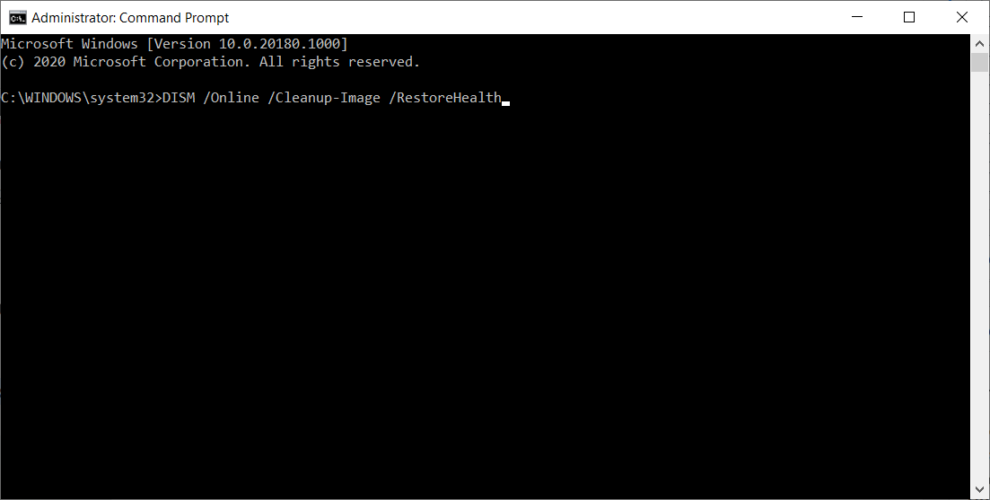
  3. Wait until the scan is finished.
  4. Restart your computer and try updating again.

7.2 With the Windows installation media

  1. Insert your Windows installation media.
  2. Click the Windows button, type cmd and, from the results, choose to open Command Prompt as an administrator.
  3. In the command line, type the following commands and press Enter after each:
    • dism /online /cleanup-image /scanhealth
    • dism /online /cleanup-image /restorehealth
  4. Now, type the following command and press Enter:
    • DISM /Online /Cleanup-Image /RestoreHealth /source:WIM:X:SourcesInstall.wim:1 /LimitAccess
  5. Make sure to change an X value with the letter of the mounted drive with Windows 10 installation.
  6. After the procedure is finished, restart your computer.

Another command-line troubleshooter we can try when addressing the random freezes is the DISM. Deployment Image Servicing and Management (DISM), as its name, says, re-deploys the system image, so it may resolve our problem along the way.

8. Check the hard drive

  1. Enter the Advanced Startup (Restart your computer while holding the Shift key).
  2. Choose Troubleshoot, and then select Advanced Options.
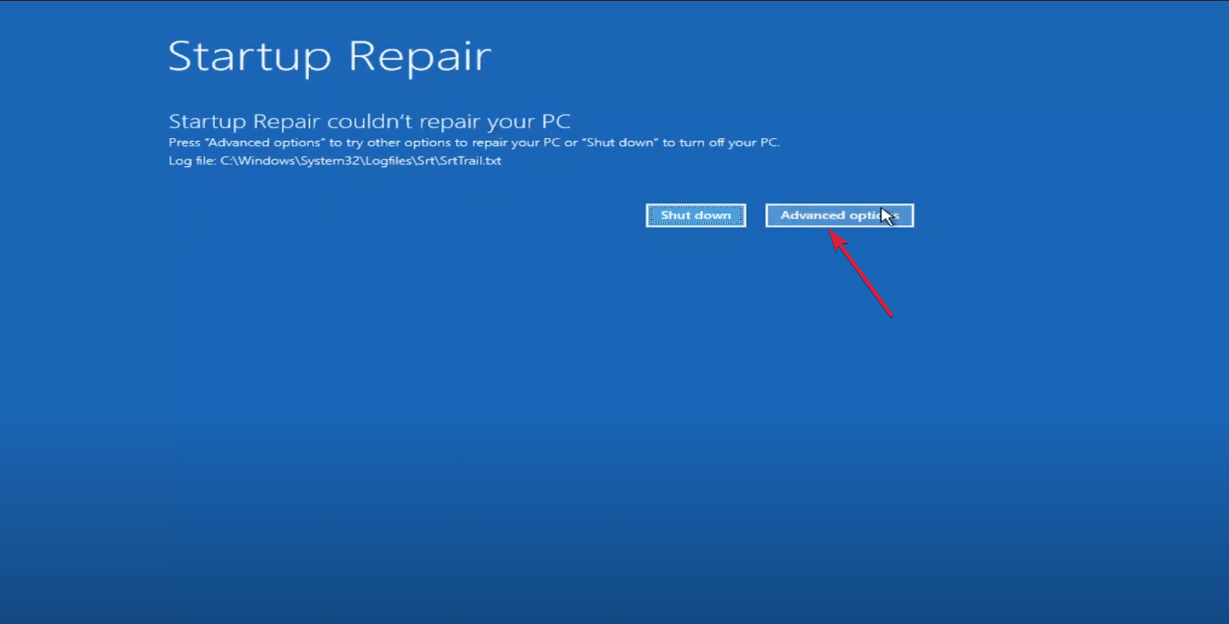
  3. Select Command Prompt from the list of options.
  4. When Command Prompt appears, enter the following lines and press Enter after each line in order to run it:
    • bootrec.exe /rebuildbcd
    • bootrec.exe /fixmbr
    • bootrec.exe /fixboot
  5. Some readers also suggest that you need to run additional chkdsk commands as well.
    • To perform these commands, you need to know the drive letters for all your hard drive partitions.
      • chkdsk /r c:
      • chkdsk /r d:
    • This is just our example, so keep in mind that you have to perform chkdsk command for every hard drive partition that you have.
  6. Restart your computer and check if the issue is resolved.

If your hard drive is damaged, your system will likely lag or freeze. That’s why we’re going to run the chkdsk command.

This command checks your hard drive for potential issues and resolves them (if possible).

9. Uninstall Windows Updates

  1. Press Windows key + I to open the Settings app.
  2. Once the Settings app opens, navigate to Update & security section.
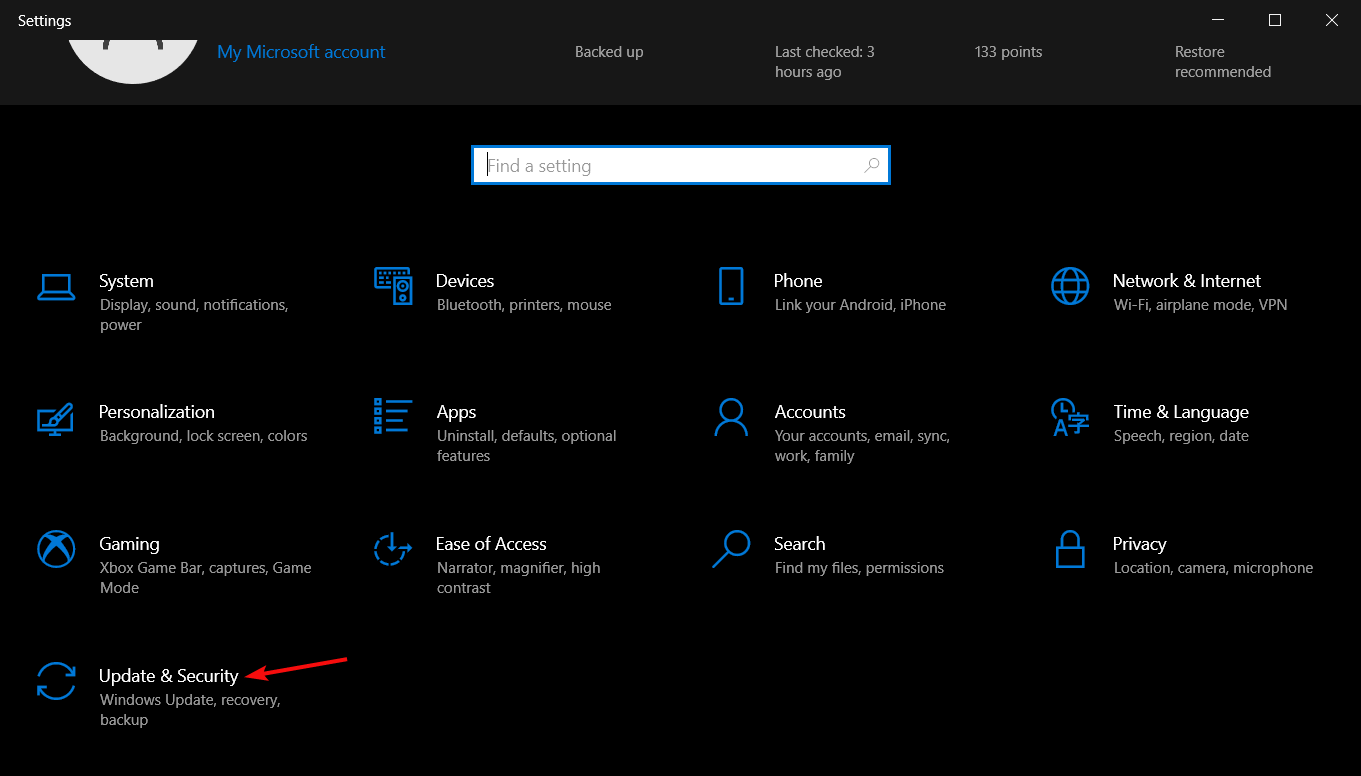
  3. Go to Windows Update tab and click on Update history.
  4. Click on Uninstall updates.
  5. List of installed updates will now appear. Select the problematic update you want to remove and click the Uninstall button.
  6. After removing the update, restart your PC.

Windows updates are a two-edged sword for every Windows 10 user. On paper, each new update should improve the functionality and security of the system, but that’s not always the case.

Reports about certain update breaking things have been circulating since the first days of Windows 10.

So, it’s quite possible that the latest cumulative update you installed causes the problem. If you suspect so, your best bet is to delete that update simply.

10. Disable your dedicated graphic card

  1. Right-click the Start button and choose Device Manager from the list.
  2. When Device Manager opens, locate your dedicated graphic card and right-click it.
  3. Choose Disable from the menu.
    device-manager-disable

If you have both dedicated and integrated graphics cards, you might want to disable your dedicated graphics card as a temporary workaround.

A few of our readers have reported that they are getting random freezes on Windows 10, and the only workaround is to disable your graphics card.

After disabling your dedicated graphic card, you might get lower performance in video games, but random freezes should be fixed.

Also, be sure to check for graphic card updates. In most cases, graphic card driver update can fix these issues, so try downloading the latest updates for your graphic card.

Updating drivers manually is annoying, so we recommend you download this driver updater tool to do it automatically. Thus, you will prevent file loss and even permanent damage to your computer.

11. Disable AMD Cool’n’Quiet and Fast Boot in BIOS

In some cases, Windows 10 freeze can be caused by certain BIOS settings such as AMD Cool’n’Quiet or Fast Boot. If these features are enabled in BIOS, you should disable them and check if the issue is resolved.

You won’t find the AMD Cool’n’Quiet feature if you have a non-AMD processor, but almost all versions of BIOS have the Fast Boot option available. After you’ve disabled these settings, save changes, and restart your computer.

12. Update your BIOS

If you are experiencing random freezes in Windows 10, you might want to update your BIOS. To perform a BIOS update, you have to visit your motherboard manufacturer’s website and download the latest version of BIOS.

Our guide on how to update BIOS will provide step-by-step instructions on how to perform that action.

Make sure that you read the instruction manual carefully before you start the update process in order to avoid any permanent damage.

13. Flash your SSD

If you have Windows 10 installed on your SSD, you might experience random freezing due to older firmware. Our readers have reported that after installing newer firmware on their SSD, all freezing issues have been resolved.

We have to warn you to be extra careful while flashing your firmware unless you want to cause permanent damage to your SSD.

14. Turn off Link State Power Management

  1. Press Windows key + S and type power plan.
  2. Choose Choose a power plan from the menu.
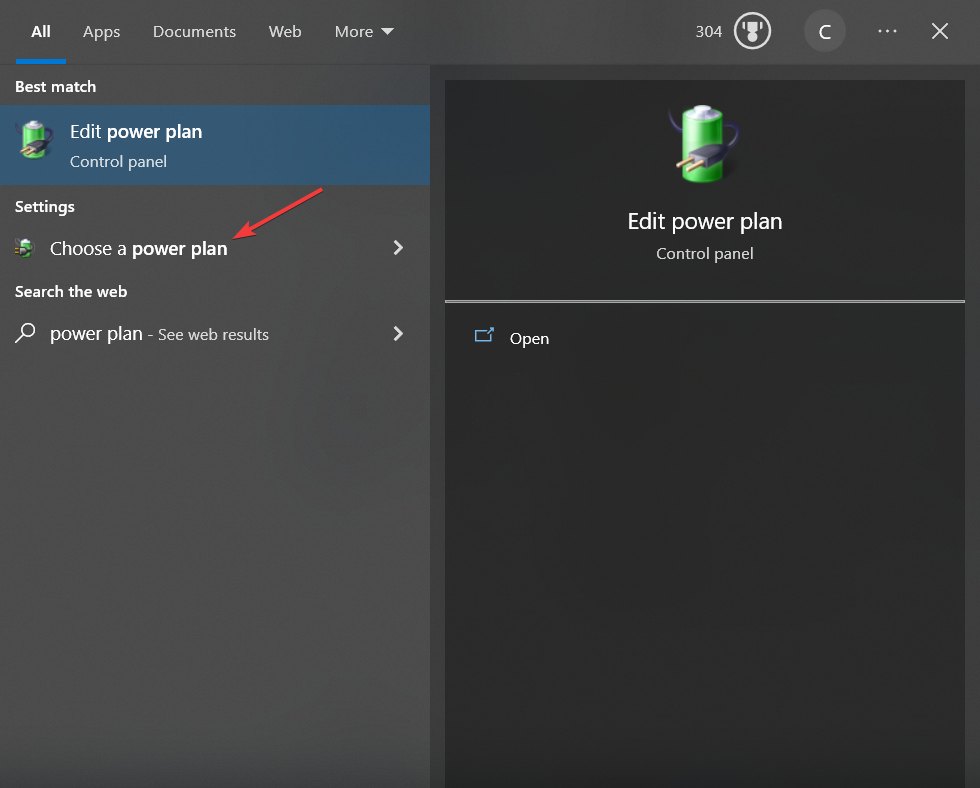
  3. When Power Options window opens, find your plan, and click Change plan settings.
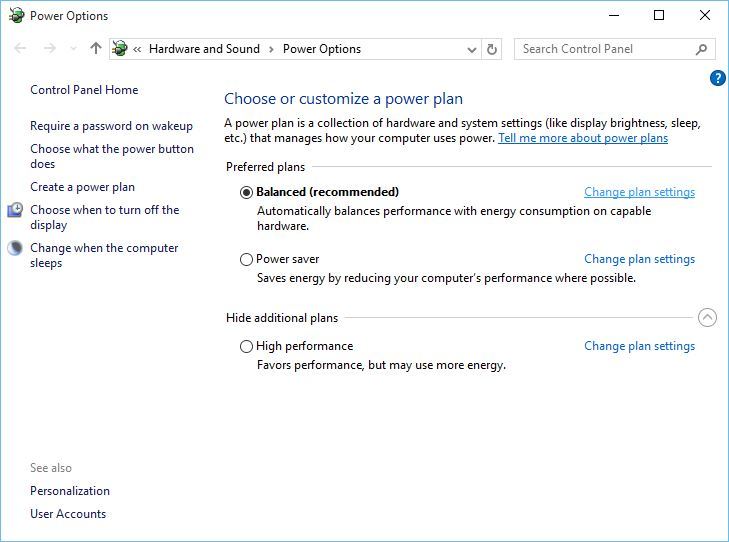
    change-plan-settings
  4. Click on Change advanced power settings.
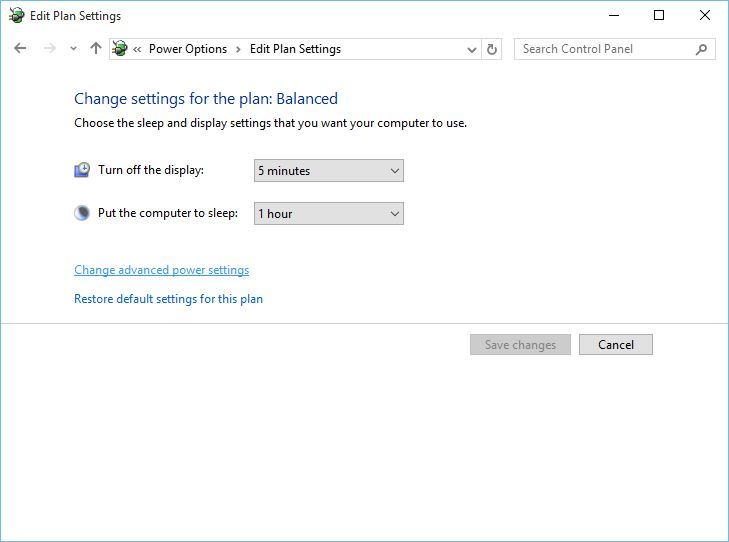
    changed-advanced-power-settings
  5. Now you need to find PCI section and expand it.
  6. You should see Link State Power Management option.
  7. Change the Setting to Off.
    pci-express-link-state-power-managment
  8. Click Apply and OK to save the changes.

On laptops, if you are running a power plan designed to save energy, some of the systems may be affected when the battery is not fully charged. By changing and editing the power plan, you will prevent this from happening.

How do I fix random freeze in Windows 11?

Fortunately, the new OS is not so different from the old Windows 10. Thus, all the solutions provided for Windows 10 above can be applied to Windows 11 with minor adjustments.

These are a few of the most common ways to fix random freezes on Windows, so try them out and let us know if our solutions have fixed your problem.

If you have any other questions, feel free to use the comments section below.

How to fix Microsoft.Photos.exe high memory usage

Microsoft.Photos.exe is the executable file of the Photos app that comes with Windows 10.

However, quite a few users have posted on the Microsoft forum about heavy Microsoft.Photos.exe CPU and RAM utilization.

One user stated:

Since the Fall Creator’s Update, the Photos app has started taking up huge portions of the CPU and memory, causing the battery to run down and the fan to go crazy… even if I haven’t opened the app.

This problem can draw your system to a halt so learn how to fix the Microsoft Photos high CPU issue with the steps below.

How do I stop Microsoft Photos EXE?

1. Remove OneDrive folders from Photos’ scanning

  1. Some users have said that they’ve fixed Photos’ heavy system resource utilization by turning off OneDrive syncing and removing search folders for the app. To do so, open the Photos window shown directly below.Photos app microsoft.photos.exe high memory usage
  2. Click See more at the top right of the app‘s window.
  3. Select Settings to open the option shown below.Photos app settings microsoft.photos.exe high memory usage
  4. Click the X crosses for each folder to remove those search sources.
  5. Toggle the Show my cloud-only content from OneDrive option off to turn off OneDrive syncing.
  6. Close Photos and restart Windows.

2. Use a different app

You can uninstall the default Photos app, as described below, and use Adobe Lightroom instead.

Lightroom can give any photo editor a run for its money, as Adobe has a reputation for creating powerful multimedia software. With Lightroom, you can easily manage, edit and share your photos.

Moreover, you gain access to powerful features like tagging your friends, organizing files into albums, cloud storage and instant access to your library across your different devices.

⇒ Get Adobe Lightroom

3. Terminate the Runtime Broker and Photos Background Task Host processes

  1. Right-click the taskbar and select Task Manager.Processes tab microsoft.photos.exe high memory usage
  2. Select the Processes tab.
  3. Right-click Runtime Broker and select End task.
  4. Right-click Photos Background Task Host process and select End task.

The Runtime Broker and Photos Background Task Host processes can inflate Microsoft.Photos.exe system resource utilization so it’s important to end these processes.

4. Turn off Photos background app

  1. Press the Windows key + S hotkey.
  2. Input the keyword background app in the search box.
  3. Click Background apps to open the window in the snapshot directly below.Background app settings microsoft.photos.exe high memory usage
  4. Then toggle the Microsoft Photos app off.

Users can turn off apps running in the background to reduce their system resource utilization. If Photos is causing this problem you can turn it off as shown above.

5. Select an alternative default image viewer app

  1. Enter default apps in the Type here to search box.
  2. Click Default apps to open the Settings window as in the shot directly below.Default app settings microsoft.photos.exe high memory usage
  3. Click Photos under Photo viewer.
  4. Then select an alternative image viewer on the Choose an application window.

Alternatively, you can select a different default image viewer to run in the background. So, next time you click on a photo, it will be opened with another viewer.

6. Uninstall the Photos app

  1. Open the Windows search utility with the Windows key + S hotkey.
  2. Enter PowerShell as the search keyword.
  3. Click on the Run as administrator option under PowerShell to open the app with elevated user rights.
  4. Input this command in PowerShell and press Enter: Get-AppxPackage *photo* | Remove-AppxPackageRemove Photos PowerShell command microsoft.photos.exe high memory usage
  5. Restart Windows after uninstalling Photos.

Users who don’t need the Photos app can uninstall it to ensure that it doesn’t hog any system resources.

After removing Photos, add an alternative image viewer to Windows 10. Adobe Lightroom and IrfanView are two of the best third-party software alternatives to Photos.

Those are some of the resolutions that can reduce Photos’ system resource utilization in Windows 10. Reducing Photos’ excessive system resource usage will then free up RAM for other software.

Asphalt 8 Crashing: Use These 5 Solutions to Fix It

Asphalt 8: Airborne is a blockbuster racing game that has enthralled millions of players the world over. However, the game doesn’t run entirely flawlessly on Windows 10, as it crashes upon launch for some players.

As such, some Asphalt 8 fanatics have found the game app doesn’t always run. Here are a few potential fixes for Asphalt 8 if the app isn’t working for you in Windows 10.

Why does Asphalt 8 keeps crashing?

As with many other games, Asphalt 8 crashes due to several reasons, and we will outline the most important of them:

  • Problematic drivers – If the graphics driver is old, corrupt, or incompatible with your system, it will most certainly lead to Asphalt 8 crashes.
  • Insufficient resources – Running multiple other apps simultaneously can cause Asphalt 8 to crash. Not meeting the system requirements for the game is also a common problem.
  • Corrupted game installation files – We recommend downloading the game only from the official resources. Also, if you download Asphalt 8 when local Wi-Fi is not working properly, the installation files will be corrupted.

Now that we know about the possible problems behind these crashes, let’s go to the actual solutions.

How can I fix Asphalt 8 crashing?

Before immersing into more complicated solutions, let’s try a few prerequisite methods to fix the issue:

  • Check if your system has the requirements to run the game.
  • Install all the latest OS and game updates.
  • Restart your game and your computer.
  • Temporarily disable Windows Defender or your third-party antivirus and check if Asphalt 8 is working properly. If so, you should consider getting a better antivirus that won’t interfere with your apps.

If you didn’t manage to fix the problem yet, the solutions below will help you do that.

1. Run the Windows Store App troubleshooter

  1. Click the Start button and select Settings.
  2. Choose Update & Security from the options.
  3. Click Troubleshoot from the left and select Additional troubleshooters from the right.
  4. Select the Windows Store Apps troubleshooter, and press the Run the troubleshooter button.
  5. Press the Next button on the troubleshooter to go through its suggested resolutions.

First, try fixing Asphalt 8 with the Windows Store App troubleshooter. That’s a troubleshooter which can repair apps that aren’t working.

If Windows 10 Asphalt 8 keeps crashing, this solution will fix the problem for most gamers.

2. Update Windows drivers

  1. Press the Win key + R to open Run, then type dxdiag, and press the Return key.
  2. Note down the operating system and graphics card details on the DirectX Diagnostic Tool’s System and Display tabs.
  3. Now, go to the graphic card manufacturer’s website, open the driver download section of the site, and look for the correct driver for your OS and bit opperation (64-bit or 32-bit), then download it.
  4. Right-click the Start button and select Device Manager.
  5. Click on the Display adapters section to expand it, right-click your listed graphics card and select Update driver.
  6. Select the Browse my computer for driver software option.
  7. Click the Browse button, and select the folder you saved the update driver to.
  8. Press the Next button when you’ve selected the folder.
  9. Restart Windows when prompted to do so.

Asphalt 8 crashing on startup on Windows 10 can be due to antiquated device drivers. However, the graphics card driver is probably essential for 3D game apps.

Updating drivers manually is an advanced procedure and might cause permanent damage to your PC by installing the wrong driver versions. We suggest doing it automatically using a specialized third party that can do that for you.

All you have to do is select the drivers you want to upgrade and leave the rest for the automated software.

⇒ Get Outbyte Driver Updater

3. Reset the Asphalt 8 App

  1. Click the Start button and select Settings.
  2. Now, choose Apps from the options.
  3. Enter Asphalt 8 in the search box, select it and click on Advanced options.
  4. Scroll down and click on the Reset button.
  5. A dialog box will open telling you that resetting the app will delete its data. Click Reset again to re-register the Asphalt 8 app.

4. Reinstall Asphalt 8

  1. Click the Start button and select Settings.
  2. Choose Apps from the available options.
  3. Select Asphalt 8: Airborne on the apps list, and press its Uninstall button.
  4. Click Uninstall again to remove the app.
  5. Thereafter, press the Get button on its Microsoft Store web page to add Asphalt 8 to Windows 10 again.

Reinstalling Asphalt can fix corrupted or missing game files. However, this fix should be a last resort, as you’ll also lose your game data. This is how you can reinstall Asphalt 8.

5. Roll back Windows to a previous date

  1. Press the Windows key + R to start Run, type rstrui, and press OK.
  2. Press the Next button to open a restore point list.
  3. Select an automatic restore point that predates the most recent update and click Next.
  4. Press the Next button and click Finish to roll back Windows.

This might contradict the previous resolution of updating Windows, but some players have also found that Asphalt 8 stops working immediately after an update.

If the game stops working for you after a recent update, utilizing the System Restore tool might fix it. System Restore will remove updates that don’t predate the selected restore point.

Should the operation fail, read our guide on what to do if System Restore is not working in Windows 10.

Those are a few fixes that might get Asphalt Airborne up and running again in Windows 10. You can also run the Asphalt 8 app with an Android emulator instead. Check out our extensive guide on how to resolve game crashes in Windows.

Best Parallels Cyber Monday Deals & Sales To Grab

If you need to run Windows 10 or Windows 11 on your Mac computer but you don’t want to install too many third-party tools in order to do that, you can download Parallels.

This powerful virtualization solution allows you to utilize all the Windows features and options directly on your favorite Mac devices (MacBook, MacBook Pro, iMac, iMac Pro, Mac mini, or Mac Pro).

Some of the perks of using Parallels:

  • Enjoy full Microsoft Office functionalities on Mac
  • Run Windows apps and software on your Mac without experiencing any slowdowns.
  • You can quickly transfer your files, and folders from your PC to your Mac.

What are the best deals for Parallels?

Parallels brings a very good 25% OFF discount for this year’s Cyber Monday across all editions so make sure to check it out.

You should also take advantage of this year’s deal on the following products offered by Parallels:

Parallels 19

Benefit from reliable virtualization service on your device with this great deal for each Parallels product.
25% off Get it now

What’s more, Parallels Desktop 19 now brings a couple of new features for enhanced integration and allows you to stay focused on your projects with fewer interruptions.

Parallels 19 includes major updates to support the newest versions of macOS, Windows, Linux, and new Mac models.

You can now use Windows as if it was built for Mac, plus you get access to thousands of programs that would be otherwise inaccessible.

Besides, once you install the program, it will help save up to 10% battery life when Windows is in use, thanks to the improved Travel Mode.

So what are you waiting for? Don’t let this offer slip through your fingers.

Fix: Fltmgr_file_system Error on Windows 10/11

Blue Screen of Death errors such as FLTMGR_FILE_SYSTEM can be caused by hardware or software issues, and this is why they are sometimes hard to fix.

Fltmgr_file_system blue screen error will force your PC to crash and restart whenever it appears. Today we’re going to show you how to fix the FLTMGR FILE SYSTEM error in Windows 10.

How do I fix FltMgr in Windows 10?

1. Update Windows 10 and all your drivers

  1. Press Windows Key + I to open the Settings app and navigate to the Update & Security section.
    Fltmgr_file_system Windows 8
  2. Now click the Check for updates button.
    Fltmgr_file_system blue screen

If any updates are available, they will be downloaded in the background. Once the updates are downloaded, they will be installed as soon as you restart your PC.

In addition to downloading Windows updates, it’s also important that you update your drivers. Bear in mind that you will have to update all drivers on your PC in order to fix this error.

Installing the latest drivers is crucial for system stability, but downloading drivers manually can be long and tedious. If you want to quickly update all your drivers, we suggest that you try Outbyte Driver Updater.

Outbyte Driver Updater is a lightweight software specifically created to keep your drivers up-to-date and well-functioning. It can detect any broken driver files and automatically fix them. It is a time-saving alternative to manually updating your drivers.

When you finish the process, check and see if your problem is fixed.

2. Enter Safe Mode

  1. Start Automatic Repair by restarting your computer a few times during the boot sequence. Alternatively, you can hold Shift on your keyboard and click the Restart button.
    Fltmgr_file_system blue screen
  2. Choose Troubleshoot > Advanced options > Startup Settings and click the Restart button.
  3. When your computer restarts you’ll see a list of options. Press 5 or F5 to start Safe Mode with Networking.

If the issue is caused by certain software, you’ll be able to tell that by entering Safe Mode.

This mode uses only the necessary drivers and software, and if the error is caused by third-party software, you shouldn’t see a BSOD error while in Safe Mode.

If your PC is stable in Safe Mode it means that the BSoD is being caused by certain software on your PC, so you can use the Safe Mode to find and remove the problematic software.

3. Perform a chkdsk scan

  1. Restart your PC several times during the boot to force it to start in Automatic Repair mode.
  2. Choose Troubleshoot > Advanced options. Now select Command Prompt.
  3. When Command Prompt starts, enter chkdsk /f X: and run that command. Keep in mind that you have to replace X with the letter that represents your system partition.
    Fltmgr_file_system Windows 7

You should also know that chkdsk scan can take 15 minutes or more depending on the size of your partition. Once the scan is finished, check if the problem still persists.

According to users, sometimes FLTMGR_FILE_SYSTEM error can occur due to file corruption. If that’s the case, you might have to repair your files in order to fix this problem.

To do that, you need to start Command Prompt before Windows 10 starts and run the chkdsk scan.

4. Temporarily remove your antivirus software

Third-party applications can often cause this error to appear, especially if that application isn’t fully compatible with Windows 10.

A common cause for FLTMGR_FILE_SYSTEM and other Blue Screen of Death errors can be your antivirus software.

To fix this problem you’ll have to temporarily remove your antivirus, and the best way to do that is to use the dedicated removal tool.

If your antivirus was the problem, it’s highly recommended to switch to a different solution. There are many great antivirus tools available.

Regardless of the specific tasks you use your computer for, and the resources of your device, you can find a good antivirus that won’t interfere with other processes or apps on your PC.

You should keep an eye for lightweight solutions with comprehensive threat databases, multi-layered protection, and integrated VPN and online privacy solutions.

The best tools available integrate all the above-mentioned features. On top of that, there are many antivirus software with free trials, so you don’t have to commit right away if you are not sure which would be the best for you.

5. Use System Restore

  1. Restart your PC several times during the boot sequence.
  2. Now choose Troubleshoot > Advanced options > System Restore.
  3. Select your user name from the list and enter your account password.
  4. System Restore window will now appear. Click on Next to continue.
    Fltmgr_file_system Windows 7
  5. If available, check Show more restore points and select the desired restore point. Click Next and follow the instructions on the screen to complete the restoration process.
    Fltmgr_file_system blue screen

Sometimes you can encounter FLTMGR_FILE_SYSTEM error due to recently installed applications or updates. If the problem started occurring recently, you might be able to fix it by performing System Restore.

If System Restore fixes the problem, keep a close eye on new software and driver updates.

Windows 10 tends to update your drivers automatically, and sometimes a driver update can cause this error to appear.

To prevent this problem from reappearing, be sure to block automatic Windows Updates and block Windows 10 from updating certain drivers.

Blocking the updates isn’t always the best solution, but sometimes it’s necessary if you want to prevent this issue from reappearing.

6. Perform Windows 10 reset

  1. Restart your PC few times during the boot sequence.
  2. Select Troubleshoot > Reset this PC > Remove everything. During this step you might be asked to insert Windows 10 installation media, so be sure to do that. reset this pc
  3. Select Only the drive where Windows is installed > Just remove my files and click the Reset button to start.
  4. Follow the instructions on the screen to complete the reset process.

If you cannot find the software that is causing the FLTMGR FILE SYSTEM BSoD error, you can perform a Windows 10 reset.

This procedure will delete all files from your C partition, therefore be sure to back up your important files.

To complete Windows 10 reset, you might also need a bootable USB flash drive, and you can use Media Creation Tool to create one.

After you complete Windows 10 reset, don’t install any third-party applications, instead just test your system for a while. If the error appears again, it means that the issue is caused by your hardware.

7. Check for faulty hardware

Fltmgr_file_system blue screen

Faulty hardware, most commonly RAM, can often trigger the FLTMGR_FILE_SYSTEM error. Therefore, we advise you to test your RAM modules one by one and check if they are are working properly.

Sometimes you don’t even have to replace your RAM, it’s enough to reseat your RAM modules and the problem should be fixed.

Bear in mind that dust can also cause this problem to appear, and if your memory slots are filled with dust, you need to remove your RAM and clean the slots with pressurized air. 

Another common cause for this error can be your motherboard, so be sure to check if it’s working properly.

FLTMGR_FILE_SYSTEM Blue Screen of Death error can cause you problems, but you can easily fix this error by removing the problematic applications, or by reseating your RAM modules.

Do let us know what worked for you by reaching for the comments section below.