Macally slim USB wired small compact mini is the perfect choice if you don’t want to deal with a weak connection between your keyboard and the PC or constantly change batteries.
You’ll also appreciate the additional functions on the Fx keys, such as cut, copy, and paste, the indicator lights for when it is powered, and the overall great key response.
Moreover, when it comes to its extended compatibility, do note that you can use it on Windows, Mac OS X v10.6 and above when using any desktop or notebook with an available USB port.
This Logitech keyboard is effortless to use since the layout and key functions are very standard, with the only exceptions being the top row above the numeric pad.
You’ll easily enjoy a comfortable typing experience, while the Smart illumination hand proximity detection and automatic backlighting are a great bonus.
You also need to know from the start that the entire body is held together by a single metal plate, having a premium build.
Moving it to the actual feel of the board, this Logitech MX keys advanced wireless illuminated keyboard feels like a few pounds heavy.
The Durgod Taurus K320 TKL mechanical keyboard offers a fast response along with a tactile feel, and light sound.
You can experience precise travel distance with every keystroke and your fingers will not feel tired while you are typing, even if you will use the keyboard for an extended period of time.
There are also some functions just as the one key text input that will make your work convenient as well. As for the USB Nkey rollover, it offers gamers a competitive edge.
The compact 10-keyless design makes this keyboard fit comfortably into smaller desktop spaces, and you will be able to pack it effortlessly in order to take it to various locations.
These are your three available options for keyboards that come with USB-C, so make sure to check out their specs and features before making your final decision.
There’s nothing worse in the world than having your laptop run out of battery and being as far as possible from a power socket.
The entire point of having a laptop is to stay connected on-the-go, but sometimes, the laptop’s battery life may have some other plans, and they’re not going to make you happy at all.
Thankfully, there’s a new generation of portable laptop batteries, and this means that you won’t ever have to get stuck again without your trusty friend at your side up and running.
Some of these batteries can replace your original laptop charger altogether because they provide you an uninterrupted power supply wherever you are!
Choosing the right external laptop battery these days can be pretty tricky as the market is full of them.
The best chargers work with a variety of systems, and they are lightweight. They also feature proper power outputs that are necessary to juice up that device of yours.
Check out the list we have made for you and pick the external laptop battery of your dreams!
The HALO Bolt 58830 mWh is what we call a live saver! Packed with 2 2.4V USB charging outputs, this portable charger can juice up multiple devices simultaneously.
The charger is highly versatile and will work effectively on your Mac, tablet, PC or phone.
It even has a car jump starter function which is perfect for those who love the road and don’t have loads of time to wait for more conventional sources to power them up.
The design is also a great plus as the charger is sturdy and resistant but also sleek and even fashionable offering many patterns for you to choose from.
This is one power back that you can rely on at all times. Thanks to the Pass-Through function, you will be able to use the product to power up your devices even while it is recharging.
The lightweight and compact design allows you to easily store it and take it with you on the road.
What’s more, you have 4 built-in output ports to match your phone, tablet, PC, or Mac – yes, this gadget is highly versatile!
The manufacturer even provides a generous 12-month replacement warranty.
The TSA-approved Power Bank is as powerful (140W) as it is lightweight. Designed to act as power backup support, you can easily fit this portable charger in your bag and take it with you on your travels.
The charger is well-adapted and highly versatile, meaning you can use it on pretty much any device from MacBook and other USB-C devices, laptops, and even Ipad, cameras, and so on.
The ports are designed to allow you to charge and discharge simultaneously which is a rather unique feature.
What’s more, you won’t have to worry and storage or usage conditions since this gadget has an aluminum shell and Overcharge, overvoltage, overheat and even shortcircuit protection.
This power is designed for speed. With native support for both USB-A and USB-C devices, the NOVOO AC Portable Charger is based on fast charging technology.
Its design, both lightweight and compact making it easy to store and perfect for travels.
Besides its convenient size, there is also short circuit protection which means one less thing for you to worry about.
Developed by Anker, a leading USB charging brand, this portable charger is more than effective.
With a whopping charging power delivered by a 45W USB-C port and a massive 26800mAh capacity, there is virtually nothing you cannot charge.
From smartphones to laptops and tablets, you can rely on the fast charging technology incorporated by this power bank to power up your devices quicker than ever before.
This power back redefines fast charging through its Quick Charge 3.0 port. The AC output goes up to 80w and its internal capacity is simply beyond expectations (up to 20000mAh).
All these features will guarantee you can fully charge compatible devices faster than ever before.
Speaking about compatibility, you will be pleased to know that the RAVPower charger works well on anything from smartphones and tablets to notebooks, laptops, GoPro, and other cameras.
It’s portable and lightweight and you can easily fit it just about anywhere to make sure you never run out of power during your travels.
This powerful AC Output portable charger makes the perfect match for all your devices from smartphones and laptops to home appliances, cameras, gaming consoles, and more.
It supports fast charging technology, thus reducing the charging time by half. Pretty impressive, right?
Its internal battery capacity reaches a whopping 30000mAh and the newest version even includes a 3-prong AC output with a power supply on/ off switch.
This is where the list of the best external batteries for charging your devices ends.
We hope that after browsing through all these chargers, you will find the ideal one for your device.
You probably have a cover for your PC or laptop, but your keyboard stays out in the cold and dust unprotected. This is where keyboard sleeves come in.
Keyboard sleeves are simply, solidly built cases meant to protect or shield your keyboard from anything that can damage them such as dust, accidental spills, or even falls.
Speaking of accidental spills, Razer recently rolled out two spill-resistant keyboards. Check them out and buy them if you like them.
What’s more, keyboard sleeves keep your keyboard neatly tucked away, and leaves you less anxious about what may happen to it. Some keyboard sleeves even come with a separate compartment for your mouse, so you have everything in one place.
Here are the best keyboard sleeves you can purchase right now. Don’t forget to check your keyboard’s dimension before you place your order.
Note: Deals are subject to change. Keep in mind that the price tag may vary as some of the discounts may no longer be available by the time you’ve made your purchasing decision. So, hurry up and hit the buy button.
Which are the best keyboards sleeves that you can buy?
The Hermitshell Hard Travel case bag is one of those rare cases where one accessory is made specifically for another product, and pretty much nothing else.
However, the design is made in such a way that it will fit the Apple MC184LL/B Wireless Bluetooth keyboard like a glove, providing excellent transportation features, and protection.
More so, the interior is made to care for its accessories as well, not just the single keyboard, making it a complete package in terms of transportation.
This keyboard sleeve is made from dual-layer neoprene, the same material that’s used on most laptop sleeves, and measures 6 x 15 inches. It stretches enough to fit both your keyboard, mouse, and other accessories in the deep outside pocket.
It is also washable using water and some mild soap owing to its neoprene material, which also offers protective insulation and makes it lightweight and portable.
It also comes in other sizes to fit your keyboard, from 12, 14 or 17 inches, saving your keyboard from catastrophes such as falls or spills. It only comes in black color.
This keyboard sleeve comes with a front storage pocket fitted with a zipper to store additional accessories, thus protecting your keyboard and other accessories from dust, spills, and any other potential damage while packed in your bag, or when not in use.
Like other quality keyboard sleeves, Pawtec is made of neoprene material, which makes it lightweight, portable, and stretchable. It comes with a 1-year warranty, unlike other keyboard sleeves, and is super stylish if you’re big on aesthetics.
It measures 11.25 x 6 inches and comes in three different colors: Rose Gold, Black, and Silver.
This keyboard sleeve is also made of high quality, soft, durable neoprene material, and comes with a zipper so you can easily insert, and/or remove your keyboard.
It is designed to protect your keyboard from dust, scratches, falls, and spills, and is portable and lightweight so you can go anywhere with your keyboard.
Its neoprene build makes it stretchable meaning your keyboard will fit snugly into the sleeve, plus you can store mini accessories such as batteries and USB cables, and probably a small-sized tablet or smartphone. It measures 11.5 x 6.25 x 0.5 inches and comes in three different colors.
This keyboard sleeve comes with a zipper for easy insertion and/or removal of your keyboard, and measures 11.8 x 5.5 x 0.6 inches, but you need to check the dimensions before you can place your order for this one.
It is washable in water and mild soap, plus it is durable and made of high quality, soft neoprene material to safeguard your keyboard against dust, spills, scratches, and falls.
Masino keyboard sleeves take pride in the environmental material they’re made from, which are also soft, non-toxic, non-corrosive, wear-resistant, and heat resistant.
You get all these benefits for a pretty affordable price unlike other keyboard sleeves of its kind. It also comes in a variety of colors from deep blue, to hot pink, and even translucent color.
Keyboard sleeves are definitely one of the best and trusted ways to protect your keyboard from wear, tear, and any potential damage.
However, there are a few tips you can use regularly to protect your keyboard when it is not in the keyboard sleeve, including:
Using a keyboard cover or keyboard protective film
Washing your hands before using the keyboard
Using canned air, or a blow dryer set on cool to remove any dust or particles. You can also use rubbing alcohol to wipe the surface in case of oil deposits
Avoid eating or drinking next to the keyboard or computer
Do not wash the keyboard unless it is a waterproof or spill-resistant keyboard
Have you found your favorite among these keyboard sleeves? Let us know in the comments section.
People who believe in snacking while gaming or working away on their computers oftentimes do not have spill resistant keyboards.
There’s a tendency to think that because they’re used to doing it, the chances of liquid spills from canned soda or particles from their favorite snacks won’t fall on the keyboard.
Well, you could get yourself a keyboard protector to prevent such spills and particles from finding their way into your keyboard thus causing damage, and affecting its performance.
Alternatively, you can invest in a spill resistant keyboard.
Spill resistant keyboards are designed to keep away the spills, and the anxiety, and eventual damage that comes with it.
It also gives you enough time to save your data and shut down your computer before it gets worse, by delaying the time taken for a spill to reach the mainboard of your computer.
Before spill-resistantkeyboards were invented, the mainboard and everything connected to it would be damaged, and/or ruined, resulting in system failure.
But now, this new innovation ensures your system is protected with the double tape sealing, insulation and several other mechanisms that work together to prevent damage from spills contacting the running components.
Check out the best spill-resistantkeyboards you can get before the year is over.
Which are the best spill-resistant keyboards for PC?
It would be impossible to create a list of peripherals without including a Razer product, since they are that good, and the Razer Cynosa Chroma gaming keyboard is the one to make our list.
This keyboard brings you the full extent of Razer Chroma capabilities, supporting up to 16.8 million colors for its key lighting.
Additionally, the product is great for multitasking thanks to the rollover anti-ghosting that allows up to 10 commands to be transmitted at once.
If you want to complete a gaming setup with a nice looking gaming keyboard, but the budget is a bit tight, then the PICTEK Metal gaming keyboard is the right keyboard for your needs.
It is built with a metal frame, and it features plenty of RGB lights to make it look flashy as top-tier gaming keyboards.
More so, it is spill-resistant so don’t worry if you end up with soda over it during intense PvP matches, because it can handle it.
Gaming has always been the IT field where technology is being pushed to the limits, and peripherals such as the Corsair K68 mechanical gaming keyboard are proof of that.
This keyboard is made to be durable, responsive, accurate, comfortable, and it also looks incredibly sweet with the cherry-red design.
Additionally, Esports pros will love the macro programming feature of the Corsair Utility Engine, allowing them to perform complex tasks with just a few keystrokes.
If you need a keyboard that looks good and doesn’t break the budget, the VictSing gaming keyboard is the next best solution for you.
It features the staple RGB elements that you would expect from a gaming keyboard, and it features advanced anti-ghosting technology allowing up to 19 keys to function at a time.
Lastly, installing it is as simple as counting to 3, since it features Plug & Play capabilities, so you don’t have to worry about drivers being an issue with it.
If you’re looking for a keyboard that is a bit on the eccentric side, then the LANGTU membrane gaming keyboard is the right choice for you.
It features a fantastic aluminum-based design, making it both solid and resistant, but also lightweight and easy to travel with.
Additionally, it features a 7-color rainbow backlight function, and it is made to resist up to 5 million clicks, so it will not only look good it will last you a very long time.
This keyboard stays true to its name because it is water-resistant and washable, meaning you can submerge it in water up to 11 inches (as long as the USB cable stays dry), and clean it, and it won’t get damaged.
According to Logitech, the makers of this keyboard, the keys will last up to 5 million keystrokes, while the UV-coated, laser print lettering on the keyboard will resist fading no matter how many times you clean it in water. This means no more accidental spills, because deliberate ones are welcome as well.
Its design is adjustable and useful for a USB computer type of device, plus it has USB connectors, ports, and is a wired connection type of keyboard. This keyboard is one of the best among all spill-resistant keyboards because it is affordable, durable, washable, and of course it takes away the anxiety of accidental spills and potential system damage.
It is easy to clean, dry, and its drainage holes take care of the excess water, plus its design is contemporary so it looks beautiful with your PC and your workspace.
This keyboard is built for real-life experiences regardless of whether you use it for gaming or working. Its durable design resists liquid spills (tested with 60ml liquid spillage), crumbs, and/or dirt so that real-world accidents don’t interfere with what you’re doing.
Besides being spill-resistant, this slim, gaming keyboard, also lets you personalize and match your style with your gaming gear.
It is four times faster than standard keyboards, with its tactile performance keys, plus it has dedicated media control that lets you quickly play, pause, skip and adjust the volume of your game or music straight from the keyboard.
You can also personalize the lighting zones with a spectrum of over 16 million colors that can match your setup or games. It may be a bit pricey, but you can already see why.
This is one of the most affordable yet useful spill-resistant keyboards in the planet. It comes with a standard keyboard layout, efficient for working or gaming, and a sleek, contemporary style design, plus it is portable.
It is built with high-quality material, and its spill-resistant nature is manifested in 3 layers of internal membrane protection, ensuring superior durability to prevent falls or splashes.
The keycap characters are also easy to read and don’t fade easily due to laser carving technology that ensures up to 10 million times of keystrokes.
Its wired keyboard has drain holes that withstand any accidental spills, but don’t immerse the keyboard in liquid.
Logitech is known for being a top manufacturer brand for mice and keyboards, including spill-resistant keyboards. The MK120 is one of the most comfortable, sleek, yet sturdy and stylish spill resistant keyboards in the market.
Its spill-resistant design drains accidental spills out of the keyboard, having been tested under limited conditions of a maximum 60ml liquid spillage (don’t immerse it in liquid).
It is a rugged spill-resistant keyboard, with a standard layout, and is corded for a simple USB connection. It also comes with a 3-year warranty and works with desktop, notebooks and netbook computers.
You wash your hands to prevent germs, why not your keyboard? Actually, they say the keyboard has a lot more germs than even the loo, so you should make the list of your hygiene priorities.
This keyboard, though, makes it easier for you as it is washable, meaning you can immerse it into water, making sure not to immerse the USB cable or plug, and you’re good to go.
It has a treated antimicrobial coating that provides added defense against the growth of molds, mildews, and fungi associated with odor and stain-causing bacteria that lodges on your keyboard over time.
It is waterproof, washable, plug and play via USB, and has soft touch keys that offer crisp, responsive touch for added comfort.
This spill-resistant keyboard comes with 5 million keystroke cycles which means it is a durable product and is compatible with Windows.
If you’re used to snacking or sipping coffee while you work, or while gaming, then the Corona slim USB keyboard is for you as it features a unique water spill-resistant body, preventing any damage that may be caused by accidental liquid spills.
Enjoy robust keys, durability, and a sleek design with the Corona Slim keyboard, which is also convenient to use as it is wireless so you can place it anywhere from your computer and free up desk space.
This is another among the best spill-resistant keyboards that prevent accidental splashes and spills. It comes with an easy to view number, caps, and scroll lock with LED status indicator, plus its curved space bar keeps your hands in a comfortable, more natural position.
Its new spill-resistant sleek design is appealing, comfortable, and provides better tactile feeling and less pressure on your fingers and wrists.
A USB microphone is a key accessory in the digital arena. You might need it to record a podcast, Skype with your colleagues, or even take notes in lectures and conferences.
Whether at home or in your professional career, you’ll need a microphone that won’t let you down or break the bank. And that’s where 360 degrees USB microphones come in.
In choosing the right USB microphone, one of the important things to think about is the pickup pattern. Omnidirectional microphones will pick up audio in 360 degrees while cardioid microphones only pick what is in front of the mic.
The type of show you are hosting should determine the type of microphone to use. In this article, we have rounded up a list of the best 360 degrees USB microphones for all your audio requirements.
The Soundtech CM-1000 USB omnidirectional microphone combines a sleek design with 360 degrees pickup for unparalleled sound performance.
Ideal for all PCs and handheld applications such as lectures and conferences, the CM-1000 utilizes the daisy chain capabilities for wide area coverage.
The built-in noise reduction and echo cancellation features help to enhance audio quality.
360 degrees USB microphones are still in the infant stage, but the Soundtech CM-1000 packs attractive features that give it a competitive edge. The microphone comes in its own padded pocket pouch, so you can easily carry it in your pocket.
Smaller than the palm of your hand, the CM-1000 delivers exceptional 360 degrees pickup for wide area coverage. No software driver or external power is required to operate it. Just plug it into the USB port of your PC and you are ready to go.
Beatife’s 360 degrees USB microphone can be the ideal desktop solution for capturing ambient audio and speech into Windows and Mac PCs.
It sports a sleek and low profile design that makes it ideal for home and office use. You can use it for Skype and other VOIP calls, as well as to dictate notes or record meetings.
The microphone comes with a 6.5 feet cable and works great with all versions of Windows. The omnidirectional polar pattern allows for 360 degrees audio coverage while the condenser microphone element makes it highly sensitive.
Its ease of use is also remarkable. Just plug into your PC and starts recording. You can even add audio to slide presentations.
If you want a 360 degrees USB microphone that can capture high-quality audio for vocals or multimedia production, then you might want to try out the Kaysuda USB Speaker Phone 360° Omnidirectional Microphone.
This mic has a nice, black finish, with sleek Touch buttons for volume and muting the microphone. However, its biggest quality is the fact that it’s a full-duplex microphone and speaker so you won’t need any speakers or headphones and you won’t need to worry about interferences either.
This little gadget also has a powerful noise and echo cancelation feature and will work great with any conferencing app like Skype, Zoom or Hangouts.
The XIIVIO microphone delivers exceptional sound quality with any plug and play enabled PC or Mac device. Ideal for Skype, chatting and recording functions, this piece filters out background noises to deliver clear 360 degrees omnidirectional audio.
Its simplicity of use is among its key selling points. Just plug it into any plug and play enabled device and you will be heard loud and clear. The microphone is small and portable.
To ensure top quality voice reception and filtration, the mic is covered with sound-absorbing, special cotton.
This highly sensitive USB microphone from Jounivo can be used for all-purpose communication or recording including gaming, Skype/VoIP, and music.
The LED light and mute features are among the many attractive features you’ll find in this microphone.
The microphone is omnidirectional so it doesn’t really pick up the sound from 360 degrees but the gooseneck design can be set in any direction in just a second.
As 360 degrees USB microphones continue to gain popularity, more and more players are joining the industry, and we expect to see more in the future.
In choosing the best 360 degrees USB microphone, it is important to consider its features, ease of use, portability, and price. We hope this article will land you to your dream 360 degrees USB microphone. Feel free to comment and share.
Are you looking for the best Windows 10desktop computers so you can get one for yourself or a few for the office? We curated some of the top picks in the market.
If you thought the desktop computer is going away anytime soon, well, it just may have the proverbial nine lives because it is still much more effective compared to most laptops.
We checked out what’s out there just before the year ends, and here are the top deals on the best Windows 10 desktop computers you can get right now.
What are the best Windows 10 desktop computers deals?
This is an Intel Core i7-10700 eight-core processor desktop computer. That’s right, it’s a 10th generation processor and combined with the 16 GB memory, so you can expect top performance computing.
Of course, you can still go to the next level and upgrade that to 32 GB. As for storage, the 1 TB 7200 RPM SATA hard drive and the 512 GB SSD can be more than a match for anything you could throw at it.
The HP desktop also comes packed with a media card reader, 4 superspeed USB Type-A ports, and a USB Type-C port in the front for easy access. In the back, you can also find another 4 USB Type-A ports an HDMI port, and a VGA port.
The Flagship Dell Inspiron 3000 3880 Desktop Computer doesn’t have an impressive design but it does have impressive power because it comes packed with the latest generation Intel i5 six-core processor and 16 GB of RAM.
You will not have a problem with storage because you will be able to use the integrated 1 TB SSD for speedy access. Wi-Fi and Bluetooth connections are also included and you will find the mouse or keyboard in the box so you won’t have to buy your own.
The PC will be ready to boot with a Windows 10 Pro 64-bit OS so you’re good to go straight from the box.
This desktop computer not only comes with a pre-installed Windows 10 Home operating system, but also an Intel Core i5 10th generation processor, 12 GB memory, and a 512 GB SSD.
Besides these key specs, this computer is fitted with USB 3.2 Type-C port, 5 USB 3.2 ports and 2 USB 2.0 ports, 2 HDMI ports, Ethernet, Wi-Fi 6, and Bluetooth capabilities, and a digital media card reader.
You also get a keyboard and mouse so you can effectively multitask away and get your stuff done. The 10th generation processor delivers great performance for this desktop computer, so you can do so much with fast response and huge storage capacity.
With the HDMI ports, expect only crisp quality visuals even when viewing your favorite flicks on a widescreen monitor or TV.
Memory is always a big deal, but the Acer Aspire doesn’t disappoint. Its 12 GB memory delivers a superfast computer processing experience so you can brace yourself for more time as this computer helps you save on waiting time.
What’s more, it has a sleek black finish design, plus you can access the customer support from Acer Care Center easily.
This desktop computer is touted as one of the best Windows 10 desktop computers in the industry. It has a stunning, full HD, 23.8-inch wide display, responsive performance, webcam, and integrated speakers – totally worth the purchase.
If you’re big on entertainment, this is your best bet for a Windows 10 desktop computer. Its features include Ethernet, Wifi 5, and Bluetooth 4.2 capabilities for seamless interaction with other devices.
Add the built-in speakers with stereo delivery, crisp HD webcam for clearer visuals and videos, 512 GB SSD, and optical disk drive so you can store so much away and it still will deliver powerful performance.
This is another wonderful desktop computer that comes with a pre-installed Windows 10 Home operating system. Its specs include 12GB SDRAM memory, six-core processor, touch-enabled widescreen, 512 GB SSD, and a backlit, edge to edge display.
When you hear Bang and Olufsen are involved in the audios, you know you’re up for a rich audio experience, as this computer comes with dual front-firing speakers, audio tuned by B&O.
You also get to surf without cables so you can connect wirelessly to other devices and your printer, plus it also has Bluetooth for wireless connectivity to enabled devices as well.
Its built-in webcam lets you enjoy video calls, and its media reader allows you to easily transfer your digital media files. What’s more, it comes in black and has an amazing sleek finish to it.
This wide screen all-in-one desktop computer is very sleek and powerful. It is equipped with an Intel i3 from 10-th generation processors, so it will exceed your expectations.
The speedy Wi-Fi 5 and Bluetooth 4.2 connection technology will ensure seamless wireless connection while the Gigabit Ethernet will ensure the very top range broadband connection.
The edge-to-edge Full HD display will ensure a crisp image whether you’re working or streaming a movie. The only slight downside is the 8 GB RAM memory but you can easily upgrade that too.
What to consider when looking for the best Windows 10 desktop computer?
Processor
You want to get a computer that is both fast and powerful in terms of performance. With a fast processor, you can get a lot more done and save on time as well.
Check on the cores of the processor, as this will determine its performance when handling multiple tasks simultaneously.
Storage
This is a must-have in any computer. The best Windows 10 desktop computers definitely have enough storage capacity to cater for data storage. Since you won’t be moving around with this often, then storage is a big deal.
You can also have Windows 10 installed on a solid state drive so you can boot, read and write at faster speeds, but this is an extra cost altogether.
Windows 10
By now, most computer users on Windows must have taken advantage of the free Windows 10 upgrade from older versions, which by the way ended, meaning either you get a desktop computer that comes with the OS pre-installed, or get a genuine copy and install on your own.
In any case, this is about the best Windows 10 desktop computers, so you want to get on the train already and enjoy the user-friendly nature of this OS.
Display
The display is another must have because you’ll be staring at your screen for all your computer usage needs. This is especially so for graphics, but also while working. Look for a good monitor with at least 23 inches or 24 at most.
Check for color, display accuracy, and contrast, plus the type of screen technology used on the monitor – IPS panels are preferred as they deliver a fantastic experience, but they don’t come cheap.
Graphics Card
This is important not just for gamers or designers, but also for you who wants to use your desktop computer for other things involving graphics, besides you regular typing tasks.
This is because the graphics card caters for any visuals or videos on your computer so get one that will deliver the best quality.
Let us know if you found your favorite among these best Windows 10 desktop computers by leaving a comment in the section provided below.
Joysticks were once essential for Atari consoles during their 1980s heyday. They were also a-big PC gaming accessory in the ’90s for space and flight simulator genres.
Then joysticks were and still are, designed to emulate the flight control sticks in military and civilian aircraft. Joysticks enhance the realism of flight and space simulator games.
However, things have changed a bit since the joystick’s heyday as the flight and space simulator genres have declined. Gamepads are now much more prevalent game controllers.
Nevertheless, there are still some great joysticks for PC gaming that remain an alternative to gamepads. Few gamepads can match joysticks’ flexibility and throttle control for flight and space simulators.
In the following list you will finds some of the best PC joysticks, so check them out!
What are the best PC joysticks for an epic gaming experience?
The Extreme 3D Pro is a highly rated joystick that’s the controller of choice for many gaming fanatics. The joystick includes 12 programmable buttons that you can configure for single commands or macros with multiple keystrokes and other mouse events.
You can also easily switch between alternative points of view and weapons in games with the 3D Pro’s 8-way hat switch. The rapid fire trigger is another great addition to the joystick that’s ideal for aerial dogfights and frantic blasting in first-person shooters.
The Extreme 3D Pro doesn’t have a separate throttle, but it still includes smooth throttle settings. With a twist-handle rudder, this is a great joystick for fast-paced action games that provides better precision and control than many alternative controllers.
Thrustmaster T-Flight Stick X is a plug & play joystick. Not only that you don’t need to perform any installation but all the features are preconfigured for immediate take-off.
It’s a very precise stick with adjustable resistance control and weighted base for better stability. It also features a wide hand rest for confortable gaming.
If you want to remap functions you’ve got a dedicated button so you can quickly swap them. You will also find extremely useful the Preset button for easy switching between different configurations.
Lastly, all the programmed configurations are stored in the internal memory of the joystick so you will still have all your settings with you if you play on another PC.
The Logitech G Saitek X52 is a HOTAS (Hands-On Throttle And Stick) joystick that includes a separate throttle with an LCD display that provides button configuration details.
The joystick itself includes a grip adjustment system so that you can configure it for your grip. It also includes novel illuminated critical buttons that light up the joystick and enhance the gameplay.
The G Saitek X52’s adjustable throttle further enhances the controller’s realism as you can alter the throttle’s resistance for games.
Another great thing about the G Saitek X52 is its extra Windows software with which you can configure the controller for specific games. So this joystick has some unique features few other controllers can match. Check out the G Saitek X52 at the Logitech website.
The Thrustmaster T.16000M is a joystick for Windows 10/8/7/Vista with comprehensive and realistic controls. The joystick incorporates H.E.A.R.T technology with magnetic sensors that ensures it has higher precision controls for games than most alternative controllers.
As this is a HOTAS joystick, it comes with a separate TWCS throttle that includes 14 buttons in addition to the joystick’s 16 buttons, which amounts to 30 buttons altogether.
You can set up separate mapping profiles for games and combine the T.16000M with other Thrustmaster devices with the joystick’s TARGET software.
In addition, the T.16000M also has removable components so that you can utilize it as a left or right-handed joystick. Check out the T.16000M joystick at the Thrustmaster website.
The Saitek PS28 X52 Flight Control System is one of the most customizable joysticks for Windows desktops and laptops. It includes an adjustable spring system so that you can adjust the frictional play by adding one of four alternative springs to the joystick.
The throttle controller has resistance adjustment and incorporates a lighted screen that can show you a lot of important information from the simulator.
The stick has a 5 position adjustment system so you will find the perfect preset no matter how big is your hand. The lever also has a soft-touch, contoured grip for maximum gaming comfort.
The Thrustmaster Warthog is an amazingly precise and robust joystick that has the same H.E.A.R.T technology which makes the Warthog so special.
However, this joystick’s greatest appeal is that it is a replica of the flight stick included in the U.S. Air Force’s A-10C ground-support plane. Thus, the Warthog looks much the same as the A-10C flight stick, and with a total of 19 buttons it has more buttons than most joysticks.
The Warthog is also a HOTAS controller with separate throttle control. The throttle component has a dual throttle system that enables you to control two motors.
That throttle includes a disengageable afterburner detent so that players can adapt their throttle control to more specific aircraft piloted in games.
The throttle’s control panel includes five customizable LEDs for extra lighting effects, a friction wheel to adjust throttle resistance with and a further 15 action buttons.
So the Warthog is undoubtedly one of the most realistic joysticks for flight simulators, but it’s also retailing at a hefty price. Check out the Warthog joystick at the Thrustmaster website.
So who needs gamepads for Windows gaming? The aforementioned joysticks are precise, realistic and customizable controllers that take flight games to an exciting new level.
For further details about some of the best flight simulators for joysticks, check out this software guide.
The classic Star Wars Episode I Racer video game suddenly launched on Microsoft’s family of Xbox One consoles earlier today. This version is also compatible with the upcoming Xbox Series X and Xbox Series S so those who buy it today will be able to play it on their next gen console when it arrives next month.
Star Wars Episode I Racer originally came out on Windows and the Nintendo 64 console way back in 1999 around the same time as the debut of Star Wars Episode I: The Phantom Menace in cinemas. It was given a re-release earlier this year on the Nintendo Switch and PlayStation 4 consoles which led many to believe that an Xbox One version wasn’t coming. It’s sudden appearance on Xbox One is a surprise to be sure but a welcome one.
This re-release of Star Wars Episode I Racer features support for modern controls and Xbox Achievements though unfortunately doesn’t feature that many other improvements such as online multiplayer or leaderboards. Like the original release though, two-player local multiplayer is still supported.
Here’s the game description and launch trailer:
The classic racer is back with modernized controls and achievements!
Take control of a podracer speeding through flaming methane lakes, Tusken Raider assaults, anti-gravity tunnels, and much more in a pulse-pounding, do-or-die fight to the finish line.
25 playable racers including: Anakin Skywalker, Sebulba, and Ratts Tyerell
Are you excited to play Star Wars Episode I Racer again? Do you think we’ll get any other Star Wars announcements this week? Let us know in the comments below and then follow us on Pinterest and Twitter for more Xbox gaming news.
One of the most important components of a Windows 10 computer, is the mouse, agreed? Most folks tend to use a mouse with a laptop because let’s face it, touchpads are terrible, even when they’re good.
There may never come a day when a touchpad will walk rings around a mouse, similar to how an onscreen keyboard is inferior to a hardware keyboard. Strangely enough, most smartphones no longer come with a physical keyboard.
We’re all looking for that one great mouse, the mouse to mouse them all or something of the sort. It’s very difficult to say this particular mouse is better than that other mouse because they are so much alike, and we can’t possibly try them all.
Nevertheless, we can recommend a few, and these are ones we are certain will make your day.
From the budget to the expensive, these mice will have you saying, where have you been all my life?
If you’re out looking for a wireless mouse, then we have to recommend the Logitech M510. It’s an affordable mouse with a rubber grip, so it won’t slip easily due to excess palm sweat.
It comes with a built-in battery right, and Logitech is promising up to 2-years of uptime. This is a device that will work with Windows XP right up to Windows 10.
There are times when Microsoft is the master at design, and other times, the company just simply fails. However, with the Arc Touch Mouse, the software giant is appearing as if it also wants to become the hardware giant.
The design of this mouse is one of the best we have ever seen. Users can bend it to be straight, or bend it into a shape that will fit perfectly in your hands.
We should point out that this is not a regular mouse because there are no physical buttons to press, just capacitive buttons. But don’t get overly scared, because they work.
Furthermore, this device requires Windows 7 up to Windows 10 and comes with 2 AAA batteries in the package.
This right here is something for the Windows 10 gamers out there. It’s one of the best gaming mice you’ll ever use, and why not? The mouse is made by Razer, the same company behind the awesome looking line of Razer gaming laptops.
The Razer DeathAdder Chroma comes with a 16,000 DPI optical sensor, and it’s capable of speeds up to 200 inches per second. Furthermore, the body of the mouse can be illuminated with over 16.8 million colors, and it is customizable too.
Another gaming mouse on this list, and it’s the Logitech G602. Beautiful looking mouse, but you can already tell from the image above. It’s a wireless mouse, so you’ll be forced to contend with batteries.
However, Logitech is saying the user can get 250 hours out of a single charge here, but we’re not certain if this only works with the pre-installed AA batteries.
Gamers should also get a lot of use out of the buttons. According to the company, these buttons should be able to take up to 20 million clicks before going bad.
Strong words right there, but we like it. We also like the programmable buttons on the side, but that’s something almost all gaming mouse comes with, so no surprises here.
Thanks to its 2.4G frequency technology, this mouse supports a working distance of up to 8M-10M. Infrared technology ensures smooth track over a variety of surfaces, so you don’t have to worry about buying a dedicated mouse pad.
The tiny USB receiver occupies minimal space on your computer. The JETech Wireless Mobile Optical M0770 mouse doesn’t require any driver installation, simply plug it in and play.
The device also features three adjustable CPI levels (800/1200/1600). Its rubber grip and contoured body make it very ergonomic, allowing you to use it all day long.
If you’re looking for a classic, simple mouse, then the JETech Wireless Mobile Optical M0770 mouse is the perfect choice for you.
If you want to try a different-shaped mouse, buy the Anker Wireless Vertical Ergonomic Optical mouse. As its name suggests, this is a vertical mouse with an ergonomic design that significantly reduces wrist and arm strain.
This device supports three CPI levels, 800 / 1200 / 1600 for precise tracking on a wide range of surfaces. The two next and previous buttons provide convenience when webpage browsing.
It is worth mentioning that this mouse enters power saving mode after 8 minutes idle. To wake it up, simply press the right or left buttons.
The Logitech M325 wireless mouse quickly connects to your computer so that you can instantly start browsing. You don’t need directions to set it up or use it: simply plug in the USB receiver, turn it on and you’re ready to go.
It’s designed for web and supports micro-precise scrolling making searches, shopping and browsing easier. Its contoured shape and textured rubber grips reduce strain on your wrist even after long hours. The Logitech M325 wireless mouse is both very attractive and functional.
The Kensington Orbit Trackball mouse with Scroll Ring is a very comfortable and precise device. This impressive mouse allows you to quickly and easily scroll through web pages and documents. And you don’t even have to click.
It also comes with a customizable 2-button design through the TrackballWorks software and uses less desk space than a mouse. The pack also includes a detachable wrist rest for pain-free productivity during extended periods of activity.
Interested in the Kensington Orbit Trackball Mouse?
We hope that this list helped you in your decision-making process. As you can see, the mice listed above include a wide array of features and come in all shapes and sizes. Buy the one that best suits your needs.
This specific deal is part of our bigger selection of the best mouse deals you can find.
If you have any suggestions or additions, feel free to use our comments section below.
Xbox Controller has been the staple of gaming for decades due to its ergonomic design. The controller uses Xbox Wireless technology as well as Bluetooth allowing you to easily connect it with your PC.
Of course, a wired connection is also possible thanks to the USB Type-C port. As for the available buttons, there are two thumbsticks, a hybrid D-pad, four face buttons and textured triggers and bumpers.
During our testing, the controller felt stable and secure during gaming sessions and the available rechargeable batters provided about 40 hours before having to recharge.
Xbox Wireless Controller offers great features, reliability, and ergonomic design, and it’s available in multiple colors, so it’s a perfect choice for both Xbox and PC gamers alike.
Sony is well-known for the quality of its controllers, and the PS5 controller continues this trend. The controller is comfortable and ergonomic to use, and during our testing, we didn’t feel any strain even after prolonged gaming sessions.
The controller supports Bluetooth connectivity, allowing you to seamlessly connect it to your PC, and there’s also a USB Type-C cable available, if you don’t want to use a wireless connection.
One selling point of the PS5 controller is its haptic feedback and adaptive triggers that will give you more immersive gameplay. While the touchpad can work as a mouse, we didn’t find it too useful on a PC, however, its functionality can be enhanced with third-party tools.
Overall, the PlayStation DualSense Wireless Controller is amazing, especially if you need haptic feedback, so it’s a great controller for all gamers.
The first thing you’ll notice about this controller is its design. It comes with a worn-out metal body and imperfections so it looks rather rugged.
The controller has a standard Xbox controller layout, but thanks to Bluetooth support you can easily connect it to any device. It also has six different lighting modes that you can toggle without having to use a dedicated app.
As for customization, it offers removable joystick caps and swappable magcases so you can customize the look of your controller with ease. Lastly, the controller also has a 6-axis sensor built in.
Metal Crush Defender TMR offers incredible design and during our testing, it felt heavy but comfortable, however, some users might have issues using it for more than a few hours. Overall, with its unique design, this controller easily stands out from others on the market.
If you’re a fan of Xbox controllers, you’re probably familiar with the Elite Series. Just like the regular model, this one is compatible with Xbox One, Series X|S, and PC.
The Elite series is famous for its customization options, and Series 2 doesn’t disappoint in that regard. The thumbtack toppers, D-pads, and paddles are swappable, so you can change them as you wish for the most optimal gaming experience.
The controller also supports up to 3 custom profiles, and you can easily switch between them on the fly. You can also adjust the tension on the thumbsticks thus ensuring maximum precision in games.
This is an incredible controller, especially if you’re a competitive gamer and you need to adjust your controller to meet your needs perfectly.
Turtle Beach Stealth Ultra is primarily an Xbox controller, but it’s fully compatible with PCs. The controller stands out from other controllers on the market due to its design that features RGB lights.
In addition to lights, it also has a command display that you can use to view notifications from your phone or to adjust your settings on the fly.
Besides the standard buttons, it also has adjustable trigger stops, so you can easily change their sensitivity. It’s also worth mentioning the four mappable quick action buttons on the bottom of the controller.
The controller comes with hall-effect thumbsticks that provide smooth control without any drift while other buttons use tactile microswitches for fast response time and longevity.
Turtle Beach Stealth Ultra offers a unique design that will be suitable for games, and if you want a controller with great design and antidrift thumbsticks, this is the right model for you.
This is another Xbox controller, and as such, it’s fully compatible with Windows. What sets this controller apart from others is its customization and you can easily change thumbsticks.
For more sensitivity, there are adjustable triggers on the back as well as customizable paddles that you can use to remap keys.
The controller will fit perfectly in your hand during intense gaming sessions thanks to its ergonomic design and contoured surface. SCUF Instinct Pro also supports up to three profiles and you can switch between them with a single key press.
The controller has built-in rumbles, and it offers replaceable faceplates, so you can customize it with unique designs. It’s a great controller especially if you need something premium with many customization options.
Unlike the previous entries on our list, this one is a wired controller, but it’s fully compatible with Xbox X|S, One, and PC. The controller offers anti-drift performance and high precision thanks to the Hall Effect analog triggers.
Thanks to the four built-in motors, the controller offers feedback during the gameplay for extra immersion. The controller is comfortable and thanks to the textured design, it will remain firmly in your hands at all times.
It’s worth mentioning that the controller offers lighting effects, and you can configure them via a dedicated app. Overall, if you’re on a budget, but you need a quality controller for your PC, this is the right choice.
With so many file and data storage methods available today, it is so easy to forget the little USB flash drive that served us for quite some time before external hard drives, SSDs and cloud storage came on the scene.
However, the USB flash drive has the proverbial nine lives, and it seems it’s not going into oblivion like its predecessor, the floppy disk.
What are the best USB drives for fast data transfer?
This little USB flash drive comes highly recommended by its users, and it takes the coveted top slot on the best seller ranks among its peers. It’s quality metallic build, ergonomic design, and natural feel make for an easy grip and stress-free use.
It is the epitome of form and function in flash drives and delivers high performance, guaranteed reliability, and protection for your data.
Some of its salient features include its high-quality metal casing with a key ring, NAND flash technology, and high-speed performance for data transfer. What makes it unique is that it is waterproof, shockproof, and also can resist high temperatures.
This flash drive comes in three capacity sizes: 32GB, 64GB, and 128GB.
What makes this drive such a gem is you can go with it anywhere knowing it is protected with its rugged outer protective casing, which keeps your data and files safe from occasional drops.
The Samsung BAR Plus USB 3.1 Flash Drive comes with a128.0 GB digital storage capacity.
Its interesting key ring design it’s also very practical in making sure that you will not lose it.
This little metal-bodied flash drive comes with a storage capacity of 128 GB, which is pretty huge if you look at its minute build.
Its casing makes for great durability and being an HP product, you can have guaranteed reliability, and rest assured that your data is both safe, and accessible.
With this drive, you can also safely keep all your documents, media, and digital files, including videos, music, and photos.
If you need more than one USB flash drive, then get this Enfain 10 flash drive pack that comes with 10 USB flash drives. Each has a different color, so it’s easier to know which flash drive is used for what purpose.
The USB flash drives require no setup, simply plug them into your laptop and you’ll be able to access, transfer or store data. The 16GB memory capacity should be enough for the average user.
This sleek metal-bodied flash drive comes with a storage capacity of up to 512GB, which is pretty huge compared to other such gadgets.
It has been hailed for its blazingly fast data read speeds of up to 400MB/s, and write speeds of up to 180MB/s – quite the speed if you compare it with other flash drives.
It comes with a quality metal build with a unique design and a plastic sheath that covers its port when not in use.
This flash drive provides reliable and safe storage for your important documents including media and digital files, with available capacities of up to 256GB.
Its SecureAccess software ensures you get password protection and file encryption to keep your private files protected.
A 2GB secure online storage is offered with this flash drive to ensure added protection, and convenience so you can easily backup and access your files from any web browser. Simply drag and drop your files into the drive’s vault and they’ll be safe and protected.
Don’t let the size of this tiny flash drive fool you into thinking you can’t rely on it.
If you’re looking for an ultra‐small high‐speed USB 3.0 flash drive to pair with your notebook, look no further.
Netac 128GB supports reading speeds of up to 150MB/s and is faster than standard USB 2.0 flash drives. If you’re worried about keeping your files private, you can rely on the pre-loaded SanDisk SecureAccess software to do that.
Have you found the USB flash drive that suits your needs from this list? Share with us more in the comments section. We’d also love to hear about your experience with any of these flash drives.
Choosing laptop backpacks for gamers is akin to scouting for a bag for traveling because you’re not only carrying your laptop but also your gaming gear and other accessories.
Some of the factors you need to consider include storage space ranging from compartments, pockets, and other extra storage slots the backpack offers.
Topping off our list is a laptop backpack that isn’t just for gamers; it is for anyone who owns a laptop and wants to travel with it efficiently.
The backpack offers plenty of interior space for storing items, and it can hold laptops as big as 15.6 inches, although it can accommodate smaller models as well.
The design is also made to be very comfortable and modern-looking, allowing excellent airflow to the back so you don’t sweat while carrying it during hot summer days.
If you’re looking for a backpack that will indeed showcase the fact that you are a hardcore gamer, then few will get you closer to achieving that than the ASUS Republic of Gamers Shuttle Backpack.
It features a streamlined design with the ROG logo, and the interior is made to carry even bulky 17-inch laptops.
More so, the interior is heavily padded, so your gaming gear will always be protected from physical shocks, while the water-resistant material makes it great against humidity.
If slim, sleek, and simple are what you are looking for, then the Lenovo Legion Recon is indeed the laptop backpack that you need in your life.
It sports an incredibly modern and yet minimalist design, allowing it to be great for both gamers, students, and office workers alike.
The material it is made from makes it great for protecting whatever you carry; it is also breathable, and more importantly, it is incredibly lightweight.
This bag is built for gamers, by gamers, as its tagline states. It can withstand wear tear and is resistant to water and other elements.
With its protective, scratch proof, and padded interior, this bag is designed to carry your laptop, devices, and other accessories with comfort, regardless of the weather.
Its main pocket measures 15.6” with a dedicated laptop compartment that can fit most 15” laptops and/or notebooks, plus a second compartment for your extra gaming gear and other laptop accessories.
What’s more, it comes with padded shoulder straps and a back panel for increased comfort and ease despite the load, as it evenly distributes the weight over your back, ranking it among the best laptop backpacks for gamers.
This bag is known as the Checkpoint Friendly laptop backpack because it opens up 180 degrees so you can quickly pass through security checks with fewer hassles.
It comes with a dedicated padded laptop compartment for 18” laptops and is resistant to various weather elements including rain, snow, and dust as it has an all-weather resistant cover.
You can carry other devices and gaming gear and accessories as it has multiple compartments for almost everything you need to move with. It may look dull on the outside, but its interior is a vibrant orange and displays everything in an organized style.
It also comes with a separate pouch and intuitive spaces for a smart organization, with buckles and straps for making any adjustments.
If you like moving around while listening to music, the Everki backpack has an audio device compartment with a cable outlet that sits at shoulder level for quick, easy, tangle-free access to earphones and headsets, keeping dust or rain from getting in.
It also comes with a lifetime warranty protection so you can rest easy knowing you’re covered against defects for the entire product life.
This bag can fit up to 17.3-inch laptops with multiple compartments for storing your gaming gear, and other accessories, carrying them comfortably with its heavily padded, shock-absorbing shoulder straps that reduce the inconvenience of backpack fatigue.
It also has a little zipper compartment at the back of the bag, which you can use as a hiding spot for your keys or wallet.
As a gamer, you probably have other devices and accessories such as a smartphone, tablet, music player, camera, etc. This bag caters to your digital lifestyle as its many compartments accommodate this.
You also get a microfiber-lined pouch for your sunglasses and a zippered but padded pocket for storing anything else you want to protect.
Targus gives a limited lifetime warranty, so you know you and your devices are covered. It comes in black and gray colors.
This bag snugly fits a 15” laptop in a dedicated compartment, plus it comes with a built-in 16000mAh battery and an 8.8-watt detachable solar panel.
In addition, it is water-resistant and comes with 5 USB ports – 2 on the solar panel, 2 inside the backpack, and 1 external port – and an intelligent power LED indicator to display the battery status.
It is made of premium, water-resistant, and eco-friendly polyester material, protecting your stuff from weather elements such as rain and dust.
With the built-in chargers, you’re assured of continued gaming fun wherever you go while keeping your phone and other devices juiced up for the journey. It is light, stylish, and sturdy.
The Surface Dial is an innovative controller that allows Windows 10 users to perform various actions in a new way. Everything from adjusting the volume on Spotify, scrolling through website articles, flying through various cities in Windows Maps, drawing, and more are all fair game.
Despite its usefulness, many wonder if there is a Surface Dial alternative. They like Microsoft’s new controller but have been refraining from buying it for various reasons.
We’ve done some research to answer your question. We found a couple of Surface Dial-like devices offering similar features, but none of them perfectly match its characteristics. However, if these two Surface Dial alternatives meet your needs, you can try them out.
Although not as good-looking and feature-rich as the Griffin PowerMate Control Knob, the Contour ShuttleXpress Input Device is an interesting Surface Dial alternative indeed.
This device is equipped with five programmable buttons. You can set a specific configuration of your Shuttle device for every app installed on your PC.
You can use Contour ShuttleXpress for scrolling, volume control, increased productivity in graphics and photo editing, Word processing, Spreadsheet manipulation, Internet browsing, and more.
To use it, you need to download the dedicated software that allows you to manage it. Windows 10 PC owners have identified one tiny issue with this device when using Adobe Premiere.
Sometimes, the preset buttons set for Adobe Premiere won’t work. To fix this, mount the software icon to the Windows taskbar. Then right-click on the little wheel icon when you want to pick your software mode when you open the app.
Design is important for many users, and for them, the AIMOS Control Knob is top-tier in that department.
Made with an aluminum shell that makes sit look both elegant and gives it much-needed resistance, this control knob will fit perfectly in your hand.
Installing it is incredibly easy, with a plug-and-play system that doesn’t require drivers to be installed either, so go ahead and get it today, and change the way you control things on your PC.
PAYDAY 2 is a fantastic game where you choose a character and posse up to pull a heist. Whether you plan on robbing a bank, a casino, or a safehouse with your peers, PAYDAY 2 can make you feel like a great heist artist.
Although you can play PAYDAY 2 solo, it goes without saying that nothing beats sharing the experience with your friends in the multiplayer mode. You get to manage roles and coordinate with a crew that understands the things you’ll inadvertently be yelling at them.
However, multiplayer means you’ll be facing specific connectivity issues from time to time. Especially if your connection is not precisely NASA-tier, which we have reasons to believe isn’t.
One of the most common connectivity issues you might encounter in PAYDAY 2 is packet loss. You’ll get to know exactly why it’s so common and why many people hate it with a passion.
What is packet loss in PAYDAY 2?
Packet loss is almost the same, no matter where you encounter it. And just so you know, with PAYDAY 2 things aren’t wildly different. Therefore, you’ll probably be able to tell packet loss apart from other connectivity issues once you understand it.
Simply put, packet loss means data packets never reach their destination. It’s pretty intuitive. Due to their similar symptoms, packet loss and high latency (lag) may be easily confused. But make no mistake, one’s more severe than the other.
Data packets get lost therefore they never make it to their destination
High latency (lag)
Data packets need more time to reach their destination, but eventually, they get there
So it’s no mystery why packet loss is deemed the greater evil in this situation. Still not convinced? Here’s what packet loss can do to your PAYDAY 2 gaming session:
Rubberbanding
Causes you and/or other players to freeze for a few seconds, then suddenly teleport to another place on the map, which can be very frustrating when you’re about to take the perfect shot
Unresponsive commands
Shouting, using cable ties, marking guards, and yes, shooting can also be severely delayed or canceled out by packet loss
Sluggish movement
PAYDAY 2 is not a pray & spray type of game, it requires a lot of planning ahead, but that can get easily tenfold more difficult if your character can’t move or is suddenly ridiculously slow
Voice chat doesn’t work properly
In PAYDAY 2, you won’t have time to type text messages to your crew, but packet loss makes it impossible to use the voice chat, so you’ll have no options left
Sudden disconnections/game crash
By far the most annoying thing that could happen, especially if you’re just about to escape from a perfect score heist
What causes packet loss in PAYDAY 2?
There are a lot of reasons why PAYDAY 2 packet loss may decide to spawn in your life. Incidentally, the wide variety of factors that play a role in packet loss incidence is also what makes it so difficult to conquer.
To put it shortly, if you have no idea what caused the problem, you may have a hard time figuring out a fix. That’s also why so many players treat packet loss using the trial-and-error method.
Poking in the dark can sometimes be effective, but it strictly depends on luck, there’s no science there.
With that in mind, let’s take a look at some of the potential causes for packet loss in PAYDAY 2:
This is the most common reason for packet loss, and it can occur anywhere between your PC and the game server host’s network
Using Wi-Fi instead of wired connections
It’s common knowledge that using a wired connection is faster and more stable than Wi-Fi due to the lack of interference
Running the game at maximum quality settings
Some connections have narrower bandwidths, so they might start dropping packets if they can’t accommodate your game’s quality settings
Subpar Ethernet cables
Using worn-out, damaged, or old Ethernet cables can seriously impact your PAYDAY 2 experience
Cheap, limited Internet plan
If your Internet plan isn’t designed for intense gaming sessions, you may experience packet loss in PAYDAY 2
Outdated software
Using outdated drivers, software, or firmware versions may lead to your early demise as a PAYDAY 2 player
ISP throttling
Maybe your plan is limited, or your ISP decides to hack and slash your bandwidth as a measure to cut costs; either way, you’re in for some packet loss
Server-side issues
The game server host may have some of the issues we’ve presented above, in which case you’re all going to have a not-so-fun time in PAYDAY 2
As you can see, the list of reasons is not exactly clustered around a single culprit. You may notice that packet loss issues can arise on either end of the connection and sometimes even in the middle.
So that you know, most of the time, you’ll be able to fix packet loss depending on where it occurs (if it’s happening on your side or your ISP’s turf). But we’ll get to that in a few.
How to detect packet loss in PAYDAY 2?
If you want to run a packet loss test in PAYDAY 2, you’ll need the server’s IP address you’re playing on. This can be not easy, considering PAYDAY 2 doesn’t run on officially-hosted servers.
Instead, players can be hosts or clients, so it’s more like a P2P connection between players. Thus, you’ll need to figure out a way to get hold of the server’s IP address, and the way you decide to go with this strictly depends on you.
Once you know the address, go through the following steps:
Launch a CMD instance on your PC
Type pathping x.x.x.x (replace x.x.x.x with the server’s IP address)
Wait for the results
Check which node has high packet loss values
As we said earlier, packet loss can happen anywhere on your connection. This test will tell you exactly where, but without being too descriptive.
The pathping test will indicate which nodes are leaking packets, and you’ll have to figure out which part of the connection is that node related to. Just use the screenshot below for clarification.
Once you’ve identified the packet loss’s location, the battle is half-won. You’ll at least know how to proceed.
Connect to a fast server of your choice (nearby servers are usually faster)
Launch PAYDAY 2
Check if you’re still leaking packets
More often than not, a VPN proves to be efficient in eliminating or at least curbing the nasty effects of packet loss. However, you must understand that this fix only works if your ISP is the one to blame for this problem, to begin with.
Whether it’s because they throttle your bandwidth or can’t seem to route network traffic in an efficient manner, these can lead to packet loss, and can subsequently be fixed by using a VPN.
Private Internet Access, for instance, is one of the VPNs that can fix packet loss in PAYDAY 2. It’s brought to you by Kape Technologies and is currently one of the few VPN providers that offer 24/7 live chat support.
Additionally, your connection and privacy will also be secured, and you’ll be able to unblock geo-restricted content using a VPN. It’s a world of fun features just waiting for you.
Private Internet Access
Need a VPN to fix packet loss in PAYDAY 2? This gaming-suited solution will do it.
Restart your PC just as soon as the last command is executed successfully. Re-launch PAYDAY 2 and check if there’s any improvement.
The reasoning behind performing this action is that sometimes cached data build-ups on your PC might mess with your connection, and flushing/renewing your DNS and resetting the winsock is one of the most simple ways to fix that.
You may even want to try switching to public free DNS instead of your ISP-assigned one. Doing so could dramatically increase your connection speed. We’ve tried both Google and Cloudflare, and we’re satisfied with the results.
3. Perform a bit of manual troubleshooting
Restart the game and check if there’s any improvement
Replace, upgrade, or fix your Ethernet cables (upgrading from Cat 5 to Cat 6 could make a huge difference)
Always use wired connections instead of Wi-Fi, if possible (Wi-Fi packet loss happens way more often)
Restart your PC, router, and/or modem, as necessary
Update drivers on your system, especially network adapter ones
Make sure that your router runs on the latest firmware version
Switch the channel your wireless router broadcasts on to avoid interference
Avoid playing PAYDAY 2 during peak hours if you suspect network congestion (or use a VPN to bypass it)
Call your ISP and ask them if they can look into the issue, maybe even fix it
Lower your in-game quality settings and see if there’s any improvement
Buy a better Internet plan if the one you’re on is hugely limiting
Please note that none of the above suggestions may fully eliminate packet loss in PAYDAY 2. However, performing as many of them as you can at least improves your connection’s overall quality.
And we all know that a well-maintained connection is less prone to connectivity issues such as packet loss, high ping, or jitter.
Some of these troubleshooting steps can also help if Payday 2 VR is not working, so you might want to try them out.
In conclusion, if you’re experiencing packet loss in PAYDAY 2, waiting it out is often the best solution, albeit not the most agreeable.
Using a VPN is, without a doubt, one of the easiest methods to eliminate packet loss in PAYDAY 2, but it must be caused by your ISP for this fix to work. That’s why running a pathping test is more often than not necessary.
Flushing your DNS also gives pretty good results in curbing packet loss occurrence. Last but not least, you can perform many manual troubleshooting operations to fix or improve packet loss.
If you’re a developer, you might have encountered an Error occurred while trying to proxy request message on your PC.
This error can cause a lot of problems for some users, but today we want to show you a couple of solutions that might help you fix this issue once and for all.
How can I fix error occurred while trying to proxy request?
1. Check which IP version is the server using
Check the IP version of your server.
Make sure that the server and proxy are using the same version of IP.
Users reported this error message because the server was using IPV6 while the proxy used IPV4, but after changing that, the issue was completely resolved.
2. Modify your code
Open your project.
Now modify the code like this:
{
"/api": {
"target": "https://localhost:12345",
"secure": false,
"changeOrigin": true
}
}
Users reported that adding the changeOrigin setting fixed the problem, so be sure to try that.
Now add the following line to the hosts file: 127.0.0.1 localhost
Save changes and check if the problem is resolved.
5. Remove body-parser
Many users reported that they fixed this issue simply by removing express body-parser middleware before HPM.
After doing that, the issue was completely resolved, so be sure to try that.
6. Add a header in the client proxy
Open your code.
Modify it like this:
module.exports = function(app) {
app.use(proxy('/api', {
target: 'https://127.0.0.1:8080/',
headers: {
"Connection": "keep-alive"
},
}));
};
Error occurred while trying to proxy request message can cause a lot of trouble, and we covered a similar error in our GraphQL unauthorized error guide, so visit it for more information.
If you’re a developer, you might’ve encountered Microsoft Edge WebDriver unknown error a couple of times on your PC.
This error will interrupt your workflow and cause issues while developing your app, but there’s a way to fix this problem, and today we’re going to show you how to do that.
How can I fix Microsoft Edge WebDriver unknown error?
1. Install WebDriver manually
Press Windows Key + S and enter optional. Select Manage optional features from the list of results.
Click the Add a feature button.
Select Microsoft WebDriver and click the Install button.
Once the driver is installed you just need to add the following code to your project:
var driver = new EdgeDriver("C:\\Windows\\System32\\", edgeOptions);
2. Remove static modifier
Open your project.
Now locate the WebDriver initialization and change it like this:
IWebDriver Edge = new EdgeDriver();
After making these changes, the Microsoft Edge WebDriver unknown error should be gone.
Microsoft‘s recent Windows 10 20H2 update, also known as the October Update, has only been made available for a select few users. To be more specific, users who check for updates manually in Windows’ System settings section.
However, recent developments have made Microsof to rethink its rolling out tactics and take a more reserved stance. As a result, the delivery window of the much-awaited Windows 10 20H2 update has become even narrower.
Windows 10 20H2 unavailable even for seekers
It’s a well-known fact that regular Windows users aren’t crazy about updates. Thus, it makes sense that Microsoft has decided to prioritize pushing the Windows 10 20H2 update to those who check for updates manually.
We will refer to this type of users as seekers. The other, non-manual checkers will be regular users.
At the beginning of the Windows 10 20H2 rollout process, only users who were curious enough to hit that Check for updates button were eligible to receive the new Windows 10 version.
Now it seems that not even performing the check manually will bring you the goods, and Microsoft explains why.
Current status as of October 20, 2020 Windows 10, version 20H2 is available for users with devices running Windows 10, versions 1903 and higher who manually seek to “Check for updates” via Windows Update. The recommended servicing status is Semi-Annual Channel.
Note We are slowly throttling up availability over the coming weeks to ensure a reliable download experience. As a result, the update may not be offered to you right away. For more details, see How to get the Windows 10 October 2020 Update.
Microsoft has published a list of safeguard holds that they enforce to prevent any compatibility issues. Certain users have already complained about compatibility issues with the new October update, so Microsoft started to investigate.
Apparently, the issues are so severe that users may experience errors or even sudden system crashes (BSOD).
You can check the list of safeguard holds and see if your device is at least compatible with Windows 10 20H2.
Tired of paying the hefty cable or satellite TV fees? Perhaps it’s time to cut the cord and enjoy free services with a 360-degree outdoor TV antenna. Some of these modern 360-degree TV antennae have the capability to receive digital signals within a range of up to 150 miles.
So, don’t let your choice of TV antenna limit your reception. In this article, we’ll introduce you to the best 360 degrees outdoor TV antenna, so you can watch HDTV channels free of charge. Be sure to check out our article on the best 360 degree USB cameras that won’t break the bank.
This amazingly powerful Five Star outdoor digital amplified antenna can achieve crystal-clear signal from up to 200 miles away.
This ensures that you will never be too far away from any TV post that you want to check out and that the quality of the transmission will be amazing as well.
Besides its incredibly powerful signal-gathering abilities, this antenna is fully compatible with 4K HD quality FM radio, and also allows for easy setup with 5 TVs.
The package also includes the mounting pole and the full installation kit, so you don’t have to prepare anything beforehand.
The LAVA Outdoor TV Antenna is another great system that offers 360 degrees rotation capabilities, offering you access to TV channels in the HD TV 4K quality.
This great device uses an Omni-Directional Amplified TV Antenna, and because of this, you will not need to rotate it at all, as it captures signals from every area by default.
It has the ability to receive a signal from 45 HD TV channels at the same time, and it is incredibly easy to set up.
The McDuory Outdoor Digital Antenna is another very good device that has the capability to rotate 360 degrees, to ensure that you will have access to any TV channel of your choosing.
This great antenna supports up to two TVs at the same time, allowing the use of UHF, VHF, 1080p, and 4K quality video streaming.
This device comes bundled with a 40ft RG6-type cable and with a mounting pole, thus enabling you to mount it at your preferred location without needing to worry about the distance from your TV.
Designed and engineered in the US by Antop, the antenna specialists, the AT-416B receives free over the air HD TV signals such as Fox, NBC, CBS, among others. With the AT-416B, you don’t have to pay the outrageous satellite or cable TV fees anymore.
The antenna has a modern design that looks like a miniature rocket. It is compatible with the conventional TV converter boxes and is 4K UHD ready.
The antenna’s omnidirectional technological enhancement allows it to receive digital signals from 30 to 40 miles from the point of signal origination.
The built-in 4G filter blocks 4G and 3G wireless signals so you can get noise-free non-adjustable reception from various locations. Furthermore, the compact design and weather-resistant properties make the AT-416B the perfect 360-degree antenna for home use.
The 1byone antenna is capable of picking up signals from any direction within 60 miles radius. You can get all local channels in full HD and absolutely free.
Optimized for 1080 digital reception, the 1byone antenna comes with a built-in 3600 motor rotor for optimal reception. The included remote allows you to position the antenna in any direction at the comfort of your home.
It is constructed with superior material to withstand harsh weather conditions. It can also serve as a backup when your satellite or cable goes out.
To ensure superior built-in quality, 1byone gives you a 12 months warranty.
The antenna has garnered some of the highest positive customer reviews on Amazon, making it one of the top-rated 360 degrees antennae today.
The Winegard MS-3005 MetroStar is a great choice for those who want free digital broadcast and full HDTV support.
With a wide coverage range, the Winegard antenna works great in both rural and suburbs. The built-in motor turns the antenna through 360 degrees for better reception.
In addition to the 360 degrees coverage of TV signals, the antenna has a built-in high gain amplifier to further enhance the image quality.
The BoostWaves WA2608 is a top tier 360 degree outdoor TV antenna that offers full 3600 rotation using the included infrared remote controller.
The antenna comes with a full installation kit that includes 25 cable clips, 20 cable safety ties, and a 50ft coaxial cable. Therefore, the installation does not require additional tools.
It comes with a signal reception range of up to 125 miles, so you don’t have to worry about the distance from the signal’s origination point.
The construction materials are sturdy and waterproof too, hence able to withstand harsh weather conditions. Installing the WA2608 antenna is a piece of cake, and the looks are modern and stylish.
Since the rise of streaming services such as Netflix, the cable and satellite TV services have seen a massive decline in subscriptions.
Consumers have been opting out of the paid subscriptions for free over the air TV services. And since 360 degree TV antenna has advantages over the conventional TV antenna due to the better reception and wide coverage, your best chances of enjoying high definition free TV channels rest with the 360 degree outdoor TV antenna.
We hope that this article will help you in making a more informed buying decision.
You’re probably aware of the issue of replacing or keeping the headphone jack we’ve known for ages with the type C USB connector.
Well, it is actually happening, at least not as aggressively as to almost phase out the jack completely, but it’s still disappointing. However, there’s good news if you still need to charge your phone while listening to your favorite music, but you’ll have to carry around a dongle with your device thanks to the USBheadphone adapter.
A quick glance at Amazon reveals that the USB-C headphone adapter is not quite common yet, nor is there much in terms of user reviews, or bestsellers for that matter.
We’ll look at the best USB-C headphone adapters you can find on the market right now because most devices are coming with the type C port.
If you’re not ready to wait, don’t want to buy USBheadphones, and you must have your music right now, here are the best USB-C headphone adapters you can buy today.
Our next choice is the USB C to 3.5mm Dongle Adapter from Stouchi, which is delivered in packs of 2 pieces, compatible with iPad Pro, OnePlus 6T, Essential Ph 1, HTC U 11/U12/U Ultra and many more.
It should be considered as one of the top solutions for most USB-C devices which have no 3.5mm audio/headphone jack.
The design is a plus, given thefact that the device is small and lightweight and simple to carry around.
Following thousands of tests, one can definitely say this adapter is strong, durable and extremely flexible.
Next on our list is the USB C to 3.5mm headphone jack adapter for which iNassen partnered with REALTEK.
This collaboration resulted in an improved sound quality rendition compared to similar devices. Namely, while other dongles deliver 16bit/48Khz, iNassen’s devices delivers 32bit/384khz.
The device is widely compatible with Google Pixel 2/2XL/ Pixel 3/3XL/ Pixel 4/4XL, Samsung Galaxy Note 10/ Note 10 plus, HTC U11/U12/Ultra, Essential Phone/PH-1, iPad pro 2018, Moto Z/Z2, Huawei Mate 10 Pro/Mate Rs/P20/P20Pro, Xiaomi 6/note 3/MIX 2S/MIX2/8SE/8/9 and more.
As a side note, the tool doesn’t support volume control on Mac, and it can’t take calling one certain Samsung devices.
Similarly to the previous dongles, the NIMASO USB-C to 3.5mm jack adapter is compatible with most Samsung, Huawei, HTC or OnePlus smartphones using this type of jack.
The devices is made from Kevlar braided material which offers ultra durablity, without compromising on flexibility.
Users have highly appreciated the sound quality and the customer service support.
This USB C DAC adapter from WKWZY is yet another small, flexible, easy-to-carry dongle.
The 384Khz/32bit audio output will definitely offer an excellent sound quality, even for high pitch, mid-range bass tones.
The devices supports OMTP/CTIA two earphone system automatic identification. In terms of device compatibilty, you can use this adapter with most of type C mobile phones/ tablets and other terminal devices above ANDROID 5.1.
We’re recommending NIUTA’s USB C to 3.5mm headphone jack mainly for the price.
While it doesn’t bring too many notable features compared to other premium similar dongles, you will get a surprisingly reliable adapter that might exceed your expectations.
The value for money is the main thing users appreciate in this device.
Microsoft’s fiscal year earnings are out and it seems thanks in large part to the pandemic, the company floats another impressive revenue-generating quarter.
In a turn of events from its last earnings report where the company noted that COVID-19 had a “minimal” negative impact on its bottom line, it now seems that three months later that COVID-19 has had a substantial impact on Microsoft’s bottom line for a net positive.
The end result for investors was an earnings gain of $1.82 per share versus the street prediction of $1.55 and much of that growth was on the back of the company’s Intelligent Cloud which saw 48% revenue growth from this time last year.
Microsoft executive vice president and CFO Amy Hood highlighted the extraordinary circumstances of the pandemic and how the company is uniquely positioned to capitalize on its tangential effects.
“Demand for our cloud offerings drove a strong start to the fiscal year with our commercial cloud revenue generating $15.2 billion, up 31% year over year. We continue to invest against the significant opportunity ahead of us to drive long-term growth.”
Revenue in Productivity and Business Processes was $12.3 billion and increased 11%, with the following business highlights:
Office Commercial products and cloud services revenue increased 9% driven by Office 365 Commercial revenue growth of 21% (up 20% in constant currency)
Office Consumer products and cloud services revenue increased by 13% and Microsoft 365 Consumer subscribers increased to 45.3 million
LinkedIn revenue increased by 16%
Dynamics products and cloud services revenue increased 19% (up 18% in constant currency) driven by Dynamics 365 revenue growth of 38% (up 37% in constant currency)
Revenue in Intelligent Cloud was $13.0 billion and increased 20% (up 19% in constant currency), with the following business highlights:
Server products and cloud services revenue increased 22% (up 21% in constant currency) driven by Azure revenue growth of 48% (up 47% in constant currency)
Revenue in More Personal Computing was $11.8 billion and increased 6%, with the following business highlights:
Windows OEM revenue declined 5%
Windows Commercial products and cloud services revenue increased 13% (up 12% in constant currency)
Xbox content and services revenue increased by 30%
Search advertising revenue excluding traffic acquisition costs decreased by 10% (down 11% in constant currency)
At the end of the day, investors walked away happy with Microsoft returning $9.5 billion to shareholders through repurchases and dividends, which translated to a 21% increase in stock value year-over-year comparatively.
Interestingly enough, despite more people working from home and PC manufacturers in the US seeing their first increase in shipments in close to a decade, Microsoft’s More Personal Computing business seemed to be the albatross on the company’s back this quarter. Surface sales were down, Windows OEM Pro revenue was down 22% and Search is still trending downward.
Nadella will be giving guidance on the next quarter later today and we’ll have to see how Microsoft plans to address its MPC sector as businesses go into extended work-from-home situations, so that the MPC sector doesn’t start offset gains from the cloud.
Microsoft developers are currently testing a startup boost feature in Edge, that should improve the browser‘s launch time.
For now, the feature is only available in Edge Canary and it might be released for general availability with Edge Built 88, according to the FAQ notes posted by Microsoft.
How will I boost Edge speed on startup?
Presently, the Startup boost option is disabled by default in Edge Canary.
Insiders who want to test the feature should find it in the browser‘s Settings page: edge://settings/system.
Here, they should see the Startup boost option and a toggle button that they can use. Edge needs restarting for the feature to be activated.
Companies running on Edge Canary will also be able to activate the option and evaluate the impact.
As the name says, the feature will improve Edge startup time since the browser will silently run a set of processes in the background to allow it to launch quicker in Windows 10.
The main benefit of the tested feature, according to Microsoft, is that:
When you log on after device start-up or restart or when your browser is closed, Microsoft Edge will start more quickly when it is launched from the taskbar, desktop, and hyperlinks embedded in other applications.
What will be the impact of Startup boost?
The mentioned processes shouldn’t impact your device’s resource use, the notes mention. Even so, one user pointed out that the developers should also take into consideration making this feature available for testing on heavy loaded RDSH, Citrix XenApp, Windows 10 Multi-User, WVD servers as well.
On the other hand, the notes mention that they are evaluating data, and devices that do not see expected positive impact might be removed from the final stage.
The impact of the Startup boost feature will not overlap with the benefits that the recently launched Sleeping Tabs bring.
Edge insiders can send feedback regarding this new feature so that the developers can further analyze and implement it.
Do you think you could benefit from this feature?
If you’ve tested the Startup boost option and want to share your experience with us, feel free to use the comments section below.
A gaming mouse has additional features that make it suitable for playing games on your computer, such as buttons, sensitivity, adjustable weight, replaceable parts and response times are faster than the regular or normal mouse.
With the coming of the USB type C connector, most people are still struggling to find gaming mice with this USB type. This can be a daunting task.
If you’ve been searching for the best USB–gamingmouse and can’t seem to find them, here are some top picks you can check out.
This mouse is specially designed to work for a direct USB-C connection without any converters needed.
Its naturally curved grip and shape give your hand comfortably for long hours, with a whisper-quiet click to let you focus on your gaming experience.
There are click buttons on the left and right plus a scroll wheel for quick navigation and scrolling. It also enters sleep mode to save you power, and you can click any button to awake it.
If you’re looking for high quality and value in one package, then this 2.4Ghz Wireless Gaming Mouse is what you are looking for.
This gaming mouse delivers fast data transmission from the type C connector, and its pocket design lets you carry it conveniently when traveling or working.
Thanks to its advanced features, comfortable design, and simplicity, this mouse will be appreciated by all gamers.
This is the best USB-C gaming mouse for excellent stable performance.
Features include 6 key buttons, a breathing light with four colors for charging, which also change when DPI is set.
The light is soft and doesn’t hurt your eyes, and is particularly beautiful when using at night as your fingers reveal the light.
It conforms to human engineering design, letting your hand hold it easily with comfort, thus reducing palm muscle soreness. It is also plug and play thus cuts out the need for USB-C hubs or adapters to switch on other devices.
Unlike the usual wireless or Bluetooth mouse, this one provides a stable and good user experience with drag and drop commands to the buttons used to set up the mouse just the way you want it.
Other features include the design shaped with soft rubber grips that conform to your hand and are designed for holding comfort. The curved design lets you use the mouse for long hours without getting tired.
Macally is one of the best USB-C gaming mouse brands in the market, designed for precision and smooth control, with a hand-friendly, ambidextrous design that conforms to your hands for comfort whether you’re right or left-handed.
This optical USB-C wired mouse has a compact size meaning it is portable so you can move around with it, plus it’s easy to install as it doesn’t need any drivers or programs.
Features include three buttons, a scroll wheel, and a 5-foot long cable so you don’t need to worry about recharging it or changing batteries, plus it is compatible with Windows PCs or computers that have type-C USB ports.
This USB-C gaming mouse comes with Blue trace sensor technology for accurate mouse control on any surface, with 4 DPI levels, and it is compatible with computers that have the type C port.
It delivers excellent, stable performance, and imitates the human palm design structure of holding a mouse so you can hold it easily with comfort thus reducing palm muscle soreness.
You can also use it to control your phone or tablet, and its speed is quite smooth.
So, which mouse are you planning to buy to play your favorite games?
Finding the cheapest monitors with HDMI ports shouldn’t be too much of a hassle when you’ve got friends like us who have your back.
The thing about having a monitor with an HDMI port is that these ports are increasing in both popularity and prevalence. This means you can find them on newer computers as well as media players.
What counts at the end of the day is the benefits users will accrue from the HDMI interface.
One of the advantages is that it lets you send both video and audio over the same cable especially if your monitor comes with built-in speakers.
Without the HDMI port, you’d have to reach into your wallet again and spend extra cash to get a cable or connector, so your best bet is to get a monitor that already has HDMI ports.
Getting outstanding visuals on a low budget isn’t impossible. You just need to give a try to this impressive HP E24u G4 FHD PC monitor with a crisp 23.8-inch IPS display.
You need to know from the very start that this HP product comes with a maximum resolution of 1920 x 1080 @ 60 Hz, so rest assured that image accuracy is guaranteed.
Moreover, the Low Blue Light mode shifts colors to a warmer spectrum in order to prevent eye fatigue and let you enjoy your favorite shows and movies at any hour.
You need to know from the start that this monitor’s resolution is at 1600×1900, with a high contrast 5000000:1 ratio so you get sharper contrasts of both lights and darks.
SCEPTRE’s E205W-1600 display is LED, meaning you get a variety of rich color display, impressive picture quality with vivid colors, and crisp clear images.
No less important, it is totally compatible with Windows and is mount ready, so you can mount the monitor however you want on your wall and position it for your viewing pleasure.
It can tilt backward 15 degrees and forward 5 degrees, so it’s really your choice how you want it to sit on the wall.
As a trusted, top-three brand in making the best monitors, HP also has some of the cheapest monitors with HDMI, and the HP Pavilion 22cwa is just one of the best you can get value for money.
The monitor is 21.5”, with a 1920×1080 resolution, 2 million pixels which translates to crystal clear, vibrant image quality, plus it has HDMI and VGA ports.
It is also eco-friendly with its mercury-free LED backlighting feature, as well as the low halogen design and arsenic-free glass thus it just doesn’t deliver quality display, but also energy efficiency.
The ASUS brand is known for its innovativeness and aesthetics. With monitors, this brand offers prices in different ranges from mid to high-end, so there’s definitely something for everyone.
This particular VS228H-P monitor is among the cheapest monitors with HDMI in the ASUS family. It has a slim design, with a 21.5 inch wide LED display, and an HDMI interface optimized to deliver the finest in image and color quality owing to its Smart View Technology.
You get full 1080p HD support with this monitor, plus you can preset video modes to 6 different displays, as you enjoy the viewing from this clean-look monitor.
And because it is an ASUS monitor, you get to enjoy the 3-year warranty and Rapid Replacement service that comes with this award-winning monitor.
Like the ASUS VS228H-P monitor, this ASUS VE228H 21.5″ Full HD monitor also doesn’t disappoint. It has a slim design and it comes with a built-in speaker and HDMI ports so you can move video and audio using the same cable.
Its contrast ratio is 10000000:1, unlike other monitors, meaning you get to see a natural quality display as if you’re wearing the best 3D goggles.
It is also eco-friendly as its LED-backlit panel is mercury-free. And don’t leave aside that you also get to enjoy the 3-year warranty and Rapid Replacement service that comes with this award-winning monitor.
We’d like to continue with another great monitor. This 21.5-inch Full HD (1920 x 1080) IPS ultra-thin monitor offers you impressive graphics without forcing you to break the bank.
It’s perfect for both entertainment purposes and the needs of gamers. The monitor is also very fast thanks to the AMD Radeon FreeSync technology which delivers a rapid 4ms response time.
The best part about this monitor is that it looks and behaves like an expensive one. So, this is an excellent deal: you get a high-quality device for a very friendly price tag.
What to look for in a good monitor?
Getting a monitor is not just about having something to view all your digital stuff, but there are some other factors you need to consider before making that purchase.
Some of the factors include the following:
Connectivity: Check the peripherals on the monitor for multiple ports.
Viewing angles: If you share your monitor with many people, then the viewing angle matters so find one that doesn’t degrade the image when you view it at different angles. The higher the viewing angle, the better for you.
Adjustments: If you cannot easily tilt your monitor up or down randomly, then you need to check on others. Monitors need to be flexible, not just for tilting, but also adjusting contrast and brightness should be easily accessible and doable.
Glossy or Matte finish: The monitor’s screen is a big deal, especially if it has anti-reflective properties, which has to do with the type of finish you choose. A glossy one is better than a matte one, so before you buy, check out the screen under a very bright light.
Warranty: This is a top priority for most, if not all consumers. Check for monitors that offer a long warranty, and on parts and labor at that. Also, check for defective-pixel policy while you’re at it.
Did you find your favorite pick among these cheapest monitors with HDMI? If there is another particular monitor that you have in mind, you’ll most likely find it in our generous monitor selection.
Don’t hesitate to let us know your final choice by using the comments section below.
Microsoft has teamed up with Adobe and AI software provider C3.ai to release a new CRM product named C3 AI CRM powered by Microsoft Dynamics 365. This new customer relationship management solution will combine Microsoft’s existing Dynamics 365 CRM product, Adobe Experience Cloud, and C3.ai’s enterprise AI capabilities to reinvent a segment still dominated by Salesforce.
“This year has made clear that businesses fortified by digital technology are more resilient and more capable of transforming when faced with sweeping changes like those we are experiencing,” said Microsoft CEO Satya Nadella. “Together with C3.ai and Adobe, we are bringing to market a new class of industry-specific AI solutions, powered by Dynamics 365, to help organizations digitize their operations and unlock real-time insights across their business.”
C3 AI CRM powered by Dynamics 365 will be available from C3.ai, Adobe, Microsoft and through the Microsoft Dynamics 365 Marketplace. All three companies have agreed to market this new CRM platform globally, and target various industries including financial services, oil and gas, manufacturing, healthcare, and more.
Did you know that laptops expose you to electromagnetic radiation?
Did you know that EMF radiation can affect your health in the long term, causing a wide variety of conditions, such as headaches, DNA damage, both male and female infertility, or even cancer?
We don’t want to scare you or determine you to spend less time using your laptop, we simply want you to become aware of this risk and present to you the laptop radiation shields that are available on the market.
After all, most of us work with computers at our offices, and we simply can’t avoid laptop EMF radiation exposure.
Without any further ado, we’ll list the best laptop EMF radiation and heat shields currently available on the market, as well as their main characteristics. You can then purchase the shield that meets your needs.
The DefenderPad Laptop Radiation & Heat Shield is a revolutionary laptop radiation shield, able to provide total protection from laptop radiation and heat.
Tests have revealed that this shield blocks the whole harmful EMF radiation spectrum, including Extremely Low-Frequency Radiation, Wi-Fi Radiation, Bluetooth, and heat radiation.
This shield is ultraportable, light, and slim, and you can easily slip it into your laptop bag. It has a very appealing design, that comes in four colors, allowing you to match it with your laptop.
Also, this shield is ergonomic, and won’t force you to place your hand in unusual positions while working on your laptop.
The HARApad is a very lightweight laptop pad designed to protect you against EMF radiation and overheating. Thanks to this shield you can relax on the couch, knowing that you’re safe from EMF radiation.
The HARApad has a flat surface, allowing air to flow through your laptop’s heat dissipation channels. This pad is made of the best material currently available, providing military-grade radiation shielding.
It is available in 4 sizes and multiple colors. You can personalize your HARApad by adding additional
The price tag for the HARApad ranges from $59.99 to $119.99. You can buy the shield from the manufacturer or from Amazon.
This pad is more than a simple anti-radiation shield, it’s the world’s first anti-radiation, EMR blocking laptop case and workstation.
SafeSleeve is built using impact-resistant, durable materials that protect your laptop against shocks. It also has a built-in mouse pad and breathable surfaces which makes it a convenient workstation.
Two sizes are available: the 13″ SafeSleeve suitable for 13-14″ laptops and the 15″ model that fits a wide range of 15-16″ laptops. You can buy the SafeSleeve pad on Amazon.
This laptop radiation shield can deflect up to 92% of RF, microwave, Wi-Fi, and electric fields radiation away from your body. At the same time, it reduces laptop heat.
The SYB laptop pad is slim, portable, lightweight and thanks to the anti-slip grip you’ll never have unpleasant surprises.
The top of the pad is reflective, while the bottom is blue. This anti-radiation pad works with all laptop models of up to 14-inch.
This comfortable pillow not only gives you an instant laptop lap desk, but it also provides you with extended protection for both EMF radiation and heat.
It features elastic corners that allow your laptop to be kept in place without any issues, so you won’t need to be worried about your device slipping off.
Thanks to its memory foam technology, the shape of this amazing pillow will modify to fit your lap/upper feet without any issues.
It works perfectly in any environment, no matter if you’re relaxing at home with a nice cup of tea, working at the office, or enjoying a day out at the park, you know you’ll always be protected and comfortable.
It is worth noting that this pillow is fully compatible with the DefenderShield EMF & 5G Radiation Blocker & Protection Laptop Sleeve we presented in the first position of this guide.
The laptop EMF radiation protection pad is a very useful device that enables you to always stay protected from harmful radiation while using your laptop.
This pad doesn’t only protect you from EMF radiation, but also offers isolation for heat, thus ensuring that you are not affected in any way by using your device.
This slim pad offers layered protection, being able to stop up to 100% of any harmful radiation.
We hope this list helps you to decide which laptop EMF radiation shield to choose. We strongly advise you to purchase one such shield because prolonged exposure to laptop radiation can have unwanted consequences for your health. If you did not find what you need in this list, do not bother as there are more shields out there.
This specific deal is part of our bigger selection of thebest laptop deals you can find. You might also want to check out our dedicated Black Friday hub for tech deals.
In the event that a careless driver backs into your car, they are not at fault—you are. Or put clearly, that’s typically the opinion most police officers will give.
But if you had a 360-degree camera installed in your car, it would provide incontrovertible proof of what actually transpired.
360-degree dash cameras are gaining popularity as a way to provide rock-solid evidence of what actually happened during a collision with another driver.
Such cameras not only accelerate the reporting and processing of an accident but also provide proof that is more reliable than eyewitnesses.
By virtual of their ability to capture events from all angles, 360-degree dash cameras have become the go-to choice for many drivers.
In this roundup, we will discuss the best 360-degree dash cameras that are worth buying.
This is a great 360 degree dash camera that comes with an automatic screen switch reversing the image when the reverse gear is engaged.
Parking your car will be safer since the 3” IPS touch screen will show you the rear environment and trigger the guide-line to help you.
The front camera captures a 1440×1440 video @ 30 fps while the dynamic range of the camera will allow it to perform optimally regardless of the lighting situation.
If you’re looking for a compact 360-degree dash camera, then this model might be perfect for you.
The camera comes with a 140-degree field of view allowing it to record 1080p footage
Another great selling point is that the Dash Cam Auto Sync feature will allow you to control and play footage from up to four cameras using the dedicated app.
The WISEUP dashcam is one of the high-end 360-degree dash cameras and comes with 4 cameras to cover all angles.
As for how useful the camera know that it supports a maximum of 4ch video outputs and 4ch real-time video recording and display.
Moreover, each of the four cameras has a 1200 field of view with IR night vision (rearview camera) for enhanced visibility at night.
360-degree dash cameras have begun to gain popularity due to the exclusive features they offer, and soon we will be seeing more and more hit the market.
They come in many shapes and sizes, and each model incorporates its own unique features. Some come with powerful CMOS sensors, some have inbuilt GPS and Wi-Fi, while others take a form factor.
When buying a 360-degree dash camera, it’s important to consider the features you want in place.
You can use this article to guide you in buying the best 360-degree dash camera in the market today.
More and more game developers are sharing details about next-gen upgrades this week, and this new console generation should be a bit more complex than usual as the Xbox Series X, Series S, and PlayStation 5 won’t support the exact same next-gen features. We’re now starting to see this with recent announcements regarding PUBG and Devil May Cry 5, two current-gen games that will get upgrades for next-gen consoles.
Capcom’s Devil May Cry 5 will get a re-release on next-gen Xbox consoles with the new Devil May Cry 5 Special Edition. This upgraded version of the game will support up to 120FPS gameplay, reduced loading times, and enhanced 3D audio on both the Series X and Series S. However, ray tracing will only be supported on the Xbox Series X.
This is a bit surprising, considering the Series S also supports ray tracing and all the other next-gen features that the Series X also introduces. However, the Devil May Cry team emphasized that “Both consoles deliver amazing next generation speed and performance, and while we are just now scratching the surface of what they can do our teams are eager to continue exploring the full capabilities of Xbox Series X/S in the future.”
PlayerUnknown’s Battlegrounds (PUBG) is another existing game that will provide a different experience between the Series X and the Series S, for now at least. The game isn’t being re-released on next-gen consoles, it will instead run on next-gen consoles via backwards compatibility with better performance and faster loading times.
On the Series X, the battle royale game will be able to run at 60FPS on the with the new Framerate priority option that made its debut on the Xbox One X with the October 9.1 Update. However, the Series S will be limited at 30FPS, as the console will use the Xbox One S version of the game which is currently capped at 30FPS.” We are working to provide an option to raise the framerate cap on Xbox One S and Xbox Series S consoles in the future, the PUBG Console team said yesterday.
With every new console generation, it takes some time for developers to get familiar with the new hardware and truly optimize their games for these new platforms. It has to be expected that not all game developers will take the time to truly optimize their games for the Series S, though there should be some exceptions. As an example, Ubisoft’s Watch Dogs Legion, a cross-gen title to be released on November 10 on the Xbox Series X/S will support ray tracing on both next-gen consoles. The game will be released on Thursday, October 29 on Xbox One, and with Smart Delivery you’ll be able to purchase it on and get the Xbox Series X/S version for free.
These days, you might be spending a lot of time in your email inbox to catch up with school and work, and even all those online shopping orders. That could mean your inbox is a mess, which means that managing your emails is something that’s even more important.
Well, if you’re not already using it, the Microsoft Outlook app, as included as part of Microsoft 365, is a great way to manage your emails on Windows 10. With it, you can organize emails into folders, create Teams meetings, and so much more. That’s why in our latest Microsoft 365 piece, we will be explaining some of our best practices for Outlook on Windows.
Use folders
First things first, you’ll want to organize your emails into folders in Outlook. This might seem like one of the more obvious things to do, but it really will help clean up your inbox and organize yourself. Doing this is quite easy. First, you’ll want to open Outlook and visit your inbox and list of messages. Then, from there, right-click on Inbox and choose New Folder.
Once you do that, you can go back to your inbox, right-click a message, and then choose the folder you created. You can create folders in most places in Outlook, including the Deleted Items folder, where deleted items go. Doing this makes it easy to find messages you might eventually forget about. And, any folders you create in the Outlook Desktop app will also sync up with Outlook on the web, and Outlook on your phone, giving you a great way to organize emails, no matter where you are.
Use filters and categories
If folders aren’t working out for you and your inbox is still a mess, then there are some additional controls in the Outlook app for Windows 10 that you can use to your advantage. These include categories and filters.
Categories are a lot like folders, but instead of moving emails into their own space, each email you categorize will get a color code as it stays in your inbox. By default, there are a few categories. The list includes Blue, Green, Red, Yellow, and Purple. When you right-click an email to categorize it for the first time, you’ll get the option to name the category, and even assign a shortcut. Once you categorize your emails, you can visit the Home tab and choose the four-colored square icon to show the category icon on an email. You’ll see the specific color category appear above the date.
In addition to categories, there’s also the filter option in Outlook, too. With this option, which shows in the Home tab as a triangle towards the right of the screen, you can filter your messages by unread, messages with attachments, by the week, the category, and even who has been CC’ed on it. This makes finding your emails so much easier!
Use Teams with Outlook
Microsoft Teams goes together with Outlook, and Outlook goes together with Teams. But, did you know that you can create Teams meetings directly from Outlook? Instead of manually creating a meeting in the Microsoft Teams app, you also can make one through Outlook itself, which is where you’ll usually have to go to email a link, anyway.
We previously explained how you could do this, but we’ll recap. Again, it’s quite easy. First, open Outlook and switch to the account you’ll want this meeting to be with. After that, fo to the top tab, and select Home. There should be a drop-down arrow next to New Email. Once you click this, they’ll be an option for Teams Meeting. A new meeting window will appear, and then you can fill out the information fields as needed. When finished, you can click Send. Just like that, creating a Teams meeting in Outlook is that easy!
Block out the spam and junk
Junk email is dangerous. Not only does it pollute your inbox, but sometimes the links in them can harm your PC if you end up clicking by accident. That’s why you can block out the junk in Outlook by clicking specific senders. Usually, Outlook’s own spam and junk filters will do the job, but if you’re constantly getting unwanted messages, you can use the Outlook app in Windows 10 to block messages from a specific sender.
To block messages, you can go to the Home tab, followed by Junk email options. You should then get a new window, which allows you to pick which senders, and emails from which country you want to identify as spam. From here, you also can change your level of protection, too.
There are various levels, from low, high, and safe lists only. Low is usually best if you don’t get many junk messages. High is for if you receive a lot of junk. And safe lists is the most restrictive. Microsoft explains each of these in-depth on this support page.
We have more guides!
Our best practices for emailing with Outlook is just the start. We’ve also explained some of our favorite tricks for the Outlook app, which includes keyboard shortcuts and backing up emails. And, we’ve shared some tips and tricks for getting the most out of Outlook on the web, too. It’s all part of our Microsoft 365 coverage, which you can explore here to find more guides, how-tos, news articles, and a lot more.
Want to enjoy some quality audio while you work away on your computer? Get a USB sound card.
What you need is a USB sound card – a perfect, a tiny, yet powerful gadget that brings life to your audio quality and tone, letting you have the pleasures of a full home theater in your comfort zone.
A USB sound card is, as described, a little gadget, which you connect to your computer or laptop, to increase your audio ports.
It is used in the same way you would use a USB hub to get more ports on your computer.
The beauty about a USB sound card – depending on the type you choose to buy – is that it comes with multiple audio ports such as 3.5mm output and input jacks, and both coaxial and optical S/PDIF jacks.
These are the most commonly used type of jack pins, so having audio ports that can accommodate all four-in-one gadgets is everything.
If you want some extra oomph on your audio as you watch a movie, follow a podcast, or listen to your favorite tunes, here are some of the best USB sound cards with 7.1 channel audio.
What is the best USB sound card with 7.1 channel audio?
The HyperX Amp USB Sound Card is your best choice if you aim to upgrade your audio.
With a custom-tuned virtual 7.1 surround sound that allows for advanced digital signal processing, a convenient plug-and-play setup, and precise controls to quickly adjust volume, you can expect nothing less than perfect results.
What’s more, you will enjoy excellent mic noise-cancellation features that will undoubtedly shape your audio crystal-clear.
The USB Sound Card Adapter BENGOO is a truly versatile gadget that supports all major operating systems as well as countless devices including laptops, headsets, headphones, gaming consoles, and more.
Speaking about consoles, you will be pleased to know that BENGOO is specifically designed to boost your gameplay simply by improving your audio.
A perfect sound makes it easier for you to immerse into the storyline and live an authentic gaming experience.
Designed for a 3.5mm jack and virtual 7.1 channel devices like headphones, the adapter will really transform your audio.
KEKU was designed to meet and even exceed your audio expectations. Boasting a 7.1 HD positional surround sound, this gadget is all about optimizing the audio performance, especially when it comes to gaming.
Delivering perfect accuracy to emulate gaming effects you can get the most out of your gameplay.
What’s more, you get to experiment with precise controls, functional keys, and overall, an unprecedented listening experience.
If you’re looking for a quick solution to enhance your audio that does not imply breaking the bank, then this is the adapter you have been searching for. Simply plug it in your USB port, then plug your headphones in the adapter and you’re all set.
Its highly flexible audio interface can be used with desktop and notebook systems as well and it comes with 3D sound simulation software, connectors, LED indicators, and more.
What’s more, you won’t need external power or additional drivers to run it.
This sound card delivers superb audio quality what with its external stereo sound adapter housed in a durable ABS casing with an ultra-compact design.
This device doesn’t require driver installations or set up before using it, unlike other sound cards – it’s simply plugged and play.
It is also compatible with a wide range of operating systems including Windows 10 but doesn’t work with a headset whose headphones and microphone are separated.
Some of its main features include a 3.5mm auxiliary TRRS port, an additional USB stereo audio adapter that allows you to bypass faulty internal sound cards or audio ports.
If you’ve ever watched a movie at an IMAX cinema, with the thunderous sound and audio effects, then you can understand what this sound card will deliver.
It may look little and thin, but when this gadget comes to life, the experience is magical.
It comes with a headphone amplifier, powering headphones of up to 300Ω, which ensures your audio experience is top-notch, with perfect accuracy while you play.
One of its salient features is the Scout Mode, which lets you hear much clearer than the ordinary headphones, but this is only available for Windows users.
This USB stereo sound card comes with a headset adapter and is designed to take your audio listening to a whole new level.
Its premium quality, immersive 7.1 experience sound, makes the Roccat Juke one of the best gaming sound cards in the market.
This sound card is compatible with a variety of stereo gaming headsets, and its 7.1 technology carries you away into a world of surround sound where you can hear everything including a pin drop – perfect for gaming.
This gadget is true to its name: diamond. It’s a little gem that gives great quality output on audio and works well with any computer, device, and operating system.
This sound card’s features support a wide variety of media and include 4 analog outputs (3.5mm), 2 mic inputs (3.5mm), 1 headphone jack (3.5mm), and an optical S/P-DIF digital input.
What better way to enjoy your movie, game, music, or other sound experience.
This little device is hailed for its amazing sound quality, and its ability to connect to headphones, headset, speakers and microphone with a 3.5mm jack to your computer, using a USB interface.
It includes a stereo headphone output jack and mono microphone input jack that bypasses any defective sound cards or faulty audio ports thus helping you regain audio functions on your computer or laptop.
This makes it pretty cost-effective compared to other devices in its league.
It comes with a USB 2.0 (male) connector, a C-Media chipset, and a cable of 15cm. If you’re using Windows OS, here’s how to use it:
Go to the sound icon on your taskbar (found at the bottom right part of your screen)
Right-click on the sound icon
Choose Playback devices or Recording devices
Adjust the volume on your machine, and the application
This is more than just a sound card because it offers dual gigabit Ethernet ports in addition to the usual input and output jack plug-in ports.
For IT administrators, this is good news because they can manage networks thanks to the Vantec sound card while using it for other purposes.
Unlike other sound cards, this one comes with separate right and left mic inputs that enable true stereo recording, delivering a clean sound experience to the user.
If you have a spare hard drive, you might be able to use it as an external hard drive.
To do so, you’ll need a hard drive enclosure, and today we’re going to show you the best USB 3.0 external hard drive enclosures for your Windows 10 PC.
What are the best USB 3.0 external hard drive enclosures?
RSHTECH Hard Drive Enclosure USB 3.0 to SATA External Hard Drive Docking Station for 3.5 inch SATA is the perfect tool to retrieve data from old computers or to reformat SATA hard drives for extra backup.
With the most advanced chipset on the market, a sturdy plastic enclosure, and a switch design, you can start using this nifty gadget in a heartbeat. Just plug it and enjoy the benefits, no additional drivers are required.
It supports SATA HDD/SDD and UASP accelerated transmission protocol.
The package includes a screwdriver and screws included for quick assembly, a portable hard drive case, and a 12V 2A power supply to streamline the transmission.
This hard drive enclosure comes with an aluminum case and sleek design. The device uses USB 3.0 for file transfer, but USB 2.0 and USB 1.1 standards are also supported.
Regarding the hard drives, this enclosure works with SATA I and SATA II 2.5-inch hard drives. It can also work with Solid State Drives up to 9.5mm height.
Patriot Gauntlet 2 is compact and it weighs about 92g. This enclosure doesn’t require any additional cables and it uses USB 3.0 cable for power and file transfer.
Since this is a USB 3.0 enclosure, it supports speeds up to 5Gbps. The device also comes with an LED activity light.
Patriot Gauntlet 2 is a simple hard drive enclosure, and it will allow you to easily turn any compatible hard drive into an external hard drive.
The only flaw of this model is the lack of support for SATA III hard drives, but Patriot Gauntlet 3 fixes that problem.
There’s also Patriot Gauntlet 4 model available that uses USB 3.1 standard and Type-C connection. If you want the best performance, you might want to consider Patriot Gauntlet 4.
If you have a large hard drive that you want to connect with your PC, then it might be just what you need.
The drive supports 3.5-inch SATA I and SATA II drives and it uses USB 3.0 or eSATA to connect to your PC. Thanks to USB 3.0, the device can achieve 5Gbps transfer speed.
The enclosure supports drives up to 4TB and it uses 12V 2A power adapter. Rosewill RX-358 U3C comes with a built-in fan that will ensure that your drive is cool and working properly.
The device also has a power switch on the back, so you can easily turn the device on or off.
This hard drive is a bulky device, but it should keep your hard drive cool thanks to the built-in fan.
The enclosure looks solid and durable, so your hard drive will remain protected. Regarding the flaws, the only flaw might be the lack of support for SATA III drives.
Vantec NexStar TX is a slim aluminum hard drive enclosure, and this enclosure uses USB 3.0 for file transfer.
Thanks to the USB 3.0 you can achieve up to 5 Gbps transfer speed. Of course, Vantec NexStar TX is compatible with USB 2.0 but if you decide to use USB 2.0 your performance will suffer.
This enclosure supports 2.5-inch SATA I, II, and III hard drives and Solid State Drives. As for maximum height, Vantec NexStar TX can work with 7mm, 9.5mm, and 12.5mm drives.
The device is hot-swappable, so it doesn’t require rebooting in order to use it. In addition, no extra drivers are required, so this enclosure will work with both Mac and Windows computers.
The enclosure also comes with an LED indicator for power and HDD activity.
Vantec NexStar TX is a decent hard drive enclosure. The aluminum case looks great, but at the same time, it also cools your drive.
Just as its name hints, WAVLINK USB 3.0 to SATA External Hard Drive Enclosure for 2.5 inch 5mm/7mm/9.5mm SATA I/II/III is compatible with 2.5’’ 5mm/ 7mm/9.5mm SATA I/II/III interface HDD and SSD.
The best part is that you can quickly and easily assemble it and then take it anywhere with you without having to plan your space a great deal thanks to its minimalistic and portable design. Besides, its case is highly resistant to impact and sturdy.
Plus, you get lifelong technical support with it.
Speaking about support, the gadget is compatible with the UASP Transfer Protocol for ultra-fast data transfer rates, plus it’s hot-swapped and plug-and-play configured.
Sabrent enclosure comes with clean and simple design, so it will keep a low-profile on your desk. The device uses USB 3.0 port for file transfer and supports transfer speeds up to 5Gbps.
The device is compatible with USB 2.0 and USB 1.1, but keep in mind that you’re limited to 480Mbps while using USB 2.0.
The enclosure supports 2.5-inch drives and it works with SATA I and SATA II hard drives.
Sabrent enclosure is hot-swappable and it requires no drivers in order to work. You just need to insert your hard drive, connect the enclosure to your PC, turn it on and you’re good to go.
Sabrent enclosure supports 7mm and 9.5mm hard drives, and it’s also compatible with SSDs. We also have to mention that enclosure has a tool-free design, so you won’t need any tools to install your hard drive.
ORICO Toolfree is another USB 3.0 hard drive enclosure. This device works with 3.5-inch SATA I, II, and III hard drives and SSDs.
Regarding the maximum capacity, this enclosure can support drives up to 8TB. If you don’t have a USB 3.0 port on your PC, you should know that this device is fully compatible with USB 2.0 and USB 1.1 standards.
However, by using USB 2.0 and older your transfer speed will drop.
This is a Plug and Play device, so it doesn’t require any drivers. Simply connect the device with your PC and it will start working automatically.
Regarding the supported operating systems, this device works with Windows, Mac, and Linux systems.
The device is made from ABS plastic and metal so it looks solid. ORICO Toolfree comes with a shock-proof sponge on the bottom that will provide some protection to your hard drive.
The device comes with one USB 3.0 cable and 12V 2A power adapter. ORICO Toolfree offers a simple design, and it requires no tools in order to install your hard drive.
This hard drive enclosure comes with ultra light aluminum case that will protect your hard drive and keep it cool at the same time.
The drive supports 2.5-inch SATA I and SATA II hard drives. The device uses USB 3.0 for file transfer and it supports speeds up to 5Gbps.
Of course, this enclosure is compatible with USB 2.0 and USB 1.1. Keep in mind that by using USB 2.0 you’ll be limited to 480Mbps transfer speed.
The enclosure is hot-swappable and Plug and Play, so it doesn’t require any drivers in order to work.
Simply insert the drive, connect the enclosure and you’ll be able to access your files without any problems.
The enclosure is fully compatible with Windows and Mac systems. Sabrent Ultra Slim comes with a USB 3.0 cable, carrying case, and a screw set with a screwdriver.
This enclosure offers simple and lightweight design. The enclosure is made from ABS plastic material and it uses USB 3.0 for file transfer.
This enclosure supports speeds up to 5Gbps, but it’s also compatible with USB 2.0 and USB 1.1.
Regarding the supported operating systems, this enclosure works with Mac and Windows systems.
Inateck enclosure works with 2.5-inch SATA III hard drives and SSDs up to 9.5mm thickness.
The enclosure has a built-in foam pad that should provide some protection to your hard drive. This is a Plug and Play device, so you can just connect it to your PC and start using it immediately.
The device has a power switch that will protect your hard drive, and there’s also an LED activity indicator.
This enclosure uses USB 3.1 Gen 2 standard and it can support speeds up to 10Gbps. The device supports 3.5-inch SATA I, II and III drives, so you’re limited to 6Gbps speed.
The enclosure is made from a durable aluminum housing, and it comes with a vertical stand.
The aluminum case is brushed, so it will look attractive and at the same time protect your drive from any potential damage.
The enclosure can support drives up to 6TB capacity, which is more than enough for basic users.
StarTech enclosure comes with USB Type-A to Type-B cable and it’s fully compatible with older USB standards.
The enclosure comes with a USB cable, HDD stand, universal power adapter, and a screw kit. StarTech USB 3.1 Enclosure is a great device, and it’s available in black, silver, and white colors.
This aluminum enclosure uses USB 3.0 for file transfer and it can achieve speeds up to 5Gbps. The enclosure can work with SATA I, II and III drives and it supports both 2.5-inch and 3.5-inch devices.
Regarding the storage, the device supports up to 10TB storage drives. Backward compatibility with USB 2.0 and USB 1.1 is also supported.
Inateck Aluminum Enclosure is fully compatible with Windows, Mac, and Linux operating systems.
The enclosure comes with four non-slipping rubber pads that will prevent your enclosure from moving.
The interior of the device is covered with smooth and slip-resistant PU leather that provides protection against scratches.
The device requires no drivers in order to work and it comes with 12V/2A power adapter and USB 3.0 cable.
USB 3.0 external hard drive enclosures offer great speed, and if you have a spare hard drive, you might want to consider getting one of these enclosures for your PC.
What’s your favorite gadget from this list? Do share your choice with us via the comments section below.
Water cooledPCs were once considered only for the elite gamers who were spending tons of hours fine-tuning every system specification, but now they have been gaining more popularity lately among ordinary users.
The main benefits of using a PC case for water cooling include that the fact that there’s better thermal transfer of heat between the components and the cooling system and also fewer fans means less noise.
Cooler temperatures are sustained over time and today’s water cooling systems are really efficient and reliable.
Which are the best PC cases with built-in water cooling?
Gaming along with other resource-intensive tasks can be quite tasking on your PC in a physical way as well since heat is not something you should joke about.
However, a monster PC case like this NZXT ode will surely compensate for any of that, allowing you to stay cool even in the most heated of moments.
More so, gamers have a knack for sleek designs, and the v scores many points in that department as well, especially with the side glass panel that allows you to see the innards of your PC as they work.
Extreme gaming sessions demand extreme colling systems, and you need a case that can support that unless you want to end up modifying it via YouTube tutorials.
Well, the Thermaltake Tower 900 is a PC case that you can definitely rely on, since it supports all current cooling systems, including water-based ones.
The frame is incredibly solid and resistant, and the design is made to look good and be modular when dismantling as well, allowing easy setups.
The Thermaltake Core X9 Snow Edition is an E-ATX cube case that provides endless stackable capacity and also expandability for users to create massive liquid cooling systems.
You can utilize this as a file server and also accommodate dual systems.
Check out the best features that you’ll get to enjoy if you purchase the Thermaltake Core X9 Snow Edition:
You can customize the chassis for the best viewing presentation with an I/O panel design and an interchangeable window.
The Core X9 Snow offers a fantastic cooling performance, and the air-cooling units are sturdy as well.
This offers users an expandable system allowing them to incorporate externally-modular upgrades.
The chassis opens up space in order to expand the liquid cooling system.
When it’s stacked, the maximum radiator length supported is 600mm on the front side.
The chassis comes with a Tt LCS certification meaning that it was tested to be compatible with extreme liquid cooling configurations in order to ensure that you get the best performance.
You can get the Thermaltake Core X9 Snow Edition from the official site and check out more of its impressive features.
Conquer is based on COUGAR’s fantastic design DNA with aluminum framing and military-style.
By using the innovative aluminum alloy frame to forge an all-new masterpiece, this is one of the dream masterpieces regarding the cooling systems.
Check out the best features that are included in the Cougar CONQUER ATX Gaming Case:
It comes with a unique aluminum framing and amazing tempered glass.
The open-frame concept is composed of an aluminum alloy frame with 5mm tempered glass side panels.
You will be able to showcase your high-end and powerful gaming system with fantastic vision.
Considering that cooling is a crucial element for gamers, Conquer offers all that you could ask for.
It supports a 360mm water cooling radiator at the top and a 240mm water cooling radiator at the front for enhanced air-flow and the best cooling performance.
This cooling case is designed for modders, and it breaks away from traditional cases, providing an effortless way to build and modify the case.
It offers superior expandability, and modders will be able to enjoy unprecedented levels of creativity and freedom to create their dream case.
These are the best PC cases for water cooling that you can currently find on the market and no matter which one you decide to go with, it will definitely overcome your expectations.
If you have any more questions, don’t hesitate to reach for the comments section below.
The special next gen version of the popular Devil May Cry V video game, Devil May Cry 5 Special Edition, is now available to pre-order for Microsoft’s Xbox Series X and Xbox Series S consoles. This new version of the game will not be playable on any Xbox One console.
Devil May Cry 5 Special Edition features a variety of technical improvements over its current gen version with support for 4K Ultra HD, raytracing, 60 to 120 fps, and special sound. It also boasts quite a bit of added game content with a new playable character in the form of Vergil, two new game modes for increased difficulty, and a third new mode designed to prefer framerate over graphics.
Here’s the game description:
DEVIL MAY CRY IS BACK, BABY!! The legendary stylish action game is better than ever in the ultimate version of this multi-award winning hit.
New features:
New playable character – Dante’s brother and arch-rival, Vergil
Legendary Dark Knight mode – an extremely challenging horde mode featuring huge numbers of enemies
Turbo Mode – make the game even more intense by playing at 1.2x speed
Ray-tracing support* – this next-generation graphics technology brings the already near-photorealistic world of DMC5 to a new level of unparalleled visual splendour
High Frame-Rate Mode – experience super-smooth action
These new features and modes utilise the power of Xbox Series X to bring you the craziest, sexiest, most stylish Devil May Cry experience ever!!
*To be added via a downloadable update.
*Ray tracing is not supported on Xbox Series S.
Devil May Cry 5 Special Edition is due for release on November 10th. All pre-orders will receive 100,000 Red Orbs as an added in-game bonus.
Are you a Devil May Cry fan and are you thinking of picking this up? Will this be your first time playing Devil May Cry 5? Share your thoughts with the community in the comments below and then follow us on Pinterest and Facebook for more Xbox gaming content.
With a resolution of 3840 x 2160, 4K monitors offer 4 times as many pixels, which results in very detailed pictures. If you thought your 1080p screen delivers ultra-clear images, then you haven’t seen anything yet, until you try 4K.
And once you’ve used it, you will find it hard to turn back. But in today’s world, a 4K monitor is not complete without HDMI 2.0 inputs.
If you had bought any gadget with an HDMI connector in the past few years, then it’s probably version 1.4. This version administers 4K resolution at 24 or 30 frames per second.
With the TV industry inexorably moving toward 4K ultra HD, there was a need for more bandwidth to handle the future higher frame rates and resolutions. And that’s how the idea of HDMI 2.0 was born. HDMI 2.0 can easily dole out 4K ultra HD videos at 50 or 60 frames per second.
What more, they can transfer data at up to 18Gps unlike HDMI 1.4 than can go up to 10.2Gps. However, to enjoy these features, you will need a serious PC that has support for HDMI 2.0.
In this article, we will introduce you to the best 4K monitors with HDMI 2.0 support. Be sure to check out our article on the best 4K PC monitors for Windows 10 users.
What are the best 4K monitors with HDMI 2.0 support?
If slim and simplistic are what you are looking for, then the Dell S2721QS is the right 4K monitor for you.
This monitor is both elegant and practical, with ultra-thin bezels that allow true immersion into the image, and make it optimal for multi-monitor setups.
Additionally, you can also use it to multitask from two different PCs thanks to the Picture-in-Picture feature that comes built into it.
Office work or home entertainment seem like two very different things, but you can all agree that a good monitor can make all the difference in the world in terms of work efficiency and entertainment level.
Well, the ViewSonic VX2776 delivers on both ends, providing you with crystal-clear 4K video quality in an otherwise seemingly unimpressive package.
The images it provides aren’t just clear, they are also fluid in motion, and not bad for your eyes thanks to the adaptive blue light filter.
This next monitor is all about immersion, so if you’re into gaming or watching movies the way they are supposed to be watched, then the VIOTEK NV32Q is the right monitor for you.
Featuring a 1500R curvature, this 3840 x 2160p monitor will show you what it truly means to be enveloped by what you are doing.
The image quality is very good, and the monitor can support refresh rates of up to 144p, so fast-paced scenes and games will not be a problem, and neither will screen tearings.
Not all 4K monitors need to have incredible stats or curvature or anything else, especially if all you are interested in is the image quality.
That being said, those of you that like to keep things simple can always opt for the LG 27UD68-P, a reliable 4K monitor that will fit any budget, and any need.
More so, if you plan on using it for office work, multi-tasking will be easy thanks to the LG Screen Split feature, allowing you better management over your current tasks.
If you do a lot of gaming, then the Samsung UE590 is for you. This 4K monitor comes in two flavors; a 28-inch version and the more expensive 28-inch version.
Both versions come with 2 HDMI 2.0 ports that support UHD resolution at a 60Hz refresh rate. The UE590 boasts of over 1 billion colors reproduction. As a result, games, movies, and other content look incredibly detailed and ultra-realistic.
In addition, the monitor features a lightning-fast response time of 1-4ms, making images appear smooth even in fast-moving scenes. This is a dream come true feature for gaming enthusiasts and movie lovers.
In addition, the monitor features PIP 2.0 technology, which lets you simultaneously watch videos in one window while still working on a spreadsheet.
Asus is renowned for the manufacture of high-end gaming laptops, and their MG28UQ monitor further perpetuates that legacy. T
he company packs all the specs to satisfy gaming enthusiasts as well as casual and office users in this ultra-high-definition 4K monitor. The monitor features Advanced Sync technology and a lightning-fast 1ms response time for smooth visuals and responsive controls.
These features make it the go-to choice for gaming enthusiasts. The connectivity department is not left behind.
The monitor offers a wealth of connectivity options including HDMI 2.0, HDMI 1.4, DisplayPort, and 2 USB 3.0 ports. Moreover, the monitor is VESA mountable and comes with fully adjustable support.
Asus offers two lines of high-end displays. The ROG Swift 4K displays which are optimized for gaming and the ProArt line which are versatile and competes well with other professional monitors.
The ProArt PA329Q monitor is perfect for content professionals, delivering 4K resolution with 99.5% of the Adobe RGB color spectrum. This makes it the perfect choice for those color-critical projects where color accuracy matters.
The Asus PA329Q monitor comes with features you might not find elsewhere. It’s compatible with the popular color calibrators such as Display Pro among others, and it can save color parameters directly to the monitor.
It’s also equipped with ASUS Eye care flicker-free and low light technologies to prevent your eyes from computer-related eyestrain.
Connectivity ports include 4 HDMI 2.0 inputs, DisplayPort 1.2, and mini-DisplayPort 1.2.
4K monitors are not new, and they have been in the market for a while. However, not all of them are equal in features.
Some come equipped with HDMI 2.0 inputs, some come equipped with advanced software for gaming, while others are designed primarily for professional use.
So before buying a 4K monitor, it’s important that you first define the use, so you can get a monitor that suits your needs. We have listed the best 4K monitors with HDMI 2.0 inputs.
We hope that this article will help you make a more informed buying decision. Feel free to comment and share.
USB Type-Cport is slowly but surely becoming a standard. We are already seeing laptops and smartphones that are using this type of port instead of the old one.
If you want to use USB-C on your PC, today we’re going to show you some of the best USB-C PCI cards for your Windows 10 computer.
Before we start we need to quickly explain what is USB-Cport and how does it work.
Most computers use a regular USB-A port while devices such as smartphones or tablets use the USB mini connector for charging and data transfer.
The new USB-Cport has a similar size to USB mini, and in the future, we’ll see the same port on PCs and mobile devices.
It’s also worth mentioning that USB-Cport allows you to connect your device or USB cable in any position, which is not the case with current USB-A devices.
Although USB-Cport sounds great, it has few limitations. Due to its small size, you won’t be able to connect your old USB devices that have Type-A connector directly to your PC.
Fortunately, this limitation can be fixed by using the appropriate adapter.
The USB-Cport usually comes with USB 3.1 standard, and thanks to corresponding adapters you can get an extra Ethernet port or connect your device to the external display by using the USB-Cport.
USB-Cport has great potential, and if you don’t have a PC or a laptop with a built-in USB-Cport, you might be interested in these USB-C PCI cards.
What are the best USB-C PCI cards for your Windows 10 PC?
As we already mentioned, USB-C connectors usually use the latest USB 3.1 standard that is two times faster than USB 3.0.
In theory, USB 3.1 provides up to 10 Gbps transfer speed, but this depends on the computer it’s installed on.
In order to install this device, you need to use any PCIe slot. The device works with PCIe x4, x8, and x16 slots. This device is simple to install, and it comes with a single USB-Cport.
Although this card offers amazing speed, you’ll need to purchase an adapter if you want to connect standard USB-A devices to the USB-Cport.
This is a simple USB-C PCI card, but before you purchase it, be sure to check if it’s compatible with your PC. Regarding the price, this card is available for a price that goes around the $30 price tag.
USB-Cports are great, but if you’re going to use a USB-Cport with a device that has a USB-A connector, you’ll need to purchase an adapter. StarTech 2-Port USB 3.1 Card fixes this limitation and it comes with USB-C and USB-A ports.
Regarding the speed, this device offers up to 10Gbps transfer speed which should be enough for most users. We have to mention that USB-Cport works with Thunderbolt 3 devices, but you’ll be limited to 10Gbps transfer speed.
In addition to USB-C and USB-A connectors, there’s also a SATA Power 15pin plug for high-consumption devices.
This card is simple to set up and it works with Windows, Linux, and Mac computers. The device comes with PCIe x4 interface with PCI Express Base Specification Revision 3.0.
The biggest problem with USB-C ports is that you can’t use them with regular USB-A devices unless you purchase an adapter, but since this card has a USB-A port available you won’t have any compatibility issues.
Regarding the compatibility, this device is fully compatible with older USB standards and all USB devices.
StarTech 2-Port USB 3.1 Card is an amazing device and with USB-A and USB-C ports available you won’t have any compatibility issues.
We also have to mention that there are several models available, and you can get a model with only two USB Type-C ports if you like. There’s also a model that has two A-Type ports, one C-Type port, and two internal ports.
If you decide to purchase this device, be sure that your motherboard has Generation 3 PCIe slots. This card will work with older generation slots, but you won’t achieve 10Gbps transfer speed.
Unlike the previous entry on our list, this card has two USB Type-C ports available. Although these ports use USB 3.1 standard, they are fully compatible with USB 3.0 and older stands. Regarding the speed, this card offers up to 10Gbps transfer speed.
The card works with PCI-E x4, x8 and x16 slots, so you can easily install it on your PC. Regarding compatibility, the device works on Windows and Linux devices.
Few users reported some minor issues with Windows 10, but that can be fixed by downloading the latest driver.
We also have to mention that this card has 15-pin SATA power connector available that you can use for high-consumption peripherals such as 3.5-inch hard drives.
AUKEYUSB-C PCI Express Card sounds like an amazing device. It offers great transfer speed, and it has two USB-Cports. The device offers full compatibility with all your USB devices, as long as you have an appropriate adapter.
Although most USB Type-Cports work with USB 3.1 standard, some work with Thunderbolt 3. USB 3.1 standard offers 10Gbps transfer speed while Thunderbolt 3 offers amazing 40Gbps transfer speed. This card has a Thunderbolt 3 USB Type-C port, a single USB 3.1 Type-A port and a Mini Displayport In.
The card can work with external displays, and it supports 4K resolution. In addition, there’s support for USB Power Delivery that provides charging power up to 36W. This means that you can connect six devices in a daisy-chain and charge them simultaneously from a single port.
To use this card you simply need to connect it to PCI-E 3.0 x4 slot on your motherboard. After that, you need to connect the card to the Thunderbolt header on your motherboard. Lastly, you need to connect the DisplayPort cable to your card and to the onboard DisplayPort port.
This is an amazing device since it allows you to use a single USB-C port to connect Thunderbolt 3 devices, USB 3.1 devices, and DisplayPort 1.2 devices. Of course, there’s a USB-A port available for all standard USB devices.
ASUS ThunderboltEX 3 Card is probably one of the best USB-C PCI cards, and you can get it on Amazon. Before purchasing this card be sure to check if it’s fully compatible with your motherboard.
If you’re looking for a simple PCI card for your desktop PC, MZHOU PCI-E to USB 3.0 PCI Express Card might be perfect for you. This card uses a PCI Express slot and it offers two USB 3.0 Type-A ports and one USB-C port.
The card supports SuperSpeed USB 3.0 transfer rates of up to 5 Gbit/s and it comes with over-current protection for each port.
It’s worth mentioning that this device works with older USB standards, so it will work with USB 2.0 and USB 1.1 devices without any problems.
The Supports SATA III SSDs and the cable included in the box comes as an excellent bonus.
Regarding the compatibility, this PCI card should work without any problems with any Windows PC. This is a decent USB-C card for your PC.
This is a USB-C PCI card that comes from Ableconn. Unlike the previous entry on our list, this one comes with USB 3.1 Type-C. This card is compatible with USB 3.1 Gen2 standard and it offers up to 10Gbps transfer speed.
Regarding the compatibility, the device is fully compatible with older USB standards.
We have to mention that this card has 15-pin SATA power connector for power but it’s optional to connect it. It works with any version of Windows, but it should also work on Linux and Mac OS.
Ableconn PU31-2C-2 is a decent USB-C card, but if you want to connect any USB Type-A devices you will have to buy adapters for them.
This is another USB-C PCI card, and it comes with USB-C and USB-A ports. This device works the PCI-E x4, x8, and x16 slots, and it’s compatible with PCI-e 1.1, 2.0, and 3.0 standards.
This card can provide up to 10Gbps transfer speed, but in order to achieve the maximum performance, you need to have PCI-E 3.0 slot available. The device will work with older standards, but you won’t achieve the maximum transfer speed.
Since this card comes with USB-A port, you can easily use it without any adapters and connect any USB device to it. Regarding the compatibility, older USB standards are fully supported.
Of course, you can still connect devices to USB-Cport, but you’ll need USB-A to USB-C adapter.
ASRock Model USB 3.1/A+C Card is a solid device, and with USB-C and USB-A port you’ll ensure that your PC is compatible with both old and new USB devices.
This card comes only with USB-Cports, so if you don’t have other USB-A port, you will need adapters. The card uses any PCIe x4, PCIe x8 or PCIe x16 slot, and comes with a 15-pin SATA power supply.
This device is compatible with Universal Serial Bus 3.1 specification Gen 2. Regarding the speed, you can achieve transfer speed up to 10 Gbps.
The USB-C port offers 5V and 2A power output.
BEYIMEI PCI-Express 4X to USB 3.1 Gen 2 is a simple PCI-E card, but it’s not fully compatible with older USB standards.
If you want to try USB-C technology on your PC, you might want to consider this card. The card comes with two USB 3.1 USB-Cports and it offers 10Gbps transfer speed.
Each port provides 5V and 3A which should be enough for most USB devices. The card requires PCIe Gen2 x2 or PCIe Gen3 x1 port in order to work.
Regarding the compatibility, this card is compatible with USB 3.1 Rev 1.0, Intel eXtensible Host Controller Interface (xHCI) Specification 1.0 and USB Attached SCSI Protocol Specification 1.0.
Of course, the device fully supports older USB standards and devices. It’s also worth mentioning that this card has a 15-pin SATA power connector.
Lycom USB 3.1 Type C 2 Port PCIe Card is a decent USB-C PCI card, but if you want to use it with standard USB-A devices, you’ll need to purchase a special adapter.
This PCI card has both USB-C and USB-A ports, so you can easily connect any USB device to it. The card offers up to 10Gbps transfer speed which should be enough for most users. Of course, this device fully supports older USB standards and devices.
It’s worth mentioning that this device supports eXtensible Host Controller Interface (XHCI) specification Revision 1.1 and USB Attached SCSI Protocol Revision 1.0 (UASP) protocols. This card connects to your PC using PCI-E Gen2.0 x2 port and it uses 15-pin SATA power connector.
Silverstone USB 3.1 Type C Card is a simple device, and you can use both USB-A and USB-C devices without any problems.
Most USB-C PCI cards offer one or two USB ports, but this model comes with three external USB ports. This card uses PCI-E 2.0 x2 slot on your PC and it offers up to 10Gbps transfer speed.
The device has a single USB 3.1 Type-C port, but it also has one USB 3.1 Type-A and one USB 3.0 Type-A port. In addition, the device has a USB 3.0 header on the inside.
It’s also worth mentioning that this card has 19-pin SATA power connector. This card also supports USB Battery Charging 1.2 standard with USB 3.0 port.
Of course, the card is fully compatible with eXtensible Host Controller Interface (XHCI) Rev.1.1 and USB Attached SCSI Protocol (UASP) Revision 1.0 protocols.
Silverstone USB 3.0 Type-C PCIe Expansion Card is a great USB-C PCI card, and with additional Type-A slots, it will be compatible with older USB devices.
ULANSON PCI-E to USB 3.0 Type C +3 Type-A Expansion Card comes with no less than 3 USB-3.0 Type-A ports and one USB-C port.
The USB 3.0 ports support SuperSpeed USB 3.0 transfer rates of up to 5 Gbps and is fully compatible with almost any version of Windows. Speaking of compatibility, the card fully supports older USB standards.
Since it has 4 USB ports, it also comes with a 15-pin port and cable to connect the card to the power supply of the PC.
There are all sorts of USB-C PCI cards on the market, and if you’re looking for something that doesn’t take too much space in your PC, you might want to consider FebSmart 2X 10Gbps USB-C Ports PCI-E USB 3.1 Gen2 Expansion Card.
This card comes with 2 USB 3.1 Gen2 Type C ports to mount on the PCI Express X4 slot on your desktop computer.
The USB 3.1 Gen2 type C ports can go up to 10 Gbps max speed (16 Gbps in total) for data transfer for compatible peripherals like SSDs, external HDDs, flash drives, USB hubs and more.
This is a decent USB-C card, and it’s available for $32.99.
Another simple USB-C PCI card is IOCrest USB 3.1 Type-C Card. This card has can provide up to 10Gbps transfer speed and it offers one USB-C and one USB-A port. Both ports use USB 3.1 standards, but they are also compatible with older USB standards and devices.
Regarding the compatibility, this device works with Windows and Linux PC and it supports xHCI Specification 1.1. The device connects to your PC using x4 PCI-E slot and it offers 5V 3A charging through Type-C port. Regarding the power, this device uses 15-pin SATA connector for power.
This is a simple USB-C PCI card, and thanks to USB-A port, you can use this device with any older USB device without an adapter.
If you’re looking for a USB-C card that has both USB-C and USB-A ports, you might want to consider Rosewill RC-509. This card connects to your PC using PCI Express 2.0 / 3.0 / 4x / 8x / 16x interfaces and it delivers transfer speed up to 10Gbps.
Regarding compatibility, the card is compatible with Intel Extensible Host Controller Interface (xHCI) Specification 1.1.
This card comes with 15-pin SATA to 4-pin Molex power cable and it can deliver 5V USB power. Of course, all older USB standards are fully supported.
This is a solid device, and it will work with any USB Type-A device without an adapter. If you want to use the USB-Cport with your other USB devices, you’ll need to purchase an adapter.
USB-Cport will become a standard in the future, and we’re already seeing USB-C devices such as smartphones, tablets and laptops. If you have a USB-C device, you might want to consider buying one of these USB-C PCI cards.
For any other ideas or suggestions, feel free to use our comments section below.
Cortana is very popular among Windows 10 users. Microsoft’s personal assistant can help users in many ways and is now more reliable than ever thanks to the latest improvements it received.
Cortana can search for specific content in Office 365, remind you of important events, and even manage your to-do list. You name it, and this virtual assistant can deliver.
Of course, this doesn’t mean that she is perfect. Users report that this tool sometimes drains laptop battery, won’t send emails and the list of issues could go on.
If you want Cortana to hear you loud and clear and avoid any misunderstandings, you should use a reliable microphone.
Microsoft says that any microphone will work well on Cortana, but users’ experience reveals that it’s better to use particular microphones when talking to her. Microphone quality is crucial for speech recognition performance.
Yes, Samson knows how to build microphones. Samson Go Mic is another good choice for Cortana usage and will help your personal assistant to hear you loud and clear.
No drivers are required to use this microphone, simply plug it into your computer’s USB port and you’re ready to go.
Thanks to its custom compact design, you can clip it to a laptop or put in on the desk. It is perfect for recording music and podcasting, and is ideal for voice recognition software, VoIP and webcasting.
High-quality components and meticulous engineering ensure the Go Mic offers clear audio reproduction.
There are two patterns you can choose from: the tightly focused cardioid pickup pattern, which is perfect for recording podcasts, or vocals, or the omnidirectional pattern, which captures the entire room.
Many Windows 10 users agree that the Samson Meteorite microphone is one of the best microphones to use on Cortana.
The device captures high-quality recordings on your computer and is ideal for podcasting, creating audio for YouTube videos, and recording music.
Samson Meteorite is ultra-portable, and you can take it anywhere with you. It has a stylish chrome case that will definitely make your computer setup more modern.
The Samson Meteorite mic is an immediate improvement over your computer or tablet’s internal microphone thanks to its studio-quality 14mm capsule, cardioid pickup pattern, and dedicated audio conversion path.
It successfully captures the natural warmth and dynamics of your voice, and its 16-bit, 44.1/48kHz resolution ensures the best possible audio quality.
The CMTECK USB Computer Microphone uses a special high sensitivity and noise-canceling technology for clear and natural sounds. All you need to do is plug the microphone into any USB equipped Windows 10 laptop/PC and you are ready to talk to Cortana.
Its flexible and bendable gooseneck can be adjusted according to your specific needs. Thanks to its practical design and semicircle base, it won’t fall or slip off your desk. Also, the mute button allows you to shut the mic down for private conversations.
Thanks to its -58±3dB sensitivity level, the CMTECH microphone can capture even the faintest sounds.
If you’re looking for another gooseneck design microphone, then the Jounigo USB Computer Microphone is the right choice for you. It works without drivers. All you need to do is plug it in into your Windows PC and you can use it right away.
The mic captures all the nuances of your voice and is perfect for voice dictation software or Skype. It also has all the perks of a desktop microphone including a mute button and a volume knob.
The mute button also has a bright LED that will let you know whether you are broadcasting or muted so that you don’t run into any awkward situations.
Plug the Fifine USB Condenser microphone into your computer’s USB port and start talking to Cortana. It is fully compatible with Windows 10 and you don’t need to install any third-party software to use it.
Thanks to its distinctive Cardioid pick-up pattern, it can isolate the main sound source and ignore the background noise. The Fifine mic is perfect for home studio, chatting, Skype, YouTube recording, Google Voice Search, and, of course, talking to Cortana.
Don’t hesitate to use it for a wide variety of activities, such as vocals, speech, instrument, or podcast recording. This microphone has a wide frequency response for brilliant and transparent sound. The high signal output lets your voice cut through.
Compared to the microphones listed above, the only disadvantage is that this mic requires more space on your desk.
We’re sure that the microphones listed in this article will help Cortana hear you better. If you’ve used one of the microphones listed above, you can tell us more about your experience in the comment section below.
This specific list is part of our bigger selection of the best microphone deals you can find. You might also want to check out our dedicated Black Friday hub for tech deals.
If you want to run Android on your Windows PC, there’s no shortage of emulators to choose from. Whether you’re a developer testing apps in a sandbox environment, a gamer, or just want access to Play Store apps on your PC — there’s something for everyone.
Many Android emulators offer great features and customization, but most are packed with pop-up ads. That’s why we’ve rounded up the best ad-free options that still deliver strong performance and flexibility.
If you’re looking to game without interruptions or distractions, then LDPlayer is what you need.
Not only is the software completely free of price, but no ads will be shown to you while using it, which is quite rare for a free product.
More so, LDPlayer is among the best Android Emulators in the world in terms of sheer performance, allowing you to play any mobile game on your PC, and control it as if it were native to your OS.
This includes controlling the game with a mouse, keyboard, or gaming controller, sparing your touchscreen from the otherwise constant strain of tapping.
All in all, if performance and having a good time are what you are after, LDPlayer is the emulator for you.
LD Player
LDPlayer is a testimony to the fact that free software can indeed be used without bothering you with useless ads later on.
BlueStacks is well-known on the market for its incredibly intuitive UI, powerful performance, and the wide range of features and customization option it contains.
You can use this software to customize the way you can play your games, by using key mapping features. This option allows you to set custom controls for shooters, car games, RPG, etc. , giving you the choice of using your keyboard, or even game controllers.
If your computer’s hardware can ‘take a beating’, you can even run multiple instances of BlueStacks, to compare apps side by side, or run multiple apps and/or games at once.
In order to get rid of all ads and suggested apps in BlueStacks 4, you will need to purchase the Premium subscription plan. To do so, you will need to follow these simple steps :
Click on the ”My Account” button that can be found in the top right corner of the screen
Then, click on the ”Upgrade to Premium” button
The new screen that will pop up will show you two pricing options – a one month plan, and an annual plan
After choosing the right option for your needs, you can click on ”Buy This” and fill your credit or debit card details
If you find this process a bit challenging, you can visit the official BlueStacks website for an article related to buying the right subscription plan.
There is a good range of premium features available to you in the paid subscription plan. Here are some of the best :
Support channel with premium quality services – ask questions, report problems, receive solutions, etc.
No advertisements or sponsored apps – also reduces bandwidth usage, CPU, memory, and space consumption
One subscription can be used on multiple PCs – up to 5 systems
Can apply wallpapers – click here for more details about this feature
Bluestacks
Playing mobile games on your PC doesn't mean that you have to bear wth the ads as well, at least not with BlueStacks.
GenyMotion is another great Android emulator software for your Windows PC that packs an incredible amount of power and features under an easily understandable interface.
This app was designed to be simple to install and use, and its performance is very close to that of BlueStacks. The main difference between the two, is the fact that GenyMotion is mainly created with app developers in mind, while BlueStacks targets app users and gamers.
After you’ve installed GenyMotion, you need to create a free account in order to use it. After you’ve done that, and you can see the launch screen, you can download specific configurations with different Android devices. You can choose from a wide range of tablet models and phones with different builds of Android Jellybean.
GenyMotion also offers a good set of useful tools in a toolbar on the right side of your screen that allows you to control battery levels, use GPS, and even connect your webcam to the emulator.
Some of the best features include:
Android Debug Bridge (ADB) support with Eclipse and IntelliJ plug-ins
Can simulate touch interactions with multi-touch capabilities
GPS tool – allows you to check GPS information and modify it in real time
OpenGL compatible graphics
Multiple ways of installing apps – drag and drop, adb installation of .apk file, or by using a link
Large number of emulated devices – Google, HTC, Motorola, Samsung, etc.
Can create custom devices with specific settings for RAM, screen size, etc.
Perfect integration with Eclipse and Android Studio
GenyMotion comes in 3 different paid versions, each with different capabilities :
Genymotion Indie – designed for individuals and independent contractors
Can set custom device IDs – ID/IMEI/MEID
Each pixel found on your virtual device is transformed into one pixel on your big screen
Remote control tool – you can use your phone as a controller
Multiple network profiles – Wifi, edge, 3G, 4G
No advertisements
Can take screenshots and video
Clone devices with ease and reset them to factory settings
Genymotion Business – for a company with over 2 employees
Contains all features of the Indie version
Standard support
Disk I/O capabilities
Genymotion Enterprise – a full platform designed for enterprise level companies
All features from Business edition
Premium support – dedicated support, short response times, etc.
YouWave is another great android emulator for Windows PCs that has a good range of features and offers a powerful emulation features.You can use this software to download thousands of apps and games online via the YouWave Store, and is also compatible with apps coming from the Google Play Store.
The free version works on Ice Cream Sandwich, and the Premium version supports Android 5.1 Lollipop.
YouWave Premium comes only with 64 bit compatibility, and can be downloaded as a 10 day free trial before buying. Once you clicked on one of the the payment options available, you will receive your activation key automatically through email.
This key can be used only for one software activation for an unlimited amount of time, and with no need to renew the subscription.
Other notable features include:
Can run non-ARM apps
Allows multiple screen sizes
International keyboard language support
No ads
VT-X check
SD card functionality – enables you to save your games
Compatible with multi-player online games
Dynamic rotating – phone-like and instant response
If you want to have a head-on full Android experience on your Windows PC without being bothered constantly by ads and recommended apps, it is best that you choose one of the paid software options we presented in this article.
We would love to know which app from this Top 3 is your favorite. Feel free to let us know what you think in the comment section below.

![3 Best USB-C Keyboards For Windows Computer [2026 Guide]](https://windowsreport.com/wp-content/uploads/2019/11/Best-USB-C-keyboards.jpg)


![10 Best Portable Laptop Batteries [2026 Guide]](https://windowsreport.com/wp-content/uploads/2019/11/Best-portable-laptop-batteries.jpg)





![13 Best Spill-Resistant Keyboards To Buy [2026 Guide]](https://windowsreport.com/wp-content/uploads/2019/11/No-spill-keyboards-1.jpg)
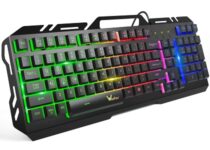
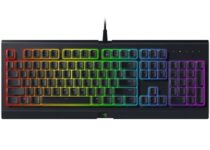
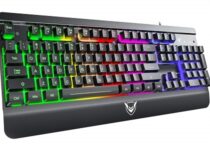
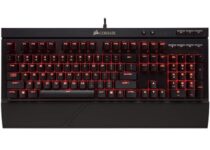
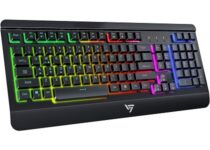
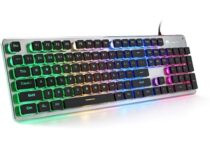
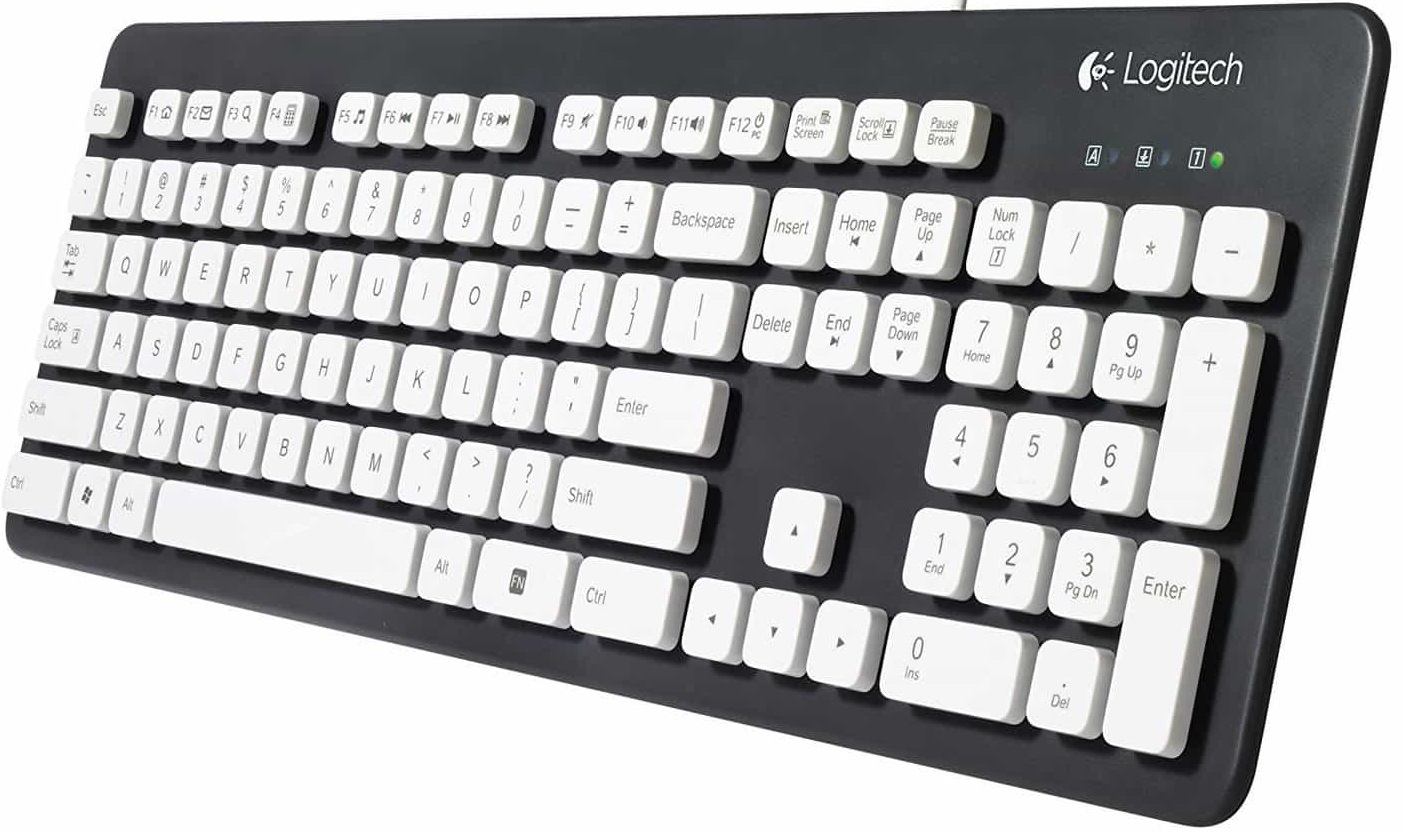
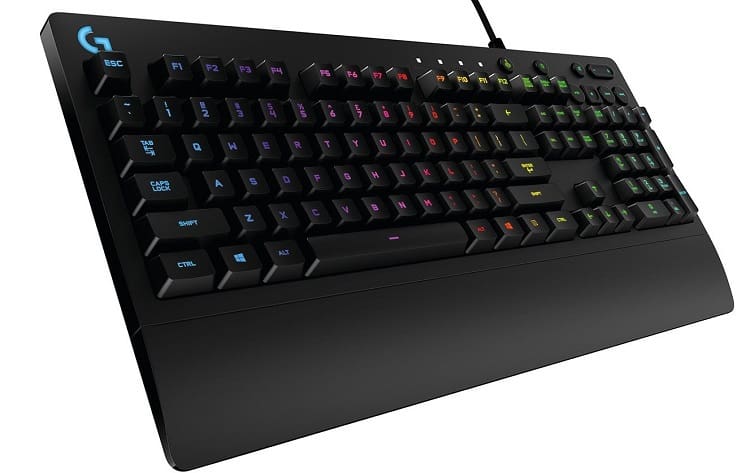
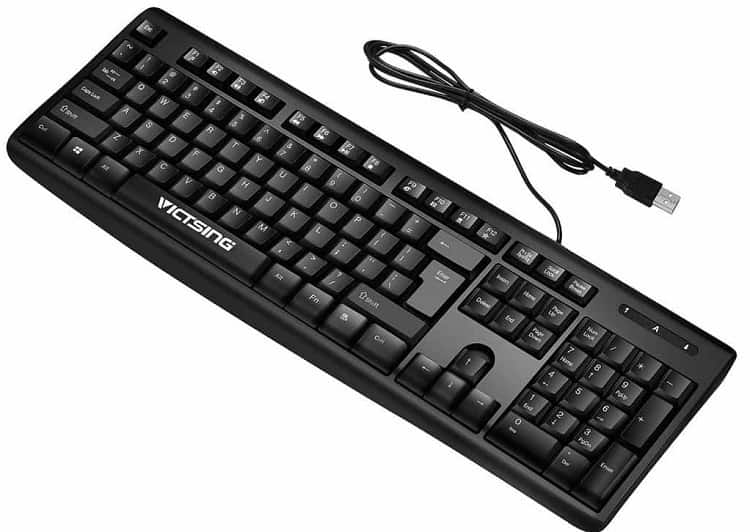
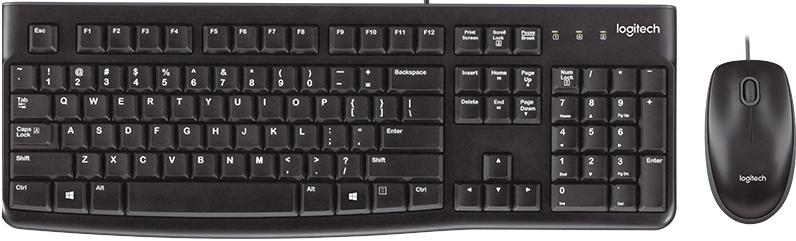
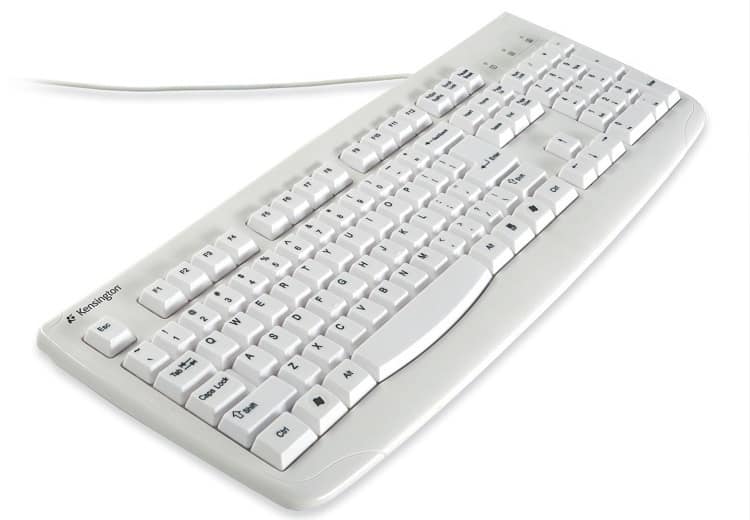
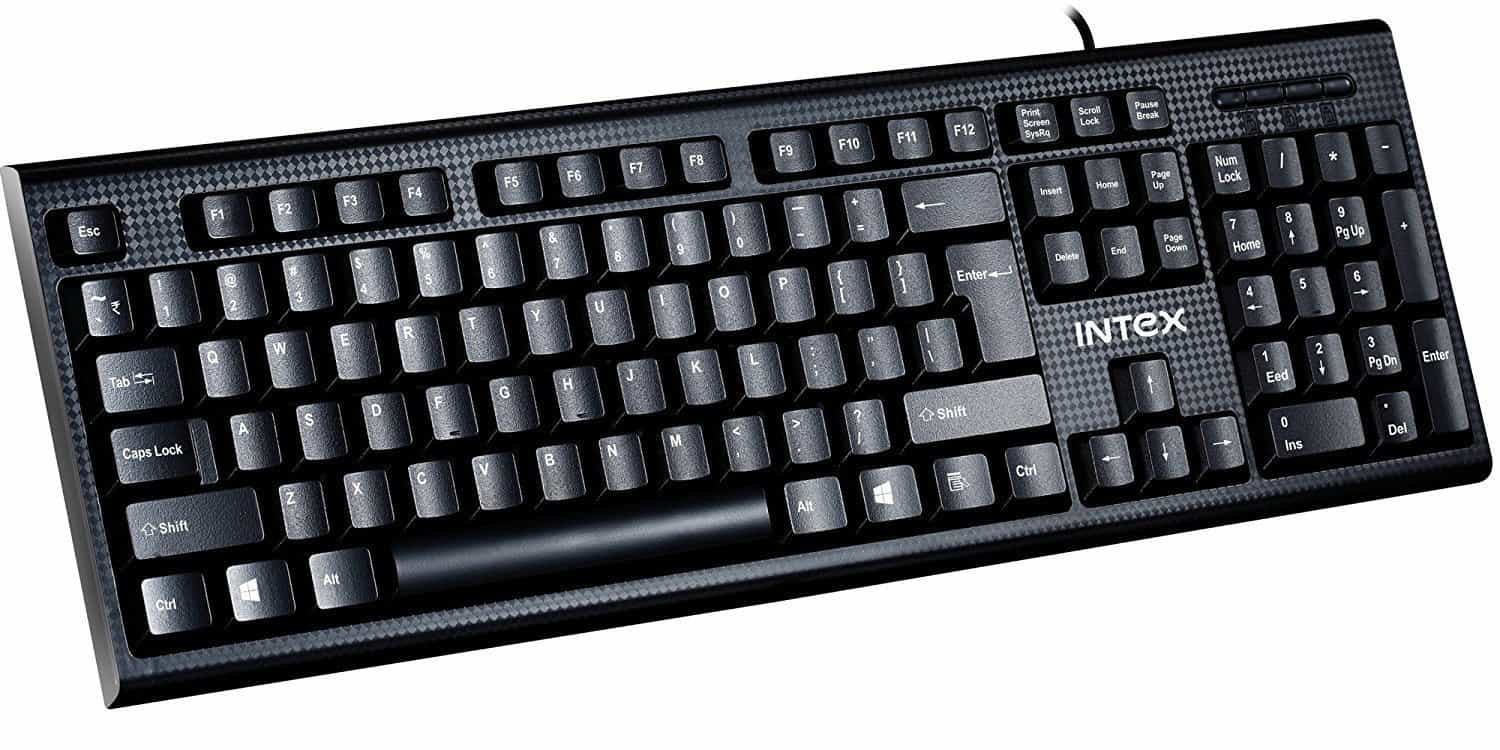
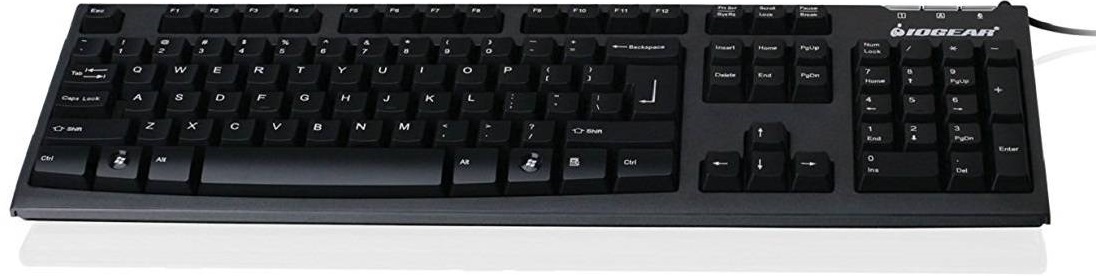
![5 Best 360° USB Microphones to Buy [Top-Rated Picks]](https://windowsreport.com/wp-content/uploads/2019/11/Best-360-USB-microphones-to-buy.jpg)

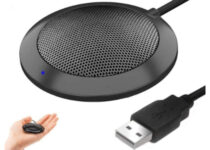
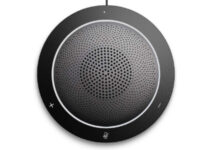

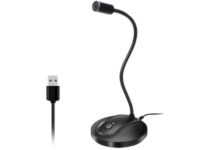
![6 Best Windows 10/11 Desktop Computers To Buy [2026 Guide]](https://windowsreport.com/wp-content/uploads/2017/11/windows-10-desktop-computer.jpg)
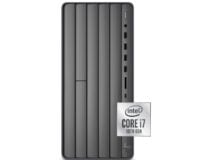
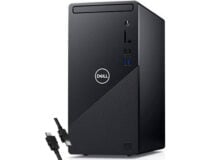
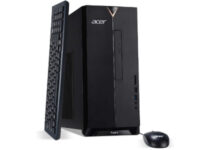
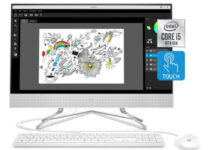
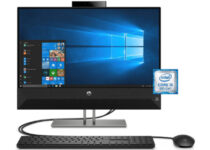
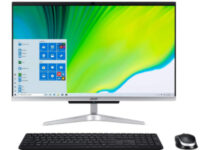
![5+ best PC joysticks [Black Friday & Cyber Monday]](https://windowsreport.com/wp-content/uploads/2019/11/Best-PC-joysticks-for-awesome-gaming-sessions.jpg)
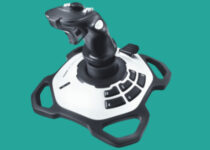
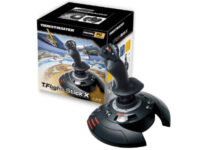
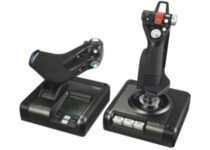
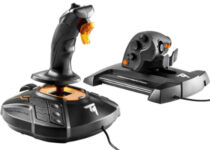
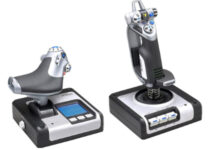



![8 Best Windows 10/11 PC Mouse [2026 Guide]](https://windowsreport.com/wp-content/uploads/2019/11/Best-Windows-10-PC-mouse.jpg)

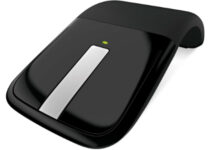
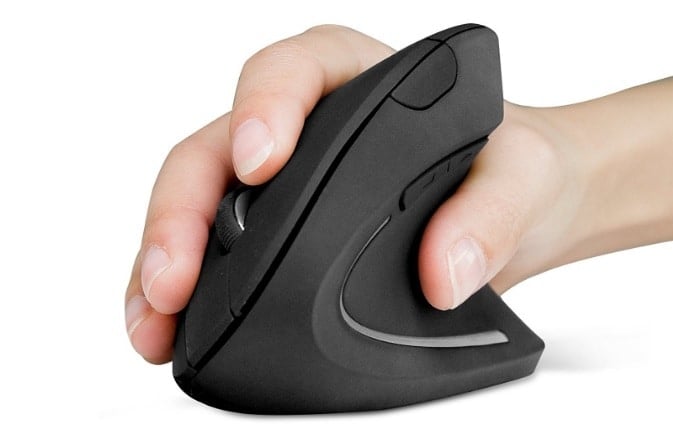





![8 Best Usb Drives For Fast Data Transfer [Picks of the Year]](https://windowsreport.com/wp-content/uploads/2017/10/USB-flash-drive-2019.jpg)


![8 Best Laptop Backpacks for Gamers [Top Picks]](https://windowsreport.com/wp-content/uploads/2019/11/Gaming-laptop-bags.jpg)


![3 Best Surface Dial Alternatives To Buy Now [2026 Guide]](https://windowsreport.com/wp-content/uploads/2020/10/SUrface-Dial.jpg)



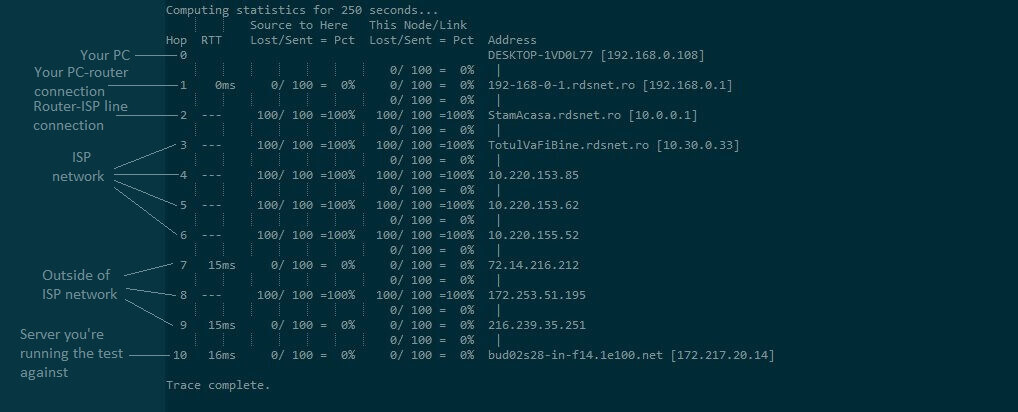


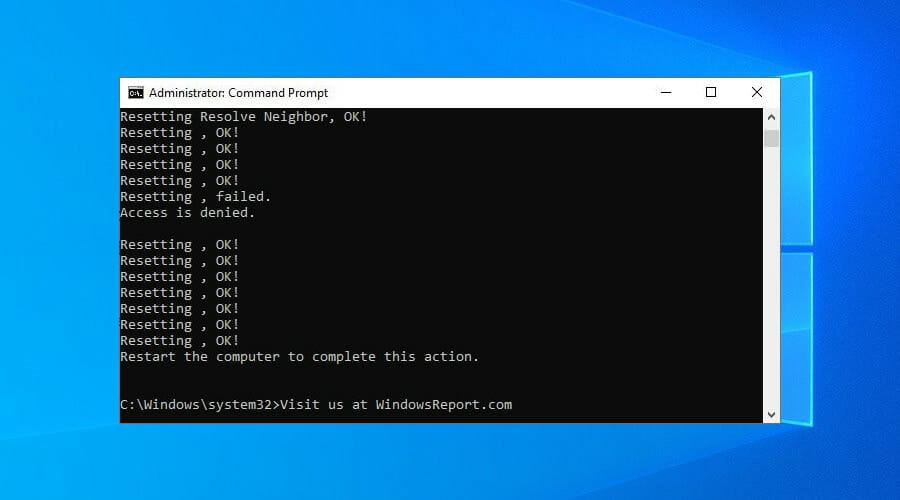


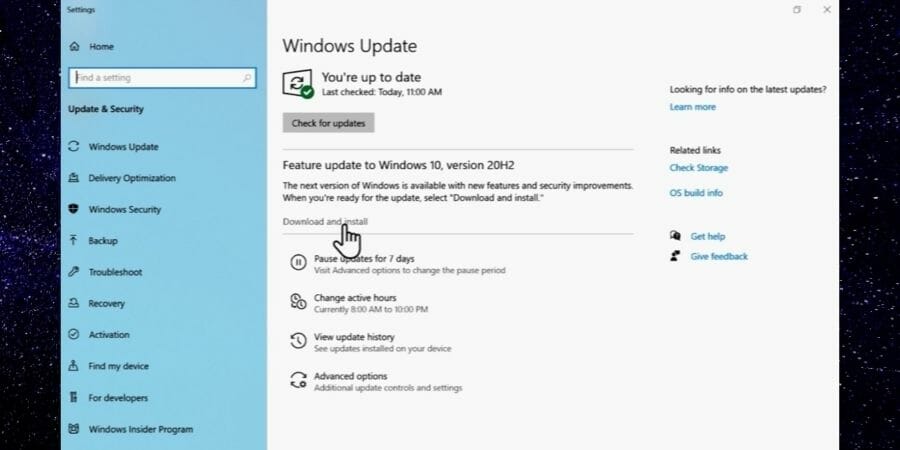
![7 Best 360° Outdoor TV Antennas [2026 Guide]](https://windowsreport.com/wp-content/uploads/2019/11/Best-360°-outdoor-TV-antennas.jpg)


![7 Best USB-C To 3.5mm Headphone Adapters [2026 Guide]](https://windowsreport.com/wp-content/uploads/2019/11/USB-C-to-3.5mm-headphone-adapters.jpg)
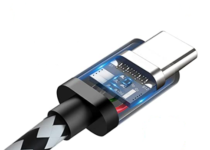
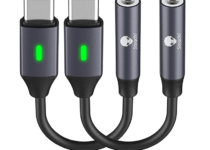
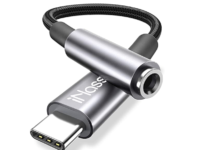
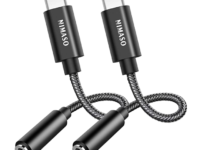



![5 best USB C gaming mice [UPDATED LIST]](https://windowsreport.com/wp-content/uploads/2017/12/best-gaming-mouse.jpg)


![6 Best Cheapest HDMI Monitors To Buy [2026 Guide]](https://windowsreport.com/wp-content/uploads/2019/11/cheapest-HDMI-monitors-to-buy.jpg)




![6 Best Laptop EMF Radiation And Heat Shields [2026 Guide]](https://windowsreport.com/wp-content/uploads/2019/11/Best-laptop-EMF-radiation-and-heat-shields.jpg)


![5 Best 360-Degree Dash Cam [2026 Ultimate Guide]](https://windowsreport.com/wp-content/uploads/2020/10/360-degree-dash-cam.jpg)





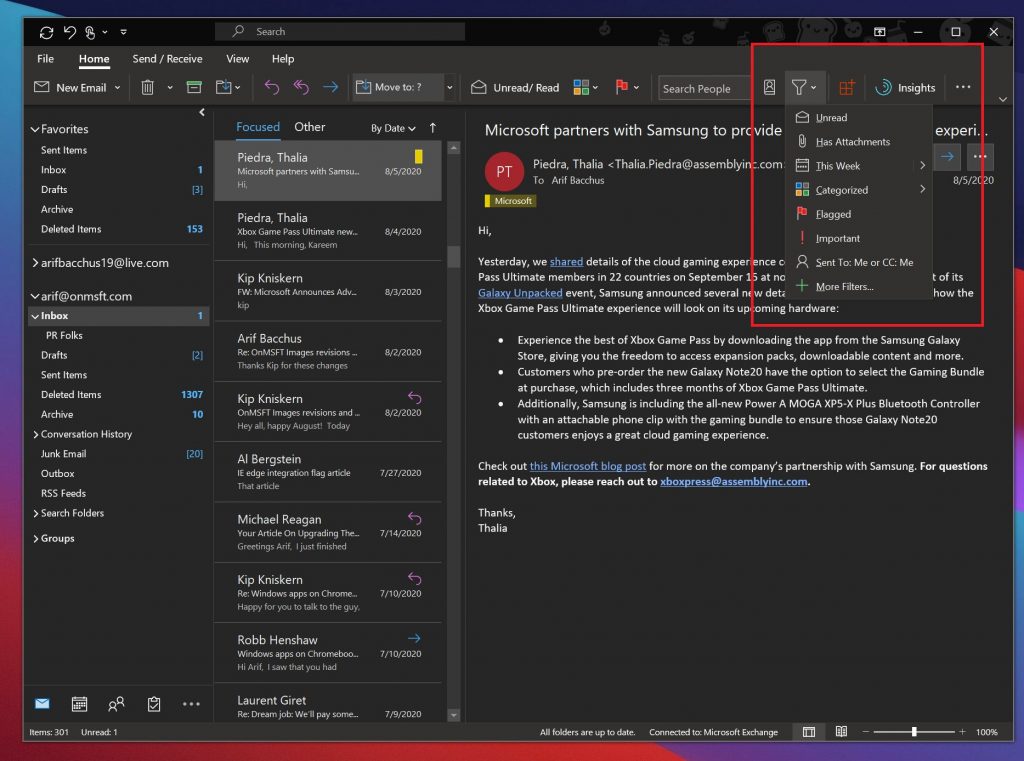
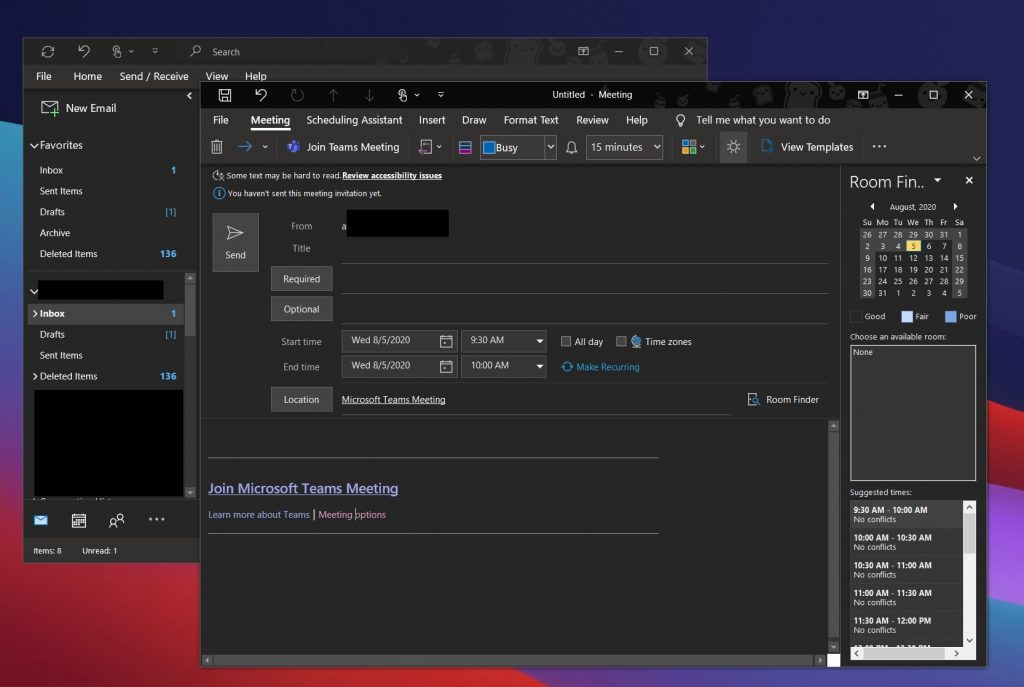
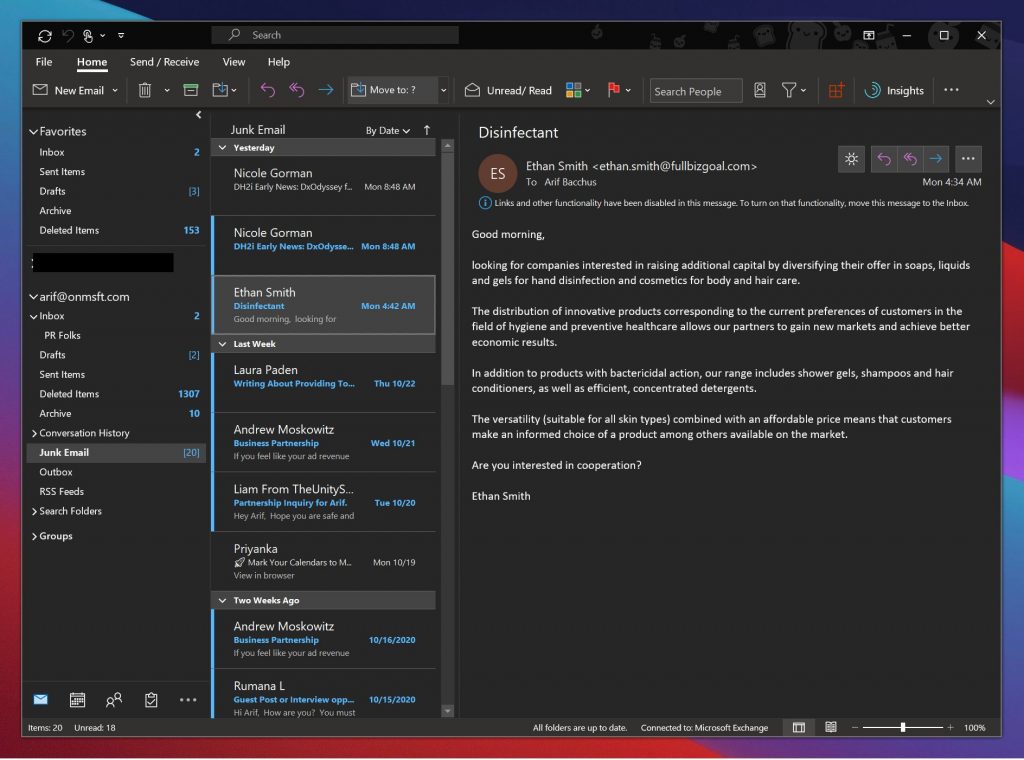
![10 Best Usb Sound Card With 7.1 Surround Sound [2026 Guide]](https://windowsreport.com/wp-content/uploads/2020/10/USB-Sound-Card-surround-sound.jpeg)


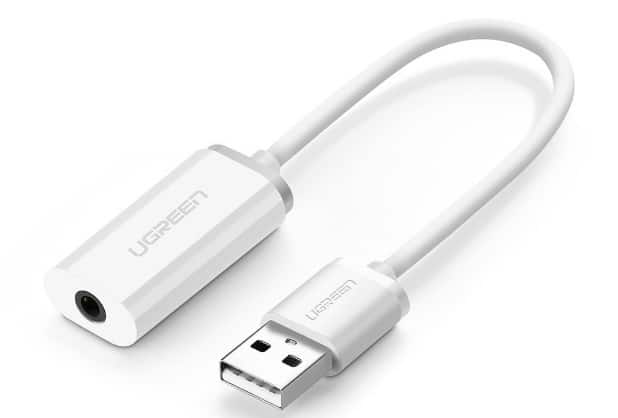
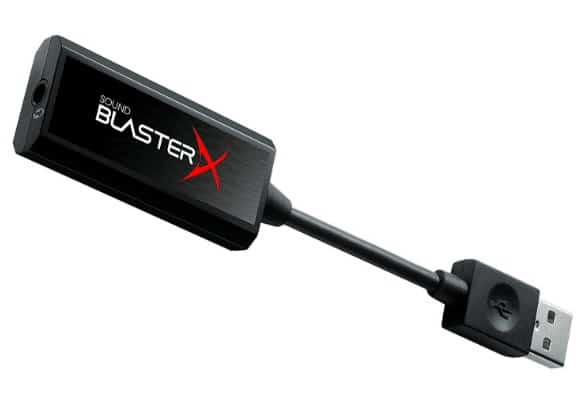
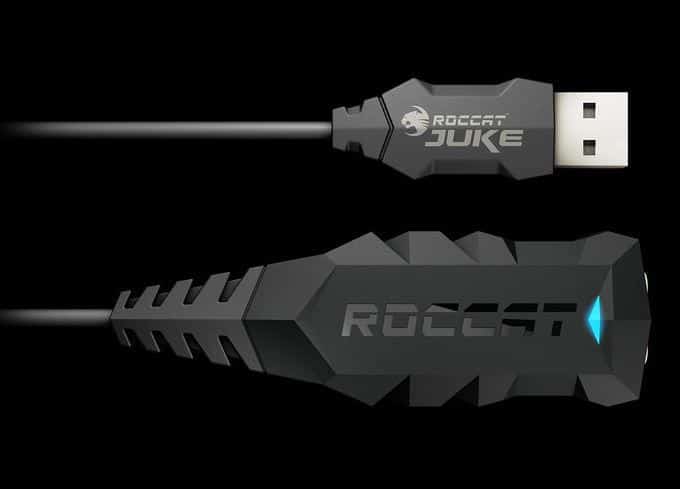
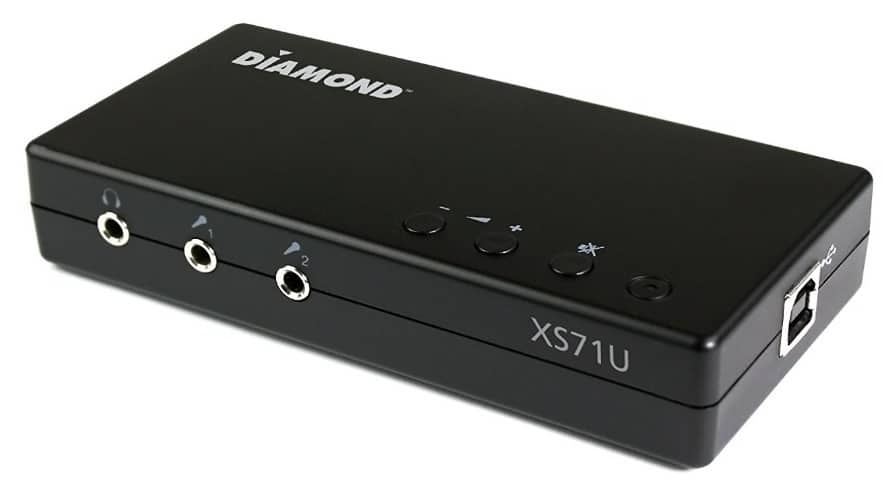
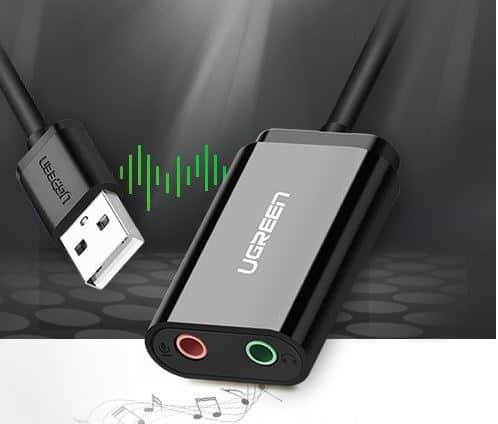
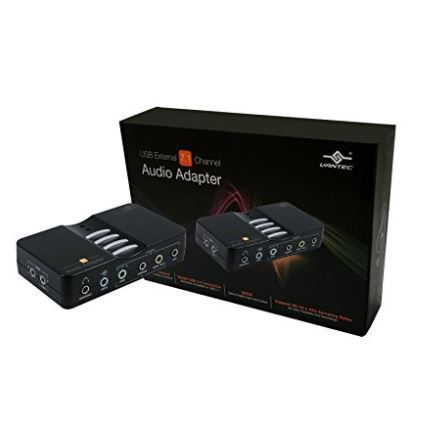
![11 Best USB 3.0 External Hard Drive Enclosures [2026 Guide]](https://windowsreport.com/wp-content/uploads/2019/11/best-USB-3.0-external-hard-drive-enclosures.jpg)


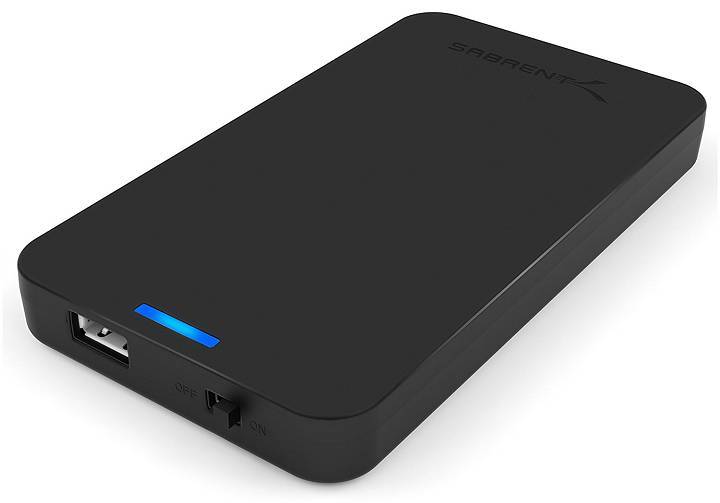
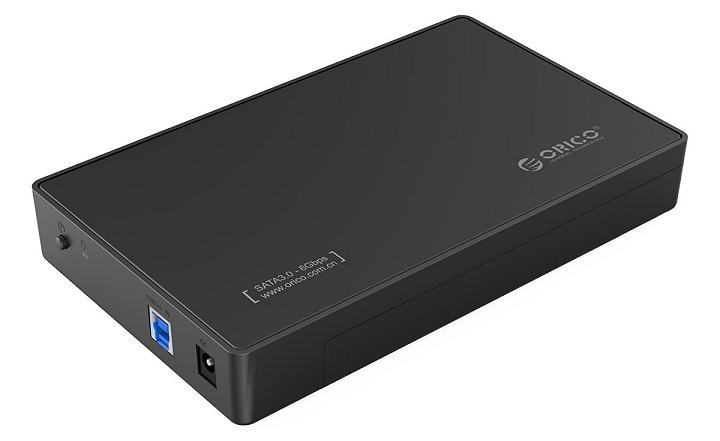
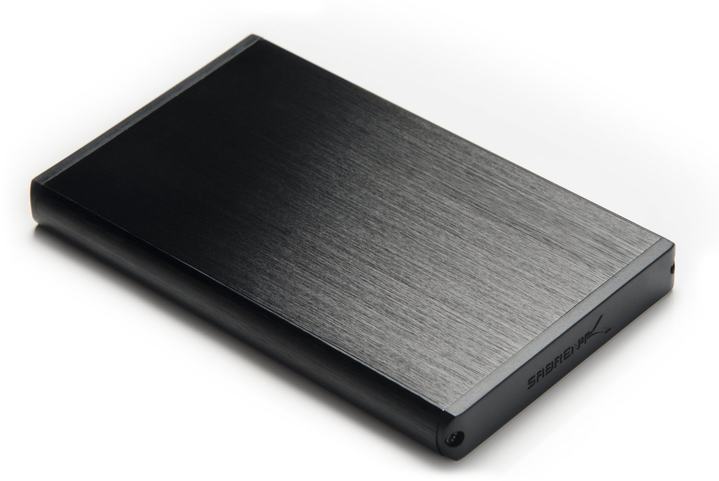
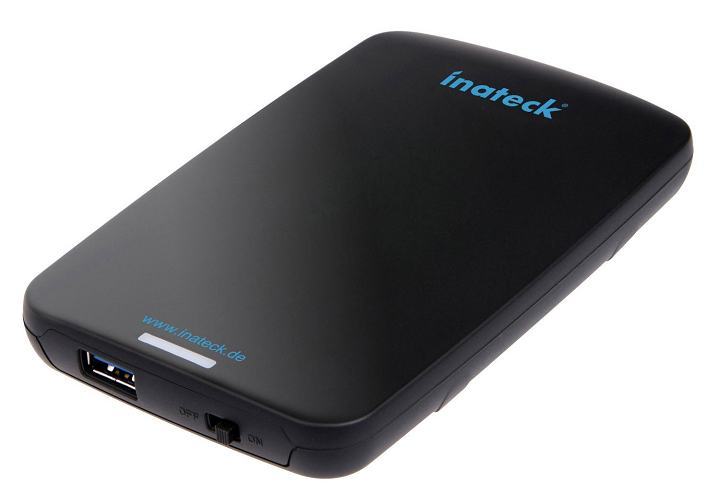
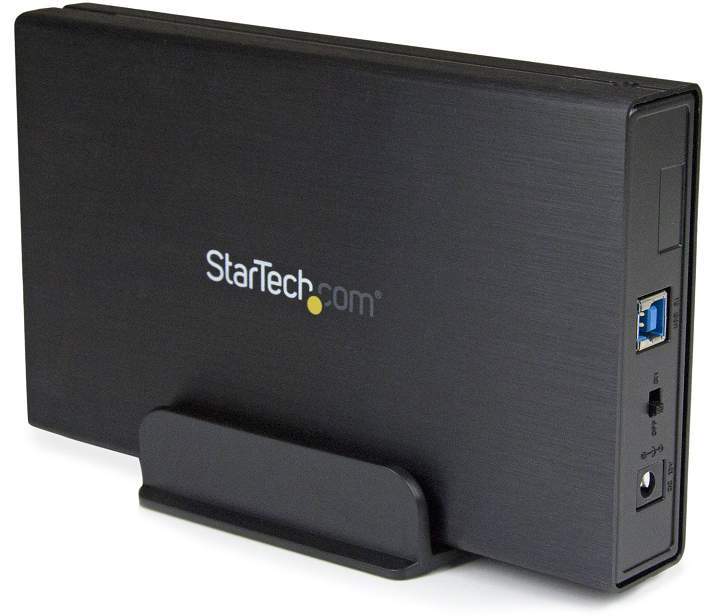
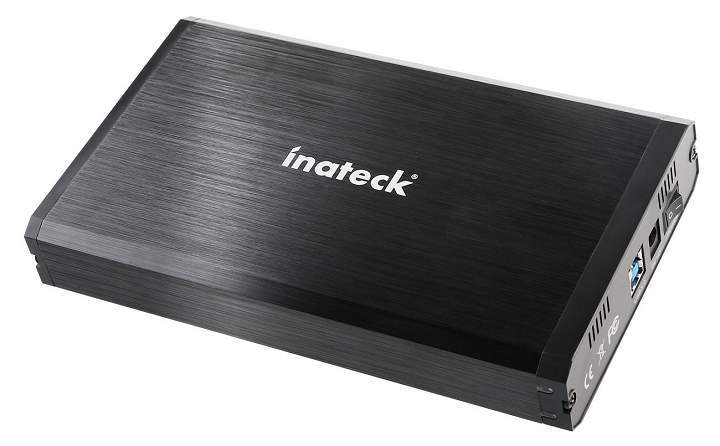
![5 Best Water-Cooled PC Cases of 2026 [Must-Have Picks]](https://windowsreport.com/wp-content/uploads/2019/11/Water-Cooling-gaming-PC.jpg)




![7 Best 4K Monitors with Hdmi 2.0 [2026 Guide]](https://windowsreport.com/wp-content/uploads/2019/11/4K-Monitors.jpg)


![15 Best Usb-C Pci Cards for Windows 10 [Popular Picks]](https://windowsreport.com/wp-content/uploads/2019/11/Best-USB-C-PCI-cards-for-Windows-10.jpg)