If Microsoft convinced you to upgrade to Windows 10, but you decided to wait for the holidays to get your hands on the company’s latest OS, we don’t actually have good news for you.
Which are the best Windows 10 and Microsoft deals?
Windows 10 deals
While Microsoft hasn’t offered any deals for its OS this year, we thought to offer you some alternatives.
If you go to this page, you’ll see a slightly nicer price tag than the one offered by the Redmond giant. However, keep in mind that this is the OEM version.
Windows 10 OEM is a full version of the OS but it’s not supported by Microsoft. The only difference is that an OEM license is bound to a single PC upon use.
This means that the license will only work once on a single device, and you will need to buy another one if you ever need to change your hardware (more specifically, the motherboard).
However, the prices of OEM keys are so low that by the time you actually change your laptop, a new version of WIndows is most likely going to appear.
Windows 10 Home
The perfect OS for the average user, Windows 10 is faster, better, and more stable than any of its predecessors.
Note:If you’re not interested in Windows 10 Home and want something with a few extra tools, then go ahead and get Windows 10 Professional.
Microsoft Office deals
Microsoft’s latest version of Office is also getting a bit of attention during these holiday sales, as prices have dropped with a wide range of products.
Black Friday is a time of the year when people are expecting massive discounts on hardware, while software discounts are usually expected to arrive anytime this year.
That being the case, Microsoft has taken it upon itself to release an annual offer catalog where they include a wide variety of special offers.
These can range from laptops and PCs to gaming gear, mobile phones, accessories, and more.
Microsoft best deals
Microsoft hosts yearly sales and discounts, and now is the time to see what you can buy in 2021!
This pretty much wraps up our list of Microsoft Windows 10 best seasonal deals. As you can see there are plenty of things to buy this year, and you won’t have to make a big hole in your budget either.
Deals don’t last long, so take advantage of them while they’re still available. But don’t panic, there are still some deals available during the year.
Let us know if there’s any other Microsoft or Windows 10 deal that we may have missed out on by leaving us a message in the comment section below and we will update this article accordingly.
Virtual private networks (also known as VPNs) are crucial today when online privacy is quite an issue. These services usually work by masking your actual location so that you are much harder to track.
A VPN extends a private network across a public network and enables users to send and receive data across shared or public networks as if their computing devices were directly connected to the private network.
Essentially, a VPN allows you to browse from the comfort of your home network, and you’ll look as if you are on a different network, maybe even on a whole different continent.
Of course, the Internet is filled with VPN programs and services, but they usually come with a host of drawbacks. Some have high prices, while others reduce your connection speed severely.
This doesn’t seem to be the case with VyprVPN, a world-class VPN service that provides users with a host of VPN apps that they can use. These include apps for Windows, Mac, Android, iOS, routers, and smart TVs.
VyprVPN Top features:
VyprVPN ensures to keep your data safe at all costs. If you access public Wi-Fi, you will automatically be connected to a virtual server.
Additionally, if the connection drops, Vypr includes a powerful kill switch that blocks any traffic until you can connect again.
One of the main purposes of this software is to help you surpass any restrictions. The Chameleon™ technology is a proprietary VPN protocol that makes sure your data can not be recognizable even via deep packet inspection.
Other notable features include VyprVPN Cloud which adds a layer of encryption to every file you add to a cloud server and VyprDNS which ensures to not log any DNS requests.
Take advantage of the latest offers and purchase this VPN service for a very nice price tag. Hurry up, as prices may change soon.
VyprVPN
VyprVPN is your chance to connect with as many as 5 different devices at the same time, enjoy unlimited streaming, and protect your privacy.
Adobe Photoshop CC is one of the best imaging and design software in the world. You can create an image from scratch or edit existing images.
If you are passionate about photography, design, or anything else related to these fields, Adobe Photoshop has got you covered and now is the time to take advantage of this amazing deal.
For Cyber Monday 2023, Adobe has some amazing deals on all their products. Individuals can save 50% on all Creative Cloud apps, teachers and students can save 70%, and businesses can save 40%, these deals are truly amazing so you should check them out.
Some of the best features include:
Tag and rate any image
Processing of RAW files
Blend and combine images – collage-style
Easily draw and paint with a wide range of brushes and pens
Adobe Photoshop
Either amateur or professional, this deal will surely make your day. Let your creativity loose with this amazing deal on Adobe Photoshop.
Corel is a leading software that offers great photo editing services, using resourceful tools and AI-powered functionality.
Every user will benefit from impressive studio editing features, thus improving your shots with a comprehensive toolset can help create original illustrations.
The main features include:
Imaginative graphics designs
Adjustments tools
Raw, HDR, 360° camera support
Machine learning functionality
AI-powered features
For Cyber Monday 2023, Corel PaintShop Pro brings an amazing 30% off plus 3 bonus products that will surely be useful. You also have a 30 days money-back guarantee option.
Corel PaintShop Pro
Enhance your photo editing skills and be inspired with this amazing Cyber Monday deal on Corel PaintShop Pro.
Adobe Lightroom represents a skillful photo editing and mastering solution that can cover everything related to image editing and management.
By choosing this software, you ensure complete beautify and detailed photo adjustments, plus tutorials inside the tool, and a chance to edit great shots wherever you go.
As mentioned before this 50% off deal is available for all Creative Cloud products.
The main features include:
Masking panel tool (select subject, person, animal or thing)
Sliders to control the light and colors
Crop and rotate tools to size the photos
Shift focus and sharpen
Remixes tab to connect with others’ images
Adobe Lightroom
Design inspiring photos using professional editing features and grow your skills easily using Lightroom.
Luminar is an entirely AI-powered software that provides modern photo edits and tools, plus infinite photo enhancements.
With such a robust program, you’re in charge of every project due to rich editing features, like augmented sky edit or color harmony. You can also use Luminar as a plugin for Photoshop or Lightroom, on both Windows and Mac OS.
For this Cyber Monday, Luminar is offering up to 85% off depending on the plan you choose, also they throw in some really amazing creative assets packages
The best features include:
Improved Sky AI with reflections
Automated photo improvement in 12 seconds
Natural Atmosphere AI improvements
Face and skin tones
Accent and crop tools
Luminar
Use AI to boost your creativity with this Cyber Monday deal from Luminar.
Gemstone Photo Editor 12 is the rebranding of the ACDsee’s photo editor. This product comes with a bunch of new features, such as the inclusion of AI-powered tools, pixel-targeting, layers blend modes, and many more.
This is one of the most powerful tools on the market, and the 2023 Black Friday deal only makes it more desirable.
You can save 63% by buying Gemstone Photo Editor 12 this Cyber Monday.
Some of the key features of Gemstone Photo Editor 12:
Align & Blend Layers
Perspective Correction
Multi-Document Interface (MDI)
Output Color Space Settings
Gemstone Photo Editor 12
Make sure your photography looks fabulous with this great deal on Gemstone Photo Editor
In this article, we quickly explored some of the best deals on photography software. These tools are suitable for both users who need a professional set of editing tools as well as day-to-day users who want to edit or recover images stored under different file formats.
Let us know what you chose in the comment section below.
EdrawMax is the all-in-one diagramming tool by Wondershare that provides the workspace for 280 types of diagrams, according to your workflow needs.
The software has a lot of helpful functionalities that can provide faster results with 2000 professional templates and thousands of drag-and-drop symbols.
Simply choose from logical pattern templates like flowcharts, fishbone, or timeline to create every plan actionable instantly.
What are the best deals for EdrawMax?
In this period of time, discounts are everywhere, then EdrawMax also prepared a beneficial discount for every potential user.
Thus, you can benefit from this diagramming software with a discount coupon of $296 off for a lifetime license.
In other words, you have the opportunity to purchase the full-featured tool at the reduced price of $199. No matter of device, the tool can run on Windows, macOS, or Linux.
Some of the best features of EdrawMax:
Smart layouts for descriptive diagrams
Various file compatibility
Cross-platform availability for all OS
Note taking feature
Variety of creative themes
Convenient price
EdrawMax
Maximize your productive days at maximum with proficient diagramming tools now at a reduced price.
Everyone knows about Corel as a leading developer when it comes to image editing and graphics design, but those that aren’t in touch with the latest developments might not know that they also have some great video editing tools as well.
Well, now is the time you learned about Corel VideoStudio, especially since they are now on discounts thanks to the yearly shopping season.
Keep track of your films with easy-to-use file management features, and boost your creativity with a library of overlays and templates for speedy project development.
Use the Video Project Enhancement Bundle to integrate a range of templates and overlays, and WinZip 25 Pro to store and distribute VideoStudio Pro files securely.
With the current promotion “LIMITED-TIME OFFER” you can save up to 20% plus benefit from getting Premium Slideshow Template Bundle FREE (worth $109.99). What are you waiting for?
Calling Corel VideoStudio Pro 2023 a basic tool would be a severe understatement, but compared to the other entry on our list, it is indeed a much more manageable solution, especially for beginners.
With an amazing balance of intuitive UI design and a wide range of tools that it puts at your disposal, you’ll be able to create movies that you’ve only ever dreamed of.
The software is updated every single year, and these are some of the changes brought in the 2023 version:
New titles and creative content
Streamlined editing tools and shortcuts
New smart slideshow and video tools
Optimized 4k display
In 2023Corel VideoStudio Pro continues to astonish everyone with its new integrations.
With new Instant Templates, you can instantly reproduce hot popular clips or easily change eye-catching social media posts by adding theme intros, turning portrait video into the landscape, replicating marketing promo templates, and more.
AR Stickers rise emotions and provide playful moments to your movies, you can add instant fun and flair to your next production. These face-tracking stickers are ideal for emphasizing emotions and adding personality to gaming, reaction, and lesson videos!
Corel VideoStudio Pro 2023
Create amazing films and clips with one of the world’s leading video editors, now at a special CyberMonday price!
As you can tell from the name, VideoStudio Ultimate 2023 has everything the previous entry does, and a little bit more.
By a little bit more, we are talking about:
Enhanced color grading controls
Enhanced Video mask creator
Morph and Seamless transitions
Besides the actual video editing tools that you may be expecting from this tool, you can also find some of the following:
Slideshow Maker
Screen Recorder
DVD Burner
Ultimate exclusives such as premium effects from NewBlueFX, Boris FX, and proDAD.
In Corel VideoStudio Ultimate there are exclusive upgrades that you really don’t want to miss!
With improved effects packs from NewBlueFX and over 100 new VitaScene effects from proDAD, you may achieve stunning creative changes. With the improved proDAD Mercalli video stabilization tool, you can make real-time adjustments to shaky hand-held footage.
The proDAD Mercalli video stabilization tool transforms real-time fixes to shaky hand-held film more quickly and efficiently than ever before. With this fast repair, you can turn unsteady handheld recordings and rough action shots into passable footage!
Corel VideoStudio Ultimate 2023
Get the ultimate video editing experience by using this amazing tool from Corel, and bring your home movies to an entirely new level.
If you need a reliable accounting and tax solution but you’re not yet willing to pay the full price for it, we recommend taking advantage of the current TurboTax New Year’s sales.
TurboTax is offering an amazing limited-time offer that consists of the Basic Simple tax returns file, so what are you looking for? Don’t miss this offer and take care of your taxes with this incredible tool.
NOTE
Deals are subject to change. Sometimes, some of the deals listed in our guides may no longer be available by the time you hit the buy button. So, hurry up and grab them while they’re hot.
What are the best Turbotax deals for the New Year?
This tool is perfect for those who have a side job. Whether you’re an independent contractor, freelancer, or sole proprietor, this software can cover all your accounting needs. It comes with a $30 discount.
If you sell stocks or bonds, you have your own rental property or you are the beneficiary of a K1 form, this TurboTax version will give you peace of mind. It has $30 off.
TurboTax does not offer a discount on its official store. You can get the current prices on the official website. Even if they do not have a special deal in the store, you can buy it there at an affordable price.
Subscribe now and get full coverage on Windows, Mac, and mobile devices, so that you can manage your finances at all times, everywhere.
TurboTax
Manage your finances better and get a better hold of your taxes with the help of this amazing service!
Although having a VPN seems to be one of the most effective ways to counter privacy breaches, not everyone can afford a subscription plan. It’s already common knowledge that not all free VPNs are trustworthy, so the obvious choice would be sticking to a premium service.
If you’ve been saving up money for a VPN plan, you’ll be glad to know many VPN providers such as SaferVPN have some profitable deals you can’t refuse.
You’ll probably be even more excited to discover that the deals apply exclusively to the one-year plan. So technically, one such purchase should lift a heavy burden off your shoulders for more than just one month.
NOTE
SaferVPN is now StrongVPN, the announcement is made on their official website, we update the discounts directly from StrongVPN.
What are the best StrongVPN deals?
StrongVPN, protects your personal data and every activity with end-to-end security from anywhere and allows you to connect securely from any public Wi-Fi network while protecting your personal information from watchful eyes.
Furthermore, StrongVPN uses the WireGuard VPN protocol, which provides faster speeds, improved performance, and requires less memory and CPU resources than IPsec, implying improved usability.
Let’s see what they offer:
Annual Plan – $47.69 – SAVE $96.19!
Monthly Plan – $11.99/month ⇒ No discount
The annual plans come with a 30-day money-back guarantee and with 250 GB of SugarSync Secure Storage included.
StrongVPN
Tired of waiting for the perfect VPN subscription deal? Check out StrongVPN’s holiday-saving deals now.
We believe that an effective VPN service should be able to keep your privacy intact and protect your connection’s security at the same time.
SaferVPN can handle all that gracefully and promises not to log anything you do online while connected to their service.
Sure, it can handle privacy and security just fine, but that’s a common trait for trustworthy VPNs. With that in mind, let’s take a quick look at StrongVPN’s list of key features:
Enforces zero-logging policy to ensure your data stays private
256-bit encryption to prevent traffic monitoring
Protects your traffic on public Wi-Fi networks automatically
Includes kill switch that prevents accidental data leaks
Has 1300 fast servers in more than 50 locations worldwide
Supports OpenVPN, L2TP/IPsec, IKEv2, and PPTP
Comes with Chrome and Firefox extensions
Lets you connect up to 5 devices on the same account
Unlimited bandwidth (including download and streaming)
All things considered, StrongVPN has some great New Year deals you can’t afford to miss, especially if you’ve been purposely delaying buying a VPN subscription, waiting for a bargain price.
VPNs are both easy to use and quite effective when it comes to protecting your online privacy and keeping your connection secure.
So it makes sense for as many Internet users to have and rely on VPNs, considering the recent global turmoil.
While premium VPN subscription plans aren’t exactly affordable to anyone, certain providers have a bunch of profitable deals in store for us.
One such provider is TunnelBear. Note that it refers to longer subscription plans such as the 1- or 2-years plans.
Currently, monthly TunnelBear subscriptions can only be bought for their full price.
NOTE
Deals are subject to change. Sometimes, some of the prices listed in our guides may no longer be available by the time you hit the buy button. So, hurry up and grab them while they’re hot.
What are the best TunnelBear deals?
TunnelBear keeps your personal information safe online and is a simple way to get around some annoying location restrictions. It’s an easy-to-go software that allows you to securely browse, stream, and work from anywhere in the world on any device.
2 Years (save 58%) – $239.76$99.99 billed once ($9.99$4.17 per month)
1 Year (save 50%) – $119.88$59.88 billed every 12 months ($9.99$4.99 per month)
TunnelBear
Tired of waiting for the perfect VPN subscription plan at a bargain price? Check out TunnelBear’s deals.
As you can see, the bigger the plan is, the more generous the discount gets. Furthermore, the subscription plan will renew automatically at the end of your billing period.
Why choose TunnelBear
TunnelBear is a great VPN service that can keep your privacy safe and secure your connection against various cyber threats.
Perhaps one of the most aspects of TunnelBear is that it doesn’t log your private online activity.
No matter what happens, as long as you’re connected to a TunnelBear secure server, your Internet business will remain your own. But that’s not all that TunnelBear has to offer.
Zero-logging policy to keep your online activity private
Performs yearly security audits and makes the results publicly available
Lets you review and delete any account data on the official website
Simple, down-to-earth Privacy Policy
Free 500 MBs per month user plan
Internet kill switch that cuts your Internet access if no VPN is detected
Secures your connection on public Wi-Fi networks
High-speed servers in more than 23 countries worldwide
AES 256-bit encryption to prevent traffic monitoring
GhostBear feature to disguise VPN traffic as a regular one
Lets you connect up to five devices on the same account
To wrap it up, TunnelBear is a great VPN service and its offers are not something you can afford to miss.
Just check them out; we’re confident you’ll be impressed by their bargain prices.
Cybersecurity is kind of a big deal right now, with all the attacks, threats, and privacy violations getting thrown around.
In the past years, many companies had to adapt to a series of changes when most of their employees started to work exclusively from home.
One of the most effective ways to preserve one’s digital identity (from both security and privacy standpoints) is using a reliable VPN.
NordVPN is a well-known name in the software industry, with over 5000 ultra-fast servers around the world, excellent navigation and security are guaranteed.
NOTE
Plans are subject to change. Sometimes, some of the prices listed in our guides may no longer be available by the time you hit the buy button. So, hurry up and grab them while they’re hot.
What are the best NordVPN plan?
It comes with a 30-day money-back guarantee, a no-logs policy, and 6 simultaneous device connections.
If you want to use it on more devices, you can set up your router with the VPN. It uses just one device slot, and you can connect multiple other devices to its network.
So if you want to secure your devices, eliminate restrictions, and protect sensitive data regarding your identity and online activity, it’s time to take advantage of these generous offers.
NordVPN
Check out the hottest offers for NordVPN with limited-time deals!
NordVPN can help you keep your digital identity safe and protect your connection’s security at the same time.
It also enforces a strict zero-logging policy that prevents them from giving away your online whereabouts, even when (or if) the authorities demand it.
Besides running a tight ship (an airtight one, to be more precise), NordVPN is also lightning-fast.
Furthermore, it has an impressive network of servers that you can connect to from virtually anywhere in the world.
This is an important feature since it aims to unblock geo-restricted content and make it available even though you’re not within the confines of a certain country’s borders.
Okay, we’ll say it: you can use NordVPN to watch US Netflix from anywhere, even outside of the US. Are you happy now?
But wait, there’s more. NordVPN integrates a smart feature that can protect you against malware, ads, phishing attempts, and other similar cyber threats.
The feature is cleverly called CyberSec, short for CyberSecurity (lucky guess).
You can also turn it off if being secure and not seeing online ads is simply not your cup of tea. NordVPN thought of that, too.
We could sit here and chat about NordVPN for a while, but we don’t want to keep you from browsing, so here’s the short version:
NordVPN enforces a strict zero-logging policy to protect your data
Military-grade encryption to keep your traffic away from prying eyes
Compatible with a broad range of platforms and devices, including Windows, Mac, Linux, Android, iOS, iPhone, iPad, Android TV, Chrome, and Firefox
Lets you install and use NordVPN on up to 6 devices on the same account
Has a built-in Internet kill switch that cuts Internet access if no VPN connection is detected
App kill switch that cuts the Internet only for specific apps in case the VPN drops
Can prevent other devices in your LAN to see your device
Has obfuscated servers that cloak VPN traffic to help you bypass VPN blocks
Supports P2P and torrenting activities
Comes with a double VPN feature that hops your connection through two different nodes
NordVPN has its own DNS servers, so no DNS leaks should be detected
Integrates CyberSec feature that blocks online ads, trackers, phishing attempts, and other similar threats
Works with US Netflix and many other geo-restricted services
If you’re constantly concerned about your online privacy and connection security, you might want to try a VPN like PrivateVPN.
If you haven’t heard about them already, they are basically services that can cloak your connection by encrypting and routing your traffic through a secure network of servers.
This feature combo makes it so that malicious agents can’t intercept your connection. In the event that they manage to pull it off, encryption turns your traffic into gibberish.
The downside is that trustworthy VPN services only offer paid subscription plans.
However, some providers such as PrivateVPN occasionally provide us with deals, either on a regular basis or during special events such as Black Friday and Cyber Monday. Although CM and BF are over, during the year, you can still find some amazing discounts for PrivateVPN.
If you’re looking for a great VPN service that packs a lot of features and doesn’t cost you a fortune, you’ve certainly come to the right place.
What are the best PrivateVPN special sale?
Special Deal: 12 Months + 24 Months extra!
ALL PrivateVPN plans are protected by a 100% money-back guarantee. Simply sign up in 3 easy steps and test out your VPN for 30 days risk-free!
Private VPN
Looking for a trustworthy VPN subscription plan at a bargain price? PrivateVPN might be what you need.
As you may expect, PrivateVPN isn’t the only service with attractive deals for Black Friday and Cyber Monday.
So why choose it specifically? Well, we’re going to tell you about PrivateVPN’s selling points right away.
For starters, it won’t log anything you do online while you’re connected to their service.
Your business remains your business and no one else’s.
Even if authorities were to seize one of PrivateVPN’s servers, they wouldn’t find any trace of your private online activity.
This provider also offers 2048-bit AES-256 encryption to keep your data safe and away from prying eyes.
Military-grade encryption is extremely difficult, if not downright impossible to crack, and PrivateVPN integrates it successfully.
This VPN is torrenting-friendly, meaning that you can safely use torrenting clients on PrivateVPN’s servers without fear of getting your account terminated.
If you can’t manage to install the product on your device of choice, PrivateVPN offers remote setup help.
However, that doesn’t mean the deployment part is complicated. It’s actually not.
The server count might be a bit off putting, considering that PrivateVPN only offers 200+ servers in 63 different countries.
However, the servers are fast and can unblock Netflix US (and other similar services).
PrivateVPN can secure all your devices. It is compatible with Windows operating system starting with Windows 7.
You can also use it on your Mac computer. Along with that, it has dedicated mobile apps for iOS and Android.
Last, but not least, you can connect up to 6 devices on the same PrivateVPN subscription plan.
PrivateVPN’s main features:
Zero-logging policy that keeps your data away from prying eyes
2048-bit AES-256 encryption to secure your data even more
No limits or throttles on speed, bandwidth, or server switches
Includes popular protocols such as OpenVPN, L2TP, PPTP, IPSec, and IKEv2
Comes with HTTP and SOCKS5 proxy support
Allows you to use torrenting clients on the VPN servers
Can unblock popular streaming services such as Netflix
Has servers in 60 different locations
Includes port forwarding support (has at least one open port you can connect to)
To wrap it up, if you’re looking for a great VPN service that will treat your privacy and security with the utmost respect, PrivateVPN might be what you’re looking for.
It might not have the largest network of servers, but the zero-logging policy, military-grade encryption, and bargain price can surely make up for that.
Although VPNs are quite effective when it comes to privacy protection and network security, many can’t afford subscription plans at standard prices, especially larger plans such the 30 months one.
However, 2023 is a good reason for many providers such as ProtonVPN to showcase their offers and promotions, and the offers are still available after. That said, for this holiday season, you can still find great deals and save some pennies.
Usually, VPN providers try to increase their customer base by throwing deals that you simply can’t miss on the market.
With that in mind, let’s take a look at what ProtonVPN has in store for us, deal-wise.
What are the best ProtonVPN discounts?
As you can see, the longer the subscription plan is, the more generous the discount gets. Not to mention the fact that ProtonVPN offers four different plan types to choose from.
ProtonVPN propose also a 30 Months plan which gives you access to all paid features of ProtonVPN and ProtonMAIL.
30 months: $3.99
15 months: $4.79
12 months: $8.69
1 month – $9.99
ProtonVPN Plus
Tired of waiting for the perfect VPN deal? Check out ProtonVPN’s offers.
Using a VPN is one of the most effective ways to protect your privacy, as it’s been proven more than just one time.
However, buying a VPN subscription can be a bit out of reach for many, especially for bigger subscription plans.
On the bright side, providers such as Hide.Me VPN has some great deals that you can jump on, whether it’s Black Friday, Cyber Monday or regular, no-special-occasion-needed promotions.
We’ve got the best deals for Hide.Me VPN right here. So if you’ve been waiting for the best moment to grab a great VPN subscription deal, be sure not to miss these offers.
What are the best Hide.Me VPN Cyber Monday discounts?
As you can see, you won’t save anything on the monthly plan. But the larger subscription plans are quite advantageous, considering the generous discounts: only 2.22€/mo!
Hide.Me VPN
Are you looking for an affordable, yet trustworthy VPN service? You should definitely check out Hide.Me VPN.
Hide.me VPN has over 2000 servers across 75 different countries, making it a suitable solution for users worldwide. It will secure your browsing and let you surpass restrictions, so take advantage of these limited discounts.
Furthermore, if you’re thinking of just getting the free plan, you might want to know about the limitations first:
Data traffic limited to 10 GBs per month
Only 5 out of 72 locations are available
You can only have one device connected to your account
No dynamic port forwarding available
Fixed IP address feature not available
No streaming support
On the bright side, Hide.Me VPN doesn’t log your private activity while connected to the VPN.
At the same time, it doesn’t display ads, whether we’re talking about the premium or free version of the service.
Why use Hide.Me VPN
Hide.Me VPN is one of the best VPNs on the market, but currently, there are quite a lot of similar services.
So why choose Hide.Me VPN? Perhaps getting to know a few of its main features can help you make up your mind about it.
Zero-logging policy to ensure your data doesn’t fall into the wrong hands
AES-256 bit encryption with 8192-bit keys to prevent traffic monitoring
OpenVPN, IKEv2, SSTP, and SoftEther protocols
Up to 10 simultaneous connections
Dynamic port forwarding
Data leak protection (prevents IPv4, IPv6, DNS, and WebRTC leaks)
No limit applied to data transfers
Unlimited server switching at no extra charge
Comes with a free version that doesn’t display ads
If you’re experiencing any Hide.Me connectivity issues, make sure to check out our intuitive quick-fix guide.
The bottom line is that Hide.Me VPN may have exactly what you need if you’re looking for a trustworthy VPN at a bargain price.
It offers amazing discounts for larger subscription plans, like 6+ months. The best part is that it comes with a free version, so you can test it before committing to the paid model.
Without a shred of a doubt, Bitdefender is one of the best antivirus solutions ever built. As such, you cannot let this slip away without taking a look at the hottest Bitdefender deals.
Any option you choose will ensure your computer with top-tier protection and unparalleled speed provided by the renowned anti-malware application.
What are the top Bitdefender deals?
Bitdefender prepared great discounts for this year and you can get various Bitdefender products for up to 70% off. To learn more, be sure to keep on reading.
Bitdefender Antivirus Plus is considered the lightest and most affordable edition of the Bitdefender lineup.
It provides essential anti-malware protection for Windows without overwhelming your computer’s resource usage.
Besides running many kinds of scans for malware and eliminating any Windows vulnerabilities, Bitdefender Antivirus Plus keeps ransomware at bay by taking a multi-layered approach.
It also contains an anti-tracker built into its web protection module, which prevents third-party trackers from collecting details about your online activity.
You can take advantage of a password manager for saving all your keys in a single place, a file shredder for deleting important data beyond recovery, and Safepay for banking protection.
There’s also a VPN service called Bitdefender VPN, but you’re limited to a daily cap and a random server.
Bitdefender Antivirus Plus
Bitdefender Antivirus Plus is by far the best general security solution for your PC.
Bitdefender Internet Security is maybe the most popular member of the Bitdefender family, which features file security against ransomware hijacking.
It inherits the unmatched anti-malware protection and a scan speed of Antivirus Plus, making room for new features to help you counteract the perils of the online environment.
The antivirus solution comes with an enhanced firewall superior to Windows 10, an advanced threat defense tool against application exploits, and an anti-spam module for email clients.
Further, you can encrypt crucial files to keep them secured with a password and shield your webcam and microphone from online creeps.
You can also configure a parental advisor module to protect your children from the dangers of the web. The antivirus solution can be installed on up to 3 devices (Windows only).
Bitdefender Internet Security
If you want to seamlessly roam the Internet wherever you are, you will be safe with this solution.
In addition to the indisputable antivirus engine and incredible speed shared among all Bitdefender family members, Bitdefender Total Security brings new components.
This antivirus will ensure full protection for all your family members’ devices: Windows, macOS, Android, and iOS alike.
It supports extra optimization utilities to help boost the performance of your devices. Specifically, you can identify and delete unused files, or delay startup apps to reduce the system boot time.
Moreover, you can protect sensitive information in case your device gets lost or stolen. The brilliant anti-malware solution can be installed on up to 5 devices.
Bitdefender Total Security
For complete security, you can definitely count on the Bitdefender Total Security.
Bitdefender Premium Security is at the top of the food chain, bringing you all the high-class features ever created by the company behind the renowned antivirus solution.
In fact, it goes beyond traditional antivirus protection and equips you with the latest technologies to defeat any cyber threats.
It has an improved vulnerability assessment that checks for vulnerable software and possible system sittings at risk that may harm and slow down your device.
Aside from giving you complete protection for your Windows, macOS, Android, and iOS devices, this edition comes with unlimited VPN traffic and priority when getting in touch with tech support.
Bitdefender Premium Security
Bitdefender Premium Security employs all the latest technologies to fight off any threats so your PC is perfectly protected.
Bitdefender Family Pack is a special edition that gives you the possibility to set up Bitdefender on remote devices. The idea behind it is to protect the members of your household.
By signing up for a subscription plan, you can control everything from Bitdefender Central, a web-based interface, as well as receive round-the-clock comprehensive support.
The parental control module lets you put together profiles for each of your kids, in order to monitor calls, mark safe check-ins, track their location, and manage apps remotely.
You can also limit the amount of time they spend on their device, spot social media threats, and ensure secure browsing in general.
Through a subscription plan to Bitdefender Family Pack, you can set up Bitdefender on up to 15 devices on Windows, macOS, Android, and iOS.
Bitdefender Family Pack
Why spend money on each device you own when you can secure them all with a single solution? And it’s the best there is!
Don’t let cyber threats compromise your security and system performance and make sure you safeguard your device with the latest technologies.
These antivirus solutions have multi-layered protection, such as anti-phishing, anti-fraud, web prevention, rescue environment, and many others to keep all types of e-threats away from your PC.
These are the best possible Bitdefender deals that you can take advantage of right now. So don’t wait and get Bitdefender for up to 70% off and protect your PC from all online threats.
We know that a subscription plan for a premium VPN isn’t exactly affordable to just about everyone, especially when it comes to longer plans.
However, sometimes certain VPN providers such as PureVPN have very profitable offers that are worth checking out.
Generally speaking, it may seem cheaper to purchase your VPN subscription on a monthly basis. That way, if the plan no longer works for you, it’s easier to drop it, no strings attached.
But in the long run, bigger subscription plans (such as yearly or 24-month ones) bring more generous discounts, as you can see for yourself.
With that in mind, let’s take a look at PureVPN’s deals and offers for this year’s special promotion.
What are the best PureVPN deal?
PureVPN provides up to ten multi-logins to ensure that all of your devices are protected, and it uses the highest-grade AES 256-bit encryption to ensure foolproof security.
Another fantastic feature is the Logless VPN, which means that PureVPN will never keep logs and adheres to the principle that “what happens online, stays online”.
THE DEAL:
Get 84% OFF + Golden Ticket
and 5 extra months, with a chance to win iPhone 15 Pro
You can see that buying the monthly plan won’t bring you any extra benefits, financially speaking. While both 24 there are very advantageous deals.
PureVPN
Waiting for the best VPN subscription offer? You definitely have to check out PureVPN’s deals.
Comes with embedded DDOS protection (up to 480 GB/s)
Includes NAT firewall to protect you against various incoming threats
Helps you remain anonymous during P2P activities (file sharing, torrenting)
Provides you with an Internet kill switch that prevents data leaks
Offers protection against IPv4, IPv6, and DNS data leaks
Secures Wi-Fi connection to protect data transmissions
Has streaming-optimized servers (can unblock Netflix, BBC iPlayer)
Unlimited bandwidth
More than 2,000 high-speed servers in over 140 countries
To sum it up, PureVPN is worth considering if you were considering purchasing a premium VPN subscription for more than just one month.
The monthly subscription plan didn’t receive a discount, but the 5-years and 12-months plans come with 88%, respectively 70% discounts, which are not to be missed.
Windows 10 is a truly powerful operating system. It packs hundreds of useful features, apps and built-in programs that can help you get the most of your Windows computer.
Honestly speaking, there are some third-party alternatives that are better than many of their Windows 10 counterparts. For example, some antivirus software brings more security features than Windows Defender. The same is valid for VPN tools, firewall solutions, file finder software and so on.
So, if you want to tune up, speed up and enhance your Windows computer’s capabilities, keep on reading this guide. We’ll list the best software deals for your Windows 10 machine.
Best software deals that you can get on Cyber Monday
All software solutions of one form or another become eligible for the occasional discounts, especially when you’re talking about something big like the Christmas holidays. Well, it seems that the same thing can be said about VPNs, and Private Internet Access is one of them.
Besides all top-notch tools to keep your identity safe while being online, the tool can be used on 10 devices simultaneously. So, a license can easily cover an entire family or department of a business.
Kape Technologies decided to put it up for sale during this winter holiday, and for a limited time, only you can get it at a special price, even when it comes to an entire year’s worth of subscribing.
Enjoy proper privacy with this identity protection tool today!
Private Internet Access
Black Friday is here, and this means special discount prices for one of the world’s best VPNs as well. Get it today!
Adobe Photoshop may be notorious for its high subscription prices but now is your chance to take advantage of a sweet holiday deal, since all subscription models are now cut by quite a lot.
This year, the tool does not have a dedicated deal, but the Creative Cloud has, so Photoshop can be bought with it at a really low price.
Get the world’s most powerful raster-based image editor and unleash your full creative powers with this amazing software tool.
Keep in mind that this is a time-sensitive offer, so take advantage of it while you still can.
Adobe Photoshop
Adobe is cutting prices at all of their products, and this includes the world-famous Adobe Photoshop
Trust us, you really don’t want to miss Bitdefender Black Friday deals. The company offers incredible Black Friday deals every year. This year, the company offers up to 47% off for its products. Get more information on the link below.
Bitdefender is perhaps the best antivirus solution for Windows 10 computers. All the WindowsReport team members rely on Bitdefender to protect our computers against the latest cyber threats. And Bitdefender has never failed us.
Go now to Bitdefender’s webpageand get the antivirus version that best suits your needs.
Bitdefender
Bitdefender is still available at a special discount price on extended Black Friday!
Do you need reliable and powerful design software to help you complete your technical design tasks much faster? This is where CorelCAD and CorelDRAW come into action.
CorelCAD Design and Drafting Software boost your productivity and it’s compatible with all the major CAD software available on the market. If you’ve never used CorelCAD before, you’ll quickly get the hang of this tool as many options and features are similar to what you’d find on other CAD tools.
CorelCAD
Corel is cutting prices on their dedicated CAD software, so if you like technical drawing, check out this article.
First and foremost, a password manager gives you peace of mind. You no longer need to worry about losing your passwords or forgetting where you put that tiny piece of paper where you wrote down all your PC passwords.
Efficient Password Manager Pro has got you covered. This cross-platform tool stores your generic passwords, website login passwords, software registration codes, e-mail passwords, and more.
If you need help generating a new password that’s really hard to crack, you can then use the built-in random password generator.
Efficient Password Manager Pro
Remembering your passwords doesn’t have to be a headache, and now that the prices are down, you have more reasons to try this tool.
Note: We expect the company to reveal its holiday offer in the coming days. We’ll keep an eye on Efficient Software’s website and update this guide as soon as the new deals have been announced.
Backing up your computer is really important. Due to various factors that are beyond your control, such as power outages or ransomware attacks, you may lose all your data. But that should be no problem if you have already backup important files and folders.
Paragon Backup & Recovery is perhaps the best backup tool for Windows 10 computers. Thanks to its Backup Capsule, you can set a reserved partition for the software to manage for quick and easy data recovery.
Note: We expect the company to reveal its holiday offer in the coming days. We’ll keep an eye on Efficient Software’s website and update this guide as soon as the new deals have been announced. We’ll keep an eye on Paragon’s official website and update this guide once this year’s deals have been revealed.
Paragon Backup & Recovery
Keeping your data safe and creating has never been easier, and now you can also say it has never been cheaper either
IOLO System Mechanic is a great tune-up utility for Windows computers. You can use it to speed up your computer, repair your system files, clean up your Registry, defragment your disk, tweak CPU and RAM in real-time, and much more.
Thanks to all these features, you’ll have a snappier PC.
This guide is a work in progress. As soon as new information is available on software deals, we’ll make sure to update this post as soon as possible.
Iolo System Mechanic
Keep your PC running as if it were the first time with the help of this amazing system optimizer.
Creating and editing documents using your voice only. There’s no need to type on your keyboard for hours on end. Simply use Dragon NaturallySpeaking to dictate your documents and the tool takes care of everything.
Boosting your productivity. You can complete your work tasks much faster with this dictation software.
In the future, voice-driven human-computer interaction will be the norm. So, get ready for the future with Dragon NaturallySpeaking.
This concludes our list of best Holiday deals. Let us know what other software tools we may have missed out on and we will add them here as soon as possible.
The holiday shopping season is just around the corner, and this means that discounts are coming to pretty much all products and services imaginable, including gadgets and software.
For example, Musicians may be happy to find out that LANDR, one of the world’s biggest music creation and distribution platforms is offering a massive discount on one of their prime services.
The offer is available for all registered users. All you have to do is create a free account and then make a purchase with the Holiday discount.
All Access on LANDR is getting a 58% discount
In the first place, you should be aware of the All Access plan offer that includes all the features you need to create professional music.
Hence, you will be able to improve your songs with mastering options, distribution for releasing your tracks, and +1M samples from top producers.
LANDR- All Access plan
Profit now from this music production deal to get professional mastering and samples at your fingertips.
Songs are easy to create if you have the imagination and the right inspiration, but you still need the tools to make that theoretical dream become reality.
For example, LANDR’s Mastering service allows you to:
Get instant professional quality masters thanks to clever AI
Create unique music thanks to one of the 3 Mastering Styles
Perfect your sound with the help of Reference Mastering
Master full EPs and albums in a single click
LANDR – Mastering plan
Enjoy AI-driven music mastering technology that will make your songs stand out on any playlist, all thanks to LANDR’s Mastering service
Once your music is completed, you can take advantage of another great deal that LANDR is offering, and make your music available to everyone around the world.
The service offers the support you need to successfully release your music to streaming platforms. It helps you join the Spotify for Artist program, create pre-save campaigns, track performance, and more.
This is thanks to LANDR’s Distribution service, and it allows you to:
Receive guidance all throughout the distribution process thank’s to LANDR’s Distribution wizard
Release more music and get more play, which in turn results in you getting more money
Get dedicated support from distribution experts who are familiar with the industry
Use smart promo links so your fans can find you where they listen to music most
LANDR – Distribution plan
Once you’ve created your music, it is time to make it known all over the world, all thanks to LANDR’s prime Distribution plan!
Get an additional 30% OFF on any LANDR plans by using the code YES2021 at checkout.
All things considered, if you have a knack for music, now is the time to take advantage of one of the biggest services in the business, and make yourself known all around the world.
Are you excited about LANDR’s new deals?
Let us know which one are you planning on subscribing to by leaving your feedback in the comments section below.
Pretty much everyone around the world knows of Black Friday & Cyber Monday, and they also know that it isn’t just about scoring great deals on hardware and gadgets. Although BF & CM have passed, you can still find some great bargains on McAfee AV.
Software developers have joined in and are slashing their prices on their top products, be it the one-time payments of their subscriptions, just so they could attract more and more customers.
Well, it seems that McAfee, one of the biggest cybersecurity developers in the world, is also dropping the prices on some of their services, and judging by the discount, it would really be a shame to miss out on it.
If you are looking for reliable security utilities that protect all your devices and secure your connection, you have now the opportunity to get one at a discounted price.
McAfee offers antivirus solutions for all sorts of users. Regular users will most likely benefit from the Antivirus Plus version. The company also has discounts on business-level antivirus software, as well as on a gamer-oriented security tool.
For the 2023 Cyber Monday, McAfee has come up with discounts of up to $140 on their plans, so make sure to check them up.
McAfee Total Protection is the ultimate protection plan for home users from McAfee, and while it does feature several subscription plans, all of them have been discounted during the sale season.
This is a full-featured security utility that fights against all threats including malware, ransomware, adware, and more. Not only that, but it provides a comprehensive set of privacy features, starting with an integrated VPN.
Total Protection protects your online activity data by shredding sensitive files, deleting cookies, and more. It also prevents data breaches and ensures a safe connection even on public Wi-Fi.
McAfee Total Protection also includes a password manager, a powerful firewall, support for file encryption, and a performance and optimization toolset.
McAfee Total Protection
With Holidays around the corner, now is a great time to greatly improve your cybersecurity levels at a special discount price!
If Total Protection isn’t what you are looking for since you are interested more in protection for your personal identity and information through Secure Cloud Storage, then you’re in luck, since that is exactly what McAfee Antivirus Plus provides.
Besides that, it pretty much acts just like any other regular antivirus, but with an emphasis on personal files and data.
Long-story-short, McAfee Antivirus Plus is also up for grabs at a special Cyber Monday discount, so get the protection for your PCs, Macs, smartphones, and tablets with one subscription.
This software takes care of your privacy. The plan includes 5 Secure VPN licenses that you can use to secure multiple devices.
It has multiple scanning features. It can do full system scans or only scan particular files or drives. The shield is always up for real-time protection, and you can also schedule regular scans.
McAfee Antivirus Plus
Protect all the devices in your house, both yours and your family’s with a single subscription to this award-winning antivirus service.
Gamers need some protection as well, and McAfee listened to them, bringing their McAfee® Gamer Security service at a special Cyber Monday discount as well.
This gamer’s antivirus emphasizes protection with minimum resource use, while also providing you with an enhanced game booster mode, allowing you not only to game safer but also faster.
This antivirus gives you performance reports. You will get automatic statistics from your last 5 game sessions and see whether you need to change up some settings or optimize your device.
It ensures that you will not get intrusive security notifications while in-game. The AV runs in the background, ensuring protection at all times and deposits threat detection to the cloud.
McAfee Gamer Security
Play your favorite games faster, better, and more securely with the best antivirus service that emphasizes gamers’ needs.
This next service is for those small businesses that want to keep not only their own but their client’s data safe as well.
Get full coverage for all of your office devices with just one subscription to this fantastic service, and 24/7 technical support with easy and flexible security management.
This plan gives you administrator rights which you can use to connect your employees to the service via registration links.
McAfee Small Business offers flexible licensing. One subscription covers up to 5 PCs or Macs, and you can use it on an unlimited number of Android and iOS devices.
McAfee Small Business Security
If you own a small business, then you know the importance of data security more than anyone else, so get this fantastic deal from McAfee!
This concludes our list of the best McAfee deals available during this Cyber Monday holiday season. Keep in mind that these offers will expire soon, so take advantage of them as soon as possible.
Which McAfee subscription plan caught your eye? Let us know which you find to be the best by leaving your feedback in the comments section below.
There is no better time to shop for all the tools that you need than Black Friday. You can get amazing deals on a variety of hardware and software solutions, so it might be the time to go over your wish list.
In this article, we will explore some of the best deals on music production software and learning libraries. These options will surely get you on track with your music production.
This year Cyber Monday brings amazing deals on all kinds of software, most notably 50% off on all Adobe Creative Cloud products, which of course include the Adobe Audition.
Adobe is well known mostly for its part in digital art and photography, but this audio tool rises up to the powerful legacy laid before it.
Adobe Audition is a comprehensive and professional audio editing software. It comes with many features that will suit well for both amateurs and professionals.
The software is very easy to use, but if you have any issues, Adobe provides excellent tutorials on the official webpage.
Adobe Audition can be used to achieve professional quality sound, you can repair audio, create podcasts, enhance speech, precision edit, and many more.
Adobe Audition
Make crystal clear sounds and enjoy professional-level tools with this powerful solution from Adobe.
When people think of music production, they probably imagine elaborate studios, expensive equipment, complicated consoles, and a lot of experience is needed.
While that helps too, it is only really a requirement if you are going professional.
However, many forget that software is also important, and if you want one that will make everything easy and accessible even for the common user, FL Studio is what you need.
The selling point of this product is just how easy it is to use, all thanks to the optimized controls, simplistic UI, and accessible learning curve.
Turn sound into music in no time, and get it now since it is available at a discount price.
FL Studio
Turn simple tunes into fantastic music with the help of FL Studio.
Magix is another great site to visit during Cyber Monday. They offer a wide range of products that deal with video and music production, mastering, mixing, etc.
Magix software gives you the opportunity to:
Create custom videos
Optimize, edit, and share your audio creations easily
Create audio tracks from scratch
Convert your project into any format
To find the complete list of applications on sale, just check on their Sale % section on the official website.
Magix
Create the music you enjoy listening to and try the Magix program.
SOUND FORGE Pro 17 is an expert audio editing and mastering program, capable of multichannel sound recording, advanced algorithms for mastering your tracks, and many more.
Some of the best features include:
Time stretching and pitch shifting effect
Loudness normalization
Digital signal processor effects
Wide range of macro controls and presets
DeHisser for cleaning the white noise
coreFX Suite
SOUND FORGE Pro 17
Get unbelievable audio tracks using expert sound editing functionalities, all within this friendly audio editor.
SOUND FORGE Audio Studio is a recording and audio editing software that delivers top-notch professional sound for your recordings, podcasts, or singing. You can also convert old vinyl digitally and recreate faulty audio files.
Some of the best features include:
High-resolution recordings
Live waveform and real-time monitoring
Professional podcast sound
Remote recording window
Truncate silence automatically
Instant action option
Surround sound editing
SOUND FORGE Audio Studio
Choose this robust software to produce the most qualitative sound for singing or recording voice.
Avid Pro Tools is an industry-standard software for audio editing and production, plus empowering music creation with recording and producing tools.
Firstly, this solution helps every musician to capture their creativity and compose powerful music tracks, plus editing and mastering until the song is good to go.
Avid Pro Tools
Take your music to the next professional level and produce high-quality audio tracks with this useful software
In this article, we explored the best music production software currently on sale. We’re sure this offer suits a wide range of user needs.
For Windows users who prefer an easy and creative setup, exploring GarageBand alternative for PC options can open up powerful tools similar to Apple’s classic DAW while staying fully compatible with your current system.
For those of you who are just starting in the field of music production, we would recommend taking the time and learning everything you can from AskAudio Academy. After the training has finished, you’ll be ready to choose the best tool to fit your music production needs.
Let us know what your opinion is about the software solutions presented in this article in the comment section below.
Video editing has opened a world of possibilities for all those interested in footage, movie-making, YouTubers, vloggers, and so on.
Whether you’re a cinema enthusiast, a full-time industry-engaged professional or you like to film yourself while you’re cooking the Thanksgiving dinner – a fair amount of editing is paramount to achieve impressive results.
And, we dare say, few programs manage to come close to the spectacular video creations one may obtain by using professional video editing tools such as Vegas and Vegas Pro.
Feature-rich, but user-friendly, these software tools will redefine your understanding of video editing and the best part is, that you don’t need special training or expertise to excel in this domain.
Cyber Monday for Vegas Pro and Vegas Movie Studio comes with the same impressive discounts they had for Black Friday, of up to 80% depending on your needs and the type of bundle you want.
So don’t delay, have a look at these best Vegas and Vegas pro deals and treat yourself to a well-deserved discount.
Harnessing the power of Artificial Intelligence, this software delivers cutting-edge video editing tools neatly packed in a flexible user-focused interface that will not intimidate inexperienced video editors.
On the contrary, you can easily put these high-class editing tools to good use without the steep learning curve.
Superb audio control, tons of special effects, VFX-ready functions, hardware acceleration, and cutting-edge repair tools – these are just some of the features that will leverage your video editing.
In addition, Vegas Pro 365 subscription offers 1.5 billion royalty-free stock video and audio assets for your projects. Plus, multi-lingual voiceovers feature to include in videos and Vegas HUB app for iOS or Android.
This worthwhile deal of Vegas Pro 365 includes Cinema LUTs Bundle and other professional video editing tools. You can have it all now and save up to 80% depending on the plan you choose.
Let’s quickly look at its key features:
SOUND FORGE Pro for enhanced audio editing
Repair and correction tools
HDR support and color gradients
Flicker filter
VFX Action Pack
Vegas Pro
Enjoy cutting-edge video editing tools and unleash your creativity to create unique video masterpieces!
Vegas Movie Studio provides everything you need for serious movie making in an easy-to-learn, yet powerful interface.
Creating movies has never been easier thanks to the unique combination of advanced tools and easy-to-use interface that this software relies on.
As the manufacturer gracefully shows us, there is no need for special expertise or special skills to handle this powerful tool, it’s all about flexibility, intuition, and military-grade organization.
From color grading to visual effects and from motion tracking to video stabilization and much more, you can accomplish spectacular results that will not fail to leave a long-lasting impression on your audience.
Amazing can be had for Vegas Movie Studio, which is now part of the Vegas pro bundles, meaning you can get it with up to 80% off also.
Let’s quickly look at its key features:
Complex video editing toolkit
Fully customizable interface
Customizable user interface
GPU acceleration
MAGIX Music Maker included
Vegas Movie Studio
Making movies has never been easier – become a pro producer with the best video editing tool!
If you’re in the market for a VPN and want to keep the costs low, you’re in the right place at the right time. We rounded up some of the best VPN deals for 2024, with prices starting as low as #1.99/month.
We’re in Black Friday season, so whether you’re looking for total privacy and anonymity, internet security, or access to geo-restricted content, this is the time to grab a VPN at a massive discounts.
Surfshark offers a budget-friendly option with its 2-year plan starting at just $1.99/month, plus 4 extra months for free. The plan includes strong security features and industry-standard VPN quality.
Key features:
Unlimited devices with one subscription
AES-256 encryption for strong security
NoBorders mode to bypass censorship
CleanWeb for ad-blocking and malware protection
30-day money-back guarantee
Surfshark
Save massive on privacy with this exclusive Surfshark deal. Secure your connection now!
PrivateVPN’s plan offers solid value, with 12 months and 24 extra months at just $2.19/month. It also comes with a 100% money-back guarantee.
It’s a great tool for protecting your information. It includes video streaming protection, privacy on social networks and the ability to use the app un up to 10 devices.
CyberGhostis a zero-logs that offers you fast access to Netflix and other streaming sites and has a wide range of innovative apps that allow you to personalize your experience.
Its 2-year plan is priced at $2.19/month, with a 45-day money-back guarantee. It’s easy to use and works well for both streaming and secure browsing.
Key features:
9,000+ servers in 100+ countries
Strong security with a no-logs policy
Easy-to-use interfaceUnblocks Netflix, Hulu, BBC iPlayer, and more
45-day money-back guarantee
CyberGhost
Score big savings on CyberGhost and browse securely with its feature-packed VPN.
NordVPN is one of the best virtual private network software that allows you to easily protect your online privacy and activity. The company has one of the largest VPN server-base on the market.
Its 3-year plan is available for $2.99/month, with 3 extra months free. It includes additional features like Threat Protection Pro™ and identity protection.
Features:
30-day money-back guarantee
5,400+ servers in 60 countries
Threat Protection Pro™ (anti-malware, ad blocker, and browsing protection)
1 TB encrypted cloud storage
NordVPN
Get top-tier security at a fraction of the cost with NordVPN’s exclusive offer.
Hotspot Shield’s deal offers a fast VPN at $3.33/month, with a 45-day money-back guarantee. It’s a great choice for those looking for a simple, user-friendly VPN with reliable performance.
You can use Hotspot Shield to unlock restricted websites, protect your identity, and get public Wi-Fi security. On top of that, the software protects sensitive information such as credit card credentials and passwords.
Key features:
Unlimited bandwidth and server changes
Military-grade security and encryption
Generous data cap
24/7 live tech support via chat
Cross-platform support
Hotspot Shield
Lock in the best deal of the year with Hotspot Shield’s massive discount!
ExpressVPN offers its 2-year plan at $4.99/month, with 6 extra months free. Known for its excellent security, speed, and streaming support, it’s a popular choice for many users.
It’s a high-performance VPN with one of the largest speeds recorded in speed tests. Moreover, it allows you to easily access Netflix, BBC iPlayer, and other popular streaming devices.
Key features:
Unlimited server switches
VPN split tunneling
Ability to securely pay with Bitcoin
Automatic VPN protocol
Encrypted DNS on every server
Very fast
ExpressVPN
Grab ExpressVPN’s unbeatable deal and enjoy secure, fast browsing for just $4.99/month.
In this article, we listed some of the best options for VPN software that has a great deal on or we expect to offer excellent deals in the coming days.
The features included in these programs allow you to easily and securely browse the internet without having to worry about your data being collected and monetized by any online entity.
Let us know what you chose from this list in the comment section below.
⬛ Enjoy 2 years of Unrivaled Anonymity for Only 2.03€/mo ⬛ Exclusive Black Friday Deals: Protect your online privacy and security Servers available in 100 different countries Unrestricted access to content from 40+ major streaming platforms
This Black Friday, secure your online world with CyberGhost VPN, your trusted ally for a safe and private browsing experience.
Say goodbye to the uncertainties of free VPNs and enjoy an exclusive sweet offer from CyberGhost VPN, one of the leaders in the privacy and security industry. With millions of users worldwide and more than 17 years of experience on the market, CyberGhost VPN enjoys an excellent rating on Trustpilot, based on more than 18.000 reviews.
CyberGhost VPN is not just a service; it’s a guarantee of online freedom without compromise. Your online traffic is encrypted and your IP address remains hidden – whether you’re streaming, torrenting, gaming, shopping, banking or mere browsing.
And it doesn’t just protect your digital life. CyberGhost VPN also comes with some amazing entertainment benefits, allowing you to enjoy more content than ever before by changing your virtual location.
CyberGhost is compatible with over 40 major streaming platforms, so you get unrestricted access to your favorite movies and series no matter where you are. With dedicated streaming servers and unlimited bandwidth, CyberGhost ensures there’s no buffering or lag, so you can enjoy a seamless viewing experience. Don’t miss out – take your online experience to the next level with CyberGhost VPN.
CyberGhost VPN Deal for Black Friday 2023
1 month
?️?️ Black Friday ?️?️ 83% OFF
6 months
€ 11.99 / Month
2 Years + 4 Months € 2.03
€ 6.99 / Months
Billed € 119.99/ yearly
Billed every 2 year
Billed € 41.94 every 6 months
14-day money-back guarantee
45-day money-back guarantee
45-day money-back guarantee
The BlackFriday plan comes with a 45-day money-back guarantee and 24/7 live customer support.
Why Choose CyberGhost VPN? The Definitive Solution for Ultimate Privacy!
And where to start if not saying that CyberGhost VPN is airtight, meaning that nothing gets in (hackers), and nothing gets out (your data). The company enforces a strict No Logs Policy, which ensures that no user logs are ever collected or stored.
Therefore, even if authorities come knocking at CyberGhost VPN’s door, the company will have nothing to show them. CyberGhost VPN has military-grade encryption. It ensures that, even if a hacker comes in the middle and intercepts your connection, it won’t be able to decrypt it.
Then comes speed, this VPN service has fast servers that could make you forget that you’re even connected to a VPN. It’s quite an important feat, considering that using a VPN could slow down your Internet.
CyberGhost has a lot of servers you can connect to in 100 different countries, covering all continents, so it is a good choice for users across the whole world.
CyberGhost VPN
Get one of the most powerful VPNs to protect your privacy and watch unlimited streaming!
Additionally, CyberGhost VPN is very user-friendly and allows you to secure up to 7 devices at the same time with a single subscription. It’s compatible with all operating systems and you can use it on any device, such as smartphones, computers, laptops, tablets, SmartTVs, gaming consoles and even routers.
CyberGhost VPN also comes with a 45-day money-back guarantee and 24/7 live Customer Support.
CyberGhost’s main features:
We test and select some of the most interesting benefits you can get with this VPN service:
? Servers available in 100 countries worldwide
? OpenVPN, IKEv2, WireGuard® protocols available
? 256-bit AES encryption
? Strict no-logs policy
? Apps for Windows, macOS, Android, iOS and more
? Protect 7 devices simultaneously with a single subscription
? Unlimited bandwidth and data volume
? Protection against DNS and IP leaks
? Automatic Kill Switch
? High and stable VPN speeds
? 45-day money-back guarantee
? 24/7 live customer support
If you haven’t yet found the right VPN service for you, we guarantee that CyberGhost VPN is worth a try, with its outstanding features and an incredible 83% discount this Cyber Week. CyberGhost VPN also comes with a 45-day money-back guarantee, so it’s risk-free and 24/7 live Customer Support is available for any questions you may have.
If you’re into charts, diagrams, and other types of graphs that help you better visualize data, you’ve probably heard of MindMeister.
It falls into the category of mind mapping tools, which help you not just note down your ideas, but also combine and distribute them in a visually attractive way to make them more relatable and easy to understand in the long run.
The goal, of course, is to get faster and better results out of brainstorming sessions or plain to-do lists.
And, as expected, this year MindMeister has a couple of nice-to-have deals that can save you 30%. Unfortunately, they’re not for the simple mind mapping services, only for the bundles.
Here are the best MindMeister software deals in 2023
First, let’s take a look at what MindMeister can do.
As mentioned, this is a productivity and collaboration tool to note ideas, meetings, or comments and ease project planning, and, eventually, better focus on goals through visually outlined connections.
MindMeister is entirely web-based, so there’s no need to download anything, and it doesn’t depend on updates. One can conveniently access their mind-maps anytime, anywhere, as long as they have an active internet connection.
The tool is compatible with Windows, Mac and Linux.
How can MindMeister help me?
When you or your team are using mind maps, you can:
Take notes & plan projects
Outline roadmaps & user journeys
Set up meeting calendars and agendas
Visualize results
Manage teamwork, collaboration strategies, onboarding, or budgets
Improve comprehension & long-term memory
Export, print & share mind maps to various formats
Customize & back-up mind maps
This year MindMeister comes with two bundle deals, both including their MeisterTask tool:
Pro Bundle: admin account + form teams, possibility to export, statistics & reports, file attachments up to 250MB, workflow automation;
Business Bundle: everything in Pro + multiple admins, roles & permissions, project backups, priority support, and more.
MindMeister & MeisterTask bundle
Whether you are on your own or part of a team, get the best of this deal to visualize your projects and make visible steps toward implementation.
Until you make a decision about trying your hand at mind mapping, you can join MindMeister for free and take a tour of the available mind maps developed by other users. they cover domains such as marketing, technology, education, life, business and more.
Have you tried such a tool before? Yell us your opinion in the comments below.
For you to start streaming your videos on YouTube, you will need a good computer, the right streaming software, and a stable Internet connection.
Other details related to living streaming can vary, from choosing the design of the banners to the best video editing software or sound settings. Therefore, you must stay informed about the most useful tools, practical tips, and tricks for boosting your streaming on YouTube or other social media platforms.
In this article, we will list some of the best streaming software tools for PCs that allow you to broadcast live easily. Take a closer look below.
What are the best YouTube live-streaming software tools?
Wirecast is another great option for streaming videos on YouTube. It is perfect for live streams, webinars, webcasts, sports, education, training videos, and more.
Wirecast has a user-friendly UI, and because of its many pre-sets, you can automate your Wirecast workflow and start broadcasting quickly.
You can make your videos shine using this tool due to its capture and production capabilities. The powerful streaming services give you TV-like quality.
Moreover, you can stream your YouTube live sessions flawlessly using perfect live encoding tools to make it professional and impress your viewers as you go.
Key features include:
Ability to stream and record at the same time
Unlimited sources – cameras, microphones, webcams, IP cams, etc.
Conferencing and remote production – you’ve got a built-in peer-to-peer conferencing option by sending guests a link to join
Over 100 built-in graphics and titles
Check comments from Facebook or Twitter while streaming
Replay, scoreboards, clocks, and timers – great for sports producers
Multi-channel audio ingest – support for ASIO, WASAPI, and CoreAudio compatible devices with 8 independent audio tracks and FX processing
Restream and live captions – improves accessibility for the deaf and hard-of-hearing
Capture a variety of IP sources – desktop, NDI, and Web Capture
Live Cross-Posting to Facebook
PTZ Control – remotely control cameras with built-in pan, tilt, and zoom (Wirecast Pro)
Wirecast
Live streams and webinars couldn’t get any easier! Just make sure to try out Wirecast in that regard!
Restream is a compelling tool for multi-streaming and growing online communities. This particular software delivers 8M+ broadcasts live monthly and has 600M+ viewers monthly.
Among the main aspects, you have to know that Restream can help you stream your live on multiple platforms, more precisely over 30 social media websites.
So, using this solution, it’s possible to stream from your browser and become the host of your show. Stream on any social media space like YouTube, Instagram, or Facebook instantly with no additional tools to manage your live transmission
Plus, you can display a chat box in your stream for all platforms without changing tabs and interact with the audience efficiently. The chat can be customized with 20+ creative themes and filter offensive words that disturb you.
Lastly, you can measure your live stream performance to gain useful insights about what people liked the most. Hence, you can multiply your viewers and grow.
Key features include:
Professional streaming from the browser
Multistreaming on various platforms
One chat across all platforms
Scheduler streaming option
Analytics data and insights
Restream
Reach broader audiences using this all-in-one software to grow your social media community with ease.
1AV Center Streamer is a live video streaming server and also an RTMP stream broadcasting software, that allows you to live broadcast any video from your PC to YouTube.
This program is designed to remove all the complicated steps you need to take in order to start streaming asap.
You can use this full streaming solution to go live at any time, and on whatever social media platform you’re activating. It is possible to stream on the main platforms, like YouTube, Facebook, or LinkedIn.
Furthermore, the software helps to transmit your live stream using its streaming server camera on all applications available for broadcasting.
Another unique functionality permits users to stream screen capture, using webcam video capture on the same video in PiP (picture-in-picture).
Key features include:
All-in-one audio and video capture, editing, and converter software
Full-featured remote surveillance software
Live video and audio streaming server
Full-featured secure file-sharing software
The ability to transfer files through e-mail or upload them via FTP
1AV Center Streamer
Looking for a quick way to broadcast videos from your PC to YouTube? 1AV Streamer is a perfect choice!
XSplit Broadcaster is a simple-to-use and powerful tool that allows you to live stream. This software can also record your screen.
This is one of the best software options for creating and presenting amazing video content on Youtube. To tell you more, the simplistic UI offers practical services like drag and drop actions for photos, clips, or webpages.
More so, you can use this robust streaming tool to record and customize your sessions on-air, going live using dozens of plugins and extensions to improve the quality.
Regardless of your content topic, be it gaming or cooking, it’s very easy to host your conversation with all-in-one services of streaming and recording.
The features promise leading benefits to support you with custom transitions, chroma key threshold, projector output, noise suppression, and many more.
Key features include:
Stream and record in 4K-60FPS and beyond
Unlimited scenes and sources – creative tools that allow you to unleash your creativity
Projector mode – displays various scenes to any device connected to your PC
Whiteboard and stream annotations – perfect for live events, provides live analysis, and illustrations
Scene & source transitions – a variety of preloaded transition styles and custom stinger transitions
Scene preview editor – edit scenes before broadcasting
Macros extension – script any action or series of actions while supporting custom scripts
Drag and drop files directly into the mixer
Express Video Editor – edit multiple video files and upload directly to YouTube
Chroma Key – support for background removal
YouTube Super Chat
Simultaneously broadcast to multiple stream services
With this resourceful live-streaming software you can go live on 40+ social media platforms at once, or schedule recorder video streams.
OneStream offers integrated services of streaming and delivers a simplified method to stream your valuable content worldwide. Briefly, you only have to set your real-time streaming settings and run confidently.
Hence after you configure your streaming software, such as OBS or Zoom you can send the stream to OneStream servers and get your live to any platforms you need to reach.
Regarding the features, they basically consist of pre-recorded live stream option, embed player, multicasting on social media, playlist streaming, and more to go.
Streamlabs is another great streamer tool that offers a wide range of services, including overlays, custom notifications, and real-time troubleshooters.
Streamlabs OBS is a full-featured streaming software option. It offers features like built-in chat and an extensive library of free themes.
More so, this sharp streaming tool offers everything you need to go live in minutes, very fast, with backup support on the cloud and no platform limitations.
Thus, other significant attributes consist of free stream overlays, hundreds of themes, and multi-streaming for all social media, including broadcasting TikTok and 46 apps to enhance the streaming experience.
Key features include:
Fast and reliable – easy to set up
Large library of free themes
Ability to use face masks – enables viewers to trigger 3D animations on your face by donating
Four Screens into One – saves 25% CPU and RAM by combining multiple windows into one
Great video encoding – optimized game-specific x264 & Nvenc encoder settings
Live broadcasting was previously limited to local and national TV stations, but with recent technological advancements, anybody can start broadcasting to YouTube using their Windows 10 PC.
If you’re worried about streaming safety, you may also want to read about some safe MyFlixer alternatives.
This article offers you a wide range of broadcasting software options. Beginners in the broadcasting arena can use free software like OBS from Streamlabs or 1AV Streamer.
The other options presented in this list can be used if you want more customization options or better streaming video quality. Let us know your final pick in the comments area below.
With the latest advancements in technology, anybody can own a 3D printer, with which you can create an unlimited number of complex structures, tools, architectural designs, art, and any other 3D objects you can think of.
The digital file from which the 3D printers can read the instructions is in STL format. STL (Standard Tessellation Language) has been used since the first appearance of CAD software packages. These types of software are used for prototyping, different manufacturing processes, and 3D printing.
Of course, there are multiple levels to 3D printing. The most basic one is done by owning a consumer-level 3D printer, to which you can apply your 3D model, and can create tools and objects in the size that your printer allows.
At a more complex level, industrial 3D printers work in the same exact way as the consumer-level ones do, but offer greater STL file processing speeds, and more accuracy.
Using 3D printing instead of mass-produced molds, or any other type of mold system for that matter, is far more efficient when it comes to consuming materials.
In this article, we will explore some of the best 3d printing software options on the market that allow you to easily create 3D models in STL format so that you can print out objects in 3D.
What tools can I use to create STL files for my 3D printer?
3DS Max is an incredibly powerful tool that allows you to design your own 3D models easily, with an incredible array of customization options and tools on offer.
This software is part of the collection of software from Autodesk that offers a great range of features from product design and manufacturing, to incredible visual effects, and last but not least, for building design, infrastructure, and manufacturing.
3DS Max was designed specifically in order to offer an intuitive user experience while also creating complex 3D models. No matter if you’re a beginner or an expert, this software has something to offer you.
3DS Max is compatible with STL files. Moreover, you can save your models to this format directly from the UI. Just go to File, Import, and select .STL from the list of formats available.
It is a versatile tool that lets you create both 3D and 2D models. You can also combine the two into one project or switch views as you polish up your project.
Autodesk 3DS Max can be used for various modeling projects, from interior design to character animation. It comes with advanced texture, material, and color editor tools, as well as realistic liquid behaviors.
It also provides keyframe and procedural animation tools, as well as motion paths that help you adjust animation directly in the view window.
Some of 3DS’ best features:
Can customize the interface by the use of Python programming language
Advanced sculpting tools and brushes
Can model, sculpt and print our your models with ease
3D rendering — the ability to create VR visualizations
Automated skinning for 3D virtual characters
Ability to create custom workspaces
Mesh and surface modeling
Autodesk 3DS Max is a subscription-based software. There are several plans available. You can either pay annually, monthly or every 3 years. Each plan has a 30-day free trial.
Autodesk 3DS Max
A powerful and reliable toolset to help you create professional 3D content.
Maya from Autodesk is another incredibly useful software option that gives you the power to create 3D models in STL formats and includes a wide range of features and capabilities.
Maya has an integrated programming language called MEL, which allows you to create custom scripts that automate all time-consuming and repetitive tasks, or, you can also download already created scripts and apply them to your setup.
Automating all the processes that don’t require constant surveillance makes you more efficient in designing and printing your projects, and also reduces overall costs.
One of the best features found in Maya is the integrated renderer named Arnold, which helps you preview your project in a 3D environment, zoom in and modify any part of your design no matter how complex.
By using Arnold, you make sure that the parts of your object are perfectly measured, scaled, and applied.
Being able to test the way your 3D objects react after printing also increases productivity, reduces material waste, and also offers you a safer environment than actually testing the products live.
Maya has an easy to understand user interface. You have quick access to all tools and options you need. You can show or hide elements in the main window, hide all interface elements to maximize focus, dock and undock windows and panels, and more.
You can create a live connection between Autodesk Maya and Adobe After Effects. You can work on the same project with both tools and changes made in one will be updated t the other in rael-time.
NetFabb is a powerful tool from Autodesk that allows you to design and manufacture different 3D items at a professional level.
This software was designed to aid professionals in the field of manufacturing and design improvement, by being able to create complex 3D models, print them out, and test them to see how they can be improved or modified for more efficiency.
Because this software is part of the Autodesk suite, it has full compatibility with any of the company’s software. This app is very useful for all levels of design and engineering thanks to its powerful simulation engines, and also great optimization features.
NetFabb can create STL files from scratch, but these files can also be imported from another compatible workstation. This software converts your 3D STL model into different slice layers, in order to start printing your project layer by layer.
You can view, edit and repair all models before starting the printing process, and can process your project either as a full 3D model, or split into slices that can be analyzed and modified on their own.
NetFabb is designed in a modular fashion, with each module having different capabilities. There are, for example, modules for creating supports, modules that help you repair your 3D models, manipulate meshes, analyze parts, add labels, etc.
Each of the modules found in NetFabb, once loaded, create a custom user interface that offers you clear access to all options, switches the tools found in the menus, and it also creates a new path in the project tree for each one of them. This allows you to easily keep track of all modifications, and to adjust accordingly.
Even though you can start creating 3D parts from scratch by using this software, most of the users import their files created in 3D CAD software. Netfabb is compatible with a wide range of files obtained by using most CAD software available on the market – Inventor, Rhino, SolidWorks, etc. , and also supports SketchUp file formats(IGES, JT, STEP, and VRML).
Let’s explore some other notable features of NetFabb:
Can create perfectly crisp previews of your 3D model, allowing you to modify the forms to your needs
Lattice commander – allows you to modify your design with a simple lattices and skins tool
Can create custom scripts that allow the automation of repetitive tasks
Helps you with part orientation and allows you to preview supports
PowerShape Utility – modify the size and location of new elements and support structures
Allows you to observe real-time stress simulations on your 3D project
To use NetFabb by Autodesk, you need to get a subscription. There are multiple plans available and you can try it for free for 30 days.
NetFabb Autodesk
A top-class tool in additive manufacturing, that takes you beyond traditional design software to create innovative products.
SketchUp is another great software option that allows you to create STL 3D modeling files and edit them in a variety of ways. This software has a very intuitive user interface that is suitable for both beginners and professionals. Besides that, SketchUp is entirely free to download and use.
The Layout feature found in SketchUp allows you to transform your 3D model into a drawing, or, a drawing into a 3D model. By using this feature, you get access to options like – choosing a drawing scale, adjusting the weight of lies in your model, can add dimensions, callouts, and graphics, and also allowing you to model the way you view your workspace pages.
This software also offers you access to a great hub of items and downloadable content from the SketchUp 3D Warehouse. This library contains an enormous amount of 3D objects, both created by developers from SketchUp, and user-created content as well.
You can use 3D Warehouse to store all your finished and ‘in-progress projects safely. This option allows you to now worry about carrying USB disks, or other external storage with you at all times. You can just access the cloud storage from anywhere in the world, with an internet connection.
You can find a greatly useful set of tutorial videos, for beginners, intermediate and expert users, on the official SketchUp website.
Sketchup can help you generate accurate reports so you can give stakeholders all information they need.
You can also integrate Trible Connect to your Sketchup to make collaboration easier. You can share your projects with multiple people, add comments and annotations to help your teammates understand the exact purpose of each segment of the project.
Other key features of Sketchup include:
Extensive tutorial library available online
Educational plans
Works offline
Sketchup is a subscription-based software that can be used both as a desktop app or in-browser application. The plans vary depending on the specific features you want to include. You can try Sketchup for free for 30 days.
3D Slash is a powerful 3D modeling tool that targets non-professional users. It is easier to use and learn than other similar tools while allowing users to deliver qualitative end products.
You can import and edit .STL file types into your 3DSlash dashboard. Just select the Create a new model option and then From a 3D file and place your STL file into the dashboard with drag-and-drop.
3DSlash has a basic set of features that require little to no experience. They are very easy to get adjusted to so you can start modeling right away. You can easily build or edit your models, paint, and create 3D logos and 3D text in just a few clicks.
Along with these tools, the software also provides advanced features that let you create highly precise models.
You can upload .stl or .obj files into the dashboard and edit them. Not only that, but you can also use photo references to sculpt shapes. The toolset includes copy-paste options, move, resize, flip, and more.
3DSlash is highly versatile, providing both a web-based app that does not require any downloads, as well as a desktop version. The web-based version is great for on-the-go projects on your mobile devices.
What’s more is that if you use 3D Slash on multiple devices, all changes made are automatically synced so you can pick up right from where you left off.
Other key features of 3DSlash include:
Educational plan
VR view mode
Online guides and tutorials
Online workshops
3DSlash has a free version that is available on the web with limited features, but it can be helpful for quick and non-demanding projects. It also includes a premium plan, as well as an educational and professional plan. You can pay monthly or annually.
Ultimaker Cura is a slicing software for 3D printers equipped with the tools you need to prepare your 3D models for seamless printing.
It is open-source software that was initially created as a slicer for the Ultimaker 3D printer. It is, however, compatible with other 3D printers as well. Cura supports various 3D modeling file types, including .stl. To open and edit a .stl file in Cura, click the Open File button and upload your file from its location on your PC. You can select and add multiple files at once.
Ultimaker has a powerful slicing engine that you can use to make advanced printing settings. The software recommends print profiles that have been previously tested for reliable results.
If you need additional resources, you can use the Ultimaker Marketplace. It is quite an extensive library where you can find and download material profiles, and other useful plugins that can help you save time and ensure an error-free experience.
You can get Cura as a standalone app, or integrate it within the Ultimaker platform. The additional benefits of the platform are backup & sync of your materials and plugins, access to a digital library, and online courses. The platform also works as a means of communication between the users of Ultimaker products.
Other key features include:
CAD plugin integration
Cura Enterprise can be managed with cross-platform systems
Lets you manage multiple printers
Remote printing and queue management
Ultimaker Cura is a lightweight software that does not require a huge amount of system resources. The amount of CPU and GPU necessary depends on the file size of your models. It is compatible with all major operating systems.
Blender is another great 3D modeling and creation software that has a wide range of editing options, and it is also completely open-source.
This software uses NURBS (Non-Uniform Rational B-Splines) and also polygon meshes, has great simulation tools, and if you feel confident enough, you can even create your own toolset.
One of the most interesting features of Blender is the incredibly responsive 3D printing community. The community offers you great ideas, solutions to your 3D rendering problems, and that can come very useful for software like Blender, which is not really designed to be used by beginners.
If you’re a beginner and absolutely must go with Blender, you can get a complete range of training courses and tutorials. These will help you get familiar with the way this software works, and eventually, you will be able to use the entire might of this software.
Blender has an advanced rendering engine that lets you create realistic designs with unidirectional path trancing, multi-core CPU rendering, multi-GPU support, and more
The toolset in Blender is extensive, yet easy to use. The modeling tools include keyboard shortcuts that can speed up the workflow, n-gon support, grid and bridge fill, and edge slide, collapse and dissolve.
Not only can you create highly precise models for your 3D printer, but you can also make professional-level animations with Blender. The software has a character animation editor, nonlinear animation controls for independent movement, various kinematics for poses, and sound synchronization.
Here are some other useful features of this software:
Allows you to use Python scripting
Can combine 2D with 3D elements to create complex structures
Model and sculpt an incredibly wide range of models
Can perform 3D painting with brushes and maskings
VFX – gives you the power to import raw files
Great sculpting and brushing tools
Blender is free software. You can support by donating or volunteering as a developer.
In this list, we covered some of the best software options on the market that give you all the tools you need (and some extra as well), in order to create professional-level 3D models and export them as STL files.
If you want to use a professional set of tools, and you don’t mind the learning curve, you should try out the software options we presented from Autodesk. If you are a beginner and don’t want to start learning complex software, we recommend that you try the more beginner-friendly SketchUp.
If you want to stay up-to-date with what’s happening in the 3D printing industry, bookmark our 3D Printer Hub.
The advent of cloud storage has out-rightly eliminated the stress of handling cluttered paperwork. Hence, employers are able to save time and at the same time, improve workflow.
So, if you are looking to cut down your usage of paper documents and improve efficiency, you are in the right place. This article provides you with some of the best document management software to choose from.
Document Management software, otherwise known as Document Management Systems (DMS), are computer programs, specially designed to track, streamline, and manage documents and workflow, with the main objectives of reducing workload and speeding up workflow.
Regardless of your field and the size of your business, you need to have a good document management system in place.
Thankfully, there are several really good options that can save you plenty of time by allowing you to create comprehensive collections of documents. Most of them even go beyond that and provide great overall business management support.
A good document management software offers support for the creation of document files and folders, categories, hierarchical organization, and other similar sorting options.
Another important feature that no such tool should lack is the user management feature. You need to have good permission policies, workflow management, deadline notifications, and project management tools.
Last but not least, the tool you use needs to have top-notch, up-to-date security. You need to be sure that your files and data are thoroughly protected. We suggest software with great encryption technologies, various backup options and version restore features.
Follow through this post, to get a comprehensive view of some of the best available tools for managing documents.
Document management software to improve efficiency at the office
eFileCabinet is arguably the leading document management software today. It is built to facilitate storage, retrieval, and sharing of office files. The software’s function, however, goes beyond document management, as it is also equipped with accounting and HR management tools.
eFileCabinet hosts two support variants: the desktop version (Windows 10 compatible) and the mobile version, specially designed for mobile devices.
This document management software hosts a function known as “cloud-view”, which enables users to back up their files on the cloud, directly via the software’s platform. With this, users can easily view and extract files via any device, provided such device is connected to the internet.
Also, eFileCabinet fulfills every necessary industry compliance, including SEC, HIPAA, FINRA, and other standard requirements.
Furthermore, the software works perfectly well with SecureDrawer, a unique sharing function, which serves as an end-to-end file sharing platform between you and your clients. It is able to integrate seamlessly with a variety of third-party software like MS Outlook, secure eSignature, scanners, printers, and more.
eFile Cabinet has advanced security features including two-factor authentication, role-based permissions, and advanced 256-bit AES and SSL/TLS encryption.
Other key features include:
Two factor authentication
Integrate tax and accounting document management tools
Support for payroll documents
Lastly, eFileCabinet document management software offers both online and on-premise services. The software offers two weeks free trial to new users, after which they can subscribe to a paid plan.
OpenKM is, without doubt, one of the most popular document management software in the market. It is a highly versatile enterprise-grade management software, which is built to execute office tasks, ranging from document management to workflow automation to administrative functions.
The tool is specially designed for Windows computers. However, it can also be accessed via a host of other desktop operating systems such as Linux.
Basically, the document management software hosts a dynamic set of modules, which run the entire management operations of the software. Some of these modules include Electronic invoicing, eSignature, Cryptography (for file encryption & decryption), Barcode, Mail Archiver and more.
Also, the software’s flexible design enables it to seamlessly integrate with relevant office tools like AutoCAD, WordPress, Google Drive, Microsoft Office and more. It also features a pluggable authentication system, which can be connected to external databases or servers like SQL, Oracle, MySQL and a few others.
In light of the foregoing, users are afforded the opportunity of streamlining their entire workflow to improve efficiency. Hence, this document management software is seen by many as more of a project management software than an ordinary document manager.
Other key features include:
Real-time progress reports
Automated metdata capture
OpenKM dev-tools for custom internal apps
OpenKM offers two basic plans to new users: OpenKM Community and OpenKM Professional. The former is available for free (with limited features), while the latter, with more powerful features, is a paid plan and is offered by quote (custom pricing).
To get more information about the software’s system and download requirements, log on to OpenKM download website.
Templafy is arguably one of the best document management software in the market today. It is an all-around utility tool, which is designed to efficiently store, retrieve and share office documents. It is a cloud-based platform that supports all forms of computer systems and mobile devices.
For convenience, there are also designated versions for desktop (Windows inclusive) and smartphones (mobile apps).
Basically, Templafy facilitates the storage of files and team collaboration by eliminating the conventional, disjointed, process of working across different platforms.
The document management software streamlines all essential workplace tools, especially document-generating tools like MS Office, on a single platform, thereby providing you with a unified workflow.
Furthermore, Templafy hosts a fairly navigable interface, which makes it ideal in the low-tech work environment, as every team member is able to give feedback, share files and create documents with unimaginable ease.
All these are channeled via a single feed, and it is monitored by the admin (employer), to ensure every requirement, and quality standard is met.
Templafy offers top-level professional presentation tools that include some preset templates along with automatic compliance verification.
Other key features include:
Offline template library
Automatization of repettive tasks
Spell, inconsistiencies and other issues scanner
Lastly, like most durable utility tools, Templafy doesn’t come cheap. In fact, it is conveniently one of the most expensive document management software in the market. It is available at a fixed monthly subscription rate. However, there is a free trial period prior to a full subscription. Visit their official website to get more information.
SutiDMS, a product of SutiSoft, is one of the most comprehensive document management software in the market. It is equipped with an array of tools for managing and organizing documents, sharing files, keeping records and improving team collaboration.
It is an online, web-based, software that is supported across the board on both desktop and mobile devices.
In addition, SutiDMS features a set of multi-function tools, which include a modifiable dashboard, document library, OCR document capture, multiple integrations (with MS Outlook, Gmail and Yahoo Mail), file merging, document archiving and retention, eSignature and forums among others.
The software basically serves as the ultimate storage, where you can keep all your documents, and its web-based functionality ensures you can access and retrieve documents at any time.
Nevertheless, this document management software offers enterprise pricing, which is available by quote.
SutiDMS also has an event management feature that helps you create events using a calendar. You can add an event name, set the time period, add duration details, and any additional information your team may need.
The software also lets you create and manage meetings. Similarly to the events feature, you have to add a name, a description, location details, and contact information of each participant (because they will get email invitations). You can create one-time or recurring meetings.
Other key features of Suti DMS include:
Customizable dashboards
Automated workflows
Customizable document profiling
There are two lower plans: the Premium plan and the Professional plan. The Professional plan is designed for a maximum of 10 users and it is available at a per-user rate (per month). The Premium plan, on the other hand, is meant for a medium-scale organization with less than 500 employees, and it is available as a monthly subscription based on the number of users as well.
FileHold is a fully integrated document management solution, which incorporates different sets of functions to provide users with centralized storage and a simplified work process.
The software is one of the few document management software, which are specially designated for Windows 10 PC and other versions of Windows (7/8/8.1). Nevertheless, it can also be accessed via web browsers on Linux and Mac computers.
FileHold’s features are categorized under “standard”, “optional”, “custom” and “document scanning & Imaging”. Some of these features include metadata capture (document tagging), calendar, electronic forms, eSignature, OCR (server-side), auto-filling, SmartSoft capture and more.
Also, FileHold hosts the capability to integrate with a set of third-party software like MS Office, MS Active Directory, MS SharePoint, and more. All these facilitate file storage, retrieval, and sharing, as well as workflow coordination.
This document management software comes with a version control feature that lets you make sure all data is safely stored. You can easily find all previous versions of your documents, restore them to an older version, and even download them to your computer. File Hold makes sure that document versions don’t get overwritten.
Another useful feature that makes for better management of documents is the linking feature. Users can easily create links between related documents.
Depending on your field and work system, you may not place similar documents in the same folder, even though there are instances when they work together. This feature helps you have organic work sequences and keep track of all your docs on multiple levels.
FileHold lets you collect valuable data with the e-forms feature. You can easily create virtually endless forms to evaluate customer insights, get quick internal feedback, and more.
Other key features include:
Language localization
Auto-filling
Language localization
Integrates external apps
Lastly, FileHold offers two basic pricing plans; FileHold Express and FileHold Enterprise. The Express plan is designed for small businesses of less than 20 employees, while the Enterprise plan is ideal for larger organizations or teams with more than 20 members.
Both plans’ subscription rates are, however, only available by quote. You can send an email to FileHold’s sales team to get a quote for your business.
M-Files is one of the best document management software available today. It is most significant for its “duplication analysis” function, which is designed to protect users against document duplication. It is a cloud-based DMS; hence, it is supported on both desktops and mobile platforms.
There are also designated desktop versions (for Windows 10/8.1/8/7), as well as mobile apps for selected mobile devices.
Besides that, this document management software for Windows 10 hosts organized storage, where documents are aptly organized and saved. It analyzes document searches by correlating file names with other related indicators like dates and projects. As such, the software is able to easily eliminate duplicates.
Also, its unified platform facilitates workplace efficiency by improving task assigning (from employer to employees), and task execution and delivery (from employees to employer). The end result is improved productivity.
Furthermore, M-Files is a flexible DMS, which can easily be integrated with tools like MS Office and a host of CRM tools like Salesforce. This makes it ideal for virtually all types of businesses. Also, there are three basic deployment options on offer, including on-premise, cloud-based, and hybrid (combined).
M files stores all information you need in your business. This goes beyond document collection and includes detailed contact lists and integrated email management features.
This tool lets you create easy-to-follow workflows that are readily accessible to all users. Assign and plan the whole process of each project with maximum precision. The software also comes with deadline management tools that automatically notify assigned users about their due dates. M files integrate popular business apps like MS Teams, Adobe Sign, Microsoft Dynamics 365, and more.
Other key features include:
Duplicate detection and deletion
Real-time progress reports
Automation of repetitive tasks
M-Files offers a one-month free trial to new users, after which they can easily upgrade to the enterprise plan, which is offered by quote.
FolderIt is a cloud-based document management tool with great security and integrated productivity features.
This tool doesn’t disappoint when it comes to accessibility. Not only is it very intuitive and user-friendly, but it is also readily accessible from any device with an internet connection.
On top of that, users get a dedicated email address that enables them to send/forward any document to the cloud. This lets you store documents quickly even when you are on the go.
It is great for professional collaborators as it has secure sharing options. You can decide the level of permission you give to each user. You can either allow read-only access or give users editing rights so they can add and edit documents and folders.
FolderIt lets you organize your documents in several folders and categories and provides advanced search options, including a multilingual optical character recognition technology. This enables you to find documents of various formats, including scanned images. Just type your keyword and get accurate results.
This online app lets you add data to your files to make them easier to identify. You can use tags, notes, dates, and even create your own, fully customizable metadata fields. You can link related documents to create easy-to-follow structures for your particular needs.
Besides the classic, individual file metadata options, FolderIt also provides metadata templates for your folders. This can be very useful when you work with similar folders that are not easily distinguishable just by name.
The dashboard section displays categories of documents that need your attention. Here you can find document duplicates, documents that are pending approval or that are soon to be due.
Data protection and data recovery are really important when working with documents, which is why FolderIt lets you keep multiple versions of the same file. No change is undoable and you can easily restore to previous versions within seconds.
On the topic of data protection, we need to mention that FolderIt provides secure SSL encryption and customizable password policies. Additionally, the software lets you download all your information to store it on your personal computer or removable media.
Other key features include:
Document numbering system
Support for approval workflow
Priority support
FolderIt offers three different subscription plans, based on storage size and number of users. You can try each plan for free for 30 days.
Today, there is decreasing usage of paper documents across the globe, with many organizations, schools and government institutions preferring the convenience of paperless storage to the cumbersomeness of paper files and folders.
Hence, there is a continuous demand for standard and durable document management software. With regards to this demand, we have compiled some of the best document management software in the market, to facilitate your decision making, as to which DMS to employ for your business.
Microsoft’s forecast over the past couple of years has been mostly clear skies led by impressive gains in cloud computing revenues as well as the amount of commercial and consumer seats its 365 products have acquired. However, in 2022, things may get a bit more turbulent for the company as it navigates communications around its enterprise chat platform Teams, continued pandemic employment allowances, post Halo Infinite exclusives for Xbox, declining Surface hardware revenue, potential cloud computing saturation, Windows 11 releases, congressional investigations and more.
Clarity on Communications platforms: The Teams + Teams Personal – Skype problem
Microsoft’s on and off again relationship with Teams for Personal has been a seemingly unforced error hanging around the company’s neck like a figurative albatross. While Teams adoption (whether company mandated or by choice) has taken off like a rocket, the consumer companion alternative has not. The stagnation of Teams for Personal has rightfully stalled for a myriad of reasons, chief among them being the lack of communication by Microsoft presenting Teams for Personal as viable alternatives to iMessage, Messenger, WhatsApp, Snapchat or even Skype.
While Microsoft sprinkled in some in-your-face functionality of Teams for Personal when upgrading Windows 11, the platform itself is incomplete at the moment, lacking the necessary consumer incentive tie-ins other platforms offer such as Meta’s Messenger or Apple’s iMessage offer, or the personal ubiquity that comes with a WhatsApp or just the plain mobile presence of Snapchat or TikTok.
For a brief moment in time Microsoft’s own Skype occupied the mobile space as an alternative to traditional SMS and international phone calls. However, Microsoft continues to throttle its support of Skype, which is its only real consumer facing chat solution it offers at the moment. While years of mismanagement of the technology, brand and platform have rendered Skype the butt of tech jokes, it still holds a significant enough mindshare for Microsoft to mine actual usage from.
But, if Microsoft refuses to leverage the fumes of goodwill Skype has in the tech industry, it needs to be very clear about its pivot to Teams for Personal, as right now that communication is muddled at best.
Over the course of 2021 Microsoft has made some foundational moves to position Teams for Personal as the heir apparent to Skype such as removing the arbitrary networking wall between enterprise members and personal account holders. Back in August of 2021, Microsoft consolidated its consumer communications platforms which include Teams for Personal, GroupMe and Skype, all under new corporate vice president Manik Gupta who came over from Google and Uber. Lastly, mirroring the enterprise app, Microsoft moved Teams for Personal away from Electron to Webview2 for much needed performance improvements.
Sadly, most of these efforts are let down by Microsoft’s lack of communication, promotion and branding of Teams for Personal. In 2022, Microsoft seems poised to add even more functionality to Teams for Personal, the only questions remaining are can the company explain the difference between the two, why it’s even option against more known products and how is it better than Skype to 350 million users who still make use of it on occasion?
Microsoft will need to sort out marketing use-case for Teams Personal and hammer that home. Ideally, SMS, Your Phone and Android Messages tie-ins will be part of the production roadmap in 2022 to help consumers transition in to Teams for Personal use more comfortably than the company’s current strategy of “figure it out.”
Gaming in 2022
So far, “next generation” gaming for both PlayStation and Xbox have been a stutter-stop dance as both look to manage supply and demand against the continued fallout of the pandemic. Between manufacturing, distribution, chip shortages and accommodating work-from-home schedules for gaming studios, the pandemic continues to hamper the predicted explosion of gaming post Xbox One and PlayStation 4 that much of the industry expected.
However, Microsoft’s investments in Game Pass and xCloud are proving to be highlights over PlayStations sheer exclusive advantage. As consoles purchases continue to be at a premium both Microsoft and Sony have had to seemingly hold off on ushering its user base into next-gen exclusive territories, instead opting to lean on backward compatible and cross-platform experiences. With Microsoft offering its Game Pass chalked full of backward compatible and cross-platform titles at $9.99 or less, it’s become a relatively successful service that’s allowed the company to raise subscription revenue quarter over quarter while hardware sales continue to limp on.
Game Pass has been such a widely liked service that Sony plans to bring its own version to consumers sometime in 2022, which is odd because the company arguably was the first early investor in the business model.
Moving beyond streaming services, Xbox is also poised to show the fruits of some of its recent investments in gaming studio acquisitions. While it can take three years or more to produce a AAA game from concept to consumer purchase, Microsoft’s acquisition spree of gaming studios is coming up on three years for some and we should expect to see trailers and promotions for some of its first-party titles between June 2023 and November 2023.
While full games may not be ready until 2023 or 2024, Microsoft should be readying some game teases from studios such as Double Fine, Bethesda, Relic and Obsidian.
Fortunately, while wait to see what new exclusives will help propel the Xbox Series X forward post Halo Infinite and Forza Horizon 5, here are games that are actually scheduled for 2022 Xbox Series X/S consoles:
The Anacrusis – January 13
Pupperazzi – January 20
Windjammers 2 – January 20
Shredders – February
Edge of Eternity – February 10
Total War: Warhammer 3 – February 17
Weird West – March 31
Warhammer 40,000: Darktide – Spring
STALKER 2: Heart of Chernobyl – April 28
Midnight Fight Express – Summer
Redfall – Summer
Scorn – October
Starfield – November 11
A Plague Tale: Requiem – 2022
Atomic Heart – 2022
Bushiden – 2022
Chinatown Detective Agency – 2022
Crusader Kings 3 – 2022
Eiyuden Chronicle: Rising – 2022
Frog Detective: The Entire Mystery – 2022
Hello Neighbor 2 – 2022
Loot River – 2022
Nobody Saves The World – 2022
Party Animals – 2022
Pigeon Simulator – 2022
Replaced – 2022
Signalis – 2022
Slime Rancher 2 – 2022
Sniper Elite 5 – 2022
Somerville – 2022
Trek to Yomi – 2022
Surface Hardware
Every year fans anticipate updates, refreshes and introductions to Microsoft’s first party hardware line the Surface and 2022 is no exception. In 2021 Surface fans were introduced to the Surface Laptop Studio which served as the consolidation of company’s efforts with the Surface Book and its notoriously underpowered All-in-One (AIO) Surface Studio. The Surface Laptop Studio now sits atop Microsoft’s top performing device list with its beefiest GPU and largest RAM configuration for a portable.
Microsoft also followed up with a sequel to its re-entrance into mobile with the Surface Duo 2 to middling reviews. While the company addresses most of the hardware concerns of its first attempt, Microsoft managed to drop the ball on its out-of-the-box software experience. Over the past three months, the Surface Duo 2 has gain stability and functionality improvements that have helped bring the software experience up to par with many other modern Android devices, but there are still gaps in the one-to-one speed, fluidity and intuitive use of more traditional smartphones for some Duo 2 users.
Lastly, Microsoft brought some design tweaks to its flagship Surface Pro line that have modernized the category defining 2-in-1.
With that being said, we should expect 2022 to be another odd year for not only the category updates to Surface hardware but also release timeframes. There are two mitigating factors to Microsoft altering its release cycle with one being the division between consumer and commercial configurations the company is beginning to develop and the second being an ongoing chip shortage brought on by the continued effects of the pandemic.
Microsoft elongated its Surface Pro release schedule in 2019 to 2021 by offering a commercial configuration release in January of 2021. Now it seems, will be doing the same for Surface Laptop Studios as it only offers top tier configurations to commercial customers as well. For fans of the newly redesigned Surface Pro 8 and Surface Laptop Studio, I wouldn’t expect a traditional upgrade to these devices in 2022. It seems to reason, that with the relatively low consumer adoption of Surface devices in general and an ongoing chip shortage, that Microsoft will parse out its hardware distribution to businesses in 2022 by leaning on the R&D of 2021 with a few chip upgrades for computers such as a Pro 8 Plus and perhaps a Surface Laptop Studio Plus in 2022.
In another stalemate in hardware delivery for the Surface line, is the potential for Microsoft to skip upgrades for both the Surface Pro X and Duo, but for different reasons. Regarding the Pro X, Windows on ARM development has hit a bit of wall with Qualcomm predicting its competitor to the M1 not being ready until 2023. While Microsoft can take the whole of 2022 to retool the software experience and advance its translation layer to help bring developers up to par, creating a new piece of hardware with for an incremental chip performance may end up costing Microsoft more than it would return in its worst balance sheets.
Regarding a Surface Duo 3, Microsoft may hold off on this due to even lower sales and support than the first. There were red flags about the Surface Duo 2 when Microsoft decided to go-at-it alone for its release and eschew its biggest networking infrastructure with local telecoms. Without the cross-promotion from local carriers, the Duo became an even more expensive proposition than the original. Even in its waning days of Windows 10 Mobile, Microsoft didn’t completely sever its relationships with carriers, but instead the carrier reduced its availability of Microsoft phones.
With millions in promotion, bandwidth testing, OTA software support allocation and the myriad of other factors that go into deal with carriers, a semi-pause like Duo 2, may be a bellwether to a follow up effort to the Duo 2. This isn’t to say Microsoft won’t continue to iterate with the Duo and Duo via software, as it works to bring Android 12L ideally to both devices with improvements to the launcher and fluidity of the OS.
But when it comes to new Duo hardware, fans and users may want to look to 2023 for something new.
The only real unanswered Surface hardware question in 2022 is the Surface Studio. As the Surface Laptop Studio fills the roll of the Surface Book and Surface Studio regarding power, it’ll be curious to see if Microsoft continues to invest in a 2-in-1 with ostensibly the same specs as its much more flexible Laptop Studio. In 2019 and 2020, a Surface Studio release could have seen a much wider adoption than it had in previous years due to millions of people re-investing in work-from-home hardware. However, in 2022 and people going back into offices or work environments outside of their home, Microsoft may acknowledge it missed its window of opportunity and settle for promoting its more flexible Laptop Studio as its singular solution.
Windows 11
“Lipstick on a pig” was a phrase strewn about during the announcement and subsequent release of Windows 11 as critics pointed to many instances of the Windows UI overhaul falling short to deliver the robust design changes touted by Windows executives. Yes, Windows 11 offers a hint of Microsoft’s visual journey for its next installment of its flagship operating system but similar to Windows 8, there is a whole layer of untouched sub-Windows UI and functionality that has yet to be addressed by the company.
File Explorer in Windows 11
As the Windows team puts Windows 10 on the sunset track to 2025, we expect to see greater visual and functional improvements come to Windows 11 as well as a return to more consistent Insider releases. While the number of releases may begin to slow, the reliability of a consistent schedule should return for Insiders. In addition to Insider releases, features to in box apps should continue with Insiders getting a taste of the coveted unified Outlook app, the migration of settings and tools from the 1995-Windows 10 Control Panel, dialogue boxes, and Device Manager UI, as well as more tweaks to the Start Menu and Taskbar.
Congressional Investigations
Lastly, Microsoft will have to start dealing with increased congressional investigations as looks into security, monopolistic practices and antitrust claims start to become priorities of the US and international governments. In the Summer of 2021 Microsoft caught the eye of congressional law makers with a new antitrust investigation into information bias via search engine platforms. Law makers also demanded explanations and solutions to 2020’s SolarWinds hack as well as the Outlook Exchange exploit. As newly appointed FTC chair Lina Khan and aggressive antitrust advocate takes office, we can expect to see continued investigations into several big tech firms handling of their leverages into expanding businesses and platforms.
In addition to hacks, Microsoft is not doing itself any favors with its constant tinkering with Microsoft Edge. Assuredly, the EU will take some umbrage with how Microsoft bundles Edge and finds not-so clever ways to lock out competitors.
Assured, there will be other stories that grab headlines in 2022 but these are ones that will have lasting effects for the company for years to come.
After you’ve finished the hard work and created the book that you’ve always dreamed about, you have to make sure that it sells by creating the most awesome cover design.
Because the long writing process has ended you deserve to give your book the cherry-top details, namely a dynamic cover. After all, your hard work needs to be respected, and designing tools are there to help you out.
More so, you should use professional software capable to add cutting-edge effects, and presenting a creative layout suited for the final book cover.
That’s where software to create professional book covers comes in handy.
We picked up the best tools for creating a book cover to help you with your choice because there is a huge variety of such software on the market and choosing the best one can become a challenge.
What is the best book cover design software for PC?
You always say that you shouldn’t judge a book by its cover, but we have to admit that we cannot help but do just that at times.
That being the case, if you want to design book covers, you should always go for the best tool that money can buy, and in the case at hand that is Adobe InDesign.
This desktop publishing and typesetting software application can be used to create any type of work such as posters, flyers, brochures, magazines, newspapers, presentations, books, and e-books.
Of course, given the wide range of capabilities, designing a book cover should be a piece of cake.
Together with the built-in compatibility with other Adobe products such as Adobe Photoshop and Illustrator, Adobe InDesign will allow you to create the most attractive cover ever.
Here are some of the perks of using Adobe InDesign:
Great for designing books and e-books
Compatible with other Adobe products
Professional-level publishing tool
Familiar for those used to Adobe software
Can be tested out over a 7-day period
Adobe InDesign
With Adobe InDesign you can easily create a memorable book cover by using its many features.
Adobe Creative Cloud Express is a free book cover maker that allows you to craft a vision from your very own writing.
This software has a lot to offer; simply exploring the template section can inspire you to create the best cover for your book, in fact, each graphic can be easily customized with your own images, graphics, and text.
Using Adobe Creative Cloud Express, you can design a cover that really tells your story and creates an emotional impact
You can also explore a vast variety of layouts, fonts, colors, and easily tweak them with photos, text, and icons.
The tool also provides you with gorgeous typography and a chance to choose from a variety of free professionally designed fonts.
Here are the best features that come together with this tool:
You’ll be able to find a book cover template that suits your style and genre
You can also customize the template until you get the cover of your dreams
You can boost your readership and creativity with this tool
Select from thousands of pictures from the web or pick the ones from your personal collection
Adobe Creative Cloud Express
Stand out from the bookshelf with your eye-catching book cover created with this stunning editor.
Visme represents a design software that offers professional designs for multiple projects, including business or book design covers.
This powerful tool can create visual products with thousands of editing tools suited for presentations, covers designs, or many more types of visuals.
In other words, your book will speak to the reader just by its cover due to the personalized features that allow arranging any graphics how you prefer.
Furthermore, Visme can guarantee a valuable brand image, meaning that it’s possible to authentic data or graphics to better express the message. Hence, you can handcraft book covers using stickers, characters, or dynamic text and transmit your story visually.
Another worth mentioning aspect reflects the multitude of products you can create, including presentations, printables, digital posts, creative videos, and so on.
All in all, your most dreamed book will impress readers all around, with engaging content followed by an impressive cover that will speak for you.
Visme
Create proudly your future published book cover with this comprehensive design editing tool.
Here in our list is yet another Adobe product and for good reason. There’s just no way you can talk about image editing or creating digital art without at least thinking about Adobe Photoshop.
The program features a wide collection of tools that can help you create any book cover regardless of theme and art style, and this can be further expanded upon with its extensive plug-in support.
More so, you can import and export your projects back and forth between Photoshop, InDesign, and Illustrator, so you always have the best tools at your disposal without worrying about conversions.
Speaking of which, all Adobe Creative Suite programs can now be tested for free during a 7-day trial period.
This allows you to see just how well you can get along with these programs before actually committing to a full subscription.
Here are some of the perks of using Adobe Photoshop:
Great import and export capabilities with other Adobe products
Can be enhanced with plug-ins
Libraries can be expanded with official and user-created content
Full layer-support
You can test it before you buy it for 7 days
Adobe Photoshop
Bring your vision to life with the help of an extensive set of professional tools. Integrate any plug-in for even more precision!
The next solution is Quark, a pioneer software in graphic design, digital publishing, and content automation.
In the first place, this rounded tool can be the best-suited option for book cover designs due to unlimited creativity features and useful editing options.
More exactly, you can create compelling artwork with the help of integrated tools, plus innovative illustrations, photo editing options, etc. Hence, regardless of your project needs this tool assures everything.
Plus, you have tons of design layouts you can choose from and can benefit from graphics or illustrations just perfect for a book cover. And it is also possible to publish your book in digital format if you prefer.
Afterward, digital publishing is another benefit of this tool. So if your book has to be published in digital format, you’re all covered as well.
To conclude, Quark deserves its popularity because of modern graphic design tools and the complex service of content creation.
The eCover Go is the Photoshop eCover Action Script Package. It uses the latest and the most sophisticated technology that makes creating e-book covers and designs for digital products easier than ever before.
Using eCover Go, you’ll get fantastic and professional results, but it’s best to see this for yourself. Get this tool from its official website to check out more impressive features.
Check out the best features of the program:
You’ll be able to create e-books, and 3D models, for your e-book’s cover effortlessly.
You can create over 200 different cover types.
Your cover will have a web-ready resolution and transparent background as well.
You can render more than 75 cover types in just one go.
This tool comes with a professional and fast rendering engine.
These are the best tools for creating book covers and either one you choose will definitely become a trustworthy partner in your book creation process.
According to your writing needs, you may consider every application to start creating the ideal book covers that illustrate your story.
All being said, share your experience with the presented tools and let us know in the comments below.
If you’ve ever asked yourself if there are any free spreadsheet software options available for Windows 10, you found the right website.
Even though Microsoft Office is the clear leader on the market regarding office productivity, some companies and people are not very happy about the monthly fees that come with using these services.
Fortunately for us, a large number of companies have worked to create their specific version of office software. These companies tried to cover all your office needs – documents, spreadsheets, and email.
With that in mind, you need to be aware that not all office suites have the same capabilities and compatibilities.
For this reason, in today’s article, we will have a look at some of the best office software options available that are completely free to use, and can still rival the Microsoft Office suite.
The software options presented in this top 4 will be suitable for both home and business users alike. Read on to find out more details.
Which are the best free spreadsheet software for Windows 10?
WPS Office Free is up to the standard option of Windows 10 free spreadsheet software that allows you access to a wide range of features.
This pack contains 3 software options that replace Word, Excel, and Powerpoint: WPS Writer, WPS Spreadsheet, and WPS Spreadsheet.
The WPS Writer is compatible with all mainstream document file types including doc, docx, txt, htm, dot, and dotx. It can seamlessly open and edit MS Word Documents. It includes familiar text formatting tools, as well as various templates. On top of that, it has a built-in spell checker.
The Spreadsheet tool is also able to open and edit most spreadsheet file types including xls, xlsx, and csv. It is 100% compatible with Microsoft Excel, which means you can open and edit Excel Files in WPS Spreadsheet with no issue.
WPS Spreadsheet has hundreds of formulas and functions. You can easily find the formula you are looking for by selecting the appropriate category: financial, logical, text, date and time, and more.
Moreover, WPS Office can open and edit PDF files with no issue. With WPS Office you can edit your PDF files, add text to them, include annotation, fill PDF forms, and even convert PDFs to other formats such as DOCs or Excel.
WPS Presentation supports ppt and pptx files and can open and edit Microsoft Powerpoint presentations with no issue whatsoever. It is equipped with straightforward, familiar presentation tools that don’t require much learning from the user. It includes hundreds of fonts, WordArt effects, slide styles, animation effects, as well as a lot of templates.
Another notable asset of this tool is that it opens all documents in the same window, just in different tabs. This makes for better organization and lets you switch between documents back and forth. It can be a time saver when you want to create a presentation based on the data on a spreadsheet, for example.
Here are some of the most notable features:
Customized templates suggested based on roles and scenarios
Very small installation package
Very fast processing speeds
Scan to PDF
Presentation recorder
WPS Office is cloud-based, which means you can work on your documents regardless of where you are or what device you use. On top of that, it is compatible with all major operating systems, both for desktop and mobile.
WPS Office
Create, edit, and manage all your documents with this versatile, full-featured office suite that provides tons of customization and editing tools.
LibreOffice is such a good replacement for Microsoft Office that you’ll get angry at yourself for paying for the Microsoft services all this time.
It is purposefully built to be fully compatible with all Microsoft formats and contains almost all the features found inside Word, PowerPoint, and Excel.
This suite contains six software options that cover the entire range of tasks in an office – Writer, Calc, Impress, Draw (vector diagrams), Math (mathematical functions), and Base (databases).
Libre Office is compatible with all major document formats including doc, docs, xls, xlsx, ppt, and pptx. It can open and edit Microsoft Word documents without having any impact on the format or layout. It can also export documents in any of these formats, and it can also save as a PDF.
The spreadsheet tool, calc has flexible cell formatting options such as backgrounds, borders, free rotating of contents, and more. It also includes premade templates and you can create and save your own presets for further use.
Calc also supports multiple users, which means you can easily collaborate on your work. You just have to share your spreadsheet, and your collaborators will be able to edit and add new content to it.
Libre is one of the most comprehensive and powerful office suites for Windows. It offers all tools necessary to ensure a great workstation.
What is even more impressive about this tool is the fact that you can add extensions and plugins to enable even more functionalities.
The extension library provides all sorts of extras, including additional formulas, templates, color palettes, and dictionaries.
Here are some other notable features found in LibreOffice:
Modern interface with customization options.
Frequent update schedule.
Great file import and export capability.
Powerful spell checking using Grammar By
ODFF1.2 compliant functions SEARCHB, FINDB, and REPLACEB for spredasheets.
OpenPGP document signing and encryption.
Because LibreOffice is an open-source project, the suite is constantly being improved by a large community of people who volunteered. This allows for any issues to be fixed rapidly, and also allows for the creation of new extensions and templates.
Google Sheets is another great option of Windows 10 free spreadsheet software, and it’s part of the web-based Google Docs.
For most users that have been using Google products, navigating and understanding Google Sheets will be very easy.
This online platform allows you to keep all your data stored online, so it is accessible to you whenever you need it.
One of the best features of Google Docs is the fact that you can use it for collaborations online with your employees, friends, or family.
Having a central hub that contains all the office software requirements online makes it easier than ever to work on projects.
You can upload already existing documents to your Google Drive. After the upload, right-click the file and select Open with, then select the corresponding format (Google Docs/Sheets/Slides).
Google Sheets is a great collaboration tool. Not only can multiple people work on the same sheet and make changes in real-time, but they can also communicate with the comments and chat features.
If your connection is lost, you will still be able to edit the documents and all changes you make will be added to the cloud once you regain access.
Here are some of the best features found in Google Sheets:
Great set of templates to help you create professional-looking files.
Full compatibility with Microsoft Office.
Automatic saving process.
Wide range of add-ons that can expand the capabilities.
Capable of importing data tables without any loss of information.
Conditional formatting.
It is worth mentioning that the business version of Google Docs will not be free. The licenses are sold per customer, and you can try them for free for 14 days.
Quip is another viable option that offers free spreadsheet solutions for Windows 10 users. It is a full-feature productivity and collaboration tool that includes office management tools for multiple types of formats.
The software can import and let you edit Microsoft Excel spreadsheets without affecting the format of the files. This app is a little different than the above-mentioned recommendations.
It does not require you to create separate documents. Instead, you can integrate your spreadsheet, image files, a text document, and task list on the same page (if you need to).
Combining multiple formats into one window can be really time-saving, as you won’t have to switch back and forth. However, if you need to focus only on a spreadsheet, you can absolutely do that as well.
The spreadsheet itself has over 400 functions. It is easy to get adjusted to because the controls are similar to what you can find in other spreadsheet software.
The live-chat feature is always available in the left ribbon of the software so you can edit your document and answer to your peers from the same window.
Quip provides hundreds of templates that help you organize multiple types of tasks. It includes industry-specific and general presets to help you get started right away.
Other key features include:
Virtual private cloud
Good security and privacy
Mobile apps
Quip has a free trial version and 3 different subscription plans.
Airtable is a database creator tool. The core functions of it are based on spreadsheets, but it goes way beyond that. It is a versatile solution that can be of great help if you work with large amounts of data or need a good project/task management tool.
Airtable has a free plan that lets you create an unlimited number of databases. It includes a comprehensive set of features that help you keep track of your data, create task lists, calendars, and more.
This software displays your data in multiple types of views. For example, you can see your progress in time by selecting the Timeline View.
For task management, you can use the Kanban view where you can create and assign tasks. This view lets you give short descriptions for each task, and also expand them for more details.
Airtable also includes a mapping view where you can see all activities, tasks, and steps of your project. These can give you insight and help you increase productivity.
You can also add media files to your Airtable database. It lets you create photo galleries with powerful filtering and sorting tools.
Airtable also includes a form creator view. You can easily create and distribute your forms and the software will generate the results for you.
Airtable is a project management tool that can be great both for personal and professional use. It comes with tons of templates that help you manage your tasks right away. It includes industry-specific templates for various fields including PR, real estate, sales and customers, software development, and many more.
Other key features include:
Integrates GSuite, Slack, Facebook and Twitter
Supports Javascript coding
Automates repetitive tasks
As previously mentioned, this is a free tool. It does, however, provide professional-level plans that come with a larger storage space and additional management tools. All premium plans include a free trial.
Zoho Workplace is another great software option that encompasses all the required tools of sturdy and versatile office software.
Having the entire database online can be a very good advantage, enough so that companies like Nike and the BBC use it constantly.
Zoho Workplace integrates all necessary tools for a complete workstation. Along with office suites that include text editors, presentation creators, and spreadsheets, Zoho includes collaboration solutions including email management and a live chat.
This tool includes hundreds of functions and formulas, and it also lets you create your own personalized function in just a few clicks.
You can add multiple users to your spreadsheets to work and update the data in real-time. You can add comments, react, and discuss directly from the spreadsheet window.
Zoho Spreadsheet has an automated data analysis feature that can generate easy-to-follow charts based on the content of your sheets. This can help you create useful insights for you and your team. It can also build pivot tables and has a question and answers feature that can provide you with important information about your data like the correlation rate between two variables.
Another useful feature that can save you a lot of time and hassle is the automated data cleaning feature. It can detect and remove duplicates and mismatches in your spreadsheets. You can also set it up to fill in blank spaces with various types of values.
Zoho is fully compatible with Excel files. You can fully edit and update them and also use Zoho-specific features like the Cleanup option we mentioned above.
Here are some of the best features found in this software:
User-friendly interface.
Ability to make complex calculations and share spreadsheets with ease.
It contains a web conferencing and email solution.
Group sharing capabilities.
Zoho Workplace has a free plan with no expiration. It also has subscription-based plans that include additional features and support for professional-level users and enterprises.
In this Top 4 best free spreadsheet software options available for Windows 10 list, we explored some of the most powerful applications on the market.
We also dove into some of the most notable features for each of the options presented in this list.
LibreOffice is in the first position in this top 4 because of its wide range of features. The fact that this app is an open-source project gives it the fastest time required to repair or create new features, and it also offers you free access to all the tools needed from office software.
Adobe PDF reader allows you to print the PDF documents from its print interface. However, several users have reported that their printer not showing in Adobe Reader interface.
Users have reported the printer is not showing in Adobe Reader in the Microsoft Community Forums. Follow the steps listed in this article to fix this issue on your Windows system.
Follow the on-screen instructions to complete the setup.
Check to see if this solves your issue. If not, try the next methods.
2. Repair Adobe Acrobat installation
Launch the Adobe Acrobat Reader app on your computer.
Click on Help and select Repair Installation.
In the new Dialog box, click Yes for the Are you sure you want to repair the current installation message.
Adobe Reader will initiate the repair process which might take some time. So wait till it is completed.
Once the repair process is complete, close, and launch Adobe Reader again. Click on File and select Print in order to check if your printer is listed in the printer section.
3. Update printer driver
Press Windows Key + R to open Run.
Type: devmgmt.msc
Press OK to open Device Manager.
In the Device Manager, expand the Printer section.
Right-click on your printer and select Update Driver.
Click on Search automatically for updated driver software option.
Windows will look for any pending driver update and download it. After the installation is complete, you need to reboot the system. Open Adobe PDF reader and check if the Adobe print to PDF is still missing.
You can also use an automated driver updater such as Outbyte Driver Updater. It will save you some time by finding, downloading and installing the latest version of the driver. It is also very lightweight and easy to use.
4. Run printer troubleshooter
Open Start and select Settings.
Click on Update and Security.
Click on Troubleshoot tab from the left pane.
Scroll down to Printer and click on it.
Click on Run the troubleshooter button.
The troubleshooter will scan for any issues with the printer and recommend an appropriate fix. Apply the fixes and restart the system if prompted. After the restart check for any improvements.
If the printer is still not showing in your PDF tool, try to set your printer as default.
Set printer as default
Type Control Panel in the search box and open it.
Next, go to Hardware and Sound, select Devices and Printers.
Now right-click on your printer select Set as Default Printer.
That’s it. Now check for if you are able to print the document from Adobe Reader.
We hope this guide has managed to solve you issue regarding the printer not showing in the Adobe Reader app.
We’d like to hear more from you, so if you want to get into contact with us don’t hesitate to use the comment section below.
ARF files contain recordings that have been made of online sessions and were downloaded from WebEx and recorded using Network-Based Recording which is often referred to as NBR.
This kind of file can be exported into a Windows media player and converted into a more widely used format.
Usually, ARF files contain any of the following types of content: audio, video, Q&A results, pools, file transfer, annotation, desktop shares, chat conversations, and more.
If you are trying to open an ARF file, you’re in the right spot because we gathered four of the best tools that will enable you to view, open and edit ARF files.
Make sure to check out these tools’ sets of features in order to be able to make the best decision.
Usually, you can use WebEx Network Recording Player in order to be able to open AFR files on Windows. But there are certain times when you may want to edit ARF contents with Adobe Premiere for instance or open AFR files on mobile devices.
This is where the screen recorder comes as one of the best available solutions. This tool is able to capture the screen to help you directly record ARF to MP4 for playing WebEx network recording.
Take a look at the most exciting features that are included in this tool and the easy steps that need to be taken in order to use it:
After you download the ARF Player, you have to install it, and this is really easy even for beginners.
Select Screen Recorder in order to enter Record Video and Audio window.
You have to select the recording area and choose Full Screen or Customize recording area to capture the WebEx network meeting.
After setting the recording options, you have to turn on System Audio and Microphone Audio in order to better save the web conferencing audio.
Now, you can easily record WebEx meeting to MP4.
You can download this Screen Recorder tool for free and see how it works on your machine running Windows.
Aiseesoft Screen Recorder
Record your screen, video games, skype calls, and youtube videos in the easiest and most professional way with Aiseesoft Screen Recorder.
With HD Video Converter Factory Pro you can convert the downloaded WebEx online meeting recording from the ARF file format to other types to be able to play it on your devices. For instance, you can convert the ARF file to AVI, MP3, or MP4 formats.
The best solution to achieve this is to use HD Video Converter Factory Pro. This is an efficient ARF converter that offers users more than 300 formats and codes to choose from.
Check out the best features that are included in HD Video Converter Factory Pro:
This tool is famous for its really fast conversion speed and extremely high compression ratio that will help to significantly reduce the video file size without losing any quality during the process of conversion.
This is one of the best choices that you have available these days to convert ARF files to be able to play them on your system.
HD Video Converter Factory Pro provides a great visual experience in an efficient and safe method.
Using this tool, you will be able to download various videos from mainstream websites.
The powerful inner video editor will enable you to trim your videos and add various effects and subtitles as well.
File View Pro is a software that can open plenty of file types, including .arf files. It is created as an overall go-to solution that users can apply for all their files without having to download particular software for each file type.
The user interface is simple, uncluttered. Anyone can get adjusted to it really fast since it does not have any particularities that need much learning. To open your files, you can easily place them on the main page with drag-and-drop.
The types of files the software can open are generous. You get to enjoy audio and music files of over 700 formats, so there is a very high chance that you will be able to open virtually anything audio-related.
The software can also open hundreds of formats of compressed files, database files, developer files, documents, image files, video and movies, and many more.
Depending on the file type, the file opener comes with specific options. For example, if you want to open a movie file, you get a built-in media player with audio settings, video quality adjustments, and of course play/ pause buttons.
Similarly, if you want to open a text document, you get some text editing features like font adjustments, font color, page number, or alignment options.
File View Pro also has a file compressing feature. You can use this to create .zip files or other formats of compressed files to save up disk space and you can always use this exact same software to open your compressed files in seconds.
Other key features include:
Email support for fast file sharing
Available in multiple languages
Minimal editing options for image files
File View Pro is a licensed software. You can download the unregistered, free version if you want to get accustomed to the user interface and see the toolset.
Cisco’s WebEx Player is one of the most popular tools that you can use for playing ARF files. With the help of this tool, you will be able to watch, share and edit WebEx recordings and all you have to do is just download the player.
Take a look at the best features that are included in this software:
You will be able to watch a recording effortlessly
If you receive an email that includes a link to a WebEx recording, all you have to do is click on the link in order to watch it
You can also enjoy easy sharing, and you will be able to post a link anywhere, and your visitors will get the chance to view the WebEx
If you want to edit something, you just have to download the file and convert it to WMV and edit it just like you would do with any other video
You have to be careful because there are two types of WebEx recording files, ARF and WRF and you have to choose the right player for your recording WebEx Player/ Recording Editor
These are our top choices for the best solutions that you have available for playing ARF files. Check them all out and make the best decision for your needs and according to your skills.
Make sure to leave us any feedback regarding the subject in the comment section below.
Getting a payment error in Fortnite that reads “Looks like something went wrong. For your protection, this transaction has been declined. Please try another card or other payment methods”?
If you’re sure the transaction should have passed—your card is valid, has enough funds, and isn’t blocked, then the issue is likely on Epic’s end or with how your bank flags digital purchases.
Find below tested ways to get rid of this bug.
What to do if I can’t buy V-Bucks in Fortnite?
1. Close the game and relaunch it
Something went wrong payment error can appear in Fortnite due to the server problem or game lag, but you can fix the error by quitting the game. After quitting, relaunch Fortnite, try to make the purchase again, and check if the issue is still there.
2. Change the matchmaking region
Fortnite, an online multiplayer game, allows you to change your settings for the Matchmaking region. This mostly helps with combating high ping, but it can also fix Something went wrong Fornite payment error.
You can try changing the matchmaking region setting to fix this issue.
Launch Fortnite and click on Menu.
Select Settings from the options.
Open the Game tab.
Scroll down and look for matchmaking region. Use the Right-Left arrow button to change the region to the lowest possible ping.
Some users have reported that they can make purchases when the payment is made through Fortnitemobileversion.
To avoid Something went wrong payment error, launch Fortnite on your mobile and try to make the purchase.
4. Check your account access
If you consistently spend on in-app purchases using a single credit card or account, Epic games may block some payments for security reasons.
In such a situation, you have no option but to wait a few days or a week before making more purchases on Fortnite.
5. Update the Launcher
Sometimes Something went wrong Fornite payment error can appear if the Launcher is out of date. If the problem is on the developer side, Epic will release an update soon and fix the issue.
Ensure you download the launcher’s latest version and check if that solves the problem.
6. Disable antivirus or adblocker
If you have installed Adblocker on your PC to prevent annoying ads from appearing, you should know that Adblocker can interfere with Fortnite as well.
Adblockers may block suspicious actions to protect the user, but they can also block genuine requests and cause a Something went wrong Fornite payment error. If you have an ad blocker installed on your PC, disable it.
Do the same for antivirus and firewall. To disable the antivirus, right-click on the Antivirus icon on the taskbar and select Quit. If your antivirus is the problem, you can choose another one with strong game modes from the best antivirus programs for gaming PCs.
Quit Fortnite if running, and relaunch it. Try to make a purchase and see if the payment goes through.
7. Change your payment option
If Fortnite is blocking your payment due to the consistent use of a single credit card to make the payment, try to change the payment methods.
Fortnite supports other payment methods like PayPal, prepaid cards, etc. Try to make a payment through alternate methods and see if that resolves the error.
8. Uninstall and reinstall Fortnite
If you’re still getting Something went wrong Fornite payment error, you can try to uninstall Fortnite and reinstall it. Uninstalling and reinstalling the game should fix any problems with installation files in the system.
Open Control Panel.
Go to Programs and Features > Uninstall.
Select Fortnite and click on Uninstall.
Reinstall the game from the official website and see if that resolves the error.
If you want to completely remove Fornite, including all its files and registry entries, we suggest you try using IOBit Uninstaller.
Something went wrong Fornite payment error usually occurs if the payment processing company blocks the card from making any more purchases to safeguard the user from overspending or to prevent misuse of stolen or lost credit cards.
We also have a guide on how to quickly fix OR-RWE-03 error in Google Pay, so you might want to visit it before you leave.
And if it’s not just no sound but a range of game audio issues, there are specific fixes for that too.
However, we have listed some handy solutions that you can apply to fix this payment issue. Let us know if any solutions helped you fix the error in the comments below.
Sometimes your printer might ask you to input a password when you want to print a file or try to view the properties of the network printer. If you don’t have permission to do that, the error message Access Denied might appear on your desktop.
Don’t worry, we will guide you through each step and make this process faster, efficient and simple for you.
What to do if your printer keeps asking for password
1. Identify and fix any printing problems
Before removing and reinstalling the printer, let’s make sure there are no other existing errors.
From the Start Menu, select Devices and Printers under Control Panel.
Identify the available printers, select the problematic one, right-click on it and then select Troubleshoot (as in the image below).
Run the Troubleshoot Tool which will automatically identify and fix any printing problems your Network might encounter.
Does the issue persist? Then further proceed by removing and reinstalling the printer.
2. Remove and reinstall the printer
Remove and Reinstall Printer Steps:
Click on Windows Start Button
From Devices and Printers Menu, select a device or the printer, right click on it, and select Remove Device.
When the Yes/No question pop’s up, click on Yes.
Now that we removed the Device/Printer, the next step is to reinstall a new Printer and link it to an existing network. (You will see further in this article).
From Device and Printers Menu, click on Add a Printer. When asked what type of printer do you want to install, chose A Network, Wireless or Bluethoot Printer as in the image below.
Once you click on that, the PC will automatically search for available printers within your Network.
If this is the case, select the desired printer name.
After successfully adding the printer, the PC will ask you to do a Printing Test Page. Click on Finish.
Now, within the Devices and Printers Menu a new printer device will appear. It can be also found with the Network and Connections Tab. Once added, the printer will appear in both locations.
Select it, and after, right click it and select “Connect”.
We have just shown you how to add a new printer to an existing network without being mandatory to enter any password. Just by linking the new printer to the existing network credentials.
If the steps above are not working in your case, or just seem like too much work for you, there is a suitable option of reinstalling the printer driver automatically using dedicated software as Outbyte Driver Updater.
3. Solution for Wi-Fi printers
In case you have a Wi-Fi printer, connected to your PC through Wifi, we have a very quick and innovative solution.
Just make sure your computer is connected to the wireless network from where you need to retrieve the printing password.
First switch on the printer. Make sure it is on.
Then check if the Wi-Fi light/button is on as well.
If the button is checked, leave it like that. If it’s not, check it. A blue light should blink.
The next step is to find the Wi-Fi password.
Press the Wi-Fi button once.
Press the ! button, right under the Wi-Fi button.
Now, wait for the printer to print a document. It can take some time, so you may need to wait for a few minutes. The Printer Information Page should now be printed.
Right in the page middle, below the blue icon you can see the name of the printer and the printer password written under The Wifi Direct Password.
We hope our suggestions helped you. If you have any questions, let us know in the comments below.
The IIS Manager in Windows is the graphic user interface of IIS, Microsoft’s web server. The Windows 10 users can access the IIS manager using a short inetmgr command in the Run box. However, some users have reported that Windows is not responding to inetmgr command resulting in Windows 10 inetmgr not found problem. Other users have reported similar issues in the Microsoft Community Forums.
Usually I open a command box and type inetmgr … so what is the new way to start IIS? It is installed. I just need to know how to start it. Yes, just that. Weird I know.
Follow the troubleshooting tips in this article to fix “Windows 10 inetmgr not found” issue in your computer.
How to fix Windows 10 inetmgr not found
1. Install IIS Manager
In case the inetmgr command does not start IIS Manager, it could be because the app is still not installed or enabled on your Windows computer.
You can enable IIS Manager from the Windows Features option.
Press Windows Key + R to open Run.
Type control and press OK.
Go to Programs > Programs and Features.
From the left pane, click on “Turn Windows features on or off“.
In the Windows Features window, locate the “Internet Information Services” option.
Check the “Internet Information Services” option.
Click OK.
Wait for the Windows to install IIS Manager and then restart the system.
After the restart, press Windows Key + R and type inetmgr. Click OK and this should open IIS Manager.
2. Install IIS Manager using PowerShell
If the Windows Features option did not work, you can try to install IIS Manager using PowerShell. Here is how to do it.
First, make sure you download and install RSAT (Remote Server Administration Tools) for Windows. Note that this feature is only available for Windows 10 Pro and above editions.
Download and install RSAT on your Windows computer.
Next, right-click on Start and select Windows PowerShell (admin).
In the PowerShell window type, the following command and press Enter. Get-WindowsFeature *Web*
The above command should tell you if the IIS Manager is installed on your system. If it is missing, use the following command to install IIS Manager. Add–WindowsFeatureWeb–Mgmt–Console
Restart the system after IIS Manager is installed.
After the restart, press Windows Key + R, type inetmgr and click OK.
3. Check for Alternate IIS Installation
If you have alternate versions of IIS Manager such as IIS Express installed, it may have taken the IIS service name resulting in error with inetmgr command.
Uninstall the IIS Lite or IIS Express if installed on your system.
Reboot the system and run the Inetmgr command again and check for any improvements.
If you have installed internet and system security programs like Antivirus from Avast, it may create issues with IIS Manager installation.
Try to pause or temporarily disable Antivirus in your system and try to install IIS Manager from “Turn Windows Features On/Off” option.
If the issue is fixed when you pause your antivirus, we suggest you switch to a different security tool. You can find many Windows 10 compatible antivirus software that will not interfere with the IIS Manager installation, or any other processes or apps.
Get antivirus software with a good firewall, a large threat database, transparent privacy policy, and low error rates. You don’t have to compromise on system functionality to have a fully protected PC.
If you love to sing, you’ve definitely had moments when you wished you could do away with the vocals so you could sing in your heart out in your own voice.
But removing vocals from music tracks isn’t as easy to do, though it is doable. Especially with proper vocal remover software.
While it may not be possible to completely remove vocals from songs due to elements such as frequency spectrum, stereo image separation, compression, and other issues, with some little experimentation, plus audio of good quality, you can actually achieve good results.
It’s not easy to find instrumental or karaoke versions of the song you like or want, so you’re usually stuck with the full version plus all its vocals. So how do you convert it to a karaoke version?
There’s no way to remove vocals from a song 100 percent, and the best vocal remover software that actually does this very well can cost you some money.
However, we’ve checked out some free and some premium software you can use with your digital audio library.
This tool lets you create Cappella tracks by removing instrumentals, or creates a karaoke track by removing vocals with its Center Channel Extractor effect.
It is part of the Adobe Audition Creative Cloud (CC) that’s incredibly powerful, with audio editing features plus multitrack recording and editing capabilities associated with DAW.
The layout is intuitive, with a clean and customizable interface, plus the tool is impressive to handle any audio editing job type.
Adobe Audition lets you switch between different interface layouts, and if you have used its previous versions before, then you may have liked the classic layout but this can be returned via window preferences.
What you can’t do is add or remove tools from your toolbar. It also lets you record more than one audio source at once, tackle your multitrack recording project and record multiple audio sources simultaneously.
It has a full digital mixer to adjust levels, panning, and other parameters at once.
There are many effects this tool has that you can add to the audio as well, including delays, reverbs and distortion, or chain effects together.
Additionally, there’s the batch processing tab for applying processes to multiple files in one sitting.
When it comes to the best software for removing vocals from a song, Adobe Audion is our number one pick, so be sure to consider it.
Adobe Audition
If you’re looking for professional audio editing software that can remove vocals, Adobe Audition is the right choice.
If you need a professional music service for precise vocal extraction, look no further since you’ve found a top choice already.
For those who are unfamiliar with this next-generation music separation service, let us tell you from the start that it offers high-quality audio splitting based on the world’s first AI-powered technology that works.
You just need to select a file or drag and drop it, then go for one of the three available processing levels: Mild, Normal, and Aggressive.
You’ll be surprised by the quick result and that’s not all! Besides vocal, you can also use it to extract instrumental tracks.
Useful key features that Lalal.ai brings to the table:
Unique neural network based on 20TB of training data
Ease of use
Accurate vocal extraction
Removal of instrumental tracks with no quality loss
Three packages to choose from – Lite, Professional, Custom
Lalal.ai
Without compromising quality, you can remove voice, instrumental, percussion, bass guitar, and keyboard sounds.
WavePad from NCH is probably one of the best well-rounded audio editing software you’ll ever find.
The sheer number of features and mix of professional complexity and intuitive user-friendly design deserves all the praises.
In this particular case, when it comes to voice (vocals) removal from a certain audio track, it does what you need. Although WavePad can’t remove vocals completely, it can lower their volume to the point where they are inaudible.
The precision of the task is also important because what we don’t want is for the vocals remover software to remove the instruments near the voice in a similar stereo spectrum.
WavePad will indeed remove some background instruments, but it wouldn’t be anything noticeable.
With the batch option, you can remove vocals from numerous tracks with a single click, which is rather amazing. Especially if you have a large library.
Overall, this is a great audio editor and acapella extractor software, so you might want to try it.
WavePad
Edit your audio like a professional and remove vocals with NCH WavePad software.
The unique Kanto Karaoke Player and Recorder for PC Windows and Mac OS aims to improve the performance of professional and novice singers alike.
You may easily create and adjust your own playlist with the drag and drop function from your PC, thanks to real-time control of the musical lineup and mixing and crossfading between tracks.
Midi files may be converted to MP3 by integrating various sound fonts, which produces a fairly awesome high-quality sound and pitch, and gives you top-notch performance.
The application has various settings and functions, such as voice recording on the song, midi channel control, and a WEB Browser for playing online music from YouTube.
Multiplex karaoke files in CDG/MP3+G/MP4 formats can be played, and the vocals can be disabled or enabled with a single click at any moment during singing.
The Equalizer panel has the Vocal Remover Multiplex Song option. You only need to enable the Equilizer and modify the voice parameters at any time.
A multiplex file has a stereo channel with the vocals on the left side. This being said, Kanto Karaoke Player and Recorder may shut off the left channel and remove the vocals in real-time.
Kanto Karaoke
When you play multiplex karaoke files in CDG/MP3+G/MP4 format, you will be able to disable/enable the voice track with a single click.
Kanto Audio Mix is a cool and innovative Windows software created for music enthusiasts and people who seek control over their audio files (mp3, midi, KAR).
You may use this toolkit to mix, trim, and overlay audio recordings, as well as adjust the key, volume, and speed of the audio track and make ringtones for your smartphone.
You can adjust the fade time and activate crossfade for each audio file, as well as change the tone, tempo, and volume, and eliminate vocals using the equalizer.
This application is appropriate for you if you want to venture into audio editing and learn more about the creative part of the karaoke experience.
You may merge midi or mp3 files to create a high-quality musical medley with crossfade effects using the audio joiner, and you can overlay two or more audio tracks to create your own original song with audio overlapping.
This great vocal remover software is available and downloadable for free for Windows OS, and it gives you an easy way to reduce vocals on a digital audio track via audio canceling.
This method scrubs away most vocals by splitting the music track into two, inverting one half, and switching the audio to mono.
Audacity is a popular editor with built-in support for vocal removal, which comes in handy if say the vocals are in the middle with instruments spread around, or if they’re in one channel and all else is in a different channel.
The option for vocal removal in this software is found in the Effect Menu, where you’ll find Vocal Remover, and the other option is called Vocal Reduction and Isolation.
Audacity is completely free, and it’s one of the best software for removing vocals from a song if you’re on a budget, so you might want to consider it.
Note: Audacity released a new version of the tool replacing all previous versions. This one brings new features that are very useful for removing vocals.
This is a vocal remover for music songs that lets you make karaoke out of any song using artificial intelligence. All you do is upload your music and voila.
You can extract vocals from any song and use it for your performance, or practice until perfection.
If you have an instrument, you can remove the music and practice playing it, or even compose your own remixes.
This state-of-the-art AI software understands music on a deep level and can outperform any human in source separation tasks.
With deep learning, the AI is trained by listening to music daily at a speed of 20 minutes per second.
The software takes one minute to perform vocal removal after you upload your song, which is why this is the ultimate invention with no equal when it comes to vocal removal quality.
Once the process is complete, you get the karaoke version with vocals removed, and the vocals-only version with the music removed.
This is a powerful voice cancellation software, and if you already haven’t, we suggest that you try it out.
This is a simple acapella extractor software, which works with almost any type of song.
You can create karaoke (instrumental) tracks with MP3 files, but, this effect cannot be applied to stereo or mono recordings.
It is a free program that lets you remove any lyrics from any song you choose so you can sing your heart out wherever you choose.
It has a special equalizer that can minimize the vocals so that they’re not heard when music is played. It is very easy to do and people who use CDs can also extract music from the discs and extract the vocals.
Karaoke fans will find this software ideal, but not all songs work with this tool so some people may be disappointed and have to remove vocals on a different platform.
It has a user-friendly interface, and you can preview music before you work on it, plus it has a play, pause, and stop button.
This best vocal remover software helps you create karaoke tracks online from your browser for free.
It is suitable for users who cannot use its Vocal Remover Pro software or those looking for instant karaoke tracks.
The Vocal Remover Pro tool has superior sound quality than the online vocal remover and can convert any music video on YouTube to MP3 Karaoke without the singing.
It uses advanced sound processing technology to remove vocals from music, and automatically create a brand new instrumental karaoke track from the original music file.
It also ensures sound clarity with high precision vocal removal algorithm, and where the vocals cannot be completely removed, it will be substantially reduced, but you can create unlimited tracks at lightning speeds of 5 seconds on average per track.
If you cannot use these best vocal remover software for one reason or another, you can always use the Voice Cancellation setting in Windows, which cancels the voice before you hear it via the computer’s speakers.
Simply enable the option to reduce vocals’ sound in real-time by clicking on the sound icon on the taskbar and selecting Playback devices.
Then, double-click Speakers/Headphones, then in the Properties window, click the Enhancements tab and check the Voice Cancellation box.
Have you used any of these best vocal remover software before? Or is there one you’d like to give a try? Let us know in the comments section below.
Once you’ve removed vocals from your audio tracks, you can use the new audio files for your karaoke sessions.
To do this, download one of these great karaoke tools on your computer, upload your new audio files and sing your heart out.
Malicious software can cause many problems, and this is why many users rely on antivirus tools to protect their PC.
However, in some rare cases, your antivirus tool isn’t enough to contain the virus from spreading.
If you’re concerned that a certain application or file is malicious, you should be able to run it safely by using sandbox software.
Sandboxing is a security feature that can isolate potentially dangerous applications in order to prevent them from causing damage to your PC.
Many applications, such as web browsers, already run in a sandbox mode with limited privileges thus keeping you protected from malicious websites and users.
As you can see, sandboxing isn’t a new feature, and if you use Google Chrome, you’re already running an application in a sandbox environment.
The best sandboxing applications practically are virtual machines that can run whole operating systems along with the main OS.
How to choose the best sandbox software
There are many great third-party sandbox applications, and you can use them to create your own sandbox environment and run potentially malicious applications without risk.
If you know exactly what you’re looking for, the information table below will provide answers to some of the most important questions regarding the products on our list:
Another antivirus software with built-in sandbox support is Avast Internet Security. The sandbox feature allows you to run suspicious files in a safe environment without affecting your PC.
In addition to sandboxing, this tool will encrypt your data and protect you from fake websites.
The application can scan spam emails, but it also offers a built-in antivirus software that can recognize and remove security threats.
Avast Internet Security has a Behavior Shield feature that will analyze app behavior in real-time. This feature will alert you if an application tries to perform anything suspicious.
The antivirus also comes with a Wi-Fi Inspector feature that will detect any possible vulnerabilities in the local network and your router.
Actually, Avast comes with a SafeZone dedicated browser that will ensure perfect protection during online transactions.
Let’s quickly look at its key features:
Built-in firewall so you can easily restrict applications from accessing the Internet
Wi-Fi Inspector feature that can check your router and see if your network is vulnerable
Browser Cleanup feature to remove sneaky toolbars, add-ons, and extensions
Built-in password manager that will keep your login information safe from malicious users
Real Site feature that can recognize fake websites
SafeZone Browser to provide you with extra security while browsing
You will always be protected when browsing because you will even be warned if you’re visiting a fake website that is disguised as the real one, preventing you to disclose your credentials.
Avast
Enjoy real-time protection with a leading digital security pack powered by Avast.
Malwarebytes needs no introduction as its reputation precedes its name simply because it reaches (and effectively eradicates) malware where traditional antiviruses stumble.
This is what sandboxing is all about – creating a safe environment for unsafe apps to be executed, which is something that a regular antivirus simply cannot perform.
Malwarebytes gives you the peace of mind you are seeking by actively using a triple-layered next-generation anti-malware protection solution to keep anything from trojans, rootkits, spyware, and worms to bots and rogues at bay.
With the latest version, the antivirus will use 50 percent fewer CPU resources during a scan, and with a feature called Play Mode, you won’t be interrupted by any notification or update.
Apart from the sandboxing and defense features, it can also remove the potentially unwanted programs that are slowing down your system.
Moreover, the software has a very simple interface that is easy to understand and use by anyone, regardless of their technical skills.
Let’s quickly look at its key features:
Protection against advanced ransomware infections
Removes all traces of malware on your device
Minimal impact on performance (removing potentially unwanted programs or PUPs)
Easy to use and highly customizable interface
Uses simple controls that make it easy to customize your security
Multiple layers of security, including real-time protection
Quick, comprehensive scans of your device (scans viruses faster and cleans malware infections)
Not even the most sophisticated emerging threats stand a chance when facing this tool’s powerful AI-powered detection technology that quickly identifies, isolates, and eliminates malware.
Malwarebytes
There is no room for compromise when it comes to your security. Go for the best sandboxing software!
An alternative software that can isolate any security issues is Kaspersky Internet Security. Giving the name, the internet connection and security are greatly managed by this tool.
First of all, this offer guarantees qualitative services like free VPN, secure chats, online purchase protection, or even webcam protection from risky surveillance. So browsing the web won’t be vulnerable anymore.
Such a solution gives full-scale protection from malware or dangerous viruses like botnet or rogue. Thus you can improve the sandbox environment exponentially when you choose this tool.
Moreover, anyone can benefit from protection against hackers’ tactics to steal your data, like keylogging. So it’s very recommended to get network security using dedicated software.
For instance, Kaspersky provides two-way firewall protection, multi-devices payment protection, or high-security app lock. All that to prevent any threats away from you.
In addition, other high-tech protection tools offer security from malicious links or software that contains risky malware
Let’s quickly look at its key features:
Instant Neutralization of any dangers
Real-time security for cyberthreaths
VPN online privacy
Protection for banking or purchasing actions
Home protection for Wi-fi network
Anti-phising and network privacy tools
Security dashboard on the go
In conclusion, this program can represent a vital choice for your PC system protection against numerous threats online. It’s also available on multiple devices with full-rounded solutions to security issues.
Kaspersky Internet Security
Protect yourself and your family in any circumstances using highly potent software like Kaspersky.
Any.run is a great online service that provides detailed analysis about malware to protect anybody online, offering cloud-based sandboxing.
This tool is actually a malware hunter that can show you real-time online threats and gives interactive access to secure your computer instantly.
So using it you can analyze your files or software and benefit from process monitoring. Other features entail network tracking, threat intelligence platform, or real-time interactions.
Moreover, the value of Any.run consists of a comprehensive analysis of risky files, and besides giving the user possibility to see it and modify if it’s needed.
It can also track behavior activities and observe new processes creation, malicious files, or URLs that can harm your PC. All that in real-time to help you make conclusions during task execution.
Let’s quickly look at its key features:
Cloud-based interactive access
Effective detecting of new malware
Easy to share reports with video or screeshots
Faster service compared to automated sandboxes
Large number community of researchers
Another incredible service is the threat intelligence platform created by various researchers. So these researchers from more countries contribute to provide insights about new malware at early stages, thus protect millions of users.
If you’re looking for sandbox software, you should also consider VMware Workstation 16. This application allows you to run another operating system alongside your current operating system.
As a result, changes in the virtual environment won’t affect your PC in any way. This makes these applications perfect for testing potentially harmful software.
It also supports snapshots, thus allowing you to restore your virtual environment to the previous state with ease.
Although this tool is extremely useful, it requires a bit of setup and hardware power in order to work properly, so if you don’t have enough hardware power you might want to skip it.
When you start a virtual machine, you can’t set the same amount of RAM as the available physical memory available or your system will likely crash.
So, not only that you can sandbox any apps and browsing, but you can do the same for a complete system and test it safely.
Let’s see what are this tool’s best features:
Run Windows DirectX 11 games and apps
Deploy Kubernetes Environments on the desktop
Supports the Windows Hyper-V mode
Dark mode interface
Easy to use, friendly interface
Increased VM scale – 32 vCPU, 128GB RAM, 8GB VRAM
VMware Workstation 16 is especially helpful to use if you want to install Windows 11 and test it without any possible harmful implications.
Comodo Internet Security is an antivirus software tool, but it also offers sandbox features to its users. Thanks to them, your system will remain protected from unknown and new threats.
The application will isolate unknown files into a sandbox environment thus preventing any damage to your PC.
Isolated files won’t affect other processes, applications, or data on your PC. In addition to suspicious files, you can also run specific programs always in sandbox mode thus increasing your PC’s security.
This application also offers an integrated firewall that will prevent certain applications from accessing the Internet. In order to achieve maximum security, there are antivirus, anti-spyware and anti-rootkit features.
Comodo Internet Security can also prevent bot attacks and thanks to the Defense+ feature it will keep your critical system files safe from malware.
The application also offers a Memory Firewall feature that will protect you from buffer overflow attacks. In addition, there’s a powerful anti-malware feature that will terminate malicious processes.
Moreover, note that it comes in three versions. The Free version offers all the aforementioned features along with the sandbox.
If you don’t have antivirus software, Comodo Internet Security might be perfect for you. With a built-in sandbox feature, it should keep your PC protected at all times.
Cameyo is another application that allows you to run software in a safe environment without installation.
All your virtual programs will run in a virtual environment separated from your system. As a result, your computer won’t be affected in any way by them.
This application will create an entire application virtualized as a standalone .exe file. This allows you to run the application on your computer without installation.
In addition, you can also publish your application to Cameyo cloud servers and run it from any HTML5 browser.
This is perfect if you want to showcase your software to other users. If needed, you can also run your applications from a USB flash drive.
It’s worth mentioning that this tool also allows you to run Windows applications on any other platform with ease.
Cameyo is a decent sandbox software, and you can use the basic Personal version for free. If you want to get access to more advanced features, you might want to consider signing up for the Enterprise or Developer package.
Another application that can create virtualized applications and run them in a sandbox environment is Enigma Virtual Box.
This tool allows you to move all files related to a certain application to a single file. The application supports a wide range of file types, and you can easily virtualize any file.
All your virtualized files and apps will run in a sandbox environment without affecting your current system. The application doesn’t extract any files to your hard drive, so the emulation is performed in the process memory.
It also supports the virtualization of any files and allows their compression. This will significantly reduce the total size of an application.
Another interesting benefit is that with this tool, you can register ActiveX/COM components without administrator privileges.
Enigma Virtual Box might not be the best sandbox software on our list, but it’s completely free, so you should try it out.
If you want to protect your PC from malicious applications, you might want to consider the Time Freeze tool from ToolWiz. The application has a Time Freeze mode that will run your entire system in sandbox mode.
This means that any changes you perform to your system won’t be saved. However, you can add files to the exclusion list in order to make permanent changes.
Thanks to this feature, you don’t have to create an isolated space since your entire system can work as a sandbox.
Using this tool, you can create a virtual environment from your system. This means that you can run all your installed applications in a virtual environment while keeping your system frozen and protected from malicious software.
As a result, your system will be completely malware-free while Time Freeze is running. Using this tool, you can run multiple operating systems at the same time.
The list of supported systems includes both real and virtual ones, and you can easily switch between them without restarting your PC.
Time Freeze allows you to easily restore your system and revert any changes by simply restarting your PC. Any downloaded files can be removed, so you don’t have to worry about any damage to your PC.
It is a solid sandbox software, as you most likely expected it to be, but before you can use it it’s required that you disable scheduled defrag and Windows backup.
Regarding the availability, this tool should run on all versions of Windows and it’s completely free, so if you want a simple sandbox software option, we recommend that you check out Time Freeze.
Another sandbox software that you might find useful is Shade Sandbox. Since this tool creates a sandbox environment, it’s perfect against new and unknown threats.
Using this tool, you can open suspicious websites without any fear of malicious users and applications. The application has a simple interface, so even the basic users should be able to handle it.
It’s worth mentioning that this application is fully compatible with other security tools, so you won’t have any issues.
Shade Sandbox will isolate malware or any other harmful application inside the sandbox environment thus keeping your operating system malware-free.
You can also add a certain application to the sandbox environment simply by dragging and dropping the application to the dedicated Shade Sandbox.
All your files such as history, cookies, and temporary files are stored in a sandbox environment so they can’t affect your operating system in any way.
This means that your registry and system files are secure from viruses and malicious applications at all times.
Shade Sandbox is a great sandbox software, and with its simple user interface, it will be perfect for basic users who want to enhance their security.
We have to mention that this application is completely free for personal use, so if you like the sound of it, we recommend that you download and install Shade Sandbox.
One of the best-known sandbox software is Sandboxie. This application will create an isolated space on the hard drive that you can use as a sandbox.
This space is separated from your other files, so even if you use a malicious application inside the isolated environment it won’t spread to your PC and make any changes to it.
This application allows you to secure your web browser and block any malicious software from affecting your computer.
In addition to your web browser, you can run your email client in sandbox mode and protect your device from malicious attachments.
This application also blocks websites and applications from accessing your data thus keeping your PC secure at all times.
Sandboxie is also great if you want to test new applications. If you’re concerned that a certain application can cause system-wide changes, you can always run it in Sandboxie to prevent that.
The application supports legacy Windows operating systems as well as Windows 10. There’s also support for all major browsers and support for both 32-bit and 64-bit systems.
Plus, it is rather lightweight so it should work on any PC without issues. Sandboxie is a great sandbox software that will protect you from malicious applications and other threats.
We have to mention that this application isn’t free, but you can download the trial version free of charge.
Users who want step by step guidance can follow our dedicated guide on how to use Sandboxie safely on Windows.
A great sandbox software that you might want to consider is Shadow Defender. This is a simple application that can protect your PC from malicious applications and unwanted changes.
This tool can run your PC in a Shadow Mode that applies system changes only in a virtual environment. As a result, your operating system will remain unaffected by these changes.
It is simply perfect if you encounter any malicious applications or unwanted changes on your PC. To fix the problem, simply restart your PC and you’ll restore your system to an earlier state.
If you want, you can set which files and folders will be saved permanently. These files won’t be affected by the restoration process, and they will preserve all changes.
Shadow Defender can protect you from various malicious applications, but it also allows you to surf the Internet without any risks.
In addition, you can test any application in a safe environment thus preventing any damage to your PC.
Shadow Defender is a solid sandbox application, but unfortunately, it’s not free. If you want to try out this tool, just download the free trial version.
The main goal of sandboxing is to protect your system from any dangers associated with all types of threats.
At the same time, you can use sandboxing platforms to test experimental features or apps without the fear of crushing your main system.
Here are some tips that you can use all the time to improve your sandbox usage:
➡ Allocate as many resources as possible
The virtual machines are the most complex sandboxes because they can emulate entire operating systems along with yours, but they can also drain the most resources from your physical system.
The key to having the best performance from the virtual machine is to allocate as many resources as possible but you can’t set it to use all your resources.
For instance, if you have 8 GB of physical memory on your system, you can only grant 7 GB for your virtual machine. That is why you have to have a powerful configuration to run a virtual machine.
For instance, in our screenshot above, VMware recommends using 6.1 GB of memory out of 8 GB to run the virtual machine.
➡ Always sandbox before trying something new
If you want to run an app or a process that you don’t know what consequences will have on your system, always back up your data and use a sandboxing application.
You will see that some of the apps recommended in our list also create instances of your systems that you can go back to in the most convenient way, so everything you do after that point can be reverted.
➡ Quarantine any suspicious files
Did you receive a file in an e-mail from an unknown recipient? We would always recommend not to open or execute the file before making sure it’s safe to do so.
At the same time, if you have an antivirus with sandboxing capabilities, you can still open it using that feature and know exactly what is all about without any possible safety issues.
You will find a few antiviruses with sandboxing features just like the one from Avast (shown in the screenshot above) in our list so take them into consideration if you get easily distracted and tend to open such files.
We hope that our list of the best sandboxing application gave you enough options to find yourself the ideal one for your needs.
If you have any other options that you prefer and you’ve tested, do mention them in the comments section below.
When we talk about hard surface modeling software, we are referring to modeling technique tools that can design unanimated objects in a realistic manner. In fact, this tool will model static objects and enables you to create highly detailed and precise 3D models in one place.
Interestingly, artists have been engaged in a heated debate about which is truly the best software for hard surface modeling over the last couple of years.
Names like Maya, 3DS Max, and even the up-and-coming Blender have been bandied about as the very best.
And there are dozens of other options, both subscription-based and freeware each with its own strengths and faults.
So, what’s the very best software for hard surfaces? Here is what our editors and in-house designers think.
What is the best software for hard surface modeling?
Maya’s impressive collection of powerful modeling tools puts it ahead of the competition by miles.
Even better, the interface has recently been overhauled and now comes with a revolutionary UV toolkit with enhanced tools and functionality.
You will thus love how it makes everything flow easily starting with the easier symmetrical modeling as a result of the improved symmetry tool.
Likewise, its famed sculpting toolset helps sculpt and reshape models more intuitively and artistically.
In the same way, Maya’s efficient library improves consistency in Boolean operations making it awesome for polygon modeling.
The interactive workflows, look, and feel are all designed to help hard surface artists work faster and to deliver jaw-dropping hard surface creations.
Sure, the software is a bit pricey but its brilliance fully compensates for the hole it burns in your pocket.
You can download Maya Free Trial and enjoy its goodness for 30 days.
Autodesk Maya
Create complex characters and amazing effects with Autodesk Maya.
Adobe Substance 3D Collection includes a selection of assets for designers looking to advance their hard-surface modeling skills: Stager, Painter, Sampler, and Designer. Substance 3D Painter is an industry-standard software for texturing 3D models in real-time.
Smart creative applications and high-quality content in the Substance 3D family provide everything you need to create amazing art, and the best part is that it covers levels for both beginners and experts that want some extra touch to their projects.
The library has thousands of 3D models and materials, the magazine explains how artists create 3D art, and for extra knowledge, there are tutorials to help you all the way.
You may work with real-life pictures, create sophisticated parametric materials with complete editing control, or just paint in 3D with a brush.
Adobe Substance 3D Collection components are digital leather workshop selection, packaging, fashion, sportswear, products design, and retail.
Adobe Substance 3D
Give life to your 3D art with real-life photos and complex parametric materials or draw artistically with a brush!
Daz 3D includes a variety of hard surface models that you can import in Daz Studio, and edit them however you want. Its vast library of models can be used in videos, different projects, and designs.
The geometry editor allows you to pick and alter an object’s mesh. You may conceal sections of anything, assign parts of a surface to a different material or surface group, and even remove mesh elements.
Once you’ve picked an item in the scene panel, you may manipulate its stuff.
What’s particularly wonderful about Daz is the useful info/command windows that appear when you right-click. So, if you right-click in the viewer, you’ll get a variety of selection style possibilities (Drag: select individual polygons, Marquee: drag a box). It also contains data about Face Groups, Surfaces, and Regions.
Daz 3D
With Daz 3D you can separate objects from a surface, and place them wherever you want to enhance your project.
Unity‘s material authoring tool for hard surface modeling is ArtEngine. The technology, which makes use of the capabilities of Assisted Creation, helps artists in accelerating production processes.
AI-assisted artwork automates and speeds photoconversion to physically-based rendered (PBR) materials, such as up-resing, deblur, seam removal, unwarping, color matching, and other tasks.
AI-powered tools allow you to concentrate on the most valuable aspects of the creative process.
You have the chance to bring fresh vitality to outdated or low-quality materials. Enhance the look of your items while increasing their value and longevity.
Unity has so many valuable functions, that you will love it from the start. You can remove any problematic pictures, artifacts, or fuzzy regions from scans across all texture maps.
It automatically identifies and unwarps a pattern to align any regular texture pattern in picture space, as well as automatically decreases the discomfort of warping textures such as wrinkles and stretching.
To swiftly clean up materials and remove unnecessary parts, erase seams from materials across all PBR maps at once.
Unity
Through creative and quality-of-life advancements, Unity offers a robust 3D material-creation workflow.
3 DS Max is considered faster for demanding hard surface modeling projects. As a matter of fact, some of our editors felt that its UV projection tools and smoothing groups are immensely better than almost every other tool from Autodesk.
Consequently, there’s a widespread impression that 3DS Max is the benchmark as far as hard surfaces are concerned.
Well, when we scanned its abilities, it’s hard to disagree.
First, you can create models in numerous intuitive ways. You can also easily extract information for your model to help inform planned modifications.
You can as well blend and mix up to six materials to create realistic hard surface models.
The software’s spline-based modeling features have also been earning rave reviews as they are super-efficient when creating/ editing poly formats in surface modeling.
Bottom-line? The 3DS Max software offers 3D hard surface models of the highest possible quality in much less time.
Autodesk 3DS Max
Make the best design visualization, games, and animation with AutoDesk 3ds Max.
While a lot of artists know Zbrush as an organic modeling tool, the software also comes with infinite powers for hard-surface modeling.
From typical hard surface modeling tasks like extrusions to finding edge hardness to using dynamesh for creating sophisticated hard surfaces, this has it all.
And it makes some of the tougher designs look like child’s play…
For example, its features allow you to use the customizable toolset to dynamically add/reduce polygons as desired.
Then, the software also offers a refreshing way to blend multiple pieces of essential geometry together.
Still there, applying live Booleans has never been easier while the panel loops make creating elevated/lowered panels a breeze.
Like the rest of the top 5 tools, Zbrush’s hard surface workflow is superb and it, in general, makes hard surface modeling fun.
These powers and precision have, unsurprisingly, endeared Zbrush to film studios, game developers, illustrators, and countless designers globally.
Experts contend that Blender might go on to become the best software for hard surface modeling in the not-too-distant future.
Already, the program is making its mark in the games industry in a big way with several gaming giants known to be admirers.
Now, if you don’t have the budget for Maya and her similarly pricey rival 3DS Max, or if you are a fan of open source, then you will appreciate the free Blender’s huge potential in hard surfaces.
Among the highlights is its exceptional performance in manipulating various surfaces at a polygonal level together with the availability of all the popular modeling tools.
It’s as elegant as its competitors and one certainly feels that this is primed to produce top-class realistic models.
The program is optimized for pure hard surface objects and will give you incredible Sci-Fi movies, real-world robotic designs, environment props, and more.
Okay, its support is still sluggish but it’s understandable considering its freeware.
Again, blender’s growing community is very helpful and ready to come to your aid when in trouble.
Despite increased options for artists, Modo’s modeling tools have remained a huge attraction to designers.
Most appealing is the program’s versatility which makes it a premier choice for all types of projects related to hard surface modeling.
Whatever the project, Modo’s intuitiveness, iterative design workflows, and flexible tool assembly lets you create without bumping through typical technical hoops.
And because of its many add-ons, Modo can be adapted to match the needs of any modeling project from conceptualization to the final product.
Further, Modo’s highly robust procedural modeling system lets you add several levels of fine details with speed.
The drag-and-drop presets are also a godsend and allow artists to quickly fashion the look they want.
If not, one has the option of simply selecting from the software’s huge library of tremendously realistic physically-based materials.
In short, whether you are a veteran or a beginner, Modo’s finesse gives you the immense creative freedom to showcase your natural artistic talent.
Pricing varies and there are hefty discounts for enterprises.
As you can see, there are many accomplished programs all ranked among the best software for hard surface modeling.
To avoid disappointments, remember to consider each software’s workflow, capabilities, and flexibility.
As usual, always start with the trial version and see from there how things evolve.
We recommend you bookmark our design software section for more articles and guides. Check our Graphic Design Hub to see new ways in which you can bring your ideas to life.

![3 Best Windows 10 Deals of the Year [Trusted]](https://windowsreport.com/wp-content/uploads/2021/11/Windows-best-christmas-deal-Featured-image.jpg)







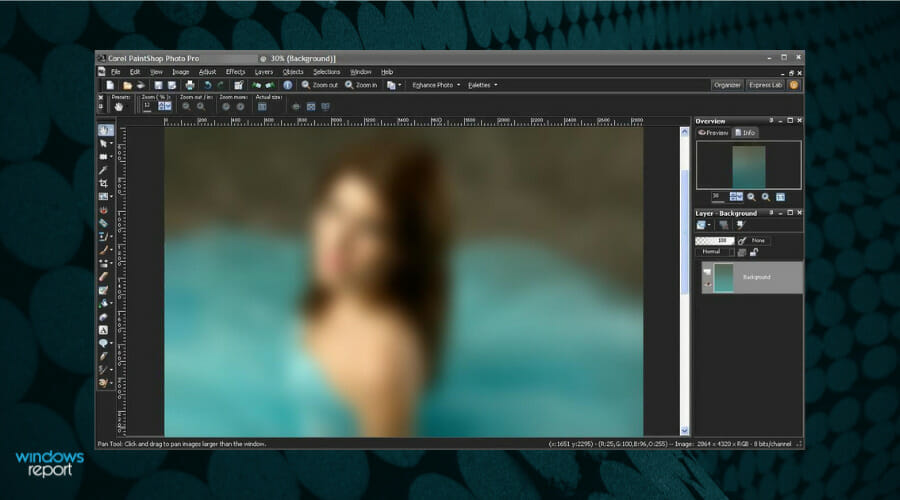





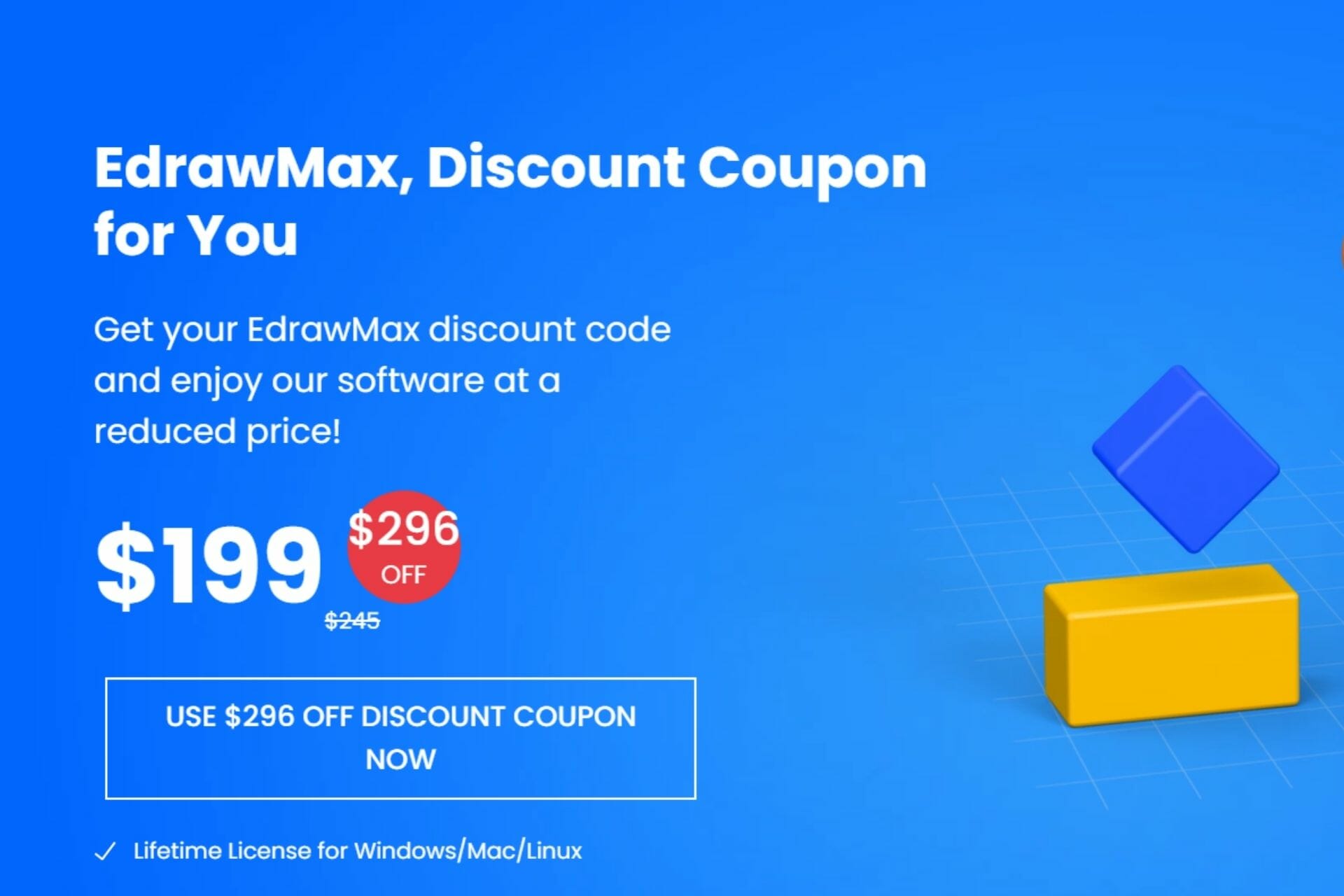

![Best Corel VideoStudio Cyber Monday Deals [SAVE 40%]](https://windowsreport.com/wp-content/uploads/2021/11/Corel-holiday-sales.jpg)
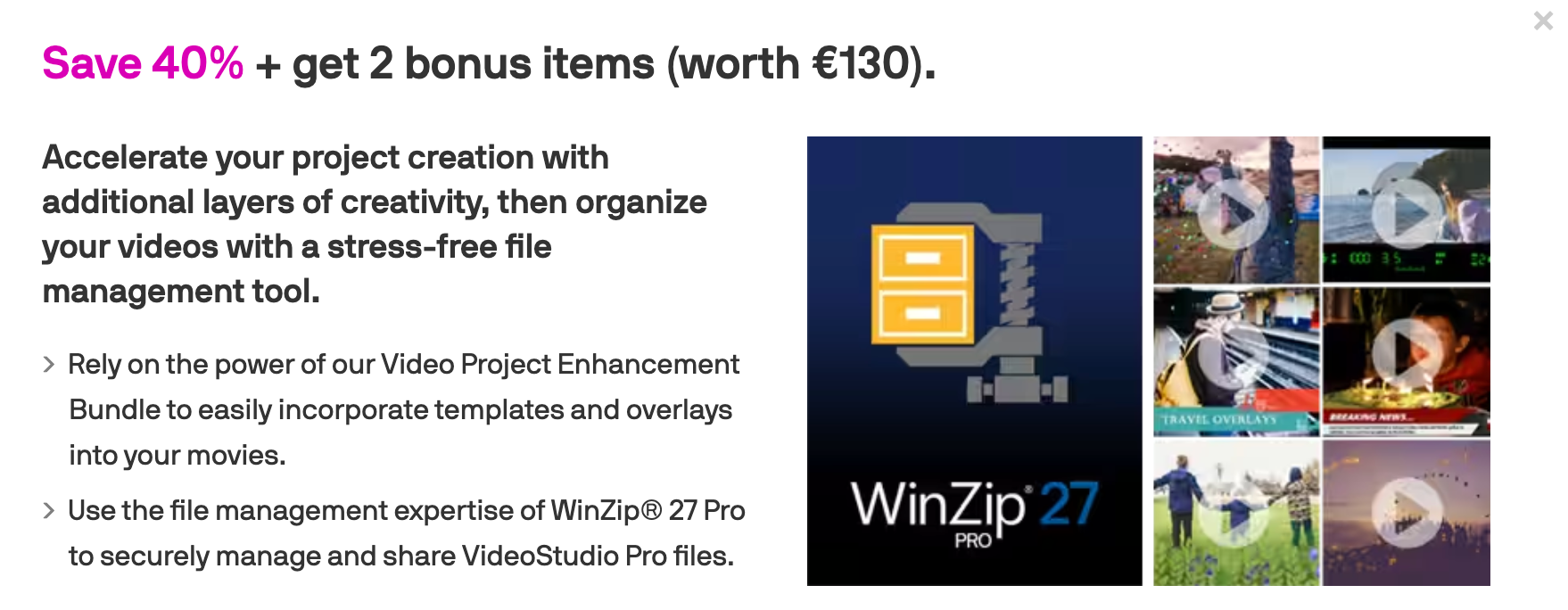
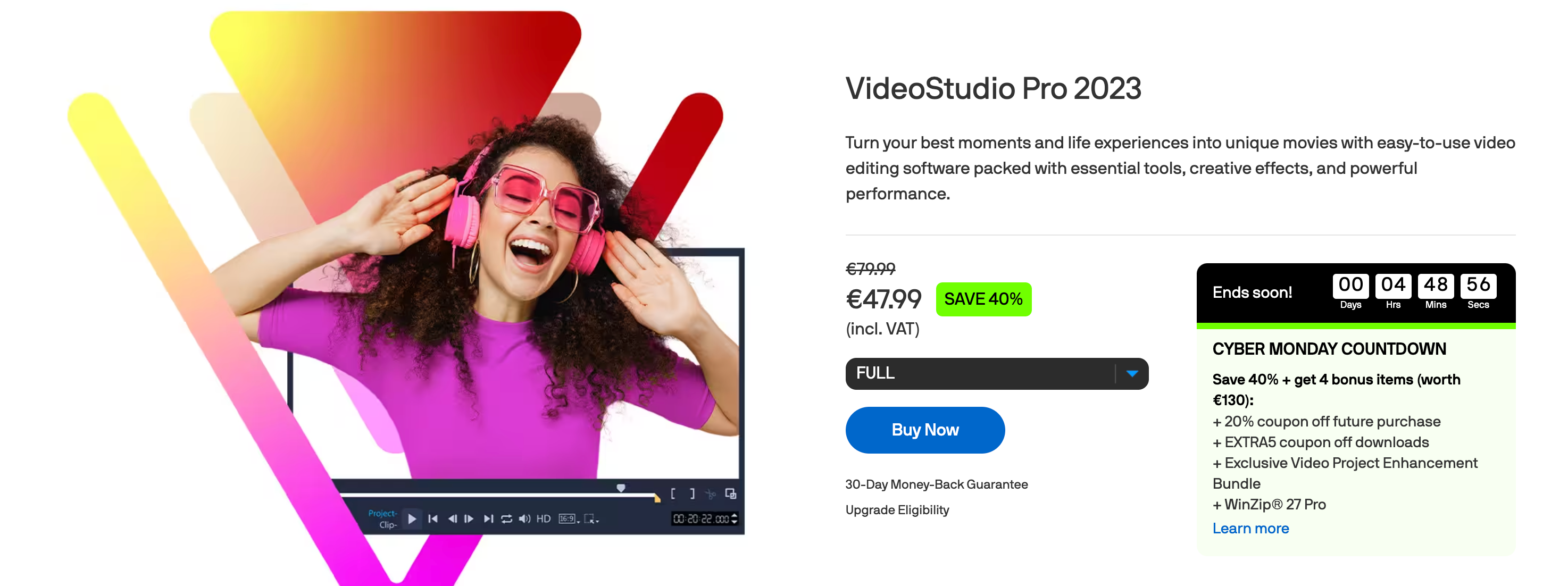

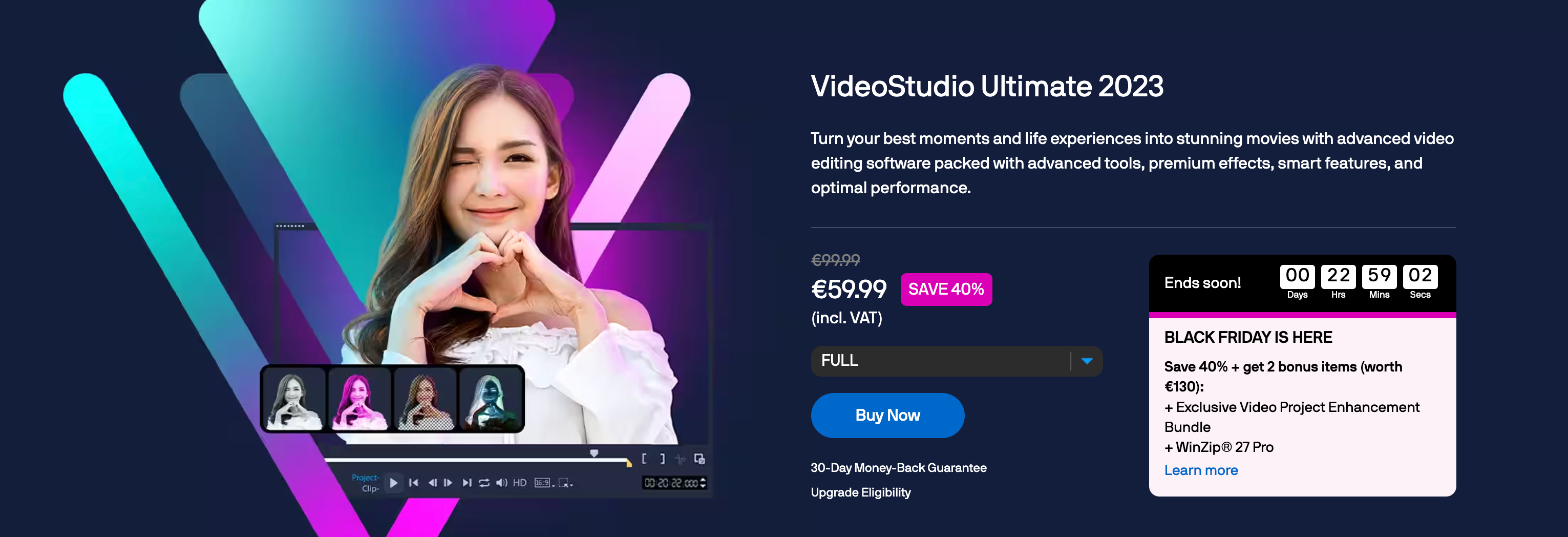










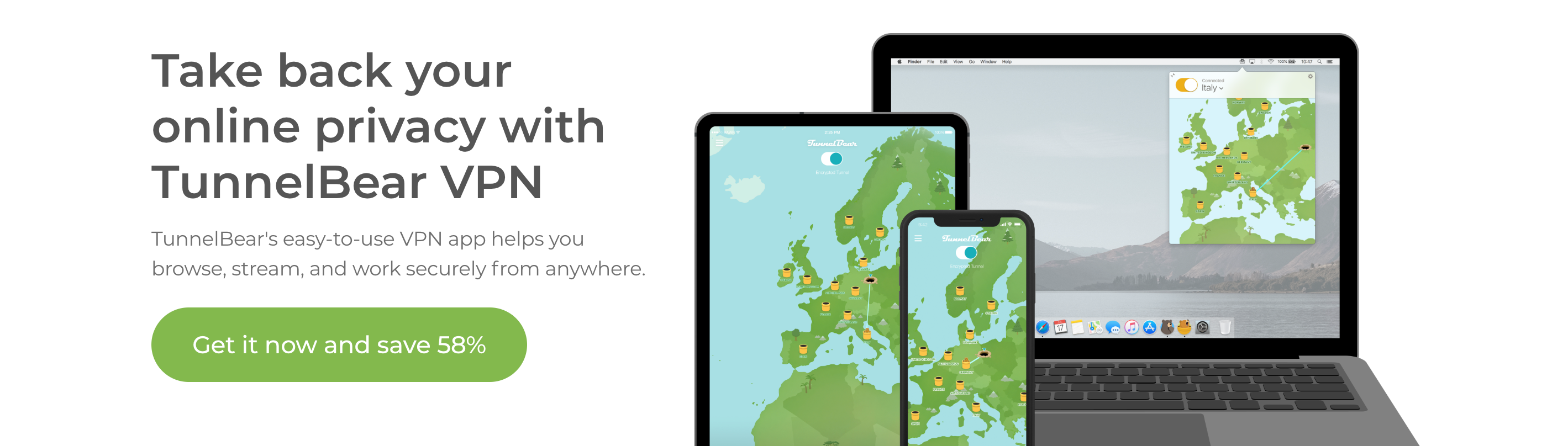
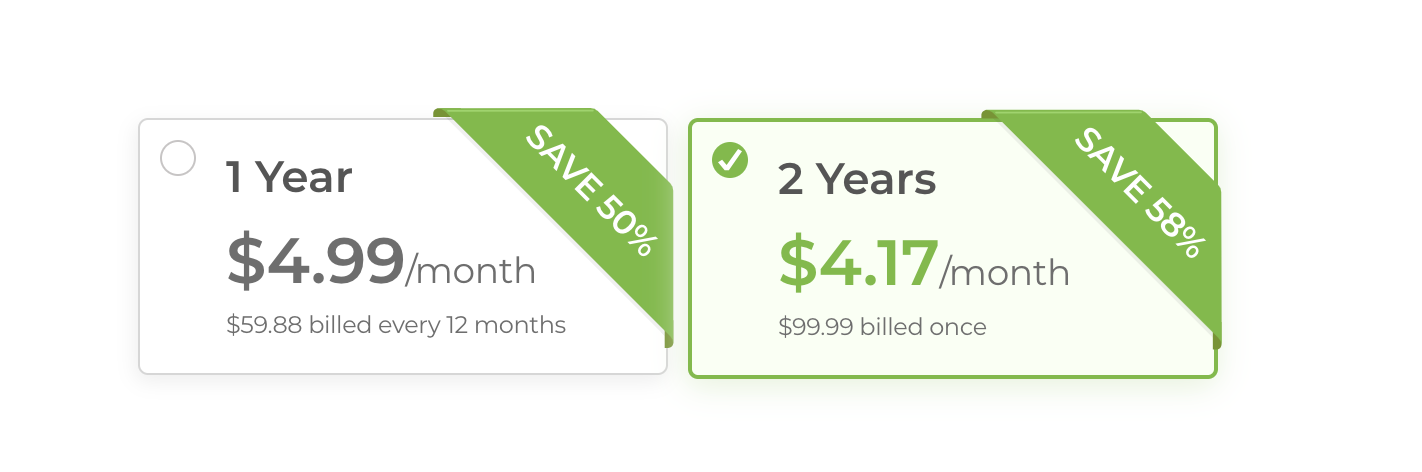

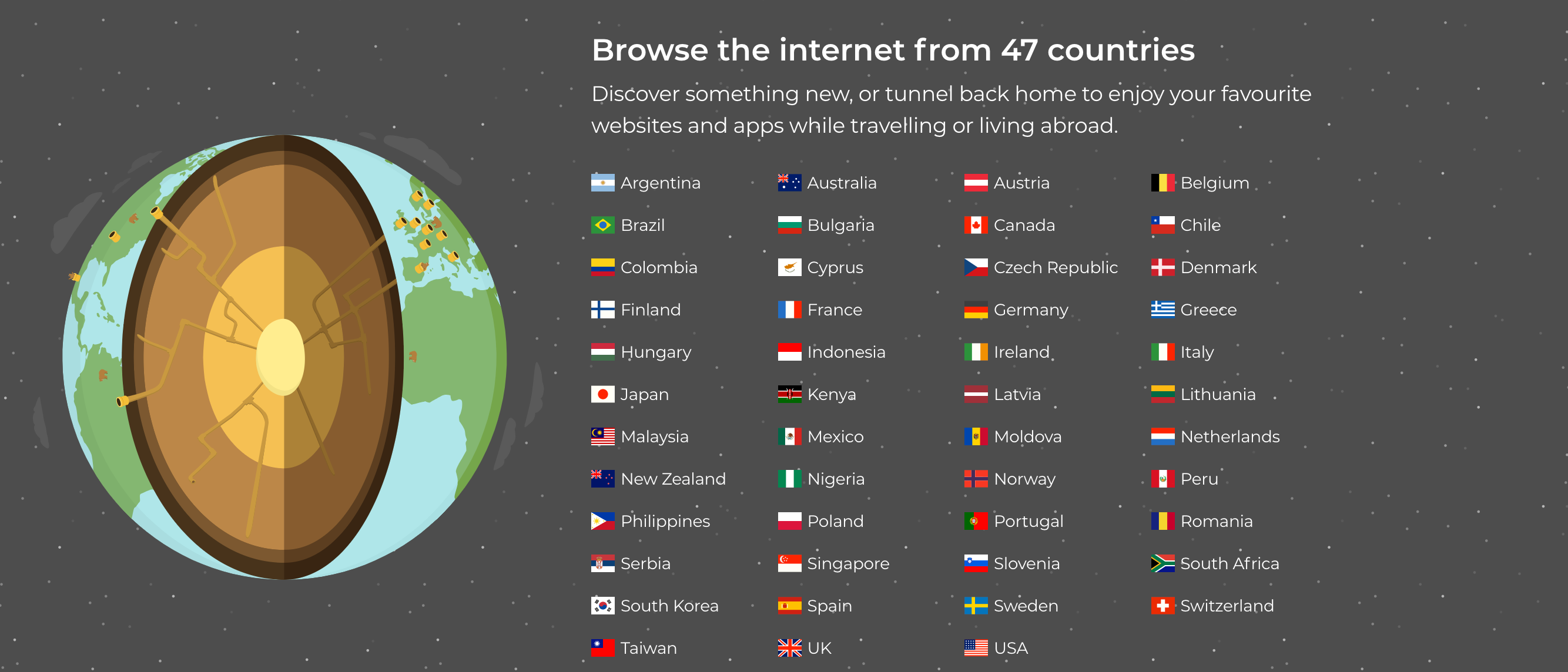



![Best PrivateVPN CyberGhost Deals Worth Exploring [85% OFF]](https://windowsreport.com/wp-content/uploads/2020/11/PrivateVPN-Black-friday-deals.jpg)




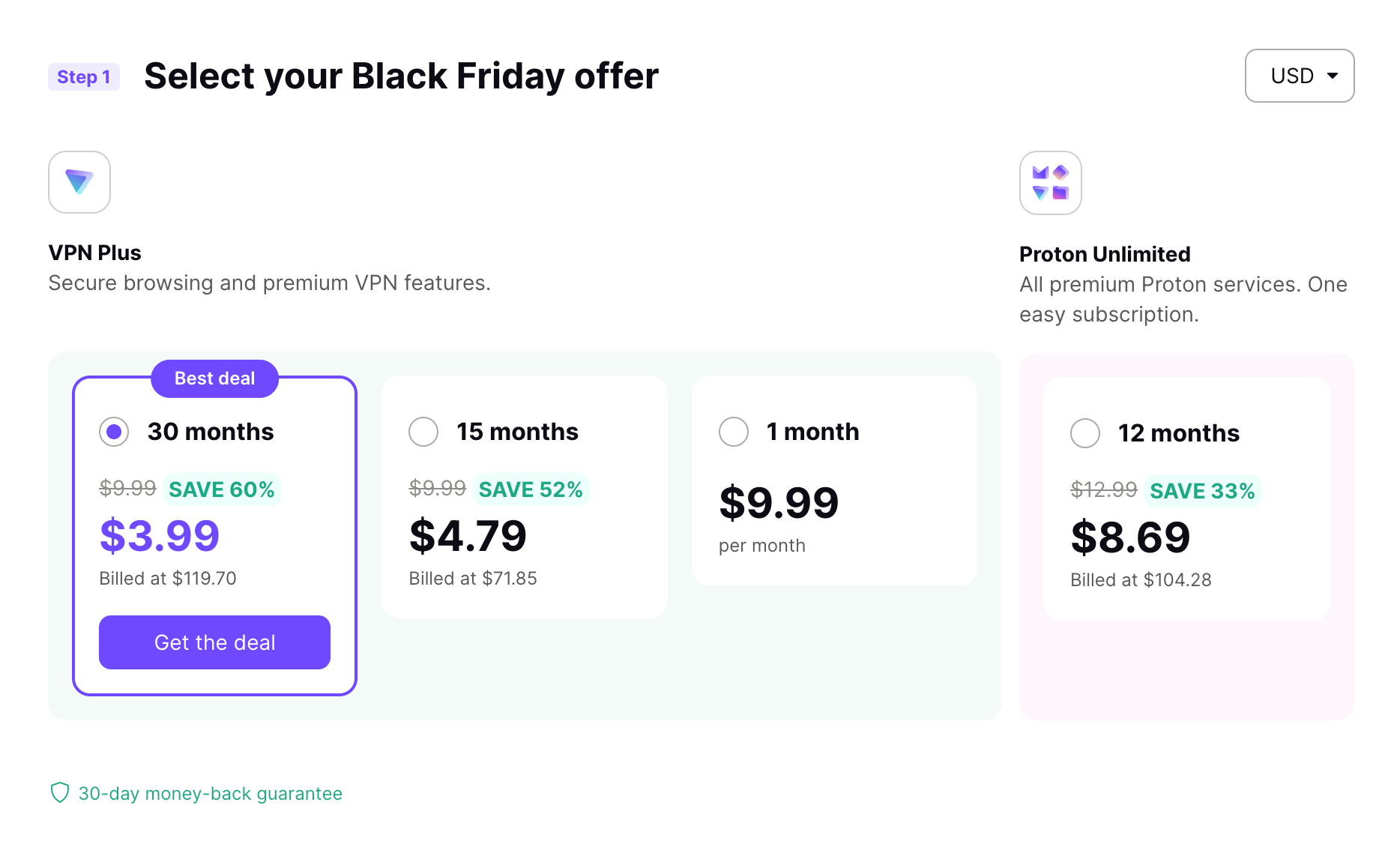


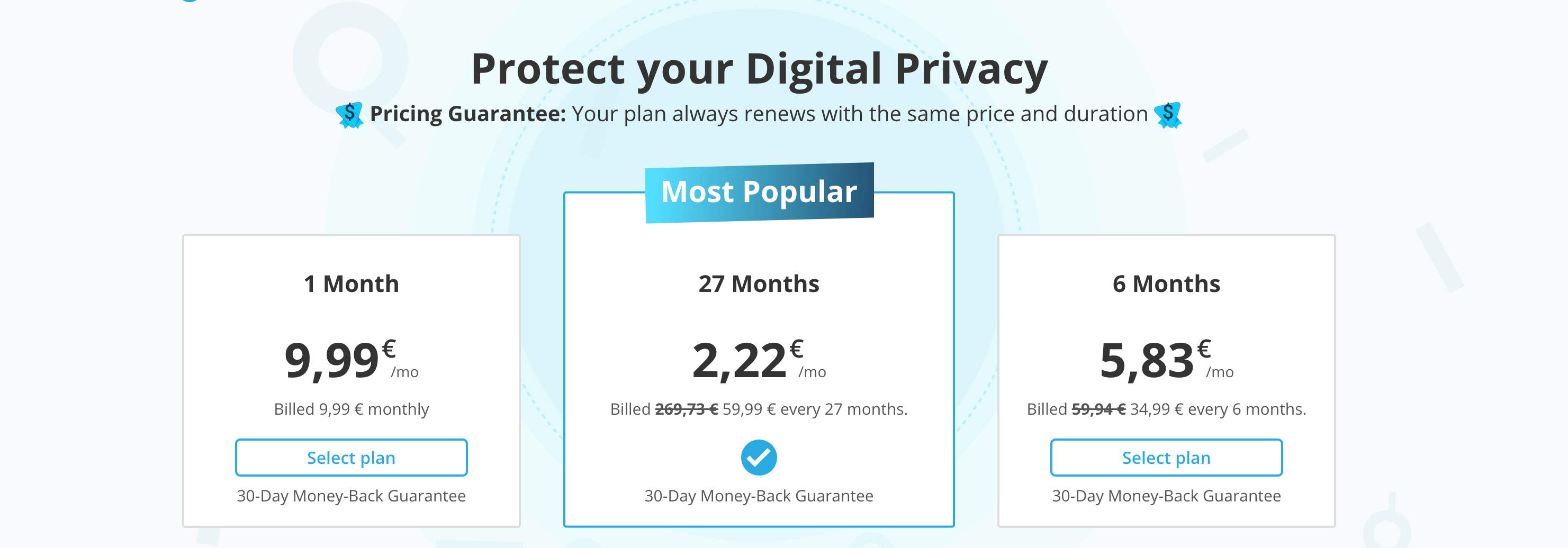

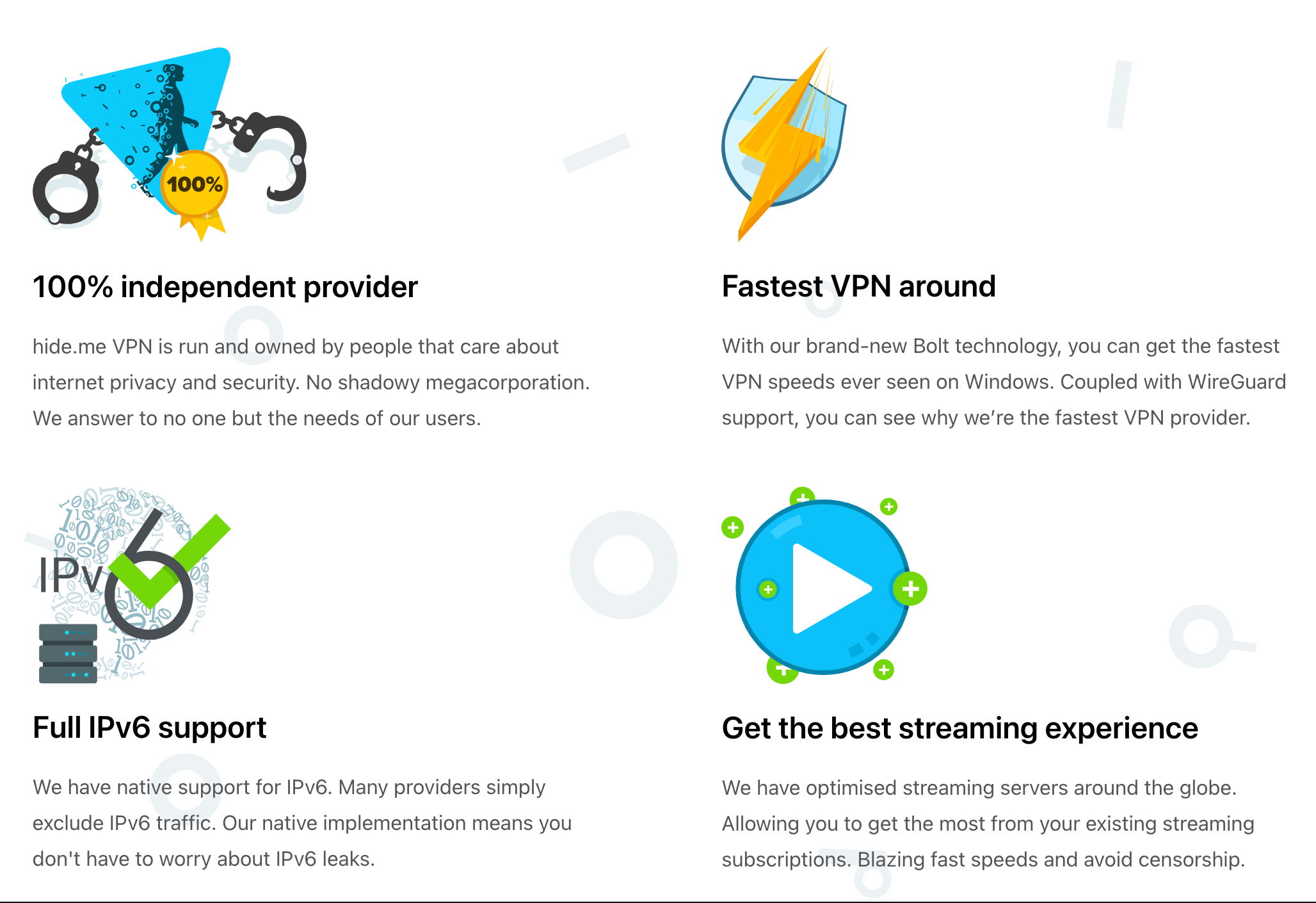

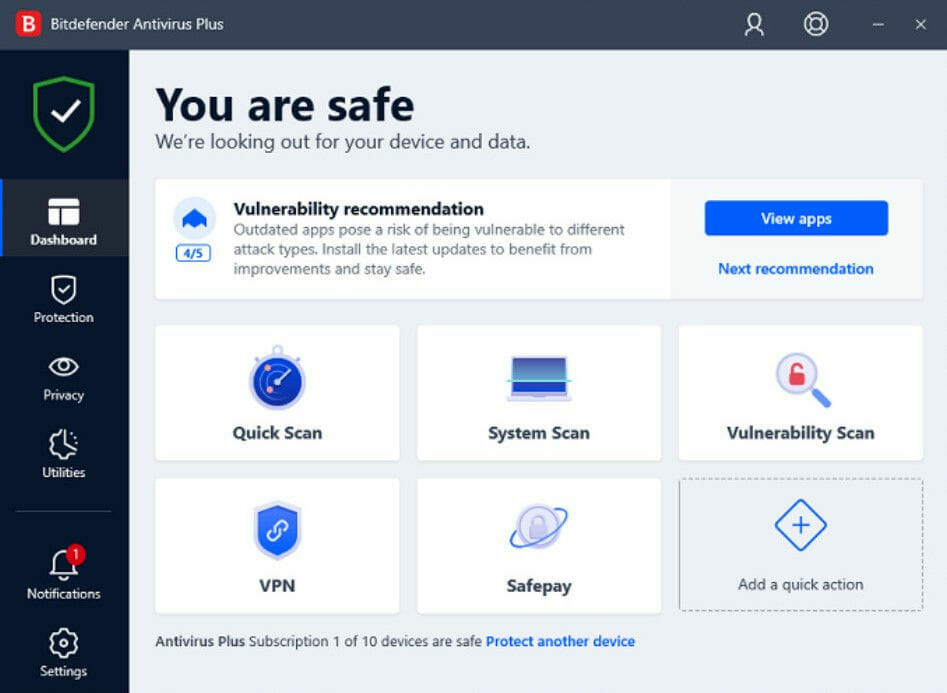


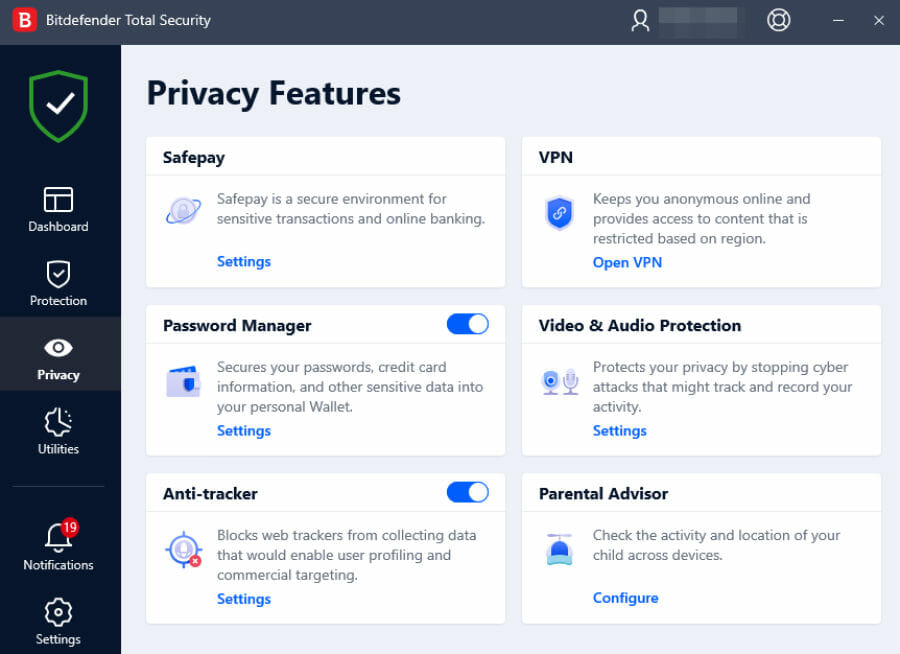













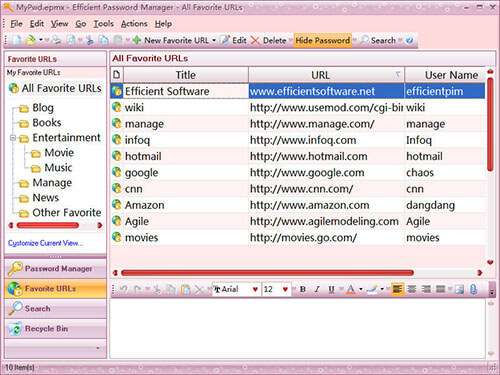













![6 Best Music Production Software to Buy [2026 Guide]](https://windowsreport.com/wp-content/uploads/2020/09/music-production-websites.jpg)
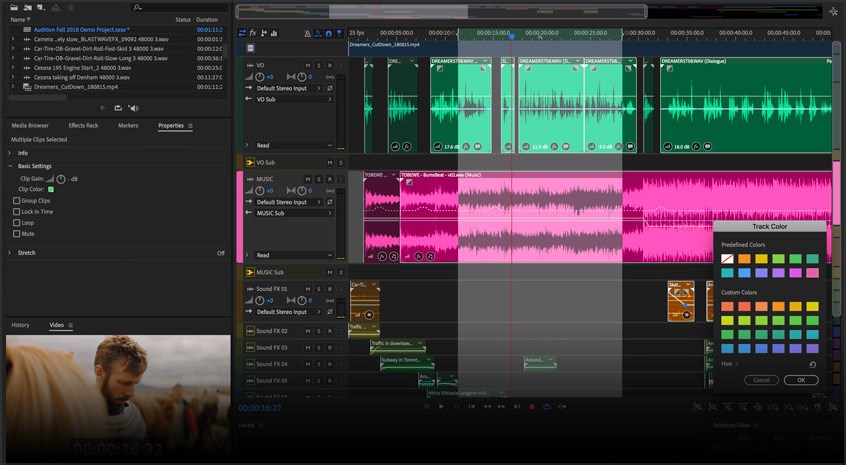

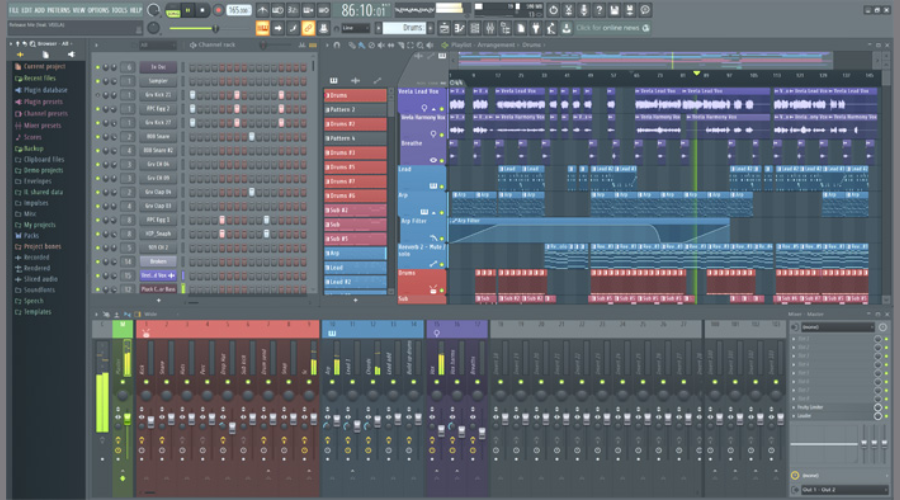

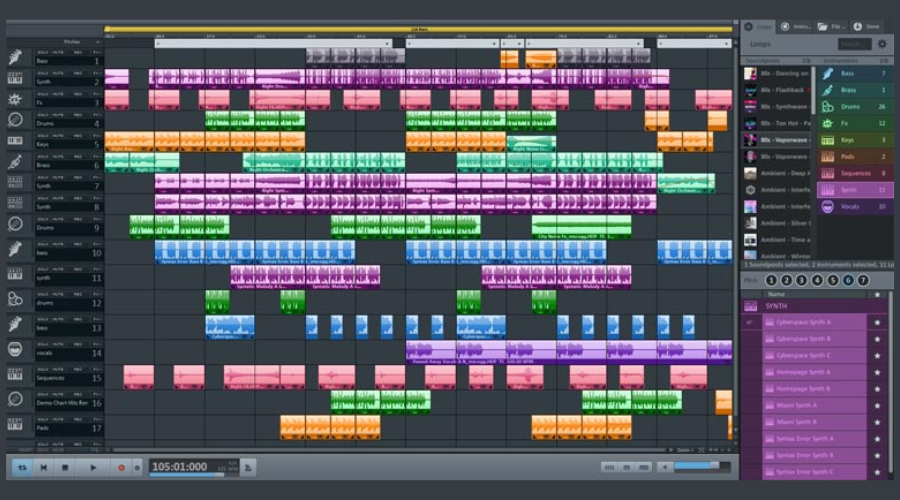

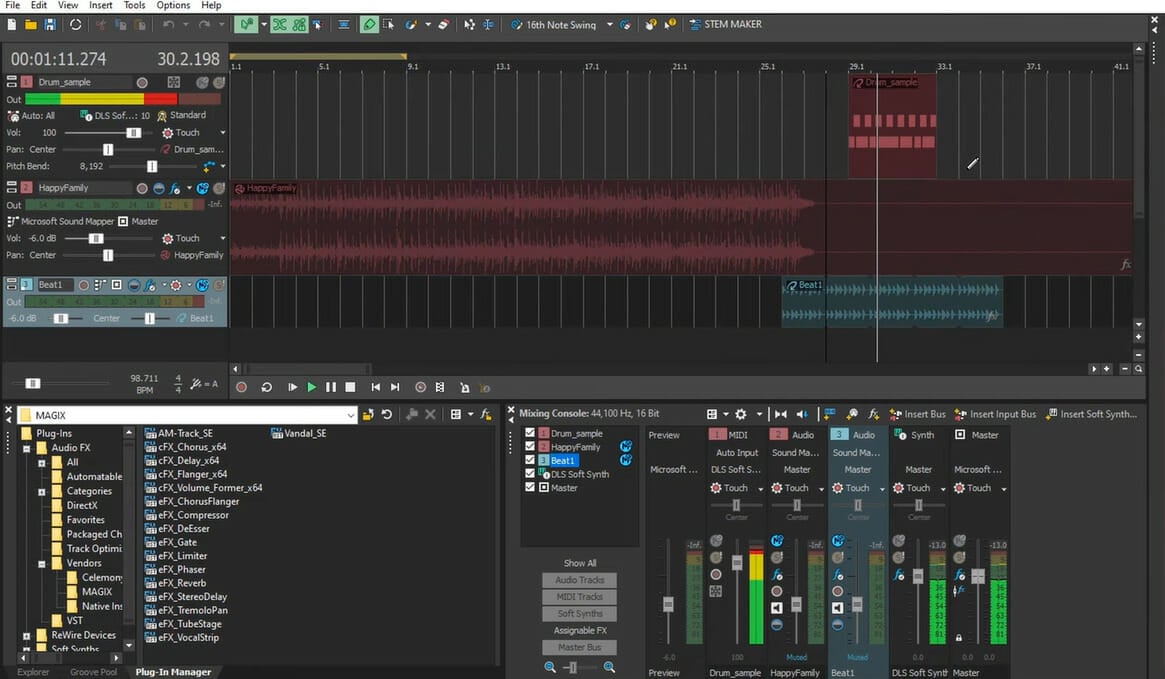
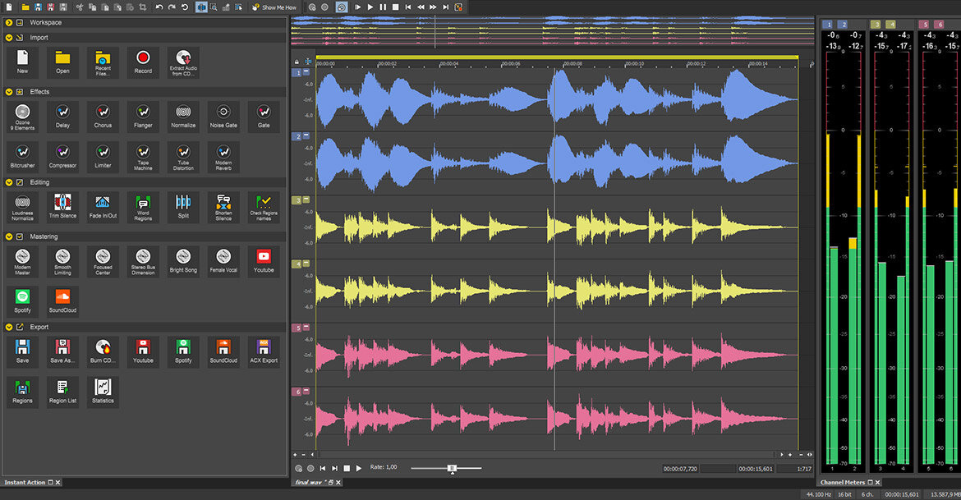

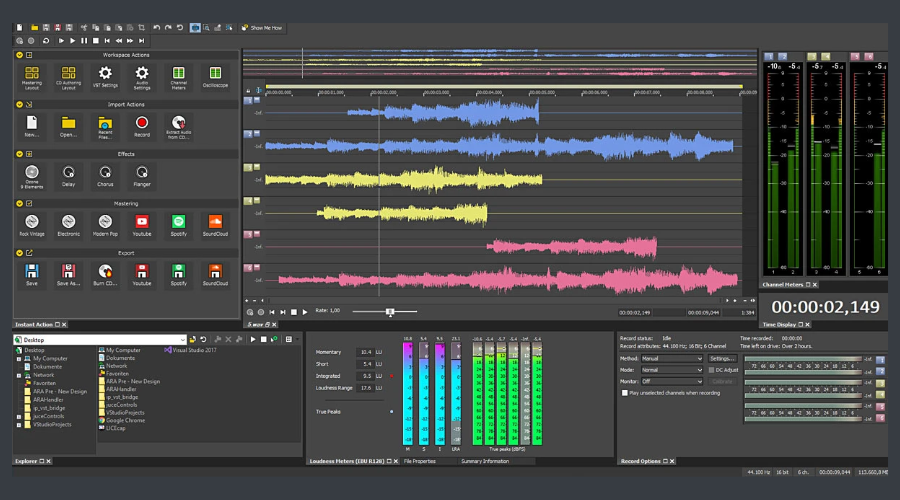
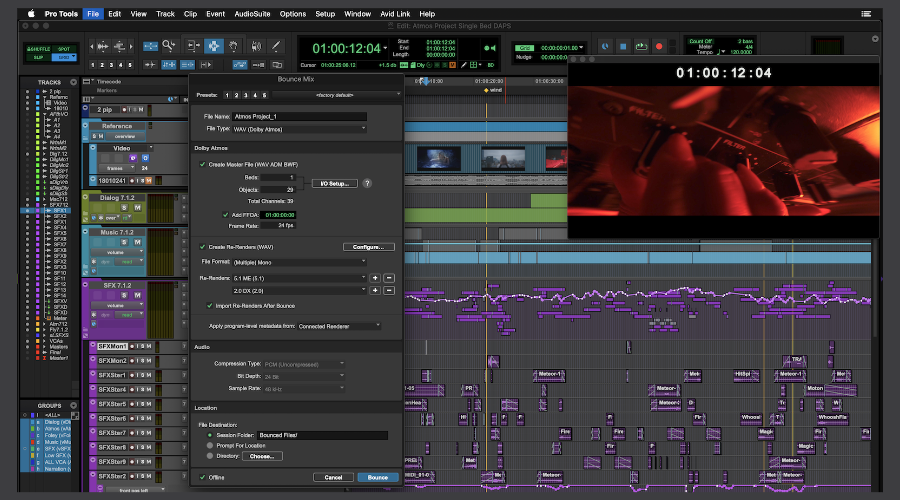
![Deals On Vegas Pro and Vegas Movie Studio [Up to 80% OFF]](https://windowsreport.com/wp-content/uploads/2020/11/Best-Vegas-deals.jpg)

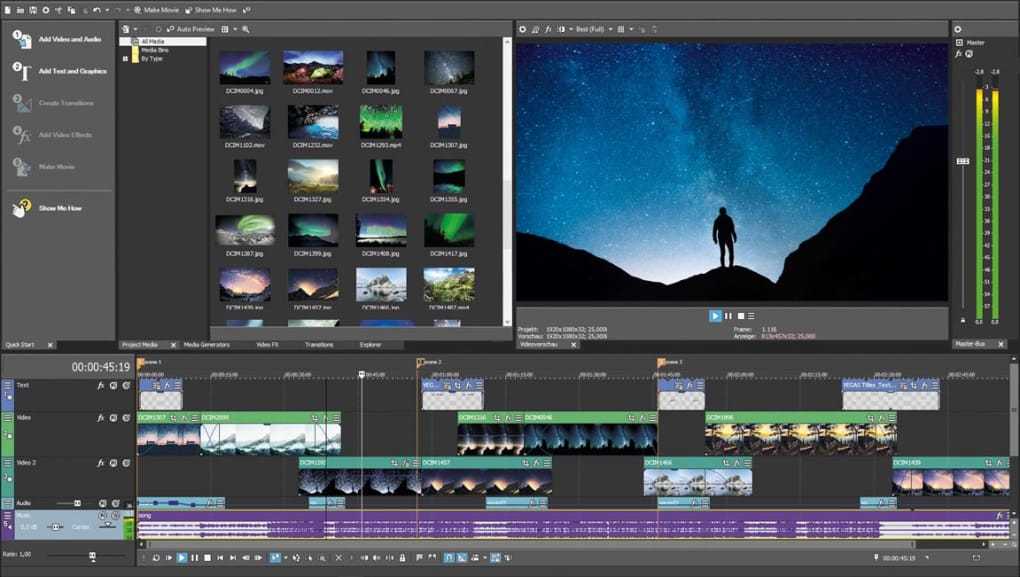


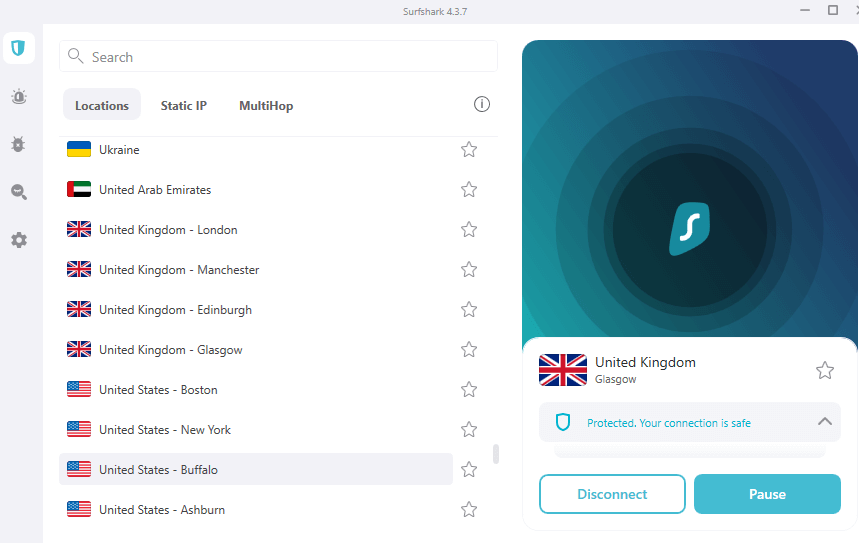

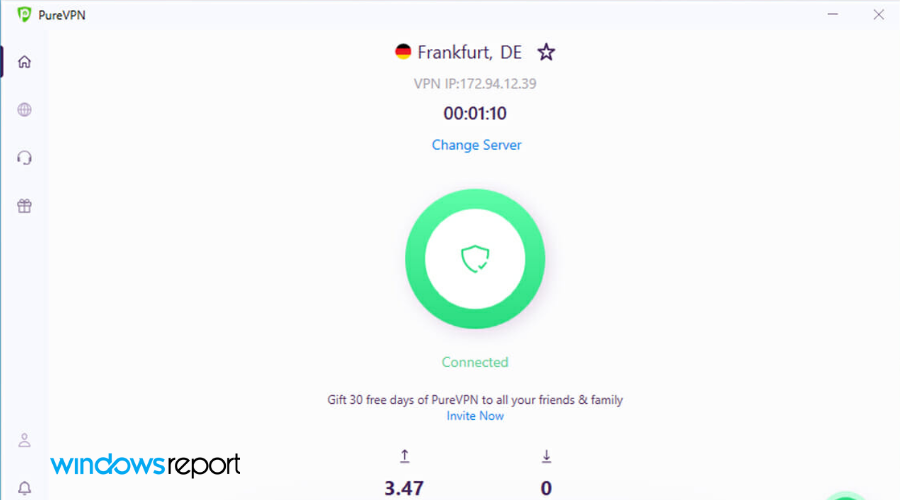
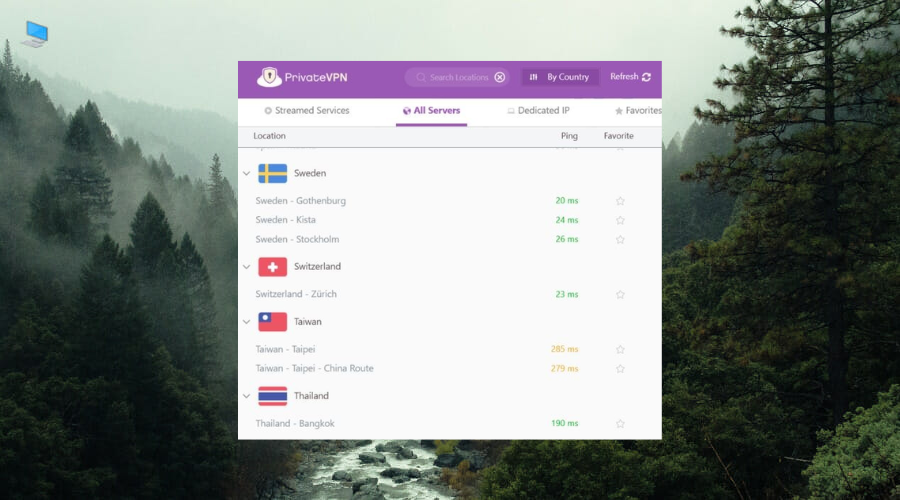







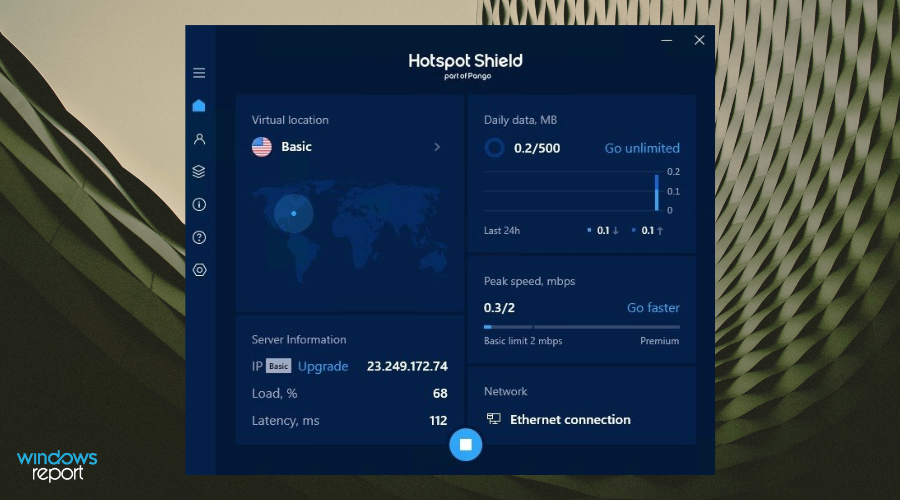




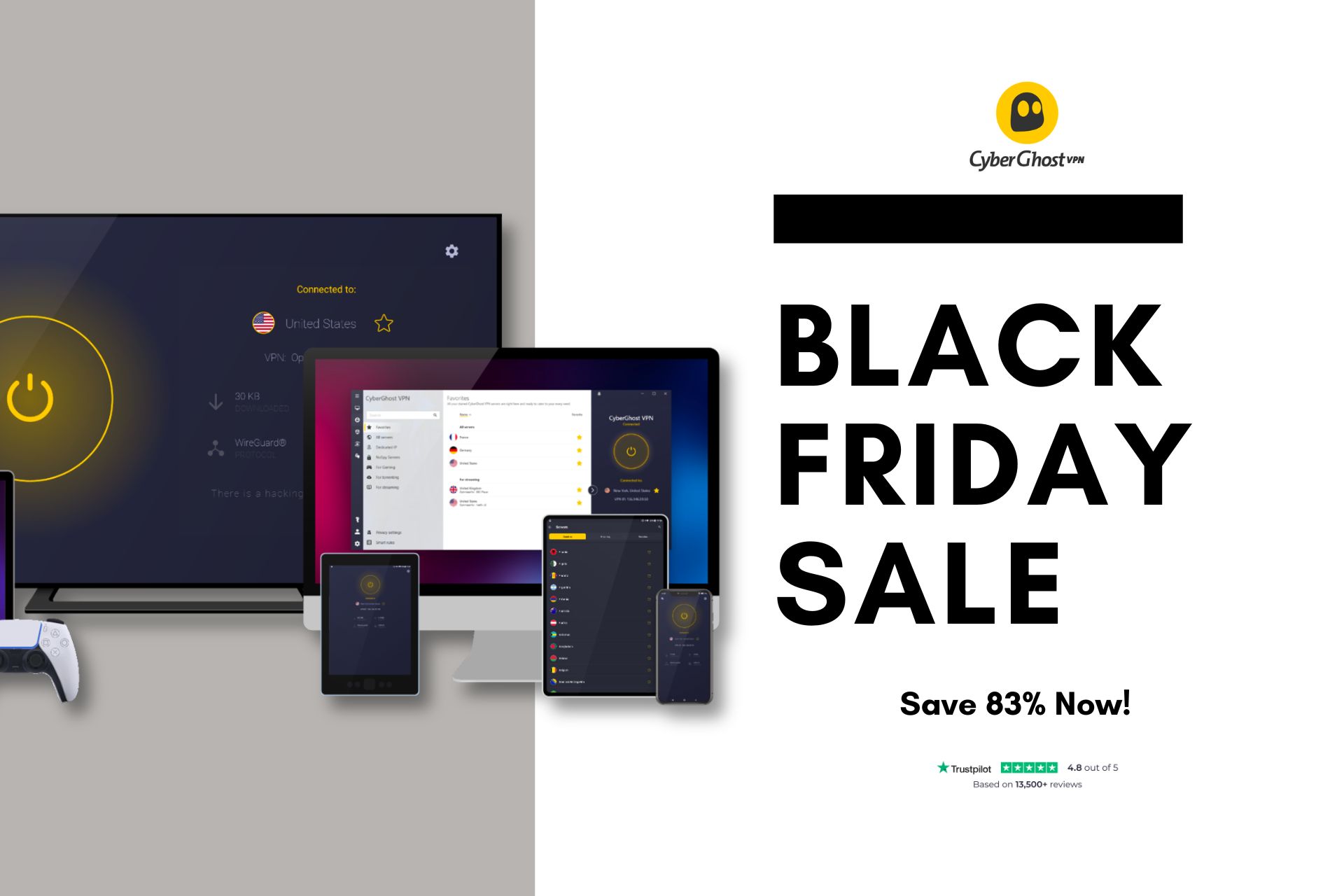

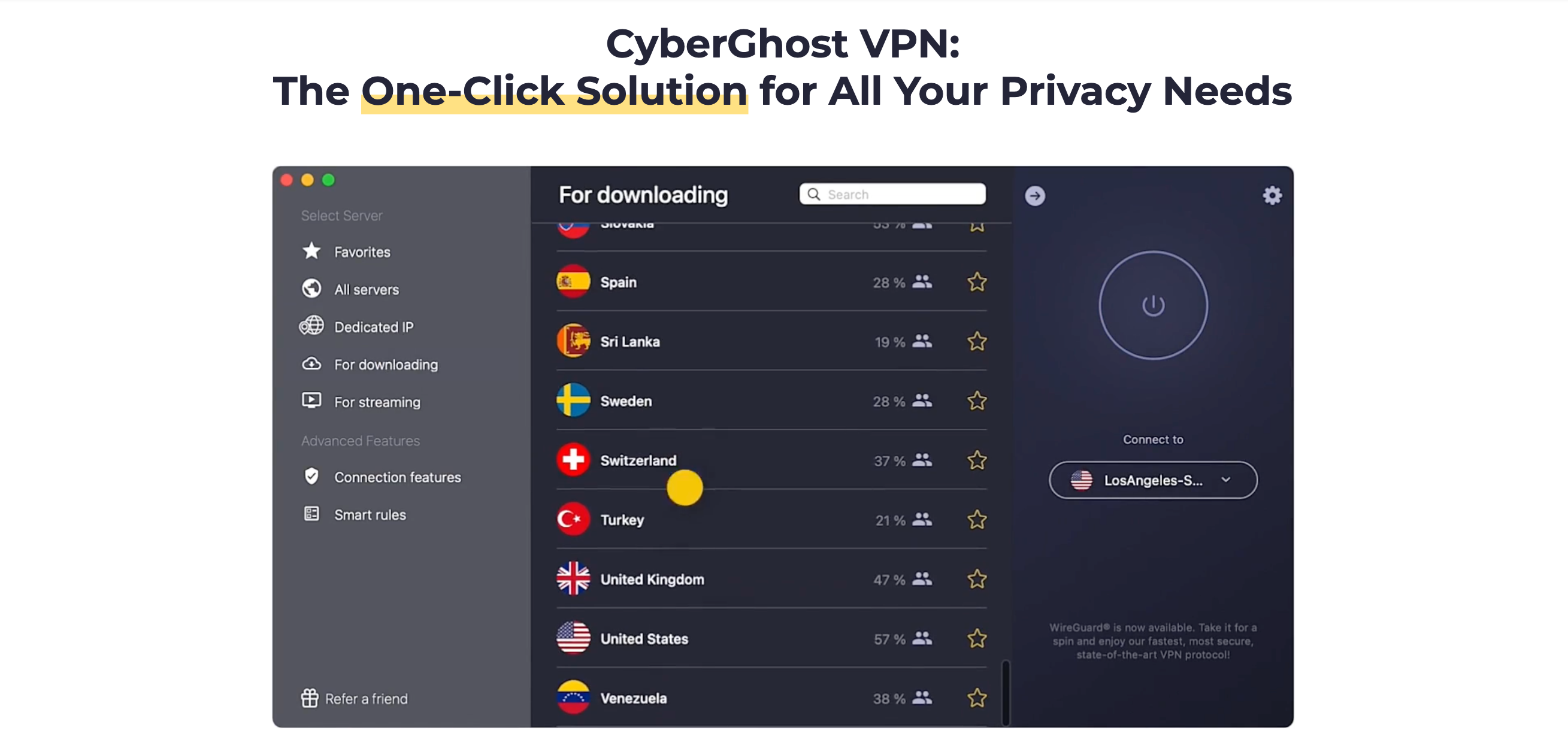



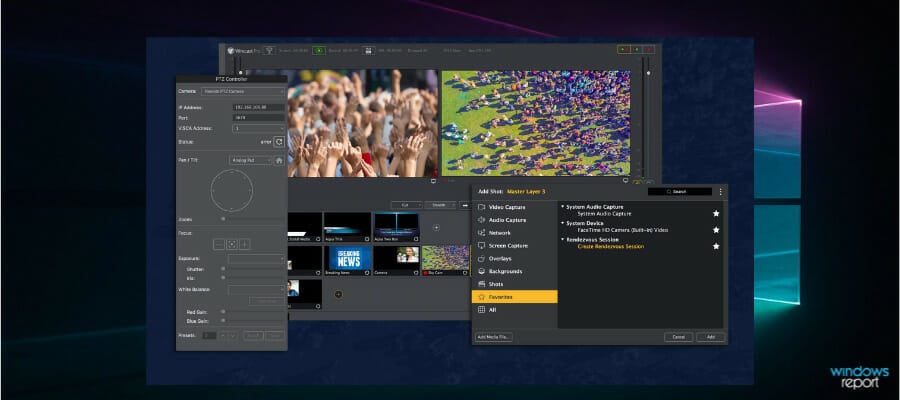

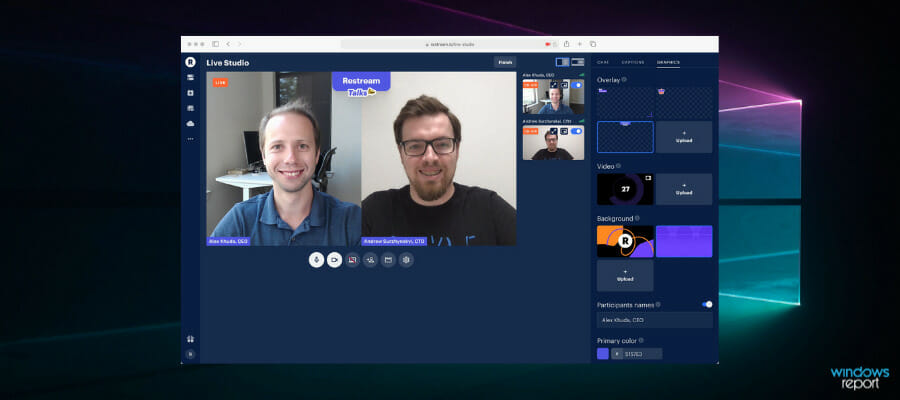

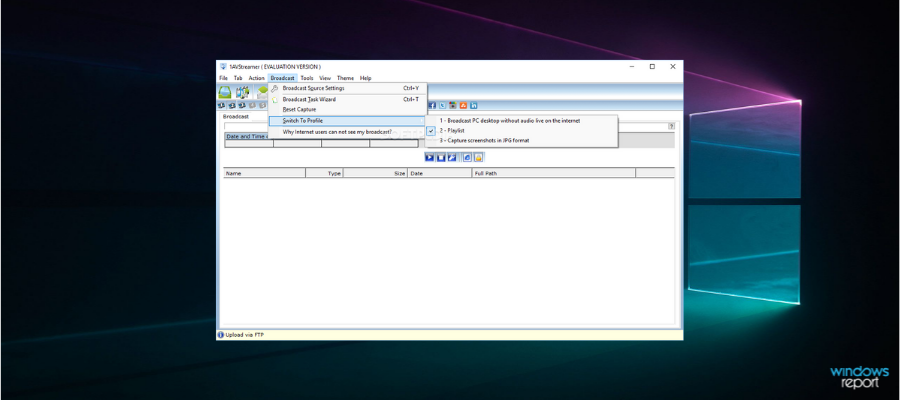

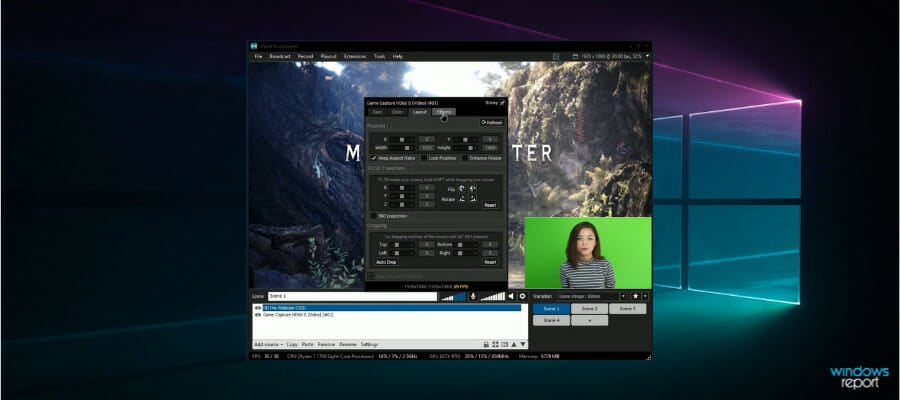
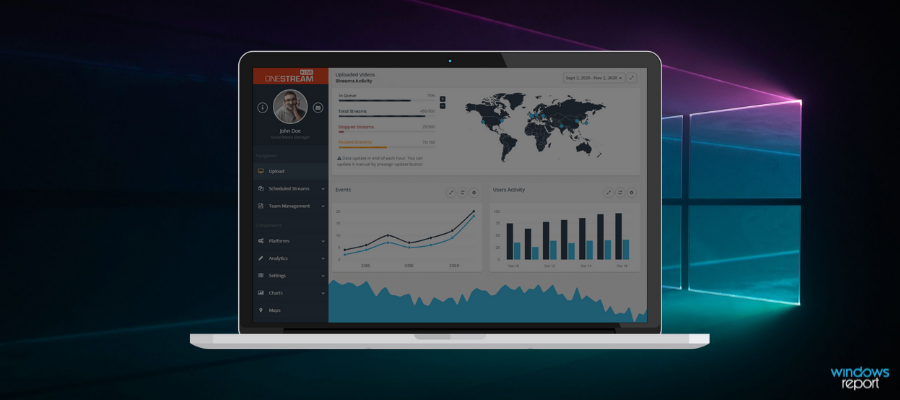
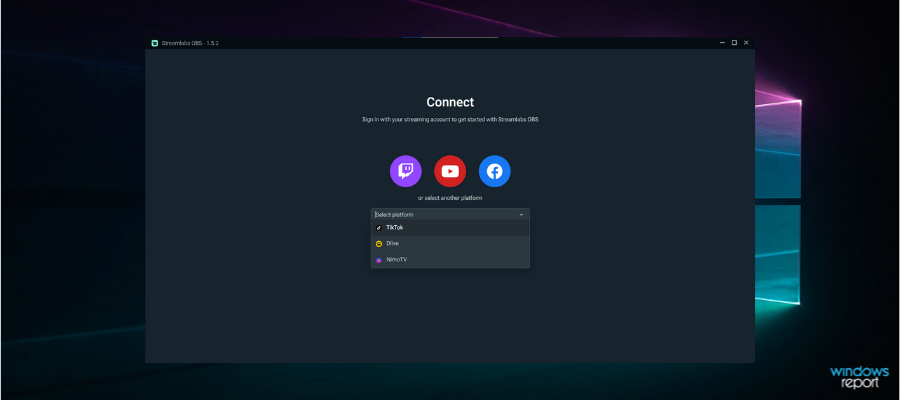
![STL Software for 3D Printing [2026 List]](https://windowsreport.com/wp-content/uploads/2020/04/3d-printing.jpg)
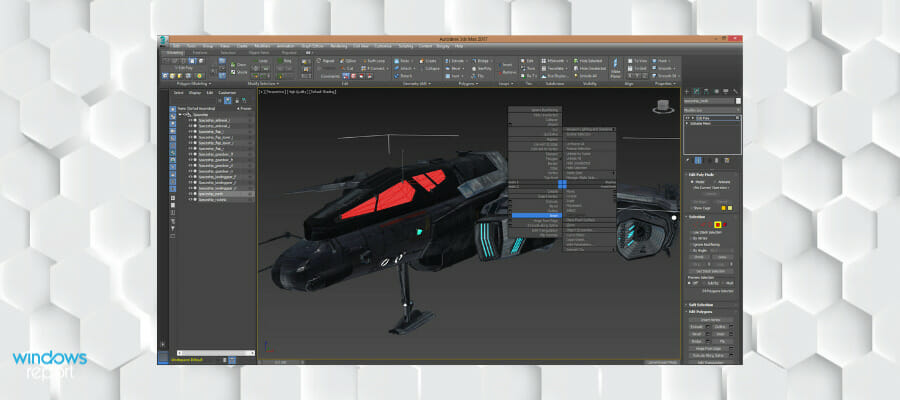
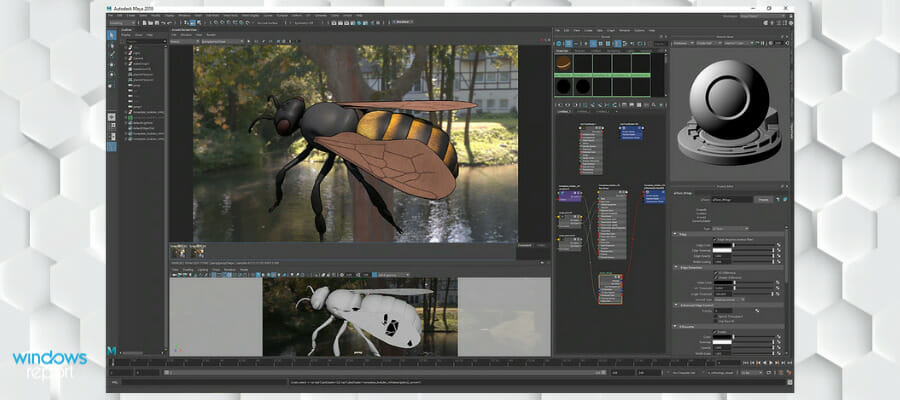
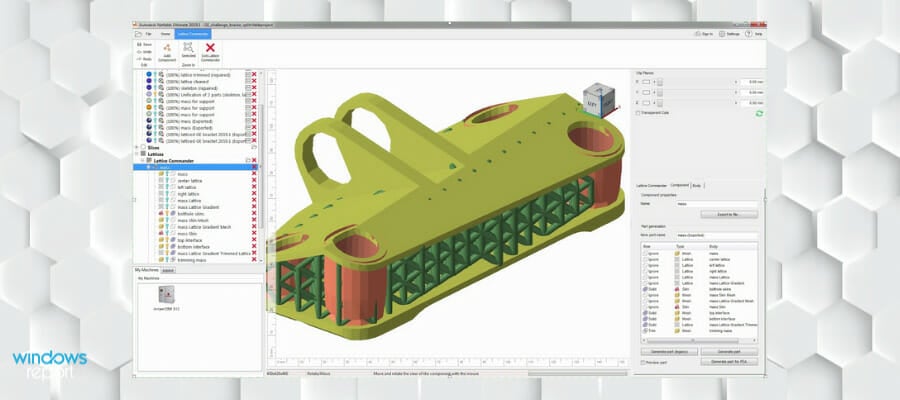

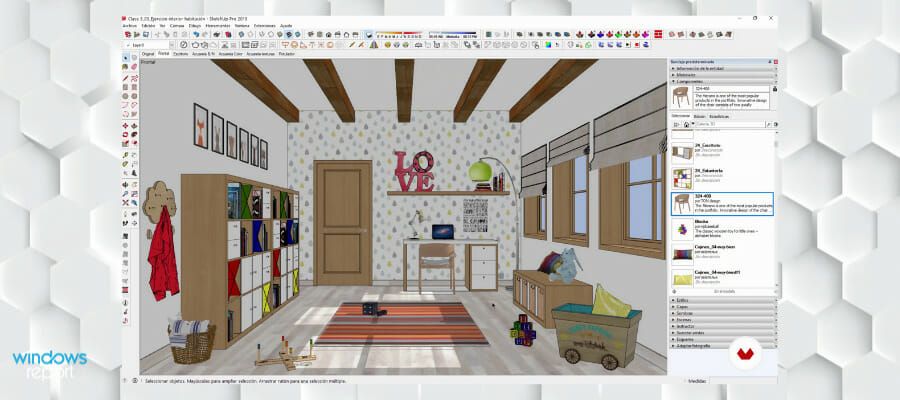
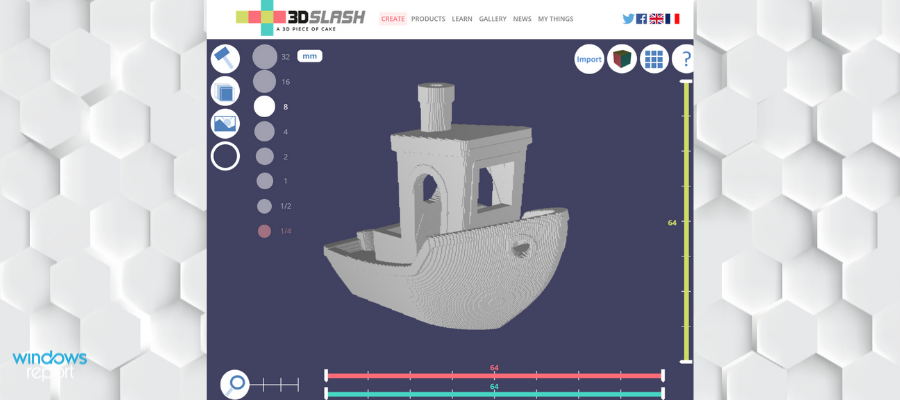
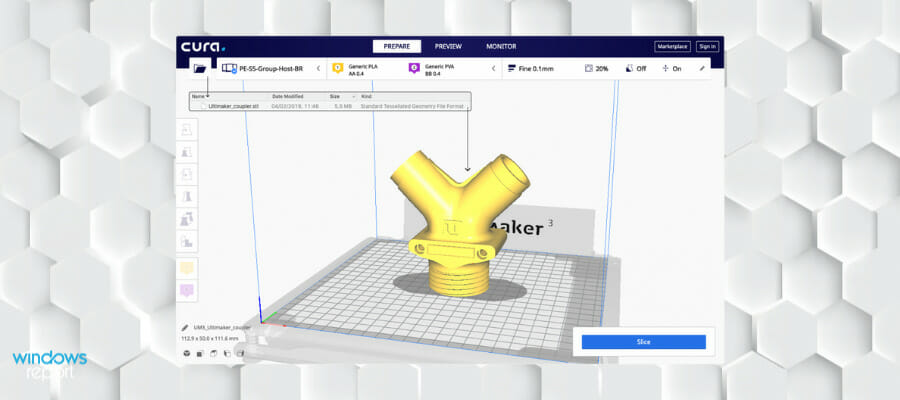
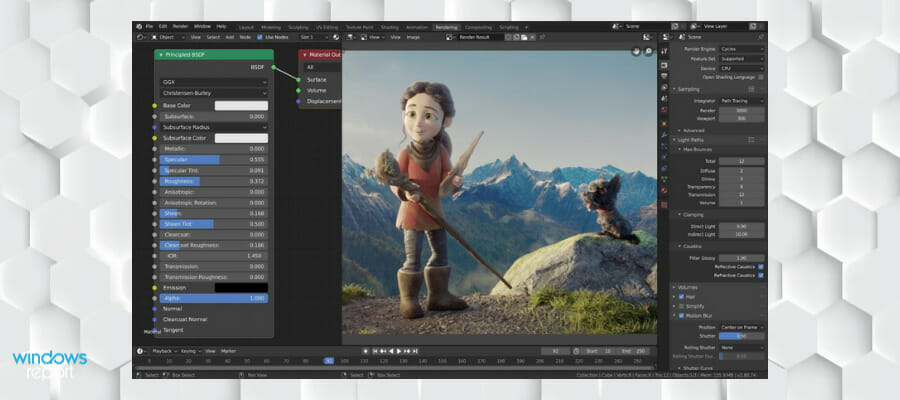



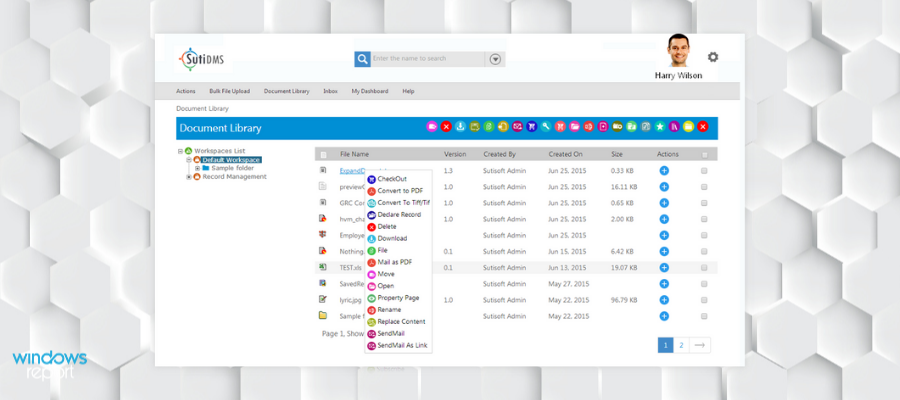


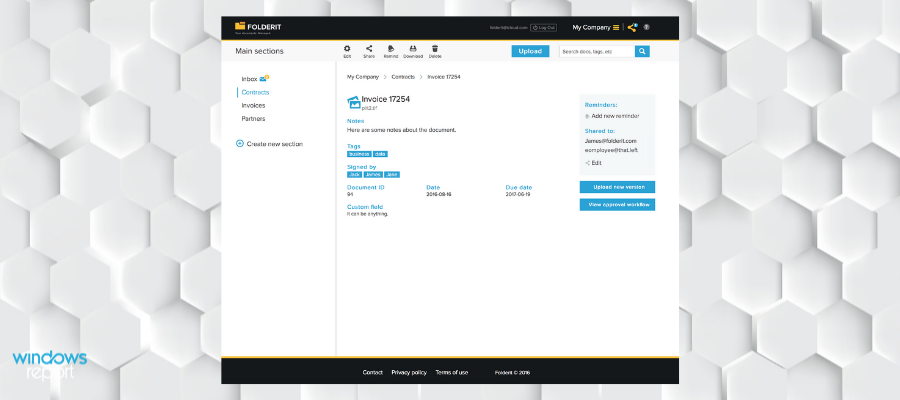





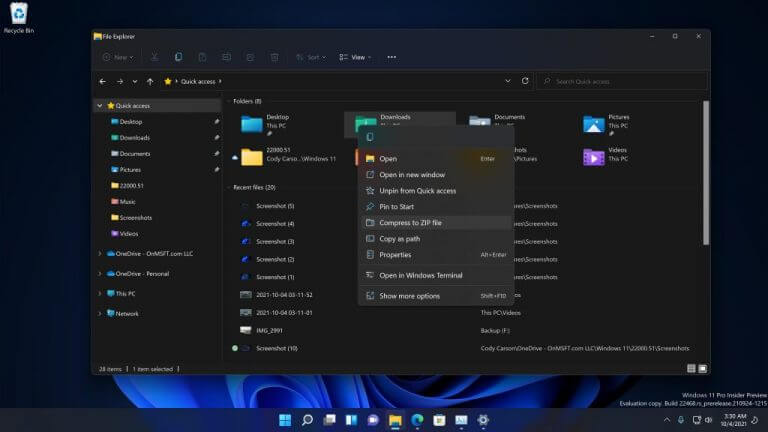

![Book Cover Design Software for PC [2023 List]](https://windowsreport.com/wp-content/uploads/2020/04/Book-Cover.jpg)




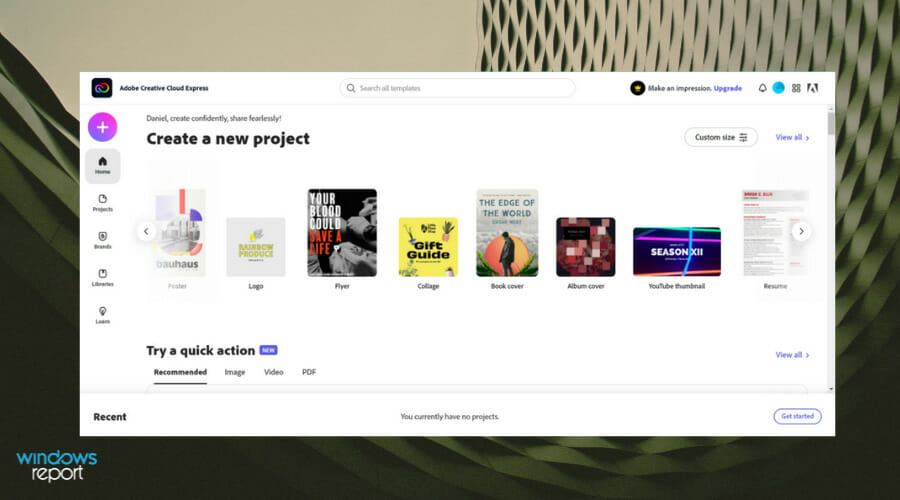
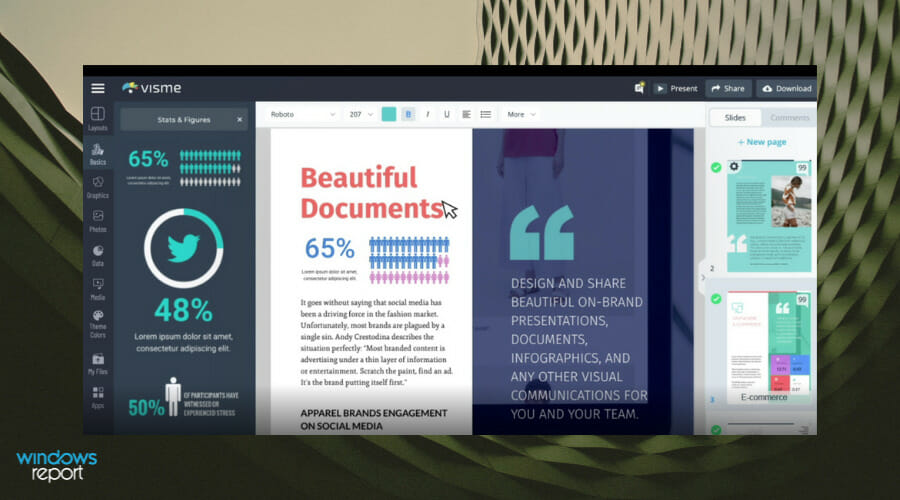
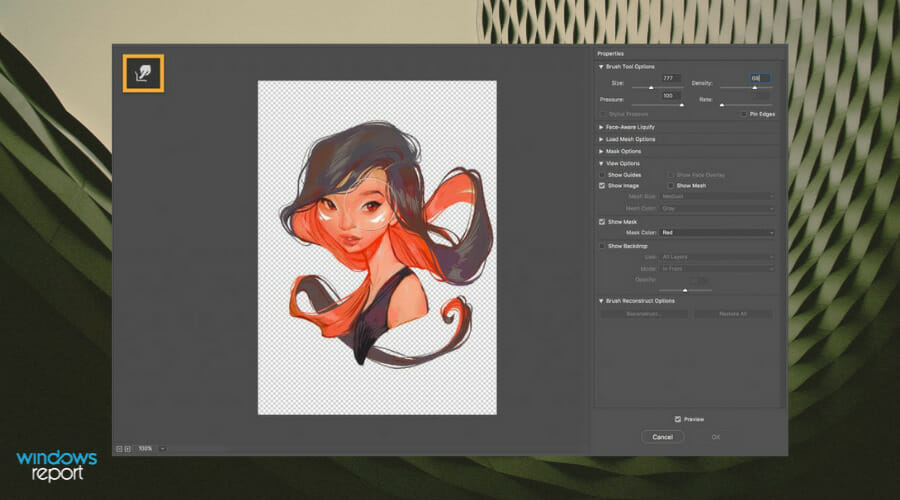

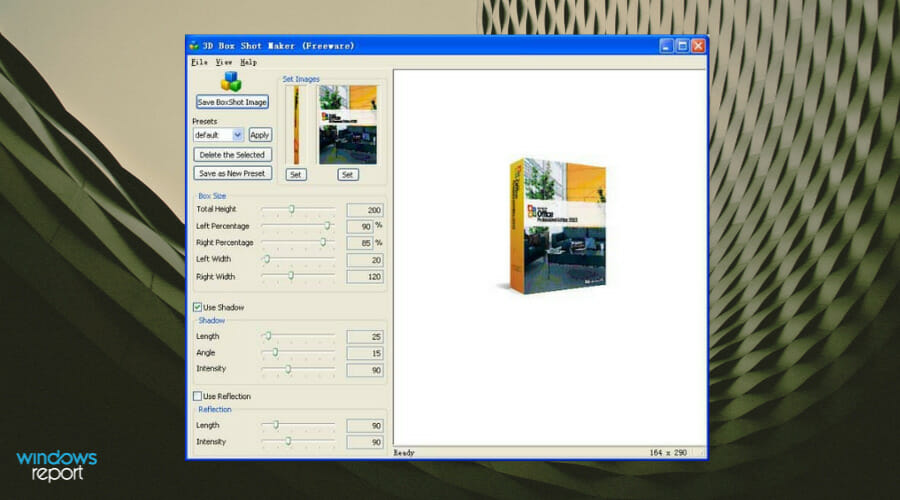
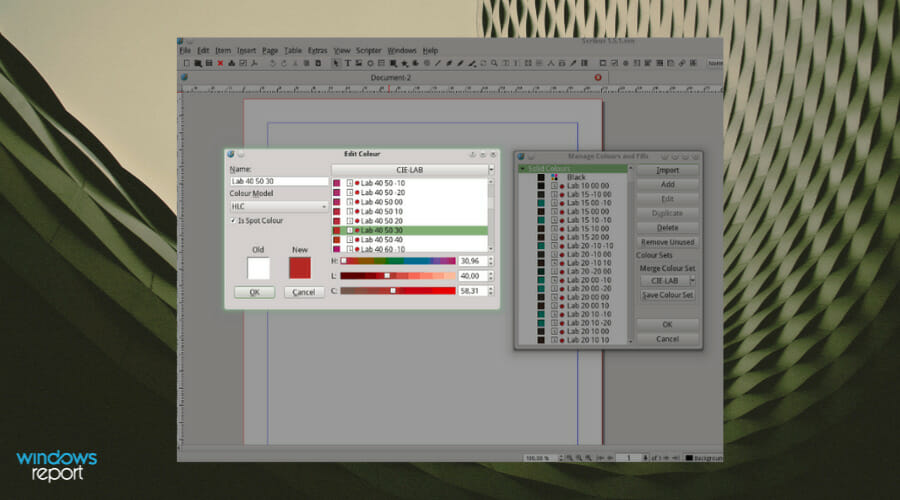
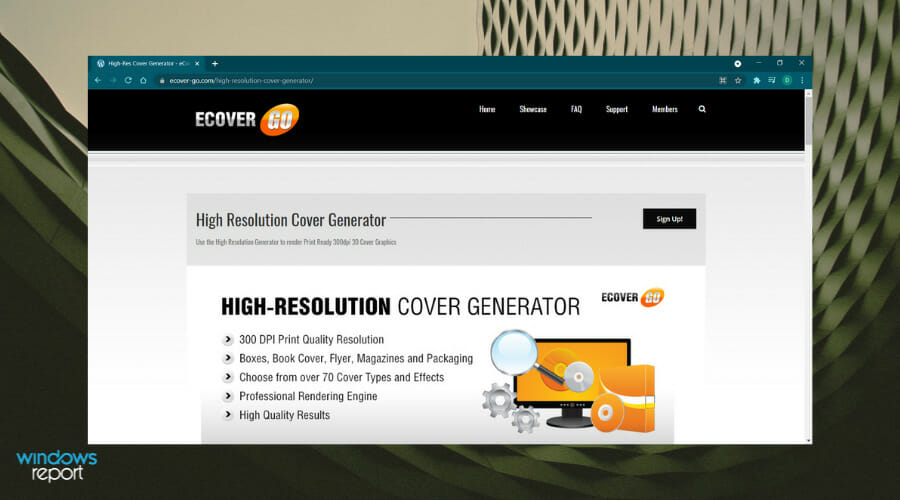
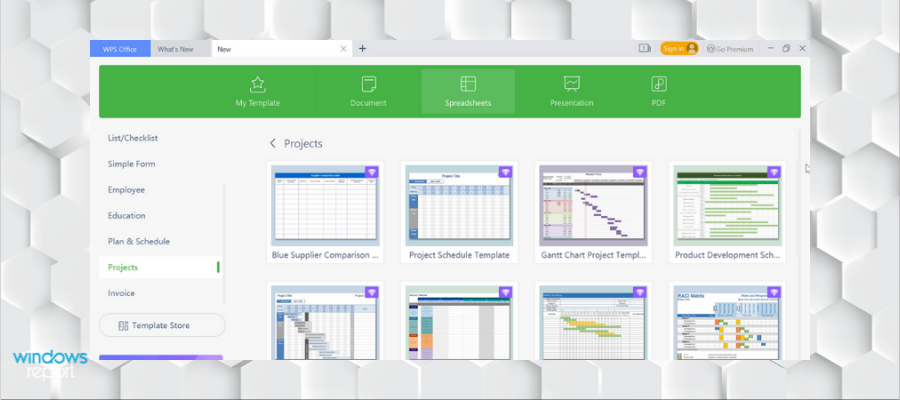


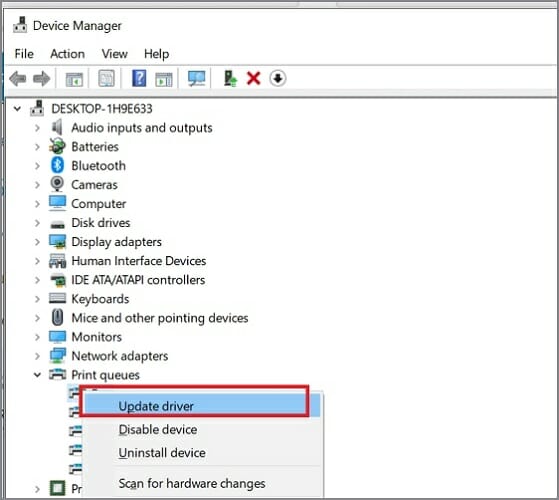


![Arf File Player for Windows [2026 Guide]](https://windowsreport.com/wp-content/uploads/2020/05/generic-windows.jpg)







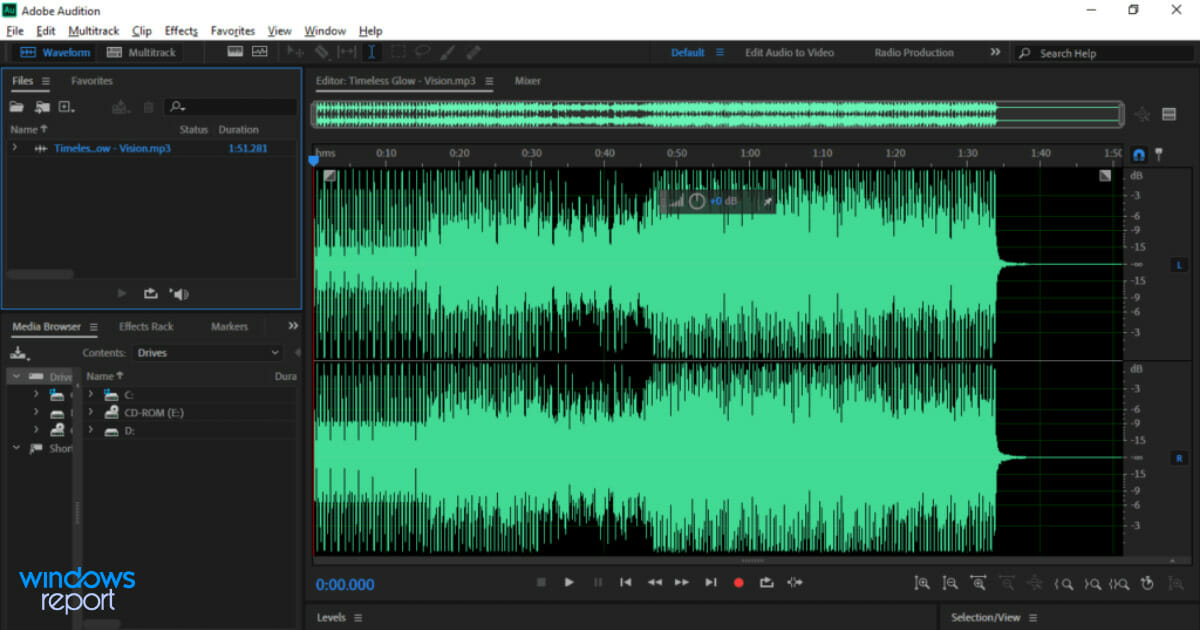

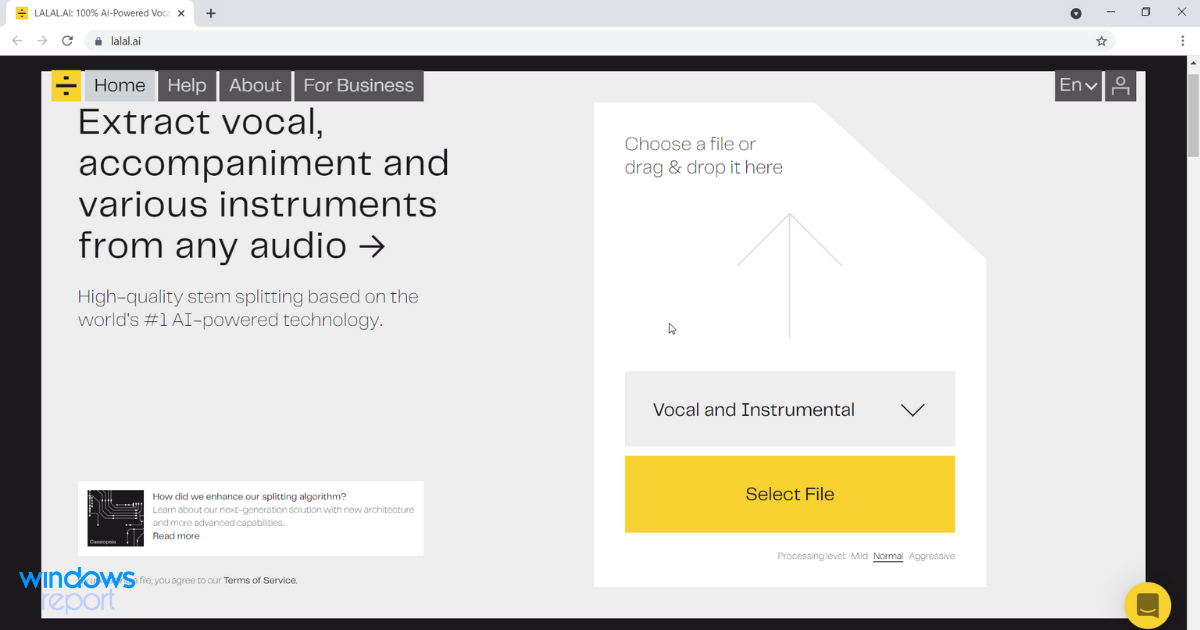

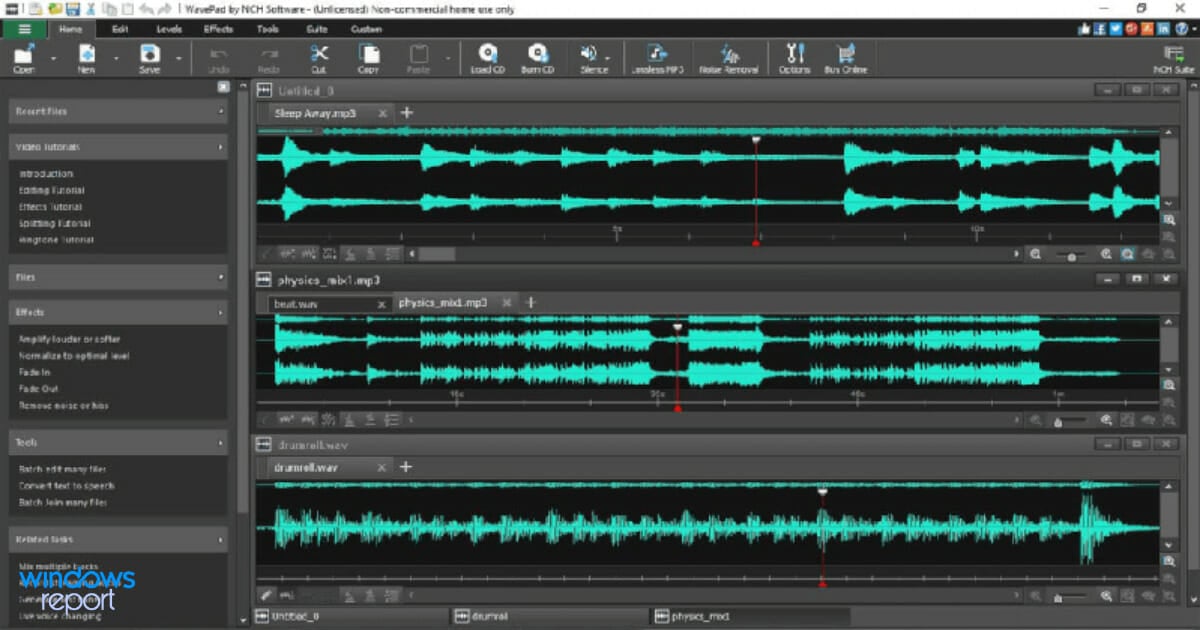



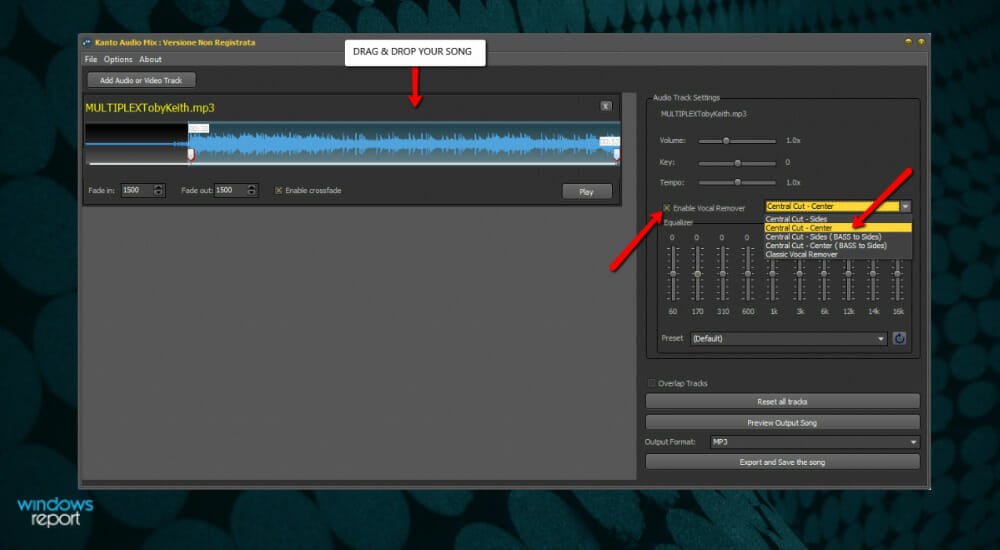
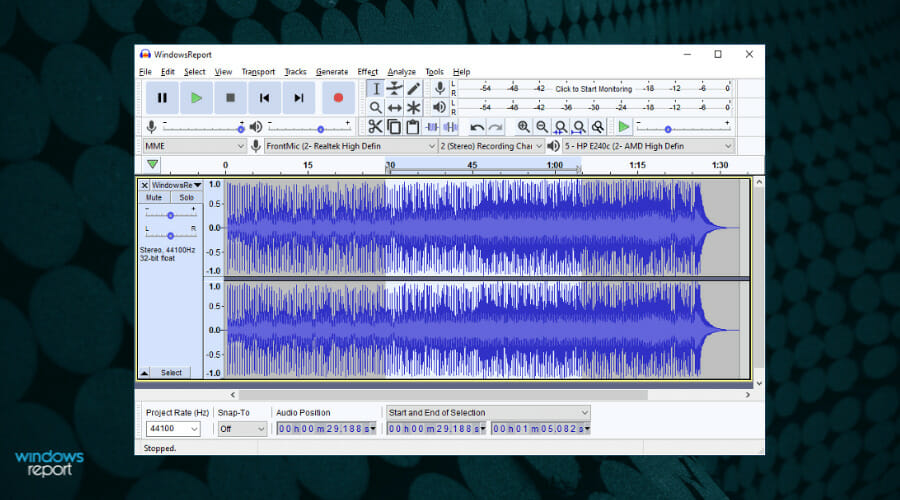
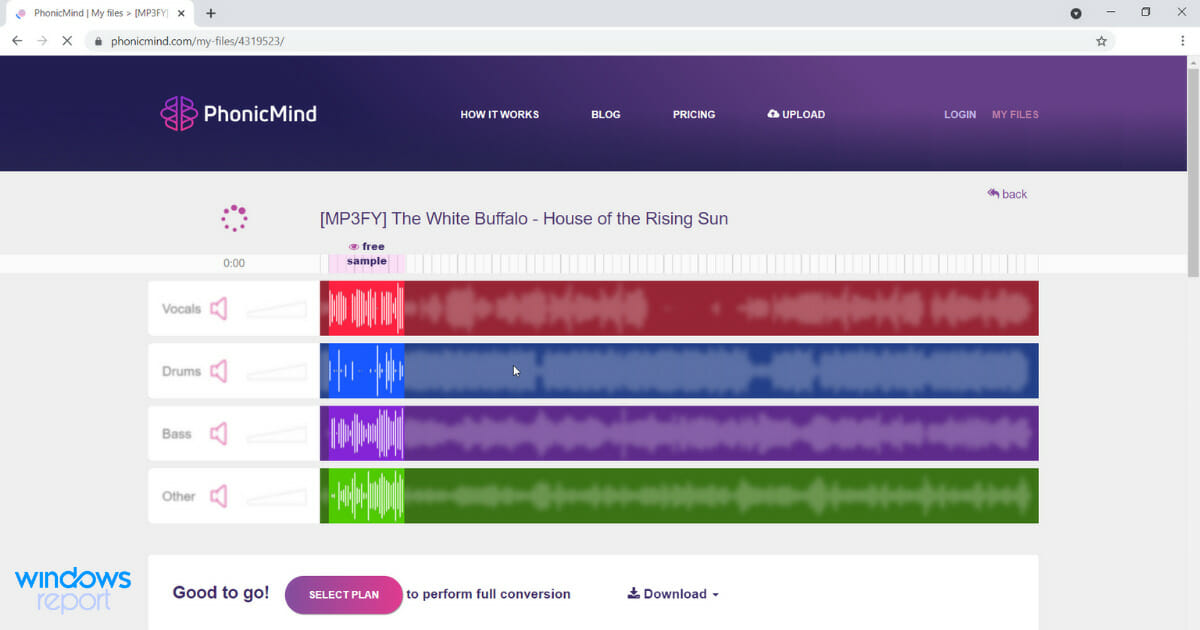
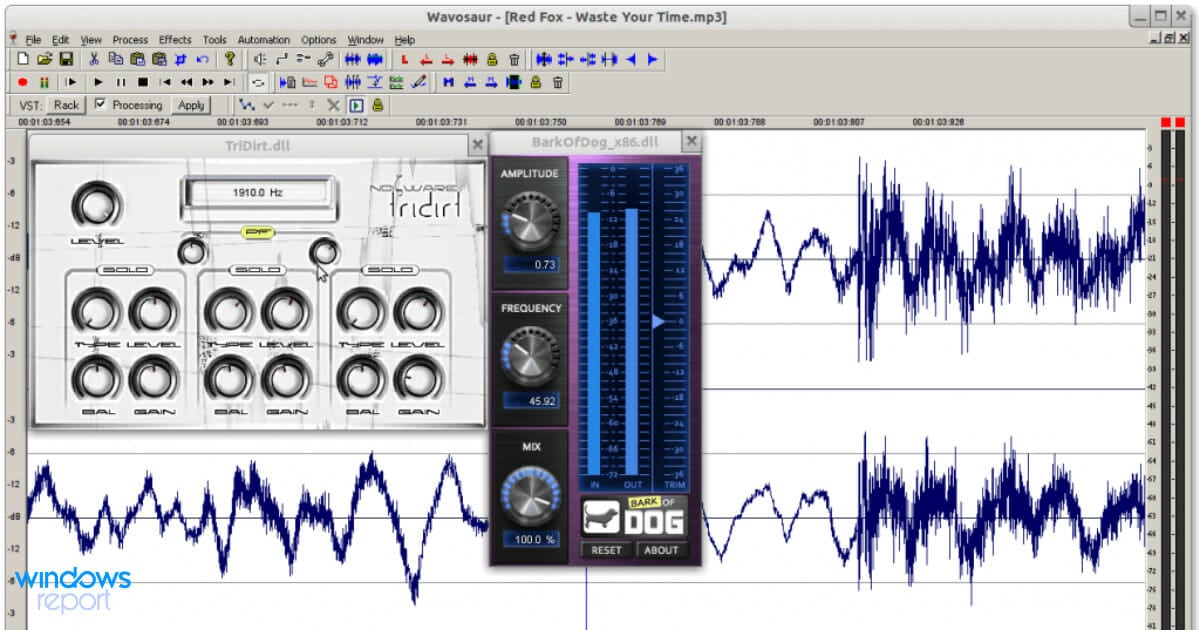
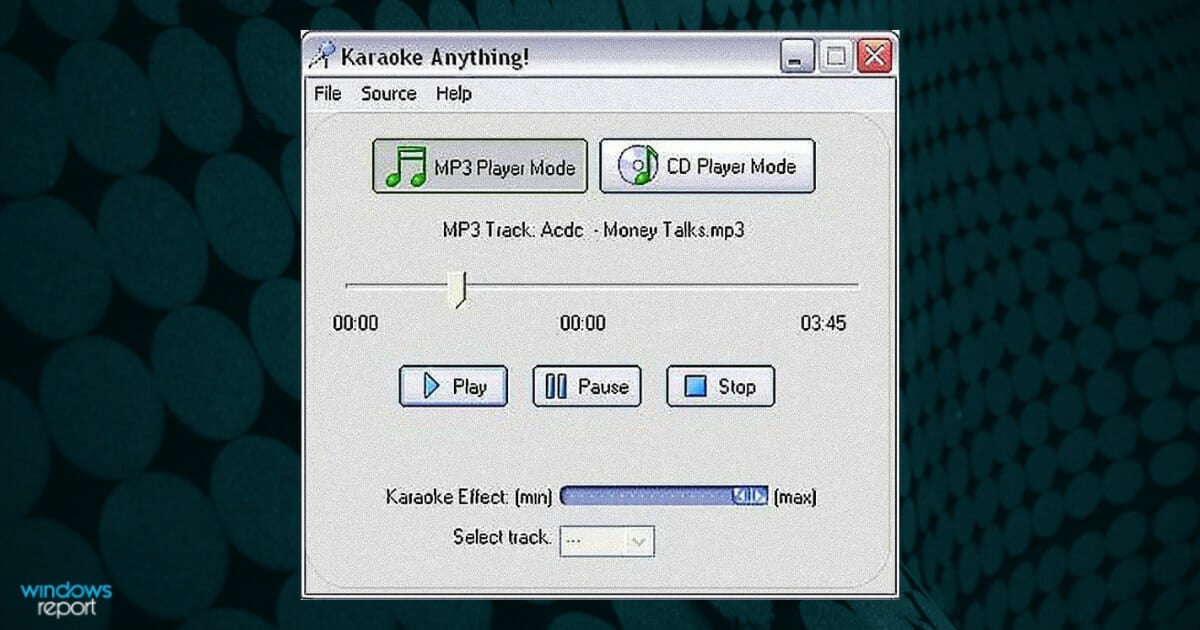
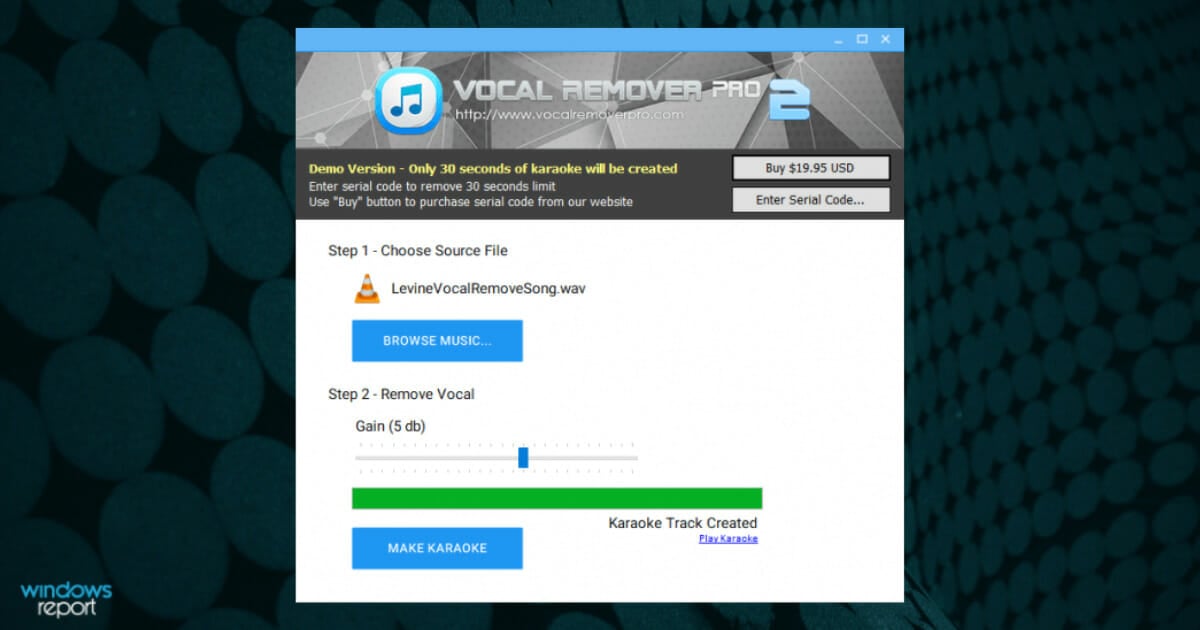
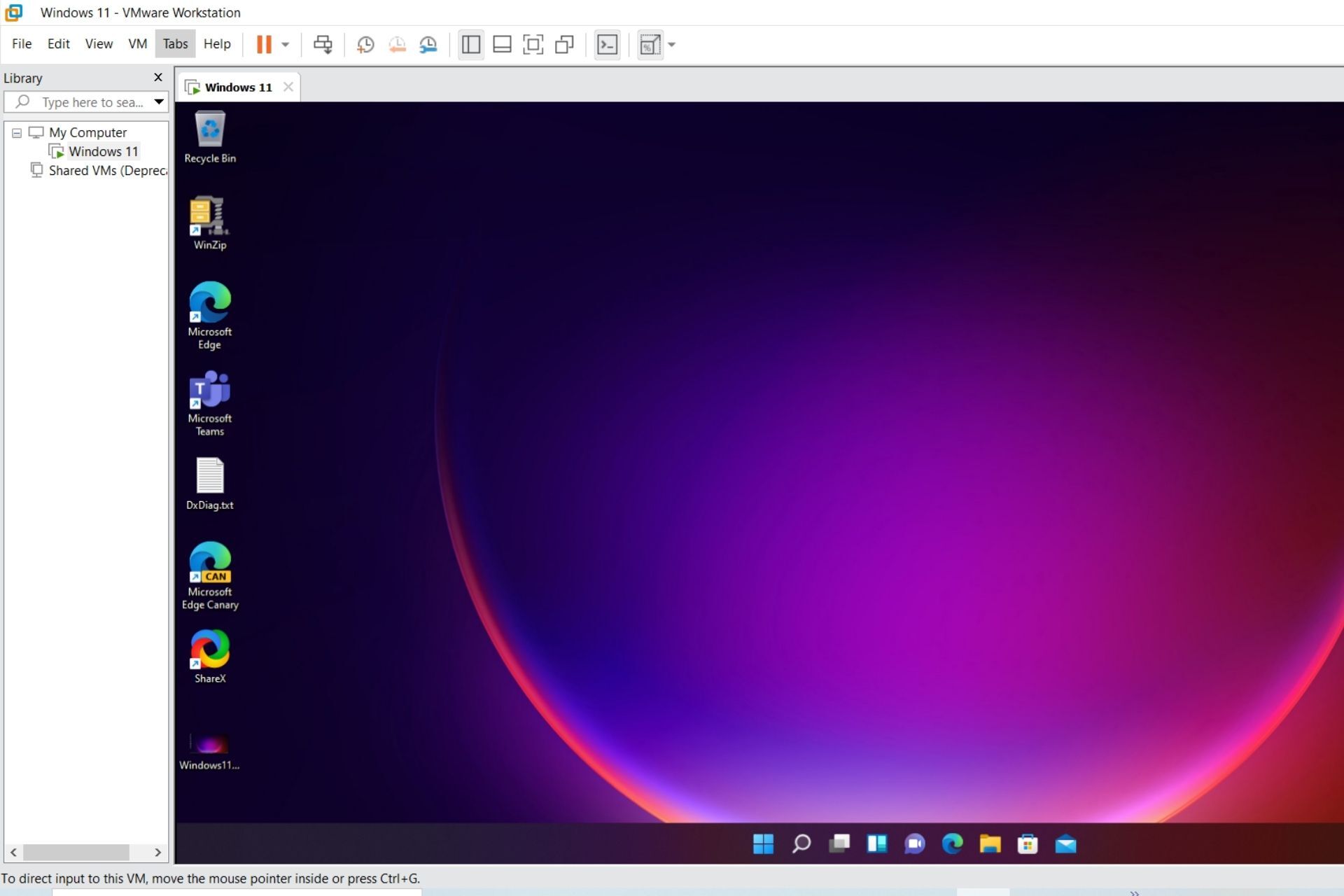
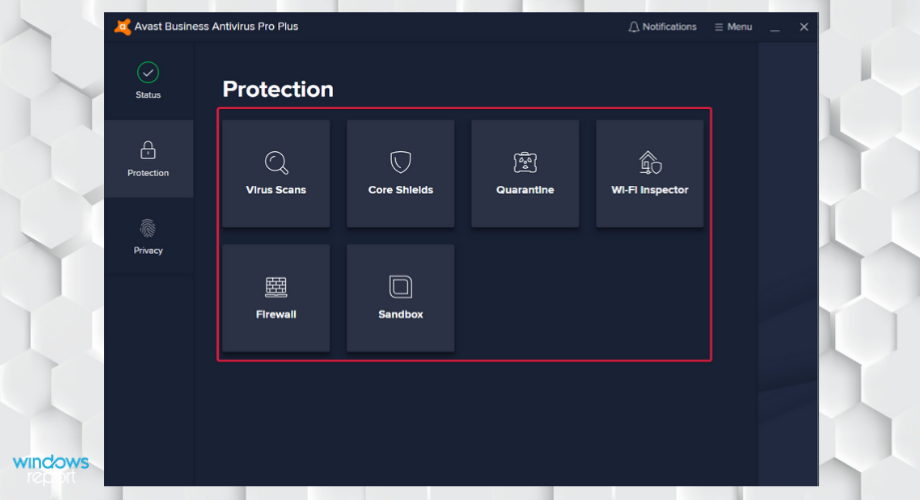

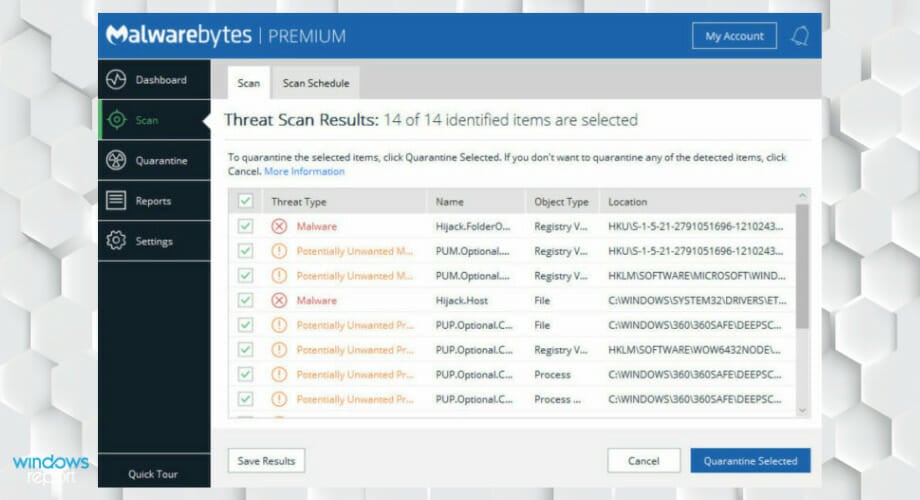

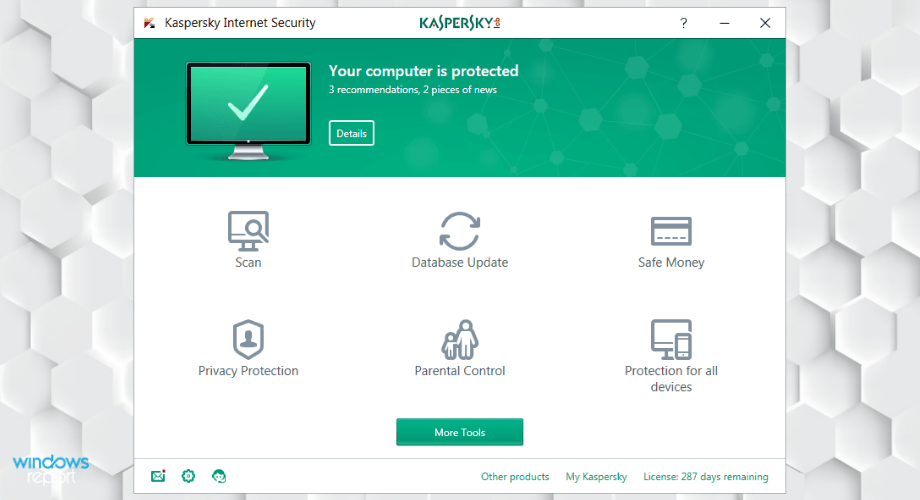

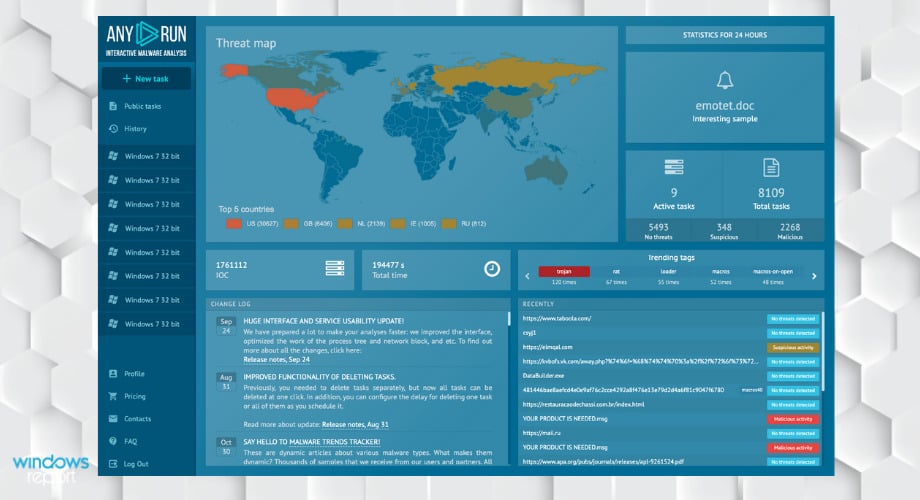
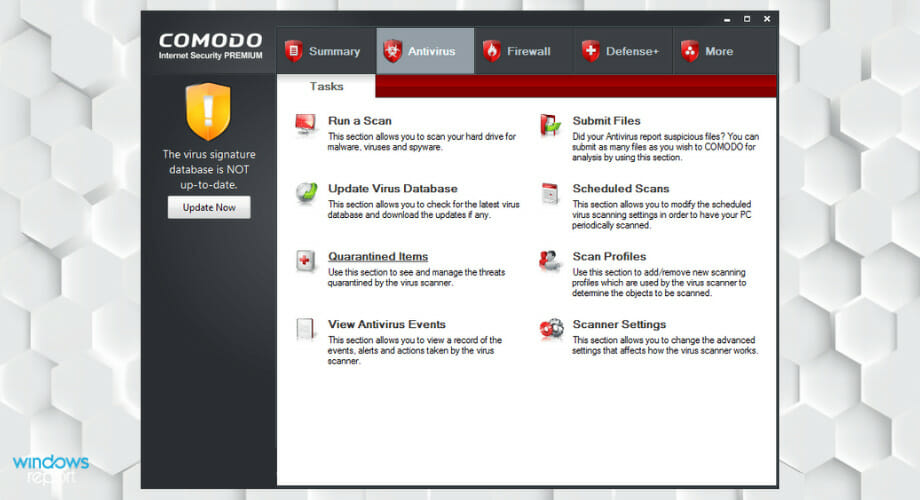
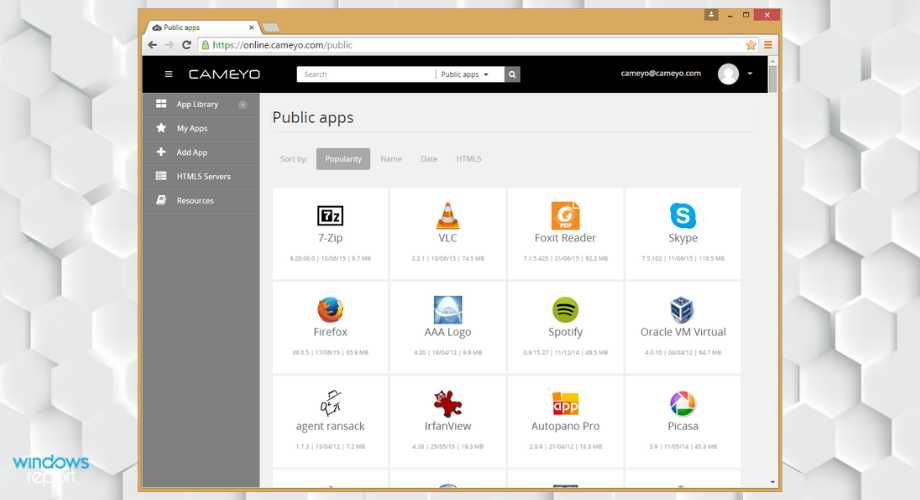
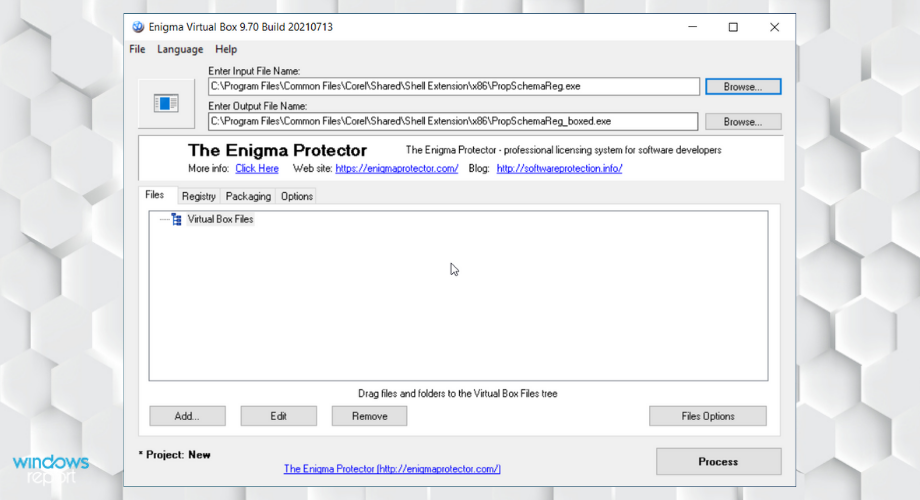
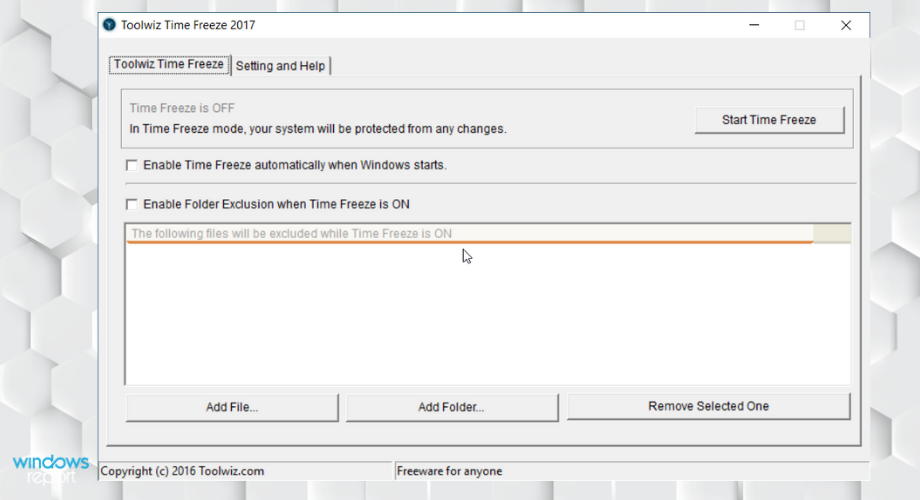
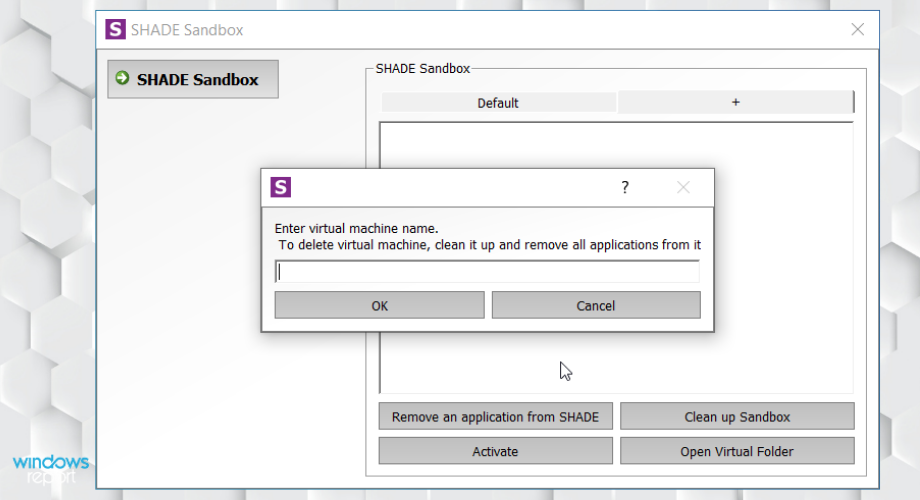

![8 Best Hard Surface Modeling Software [Top Picks]](https://windowsreport.com/wp-content/uploads/2018/12/hard-surface-modeling-featured-best.jpg)